Aura Visuals - RTX
The Best Creations From PrabhatPie • RTX • Aura Visuals • One Of The Best Vibrant Visuals Shader. • Try One Time Before Die... :)
⬇ Download on CurseForge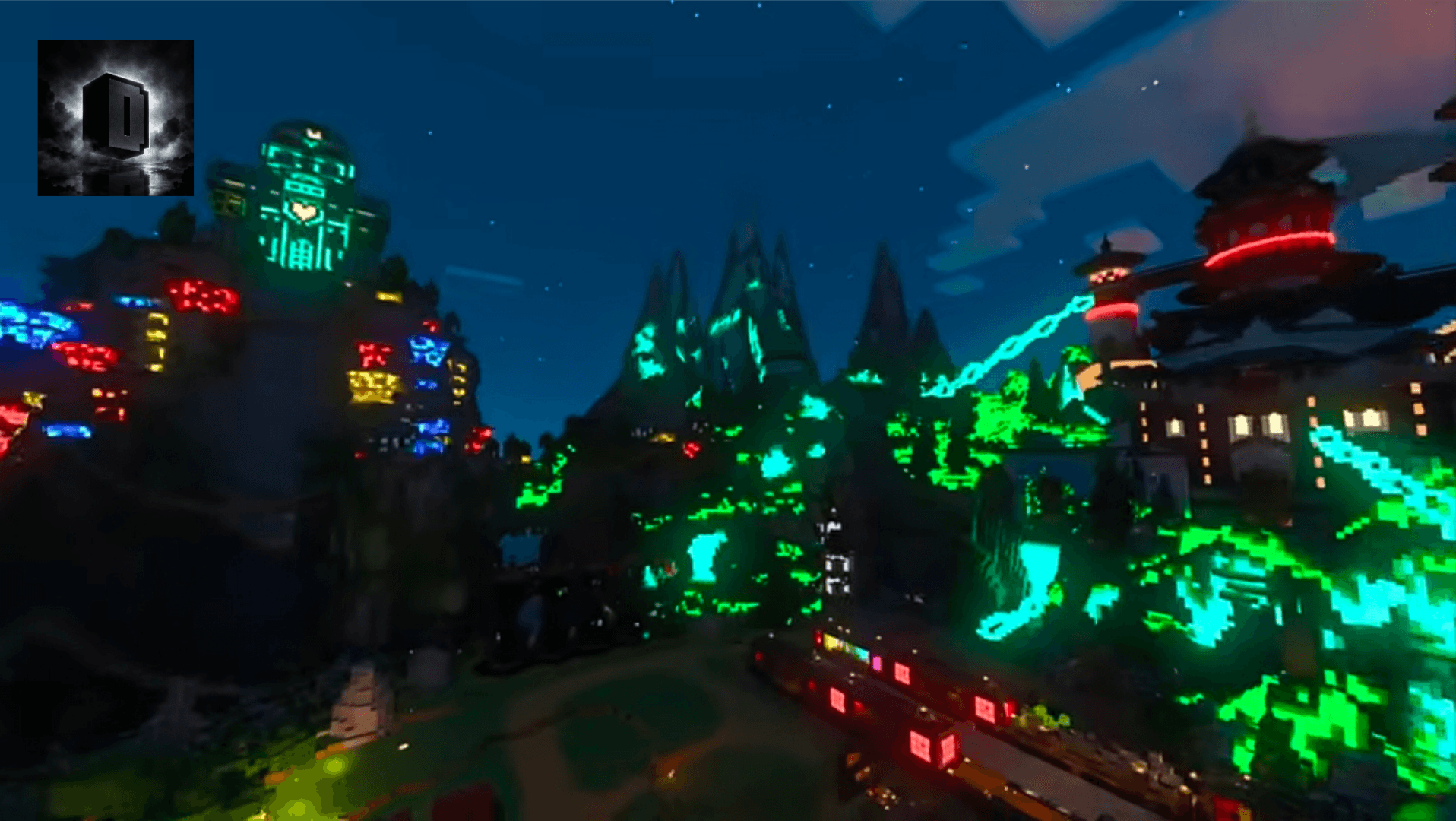
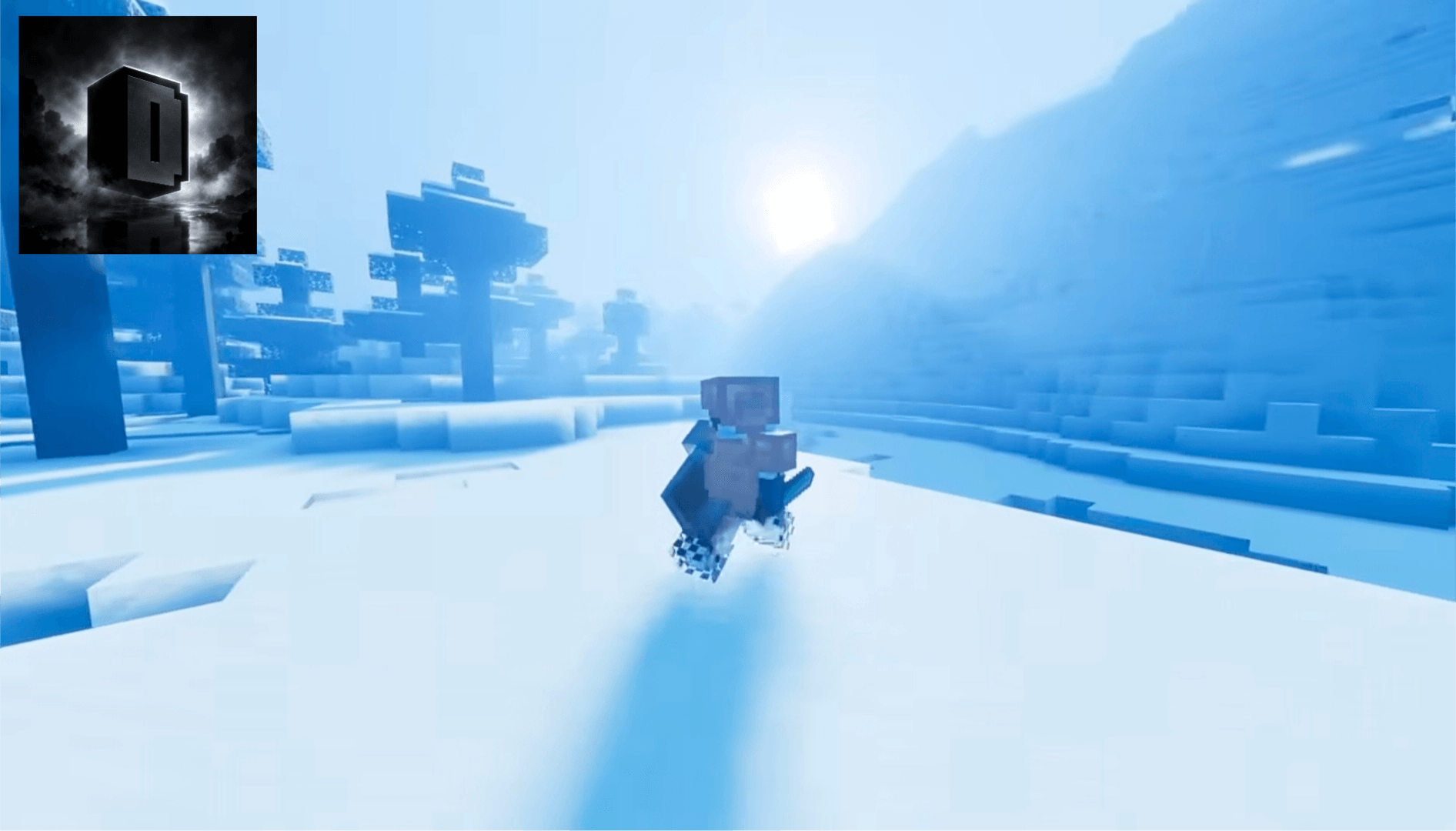
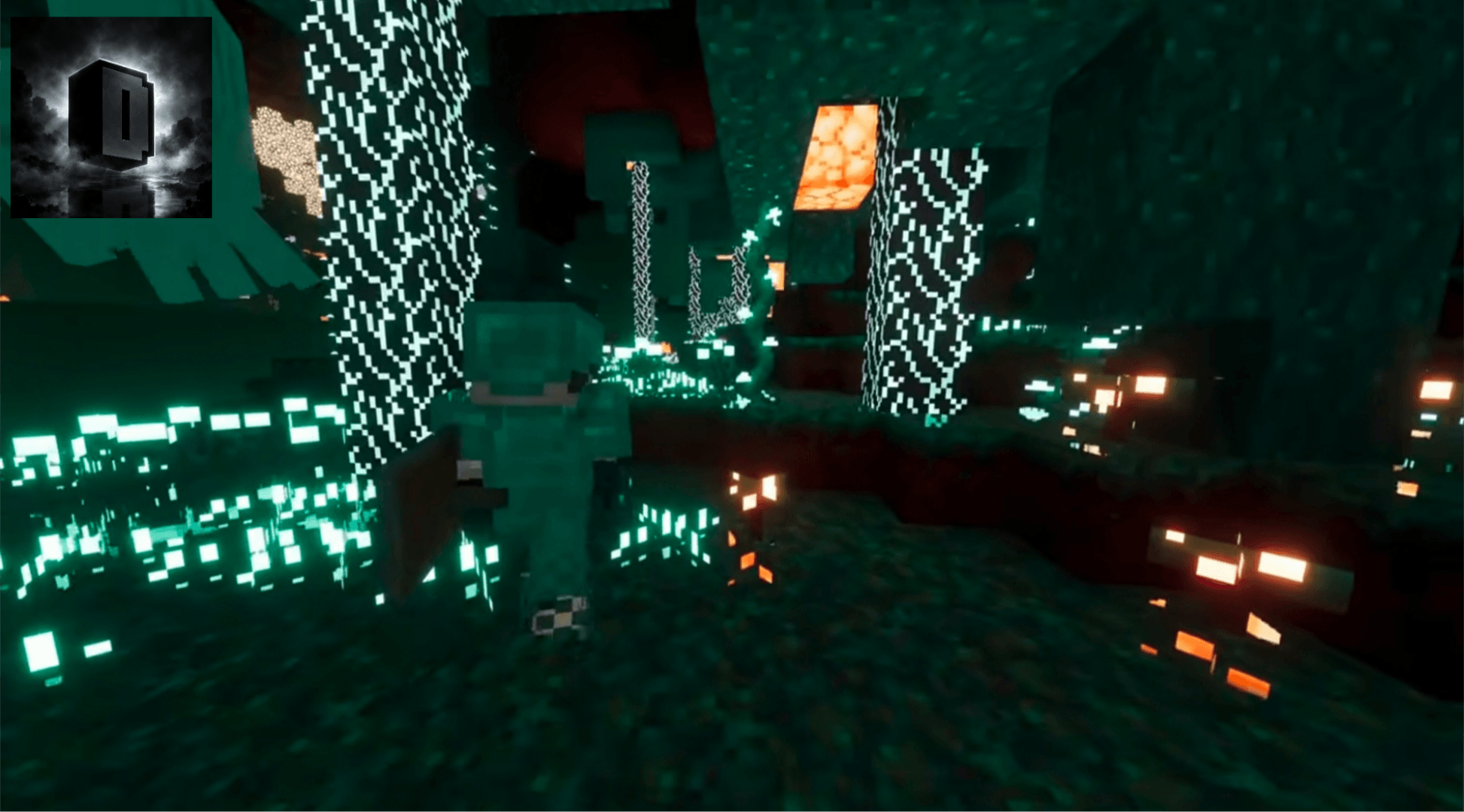
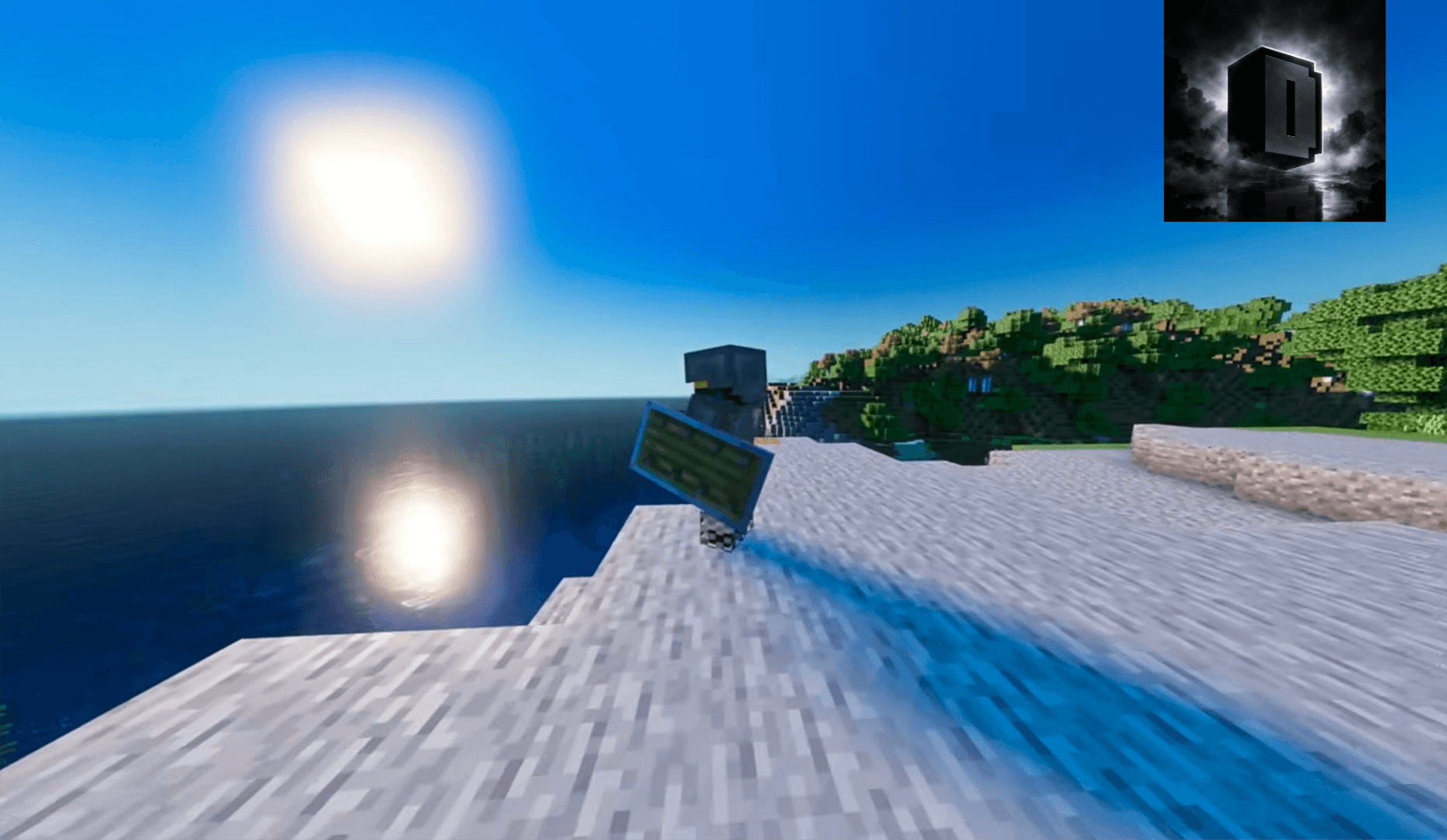
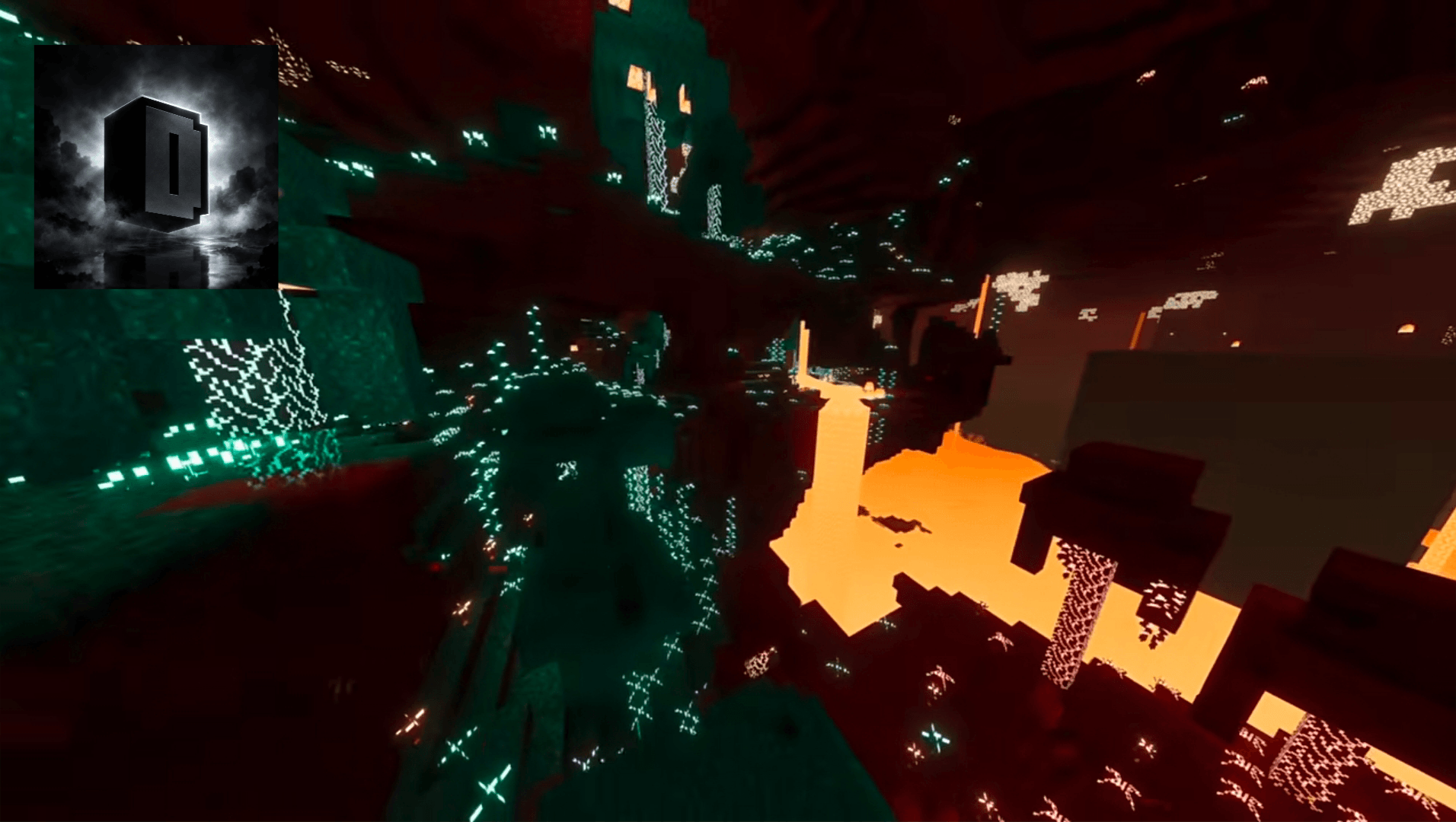
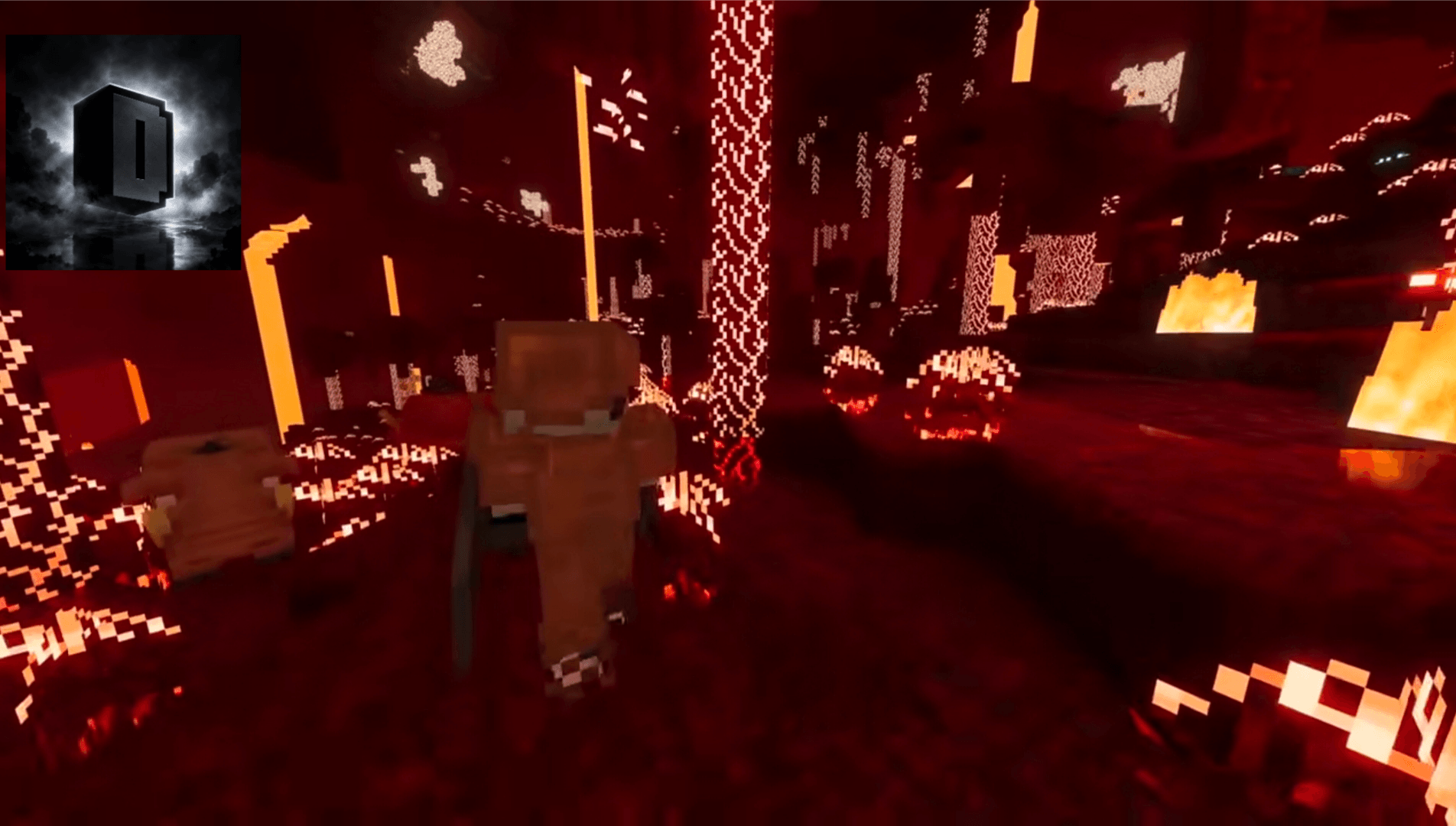
🌌 AURA VISUALS
A Premium Minecraft Bedrock Visual Experience
✨ Created & Maintained by PrabhatPie
──────────────◆──────────────
✨ SEE MINECRAFT DIFFERENTLY.
Aura Visuals is a carefully designed Minecraft Bedrock visual/resource pack focused on atmosphere, presentation, exploration, building, screenshots, cinematics and everyday survival gameplay.
──────────────◆──────────────
📑 TABLE OF CONTENTS
01 — About Aura Visuals
02 — Visual Experience
03 — Professional Design
04 — Survival Friendly
05 — Main Features
06 — Visual Design Philosophy
07 — Performance
08 — Supported Platforms
09 — Android Installation
10 — Windows Installation
11 — Linux Information
12 — iOS / iPadOS Installation
13 — Xbox & PlayStation
14 — Applying Aura Visuals
15 — Recommended Settings
16 — Important Warning
17 — Troubleshooting
18 — Pack Information
19 — Resource Pack Compatibility
20 — Content Creator Usage
21 — Cinematic & Screenshot Usage
22 — License
23 — Anti-Reupload Notice
24 — Content Protection
25 — Updates
26 — Bug Reports
27 — Support
28 — Credits
29 — Disclaimer
30 — Final Message

🌌 01 — ABOUT AURA VISUALS
A NEW VISUAL EXPERIENCE FOR MINECRAFT BEDROCK
Aura Visuals is a Minecraft Bedrock Edition visual/resource pack created and maintained by PrabhatPie.
The project is designed around one simple idea:
“Make Minecraft feel more atmospheric, immersive and visually polished while keeping the familiar Minecraft experience.”
Aura Visuals focuses primarily on the visual side of Minecraft. It is intended for players who want to enjoy their existing worlds with a more polished visual presentation.
Perfect for:
🌅 Sunrise & sunset scenes
🌲 Exploration
🏔️ Mountains & landscapes
🌊 Oceans & rivers
🏠 Survival bases
🏰 Large builds
🎬 Cinematic videos
📸 Screenshots
🎥 Content creation
🎨 02 — VISUAL EXPERIENCE
ATMOSPHERE • LIGHTING • ENVIRONMENT • PRESENTATION
Aura Visuals is designed around the atmosphere of Minecraft. The goal is not to replace Minecraft's identity, but to provide a more visually polished environment for exploration and creativity.
🌅 Lighting & Atmosphere
Lighting plays an important role in how a Minecraft world feels. Depending on your Minecraft version, device and available rendering features, Aura Visuals can complement scenes such as:
🌅 Sunrise
🌇 Sunset
☀️ Daytime
🌙 Nighttime
🌲 Forests
🏔️ Mountains
🌊 Oceans
🏞️ Plains
🏘️ Villages
⛏️ Underground environments
🔥 Nether environments
🌊 Environment
Depending on your Minecraft version and supported rendering features, the visual presentation may differ in areas such as water, lighting, sky atmosphere, fog, environmental colors, reflections, shadows and overall scene presentation.
💎 03 — PROFESSIONAL
03 — PROFESSIONAL
Carefully designed visual presentation, documentation, branding, project information and player guidance.
The project is structured to provide a clean and professional experience from installation to gameplay.
✨ Clear documentation
✨ Project branding
✨ Installation guides
✨ Compatibility information
✨ License information
✨ Troubleshooting guidance
🟢 04 — SURVIVAL FRIENDLY
04 — SURVIVAL FRIENDLY
Created with normal Minecraft survival gameplay and convenience in mind.
Explore, build, mine, fight, travel and survive while enjoying your Minecraft world with Aura Visuals.
🏠 Build your base
⛏️ Mine underground
🌲 Explore forests
🌊 Travel across oceans
🏔️ Explore mountains
🌌 Experience nighttime environments
💎 05 — MAIN FEATURES
🟦 Premium Visual Design
A clean and modern visual identity designed around atmosphere and presentation.
🟪 Vibrant Visuals Focused
Designed for the modern Minecraft Bedrock visual environment and compatible rendering features.
🟢 Survival Friendly
Designed to complement normal survival gameplay rather than replace it.
🟨 Cinematic Friendly
Ideal for cinematic scenes, trailers, screenshots, showcases and videos.
🟧 Exploration Friendly
Designed for exploring forests, mountains, oceans, villages and more.
🟦 Building Friendly
Useful for builders who want a polished presentation for their creations.
🟥 Professional Branding
Project branding and creator information help identify Aura Visuals and its creator.
🎨 06 — VISUAL DESIGN PHILOSOPHY
01 — IMMERSION
Create a visual environment that makes exploration and world-building feel more atmospheric.
02 — CLEAN DESIGN
Keep the visual presentation recognizable and comfortable for normal gameplay.
03 — SURVIVAL FRIENDLY
Focus on visual enhancement without turning the project into a gameplay-changing modification.
04 — PROFESSIONAL
Maintain clear documentation, branding, installation instructions, licensing and project information.
⚡ 07 — PERFORMANCE
⚡ PERFORMANCE NOTICE
Performance can vary significantly depending on your device, GPU, CPU, RAM, Minecraft version, render distance, graphics settings and other active resource packs.
No resource pack can guarantee identical FPS on every device.
🟢 For Better Performance
• Lower Render Distance
• Lower Simulation Distance
• Use performance-oriented graphics settings
• Close unnecessary background applications
• Avoid stacking multiple heavy visual packs
• Keep Minecraft updated
🟡 Balanced
Try medium Render Distance, balanced graphics settings, moderate visual quality and limited additional resource packs.
🔴 Maximum Visual Quality
Higher visual settings may increase GPU workload. Use them only when your device can comfortably handle them.
🖥️ 08 — SUPPORTED PLATFORMS
🖥️ PLATFORM INFORMATION
Aura Visuals is intended for Minecraft Bedrock Edition.
Platform compatibility depends on Minecraft version, hardware and available graphics features.
🪟 Windows — Supported
Minecraft Bedrock with compatible hardware and graphics support.
📱 Android — Supported
Compatible Minecraft version and hardware required.
🍎 iOS / iPadOS — Supported
Compatible device and Minecraft version required.
🎮 Xbox / PlayStation
Availability depends on the console, Minecraft version and supported distribution method.
🐧 Linux — Unofficial
Native Vibrant Visuals compatibility is not guaranteed.
📱 09 — ANDROID INSTALLATION
📱 ANDROID — INSTALLATION GUIDE
The easiest method is to import the official .mcpack file directly through Minecraft.
STEP 1 — DOWNLOAD
Download the official Aura Visuals .mcpack.
STEP 2 — LOCATE THE FILE
Open your Android file manager and locate the downloaded file.
STEP 3 — IMPORT
Tap the .mcpack file and choose Minecraft when Android asks which application should open it.
STEP 4 — WAIT
Wait for Minecraft to finish importing the pack.
STEP 5 — ACTIVATE
Play → Edit World → Resource Packs → My Packs → Aura Visuals → Activate
STEP 6 — GRAPHICS
If your device and Minecraft version support the required graphics mode, enable it through Minecraft's Video/Graphics settings.
🪟 10 — WINDOWS INSTALLATION
🪟 WINDOWS — INSTALLATION GUIDE
STEP 1 — DOWNLOAD
Download the official Aura Visuals .mcpack.
STEP 2 — OPEN
Locate the file using Windows File Explorer and double-click it.
STEP 3 — IMPORT
Minecraft should launch and begin importing the pack.
STEP 4 — ACTIVATE
Play → Edit World → Resource Packs → My Packs → Aura Visuals → Activate
STEP 5 — GRAPHICS
Enable the compatible graphics mode through Minecraft's Video settings if available.
For better performance, update your GPU driver, close unnecessary applications, reduce Render Distance and test without additional heavy resource packs.
🐧 11 — LINUX INFORMATION
⚠️ LINUX — UNOFFICIAL SUPPORT
Aura Visuals does not guarantee native Linux compatibility.
Results depend on the method being used to run Minecraft Bedrock, the available graphics environment and Minecraft compatibility.
Possible issues can include graphics mode availability, rendering differences, import problems, performance differences and unsupported graphics features.
Linux should therefore be considered experimental/unofficial unless a specific configuration is confirmed.
🍎 12 — iOS / iPadOS INSTALLATION
🍎 iOS / iPadOS — INSTALLATION
1. Download the Aura Visuals .mcpack.
2. Open the downloaded file.
3. Choose Minecraft.
4. Wait for the pack to import.
5. Open Minecraft.
6. Edit/Create a world.
7. Open Resource Packs.
8. Open My Packs.
9. Activate Aura Visuals.
10. Enable the supported graphics mode if available.
🎮 13 — XBOX & PLAYSTATION
🎮 CONSOLE INFORMATION
Console installation can differ from Android and Windows because players generally do not manage Minecraft pack files through the same file-management system.
Use only a Minecraft-supported method for obtaining and activating resource-pack content on your console.
⚠️ Do not assume that manually copying a .mcpack file to a console will work in the same way as Android or Windows.
🌍 14 — HOW TO APPLY AURA VISUALS
🟦 WORLD-SPECIFIC
1. Open Minecraft.
2. Select Play.
3. Select your world.
4. Choose Edit.
5. Open Resource Packs.
6. Open My Packs.
7. Select Aura Visuals.
8. Press Activate.
9. Start the world.
🟢 GLOBAL RESOURCES
If your Minecraft version provides Global Resources:
1. Open Settings.
2. Open Global Resources.
3. Find Aura Visuals.
4. Activate the pack.
5. Return to Minecraft.
6. Load your world.
💡 Always create a backup of an important world before testing a new resource pack.
⚙️ 15 — RECOMMENDED SETTINGS
🌿 BALANCED PROFILE
Graphics Mode: Compatible modern graphics mode
Render Distance: Medium
Simulation Distance: Medium
Particles: Moderate
Additional Packs: Minimal
🎬 CINEMATIC PROFILE
Graphics Mode: Compatible modern graphics mode
Render Distance: High
Simulation Distance: Moderate
Particles: High
Additional Packs: Minimal
📱 MOBILE PROFILE
Graphics Mode: Compatible mode if available
Render Distance: Moderate
Simulation Distance: Moderate/Low
Background Apps: Close unnecessary apps
⚠️ 16 - Important Warning !
PLEASE READ BEFORE USING
🔴 Compatibility
Always use a compatible Minecraft Bedrock version.
🔴 World Safety
Create a backup before testing Aura Visuals on an important world.
🔴 Resource Pack Conflicts
Other resource packs may interfere with Aura Visuals or override its assets.
🟡 Performance
Performance may vary depending on your device, GPU, RAM, Minecraft version and graphics settings.
🔴 File Safety
Do not randomly rename, delete or modify internal Aura Visuals files.
🔴 Graphics
Visual features may vary between Minecraft versions and supported devices.
⚠️ IMPORTANT:
Compatibility, visuals and performance may vary depending on your Minecraft configuration and device.
© 2026 PrabhatPie — Aura Visuals
- Edition: Minecraft Bedrock
- File type: .mcpack
- Minecraft versions listed: 1.21.50, 1.21.81, 1.21.93
- How to install: Download the .mcpack. → Open it — Minecraft imports it under Resource Packs. → Activate it in Global Resources, or for one world under Resource Packs → Available.
- Where to get it: Opens on CurseForge — not every file is mirrored on our own servers.
Install steps are the general flow for this file type — How to install Minecraft Bedrock texture packs walks through it step by step.
- Pack type: .mcpack — a single pack
- Manifest requires Minecraft 1.20.0 or newer
- Complete pack — everything it depends on is inside the file
- Download size: 11.9 MB
- Download link checked 25 Sept 2026 — working
These come from our own check of the pack file, not from the source page.