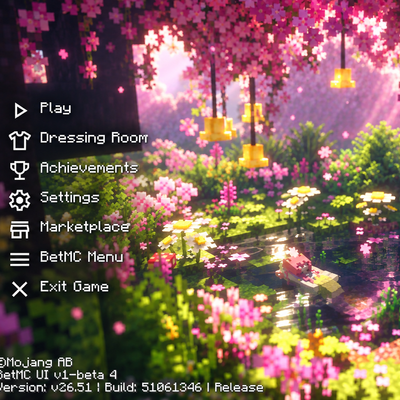
Cherry Blossom UI PACK
Bedrock texture pack listed for Minecraft 1.21–26.x. File opened and checked on 25 Sep 2026; installs from the MC Bedrock Mods app on Android.
Bring your Minecraft menu to life with Cherry Blossom UI PACK, an animated main-menu overhaul set in a glowing cherry grove. Pink blossoms, flowers and…
⬇ Download on CurseForge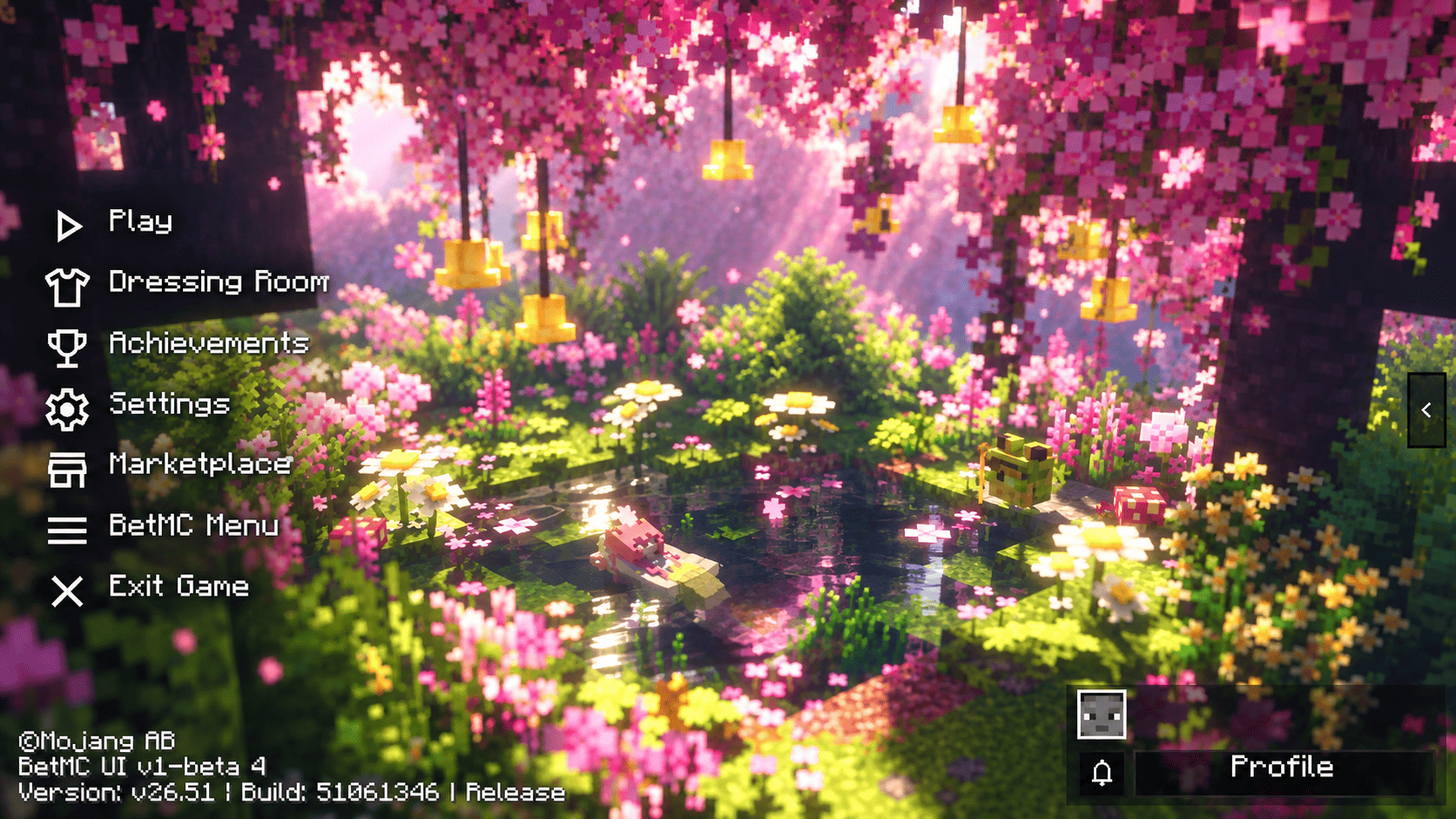
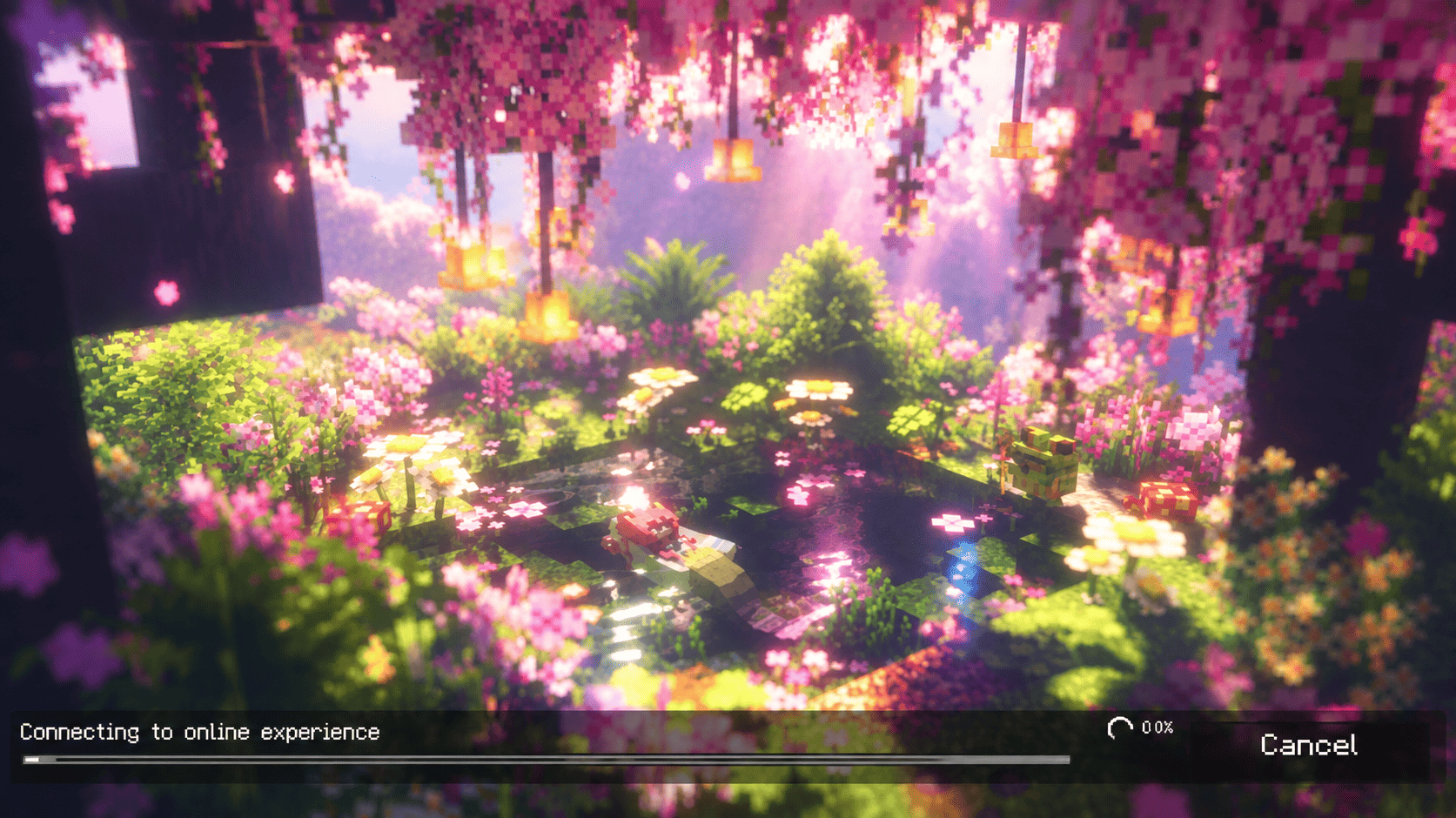
Step into a cherry grove every time you open Minecraft.
Features
- Animated cherry-grove background: 60-frame flip-book with a seamless loop of about 11 seconds
- Color, contrast and sharpness enhanced for vivid, clean visuals
- Oversized background that fills every screen ratio with no gaps
- Animation on the start, Play, pre-game Settings and loading screens
- Static still and panorama fallbacks included
- Clean start, settings, chat and pause screens
- Mainhand durability, compass/clock and EXP/boss percent on the HUD
- No extra dependency pack required
- Requires Minecraft Bedrock 1.21.100 or later
Installation
- Download the
.mcpackfile and open it with Minecraft. It imports automatically. - Go to Settings → Storage / Global Resources and activate Cherry Blossom UI PACK.
- Restart the game so the animated background loads.
Created by Mods Tabi. Built on the open-source BetMC UI template by BetMC2411 (GPL-3.0). Base edition: YashGameplay's Main UI.
Disclaimer: This is unofficial, fan-made content, not affiliated with or endorsed by Mojang Studios, Microsoft, or the original owners of the source artwork and footage. It is shared for the community, and all original rights remain with their respective owners
- Edition: Minecraft Bedrock
- File type: .mcpack
- Minecraft versions listed: 1.21.100, 26.0
- How to install: Download the .mcpack. → Open it — Minecraft imports it under Resource Packs. → Activate it in Global Resources, or for one world under Resource Packs → Available.
- Where to get it: Opens on CurseForge — not every file is mirrored on our own servers.
Install steps are the general flow for this file type — How to install Minecraft Bedrock texture packs walks through it step by step.
- Pack type: .mcpack — a single pack
- Manifest requires Minecraft 1.21.100 or newer
- Complete pack — everything it depends on is inside the file
- Download size: 17.5 MB
- Download link checked 25 Sept 2026 — working
These come from our own check of the pack file, not from the source page.