Texture packsBedrock
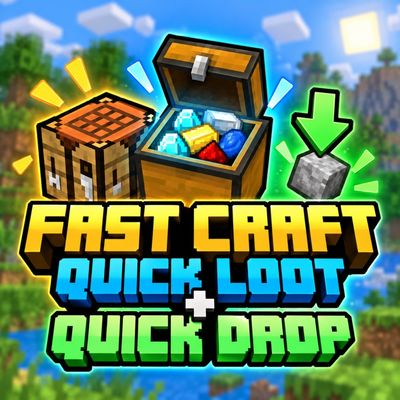
Fast Craft and Quick Loot and Drop
Speed up Minecraft with Fast Craft, Quick Loot & Quick Drop! Double tap to craft faster, single click to loot or drop items, and use simple ON/OFF…
⬇ Download on CurseForge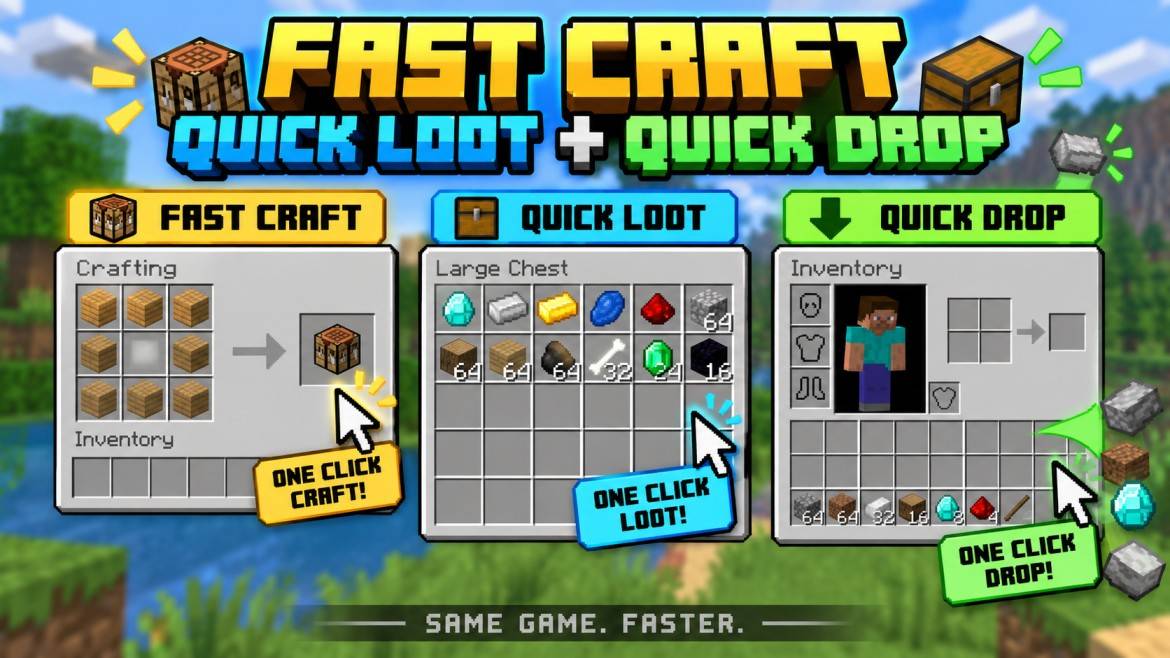
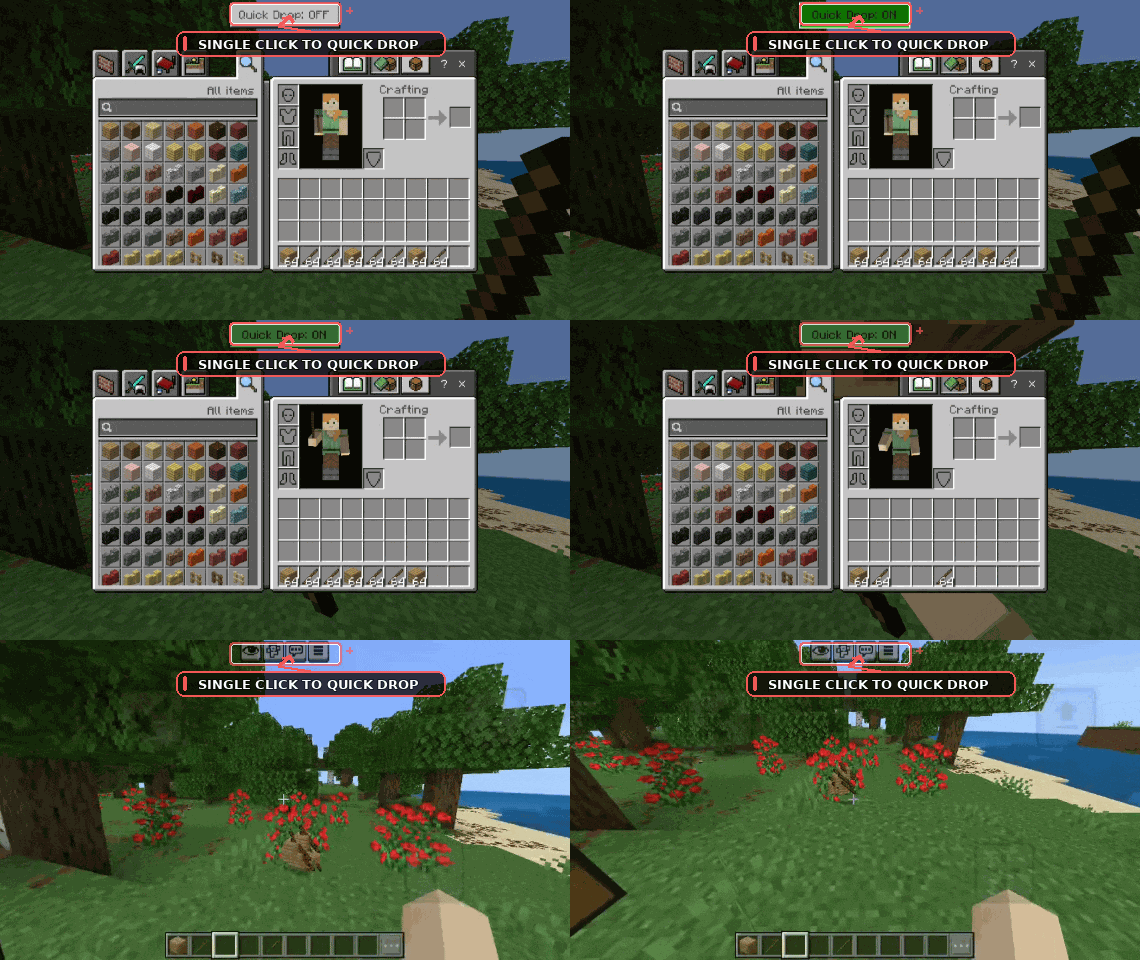
⚡ Fast Craft • Quick Loot • Quick Drop
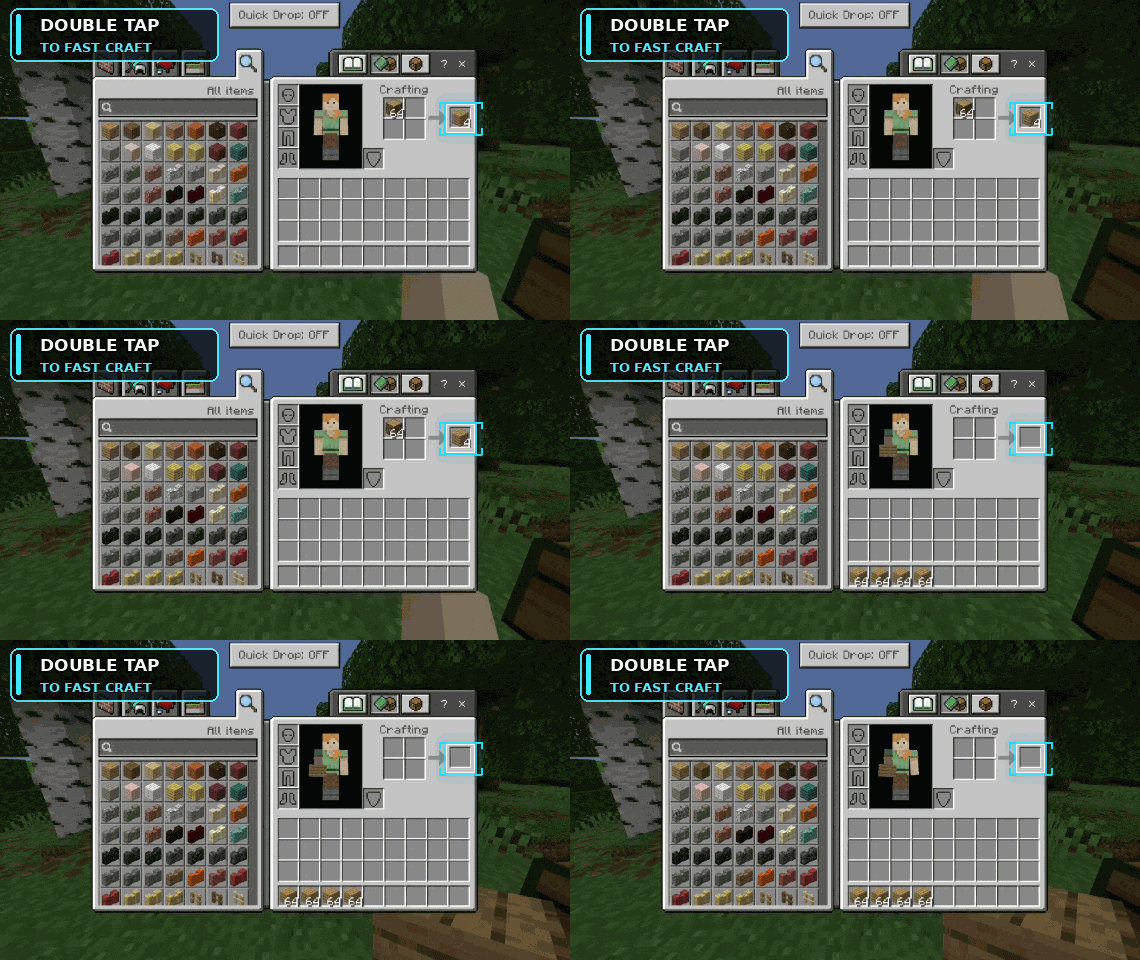
| ⚒️ FAST CRAFT Double Tap → Craft Faster |
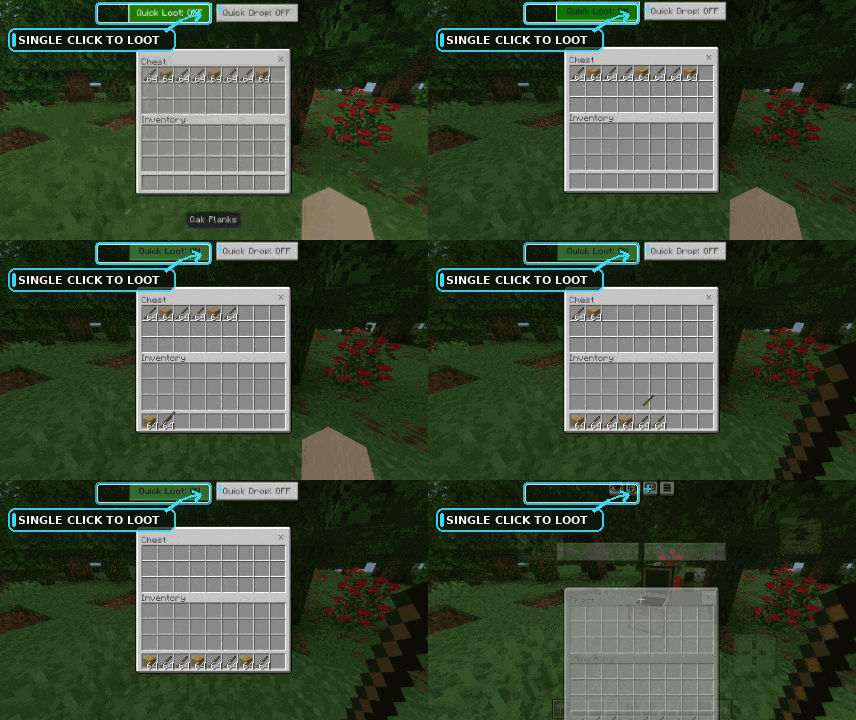
📦 QUICK LOOT Single Click → Loot Items |
⬇️ QUICK DROP Single Click → Drop Items |
| ⚡ Faster Crafting | 📥 Storage → Inventory | 📤 Inventory → Outside |
| 🖱️ Double Tap | 🎛️ ON / OFF Toggle | 🎛️ ON / OFF Toggle |
✅ Simple UI • ⚡ Fast Actions • 🧹 Clean Gameplay • 📦 Lightweight • 🎮 Easy to Use
👤 Credits & Rights: Gavti
🤖 Disclaimer: Some promotional images or GIFs may be AI-enhanced for better presentation.
Quick facts
- Edition: Minecraft Bedrock
- File type: .mcpack
- Minecraft versions listed: 26.30, 26.40, 26.50
- How to install: Download the .mcpack. → Open it — Minecraft imports it under Resource Packs. → Activate it in Global Resources, or for one world under Resource Packs → Available.
- Where to get it: Opens on CurseForge — not every file is mirrored on our own servers.
Install steps are the general flow for this file type — How to install Minecraft Bedrock texture packs walks through it step by step.
Verified by MCModsHub
- Pack type: .mcpack — a single pack
- Manifest requires Minecraft 1.21.130 or newer
- Complete pack — everything it depends on is inside the file
- Download size: 238 KB
- Download link checked 25 Sept 2026 — working
These come from our own check of the pack file, not from the source page.