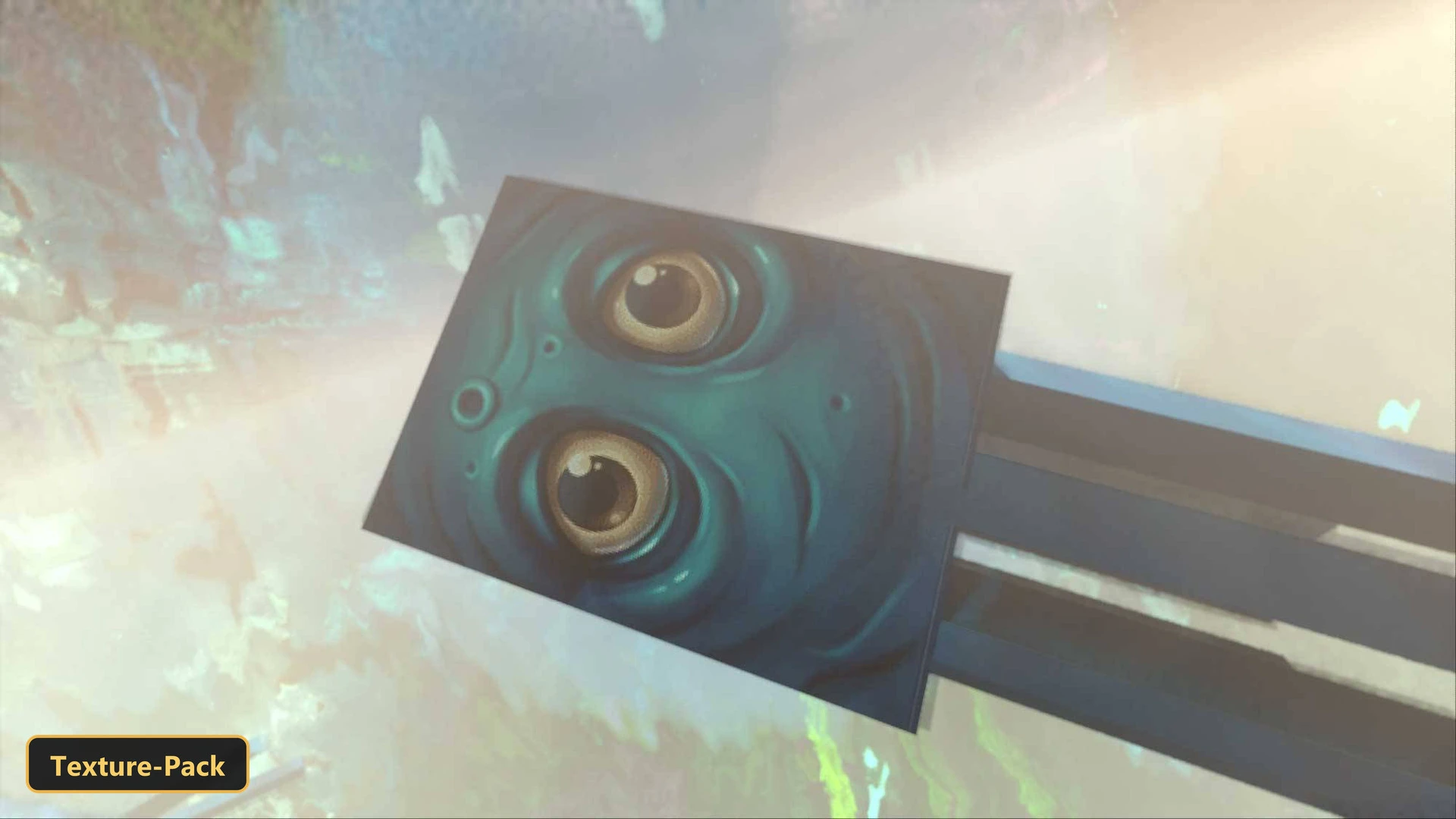


A playful cartoon look is what RealSource CARTOONIZED gives the game, as a texture pack built for Vibrant Visuals mode. Its effects only appear when Vibrant Visuals is enabled in the video settings of Minecraft Bedrock.
A custom Vibrant Visuals shader sets the atmosphere, fog, water and shadows, with animated caustics and waves on water, softer shadows and custom lighting curves for the sun and moon. The pack includes 5 atmosphere profiles, 78 fog profiles, ACES tone mapping with 5 color-grading profiles and per-biome tuning for 87 biomes. It retextures blocks, entities, items and the sky at 64x, along with custom UI tweaks and biome color overrides.
Requirements:
- MCPE/Bedrock 1.21 – 26.3
all 39 versions26.3, 26.0.02, 26.0, 1.21.132, 1.21.131, 1.21.130, 1.21.124, 1.21.123, 1.21.122, 1.21.121, 1.21.120, 1.21.114, 1.21.111, 1.21.101, 1.21.100, 1.21.94, 1.21.93, 1.21.92, 1.21.90, 1.21.82, 1.21.81, 1.21.80, 1.21.73, 1.21.72, 1.21.71, 1.21.70, 1.21.61, 1.21.60, 1.21.51, 1.21.50, 1.21.44, 1.21.43, 1.21.41, 1.21.40, 1.21.30, 1.21.21, 1.21.20, 1.21.2, 1.21
- Built for Minecraft Bedrock's Vibrant Visuals mode — its effects only show with Vibrant Visuals enabled in the video settings
Features:
- Vibrant Visuals shader with custom atmosphere, fog, water, shadow, color-grading, lighting
- PBR materials with metalness, emissive and roughness maps, normal maps
- Custom sun and moon lighting through the day-night cycle
- Soft shadows
- Water with animated caustics and waves
- 5 atmosphere profiles and 78 fog profiles covering biomes and dimensions
- ACES tone mapping with 5 color-grading profiles
- Per-biome color and fog tuning for 87 biomes
- Retextures blocks, entities, items, the sky at 64x resolution
- Also includes custom UI tweaks, biome color overrides
Screenshots:
- Edition: Minecraft Bedrock
- File type: .mcpack
- Minecraft version listed: 1.21
- How to install: Download the .mcpack. → Open it — Minecraft imports it under Resource Packs. → Activate it in Global Resources, or for one world under Resource Packs → Available.
- Where to get it: In MCModsHub, or directly above on this page.
Install steps are the general flow for this file type — How to install Minecraft Bedrock texture packs walks through it step by step.
- Pack type: .mcpack — a single pack
- Manifest requires Minecraft 1.16.0 or newer
- Complete pack — everything it depends on is inside the file
- Download link checked 26 Sept 2026 — working
- Mirrored on our own servers — the download does not depend on the original host
These come from our own check of the pack file, not from the source page.