ShadersBedrock
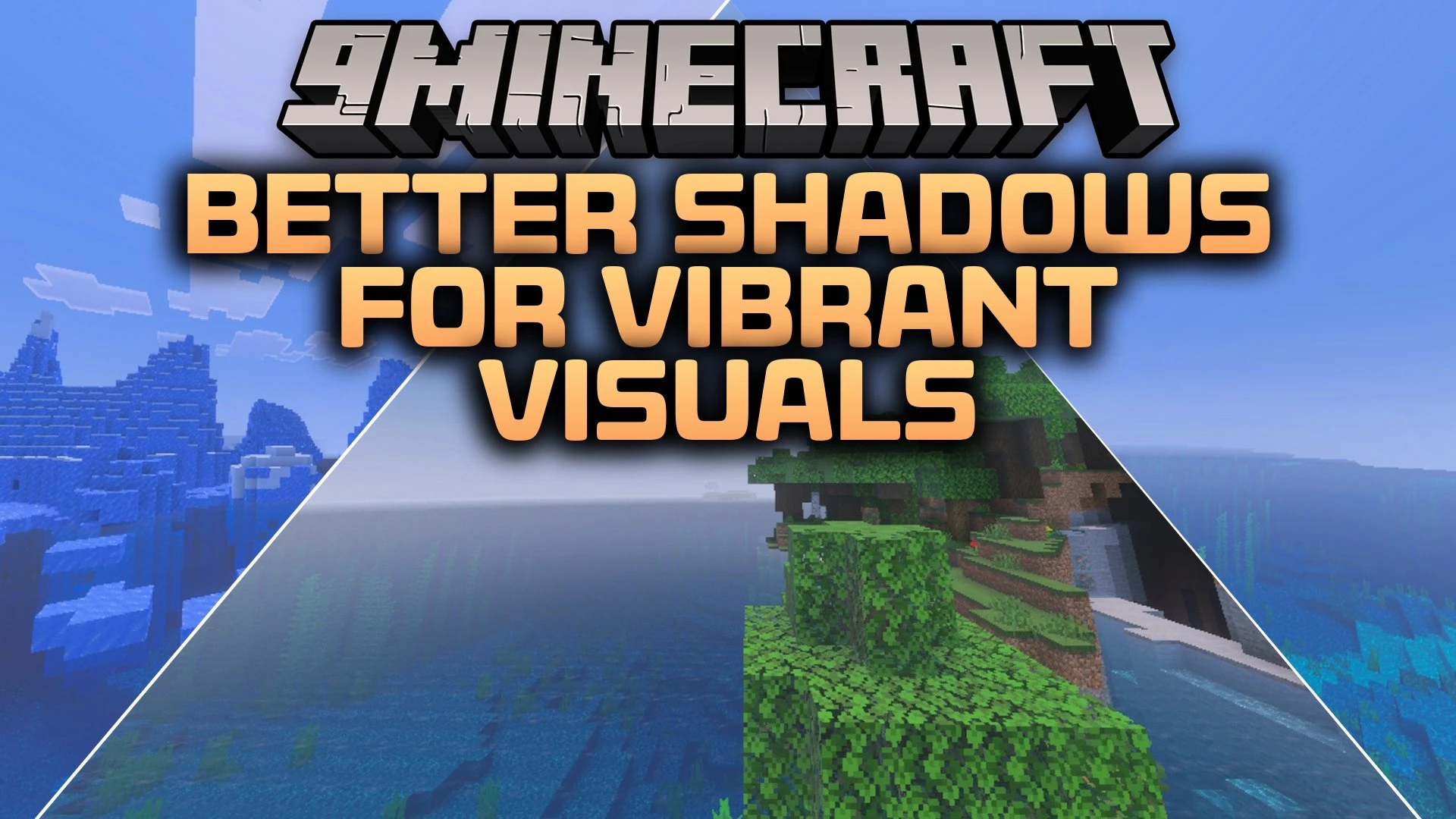
Better Shadows for Vibrant Visuals Shader (26.x) – Smoother Shadows on Mobile


Better Shadows for Vibrant Visuals Shader improves your game lighting by making shadows much smoother and less pixelated. It lets you switch between soft shadows and blocky shadows directly inside the pack settings. This shader refines the overall look of your world for cleaner screenshots and better visual clarity.
Features:
- Makes in-game shadows smooth and removes pixelated edges.
- Allows switching between soft shadows and blocky shadows easily.
- Includes quick settings accessible through the gear icon.
- Enhances shadow detail for better visual quality on mobile.
Screenshots:


Better Shadows for Vibrant Visuals Shader Download Links
Quick facts
- Edition: Minecraft Bedrock
- File type: .mcpack
- How to install: Download the .mcpack. → Open it — Minecraft imports it under Resource Packs. → Activate it in Global Resources, or for one world under Resource Packs → Available.
- Where to get it: In MCModsHub, or directly above on this page.
Install steps are the general flow for this file type — How to install Minecraft Bedrock texture packs walks through it step by step.
Verified by MCModsHub
- Pack type: .mcpack — a single pack
- Manifest requires Minecraft 1.16.200 or newer
- Complete pack — everything it depends on is inside the file
- Download link checked 26 Sept 2026 — working
- Mirrored on our own servers — the download does not depend on the original host
These come from our own check of the pack file, not from the source page.