Home›Bedrock›Shaders›Prabhat's Full Grass Shader (26.x, 1.21) – Full Green Grass Sides on Any Device
ShadersBedrock
Prabhat's Full Grass Shader (26.x, 1.21) – Full Green Grass Sides on Any Device
Prabhat's Full Grass Shader transforms your Bedrock terrain by covering every visible side of grass blocks with lush green textures. It removes exposed…
⬇ Download


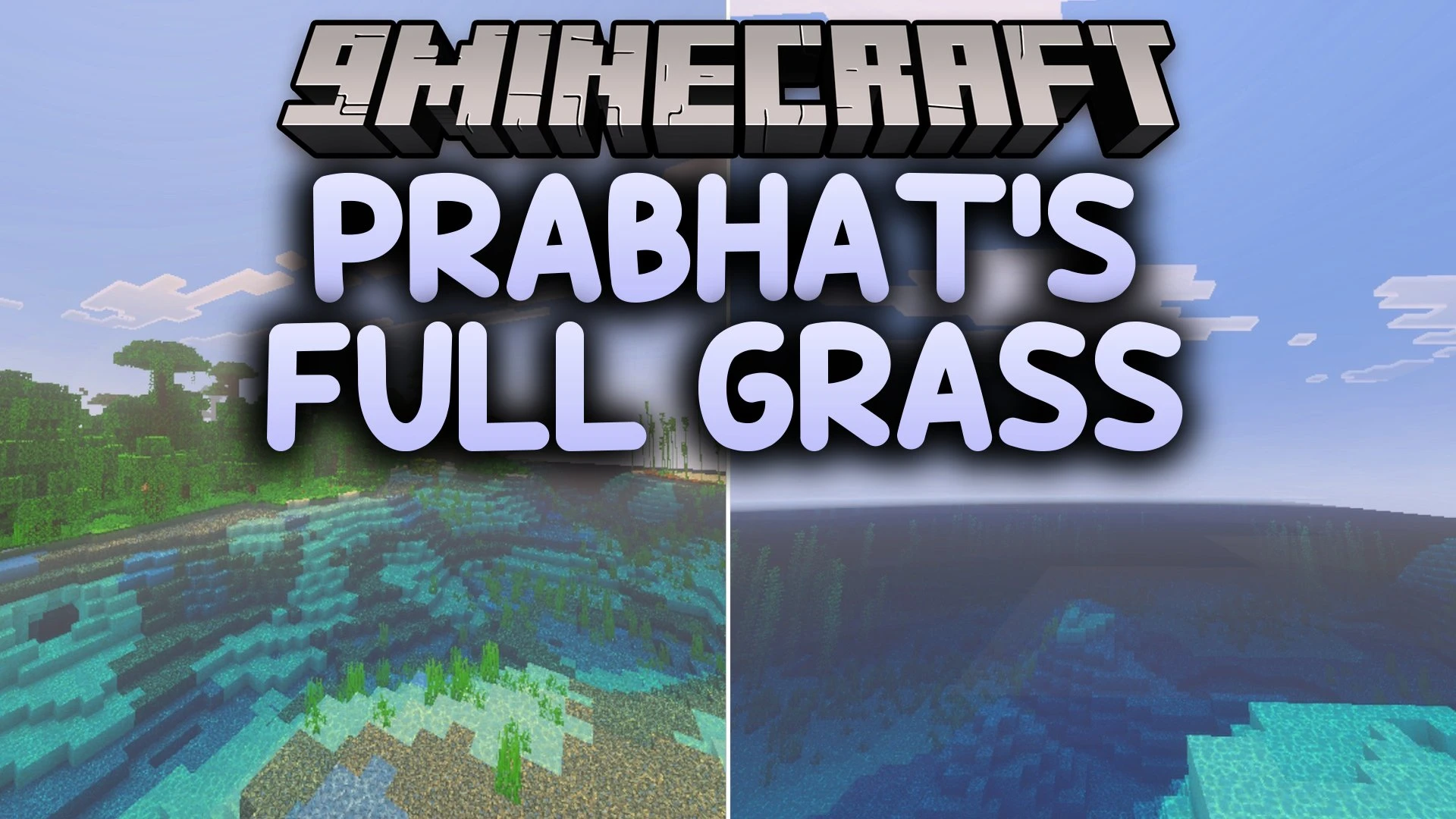
Prabhat’s Full Grass Shader transforms your Bedrock terrain by covering every visible side of grass blocks with lush green textures. It removes exposed dirt edges to create cleaner hills, fields, and landscapes across your world. This visual upgrade keeps the classic look of Minecraft while maintaining smooth performance on all devices.
Features:
- Fully covers all visible sides of grass blocks with grass textures.
- Keeps the original look of vanilla Minecraft blocks.
- Runs smoothly across low-end and high-end mobile devices.
- Creates cleaner terrain blending for landscapes and builds.
- Works perfectly on multiplayer SMP servers and Realms.
Screenshots:


Prabhat's Full Grass Shader Download Links
Quick facts
- Edition: Minecraft Bedrock
- File type: .mcpack
- Minecraft version listed: 1.21
- How to install: Download the .mcpack. → Open it — Minecraft imports it under Resource Packs. → Activate it in Global Resources, or for one world under Resource Packs → Available.
- Where to get it: In MCModsHub, or directly above on this page.
Install steps are the general flow for this file type — How to install Minecraft Bedrock texture packs walks through it step by step.
Verified by MCModsHub
- Pack type: .mcpack — a single pack
- Manifest requires Minecraft 1.13.0 or newer
- Complete pack — everything it depends on is inside the file
- Download link checked 26 Sept 2026 — working
- Mirrored on our own servers — the download does not depend on the original host
These come from our own check of the pack file, not from the source page.