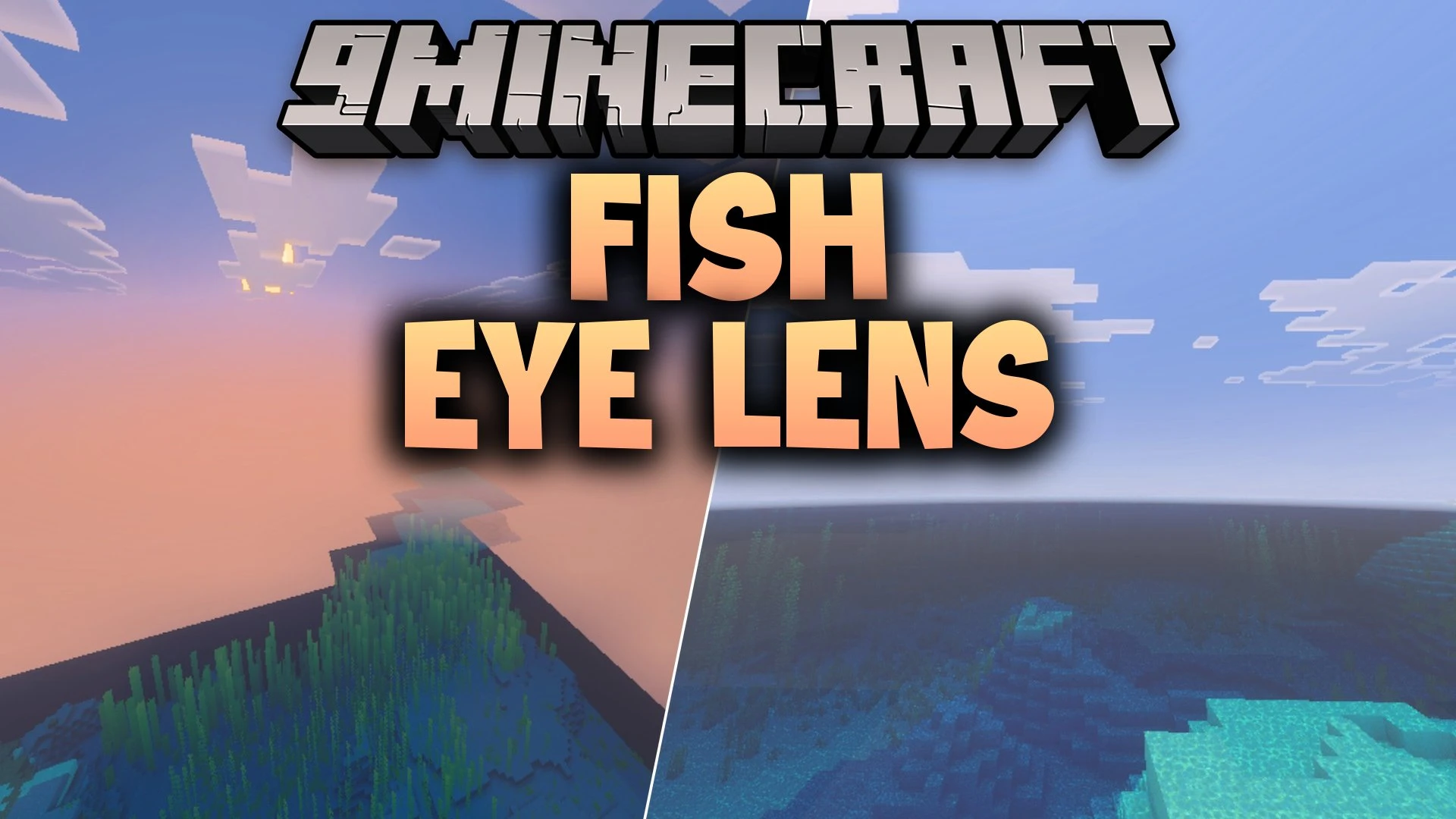


Fish Eye Lens Shader applies a curved lens distortion to your Bedrock screen, giving your world the look of an old camera or body cam. It modifies your viewpoint to create a rounded perspective that is great for cinematic recordings and stylized screenshots. The pack works as a standalone visual upgrade across various mobile and desktop setups.
Features:
- Adds a curved fish eye lens distortion to the screen.
- Creates a retro body camera perspective in your world.
- Works best when setting field of view between 80 and 100.
- Runs on Android, iOS, and Windows platforms.
- Functions as a standalone Render Dragon visual shader.
Screenshots:


Fish Eye Lens Shader Download Links
Quick facts
- Edition: Minecraft Bedrock
- File type: .mcpack
- How to install: Download the .mcpack. → Open it — Minecraft imports it under Resource Packs. → Activate it in Global Resources, or for one world under Resource Packs → Available.
- Where to get it: In MCModsHub, or directly above on this page.
Install steps are the general flow for this file type — How to install Minecraft Bedrock texture packs walks through it step by step.
Verified by MCModsHub
- Pack type: .mcpack — a single pack
- Manifest requires Minecraft 1.26.50 or newer
- Complete pack — everything it depends on is inside the file
- Download link checked 26 Sept 2026 — working
- Mirrored on our own servers — the download does not depend on the original host
These come from our own check of the pack file, not from the source page.