Home›Bedrock›Shaders›Negative Vision Shader (26.x, 1.21) – Inverted Color Effects with Quick In-Game
ShadersBedrock
Negative Vision Shader (26.x, 1.21) – Inverted Color Effects with Quick In-Game


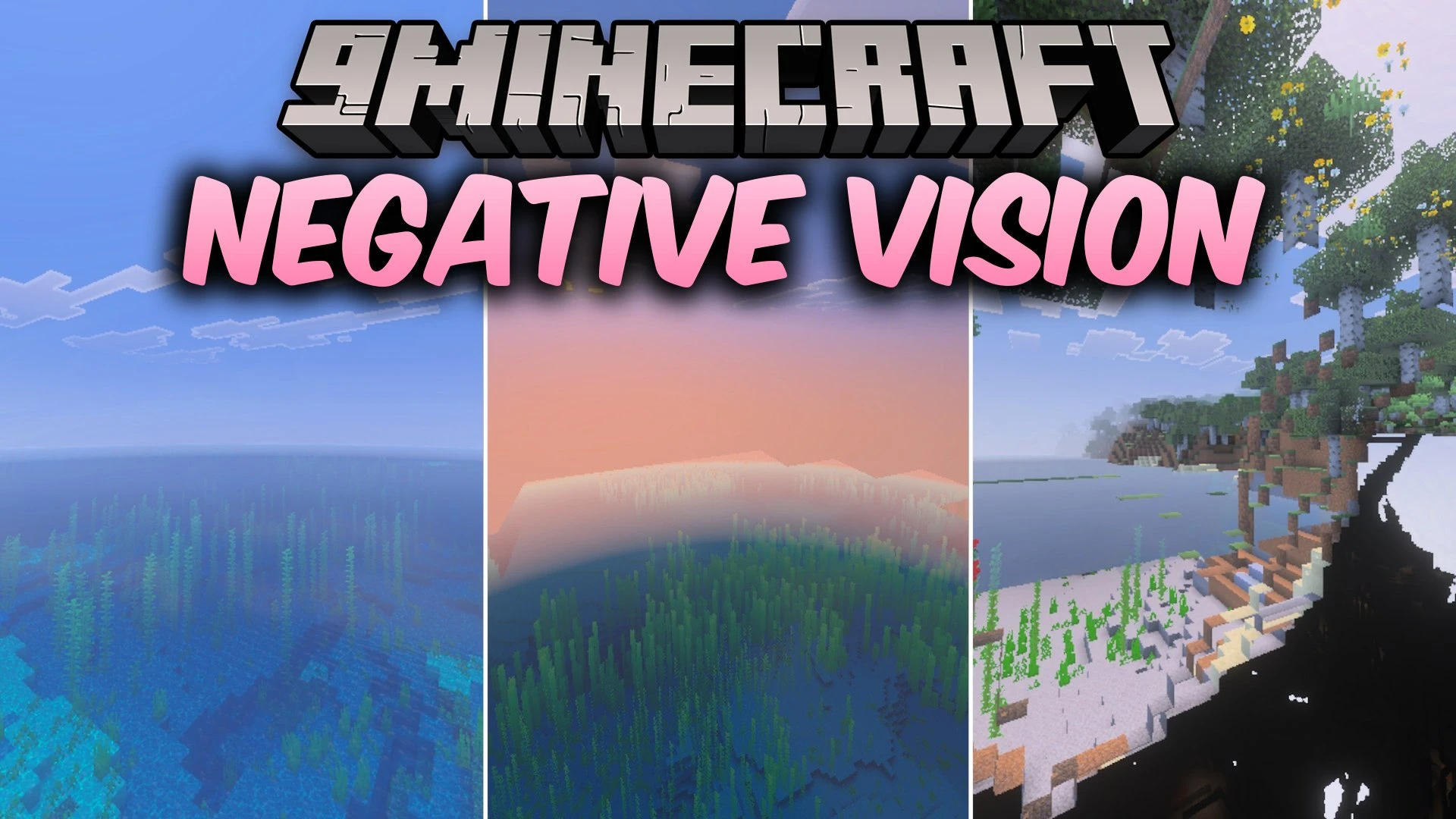
Negative Vision Shader inverts all the colors across your world to create a distinct negative visual perspective. It flips light and dark tones similarly to night vision, turning dark areas bright and bright areas dark. You can easily switch the effect on and off without leaving your game session.
Features:
- Inverts all world colors into a negative vision look.
- Turns dark colors bright and bright colors dark.
- Includes a quick toggle button to turn the effect on or off.
- Allows PC players to toggle the effect from the inventory screen.
Screenshots:


Negative Vision Shader Download Links
Quick facts
- Edition: Minecraft Bedrock
- File type: .mcpack
- Minecraft version listed: 1.21
- How to install: Download the .mcpack. → Open it — Minecraft imports it under Resource Packs. → Activate it in Global Resources, or for one world under Resource Packs → Available.
- Where to get it: In MCModsHub, or directly above on this page.
Install steps are the general flow for this file type — How to install Minecraft Bedrock texture packs walks through it step by step.
Verified by MCModsHub
- Pack type: .mcaddon — behaviour and resource pack in one file
- Manifest requires Minecraft 1.21.0 or newer
- Complete pack — everything it depends on is inside the file
- Download link checked 26 Sept 2026 — working
- Mirrored on our own servers — the download does not depend on the original host
These come from our own check of the pack file, not from the source page.