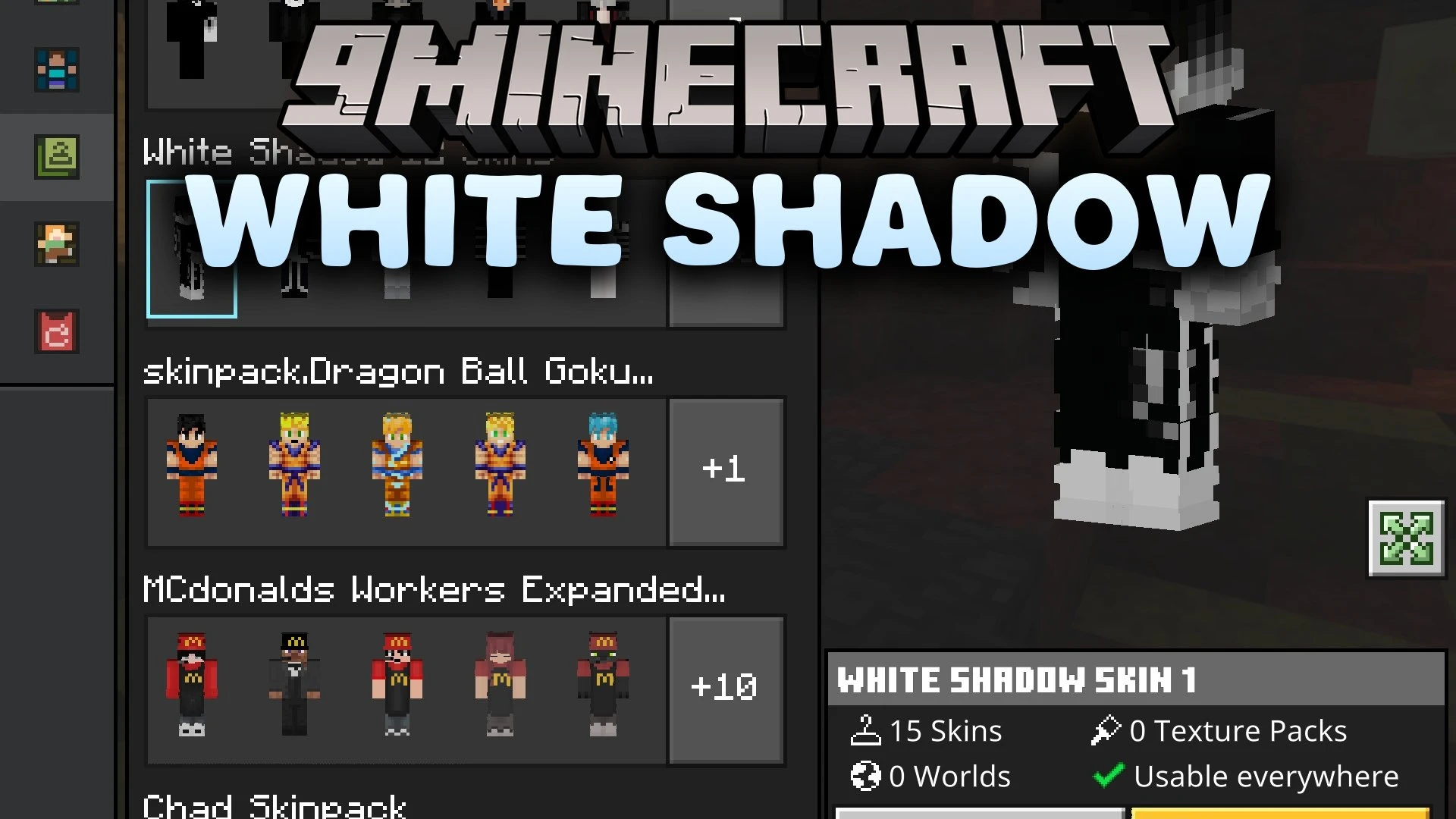


White Shadow Skin Pack gives your character a clean black-and-white appearance with a mysterious shadow style. It combines bright white details and deep dark outfits to create a sharp contrast. This collection is great for PvP battles, survival adventures, and multiplayer servers.
Features:
- Adds clean black-and-white skins with a dark shadow theme.
- Features strong contrast with deep black outfits and white details.
- Designed with a crisp 64x texture resolution.
- Works great for PvP, horror maps, roleplay, and survival servers.
Screenshots:
White Shadow Skin Pack Download Links
Quick facts
- Edition: Minecraft Bedrock
- File type: .mcpack
- Minecraft version listed: 1.21
- How to install: Download the .mcpack skin pack. → Open it — Minecraft imports it. → Open the Dressing Room and select the skin.
- Where to get it: In MC Skins, or directly above on this page.
Install steps are the general flow for this file type — How to apply a custom Minecraft skin walks through it step by step.
Verified by MCModsHub
- Pack type: .mcpack — a single pack
- Complete pack — everything it depends on is inside the file
- Download size: 38 KB
- Download link checked 28 Sept 2026 — working
- Mirrored on our own servers — the download does not depend on the original host
These come from our own check of the pack file, not from the source page.