Nexus_Ultra_FPS
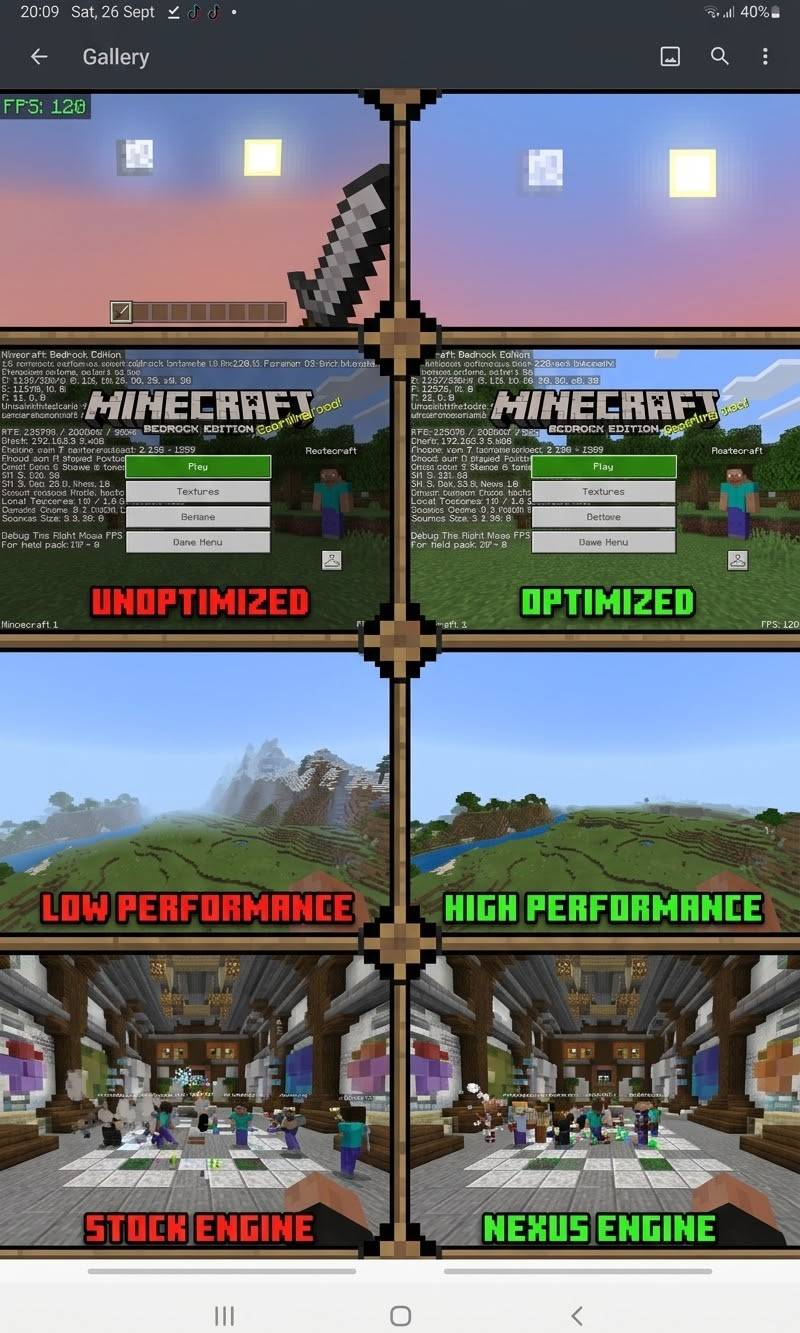
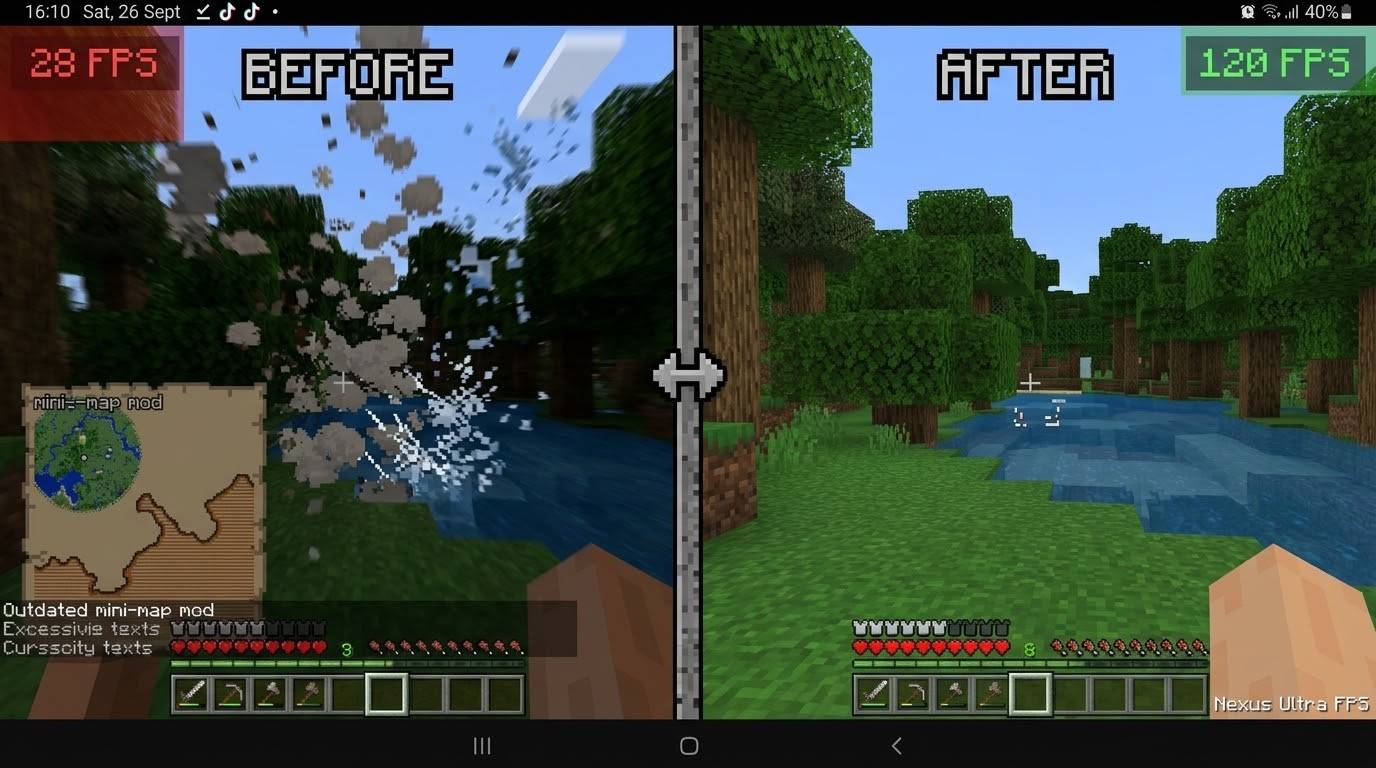
Nexus Ultra FPS – High performance pack for Minecraft Bedrock. Lite / Normal / Ultra FPS modes. Boosts FPS while keeping a clean vanilla look.
⬇ Download on CurseForge
Nexus Ultra FPS
by NEXUSCRAFTMC
Maximum performance optimization pack for Minecraft Bedrock Edition.
Inspired by Sodium (Java).
High performance and FPS
Subpacks:
Lite – Boosts FPS while preserving the game look
Normal – For best FPS and color
Ultra FPS – Maximum performance (Recommended)
Main Features:
Opaque Leaves
No Clouds
No Vignette
Low Fire (frozen fire animations)
Pumpkin Blur & Spyglass Overlay removed
Reduced Enchantment Glint
Clean UI backgrounds
Optimized fog (Overworld, Nether, End)
Frozen heavy animations (water, lava, portals...)
68+ heavy particles disabled in Ultra mode
Designed to improve FPS especially on low and mid-end devices while keeping a clean vanilla style.
How to use:
Import the pack
Activate it in Global Resources or World Resource Packs
Select your preferred Subpack (Ultra FPS recommended)
Restart the world
Compatible with Minecraft Bedrock 1.21+
- Edition: Minecraft Bedrock
- File type: .mcpack
- Minecraft versions listed: 1.21.93, 1.21.90, 1.21.92
- How to install: Download the .mcpack. → Open it — Minecraft imports it under Resource Packs. → Activate it in Global Resources, or for one world under Resource Packs → Available.
- Where to get it: Opens on CurseForge — not every file is mirrored on our own servers.
Install steps are the general flow for this file type — How to install Minecraft Bedrock texture packs walks through it step by step.
- Pack type: .mcpack — a single pack
- Manifest requires Minecraft 1.21.0 or newer
- Complete pack — everything it depends on is inside the file
- Download size: 71 KB
- Download link checked 28 Sept 2026 — working
These come from our own check of the pack file, not from the source page.