Texture packsBedrock
Newb X Luminescent
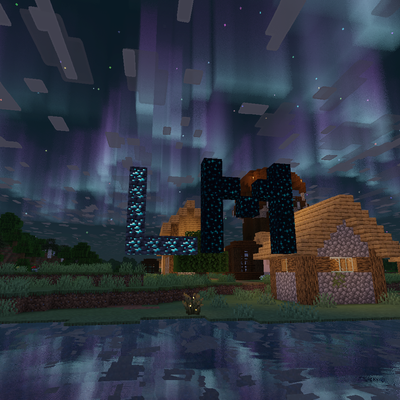
A stunning Newb shader edit featuring enhanced luminescent lighting, vibrant auroras, and immersive visual effect
⬇ Download on CurseForgeThe author built this one for Minecraft 26.50. On other versions it may install and then do nothing.
Newb X Luminescent
Newb X Luminescent is a custom edit of the popular Newb shader designed to elevate your Minecraft Bedrock experience with enhanced atmospheric visuals, immersive lighting, and optimized performance tiers for any device.Requirements & Compatibility - Newb X Luminescent
It is very important to have MB Loader, Wyvern, or BetterRenderDragon to use Newb X Luminescent, since it is designed for the RenderDragon engine.
Key Features
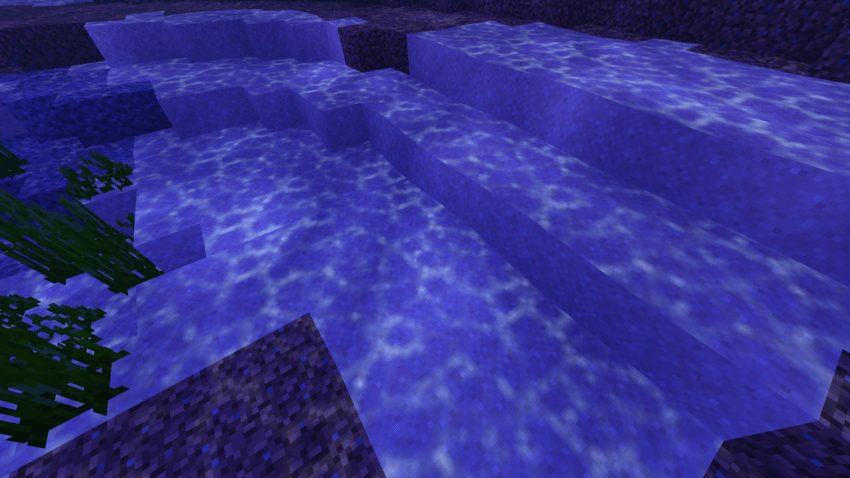
- Moving Caustics: Dynamic, animated water caustics enabled by default for a lively underwater feel.
- Custom Underwater Look: A striking and atmospheric blue/purple color grading when submerged.
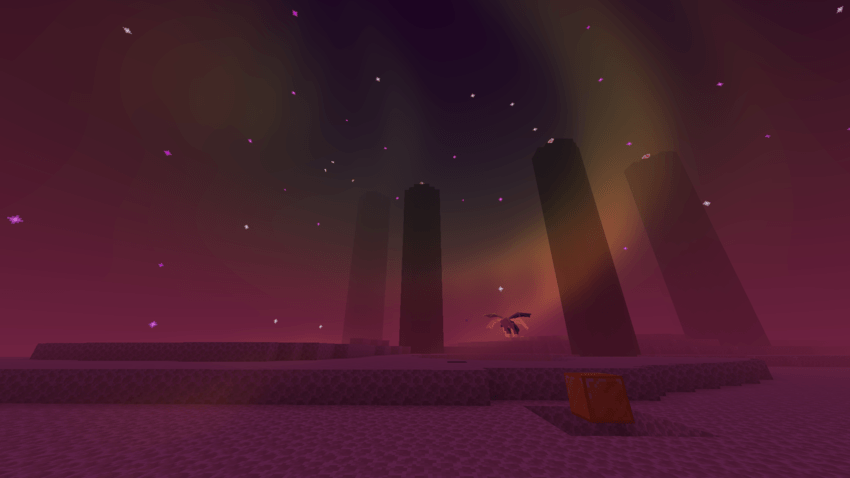
- Darker End Dimension: A deeper, more immersive, and darker aesthetic for the End.
- Optimized Performance Tiers: Multiple versions tailored from low-end devices to high-end hardware.
Performance Tiers
Choose the version that best fits your device performance:- 🥔 Potato: Simple water, no double-layer clouds, no aurora, focused purely on performance with just caustics enabled.
- Low: Everything in Potato, plus double-layer clouds and water reflections.
- Medium: Everything in Low, plus a stunning sky aurora (aurora does not yet reflect in water).
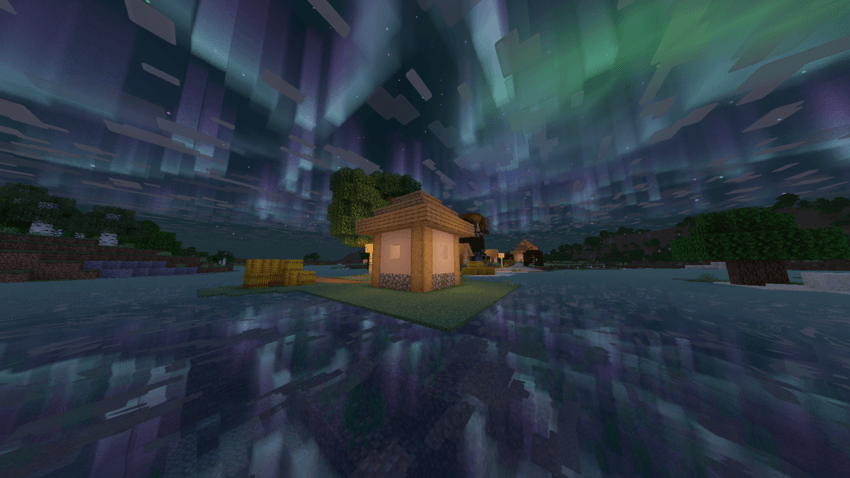
- High: The ultimate experience with everything enabled, including full aurora reflections on the water surface.
📸 Screenshots
POTATO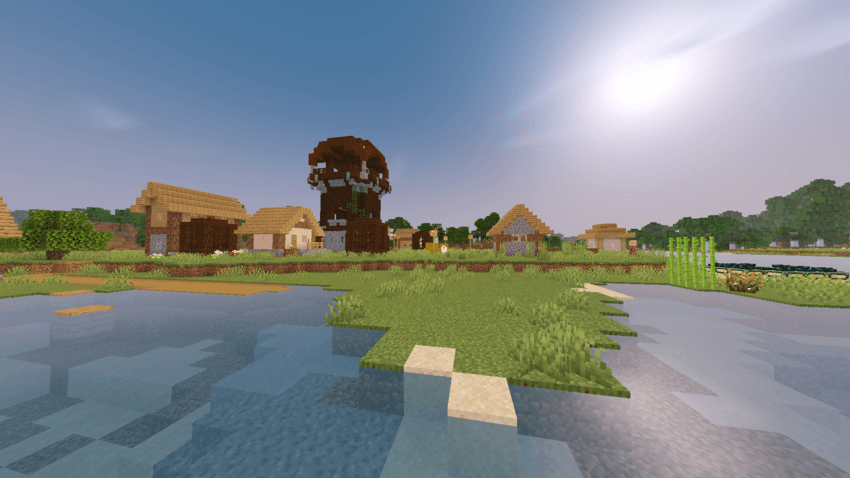 LOW
LOW
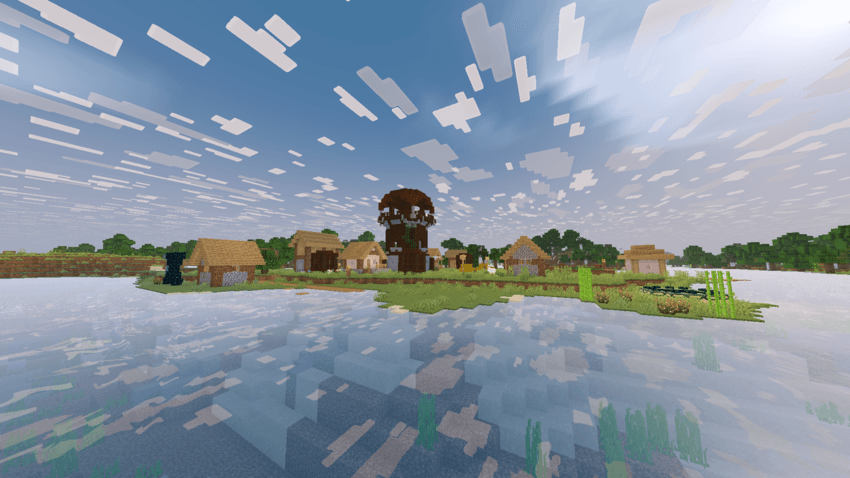
MEDIUM
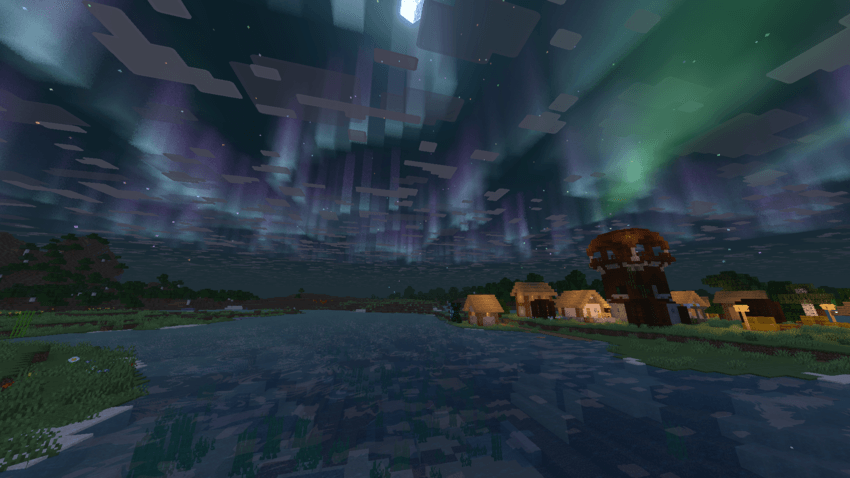 HIGH
HIGH
CAUSTICS
END
Requirements & Compatibility - Newb X Luminescent
It is very important to have MB Loader, Wyvern, or BetterRenderDragon to use Newb X Luminescent, since it is designed for the RenderDragon engine.
⚠️ Credits & Notes
- Based on the original Newb Shader by Devastated.
- Feel free to report bugs or give feedback!
Quick facts
- Edition: Minecraft Bedrock
- File type: .mcpack
- Minecraft version listed: 26.50
- How to install: Download the .mcpack. → Open it — Minecraft imports it under Resource Packs. → Activate it in Global Resources, or for one world under Resource Packs → Available.
- Where to get it: Opens on CurseForge — not every file is mirrored on our own servers.
Install steps are the general flow for this file type — How to install Minecraft Bedrock texture packs walks through it step by step.
Verified by MCModsHub
- Pack type: .mcpack — a single pack
- Manifest requires Minecraft 1.26.50 or newer
- Complete pack — everything it depends on is inside the file
- Download size: 18.3 MB
- Download link checked 28 Sept 2026 — working
These come from our own check of the pack file, not from the source page.