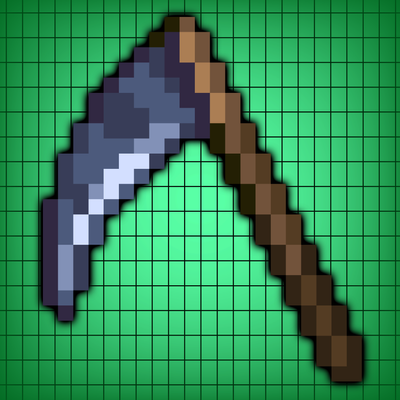
Zevioth's Macetify
Bedrock texture pack listed for Minecraft 1.21–26.x. File opened and checked on 28 Sep 2026; installs from the MC Bedrock Mods app on Android.
Customize your Minecraft Mace with Macetify! Choose from Rock, Hammer, Mom Slipper, Hanger, Karambit, or Scythe variants using Subpack settings. More…
⬇ Download on CurseForgeThe author built this one for Minecraft 26.50. On other versions it may install and then do nothing.
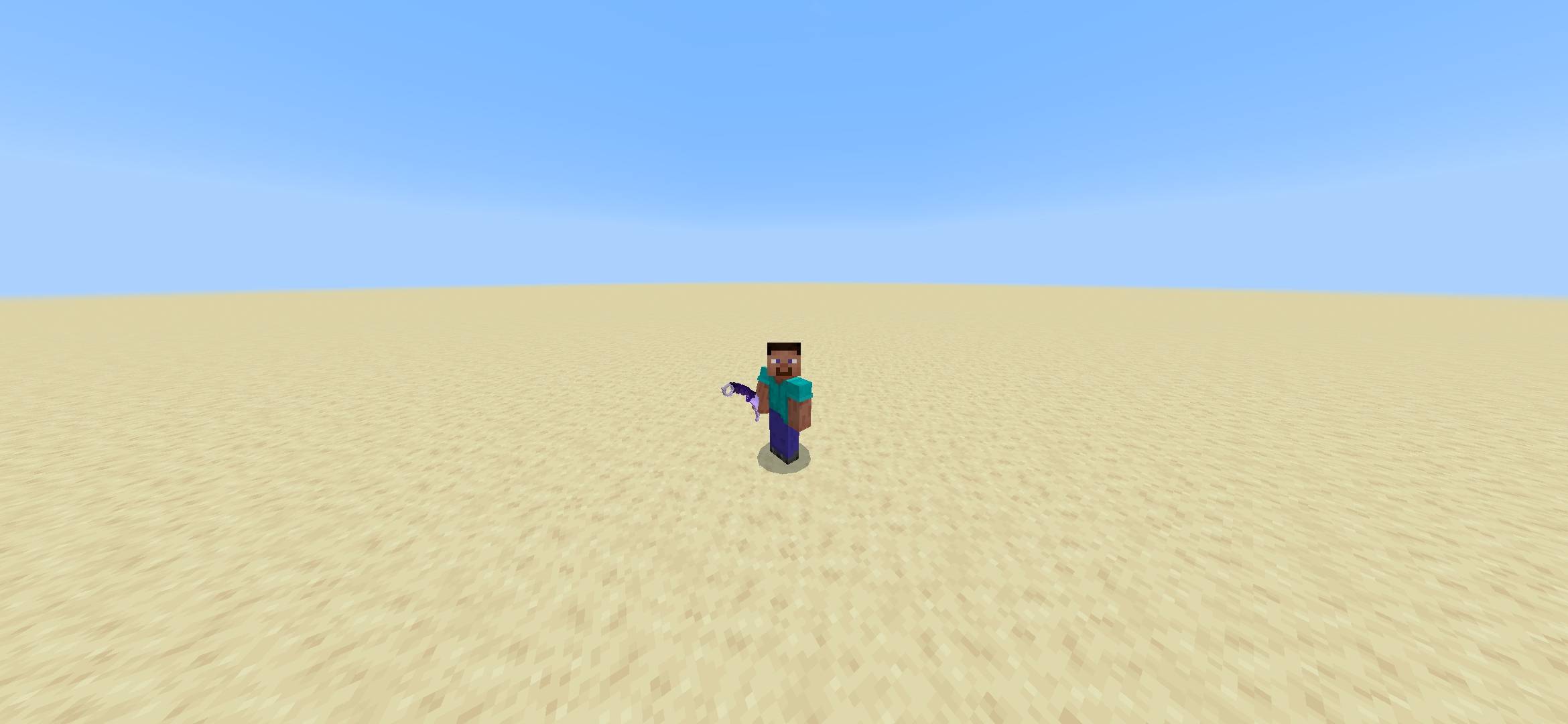
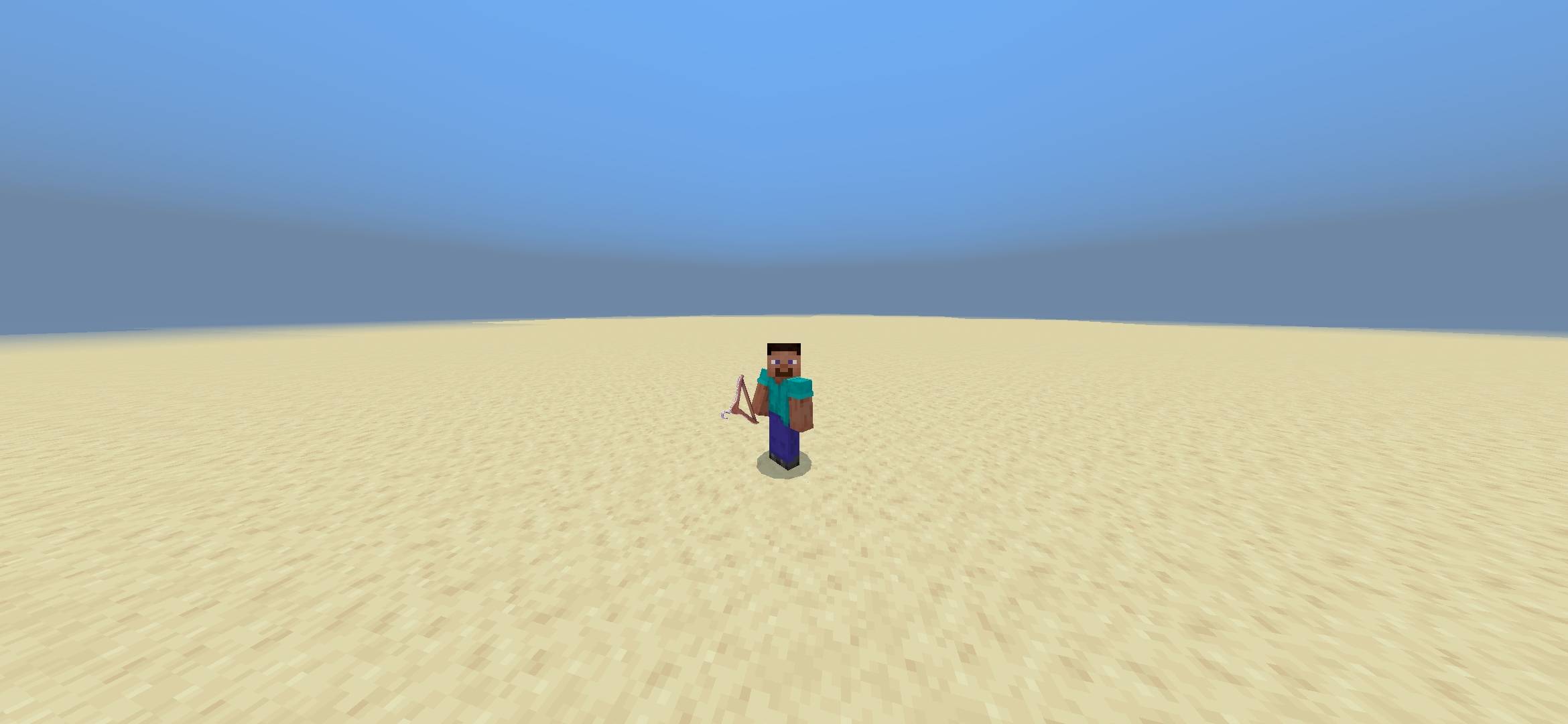
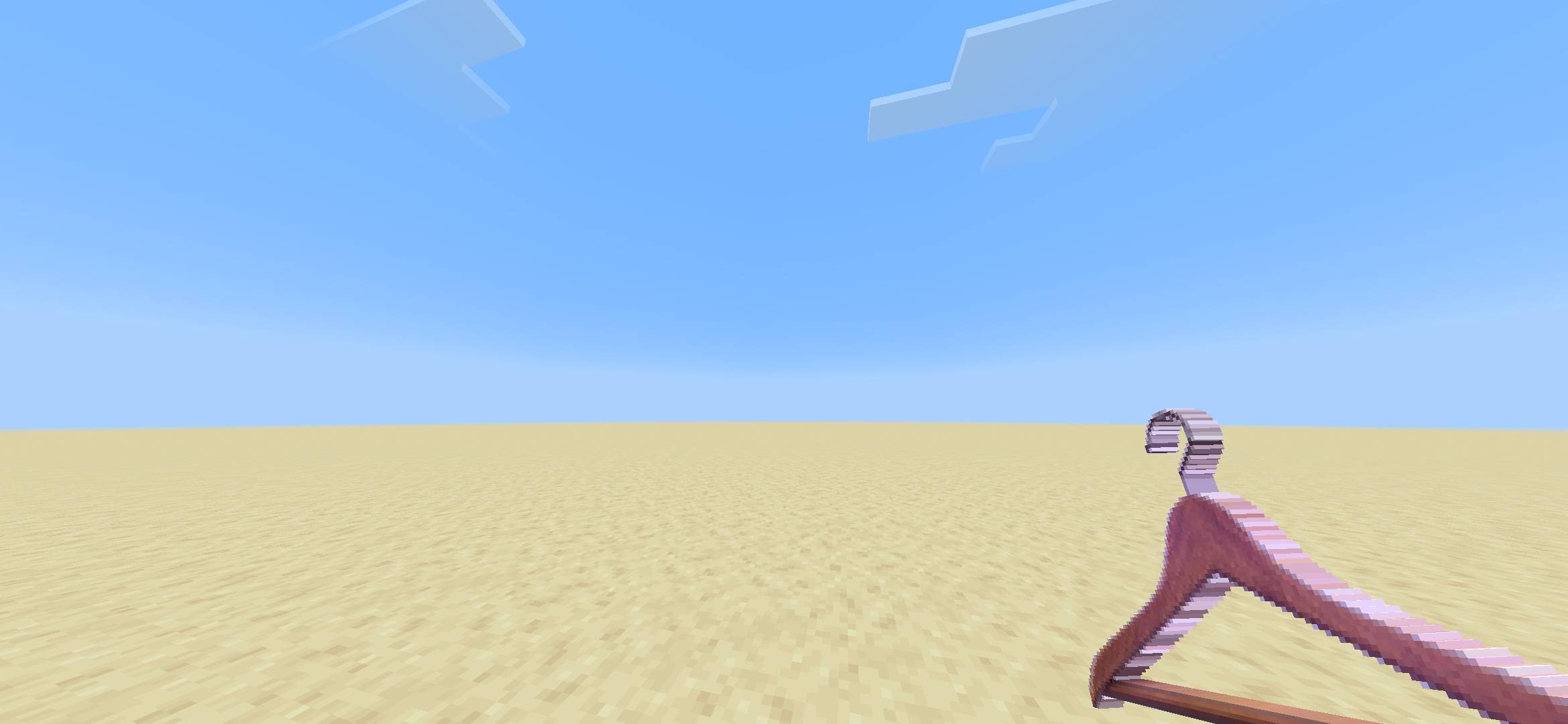
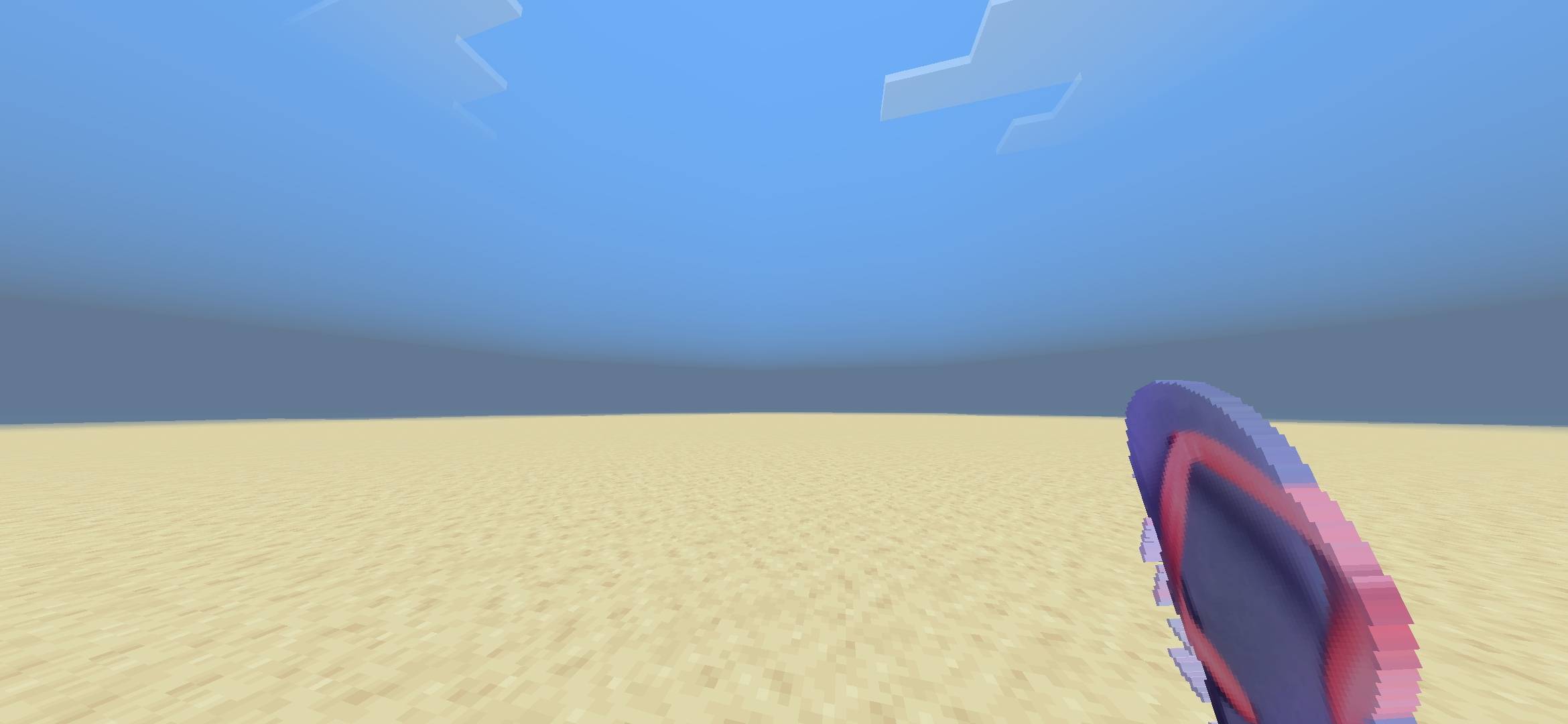
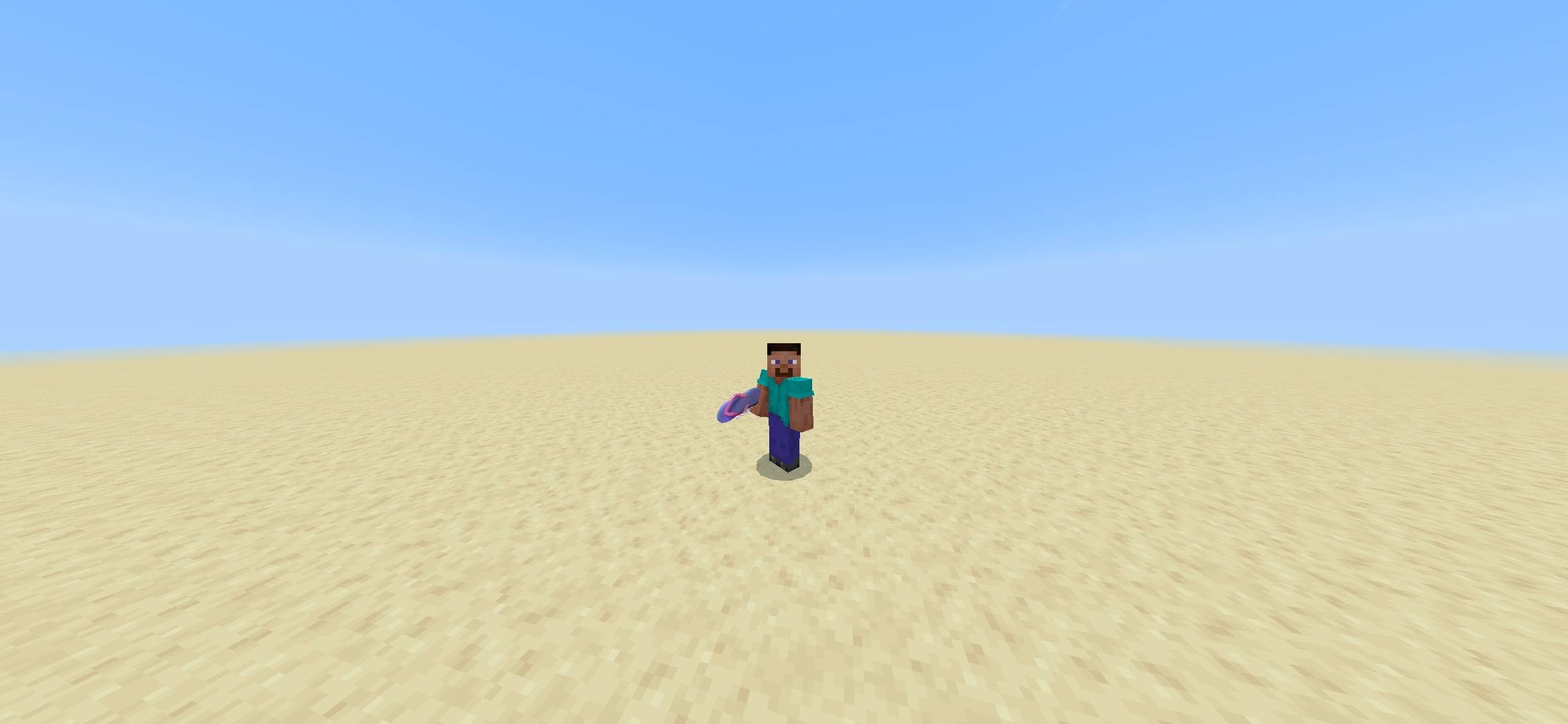
Macetify
By SkyeMoz (Zevioth)
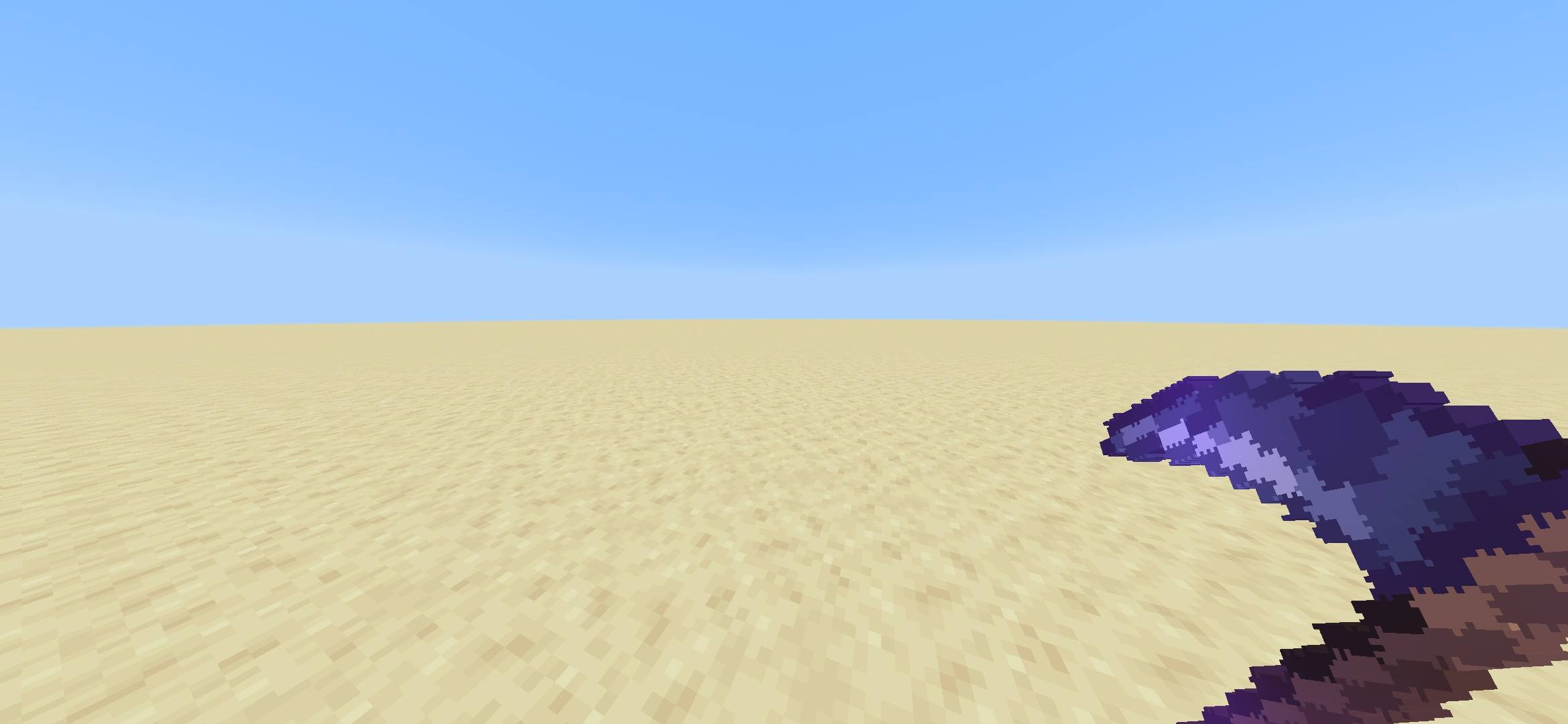
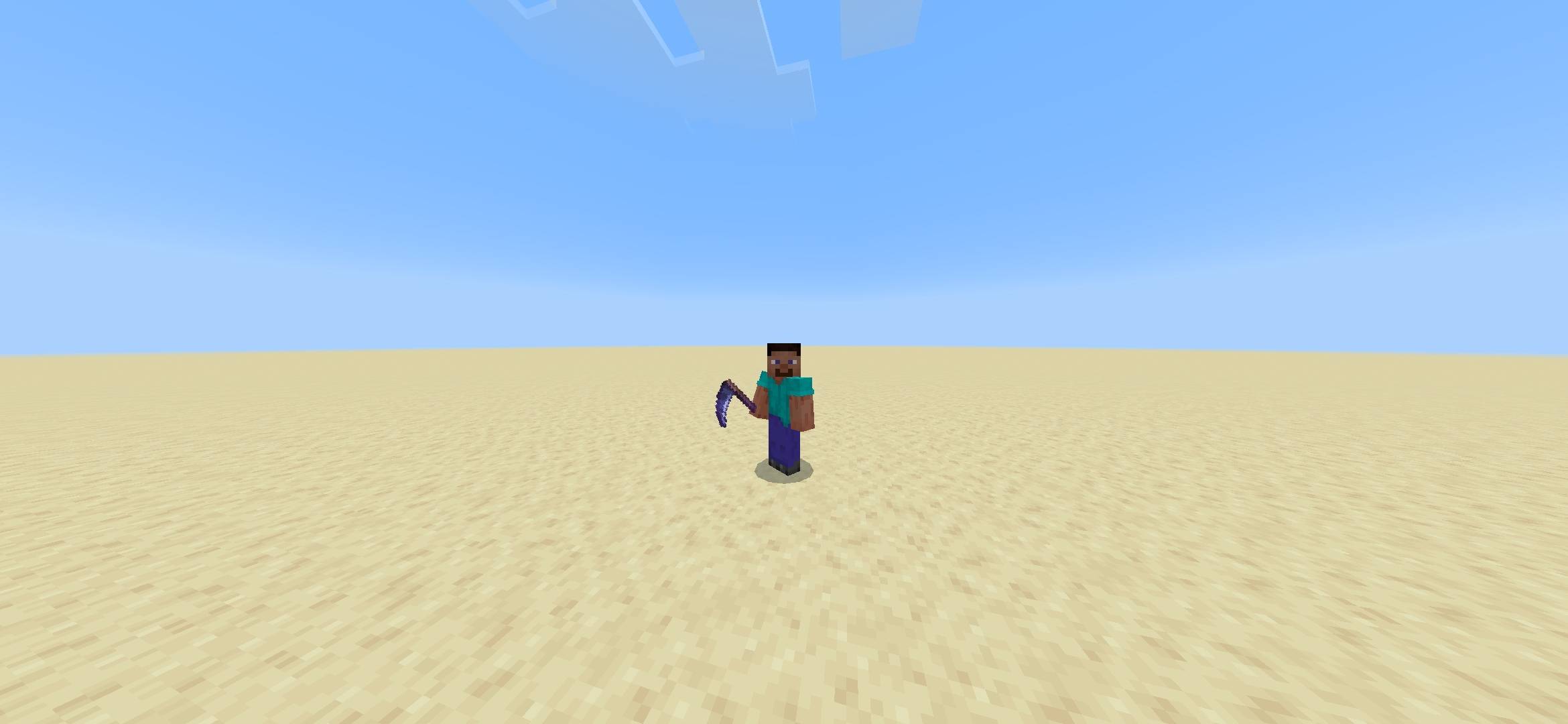
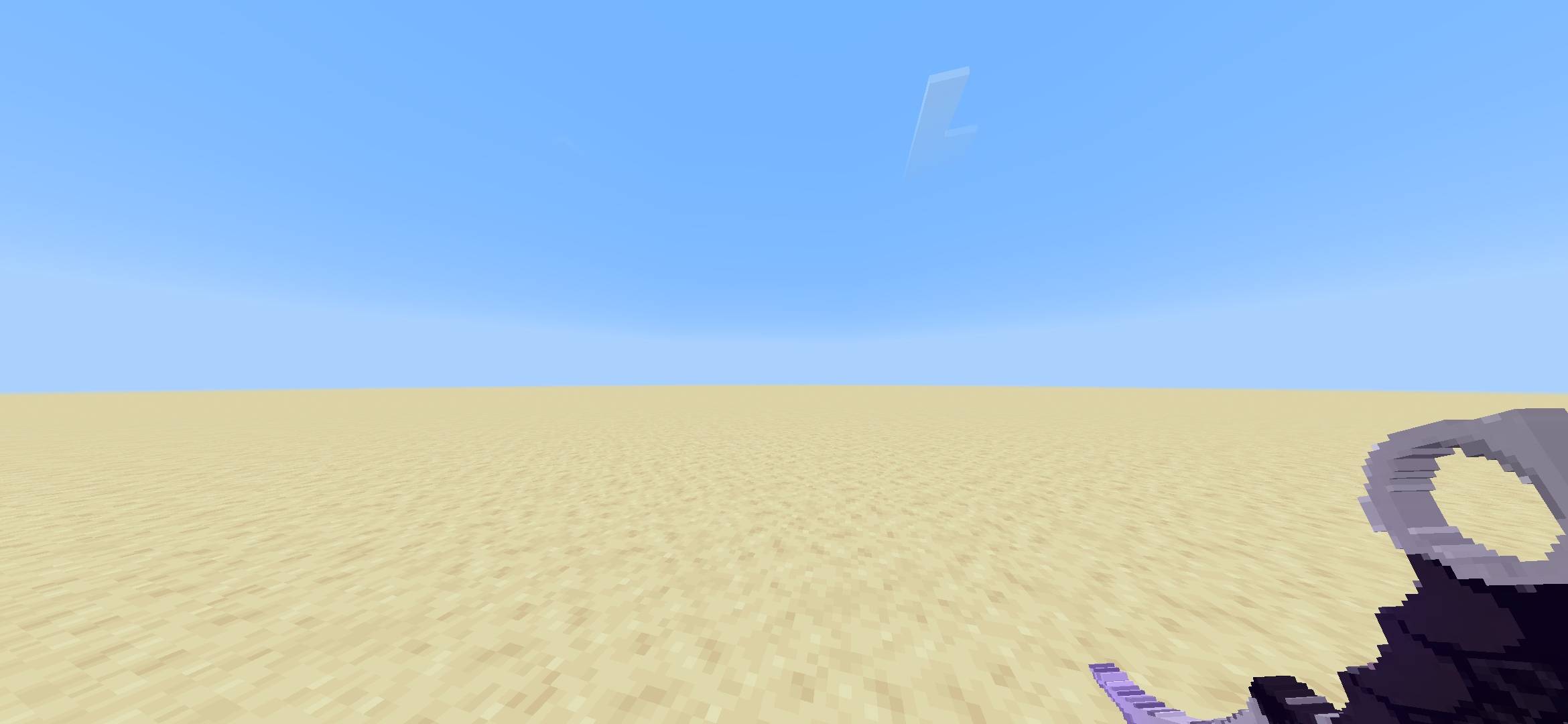
Give the Minecraft Mace a completely different look with Macetify - a simple and customizable texture pack that lets you choose from multiple Mace designs.
Instead of being stuck with the default Mace appearance, you can select a style directly from the pack's Subpack settings and change how the Mace looks in-game.
⚒️ Available Mace Variants
- 🪨 Rock — A simple and heavy-looking rock design
- 🔨 Hammer — Turn your Mace into a classic hammer
- 🩴 Mom Slipper — Because sometimes the most powerful weapon is a slipper
- 🪝 Hanger — A completely different take on the Mace
- 🔪 Karambit — A compact, curved-blade-inspired design
- ☠️ Scythe — The default Macetify design
⚙️ Customization
Macetify uses Minecraft Bedrock resource-pack Subpacks, allowing you to select your preferred Mace texture from the pack settings.
You can switch between variants without needing separate resource packs for each design.
📦 Features
- Multiple Mace texture variants
- Easy Subpack-based customization
- Works with Minecraft Bedrock Edition
- No gameplay changes
- No behavior pack required
- Designed to keep the original Mace functionality
- More variants and improvements planned for future updates
🛠️ Version
Macetify 1.1
This is an ongoing project, and additional designs, improvements, and customization options may be added in future updates.
Have a texture idea you'd like to see as a Mace variant? Feel free to suggest it!
Made by SkyeMoz (Zevioth)
- Edition: Minecraft Bedrock
- File type: .mcpack
- Minecraft version listed: 26.50
- How to install: Download the .mcpack. → Open it — Minecraft imports it under Resource Packs. → Activate it in Global Resources, or for one world under Resource Packs → Available.
- Where to get it: Opens on CurseForge — not every file is mirrored on our own servers.
Install steps are the general flow for this file type — How to install Minecraft Bedrock texture packs walks through it step by step.
- Save it as Macetify 1.1v.mcaddon before opening — it downloads as .mcpack, but it is a .mcaddon pack
- Manifest requires Minecraft 1.21.0 or newer
- Complete pack — everything it depends on is inside the file
- Download size: 26 KB
- Download link checked 28 Sept 2026 — working
These come from our own check of the pack file, not from the source page.