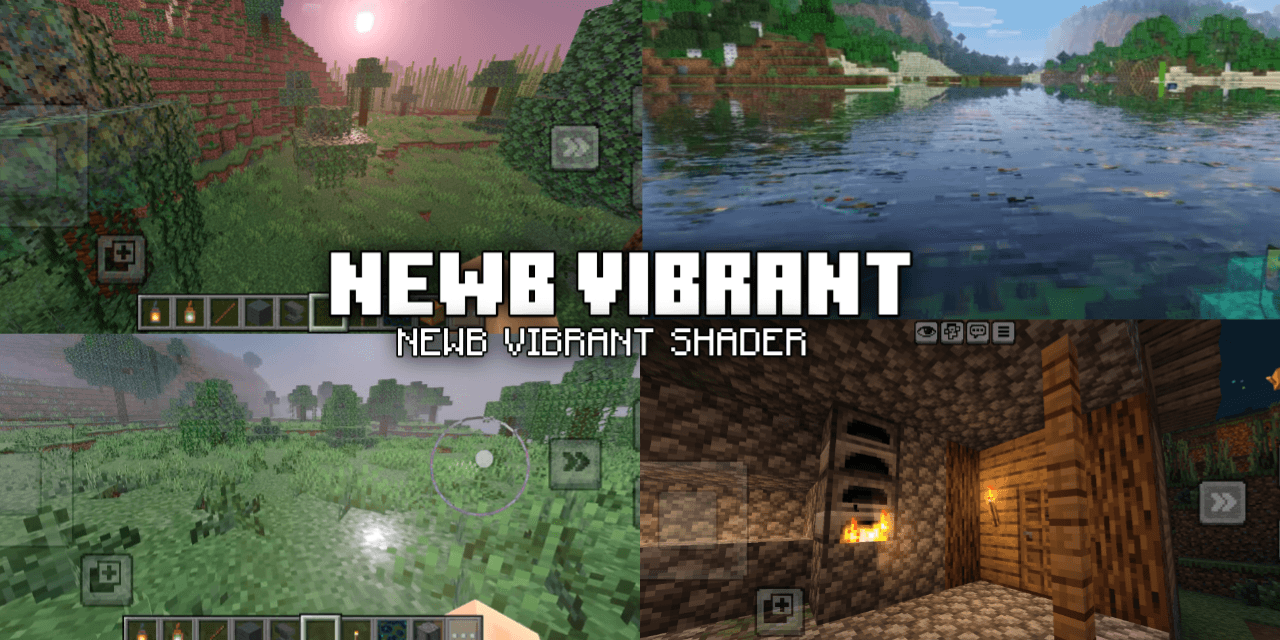
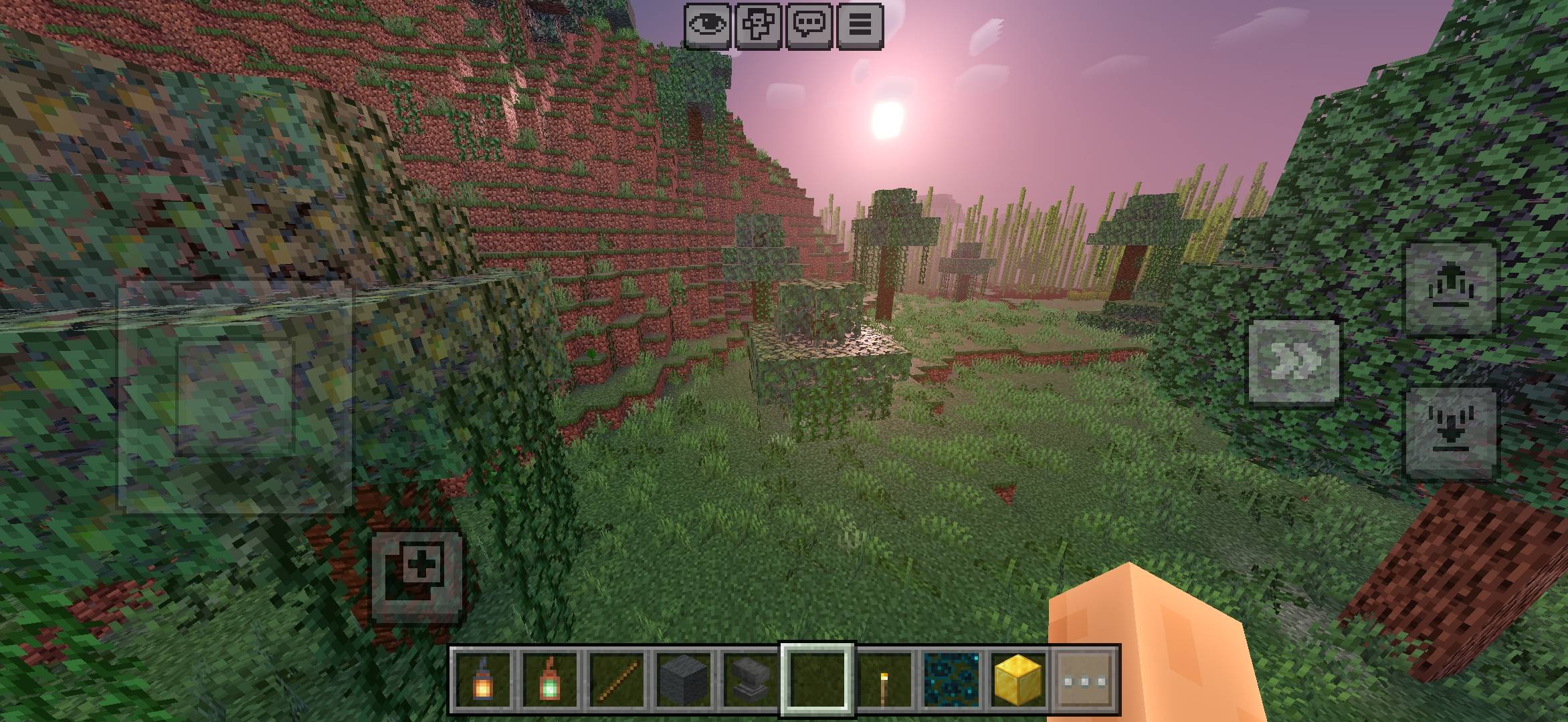
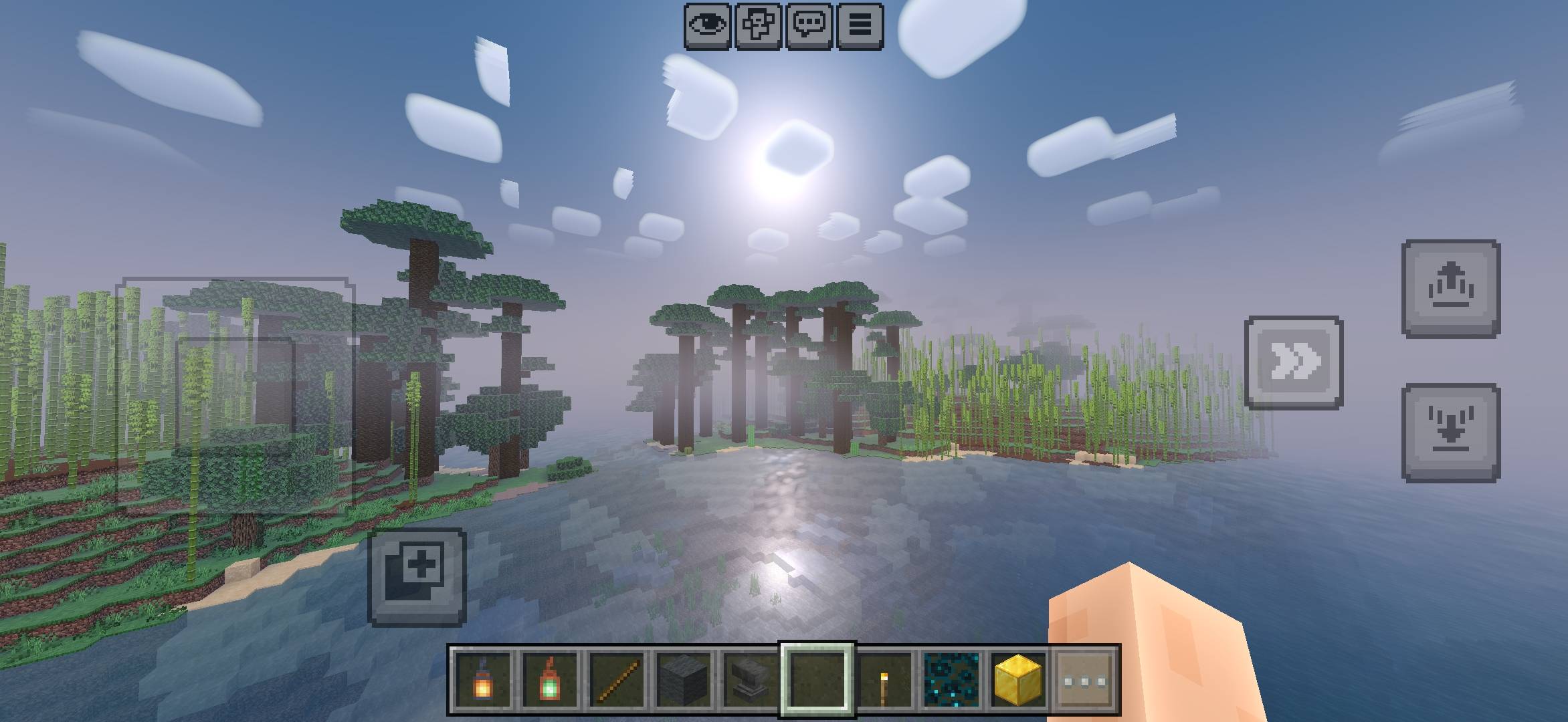
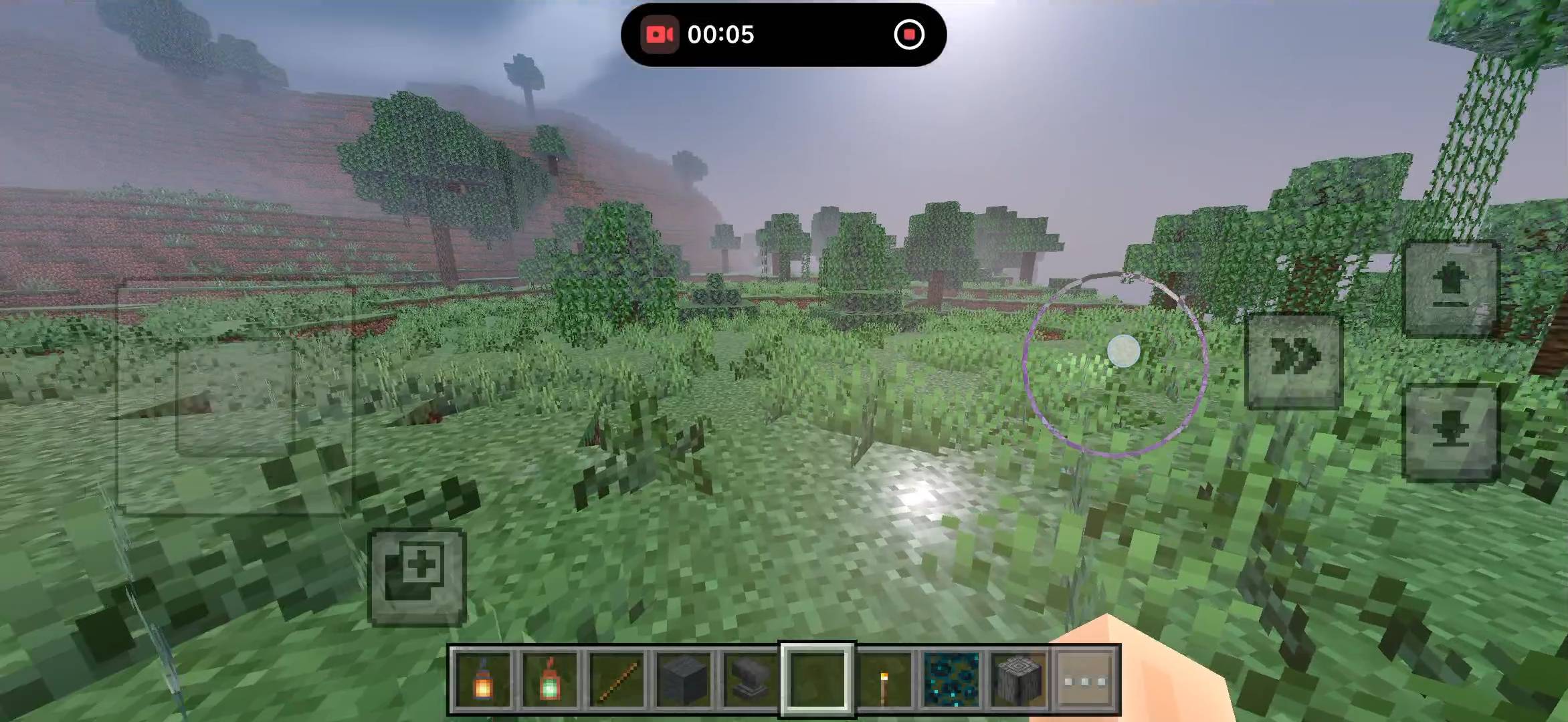
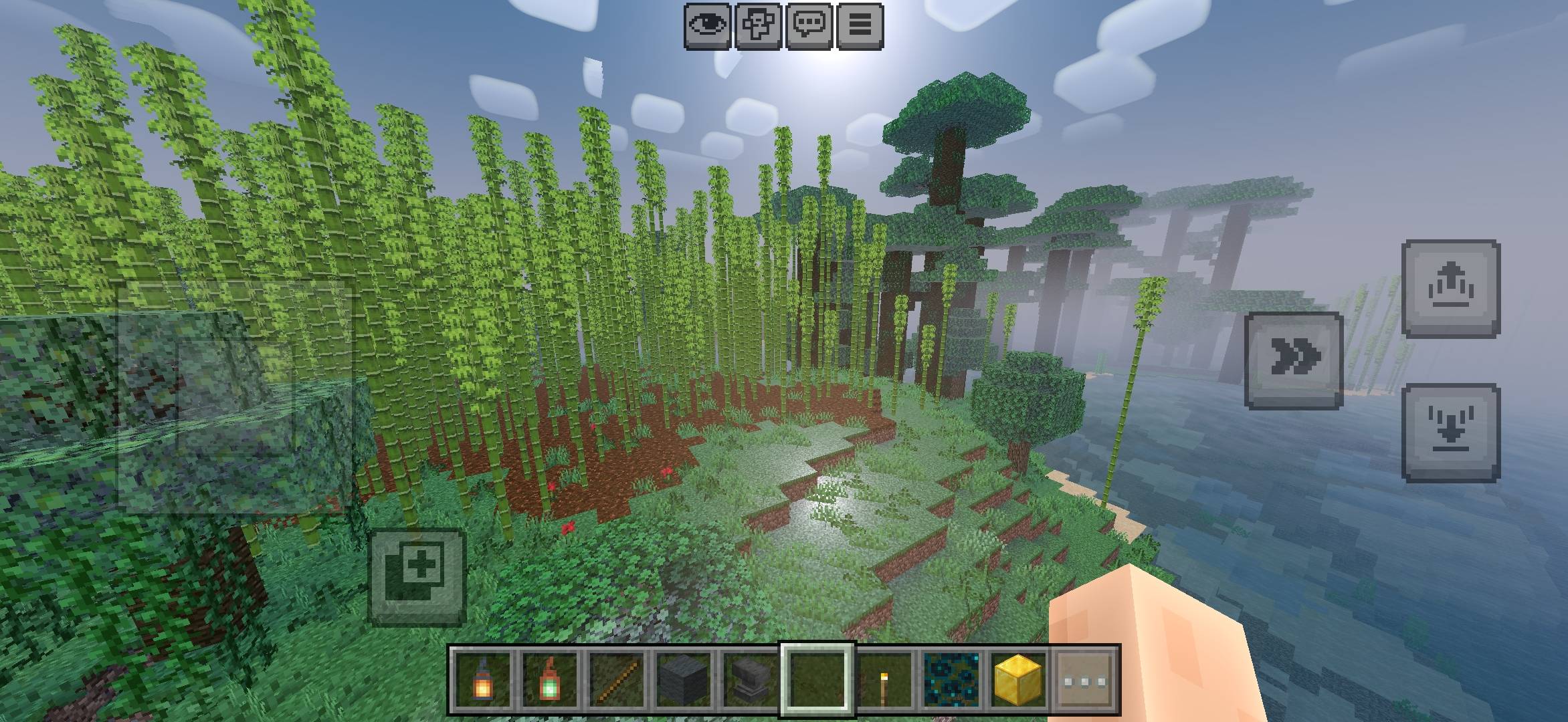
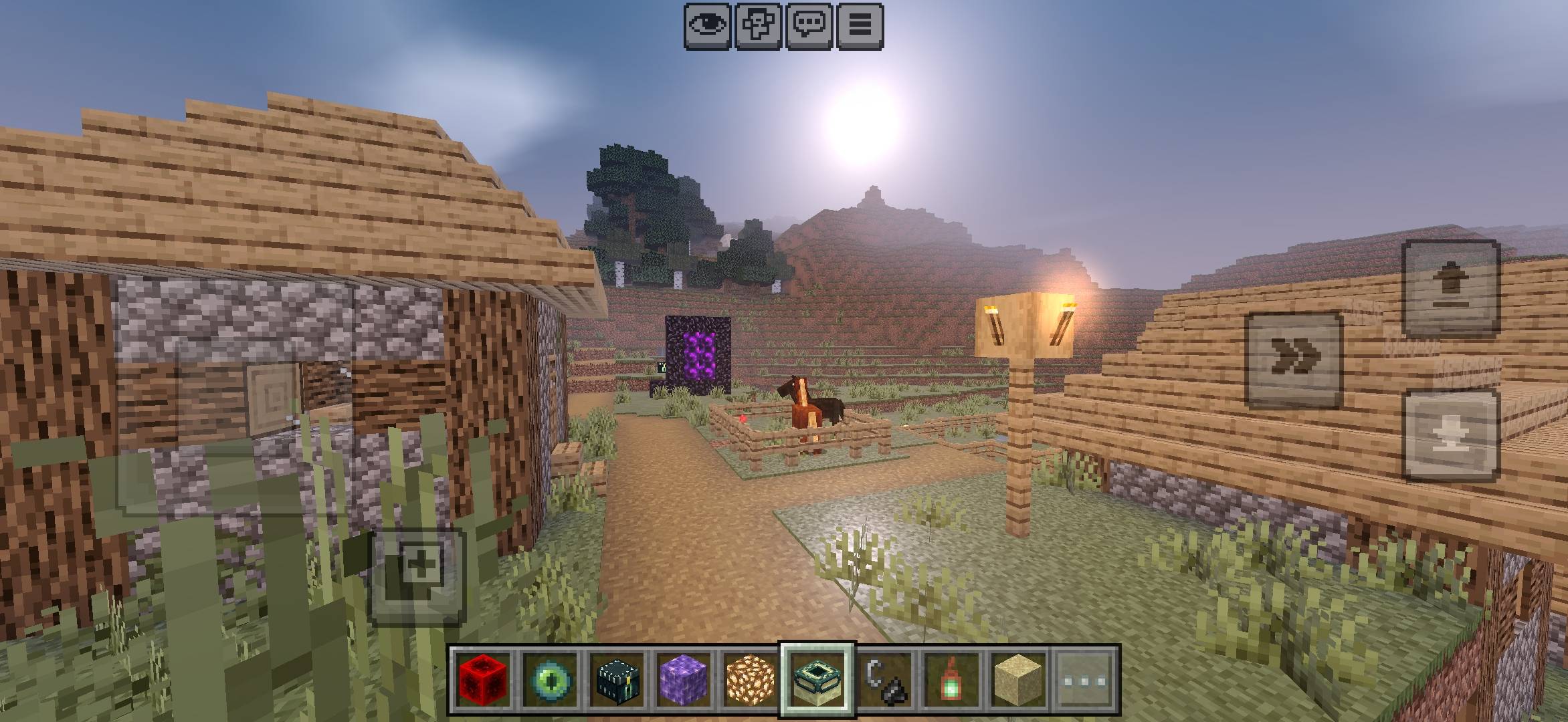
🌅 NEWB X Vibrant — Vibrant Visuals Style for Low-End Devices
NEWB X Vibrant is a lightweight Minecraft Bedrock graphics pack designed to give your world a Vibrant Visuals-inspired look, especially on devices that cannot comfortably run the real Vibrant Visuals system.
⚠️ IMPORTANT:
NEWB X Vibrant is NOT the official Minecraft Vibrant Visuals feature. It does not use the actual Vibrant Visuals rendering system. It is a custom/fancy graphics effect created to give Minecraft a similar visual feeling while focusing on lower-end and mobile devices.
⚡ Source code
https://github.com/devendrn/newb-x-mcbe
✨ FEATURES
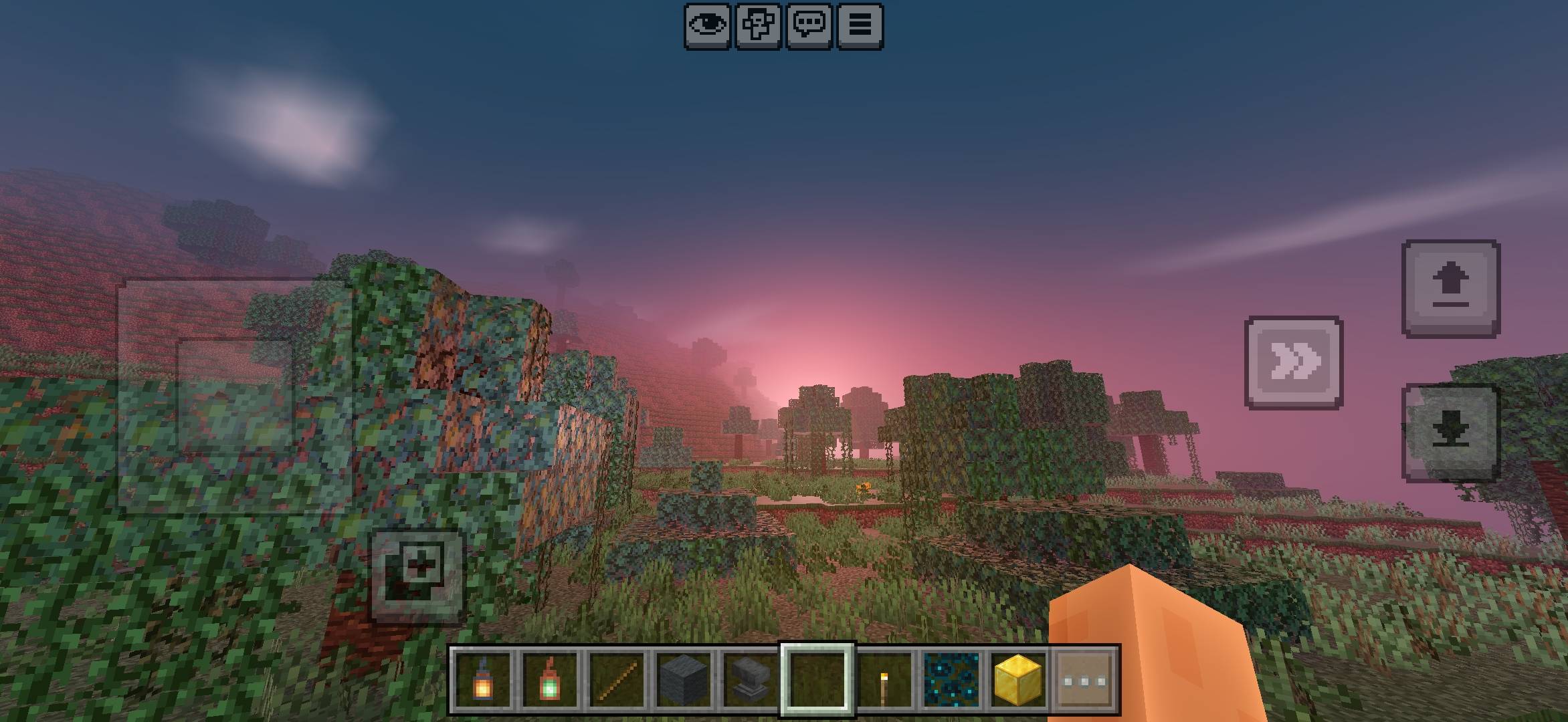
• 🌅 Vibrant sunrise and sunset atmosphere
• ☀️ Custom sunlight and sky colors
• 🌤️ Enhanced sky and cloud appearance
• 🌫️ Atmospheric fog effects
• 🌿 Improved environment and vegetation visuals
• 🎨 Custom color grading
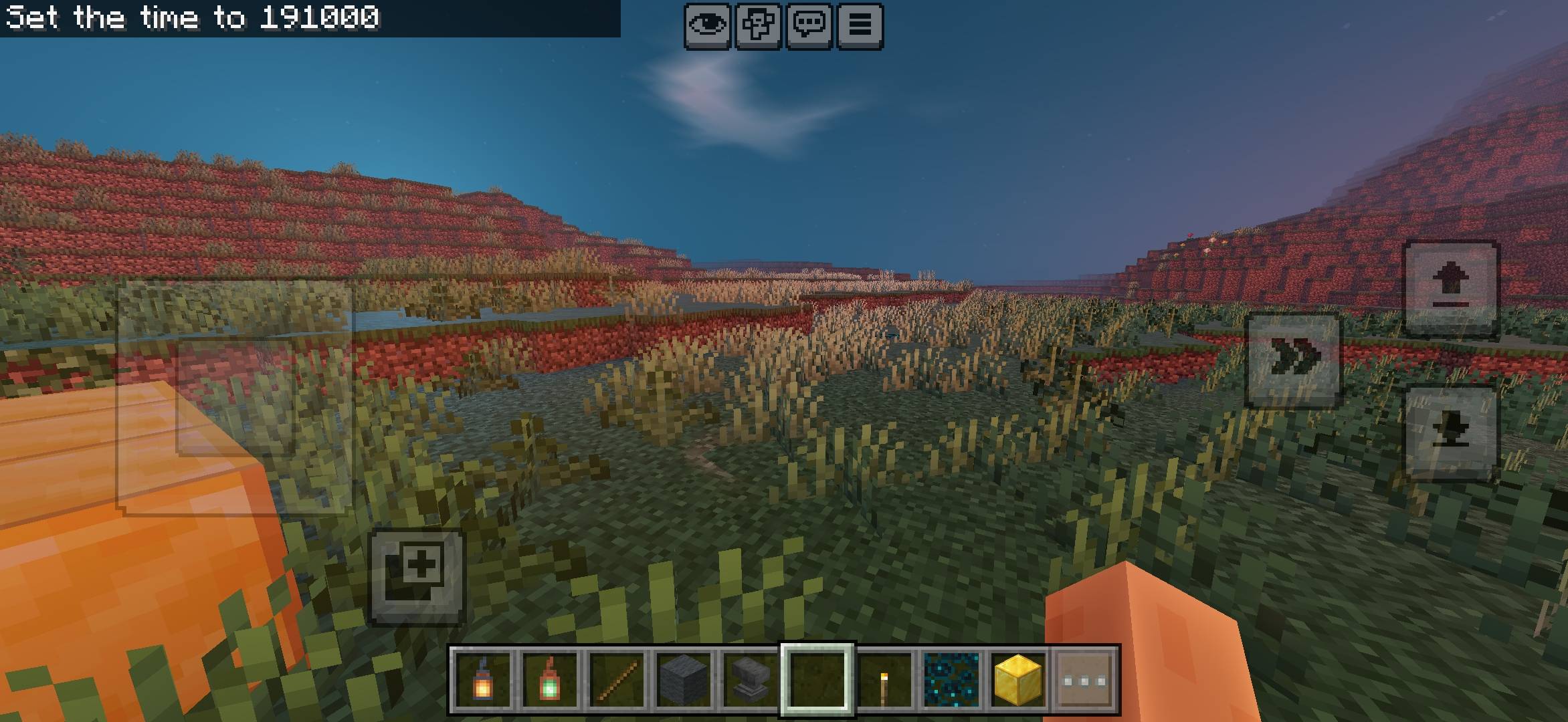
• 🌙 Day and night atmosphere
• 💡 Fancy lighting-style effects
• 📱 Designed with mobile and lower-end devices in mind
• ⚡ Lightweight approach compared with heavy shader-style packs
📱 THE IDEA
The goal of NEWB X Vibrant is simple:
Make Minecraft Bedrock feel more visually alive without requiring the actual Vibrant Visuals rendering system.
If your device does not support Vibrant Visuals, or you simply want a lightweight alternative with a similar visual atmosphere, NEWB X Vibrant is made for that purpose.
⚠️ EXPECTATIONS
NEWB X Vibrant does NOT provide the same rendering features as official Minecraft Vibrant Visuals.
It should be considered a Vibrant Visuals-inspired/fake-Vibrant-Visuals graphics pack, not an official Vibrant Visuals replacement.
Performance may vary depending on your device, Minecraft version, render distance, and other resource packs.
💬 FEEDBACK
I'm continuing to improve NEWB X Vibrant.
If you find visual bugs, lighting issues, performance problems, or have suggestions for future updates, feel free to share them in the discussion.
NEWB X Vibrant — Vibrant-style visuals, made with lightweight graphics in mind.
- Edition: Minecraft Bedrock
- File type: .mcpack
- Minecraft versions listed: 26.30, 26.40, 26.50
- How to install: Download the .mcpack. → Open it — Minecraft imports it under Resource Packs. → Activate it in Global Resources, or for one world under Resource Packs → Available.
- Where to get it: Opens on CurseForge — not every file is mirrored on our own servers.
Install steps are the general flow for this file type — How to install Minecraft Bedrock texture packs walks through it step by step.
- Pack type: .mcpack — a single pack
- Manifest requires Minecraft 1.26.50 or newer
- Complete pack — everything it depends on is inside the file
- Download size: 8.5 MB
- Download link checked 29 Sept 2026 — working
These come from our own check of the pack file, not from the source page.