Somber Shaders BE
An unofficial Bedrock recreation inspired by Somber Shaders. Horror minecraft bedrock resource pack that aims to recreate the nostalgic atmosphere of…
⬇ Download on CurseForge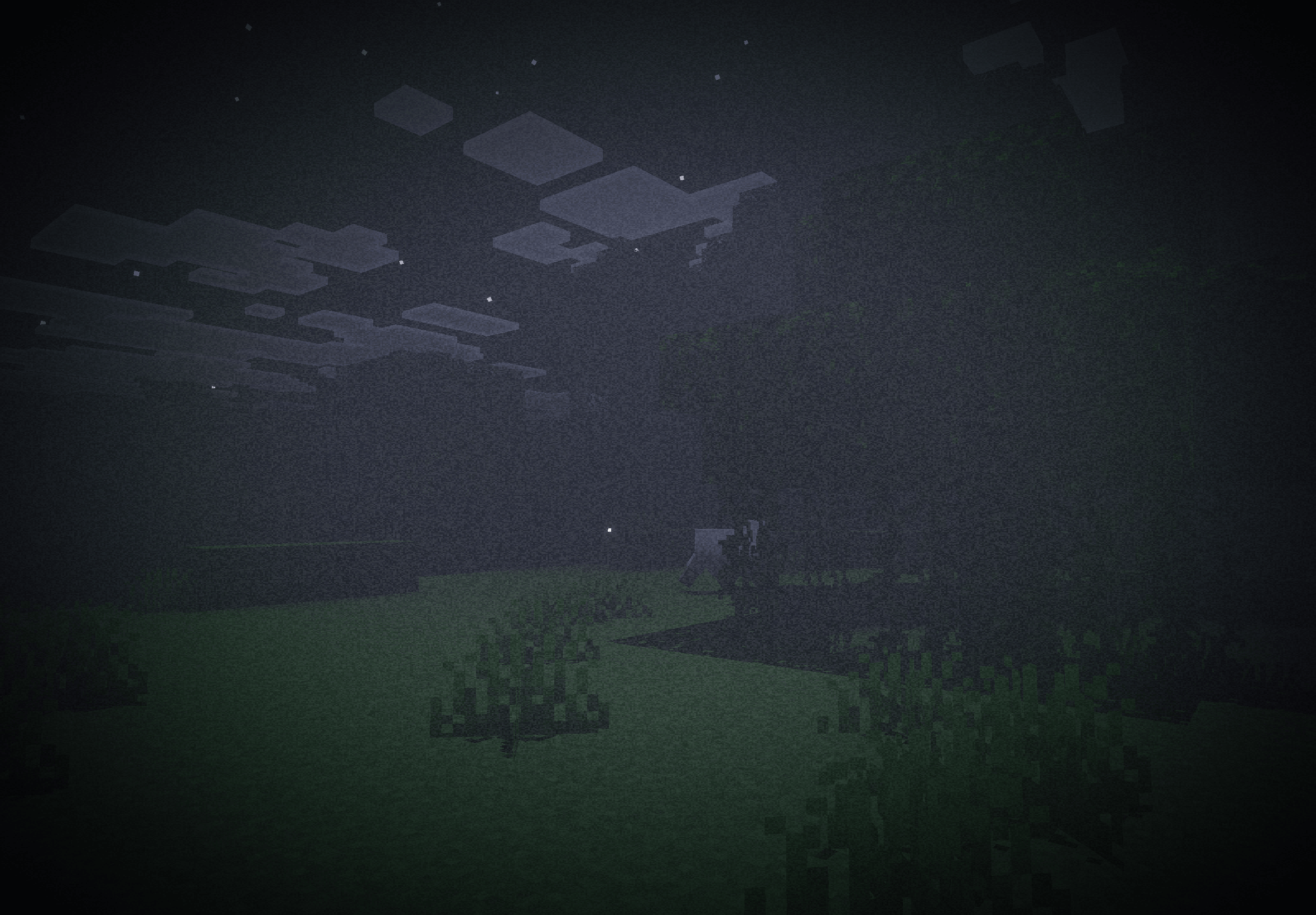
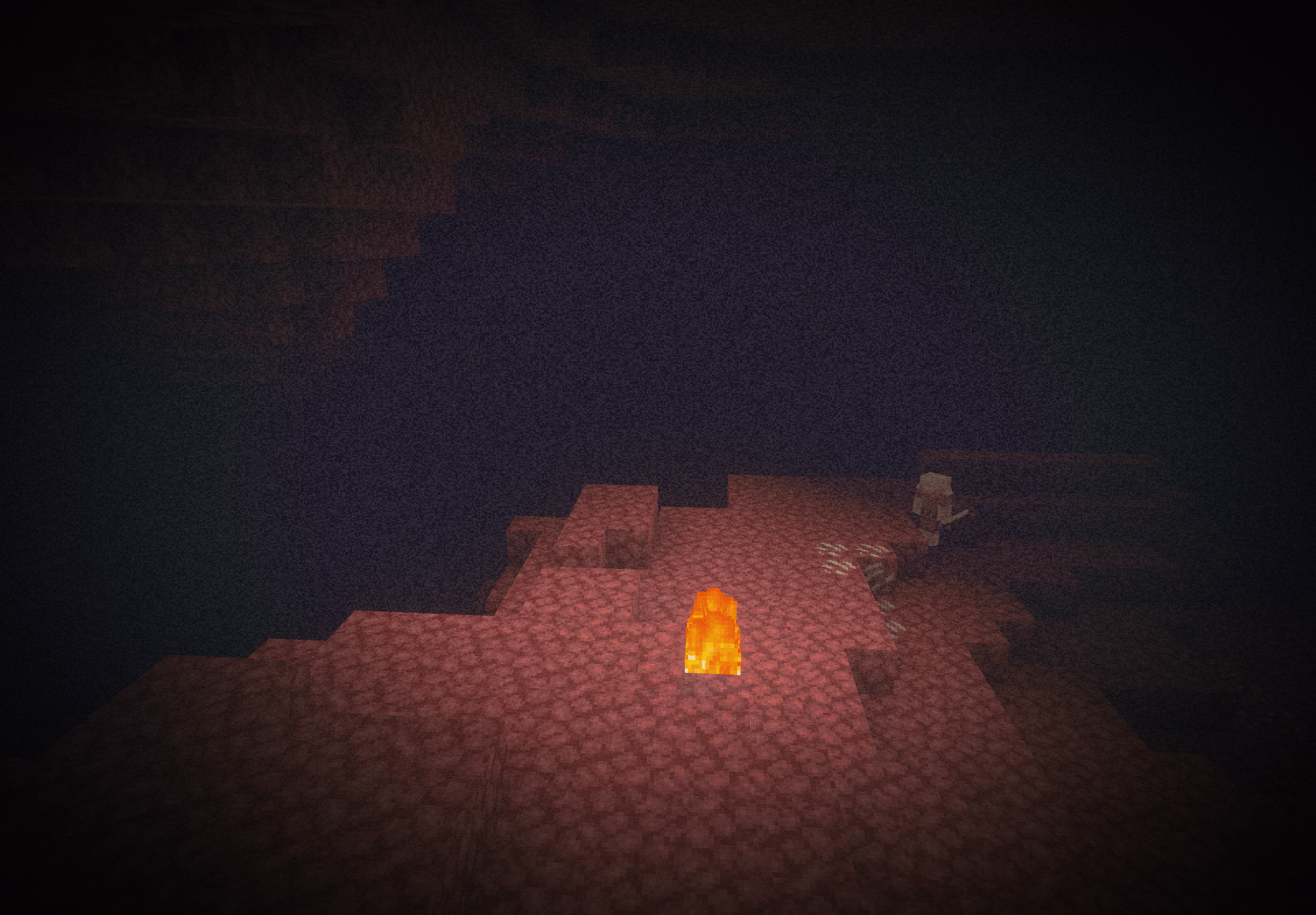
Somber — Bedrock Port
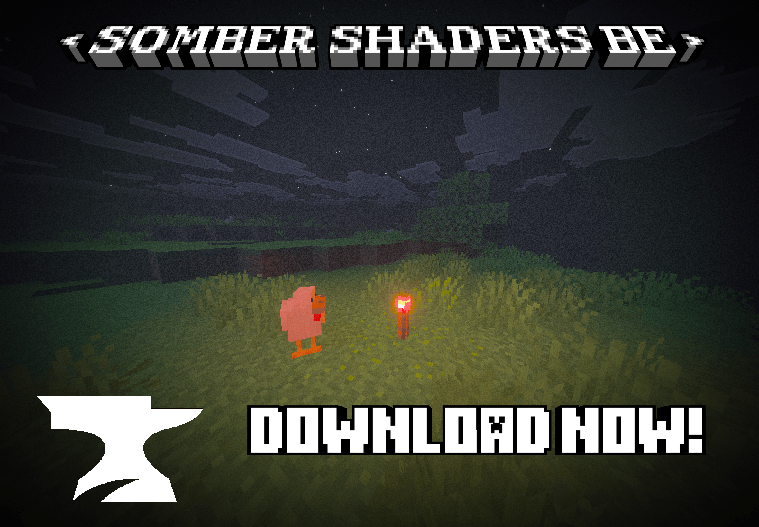
A best effort Minecraft: Bedrock Edition port of Somber by Snorfield.
A Bedrock Edition port of Somber, the Java shader that brings back the atmosphere of alpha and beta Minecraft with a few extra stuff. The pack is built for Vibrant Visuals & Raytracing, but it also works in the regular Fancy mode, with fewer features.
Features
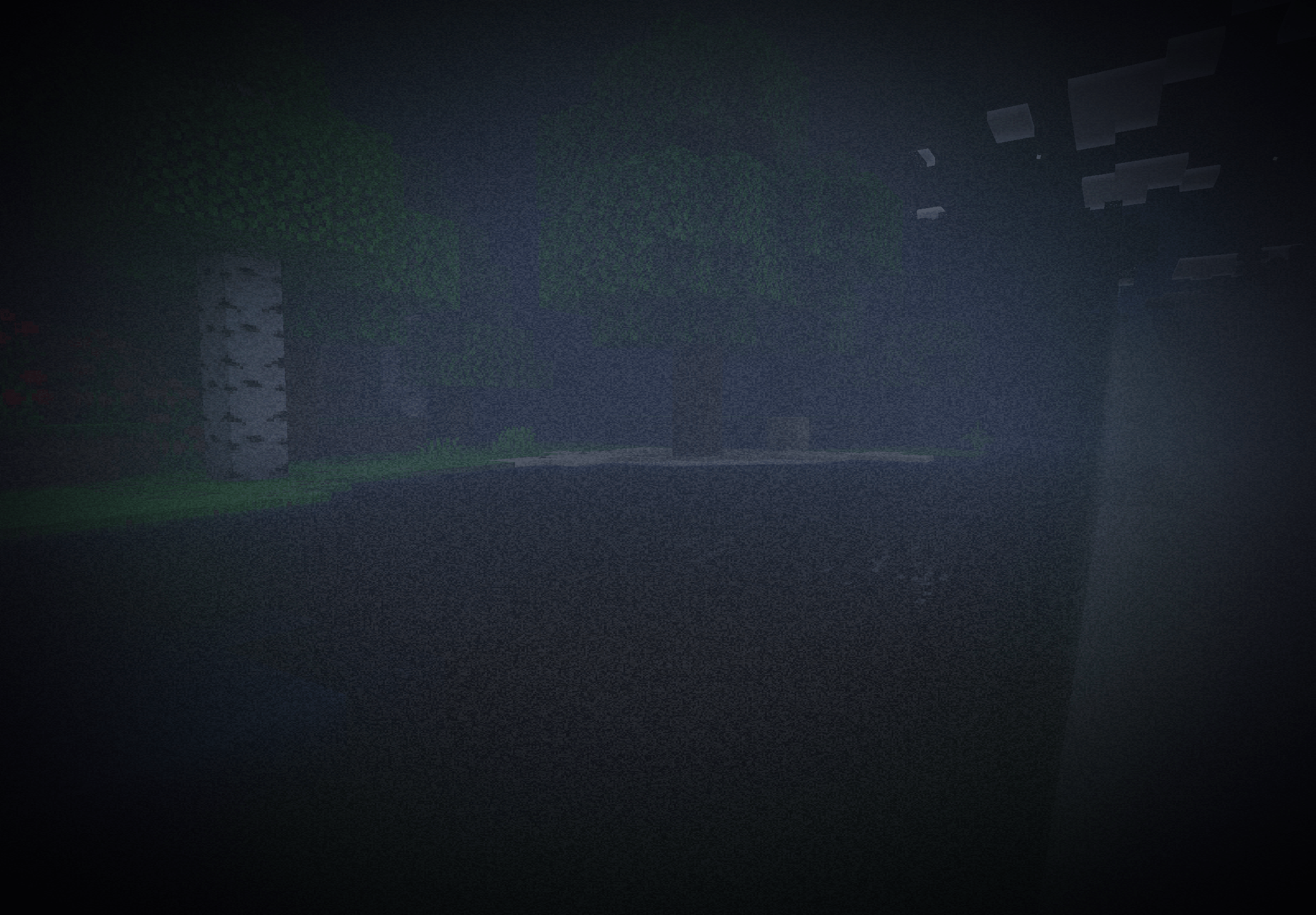
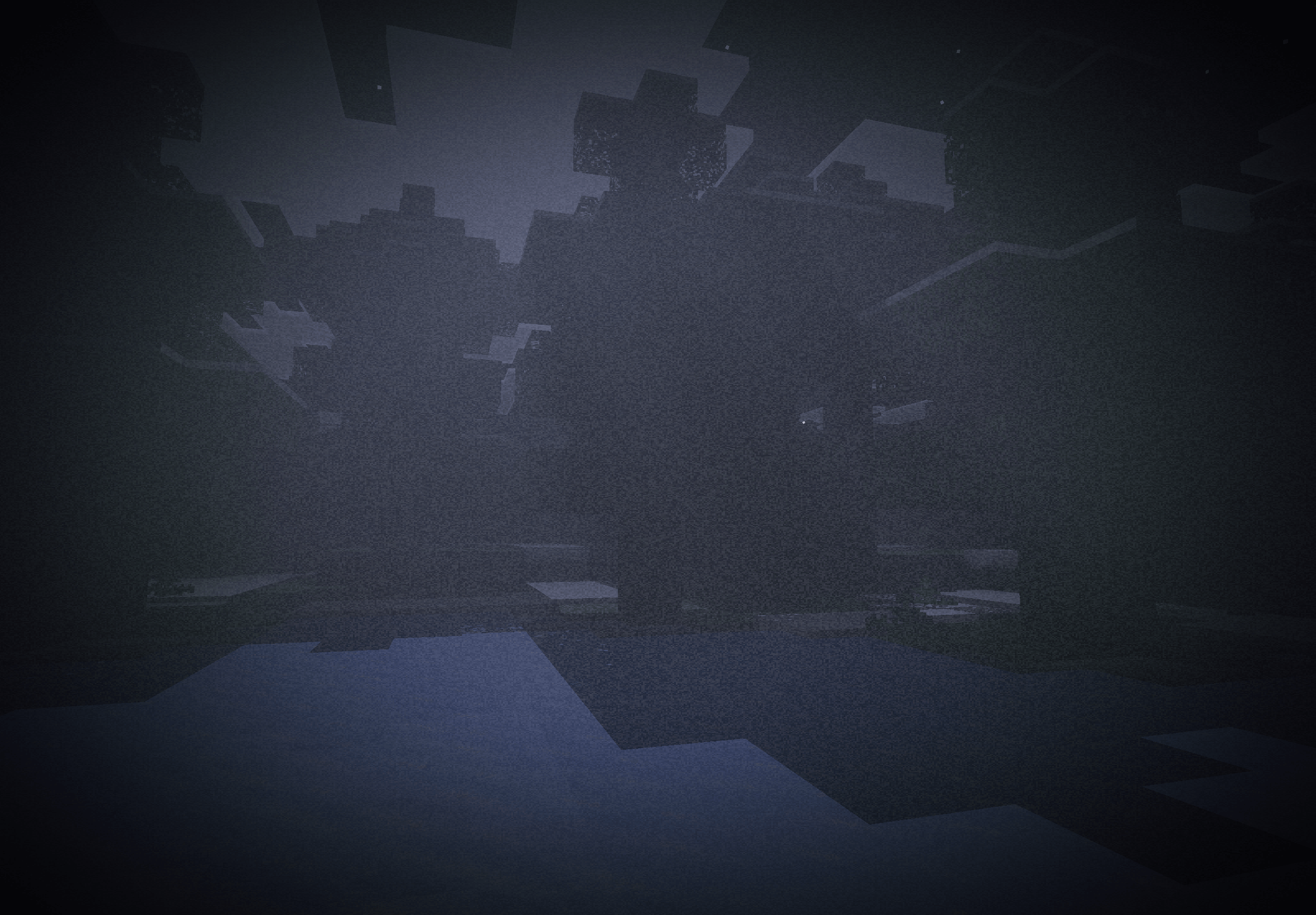
Fog - The world fades into fog about 30 blocks out! Leaving distant trees and hills as faint silhouettes. The fog takes on the colour of the sky: soft blue by day, deep navy at dusk, near-black at night. Rain turns it a cold grey. Fog also thickens dynamically! The fog covers the whole sky, so the horizon disappears. The sun and moon show only as faint glows. You can turn this off to get the open sky back.
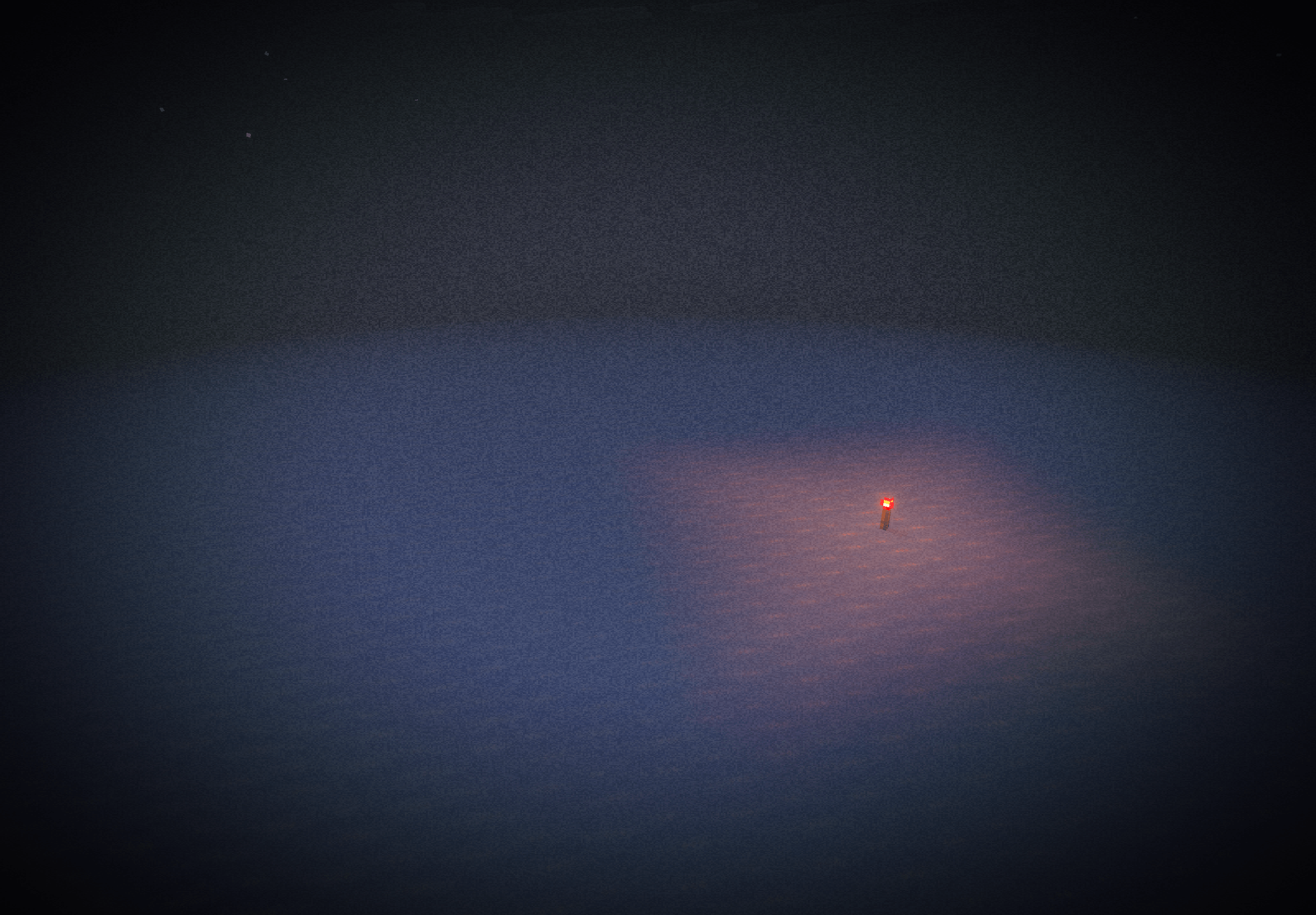
Water - Water is solid blue; you cannot see below the surface of the water. Every biome has its own water tint.
Foliage - Grass & leaves get a punchy, saturated green from the beta version of mc.
VFX (Screen Effects) - There are 3: vignette (the screen edges fade into darkness), film grain (flickering noise, sorta like an old camcorder), & chromatic aberration (a coloured lens fringe around the edges of your vision)!
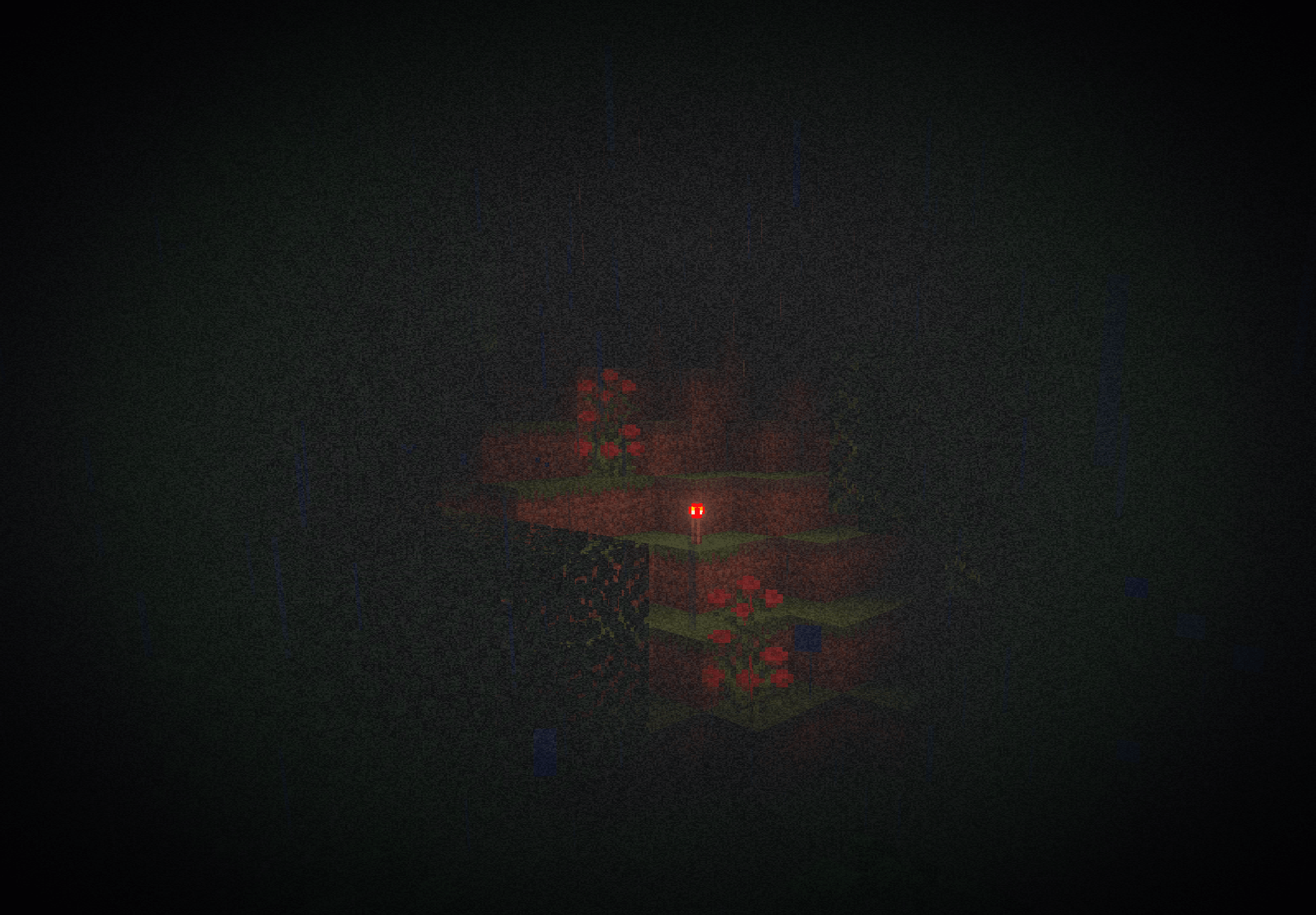
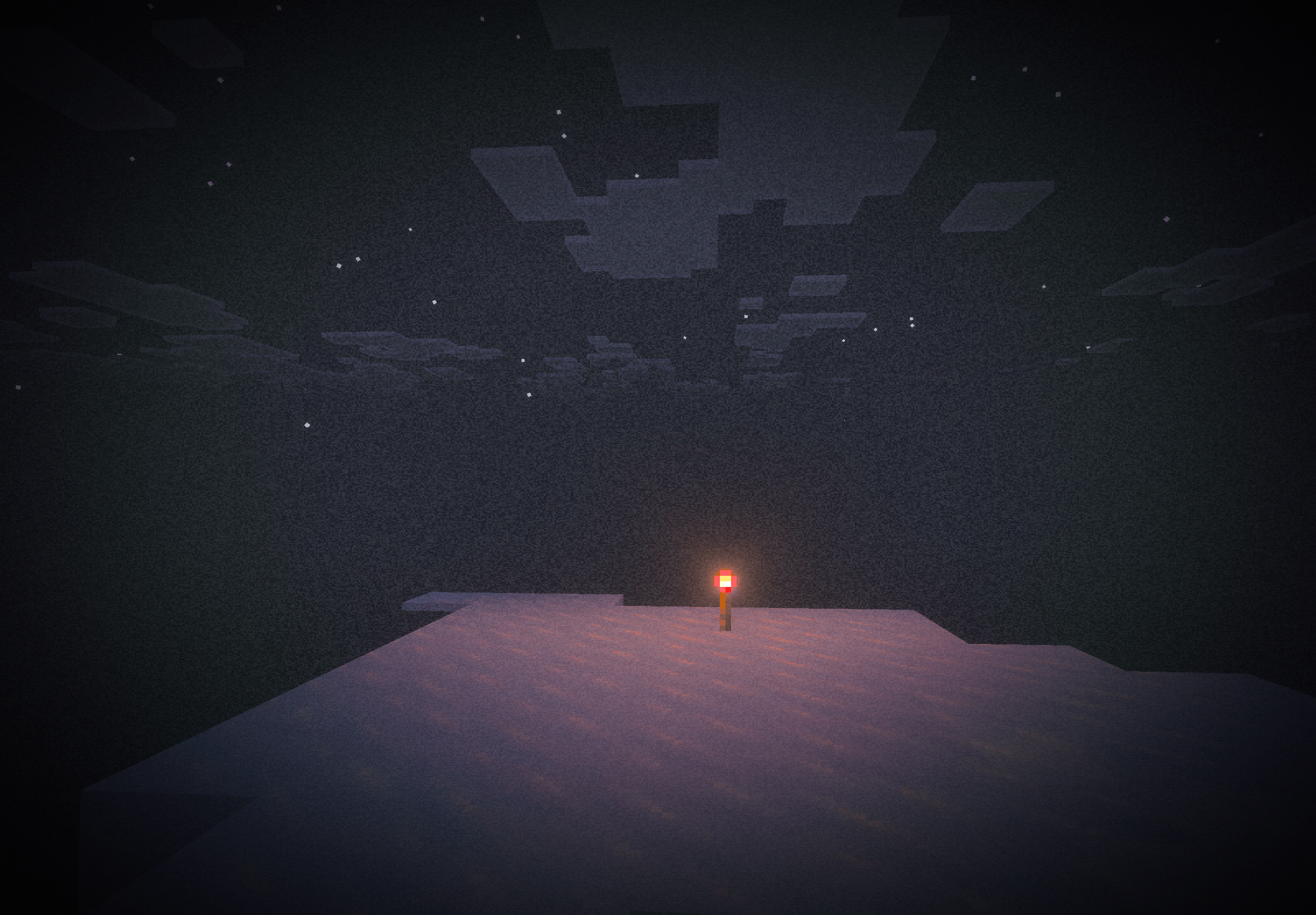
Shadows - Shade is a bit deeper, nights are completely dark, and caves are pitch black until you light a torch. Torches also emit a coloured light, not just one fixed color. Sunlight casts blocky, pixelated shadows.
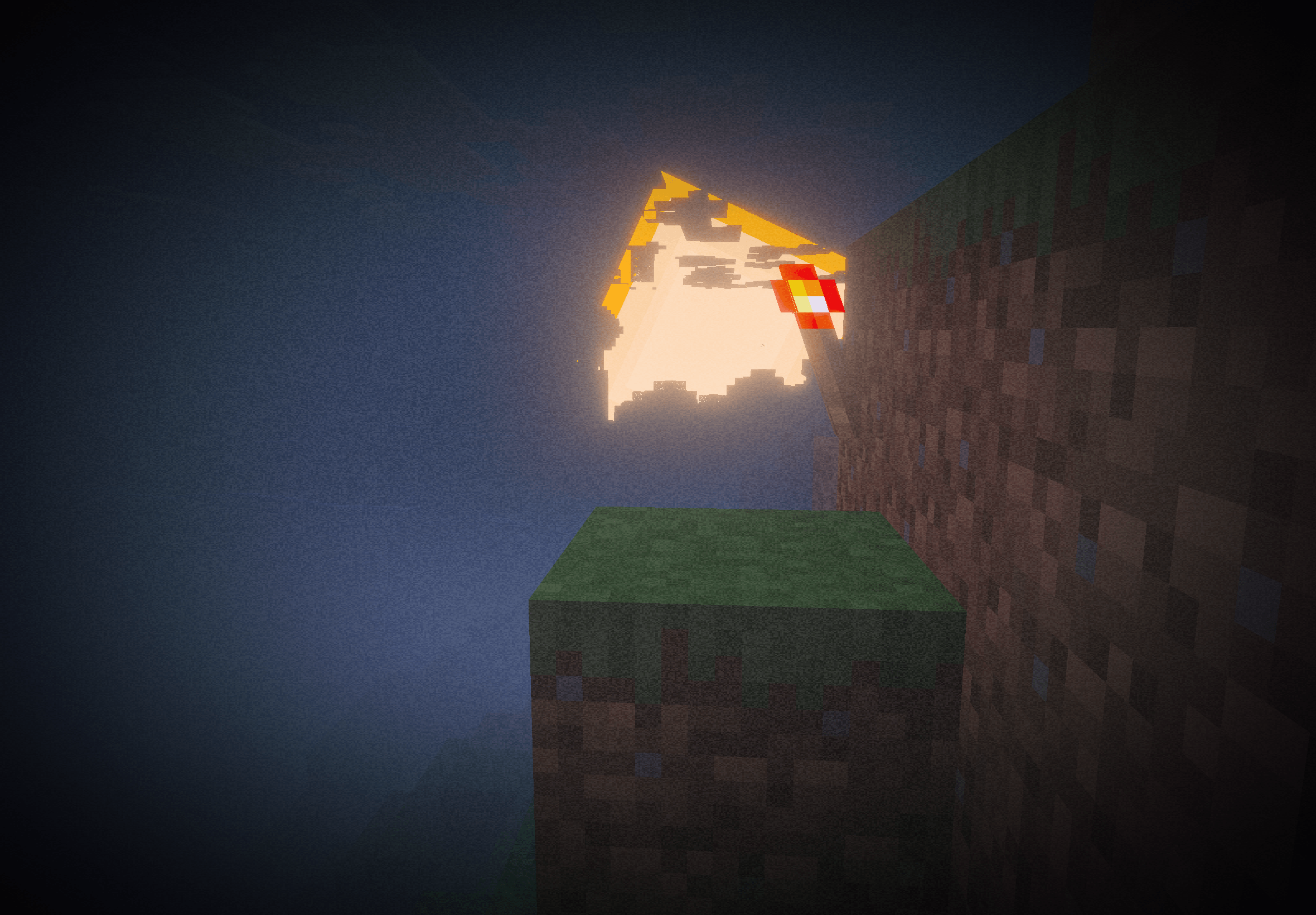
Sun & Moon Brightness - The sun and moon are brighter, as in the original shader. You'll see this best with the sky overlay turned off
Requirements
This pack is best with Vibrant Visuals, though Fancy graphics also suffices!
Requires Minecraft: Bedrock v1.26.0 or newer.
Vibrant Visuals' Hardware Requirements:
Windows: Graphics cards and drivers supporting DirectX 12
Intel GPUs: Intel graphics driver version 31.0.101.3430 or later is required
Android: Android devices running on Adreno 640 (something likke Snapdragon 855), Mali-G68 / Mali-G77 (Valhall architecture, like MediaTek 1000 series), Maleoon, PowerVR A-Series, or Xclipse 530 or higher
IOS/iPadOS: An iPhone or iPad running on an A12 Bionic, M1 chip, or higher (like teh iPhone XR, iPhone SE 2nd gen, and newer)
Customising Somber
Slider option |
What it does |
|---|---|
| Screen Effects: Off | Removes the vignette, grain & lens fringe for a clean image |
| Vignette: Off | Removes the dark screen edges |
| Chromatic Aberration: Off | Removes the coloured lens fringe |
| Noise: Off | Removes the film grain |
| Old Foliage Vibrance: Off | Puts grass and leaves back to normal Minecraft colours |
| Water Transparency: On | Makes water see-through again |
| Fog Sky Overlay: Off | Clears the sky so you can see the sun, moon and stars |
| Fog: Off | Removes the Somber fog completely |
| Fog Strength: Light | Thinner fog that lets you see a lot further |
| Fog Strength: Heavy | Thicker, more clautrophobic fog |
| Preset: Subtle | A gentler version of everything |
| Preset: Intense | Stronger vingette, grain, fog and greener foliage |
| Preset: Nightmare | Everything at maximum, with fog closing in within about 10 blocks 👻 |
| Somber (Default) | The original Somber look |
Dependencies
This pack looks amazing if paired with the Classic Textures resource pack for Minecraft: Bedrock. Just make sure Somber is at the very bottom of your enabled packs in your world pack settings/global resource settings; otherwise, it won't look very good.
Here is the link to the dependency.
Attribution
This project is based on and inspired by Somber Shaders by Snorfield.
Original project:
Somber Shaders
Copyright © 2025 Snorfield
Licensed under the MIT License.
This project also uses the original Somber pack icon.
The original Somber MIT License is included in:
LICENSE-SOMBER
Licensing
This Project
Original work created specifically for this Bedrock port is licensed under the MIT License unless otherwise stated.
See:
LICENSE
Somber Shaders
Original Somber material remains licensed under its original MIT License.
See:
LICENSE-SOMBER
The original copyright notice and permission notice are preserved in accordance with the MIT License.
Credits
Original Somber Shaders:
Snorfield
Bedrock port:
Draco12191712 (Vivaan Bobade)
- Edition: Minecraft Bedrock
- File type: .mcpack
- Minecraft versions listed: 26.0.02, 26.0, 26.3
- How to install: Download the .mcpack. → Open it — Minecraft imports it under Resource Packs. → Activate it in Global Resources, or for one world under Resource Packs → Available.
- Where to get it: Opens on CurseForge — not every file is mirrored on our own servers.
Install steps are the general flow for this file type — How to install Minecraft Bedrock texture packs walks through it step by step.
- Save it as Somber Shaders BE v0.1.0.mcaddon before opening — it downloads as .mcpack, but it is a .mcaddon pack
- Manifest requires Minecraft 1.26.0 or newer
- Complete pack — everything it depends on is inside the file
- Download size: 7.0 MB
- Download link checked 29 Sept 2026 — working
These come from our own check of the pack file, not from the source page.