MapsBedrock
Find the Button 2 Map (26.x, 1.21) – Hunt Hidden Switches Across 25 Unique Rooms
Bedrock map listed for Minecraft 1.21. File opened and checked on 1 Oct 2026; installs from the MC Bedrock Mods app on Android.
⬇ Download
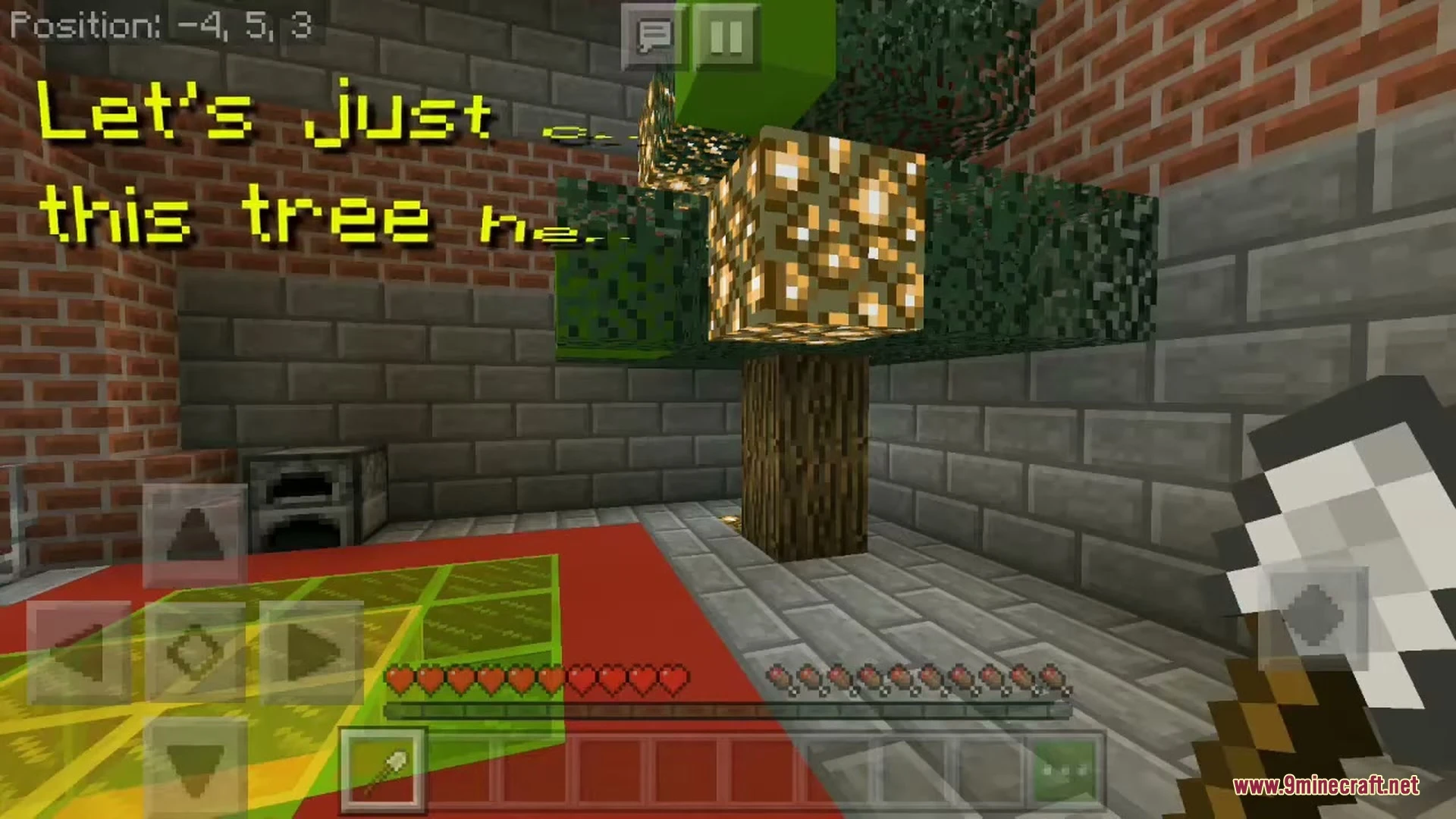
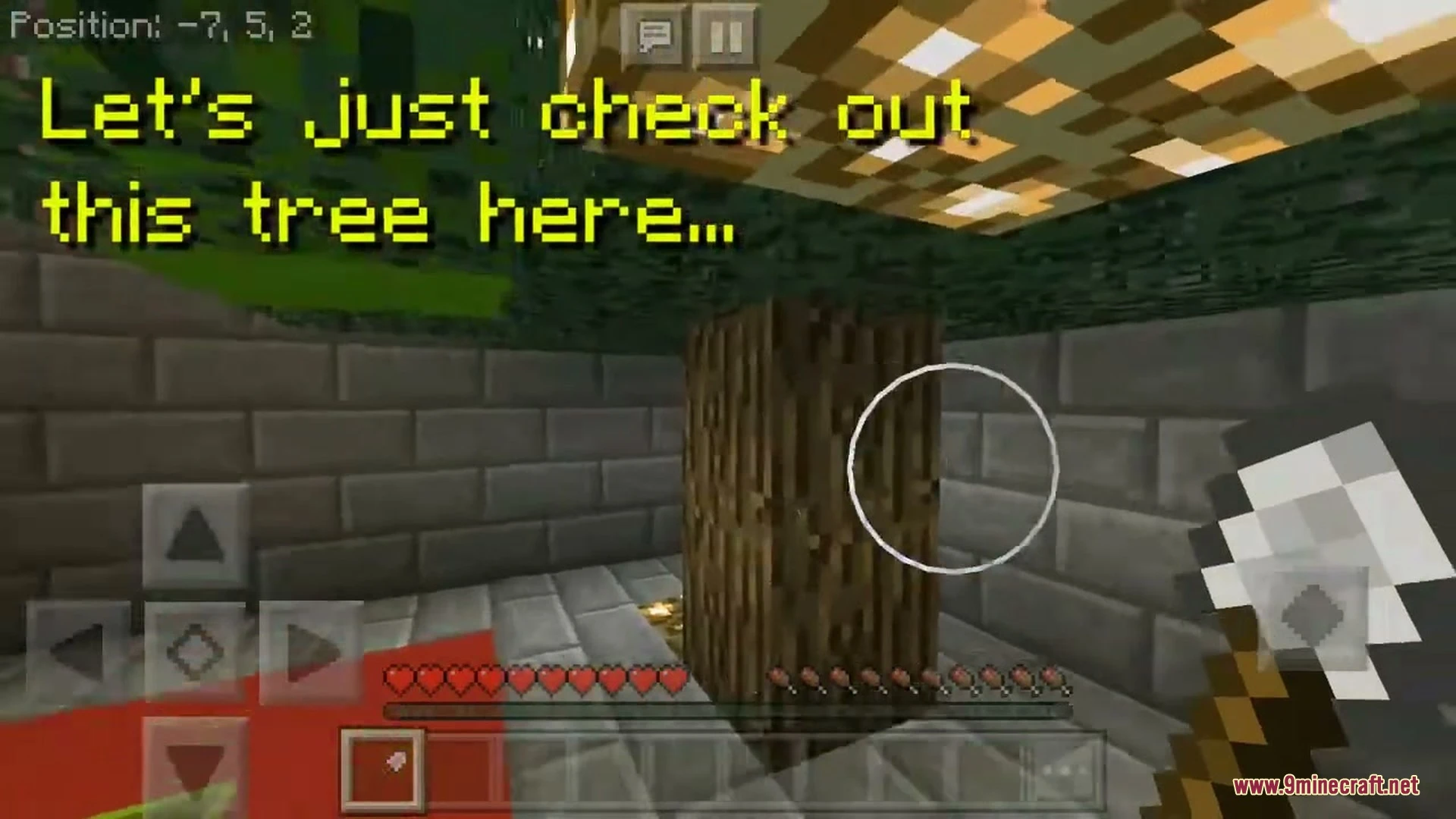
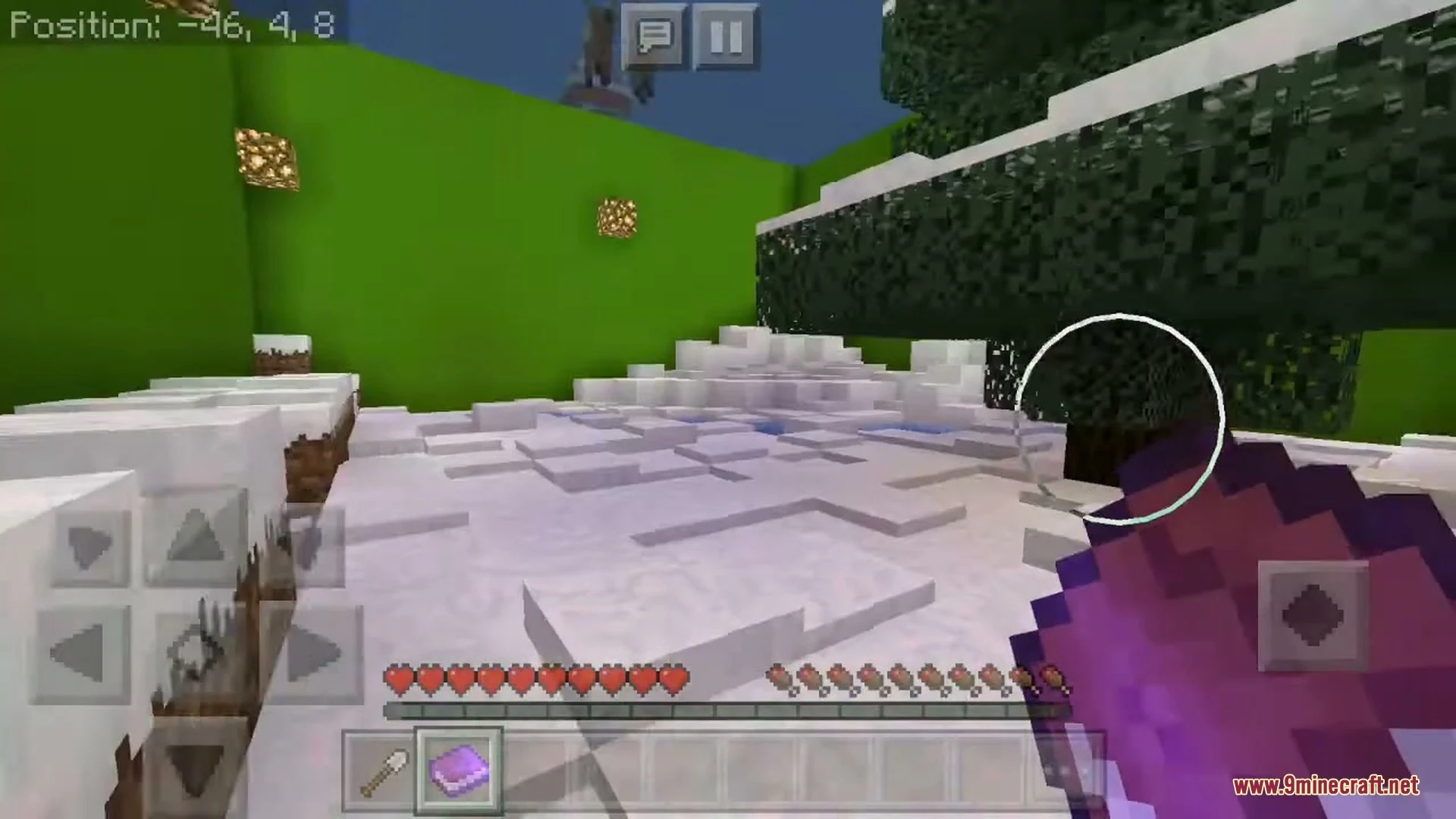
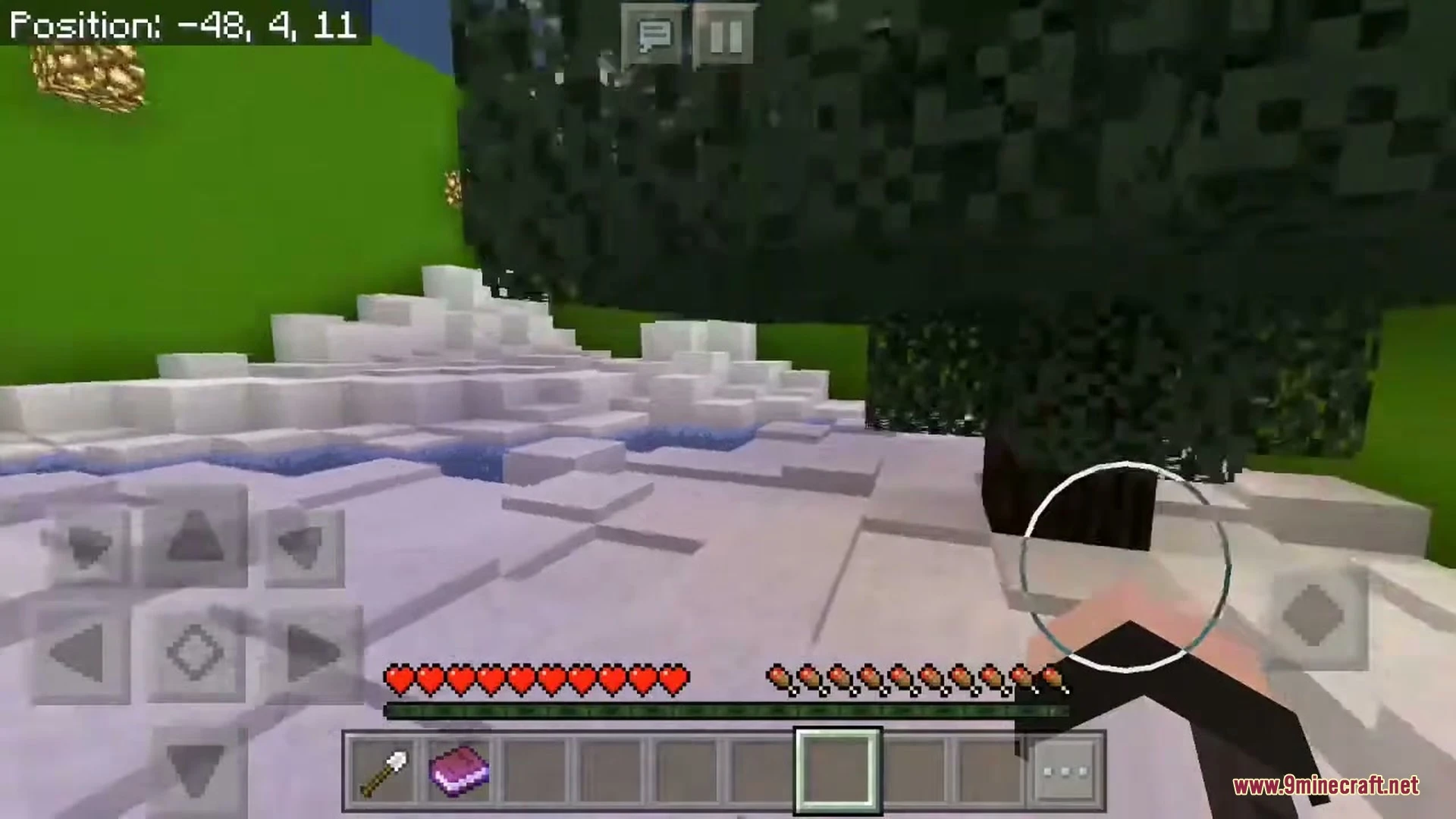
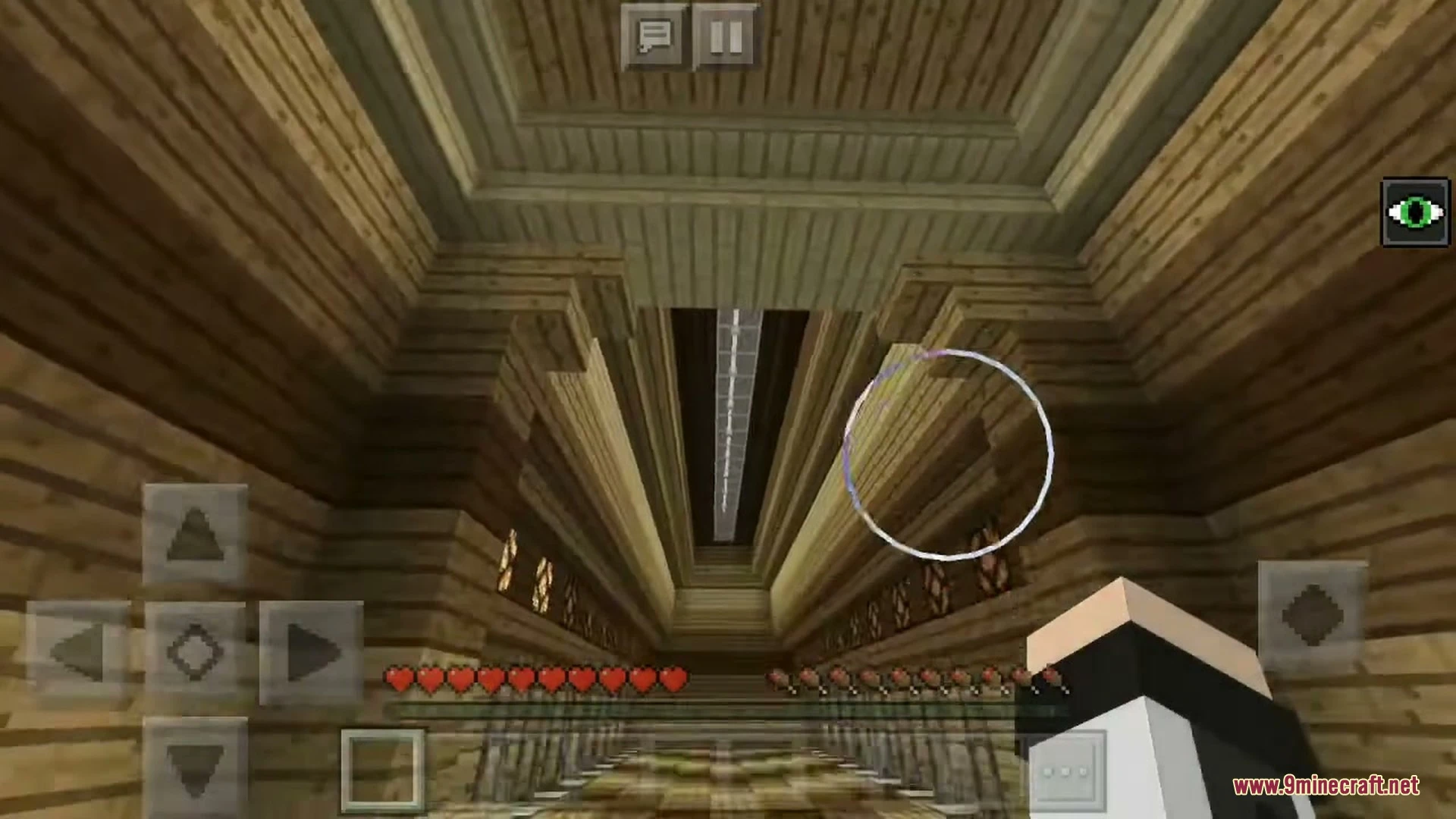
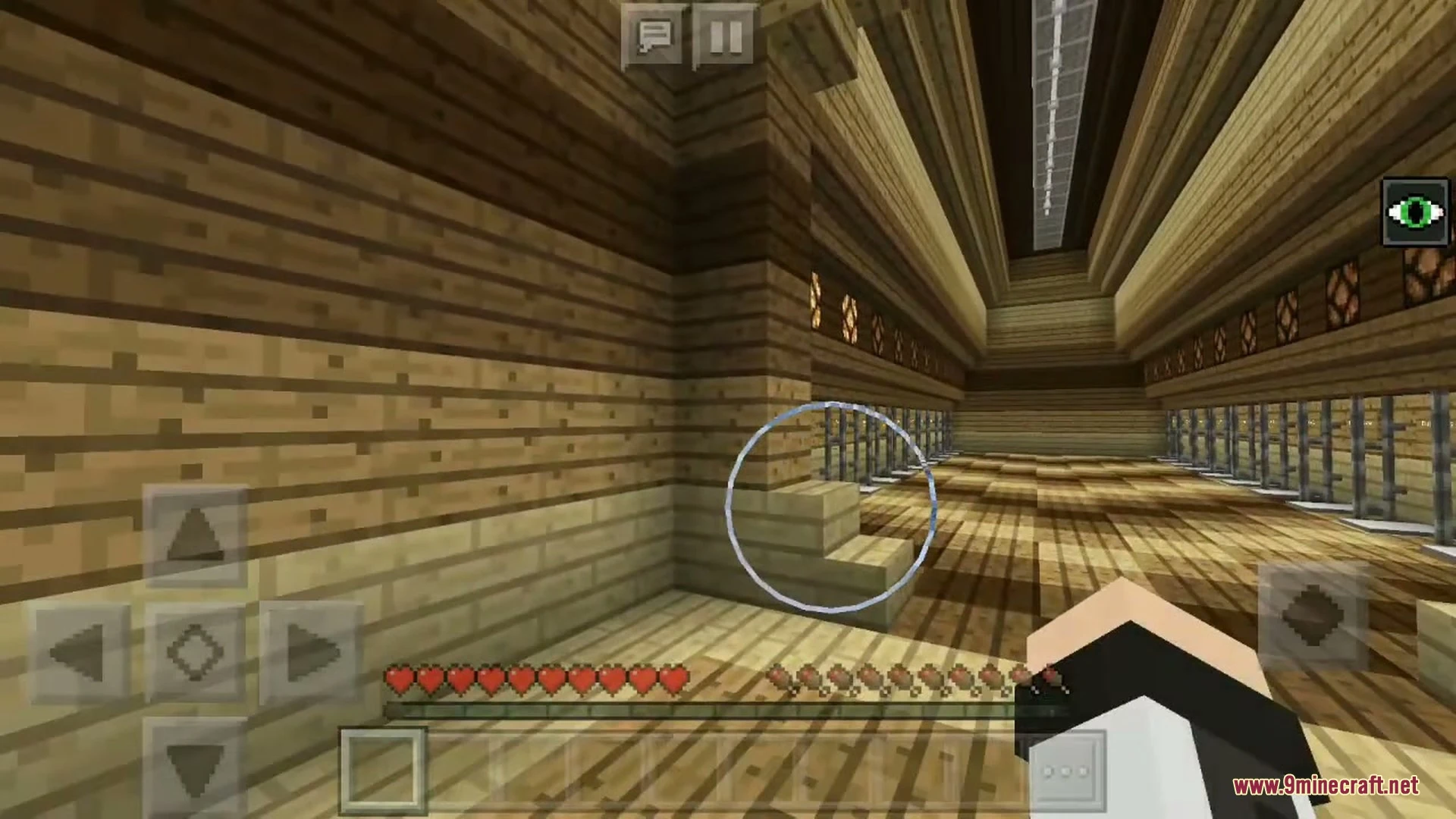
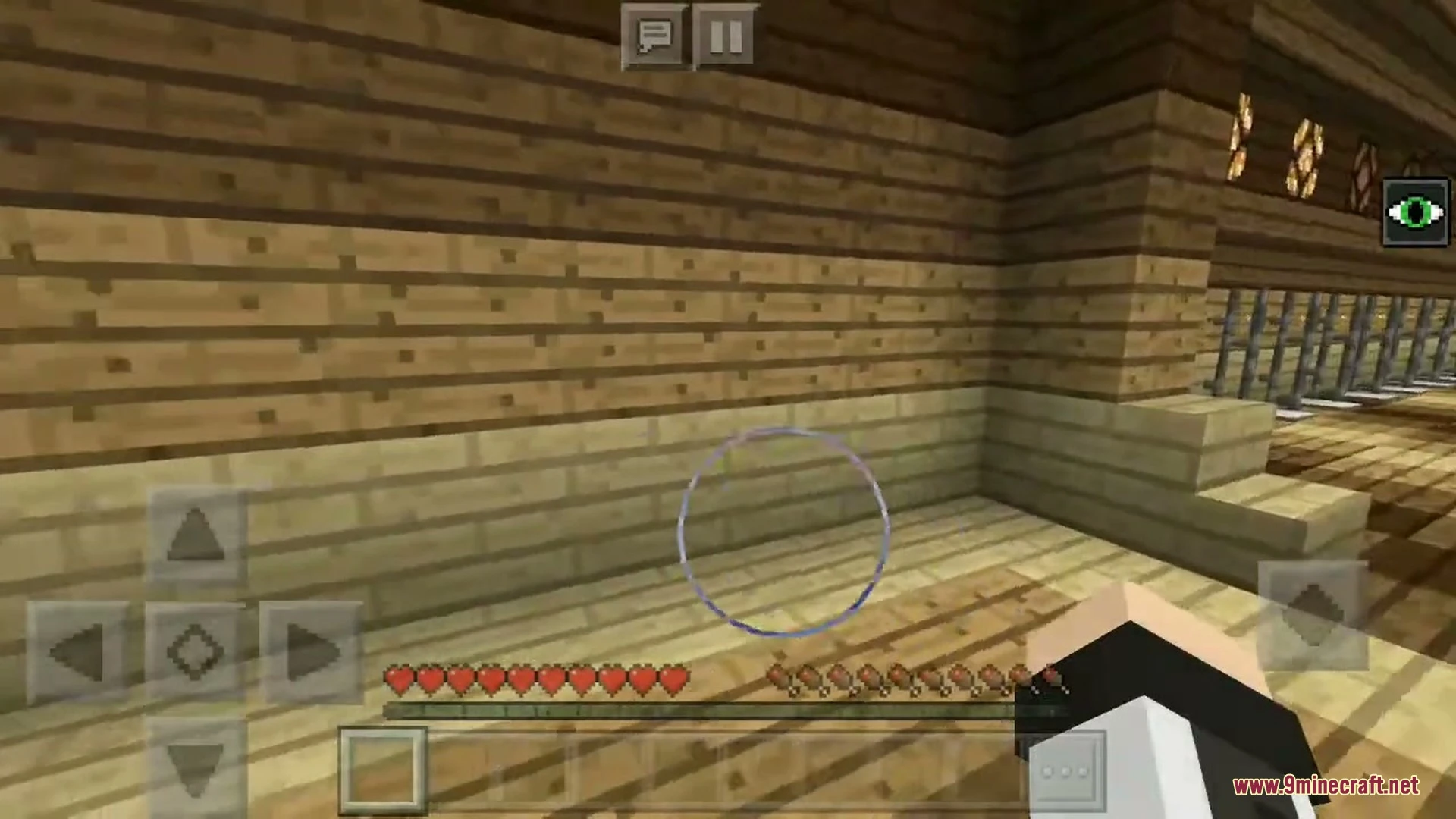
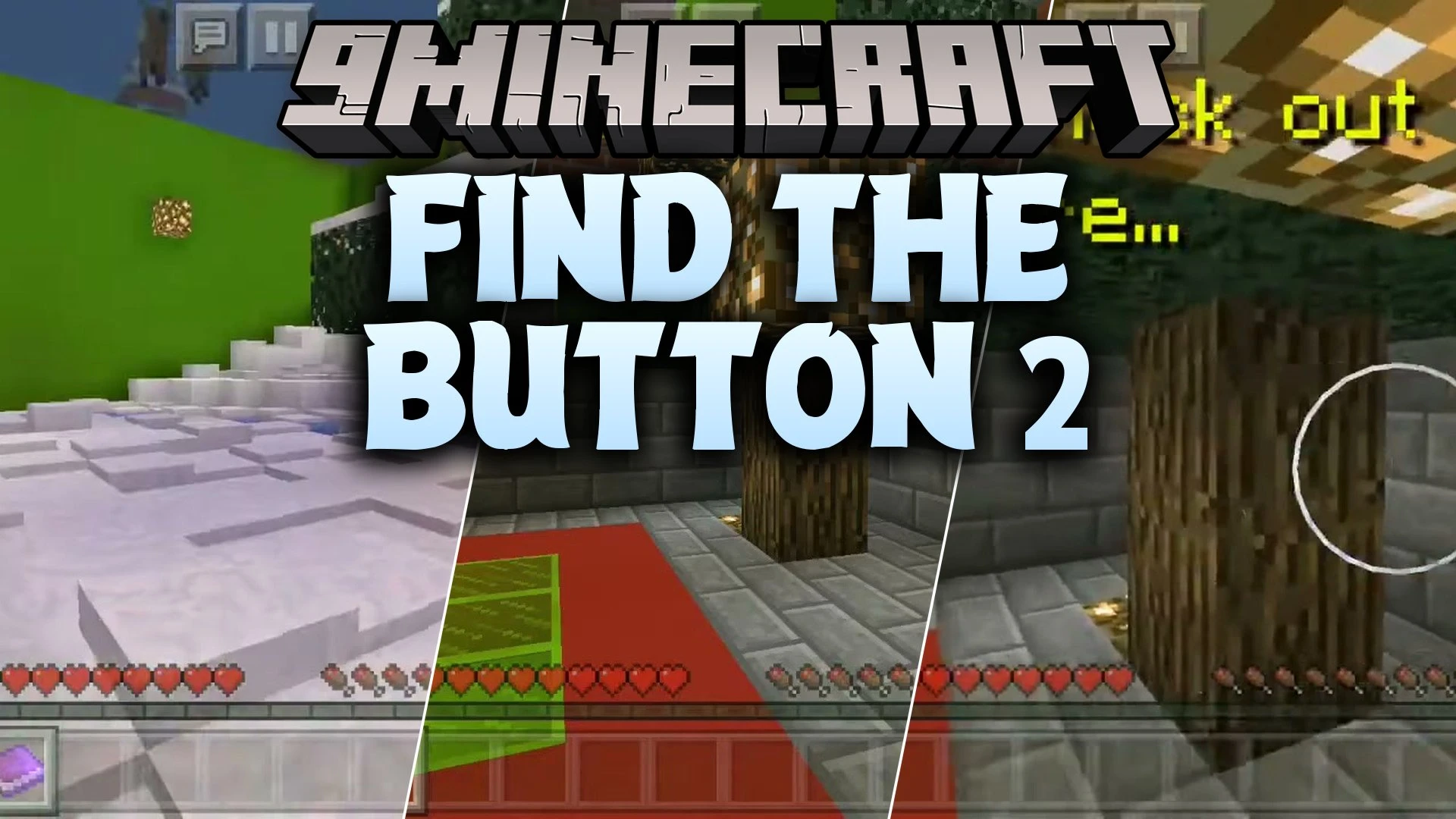
Find the Button 2 Map challenges you to search through themed rooms and locate a hidden switch to advance to the next area. Each stage tests your observation skills with clever hiding spots and tricky visual illusions. You can explore settings inspired by every Minecraft dimension as you work to beat the entire challenge.

Features:
- Includes 25 distinct levels set across every Minecraft dimension.
- Challenges your eyes with clever hiding spots and visual tricks.
- Features a single functional button to unlock each new stage.
- Encourages thorough exploration of every room and corner.
Screenshots:


Find the Button 2 Map Download Links
Quick facts
- Edition: Minecraft Bedrock
- File type: .mcworld
- Minecraft version listed: 1.21
- How to install: Download the .mcworld file. → Open it — Minecraft imports it as a new world. → Find it in your Worlds list and play.
- Where to get it: In MCModsHub, or directly above on this page.
Install steps are the general flow for this file type — How to install Minecraft Bedrock maps walks through it step by step.
File checked by MCModsHub
- Pack type: .mcworld — a ready-made world
- Download size: 1.5 MB
- Download link checked 1 Oct 2026 — working
- Mirrored on our own servers — the download does not depend on the original host
These come from our own check of the pack file, not from the source page.