White Selection Outline
Bedrock texture pack listed for Minecraft 1.20–26.x. File opened and checked on 1 Oct 2026; installs from the MC Bedrock Mods app on Android.
White Selection Outline changes the Minecraft selection outline to a more visible white color, making it easier to identify what you are looking at or…
⬇ Download on CurseForge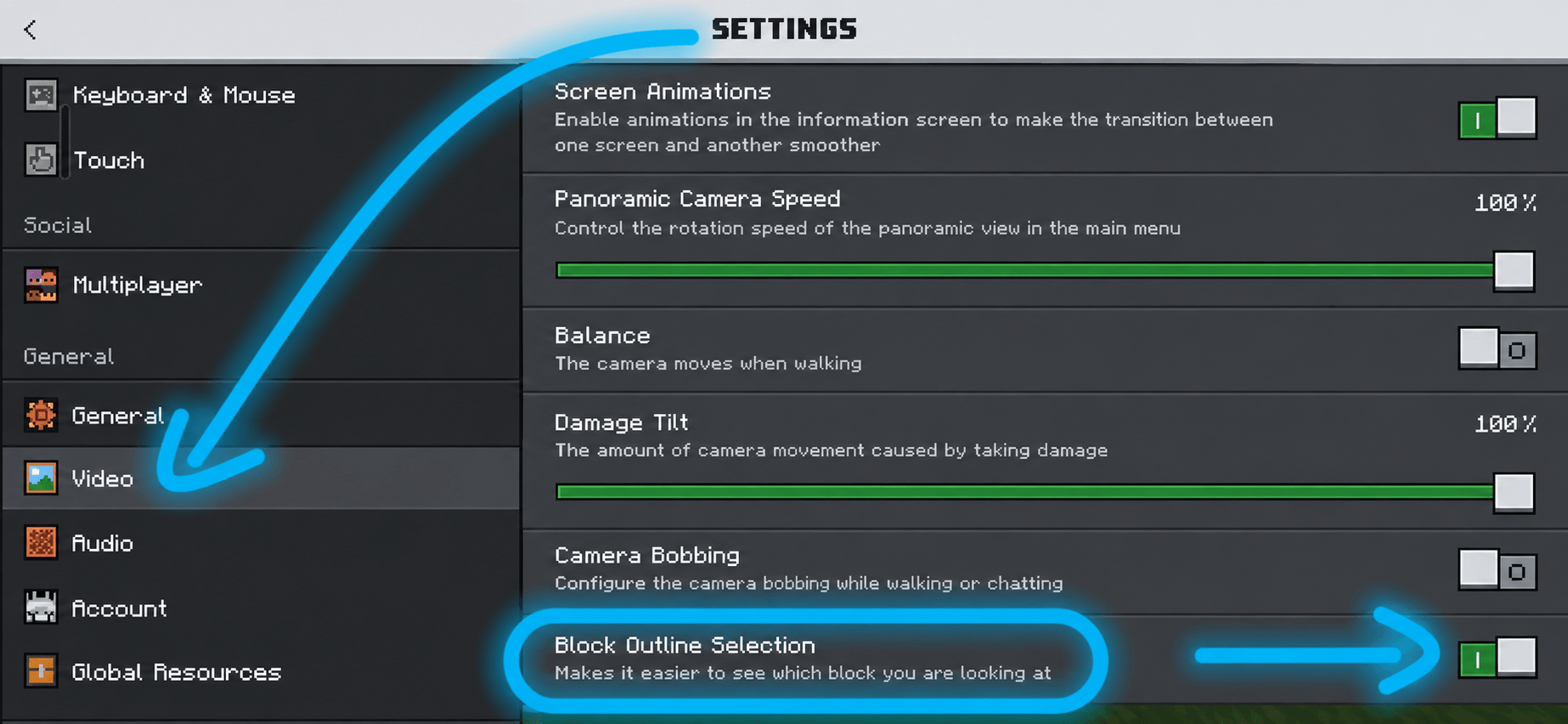
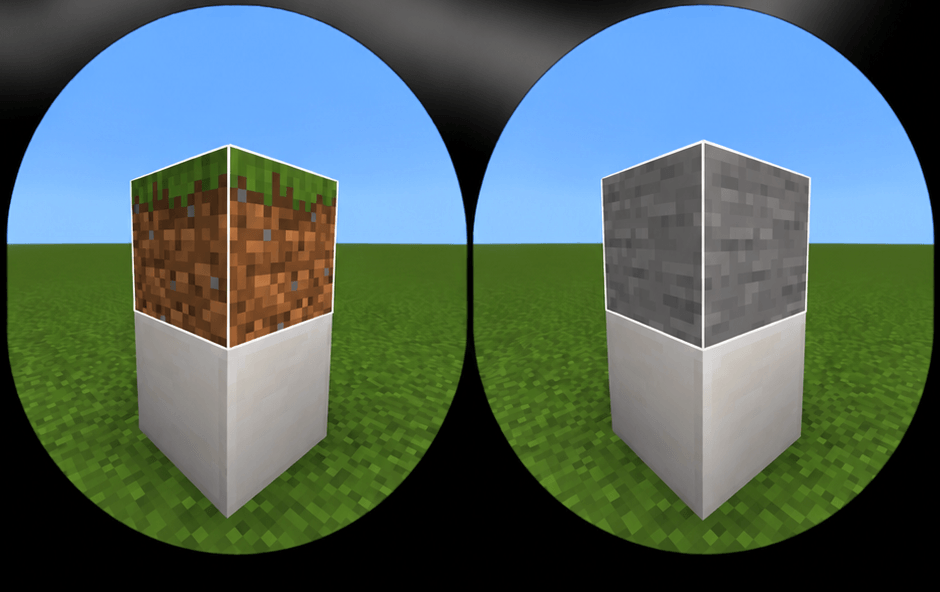
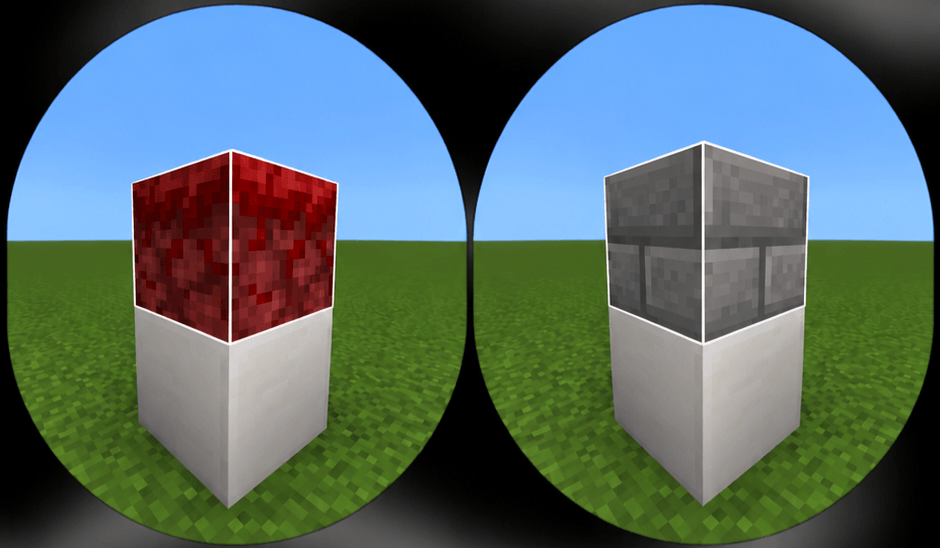
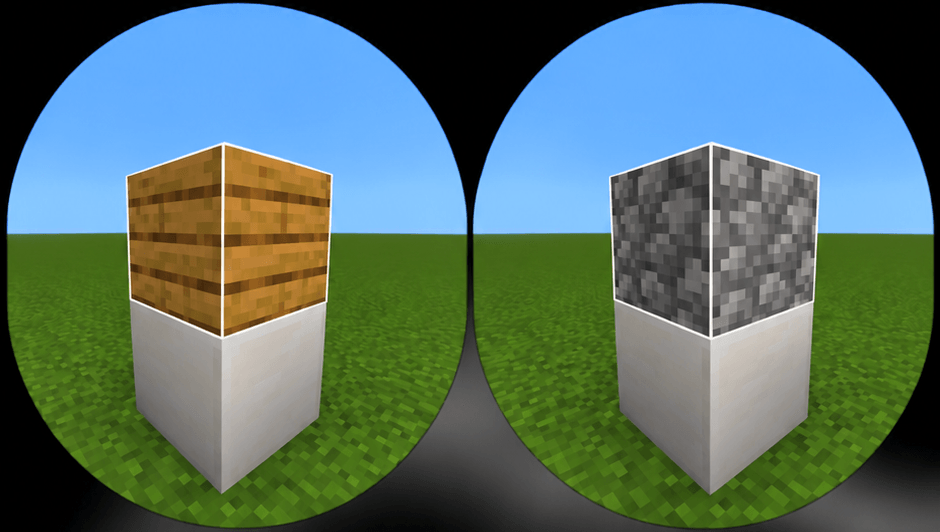
The White Selection Outline changes the color of Minecraft's simple outline selection to white, improving visibility when viewing a selected block and enhancing the game's aesthetics.
To make it work correctly, go to:
Settings
Video
Scroll all the way down and activate Contour Selection.
Explanation in the media section —>
- Edition: Minecraft Bedrock
- File type: .mcpack
- Minecraft versions listed: 26.10, 26.11, 26.12
- How to install: Download the .mcpack. → Open it — Minecraft imports it under Resource Packs. → Activate it in Global Resources, or for one world under Resource Packs → Available.
- Where to get it: Opens on CurseForge — not every file is mirrored on our own servers.
Install steps are the general flow for this file type — How to install Minecraft Bedrock texture packs walks through it step by step.
- Pack type: .mcpack — a single pack
- Manifest requires Minecraft 1.20.0 or newer
- Complete pack — everything it depends on is inside the file
- Download size: 24 KB
- Download link checked 1 Oct 2026 — working
These come from our own check of the pack file, not from the source page.