Vibrant Legacy Gloomy is another project of my Vibrant Legacy series!
---
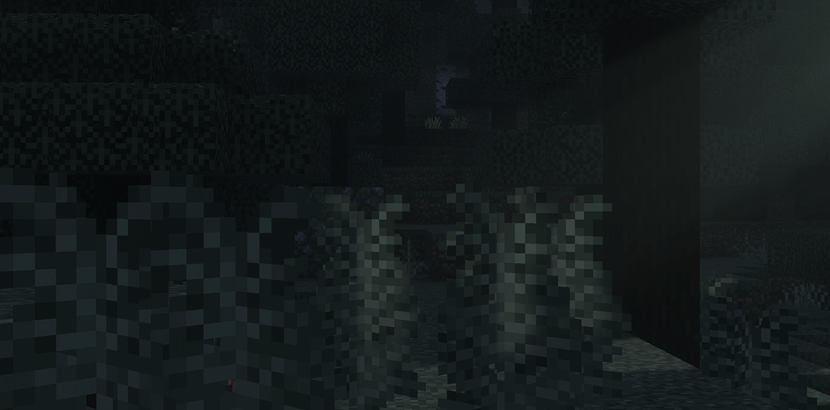
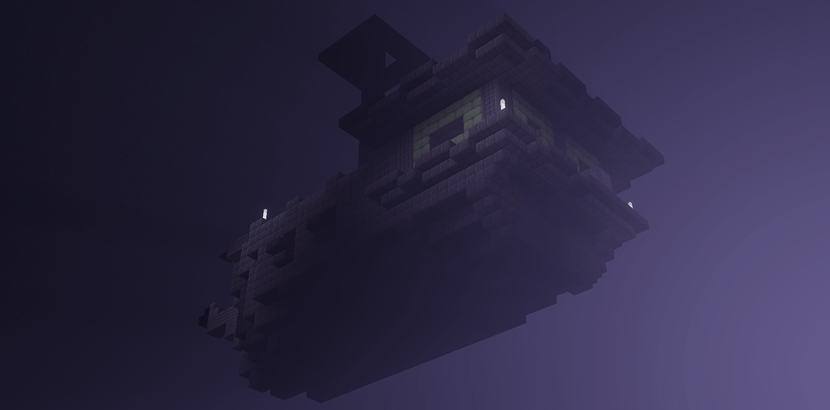
These are some pics I've taken:
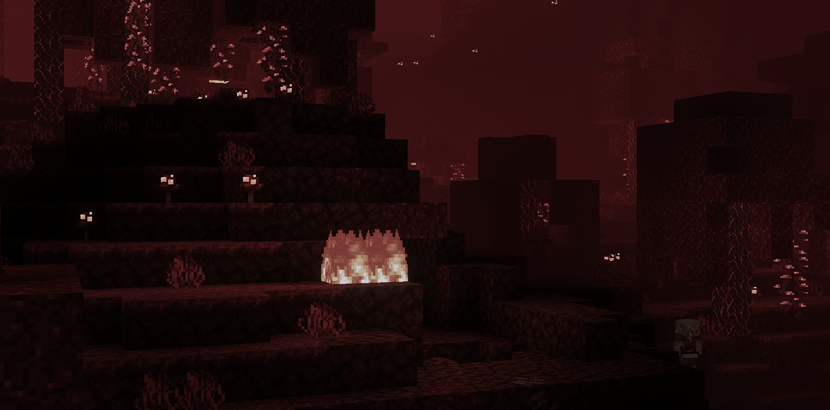
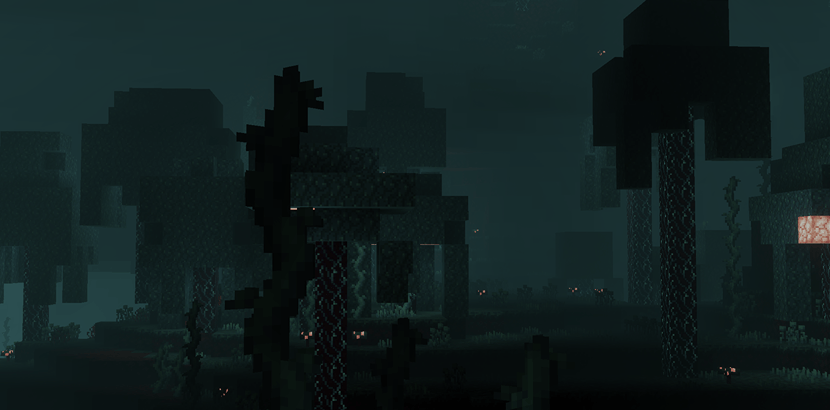
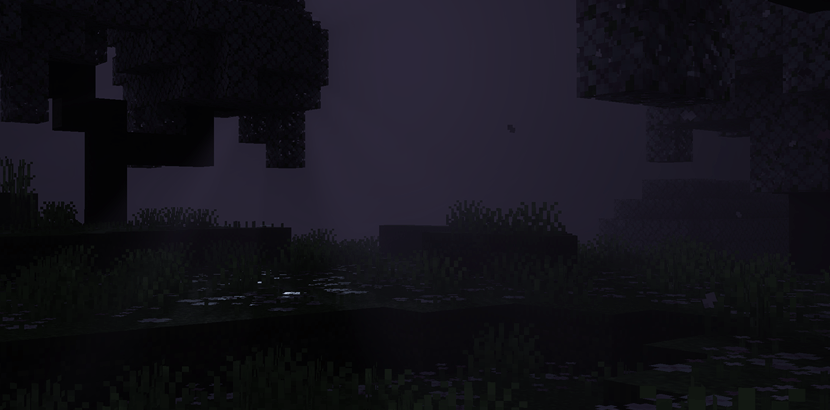
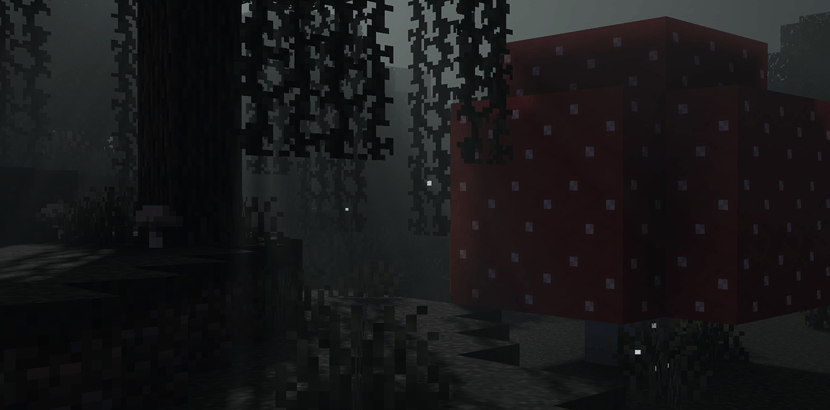
Installation & Support:
Compatibility: Only for Minecraft Bedrock 1.21.80 - 26.0+ and Minecraft Preview/Beta.
Supported Devices: Available on iOS, Android, Windows, Xbox, and PlayStation.
Activating:
1. Download and open the .mcpack file.
2. Activate it in Settings > Global Resources.
3. Enable the "Vibrant Visuals" option in your Video Settings.
Hardware Requirements:
For Windows PCs:
DirectX: Requires a graphics card that supports DirectX 12. Older cards that support DirectX 12 maybe compatible.
For Mobile Devices:
Android: Requires a graphics processor such as the Adreno 640, Mali-G68, Mali-G77, or Xclipse 530, or a higher model.
iOS: Requires an Apple A12 chip or a newer and more powerful processor.
For Consoles:
Vibrant Visuals is supported on Xbox Series X|S, Xbox Series X, Xbox One, PlayStation 5 and PlayStation 4.
COPYRIGHT:
All Rights Reserved
Important Notice:
You Are Allowed To:
Use this resource pack in your videos or livestreams and make a backup, modify this pack for your own private use.
You Are NOT Allowed To:
Claim ownership, distribute, re-upload or sell this resource pack without my permission.
Sharing and Crediting:
You're allowed to share the original links of this resource pack only.
You're not allowed to share it via Drive, Mediafire or any kinds of external links.
Author: Stephen_Le
Join Vibrant Legacy's Discord server: https://discord.gg/QRJyTWzHq6
- Edition: Minecraft Bedrock
- File type: .mcpack
- Minecraft versions listed: 26.0.02, 26.0, 26.3
- How to install: Download the .mcpack. → Open it — Minecraft imports it under Resource Packs. → Activate it in Global Resources, or for one world under Resource Packs → Available.
- Where to get it: Opens on CurseForge — not every file is mirrored on our own servers.
Install steps are the general flow for this file type — How to install Minecraft Bedrock texture packs walks through it step by step.
- Save it as Vibrant Legacy Gloomy - Open Alpha.mcaddon before opening — it downloads as .mcpack, but it is a .mcaddon pack
- Manifest requires Minecraft 1.21.0 or newer
- Complete pack — everything it depends on is inside the file
- Download size: 886 KB
- Download link checked 1 Oct 2026 — working
These come from our own check of the pack file, not from the source page.