# Perform DX - Ultimate Smooth Performance Pack

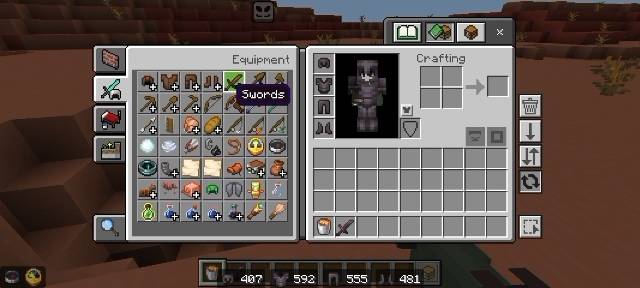
**Perform DX is designed to give you MAXIMUM FPS without sacrificing the clean vanilla look.**
Built for low-end devices, PvP, and long grinding sessions. Smooth, Clean, Fast.
### ✨ KEY FEATURES
**- FPS BOOST:** Optimized textures to reduce lag and increase your FPS significantly
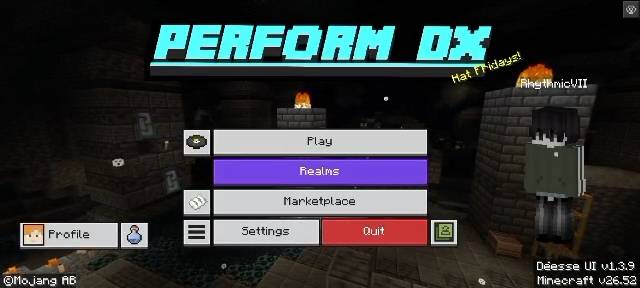
**- SMOOTH CYAN UI:** Clean, modern cyan-themed interface that is easy on the eyes
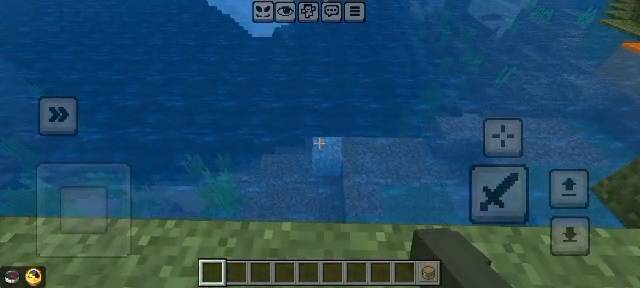
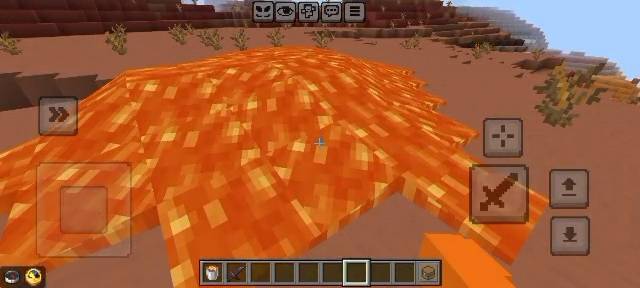
**- LOW RES, HIGH PERFORMANCE:** 8x - 16x textures for the best performance
**- CLEAN & SMOOTH:** No more noisy textures, everything is smooth and minimalistic
**- PVP READY:** Short swords, clear particles, clean GUI for competitive gameplay
**- 100% VANILLA FRIENDLY:** Keeps the original Minecraft feel, just better and faster
### 📈 WHY CHOOSE PERFORM DX?
Tired of laggy texture packs? Perform DX focuses on what matters: PERFORMANCE. Every texture is carefully optimized to give you a competitive advantage. Perfect for Bedwars, Skywars, Crystal PvP, and Survival.
- Less Lag = More Wins
- Smooth Cyan Glint
- Optimized Particles & Sky
- Custom Font & GUI
### 📦 COMPATIBILITY
- Minecraft Bedrock: 1.19.x / 1.20.x / 1.21.x
- Supports: MCPE, Console, Windows 10/11
- Works with any other addon on top
### 🔧 INSTALLATION
1. Download the .mcpack file
2. Open it, Minecraft will auto-import
3. Go to Settings > Global Resources > Activate Perform DX
4. Enjoy smooth cyan performance!
### 💬 CREDITS
Pack by **OFTI DK / Perform DX Team**
Inspired by clean performance packs community.
Logo designed with Cyan Smooth Concept.
If you enjoy this pack, please leave a Diamond and Follow! It helps a lot.
**Perform DX - Smooth. Clean. Perform.**
- Edition: Minecraft Bedrock
- File type: .mcpack
- Minecraft versions listed: 26.40, 26.50
- How to install: Download the .mcpack. → Open it — Minecraft imports it under Resource Packs. → Activate it in Global Resources, or for one world under Resource Packs → Available.
- Where to get it: Opens on CurseForge — not every file is mirrored on our own servers.
Install steps are the general flow for this file type — How to install Minecraft Bedrock texture packs walks through it step by step.
- Pack type: .mcpack — a single pack
- Manifest requires Minecraft 1.26.52 or newer
- Complete pack — everything it depends on is inside the file
- Download size: 636 KB
- Download link checked 1 Oct 2026 — working
These come from our own check of the pack file, not from the source page.