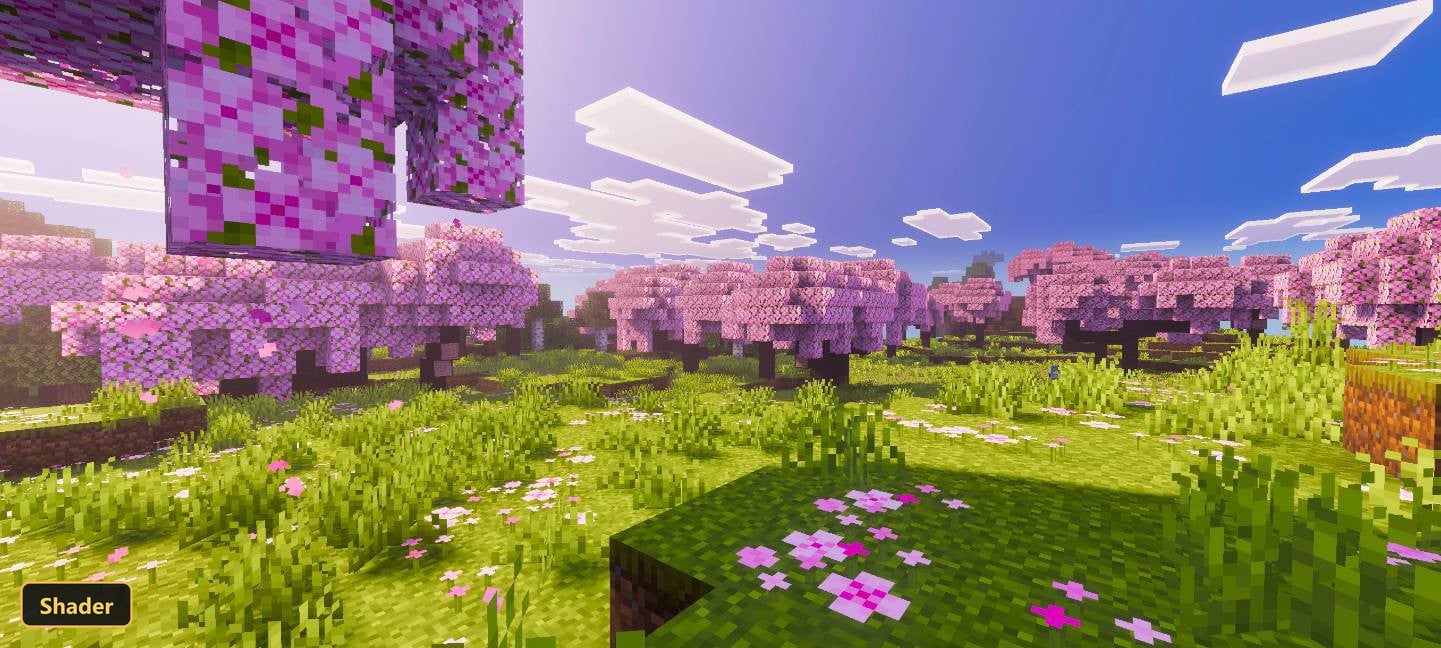


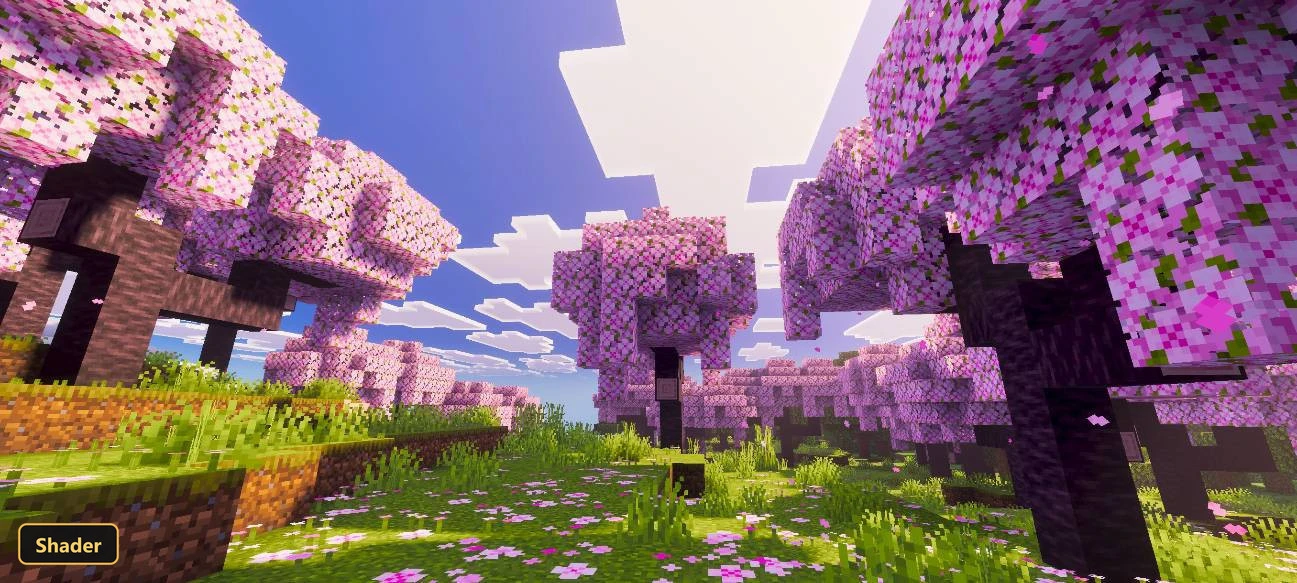
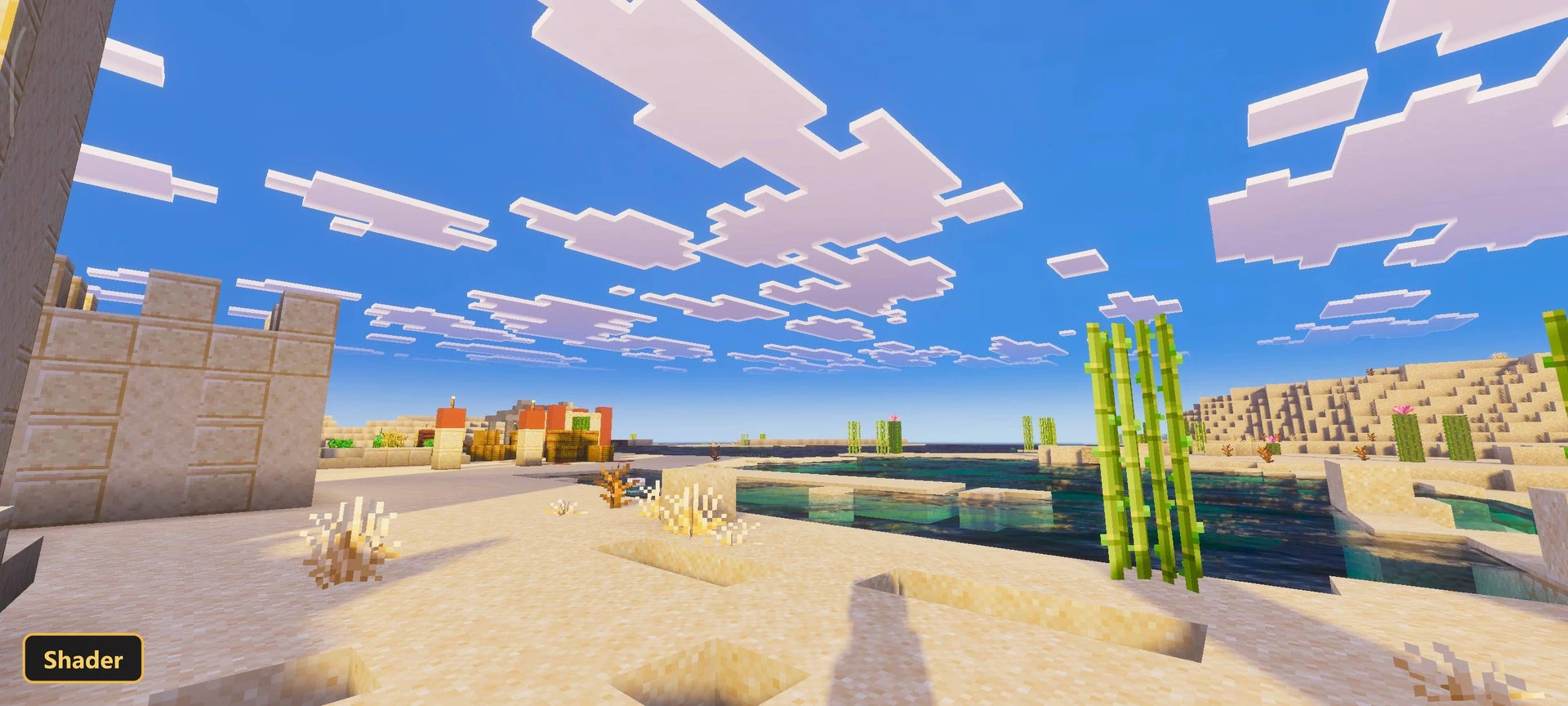
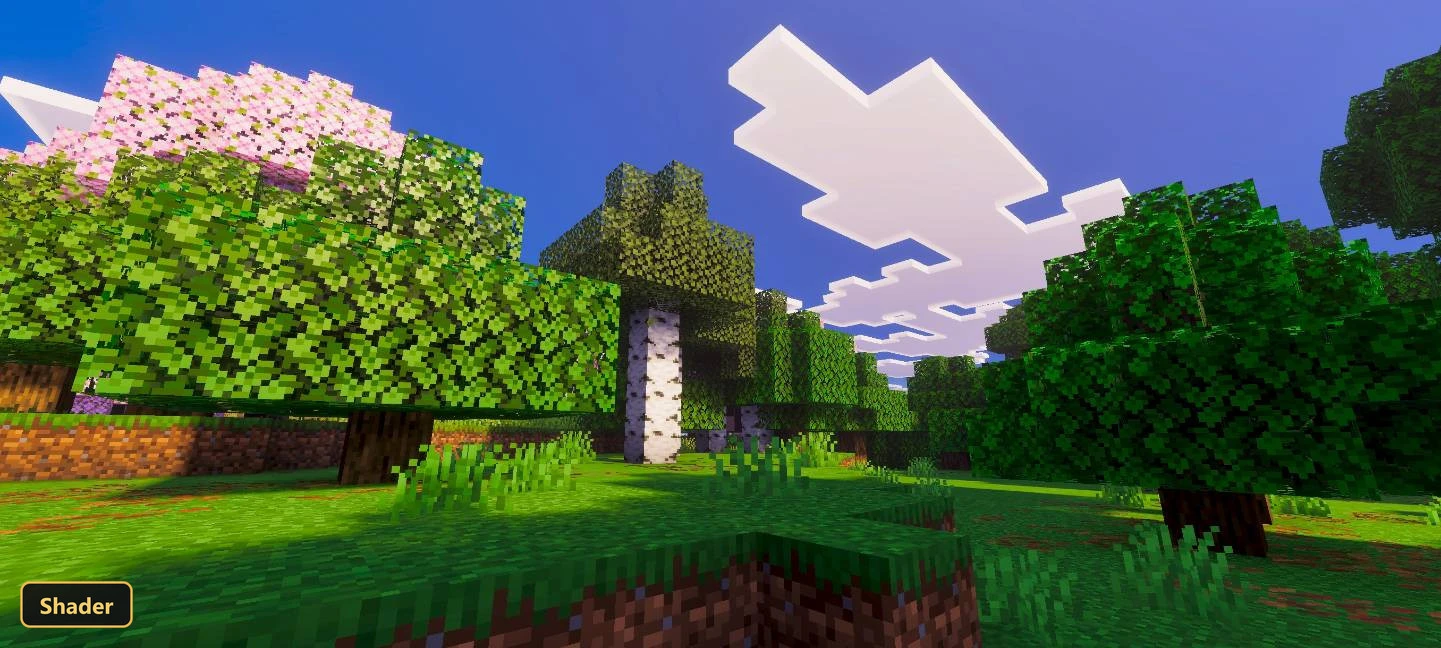
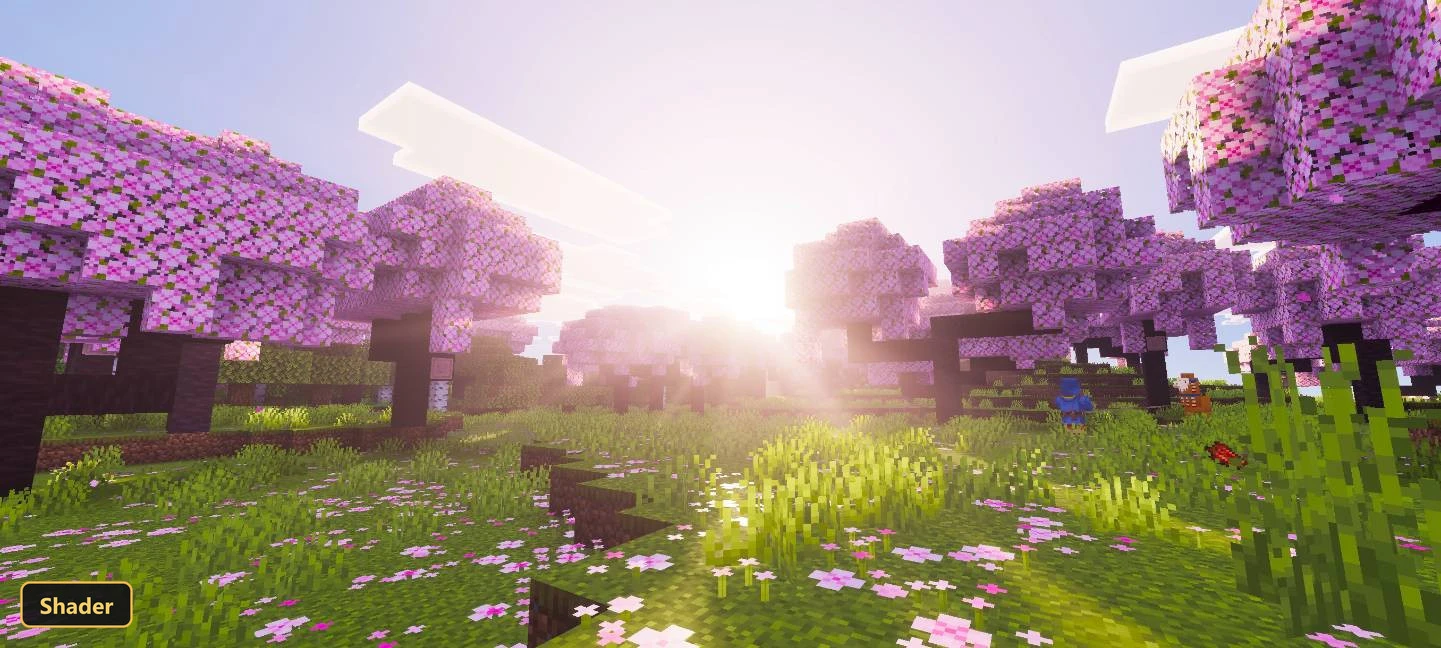
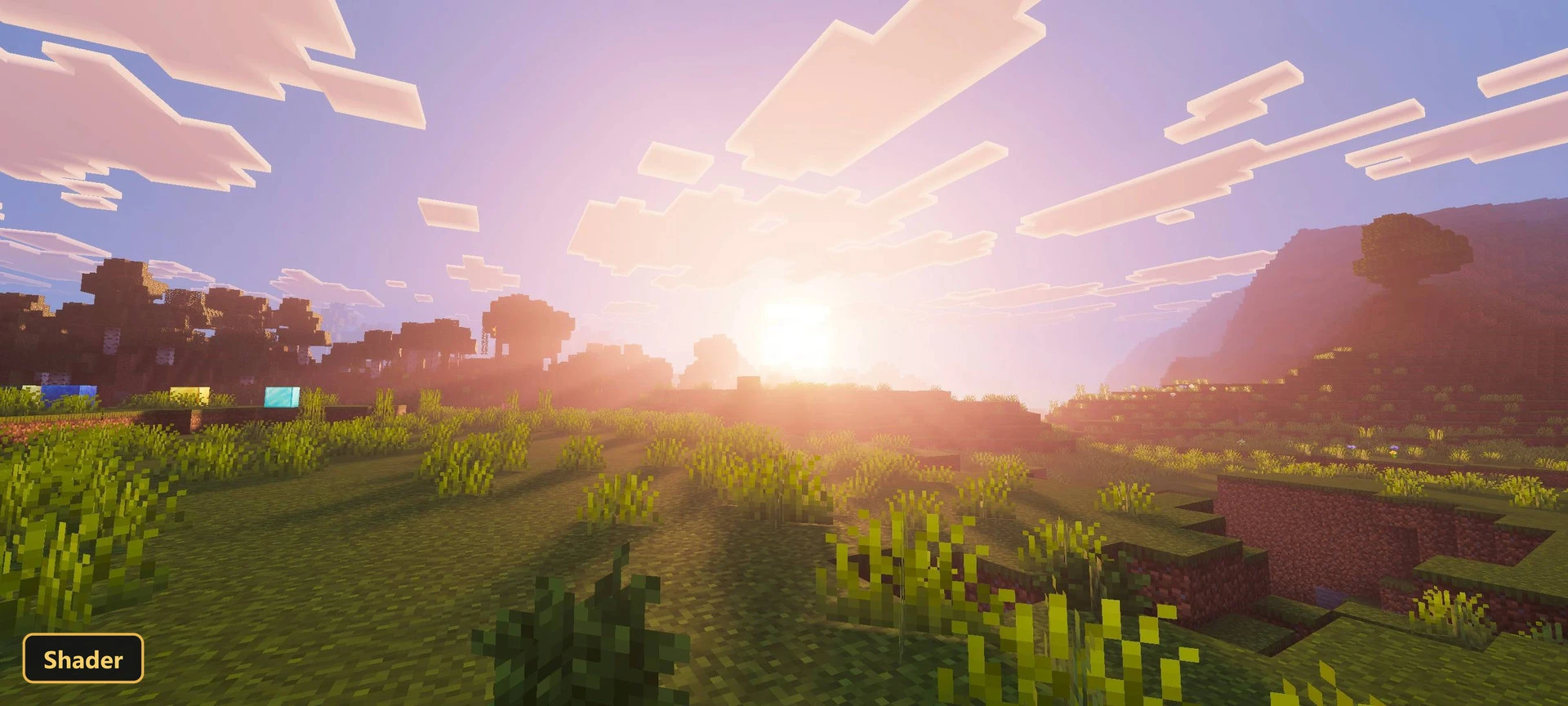
A cleaner, more straightforward look is the goal of Relta Visuals, a shader that refines lighting, adjusts color balance and tidies up the overall atmosphere. It only works with Vibrant Visuals turned on in the game settings, so players need to enable that mode first.
The shader is still under active development, and further improvements are planned for future updates. Its changes give Minecraft Bedrock a smoother, clearer appearance with a more consistent feel across the existing elements of the game. It stays focused on refining what is already there rather than adding new content.
Requirements:
- MCPE/Bedrock 26.0.02
Screenshots:
- Edition: Minecraft Bedrock
- File type: .mcpack
- How to install: Download the .mcpack. → Open it — Minecraft imports it under Resource Packs. → Activate it in Global Resources, or for one world under Resource Packs → Available.
- Where to get it: In MCModsHub, or directly above on this page.
Install steps are the general flow for this file type — How to install Minecraft Bedrock texture packs walks through it step by step.
- Pack type: .mcaddon — behaviour and resource pack in one file
- Manifest requires Minecraft 1.21.0 or newer
- Complete pack — everything it depends on is inside the file
- Download link checked 2 Oct 2026 — working
- Mirrored on our own servers — the download does not depend on the original host
These come from our own check of the pack file, not from the source page.