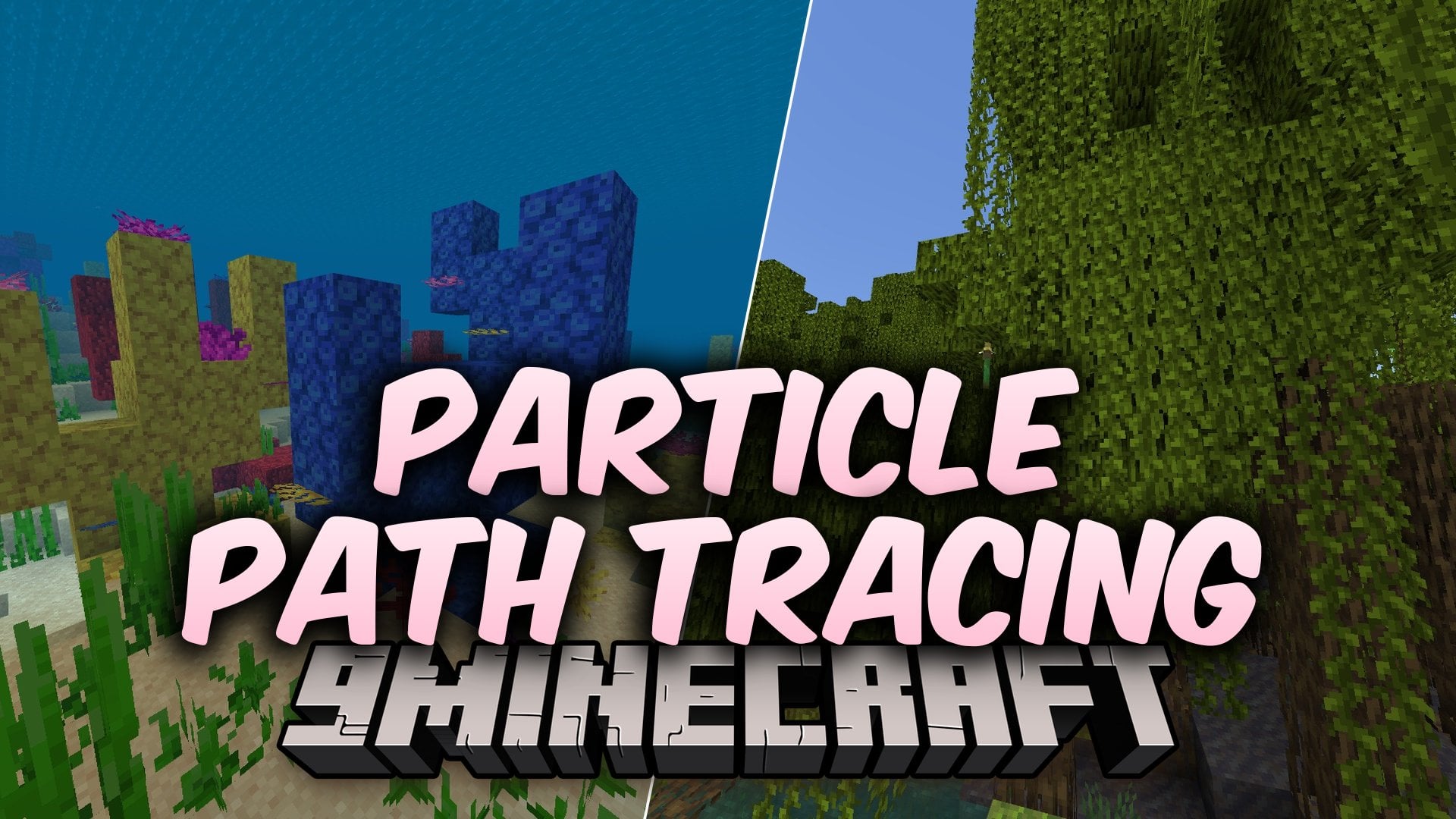
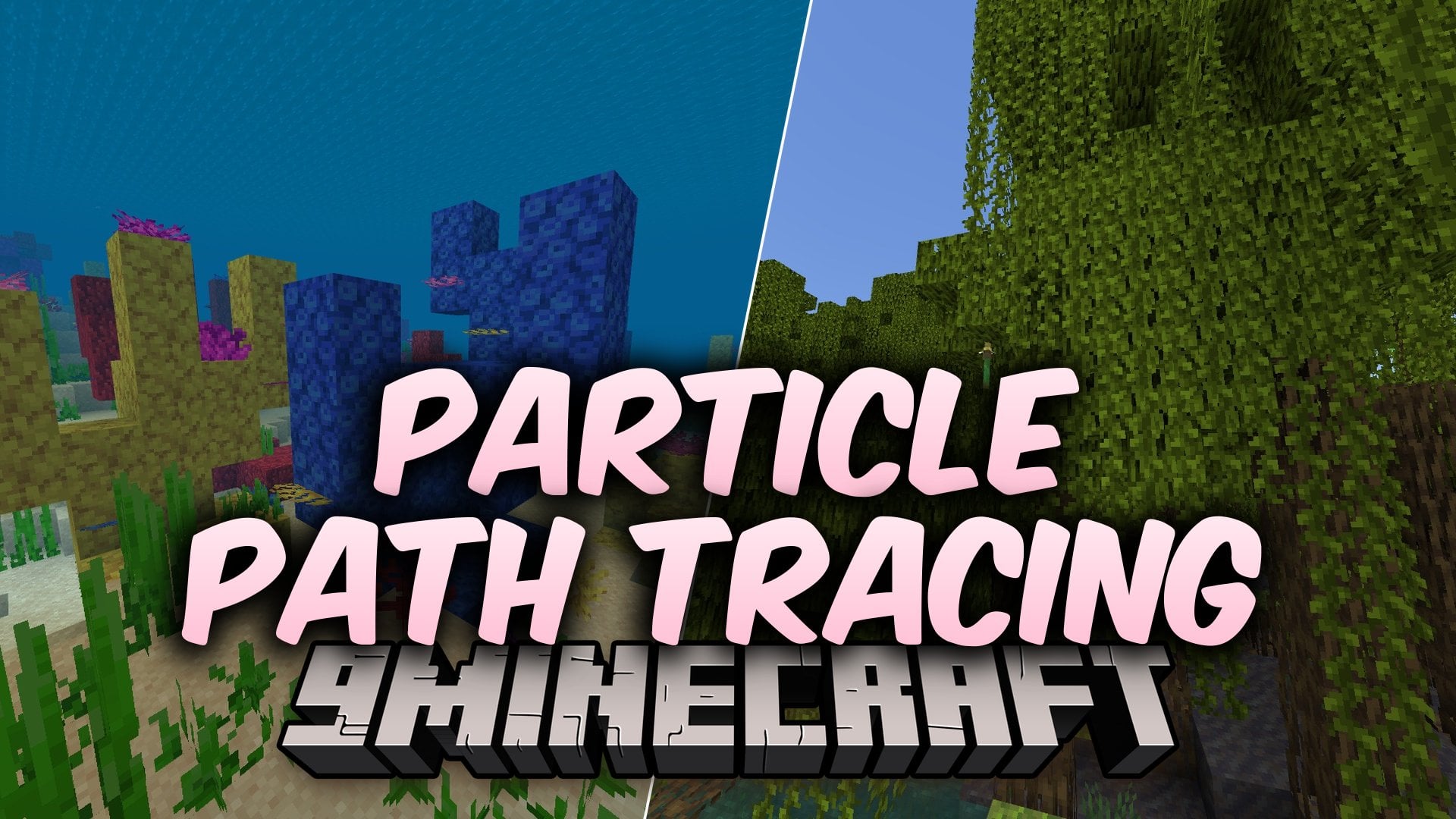
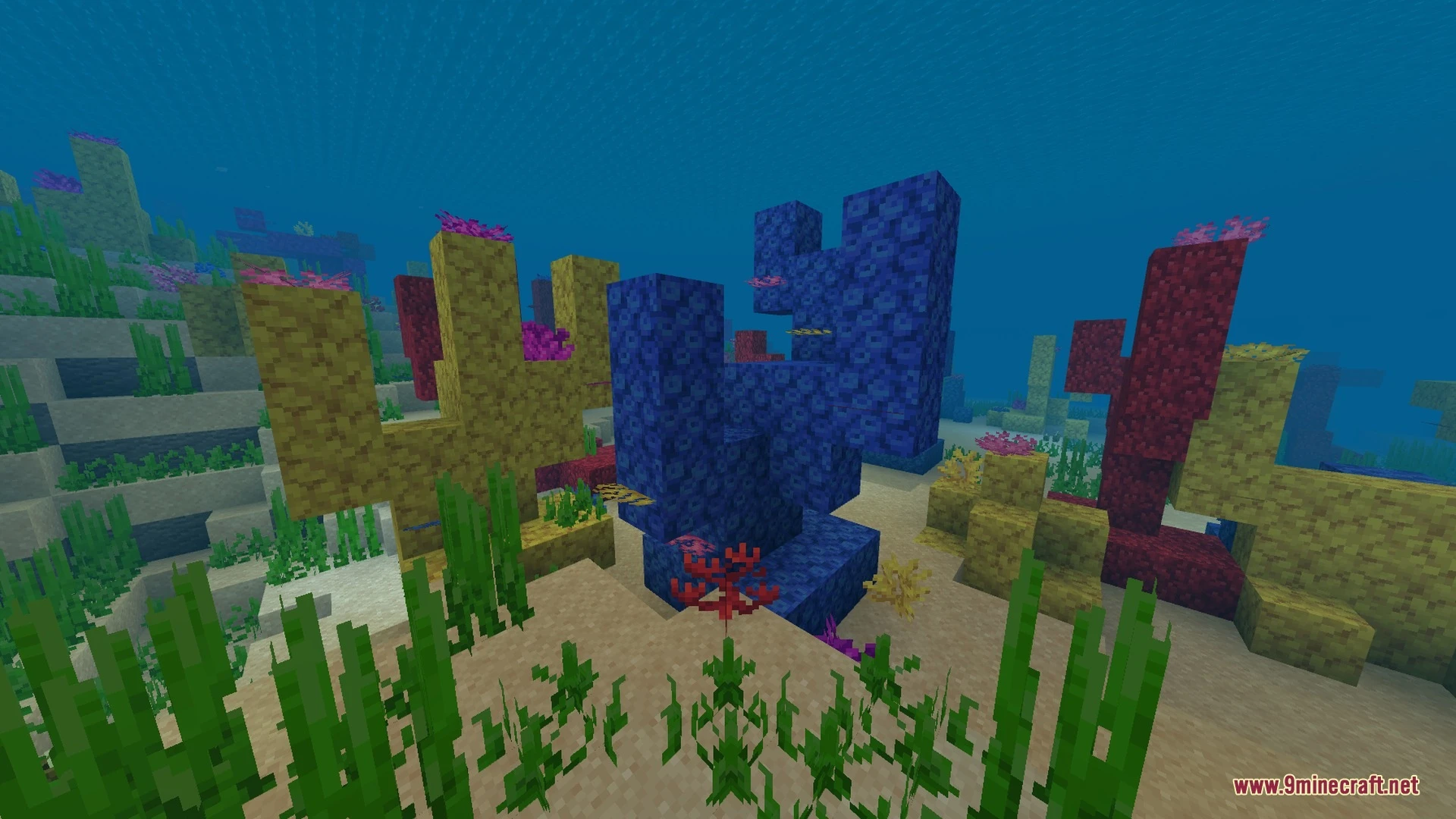
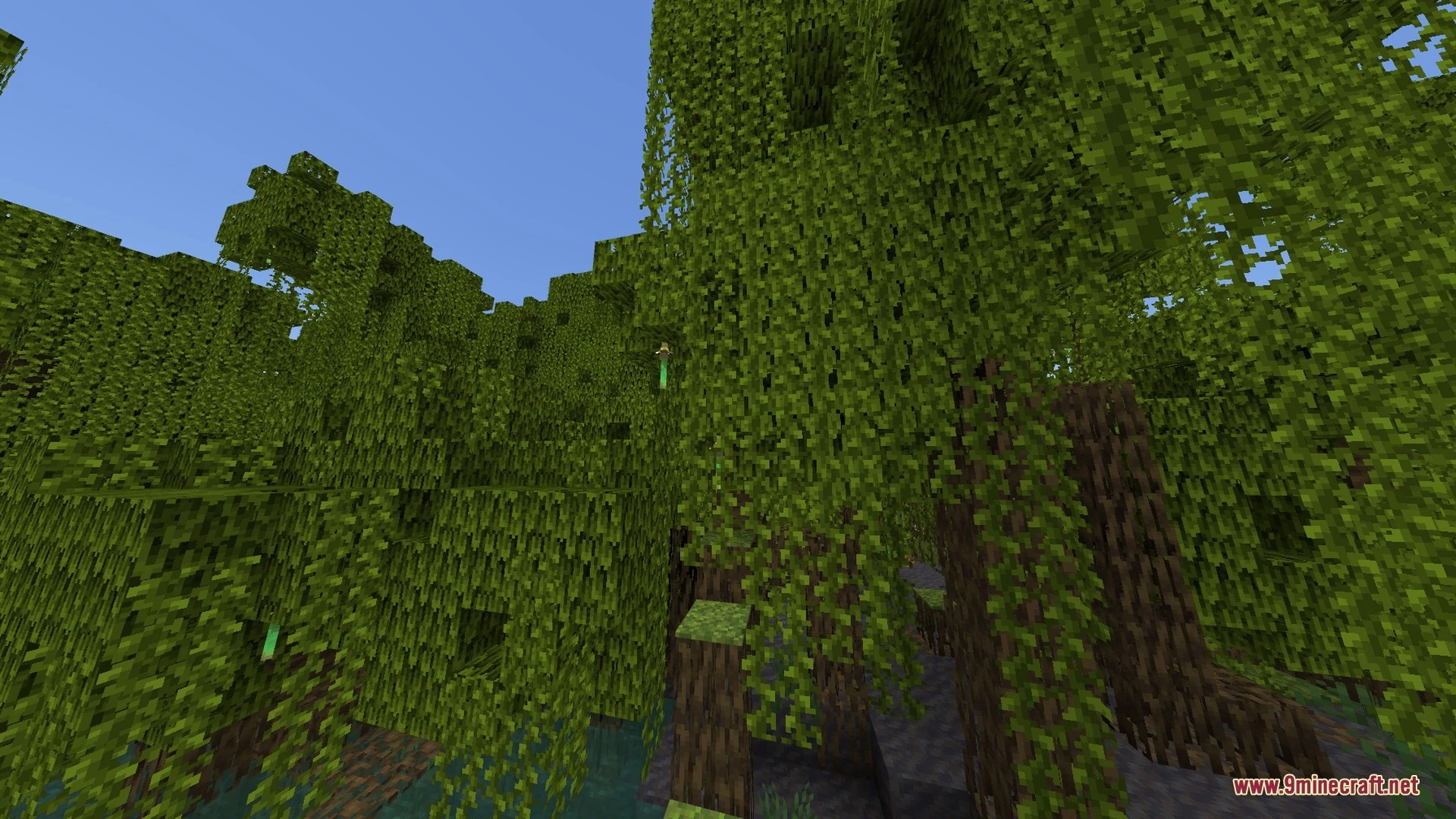
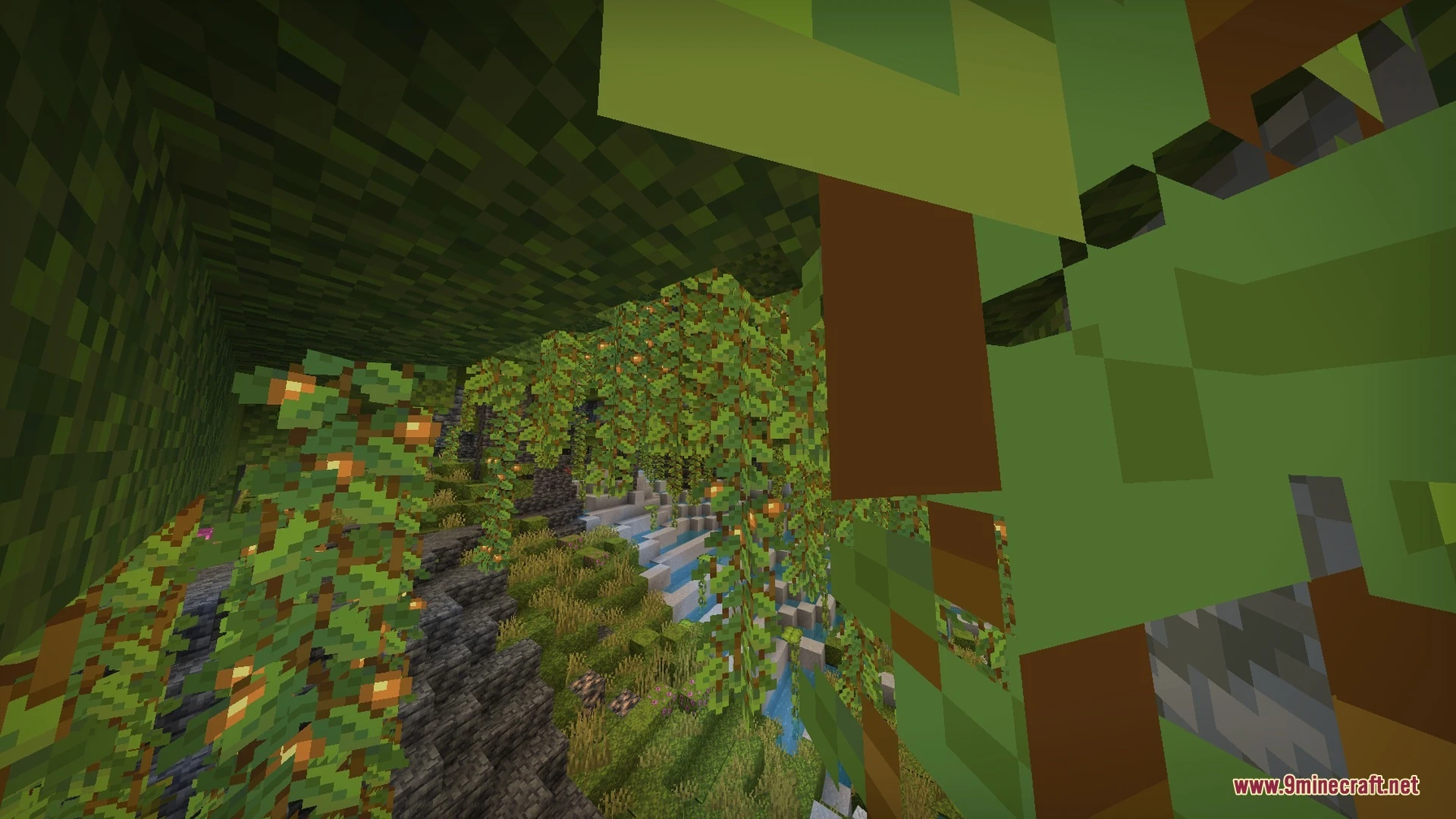
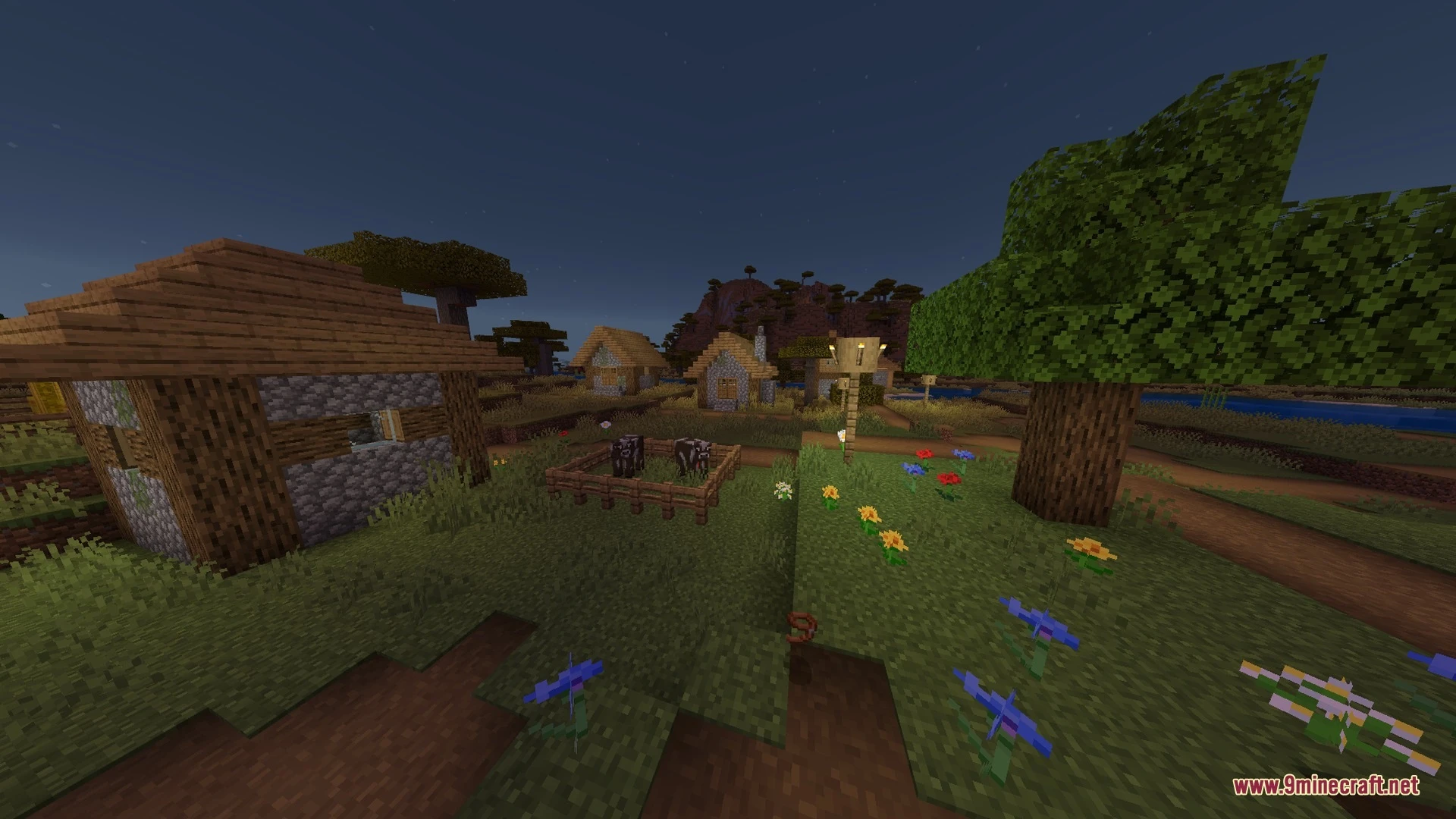
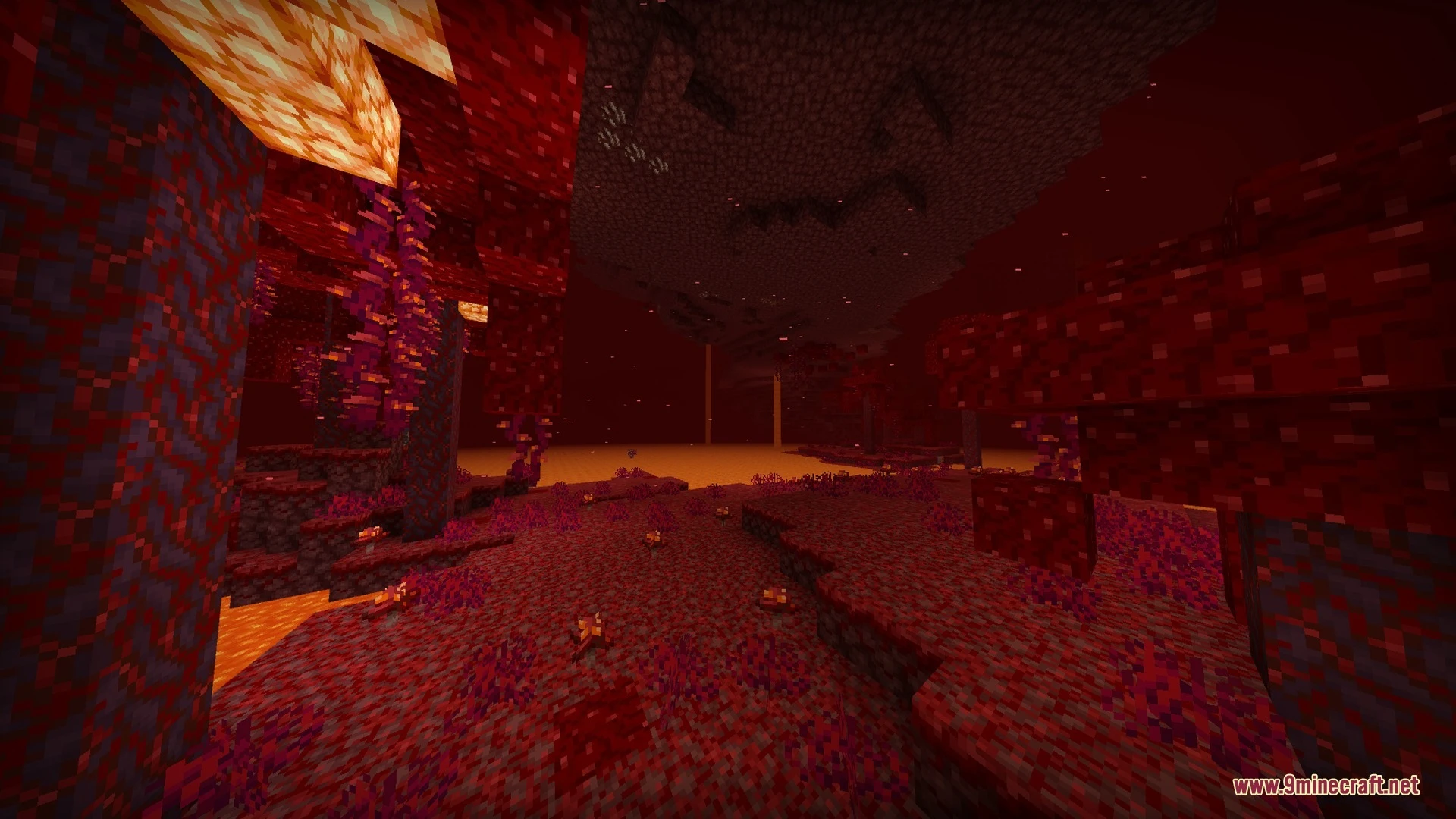
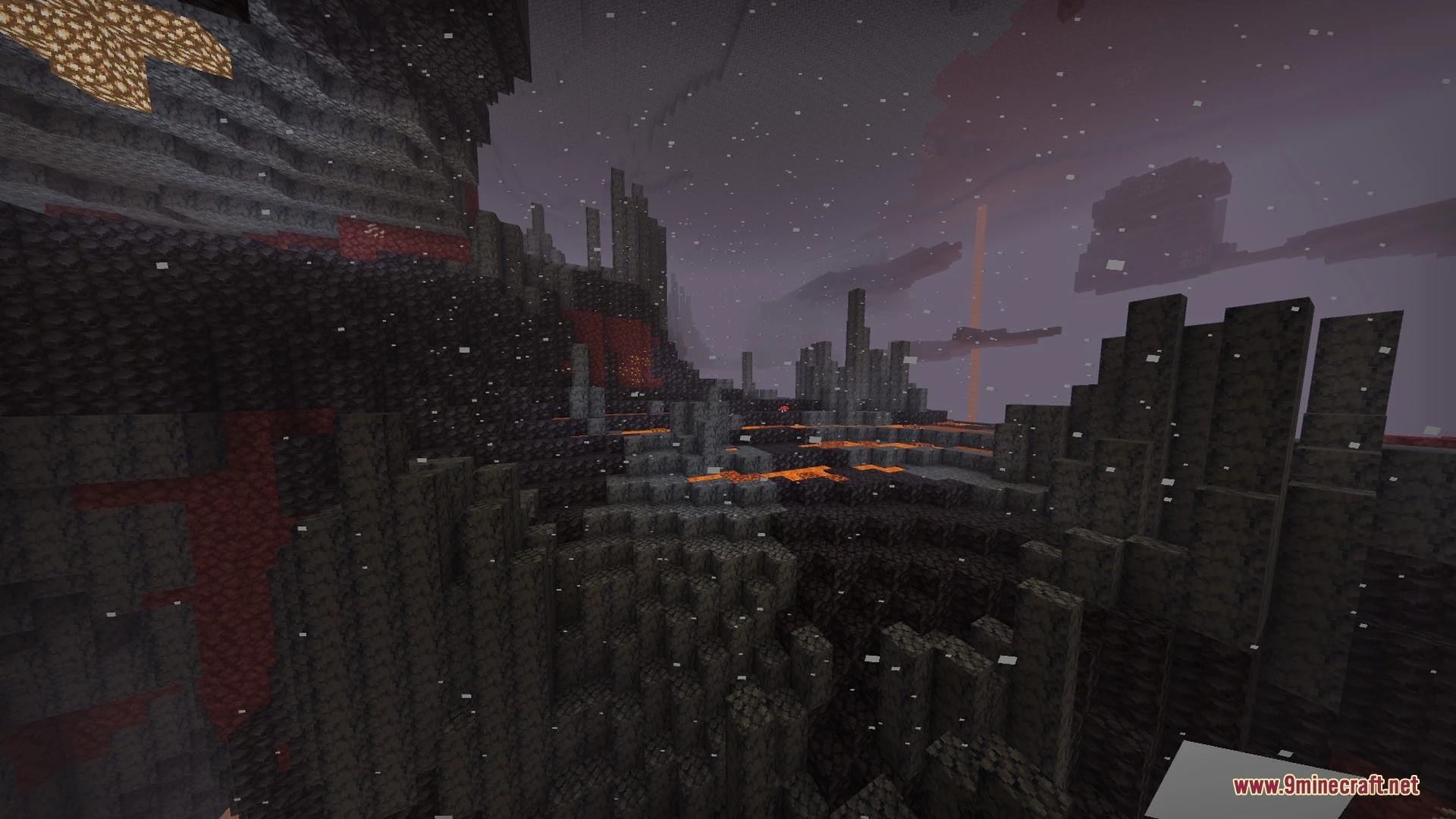
Particle Path Tracing Shader brings advanced lighting effects and ray-traced visuals to your Bedrock world. It introduces dynamic godrays across day, night, and underwater environments. The shader also adds a dedicated ray-tracing toggle along with glowing bloom for soul light sources.
Features:
- Features colored day and night godrays across your world.
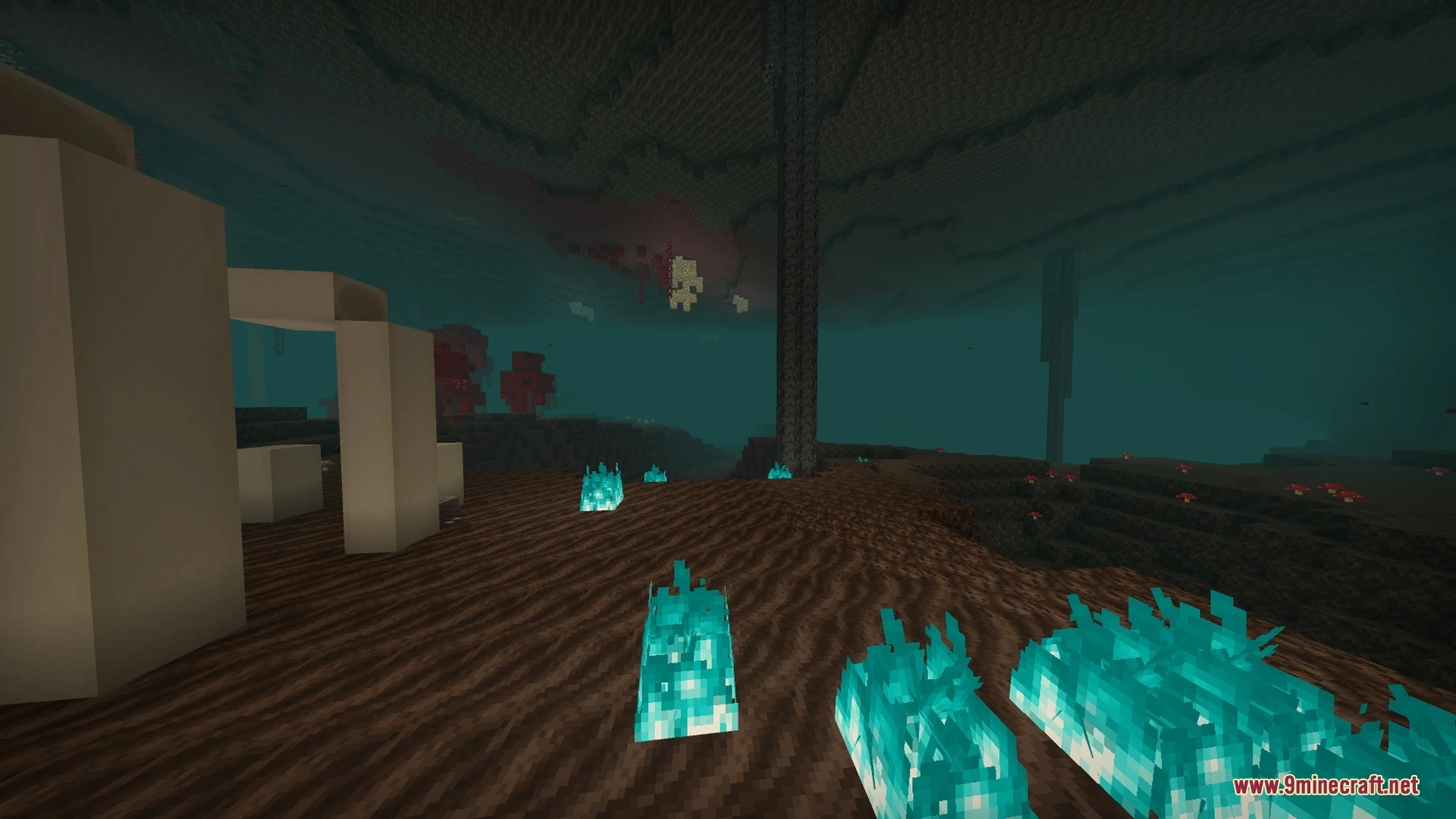
- Adds dynamic underwater godrays during daytime and nighttime.
- Provides a dedicated toggle setting for ray-tracing features.
- Includes cyan bloom effects for glowing soul light sources.
- Uses voxel ray-tracing technology for advanced scene lighting.
Screenshots:


Particle Path Tracing Shader Download Links
Quick facts
- Edition: Minecraft Bedrock
- File type: .mcpack
- How to install: Download the .mcpack. → Open it — Minecraft imports it under Resource Packs. → Activate it in Global Resources, or for one world under Resource Packs → Available.
- Where to get it: In MCModsHub, or directly above on this page.
Install steps are the general flow for this file type — How to install Minecraft Bedrock texture packs walks through it step by step.
Verified by MCModsHub
- Pack type: .mcpack — a single pack
- Manifest requires Minecraft 1.26.0 or newer
- Complete pack — everything it depends on is inside the file
- Download size: 5.5 MB
- Download link checked 2 Oct 2026 — working
- Mirrored on our own servers — the download does not depend on the original host
These come from our own check of the pack file, not from the source page.