Home›Bedrock›Shaders›Sunrays VISUALS Shader (26.x, 1.21) – Biome-Colored Sunbeams and Volumetric Fog
ShadersBedrock
Sunrays VISUALS Shader (26.x, 1.21) – Biome-Colored Sunbeams and Volumetric Fog


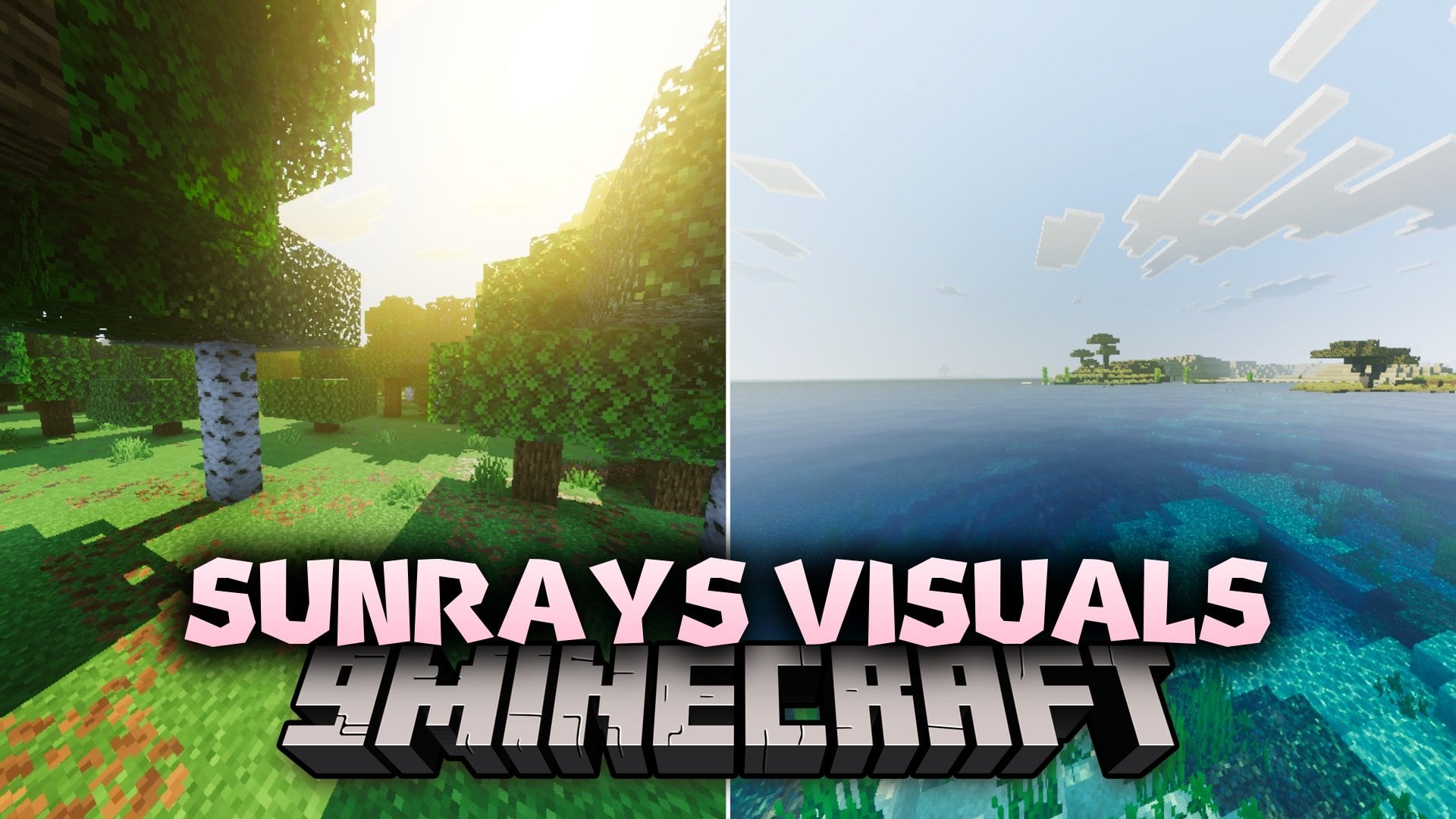
Sunrays VISUALS Shader brings unique, biome-colored sunlight and volumetric fog shafts to your Minecraft Bedrock worlds. It replaces plain lighting with 39 custom themes that shift sunbeam colors across different biomes from cherry groves to dark forests. It also enhances water surfaces and adds warm golden-hour lighting for great screenshots.
Features:
- Adds biome-colored sun rays across 89 different Minecraft biomes.
- Tints water surfaces to match the atmospheric light above them.
- Features warm golden-hour lighting during sunrises and sunsets.
- Includes balanced color grading without crushing shadows or blowing out highlights.
- Offers a Soft edition designed for smoother performance on lower-end devices.
Screenshots:


Sunrays VISUALS Shader Download Links
Quick facts
- Edition: Minecraft Bedrock
- File type: .mcpack
- Minecraft version listed: 1.21
- How to install: Download the .mcpack. → Open it — Minecraft imports it under Resource Packs. → Activate it in Global Resources, or for one world under Resource Packs → Available.
- Where to get it: In MCModsHub, or directly above on this page.
Install steps are the general flow for this file type — How to install Minecraft Bedrock texture packs walks through it step by step.
Verified by MCModsHub
- Download size: 110 KB
- Download link checked 3 Oct 2026 — working
- Mirrored on our own servers — the download does not depend on the original host
These come from our own check of the pack file, not from the source page.