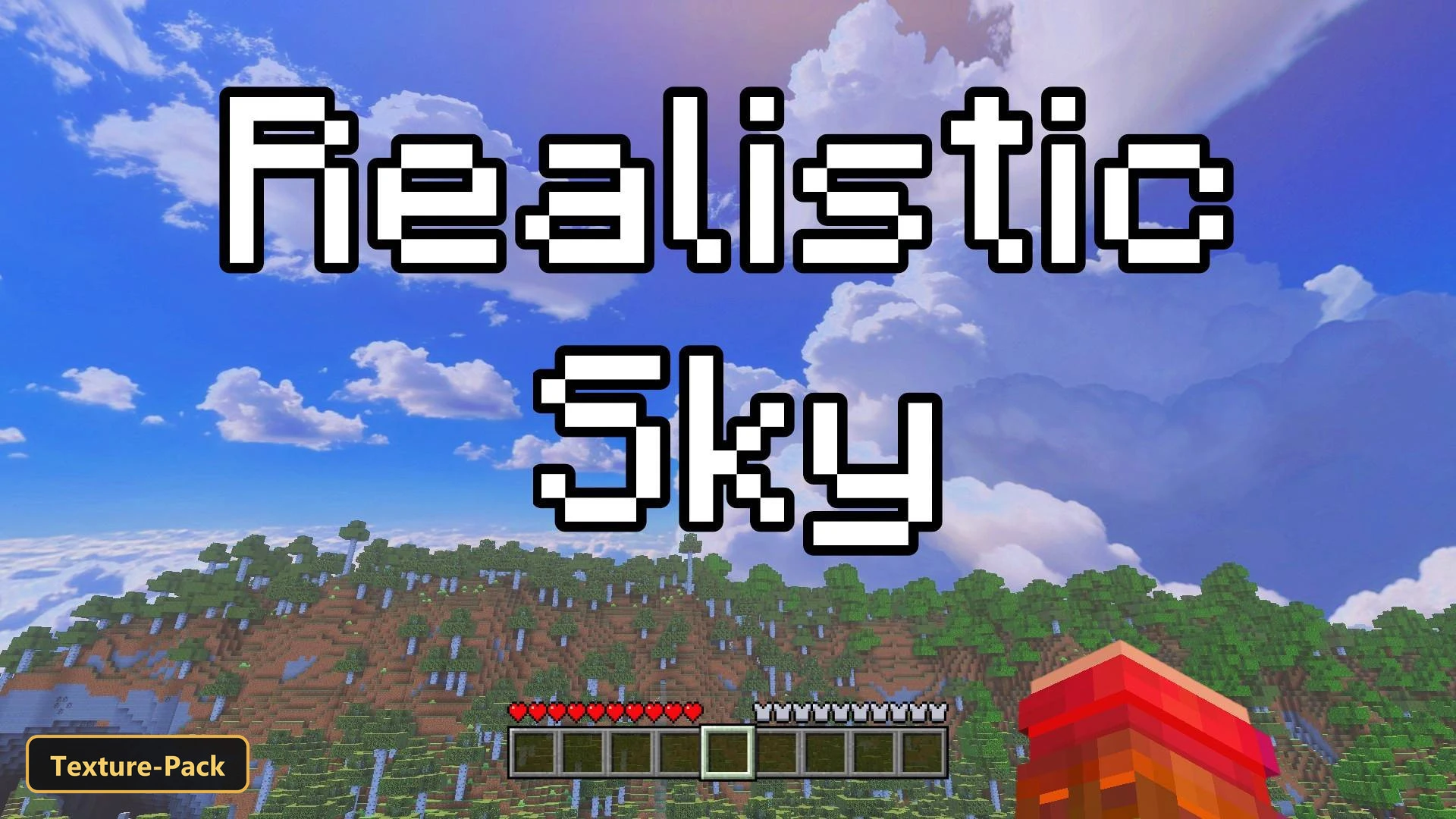


Realistic Sky – Custom Sky swaps the blocky default sky for a more natural one, with cloud formations that look like real clouds drifting across a clear blue sky.
This texture pack retextures the sky and nothing else. It comes with 3 in-game resolution options, 2048x, 1024x and 512x, and one of them has to be picked for the sky to show up properly. The pixelated clouds of the default game are gone as soon as a player looks up, and the whole scene feels more grounded. The focus stays on a single visual aspect, so everything else in the game looks as usual.
Requirements:
- MCPE/Bedrock 1.18 – 1.21.121
all 5 versions1.21.121, 1.21, 1.20, 1.19, 1.18
Features:
- 3 in-game options: resolution: 2048x, resolution: 1024x, resolution: 512x
- Retextures the sky
Screenshots:
- Edition: Minecraft Bedrock
- File type: .mcpack
- Minecraft version listed: 1.21
- How to install: Download the .mcpack. → Open it — Minecraft imports it under Resource Packs. → Activate it in Global Resources, or for one world under Resource Packs → Available.
- Where to get it: In MCModsHub, or directly above on this page.
Install steps are the general flow for this file type — How to install Minecraft Bedrock texture packs walks through it step by step.
- Manifest requires Minecraft 1.14.0 or newer
- Complete pack — everything it depends on is inside the file
- Download size: 36.9 MB
- Download link checked 4 Oct 2026 — working
- Mirrored on our own servers — the download does not depend on the original host
These come from our own check of the pack file, not from the source page.