
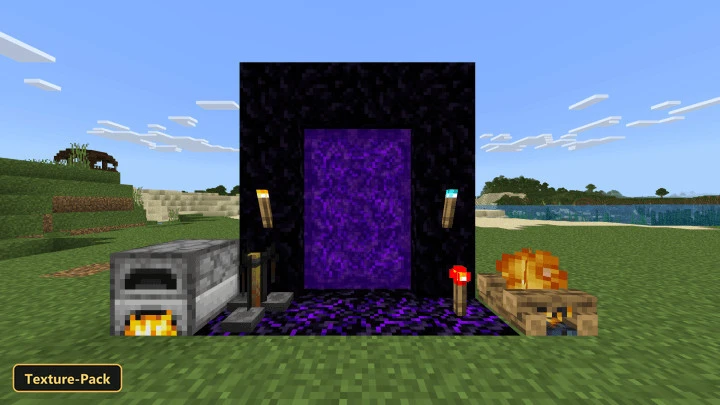
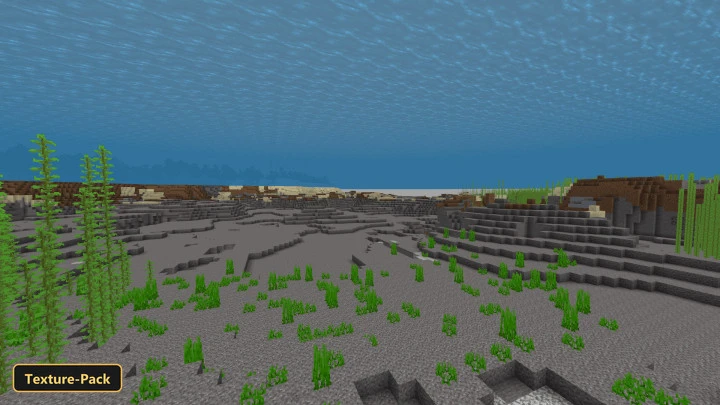
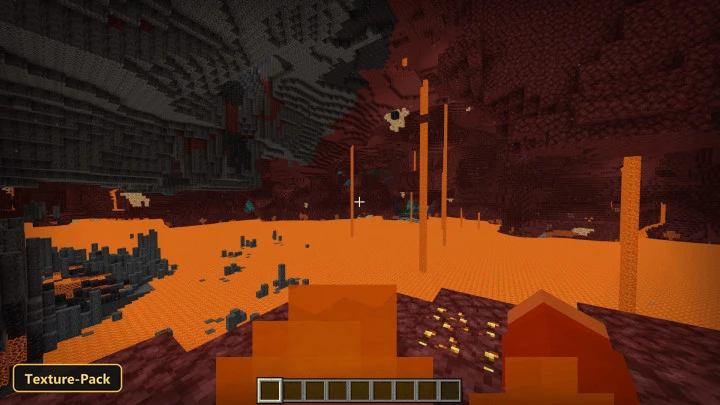
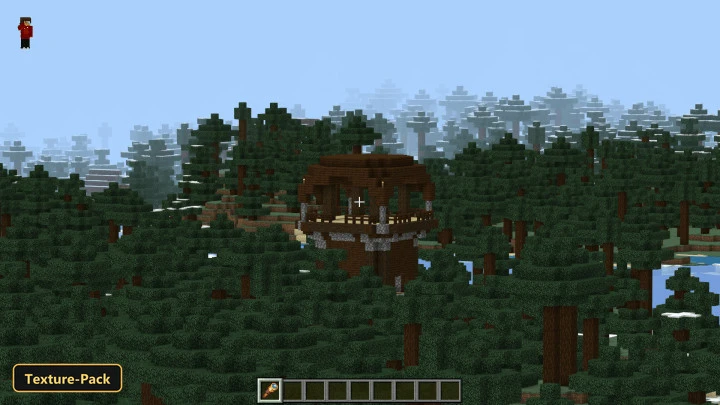
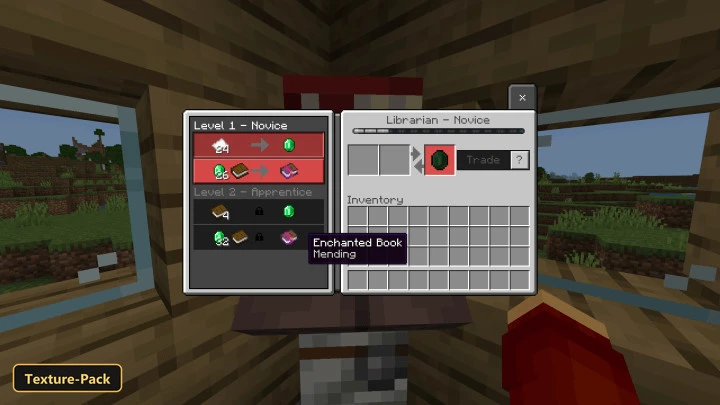
Eleven switchable options let players trim or adjust the game’s visuals with Enhanced Tweaks, a texture pack aimed at performance and small quality-of-life changes. The options include No Flipbooks, No Particles, No Fog, Low Fire, Short Shield, Clear Screen Overlay for effects like the pumpkin blur, Visible Locked Trade Items and Java Parity.
Beyond the toggles, the pack retextures the sky, blocks and the UI at 16×512, and adds three fog profiles for biomes and dimensions. Custom UI tweaks and biome color overrides are included. Players on Minecraft Bedrock can combine options or turn them all on or off at once.
Requirements:
- MCPE/Bedrock 1.13 – 1.21.61
all 10 versions1.21.61, 1.21, 1.20, 1.19, 1.18, 1.17, 1.16, 1.15, 1.14, 1.13
Features:
- 11 in-game options: All Options [OFF], No Flipbooks (Animated Blocks), No Particles, Clear Screen Overlay (Pumpkin Blur etc…), Visible Locked Trade Items, No Fog, Low Fire, Short Shield, Java Parity, All Options with (No Flipbooks), All Options [ON]
- 3 fog profiles covering biomes and dimensions
- Retextures the sky, blocks, the UI at 16×512 resolution
- Also includes custom UI tweaks, biome color overrides
Screenshots:
- Edition: Minecraft Bedrock
- File type: .mcpack
- Minecraft version listed: 1.21
- How to install: Download the .mcpack. → Open it — Minecraft imports it under Resource Packs. → Activate it in Global Resources, or for one world under Resource Packs → Available.
- Where to get it: In MCModsHub, or directly above on this page.
Install steps are the general flow for this file type — How to install Minecraft Bedrock texture packs walks through it step by step.
- Manifest requires Minecraft 1.13.0 or newer
- Complete pack — everything it depends on is inside the file
- Download size: 2.2 MB
- Download link checked 4 Oct 2026 — working
- Mirrored on our own servers — the download does not depend on the original host
These come from our own check of the pack file, not from the source page.