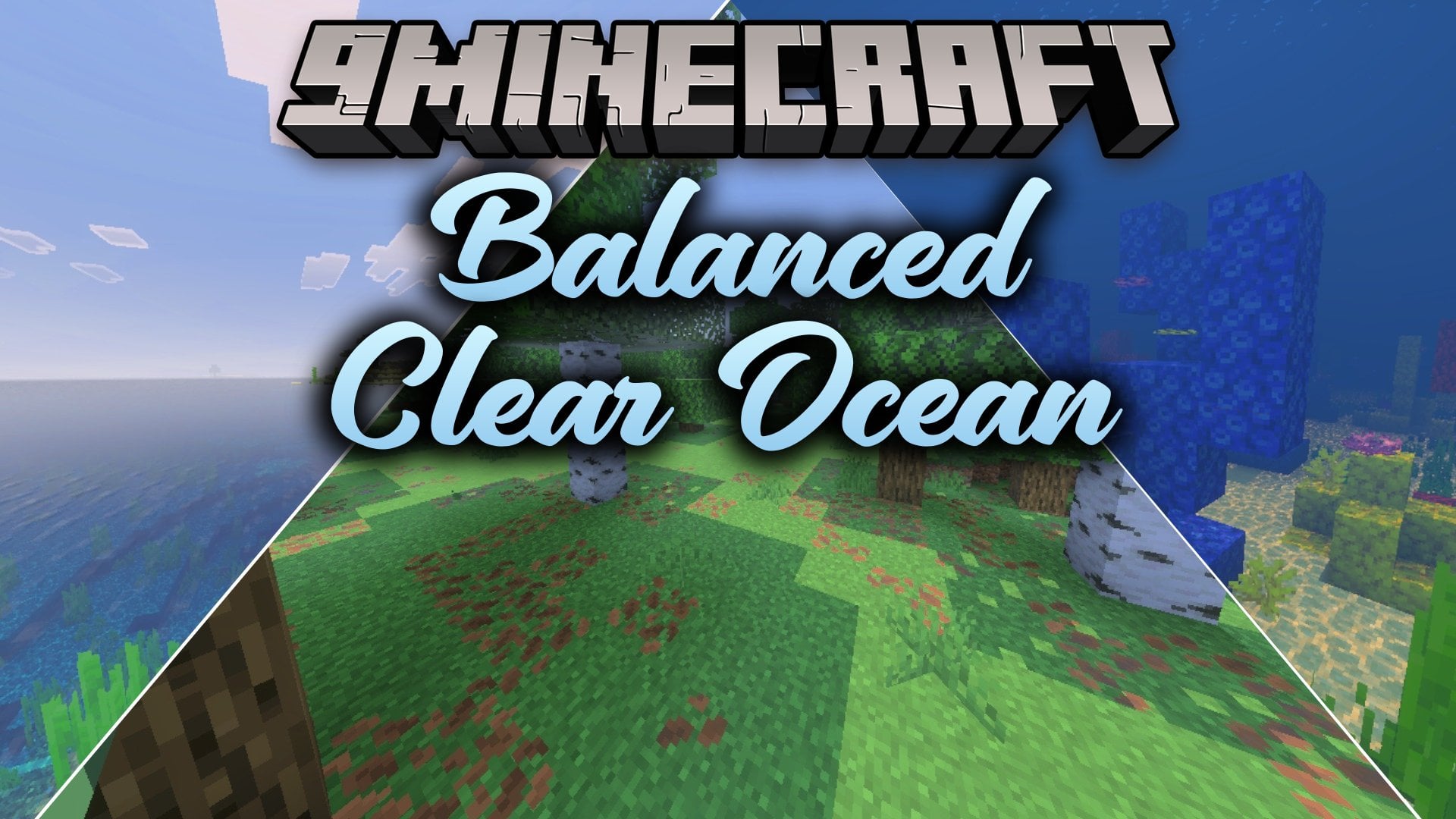
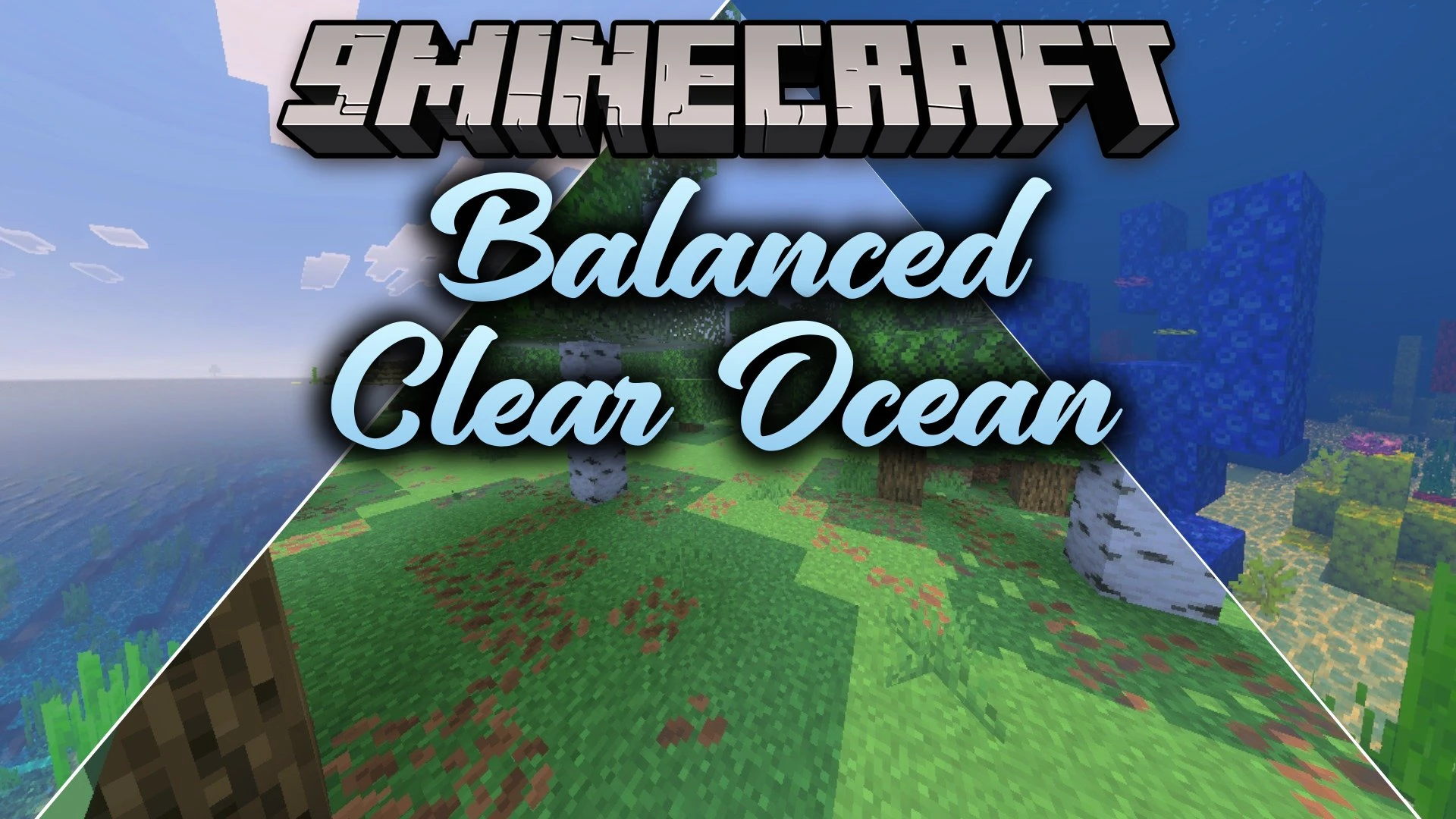
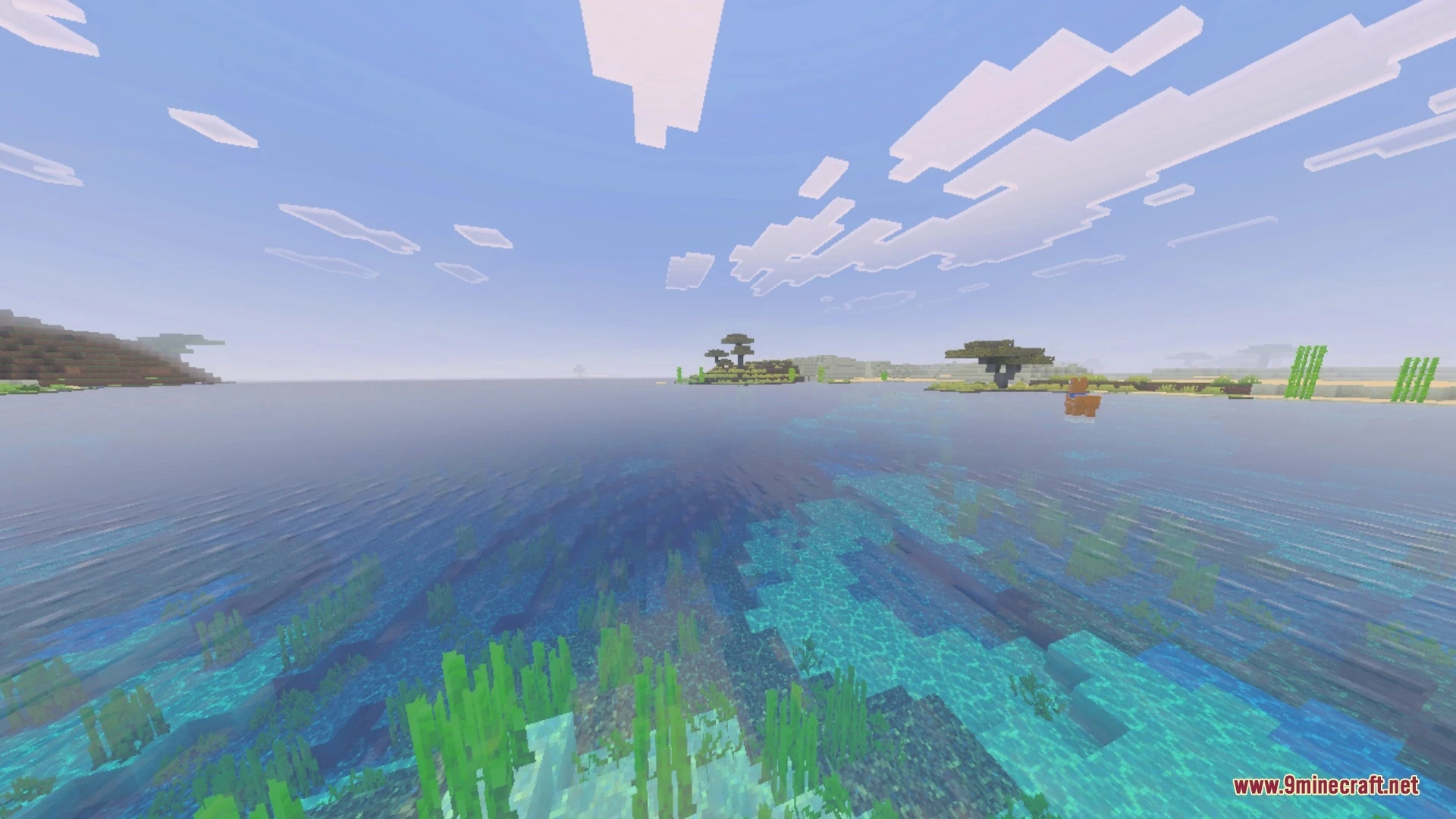
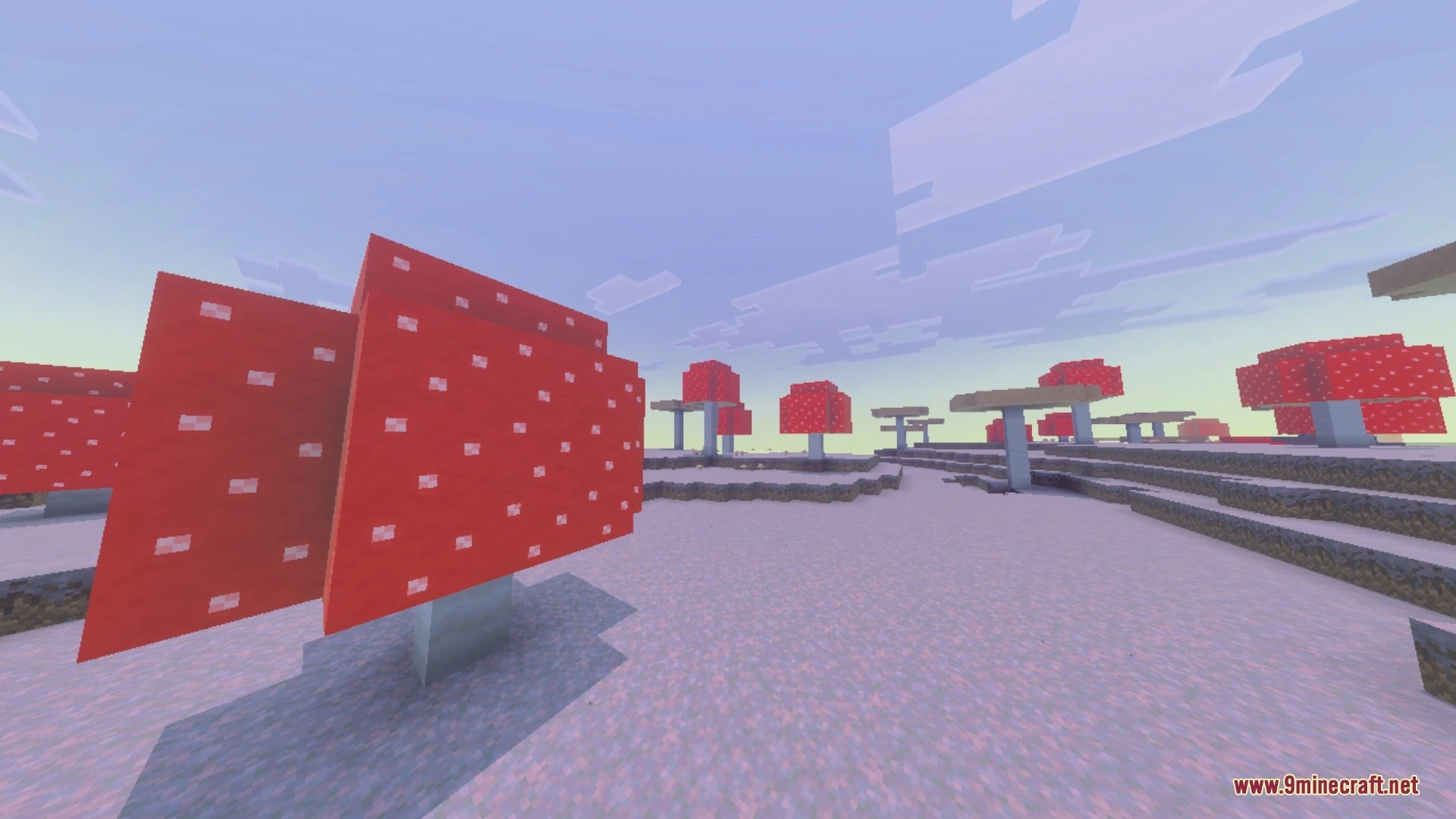
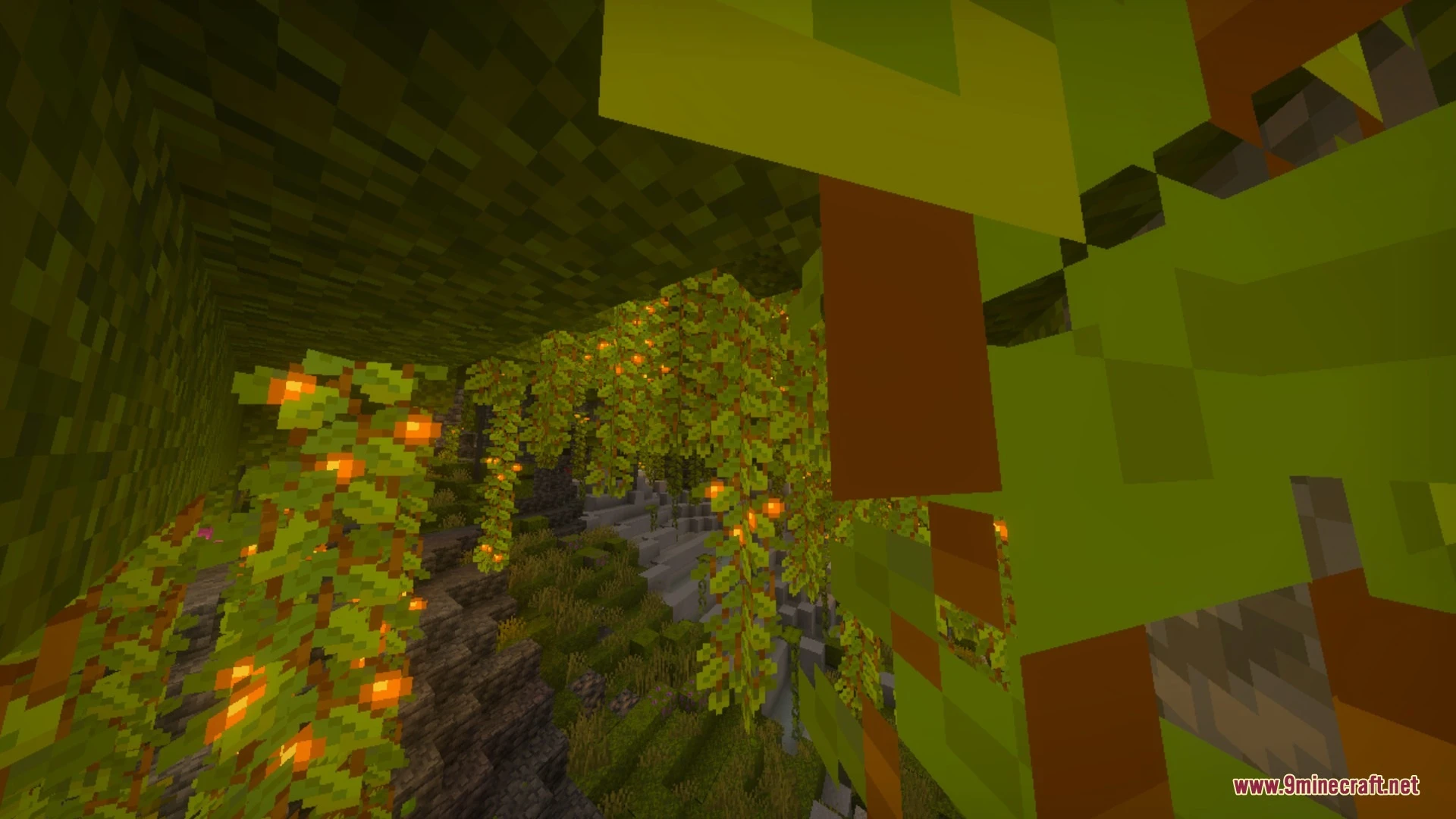
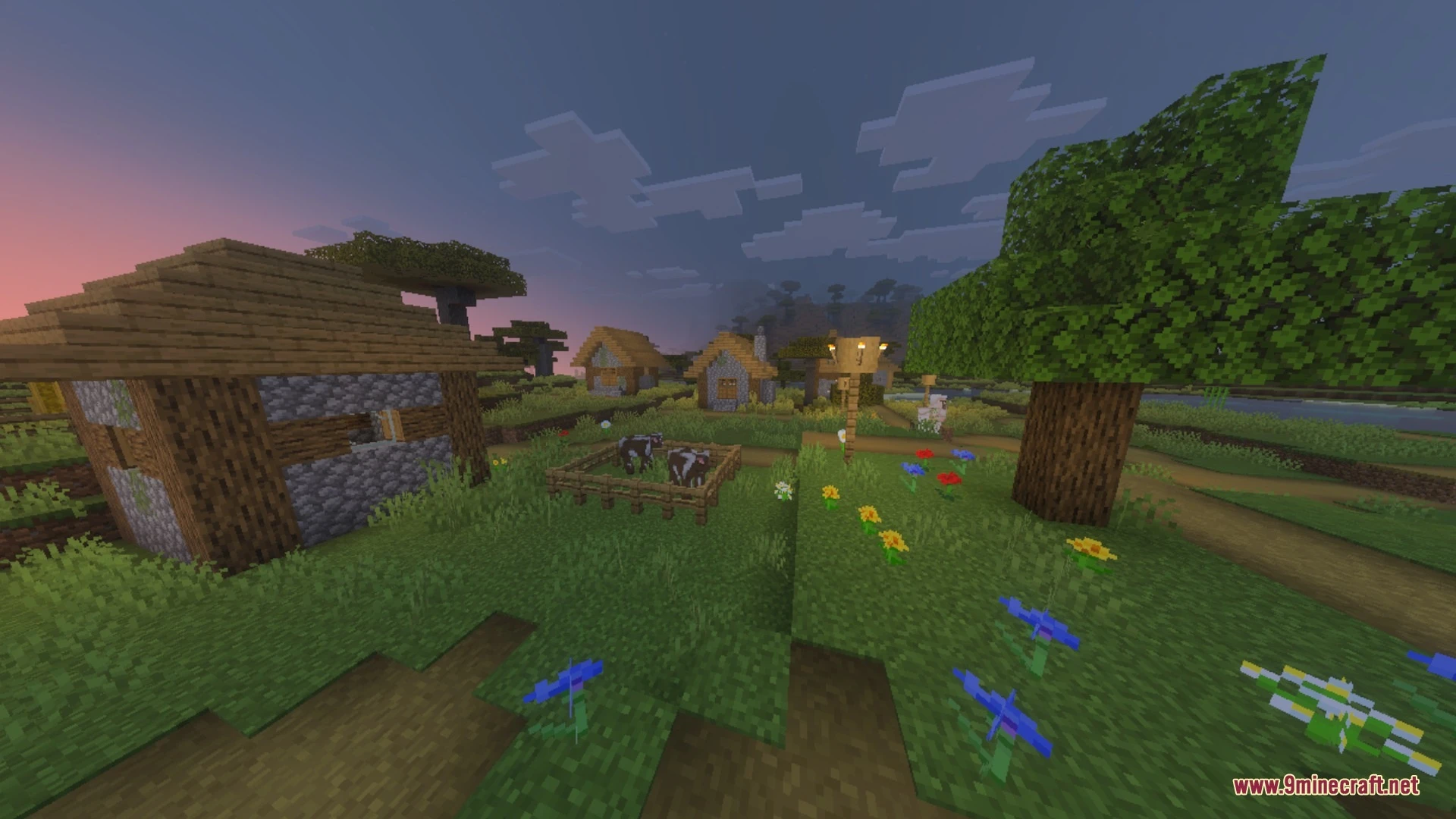
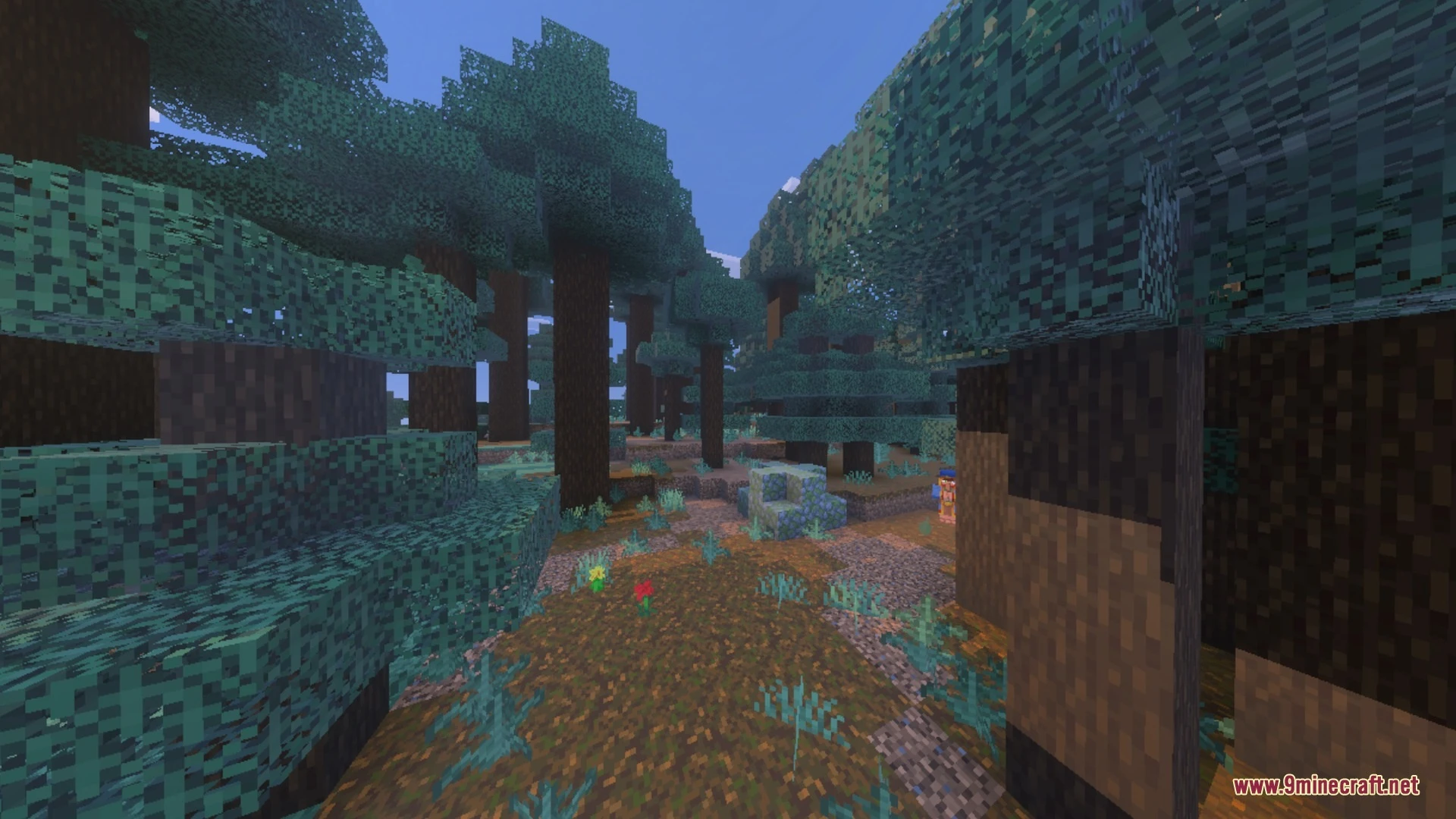
Balanced Clear Ocean Shader improves underwater exploration by replacing murky water with clean, balanced visibility. It lets you spot shipwrecks and monuments from the surface while keeping a realistic blue marine haze at a distance. You can now build underwater bases and explore deep ocean biomes without dealing with blinding dark fog.
Features:
- Offers 60% surface clarity to spot structures before diving underwater.
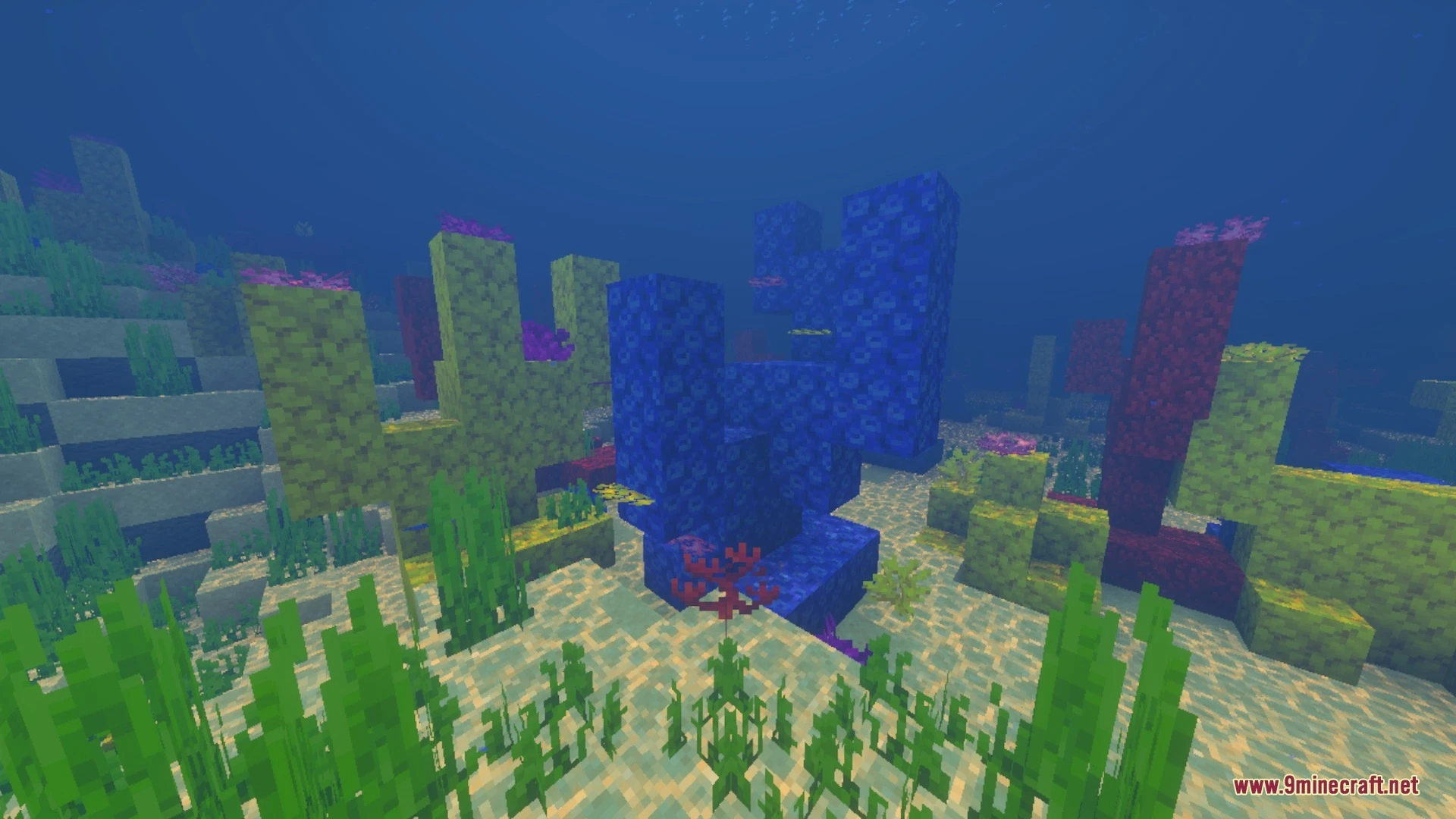
- Pushes back thick underwater fog so you can see much farther.
- Adds a soft 20% blue depth haze for realistic scale.
- Replaces gloomy deep-sea gray tones with vibrant tropical ocean lighting.
- Makes finding ocean monuments, shipwrecks, and coral reefs easier in survival.
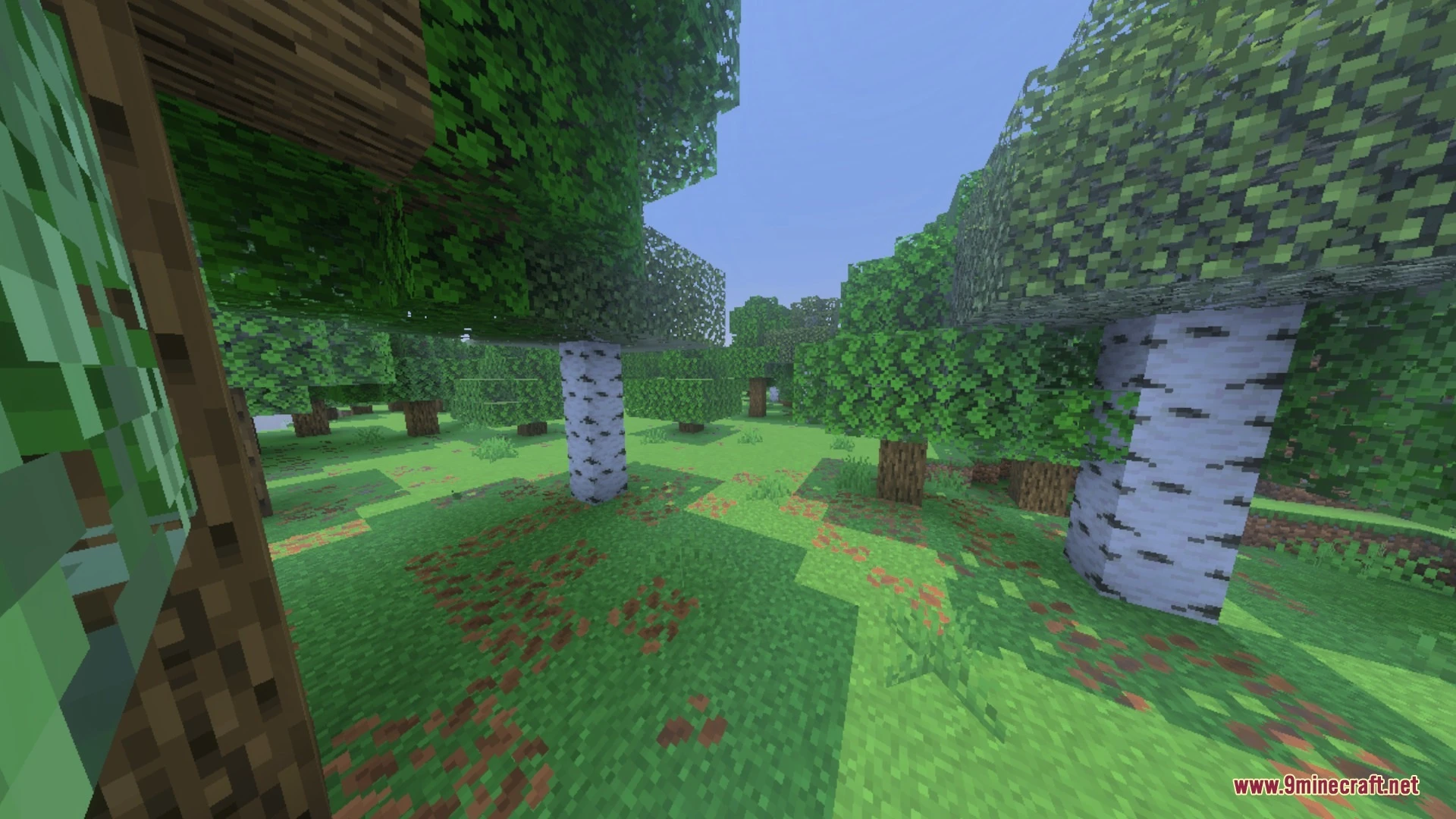
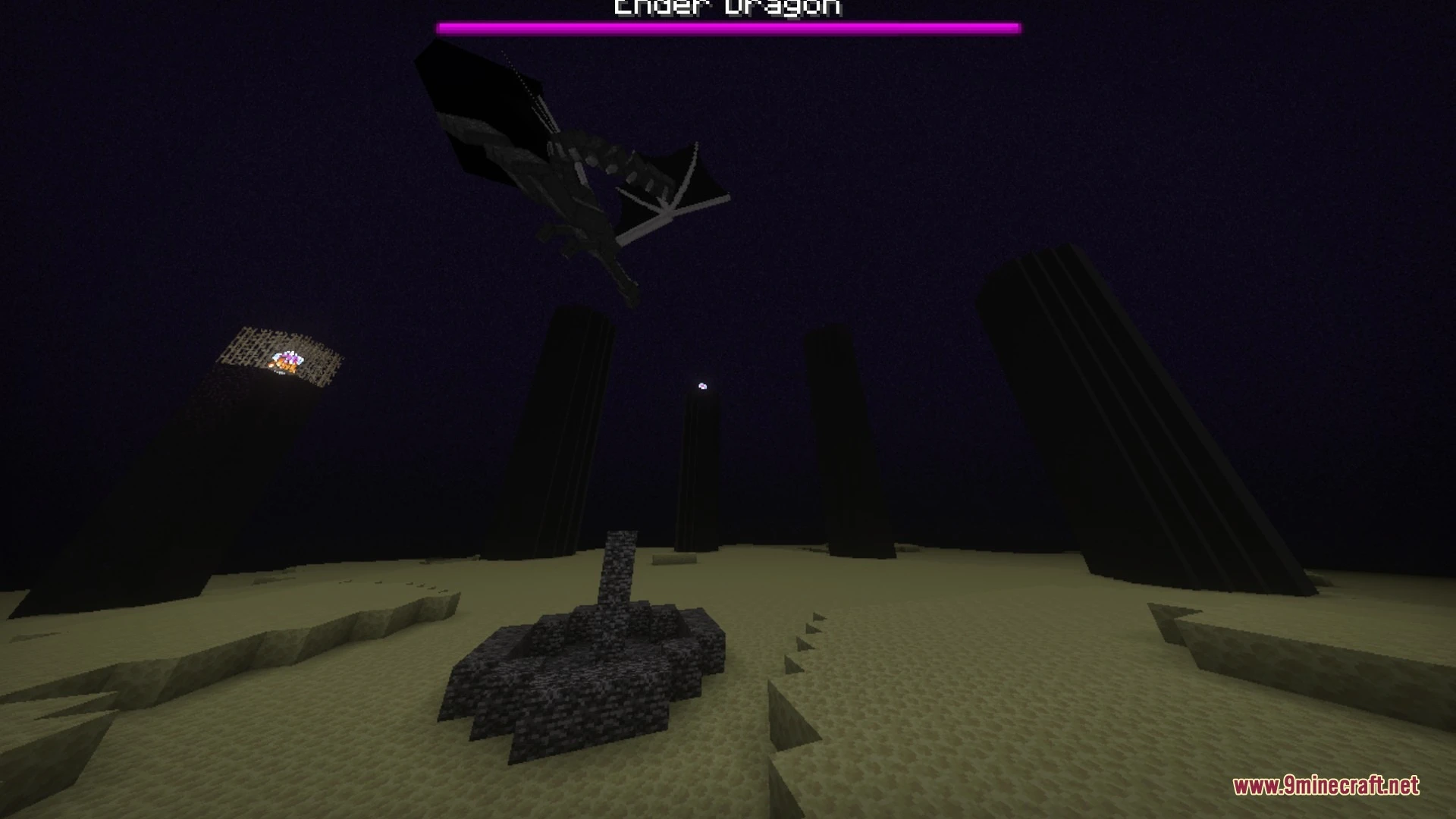
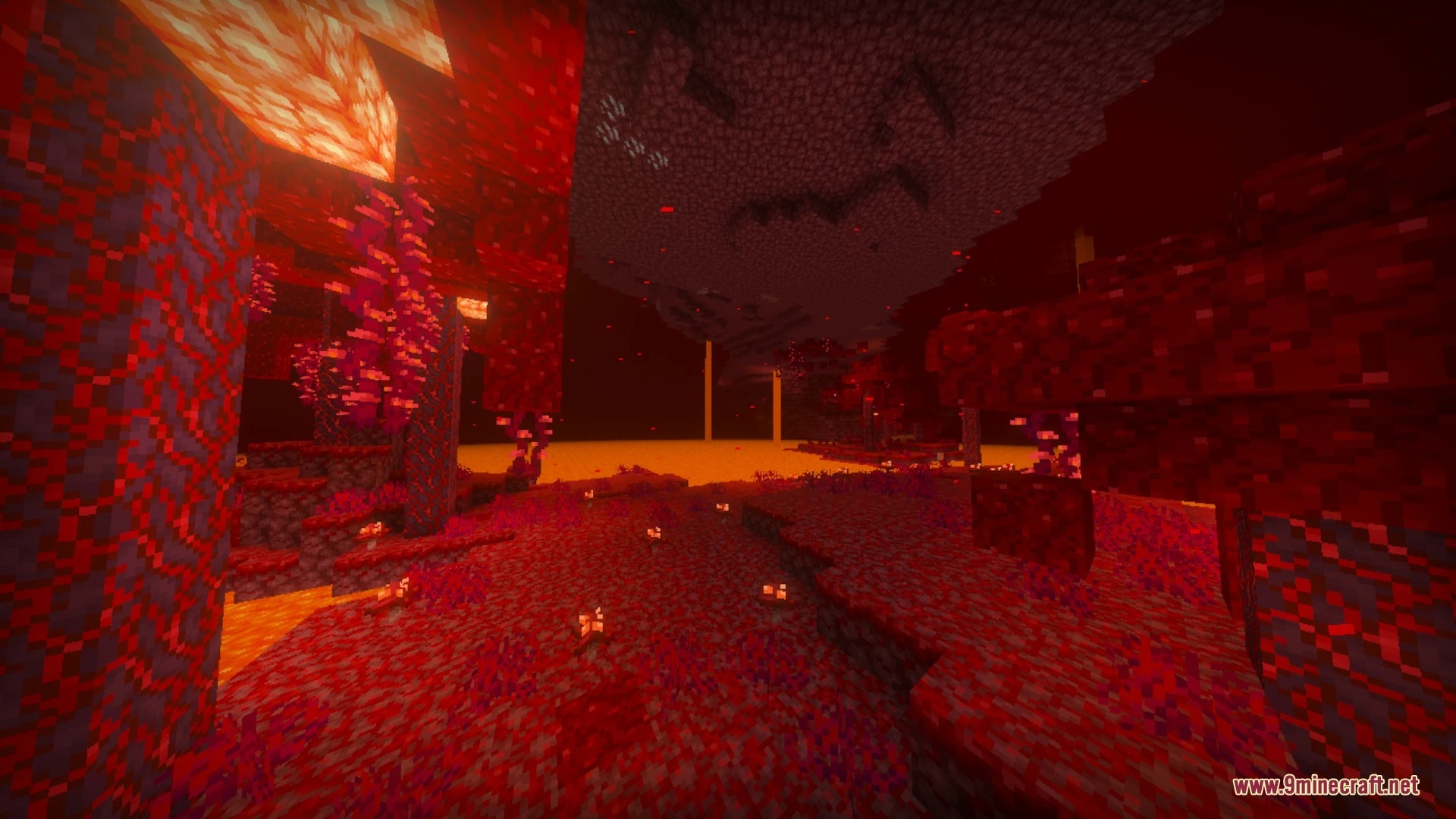
Screenshots:


Balanced Clear Ocean Shader Download Links
Quick facts
- Edition: Minecraft Bedrock
- File type: .mcpack
- Minecraft version listed: 1.21
- How to install: Download the .mcpack. → Open it — Minecraft imports it under Resource Packs. → Activate it in Global Resources, or for one world under Resource Packs → Available.
- Where to get it: In MCModsHub, or directly above on this page.
Install steps are the general flow for this file type — How to install Minecraft Bedrock texture packs walks through it step by step.
Verified by MCModsHub
- Manifest requires Minecraft 1.21.40 or newer
- Complete pack — everything it depends on is inside the file
- Download size: 4.5 MB
- Download link checked 4 Oct 2026 — working
- Mirrored on our own servers — the download does not depend on the original host
These come from our own check of the pack file, not from the source page.