ShadersBedrock
Cromos Realistic Caribbean Water & Sun Rays Shader (26.x)
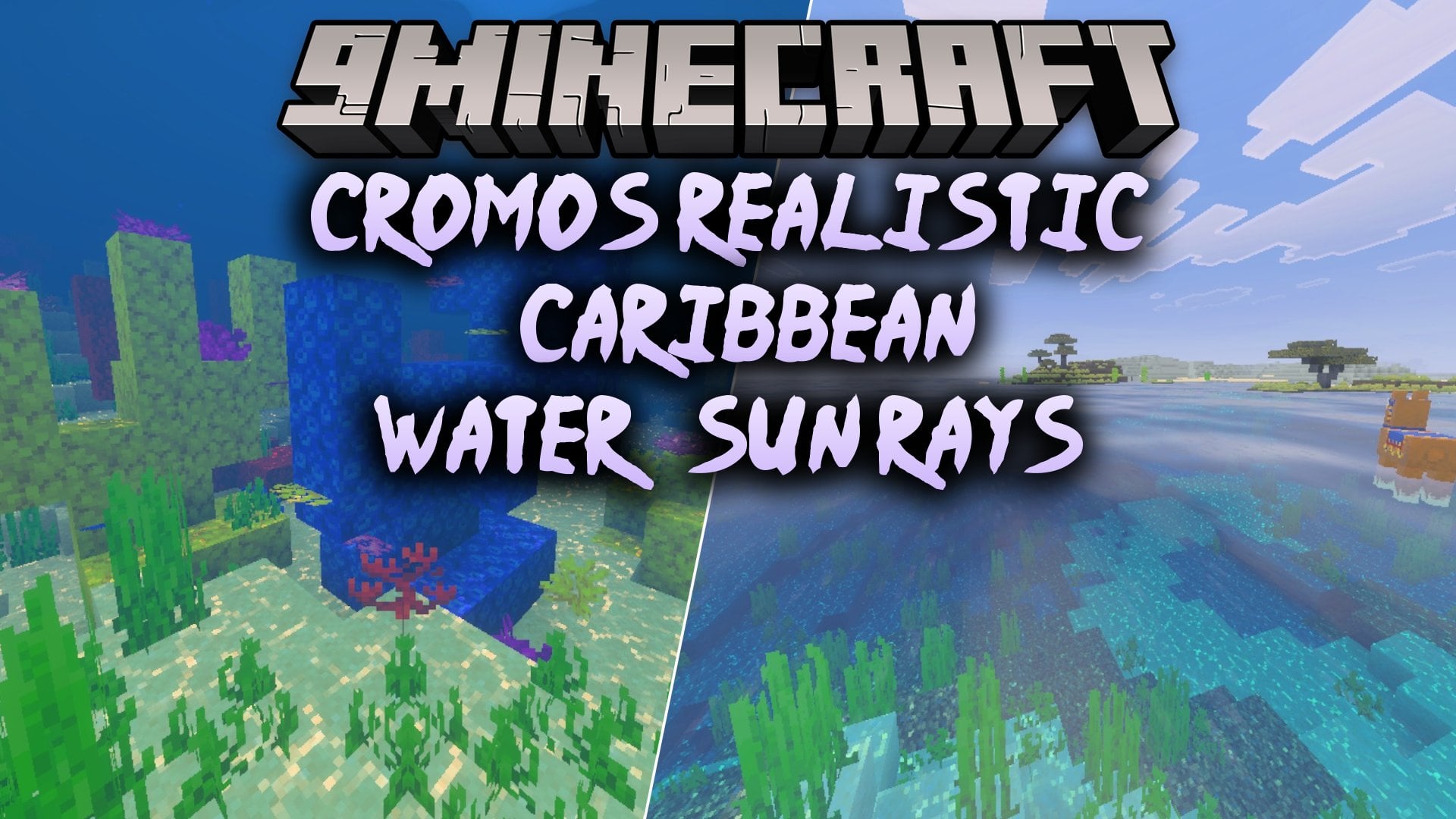
Cromos Realistic Caribbean Water & Sun Rays Shader transforms your world with clear turquoise water and animated surface ripples. It tunes volumetric fog…
⬇ Download


Cromos Realistic Caribbean Water & Sun Rays Shader transforms your world with clear turquoise water and animated surface ripples. It tunes volumetric fog to show sunlight streaming between trees while adding soft shadows to the environment. The pack also adjusts underwater visibility and brings custom colors to your light sources.
Features:
- Adds clear turquoise Caribbean-style water with animated ripples.
- Enhances volumetric fog to highlight sunlight filtering through trees.
- Includes soft shadows and custom light source colors.
- Improves underwater visibility for easier exploration.
- Offers Low, Medium, and High performance presets.
Screenshots:


Cromos Realistic Caribbean Water & Sun Rays Shader Download Links
Quick facts
- Edition: Minecraft Bedrock
- File type: .mcpack
- How to install: Download the .mcpack. → Open it — Minecraft imports it under Resource Packs. → Activate it in Global Resources, or for one world under Resource Packs → Available.
- Where to get it: In MCModsHub, or directly above on this page.
Install steps are the general flow for this file type — How to install Minecraft Bedrock texture packs walks through it step by step.
Verified by MCModsHub
- Pack type: .mcpack — a single pack
- Manifest requires Minecraft 1.26.0 or newer
- Complete pack — everything it depends on is inside the file
- Download size: 2.8 MB
- Download link checked 4 Oct 2026 — working
- Mirrored on our own servers — the download does not depend on the original host
These come from our own check of the pack file, not from the source page.