Dungeons UI (26+) – MCPE/Bedrock Texture Pack
Bedrock texture pack listed for Minecraft 1.21. File opened and checked on 5 Oct 2026; installs from the MC Bedrock Mods app on Android.
⬇ Download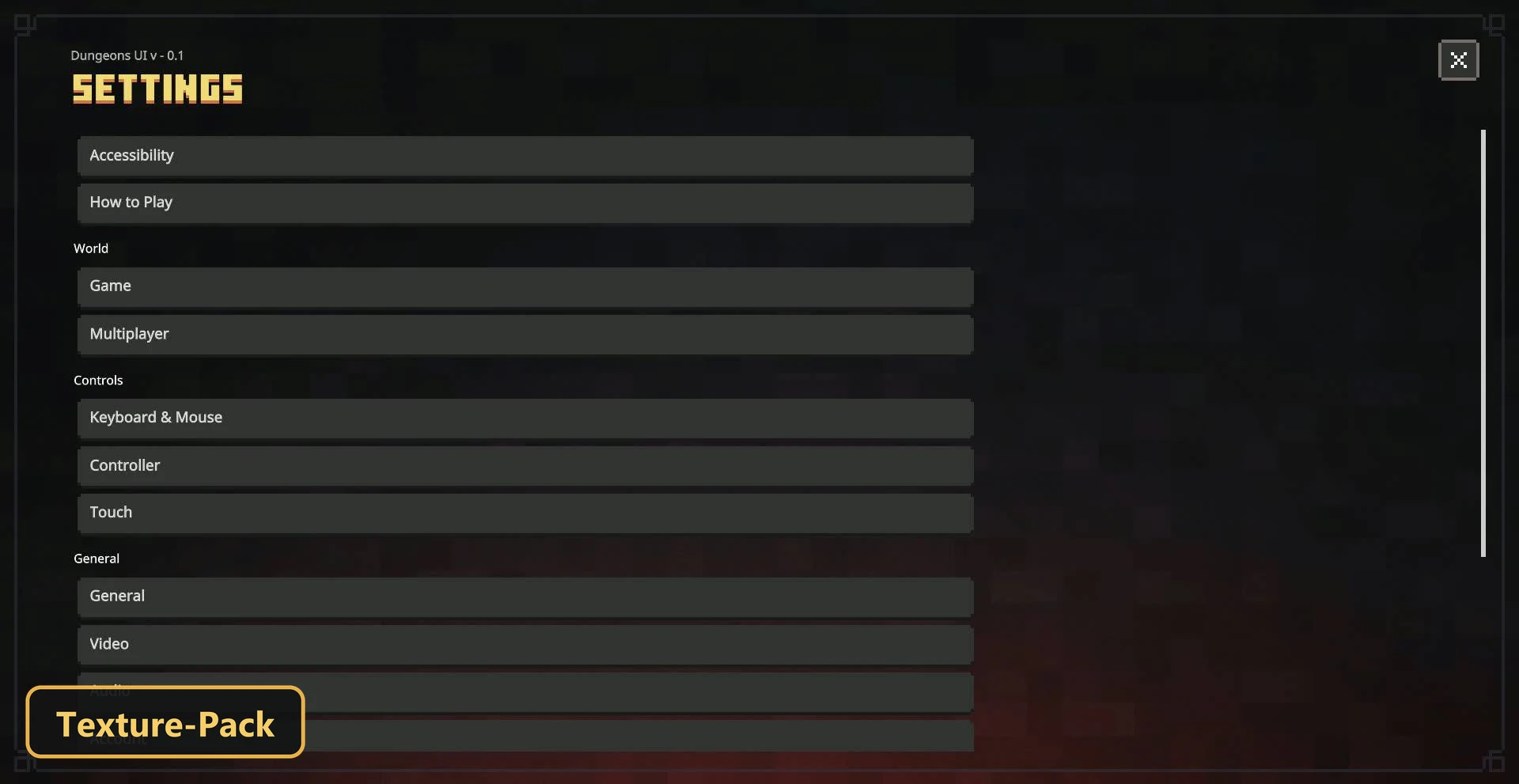
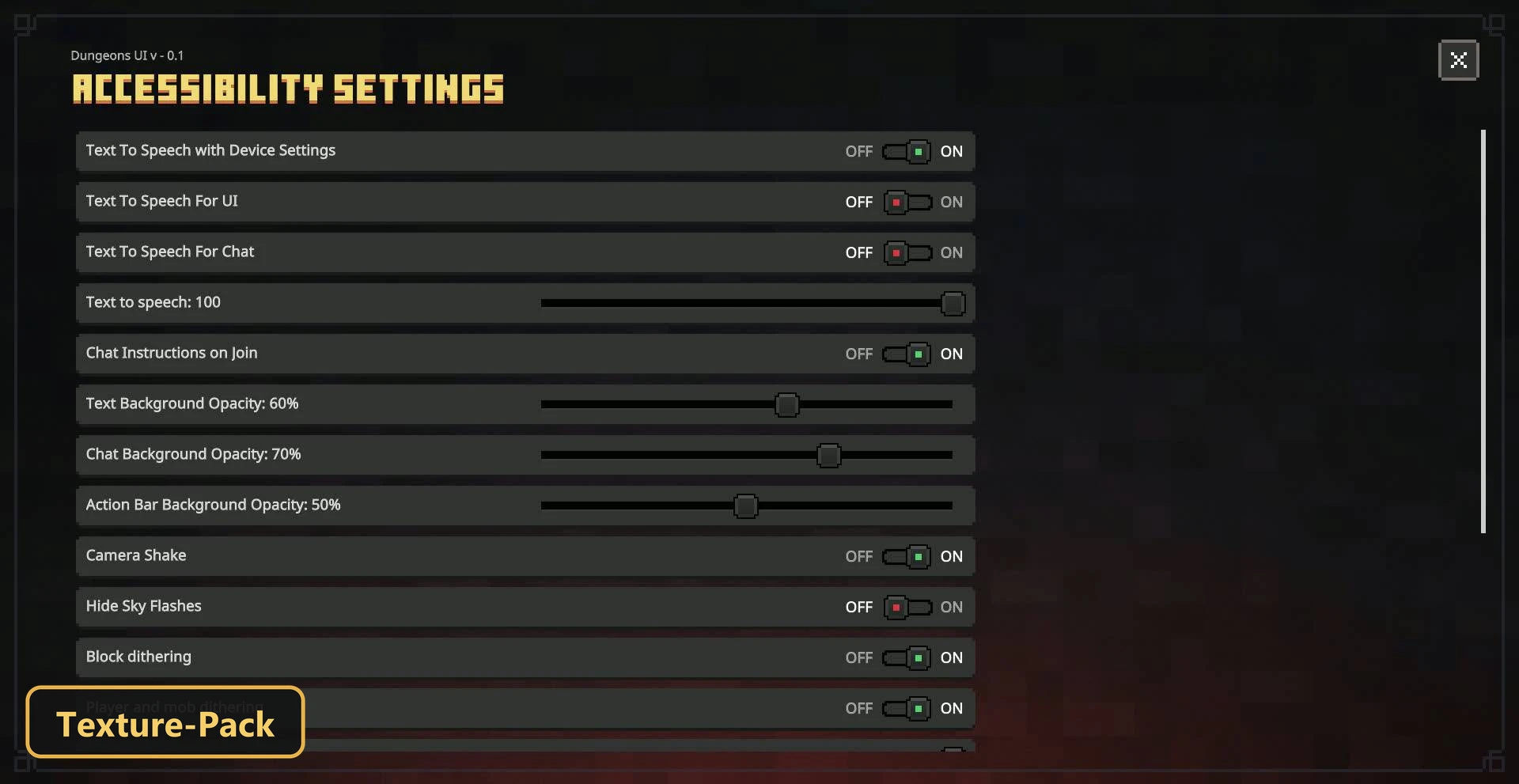
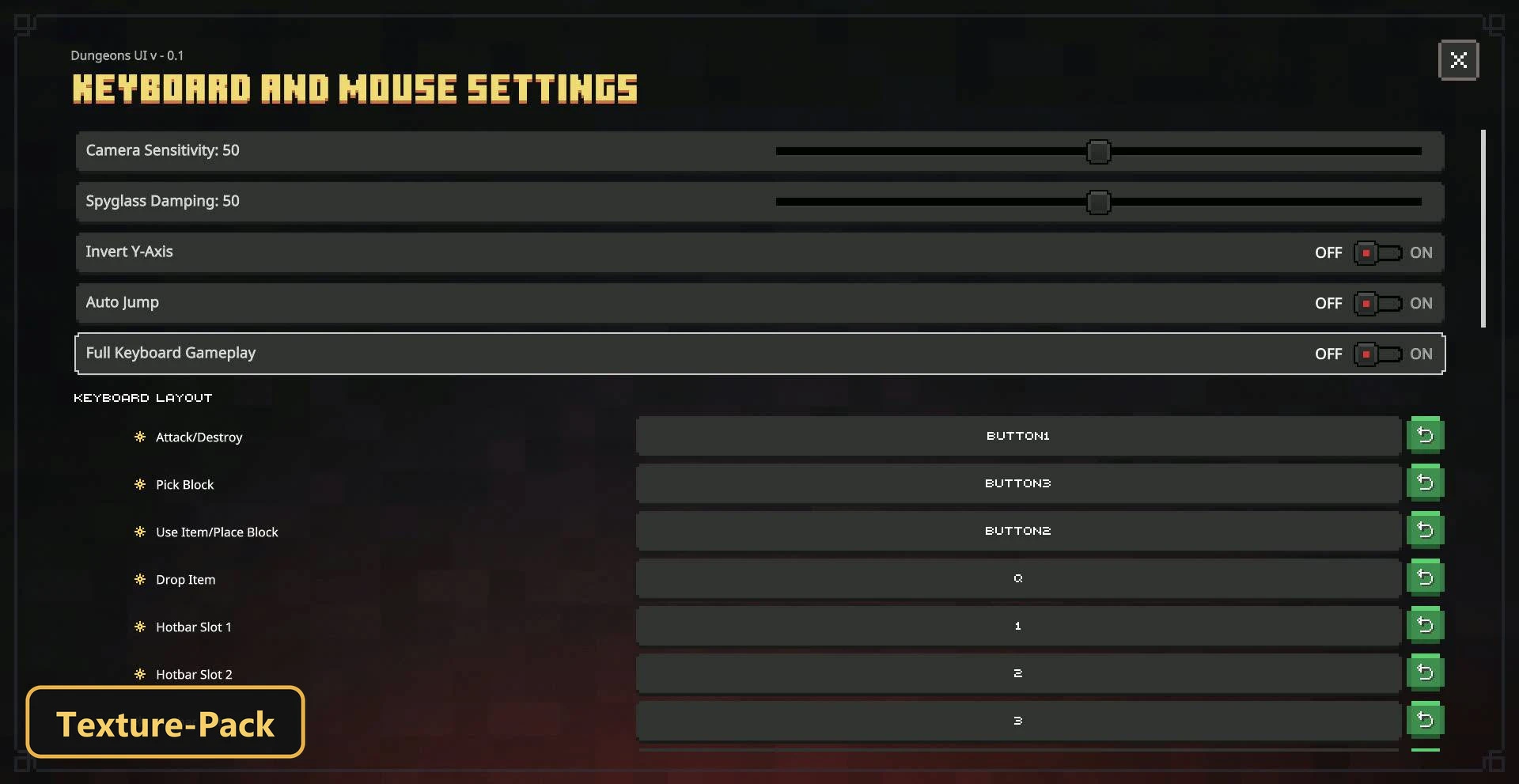
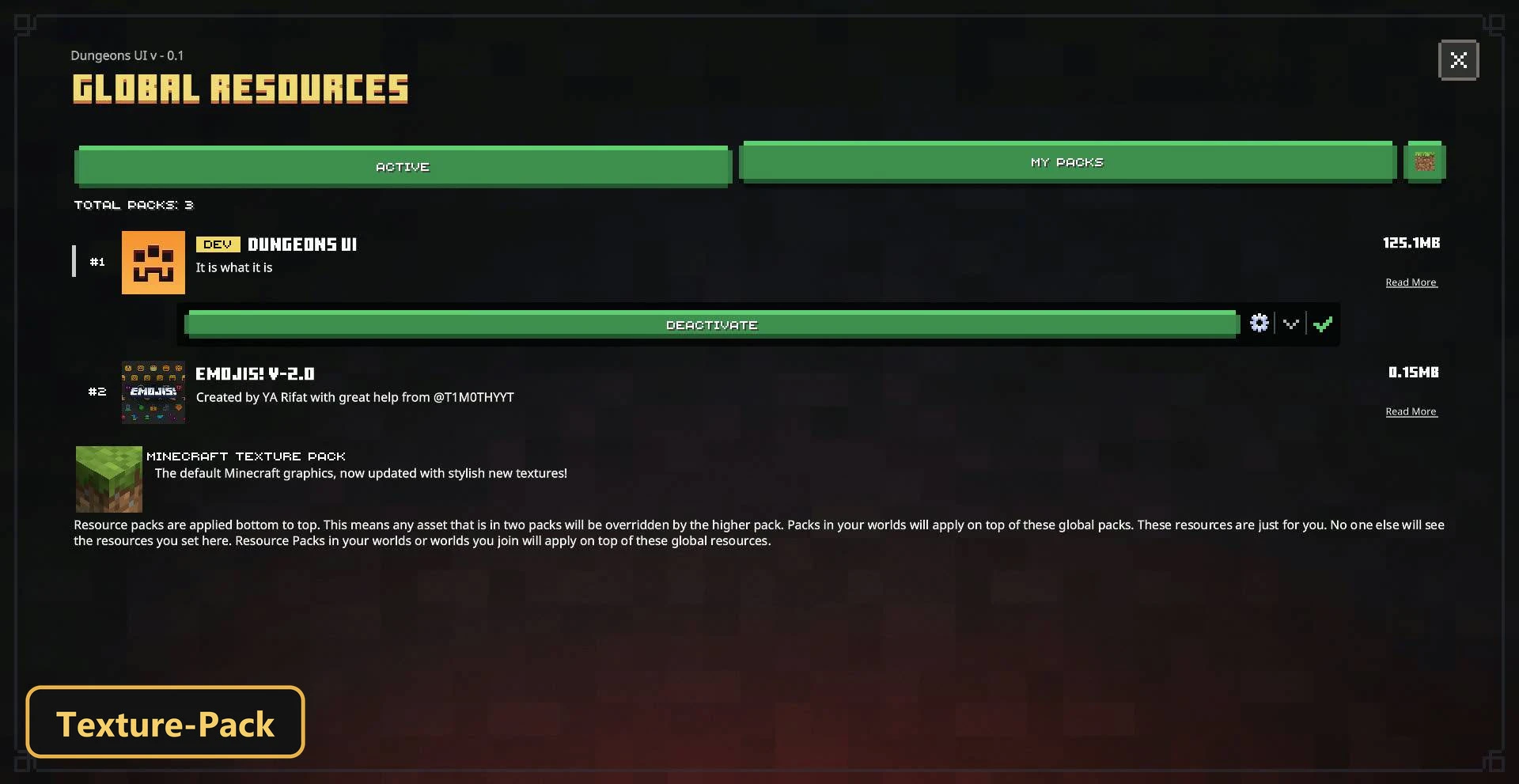
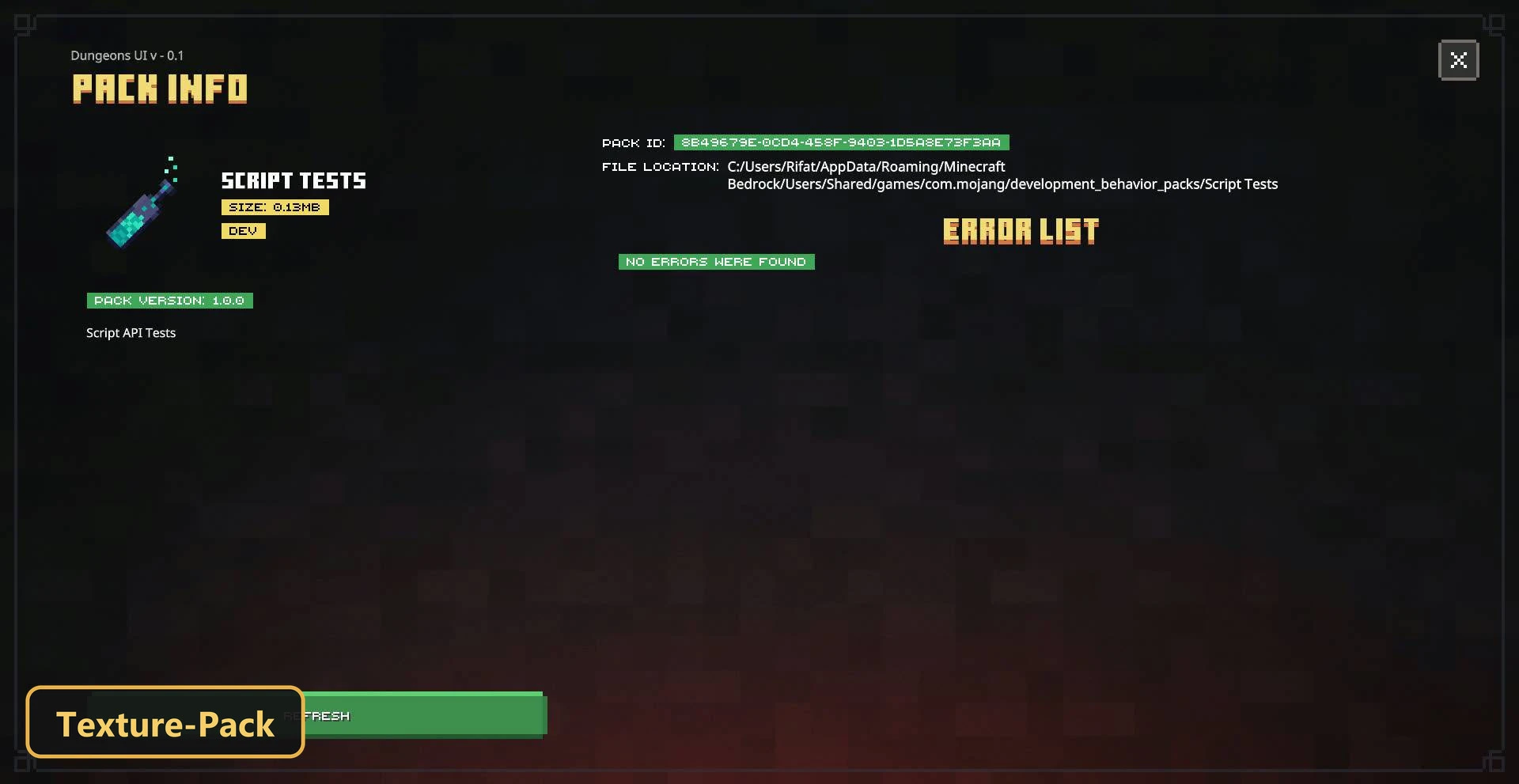
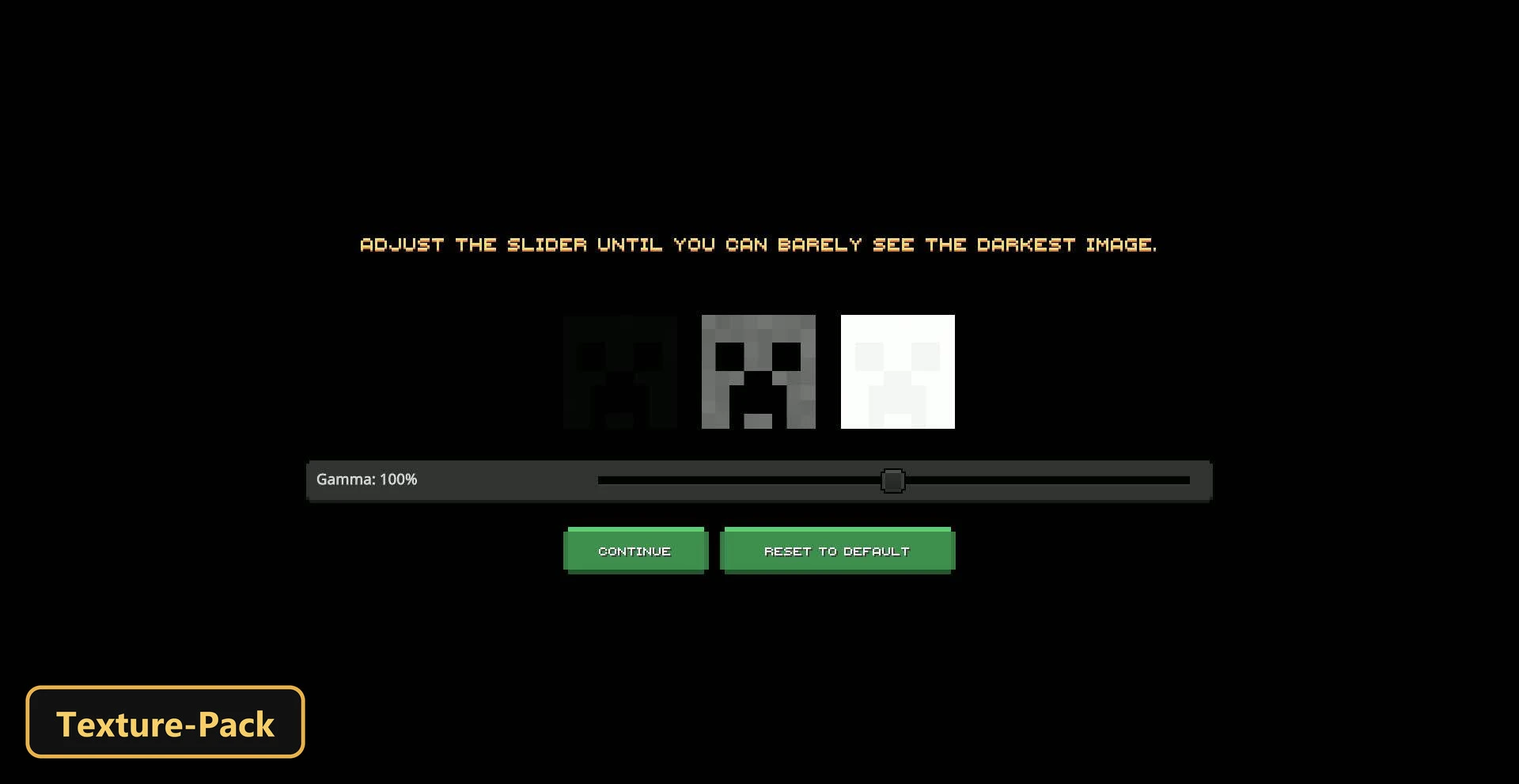
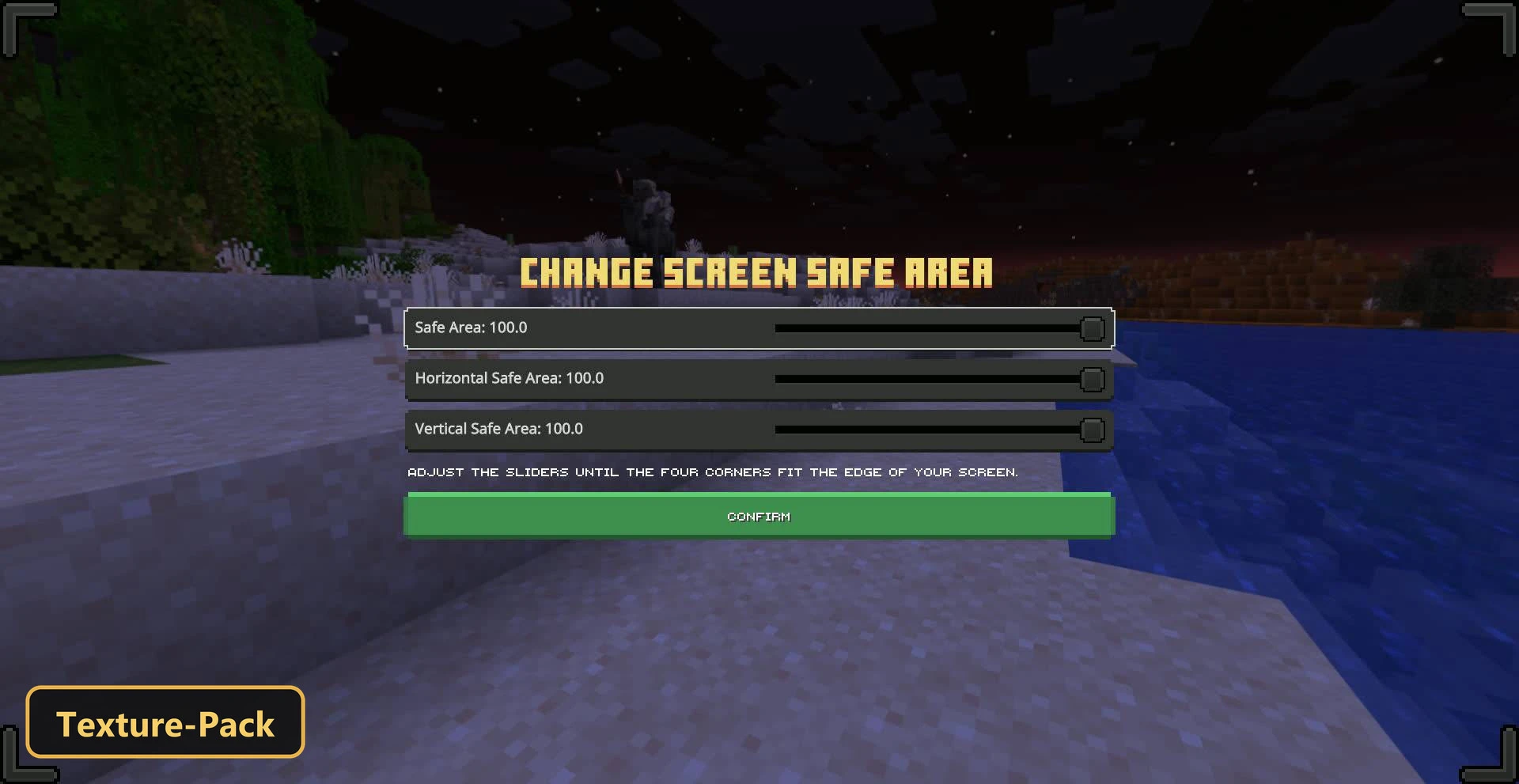
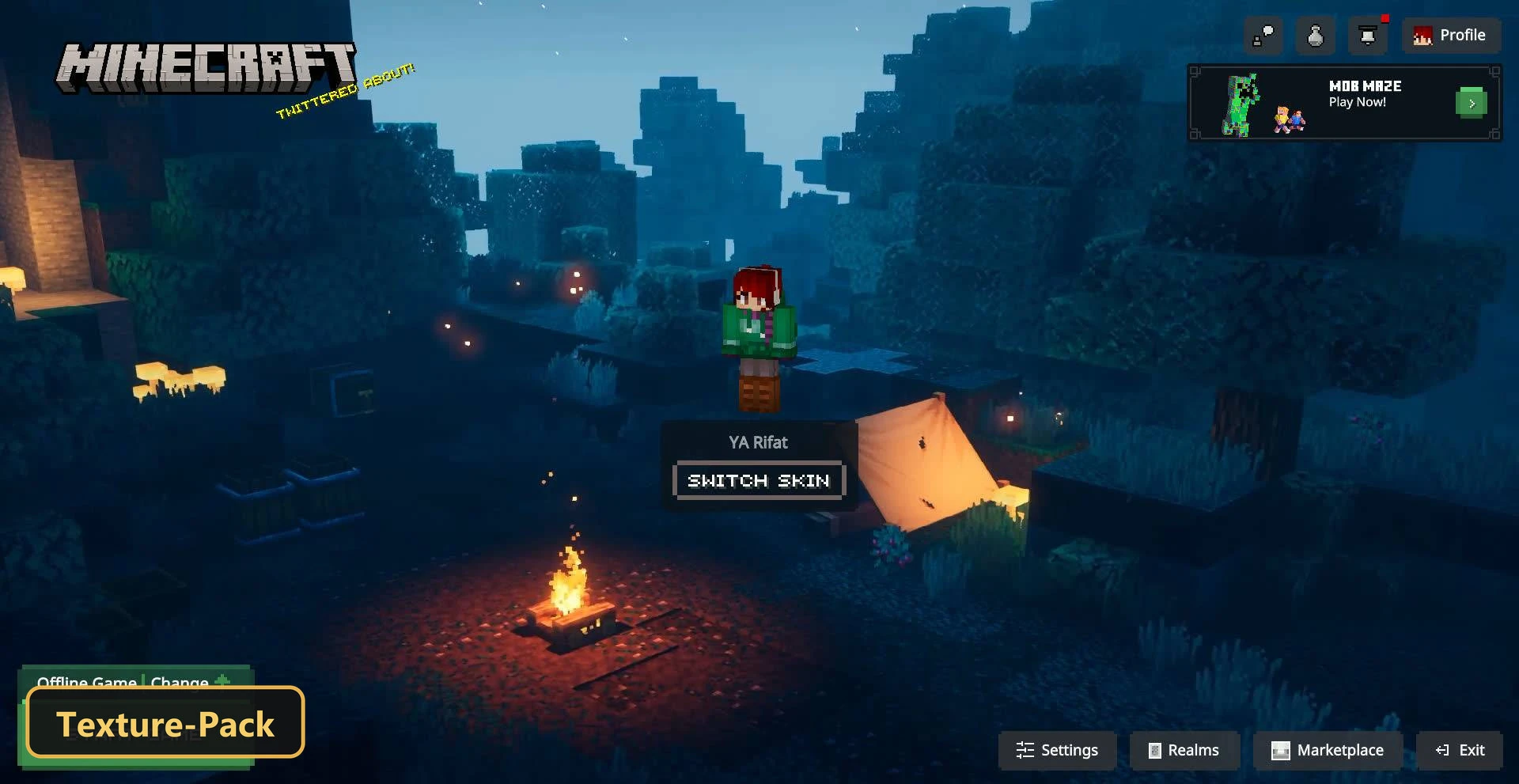
A Dungeons-inspired look covers nearly every screen with Dungeons UI, a texture pack that retextures the user interface. The style is meant to resemble the one used in Minecraft Dungeons.
The settings screen gets a full redesign with a new layout, and the start screen, inventory and crafting interfaces are updated along with the furnace, blast furnace and smoker screens. The HUD, chat and pause screens follow the same theme. Less common interfaces are covered too, including resource pack settings, the manifest validation screen, content logs, popups, server forms, player invites and the structure editor. The result is one consistent look across almost the whole interface.
Requirements:
- MCPE/Bedrock 26.30 – 26.40
all 2 versions26.40, 26.30
Features:
- Retextures the UI
- Also includes custom UI tweaks
Screenshots:
- Edition: Minecraft Bedrock
- File type: .mcpack
- How to install: Download the .mcpack. → Open it — Minecraft imports it under Resource Packs. → Activate it in Global Resources, or for one world under Resource Packs → Available.
- Where to get it: In MCModsHub, or directly above on this page.
Install steps are the general flow for this file type — How to install Minecraft Bedrock texture packs walks through it step by step.
- Pack type: .mcpack — a single pack
- Manifest requires Minecraft 1.21.0 or newer
- Complete pack — everything it depends on is inside the file
- Download link checked 5 Oct 2026 — working
- Mirrored on our own servers — the download does not depend on the original host
These come from our own check of the pack file, not from the source page.