ShadersBedrock
Emers Shades Shader (26.x, 1.21) – Clear Water and Realistic Moonlight
Bedrock shader pack for the Vibrant Visuals mode listed for Minecraft 1.21–26.x. File opened and checked on 5 Oct 2026; installs from the MC Bedrock Mods app on Android.
⬇ Download
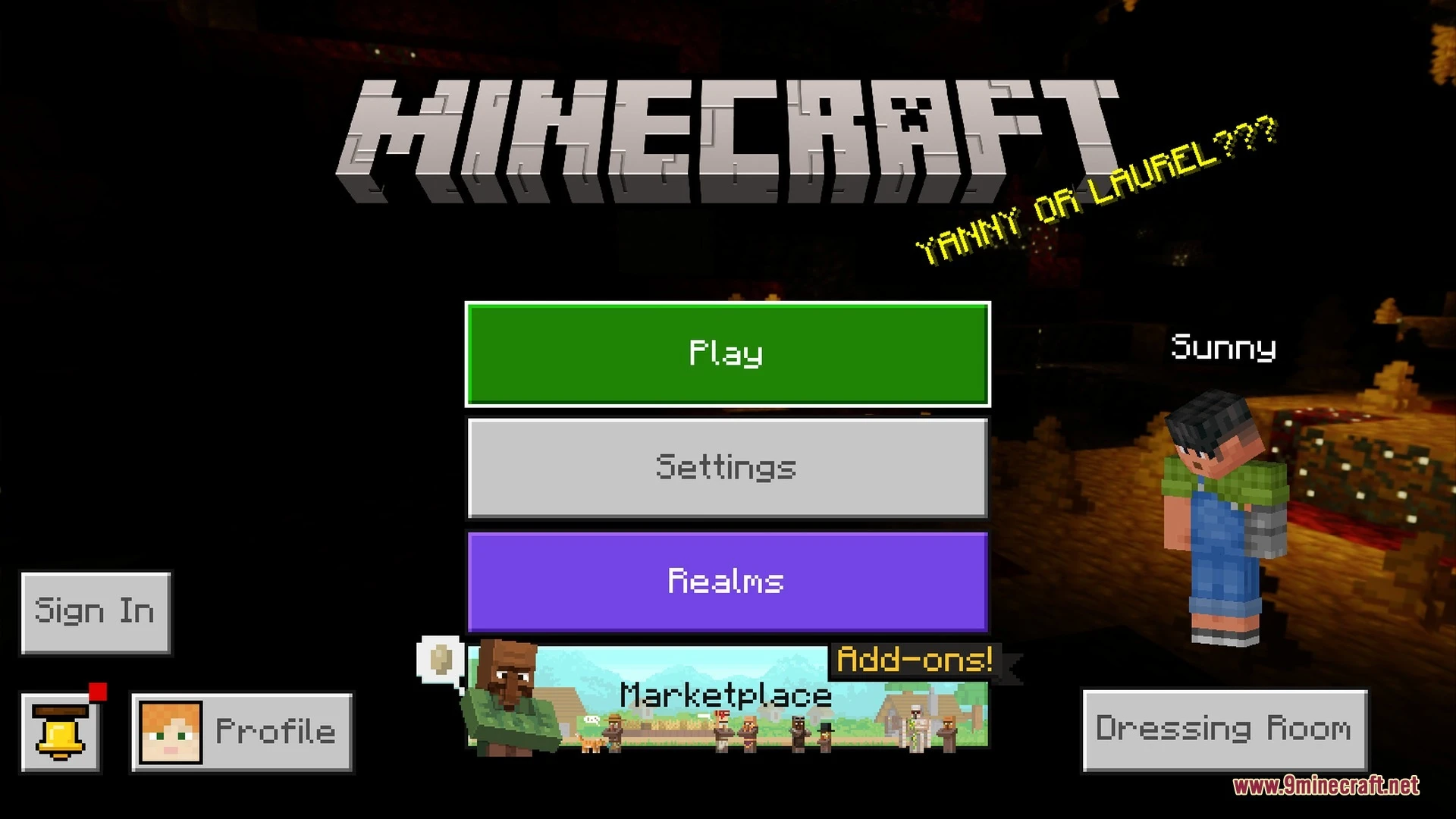
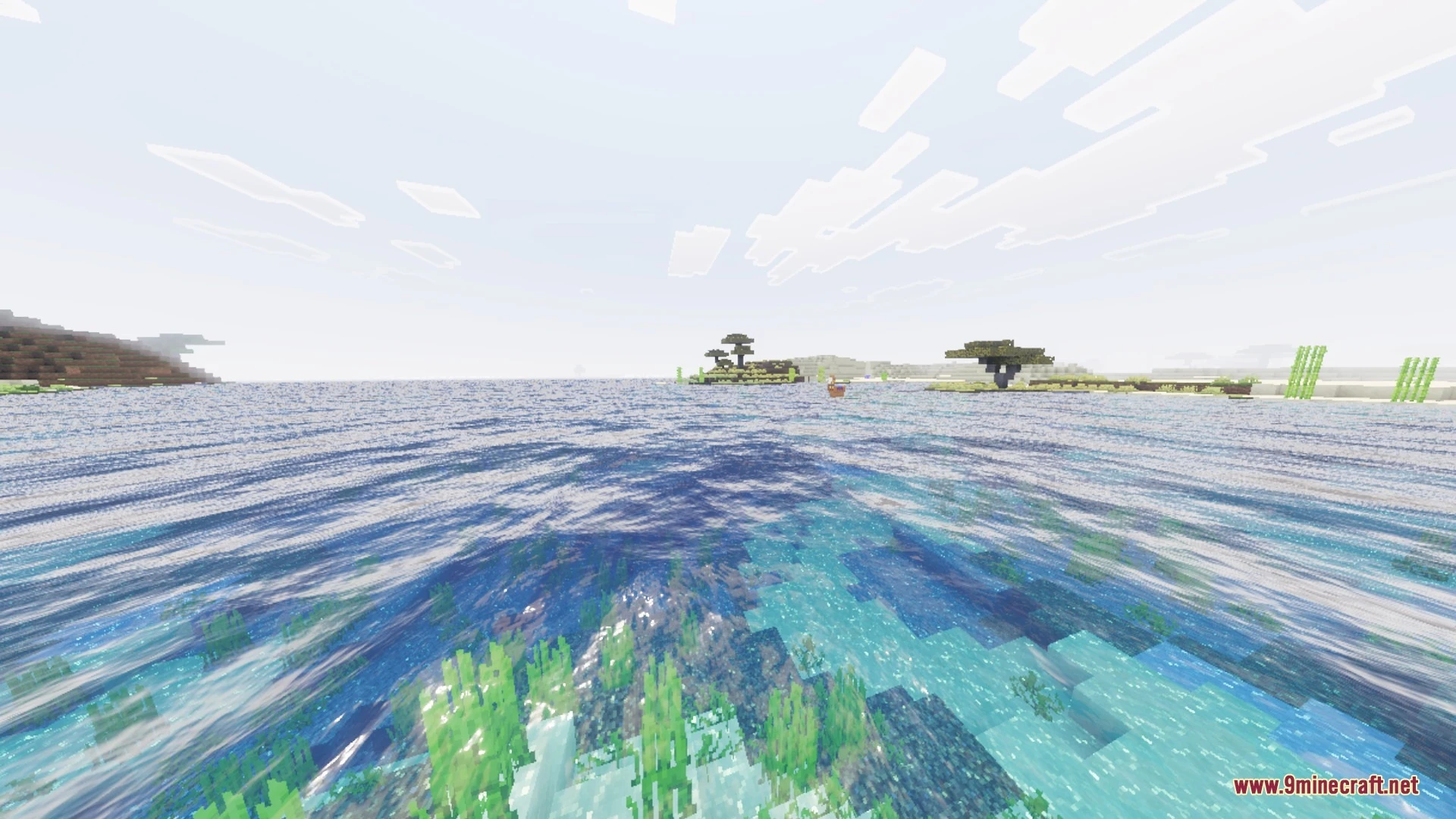
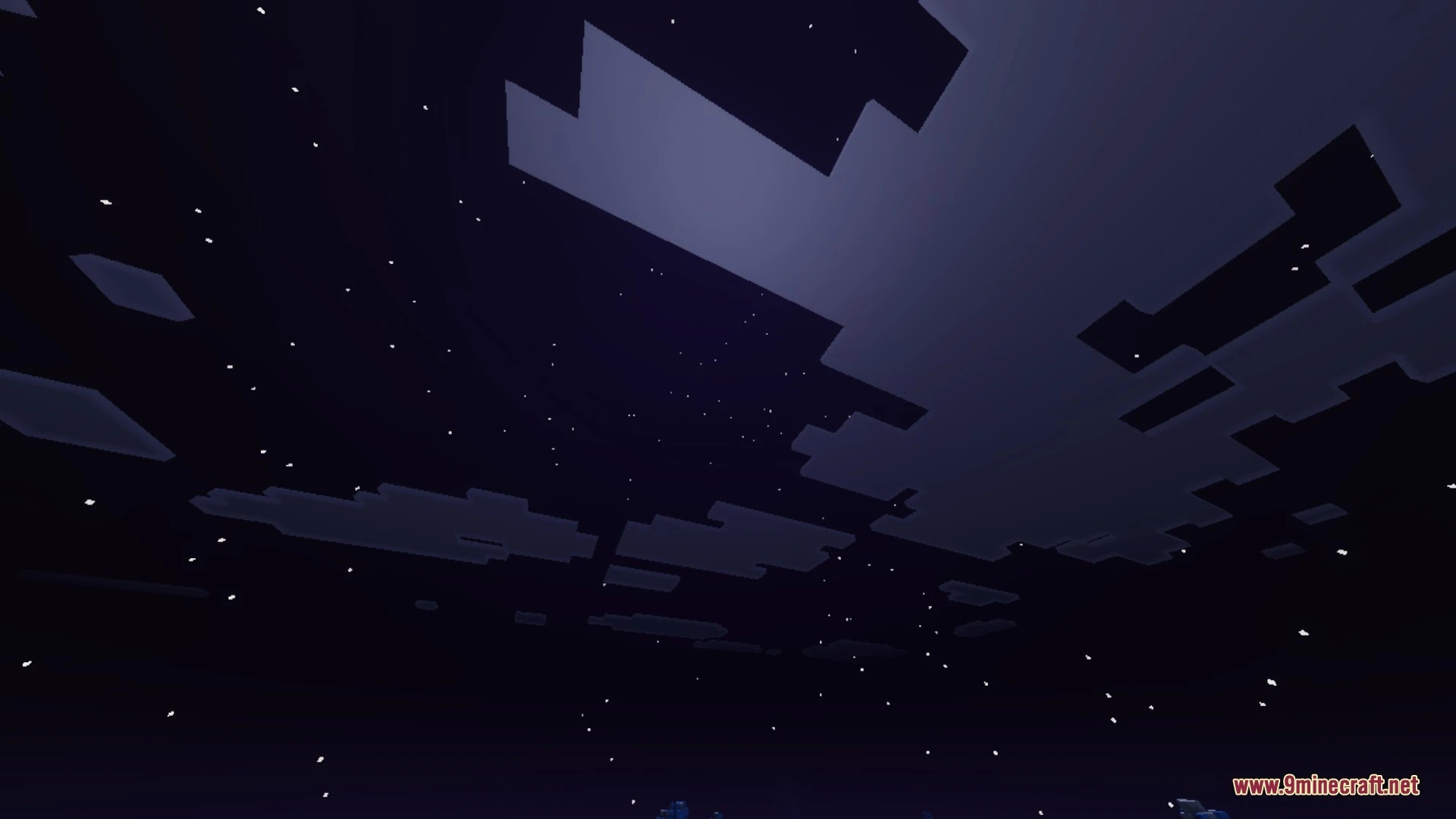
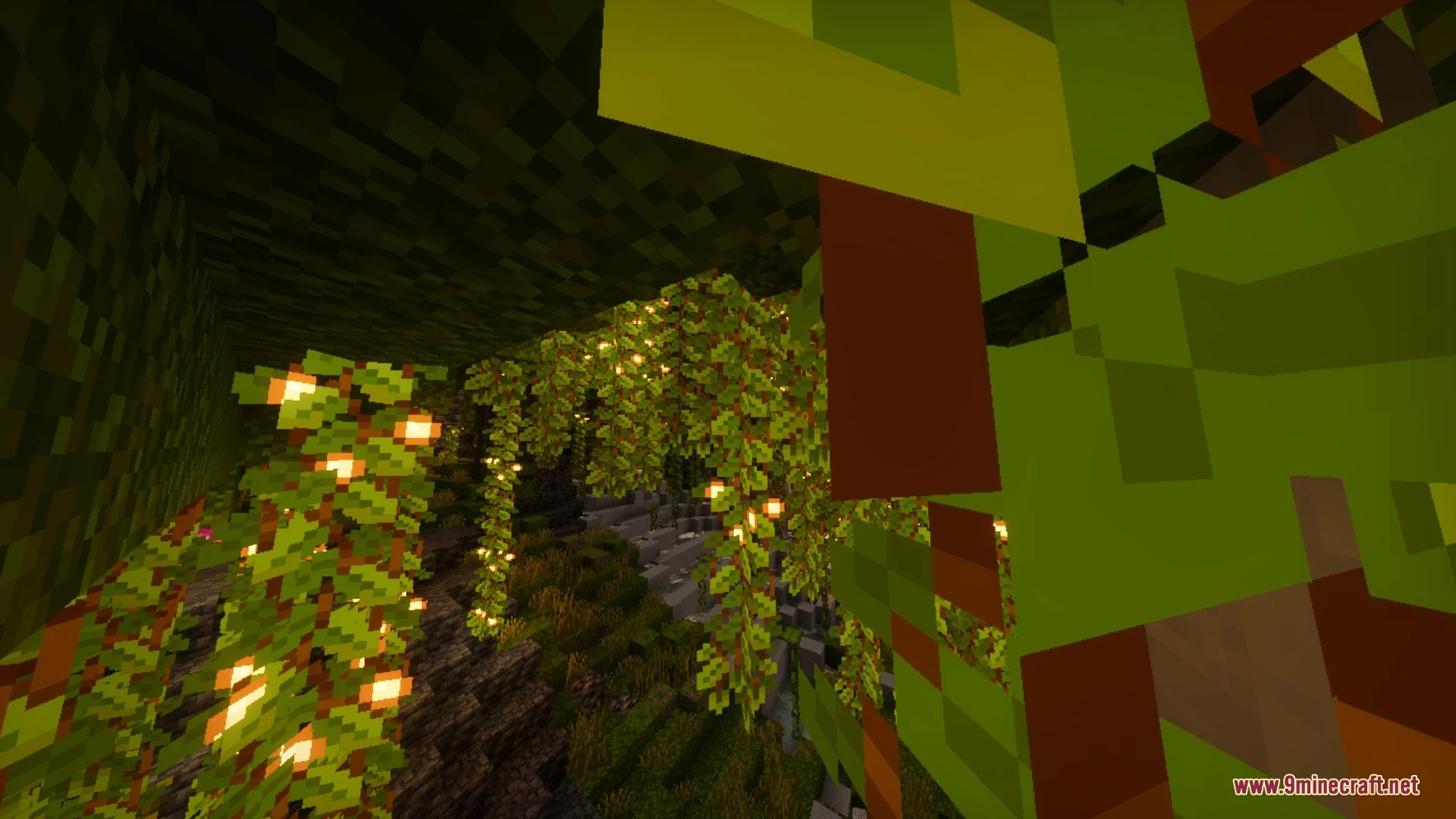
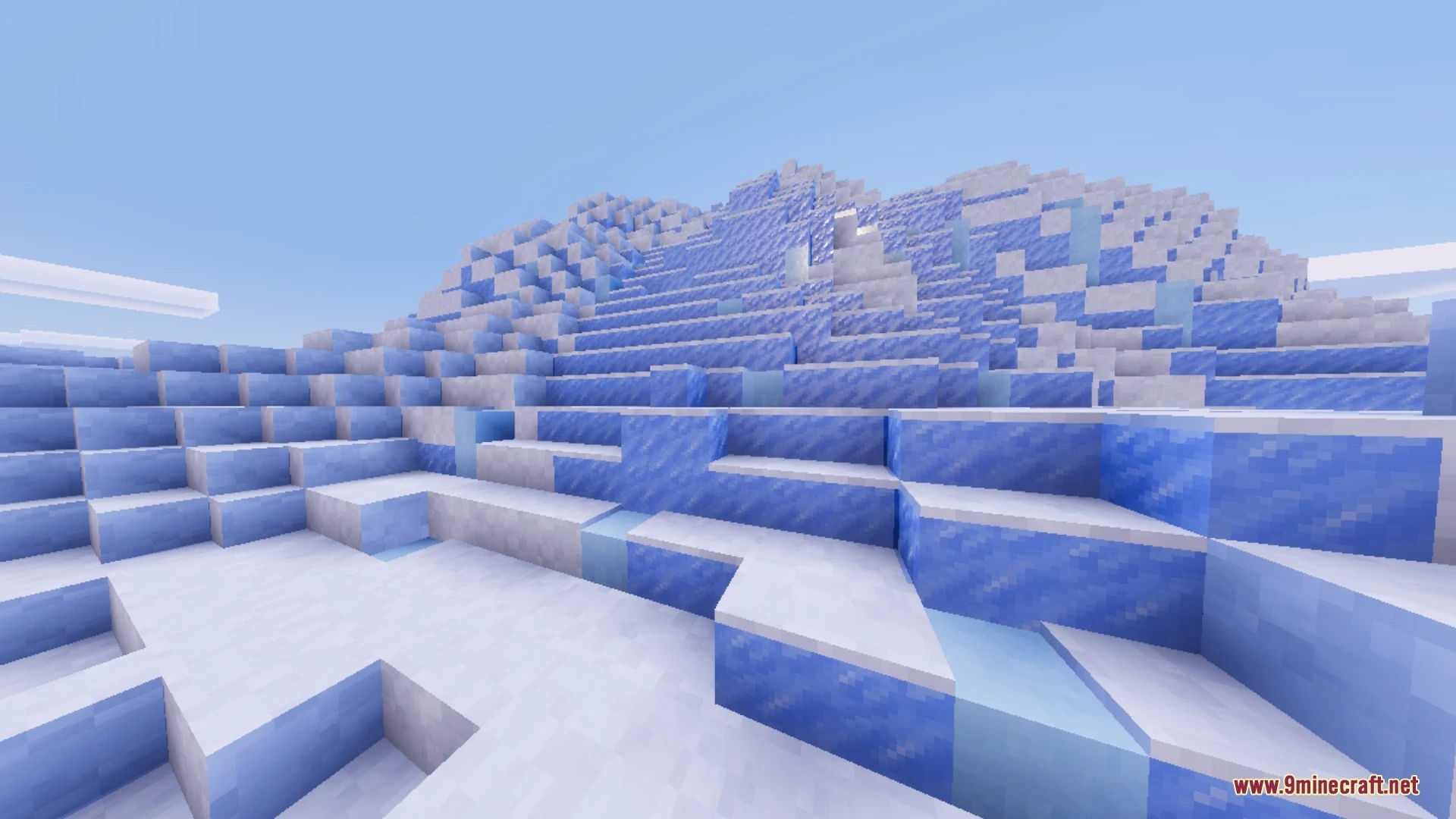
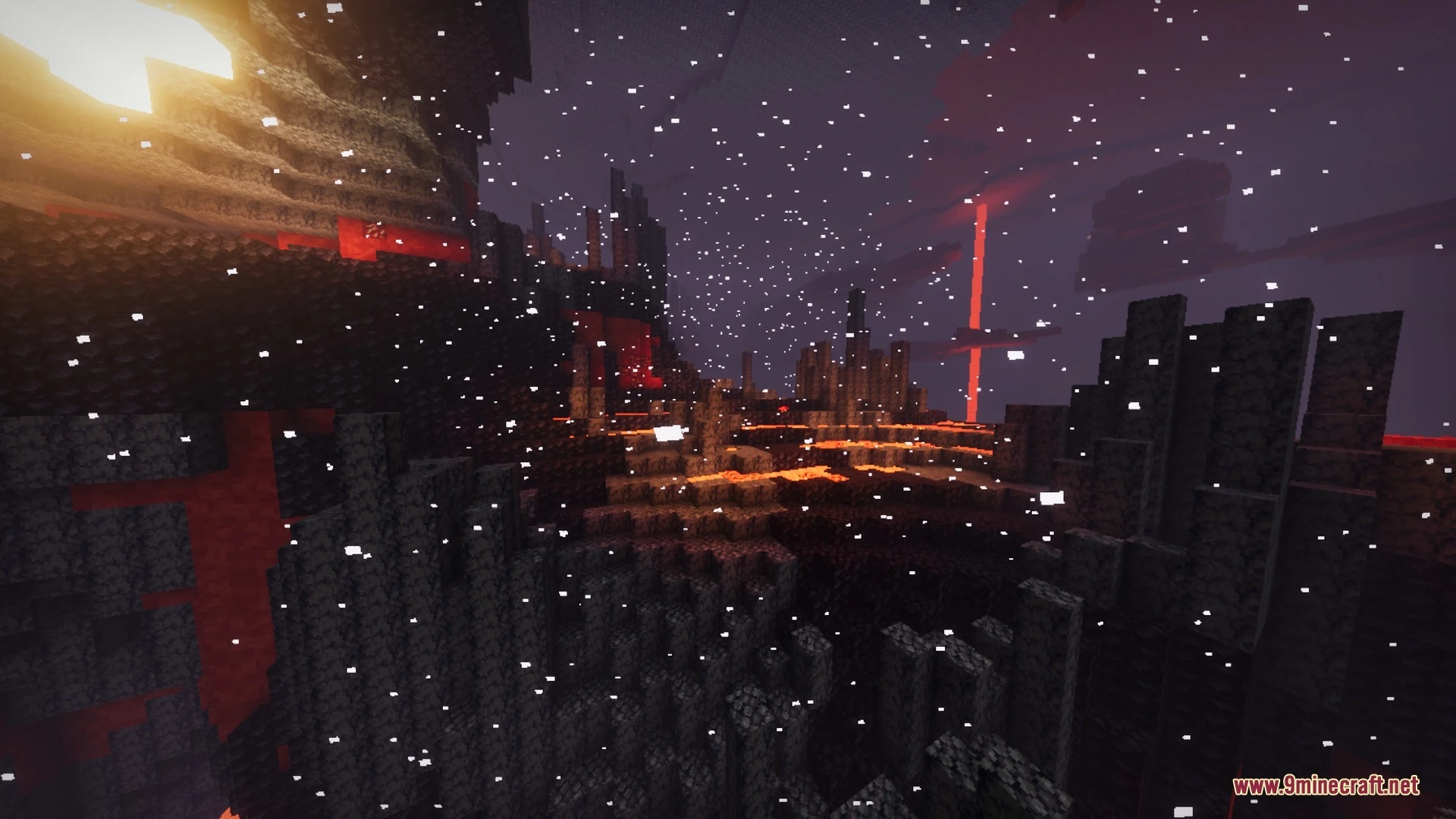
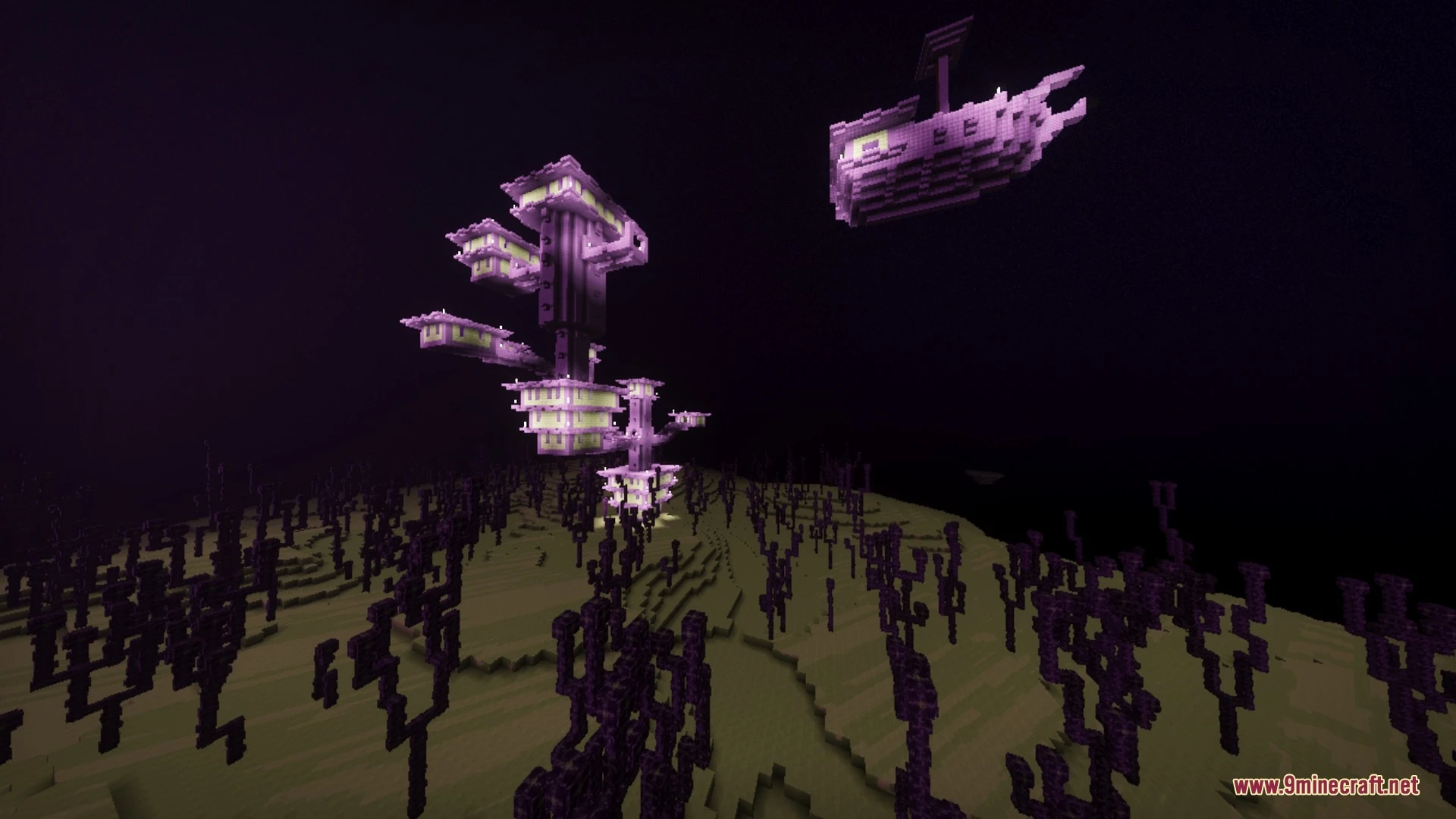
Emers Shades Shader brings vibrant lighting and clean environmental effects to your Bedrock world while maintaining great performance. It enhances your daily adventures with realistic moonlight, biome atmospheres, and improved water visuals. Players can enjoy colorful skies and upgraded fog without losing the core feel of the game.
Features:
- Dynamic day and night lighting across all biomes.
- Cinematic sunrise and sunset sky colors.
- Realistic moonlight illumination during the night.
- Enhanced fog effects and improved water appearance.
- Optimized performance designed specifically for Bedrock Edition.
Screenshots:
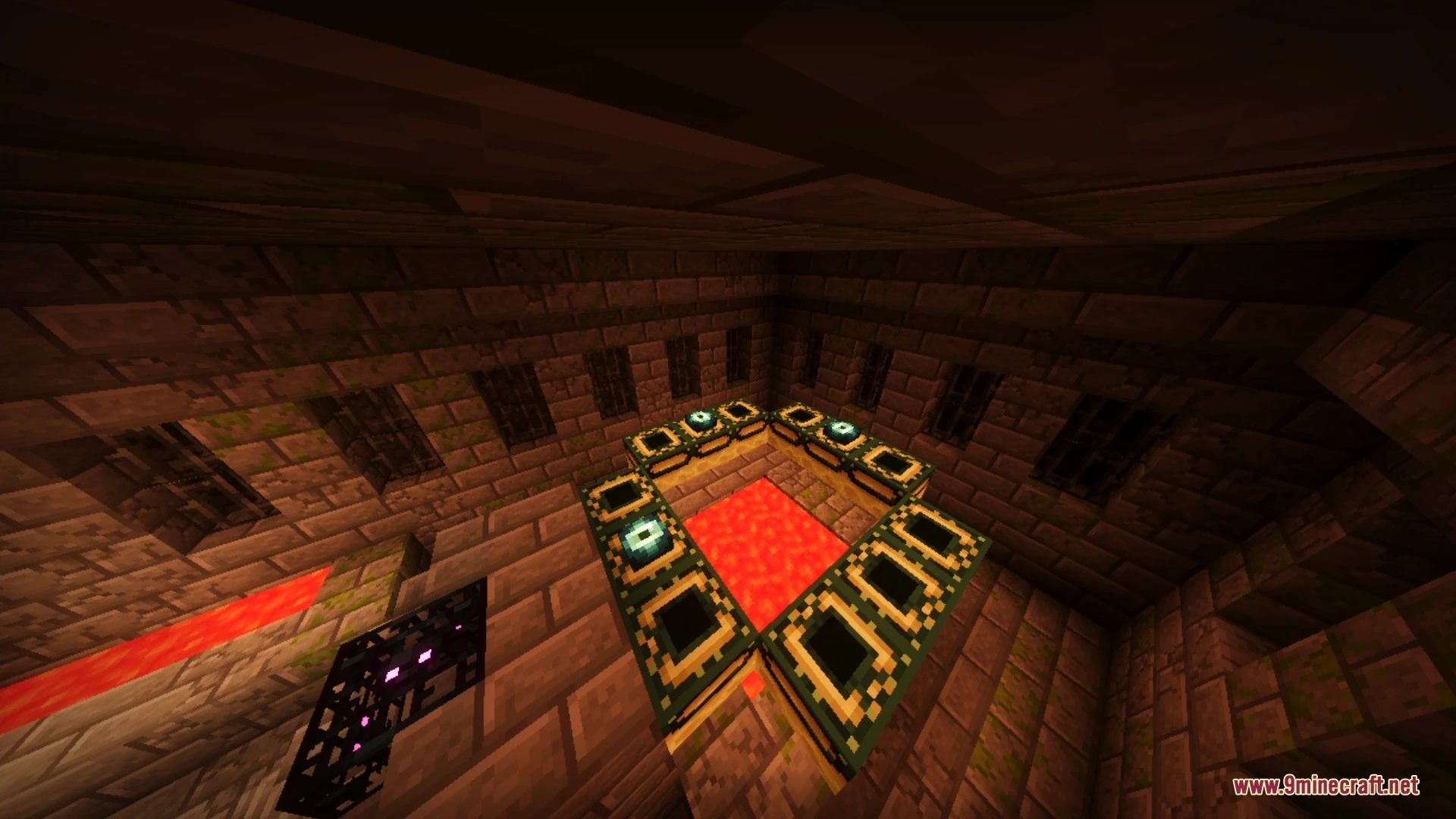
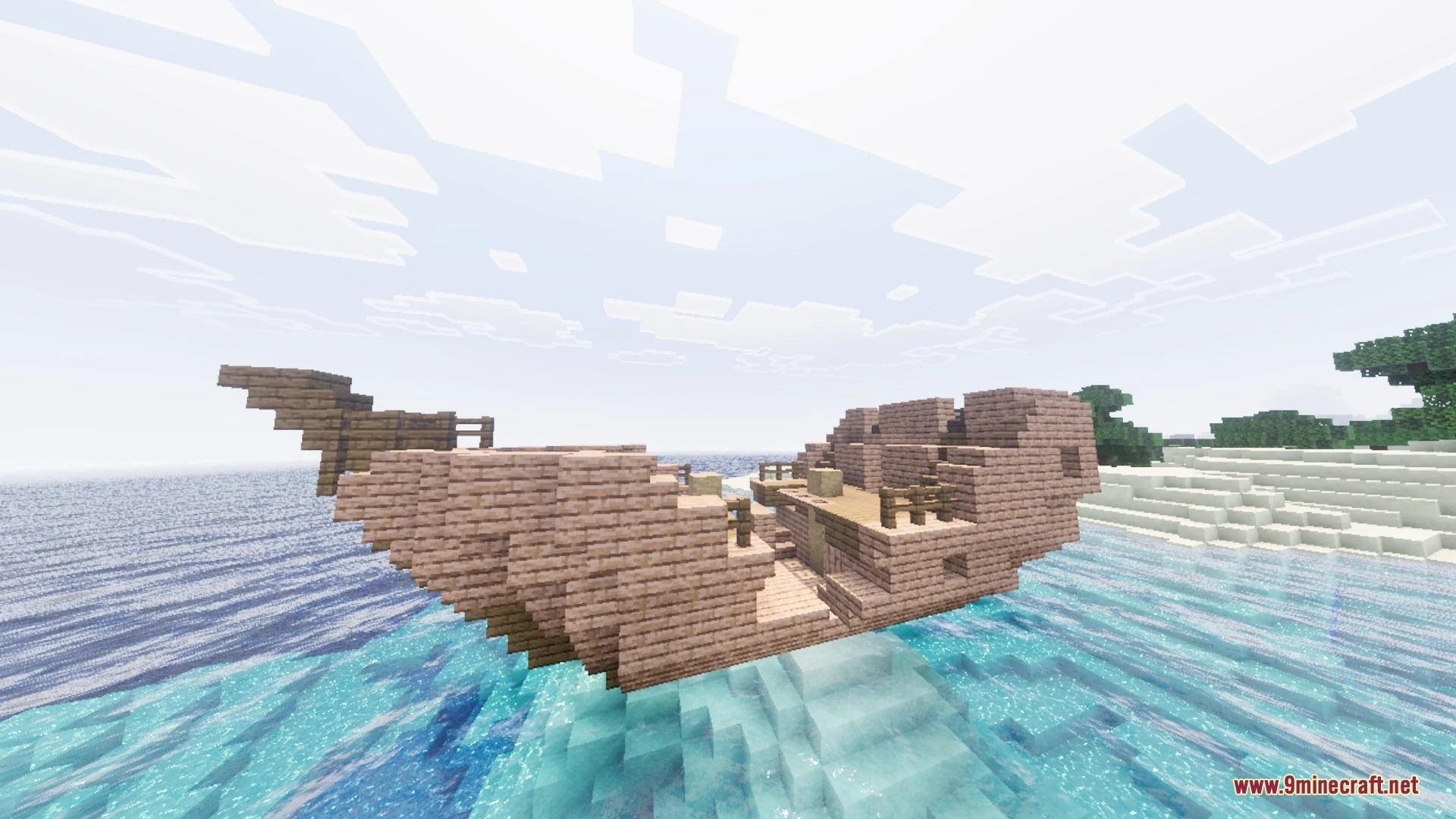


Emers Shades Shader Download Links
Quick facts
- Edition: Minecraft Bedrock
- File type: .mcpack
- Minecraft version listed: 1.21
- How to install: Download the .mcpack. → Open it — Minecraft imports it under Resource Packs. → Activate it in Global Resources, or for one world under Resource Packs → Available.
- Where to get it: In MCModsHub, or directly above on this page.
Install steps are the general flow for this file type — How to install Minecraft Bedrock texture packs walks through it step by step.
File checked by MCModsHub
- Pack type: .mcpack — a single pack
- Manifest requires Minecraft 1.26.20 or newer
- Complete pack — everything it depends on is inside the file
- Download size: 237 KB
- Download link checked 5 Oct 2026 — working
- Mirrored on our own servers — the download does not depend on the original host
These come from our own check of the pack file, not from the source page.