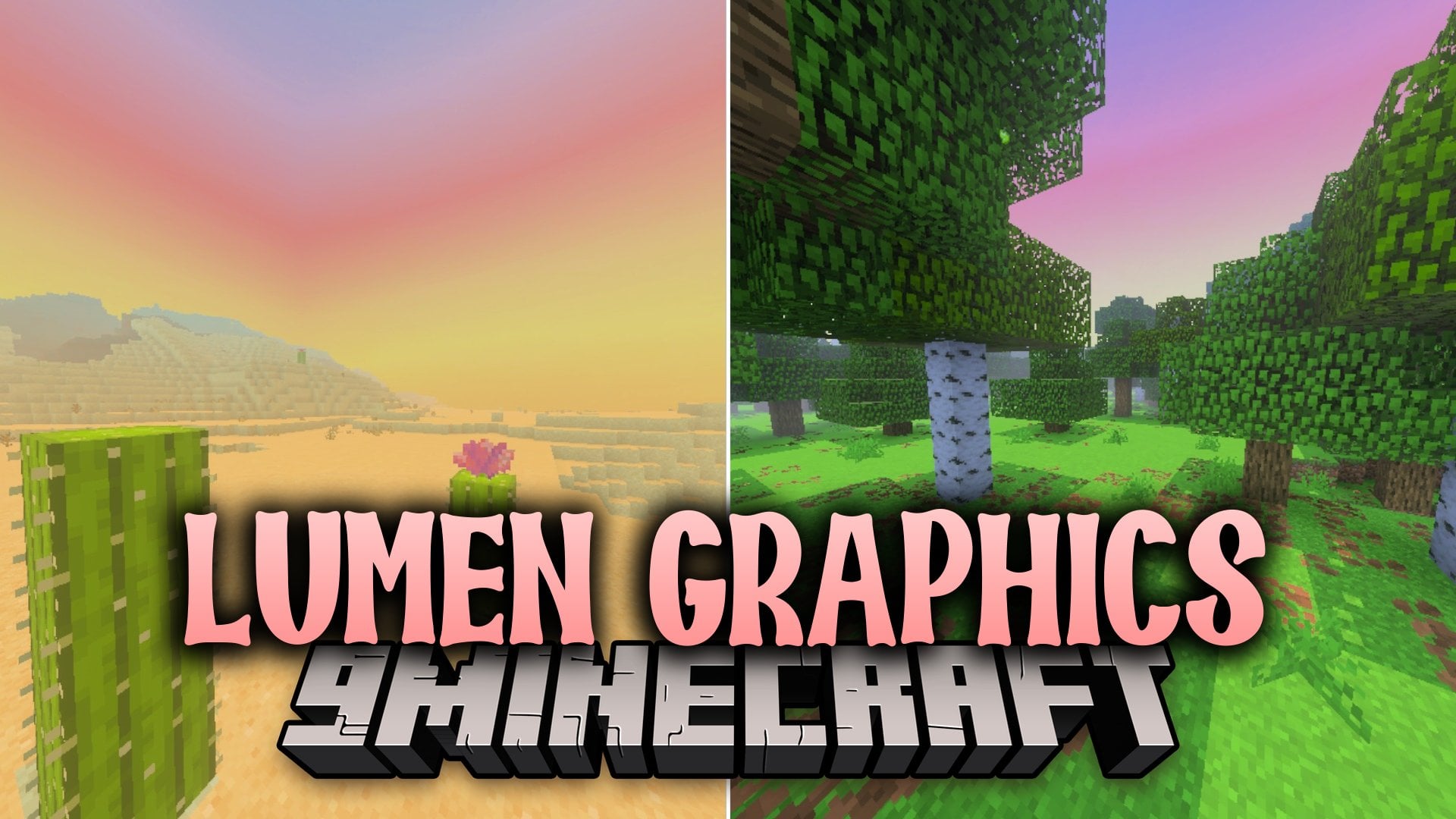


Lumen Graphics Shader overhauls the visual atmosphere across your Minecraft Bedrock worlds with custom fog and water colors. It replaces default fog settings across over 40 biomes to create unique color tones and density. It also adds a rich teal water tone to oceans while running smoothly on mobile devices.
Features:
- Adds unique fog colors and density settings to over 40 biomes.
- Changes global ocean water surfaces to a deep teal color.
- Brings dramatic colored fog to every Nether biome.
- Uses a dual fog system for smooth transitions between areas.
- Runs smoothly on mobile devices with a lightweight file size.
Screenshots:


Lumen Graphics Shader Download Links
Quick facts
- Edition: Minecraft Bedrock
- File type: .mcpack
- Minecraft version listed: 1.21
- How to install: Download the .mcpack. → Open it — Minecraft imports it under Resource Packs. → Activate it in Global Resources, or for one world under Resource Packs → Available.
- Where to get it: In MCModsHub, or directly above on this page.
Install steps are the general flow for this file type — How to install Minecraft Bedrock texture packs walks through it step by step.
Verified by MCModsHub
- Download size: 2.9 MB
- Download link checked 5 Oct 2026 — working
- Mirrored on our own servers — the download does not depend on the original host
These come from our own check of the pack file, not from the source page.