ShadersBedrock
Astrelle Shades Shader (26.x, 1.21) – Warm Sunlight and Smooth Water
Bedrock shader pack for the Vibrant Visuals mode listed for Minecraft 1.21. File opened and checked on 5 Oct 2026; installs from the MC Bedrock Mods app on Android.
⬇ Download


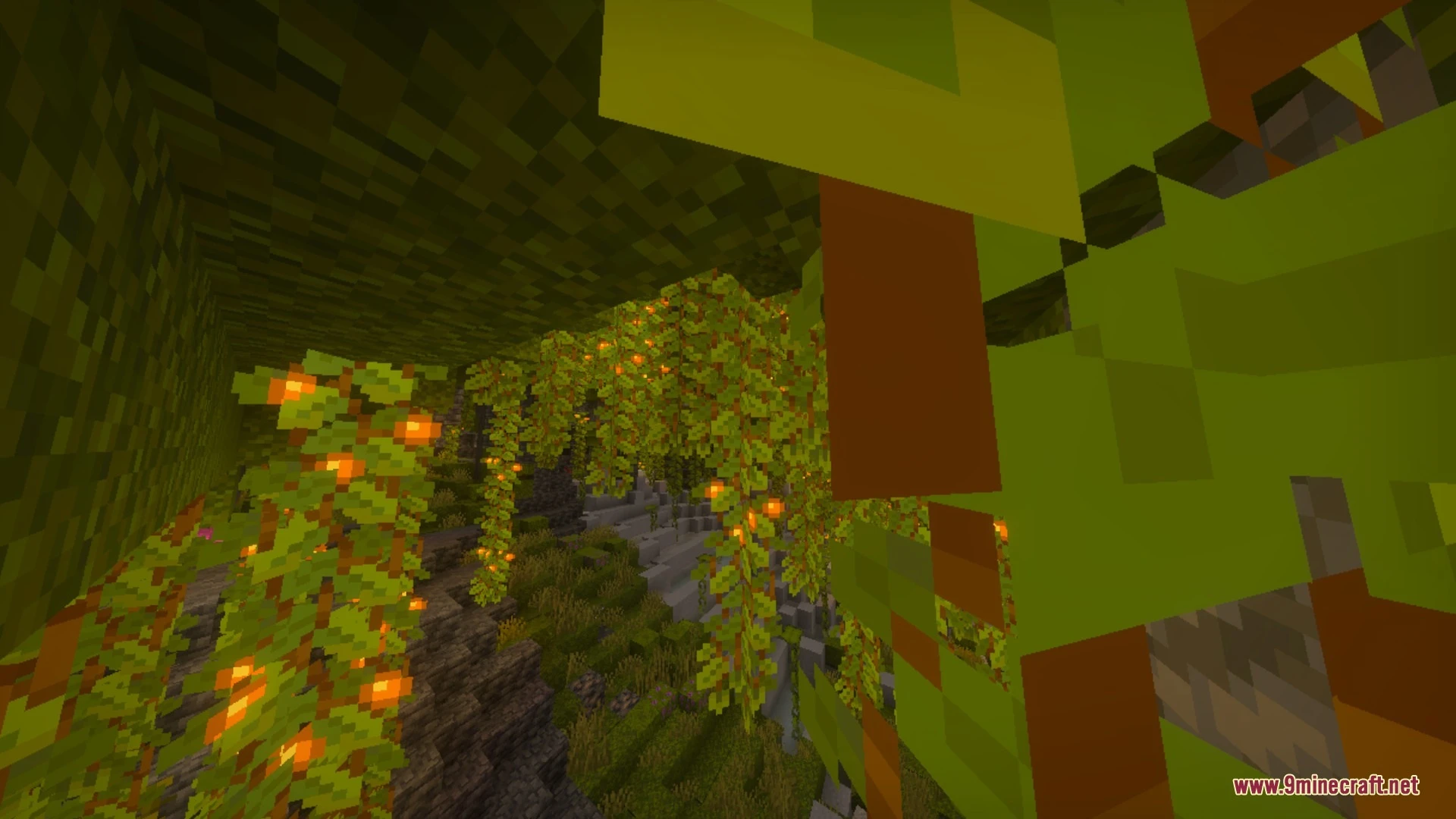


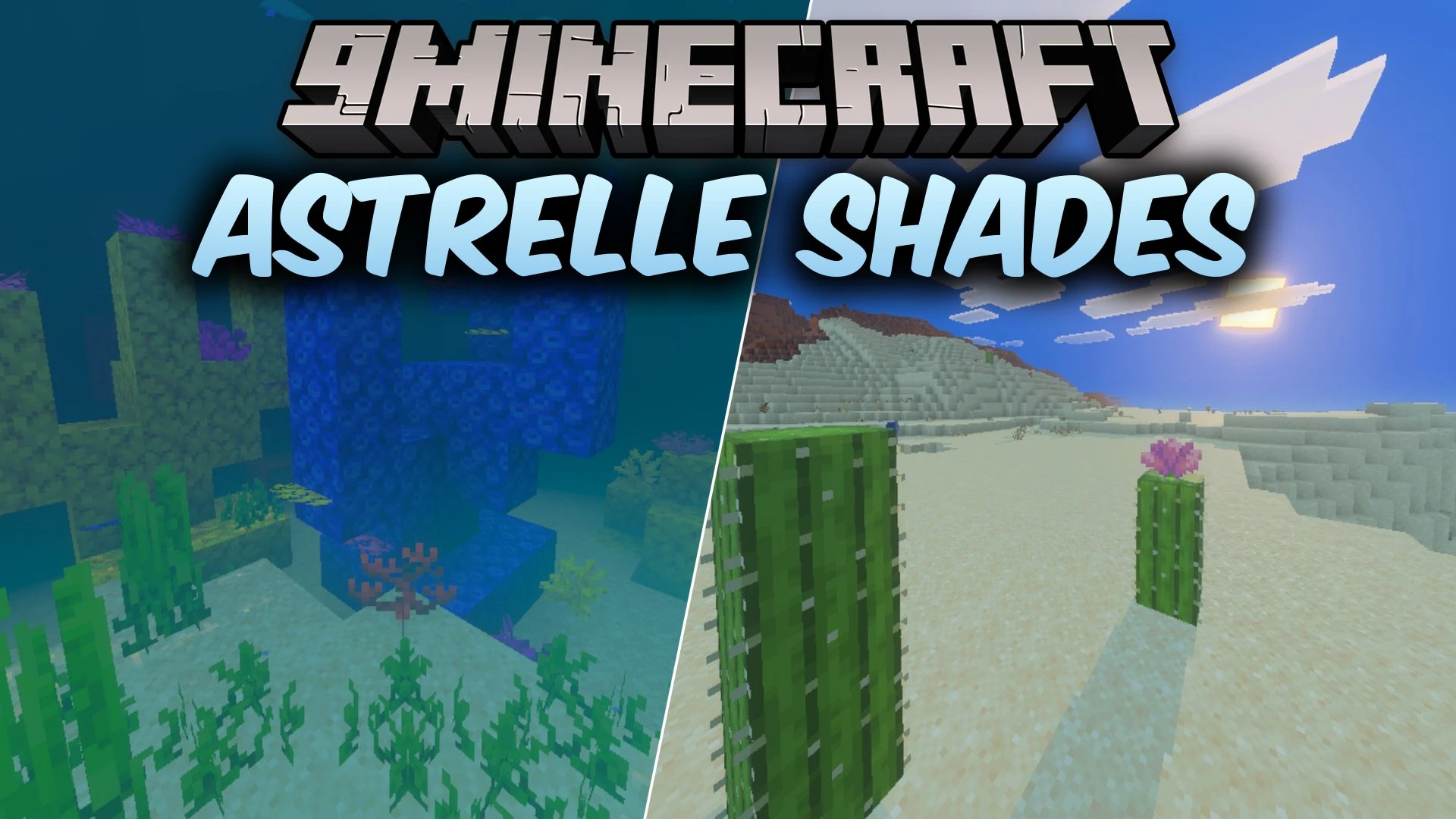
Astrelle Shades Shader enhances your Minecraft Bedrock worlds with warm, balanced lighting and realistic visual effects. It adds dynamic water waves, tuned color grading, and soft shadows without washing out your screen with excessive bloom. This shader lets you experience richer biomes while maintaining smooth and steady performance on your device.
Features:
- Warm sun and moon lighting creates smooth sunrise and sunset transitions.
- Realistic water simulation adds dynamic waves, reflections, and caustics.
- Balanced color grading delivers rich saturation and natural contrast.
- Biome-aware fog and water adjust colors across swamps and oceans.
- Soft shadows provide smooth and natural depth across your world.
Screenshots:


Astrelle Shades Shader Download Links
Quick facts
- Edition: Minecraft Bedrock
- File type: .mcpack
- Minecraft version listed: 1.21
- How to install: Download the .mcpack. → Open it — Minecraft imports it under Resource Packs. → Activate it in Global Resources, or for one world under Resource Packs → Available.
- Where to get it: In MCModsHub, or directly above on this page.
Install steps are the general flow for this file type — How to install Minecraft Bedrock texture packs walks through it step by step.
File checked by MCModsHub
- Pack type: .mcpack — a single pack
- Manifest requires Minecraft 1.21.0 or newer
- Complete pack — everything it depends on is inside the file
- Download size: 127 KB
- Download link checked 5 Oct 2026 — working
- Mirrored on our own servers — the download does not depend on the original host
These come from our own check of the pack file, not from the source page.