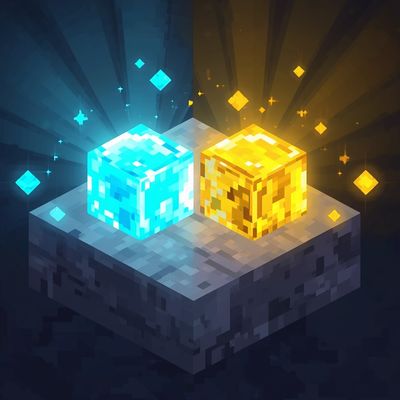
Shining ores
Bedrock texture pack listed for Minecraft 26.x. Download on the author's site.
⬇ Download on CurseForge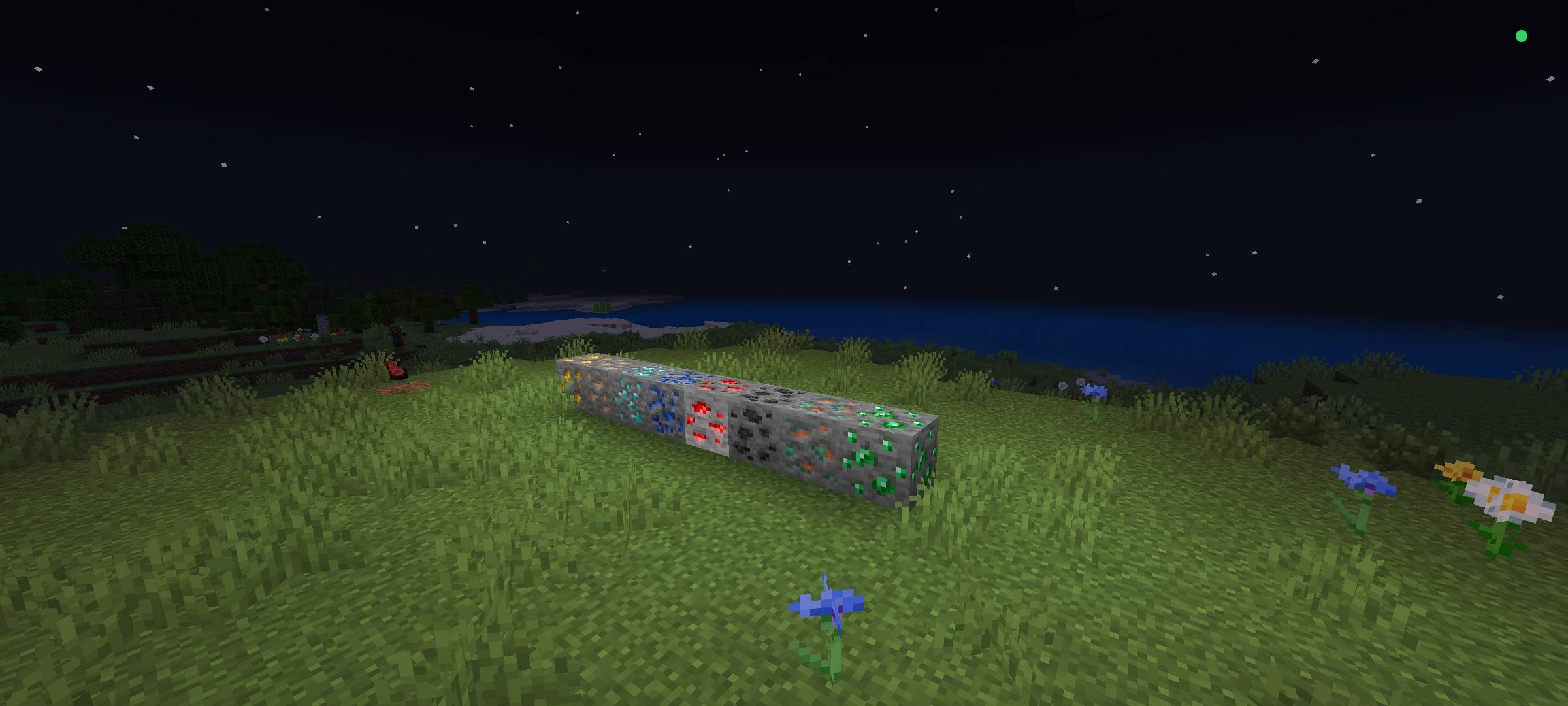
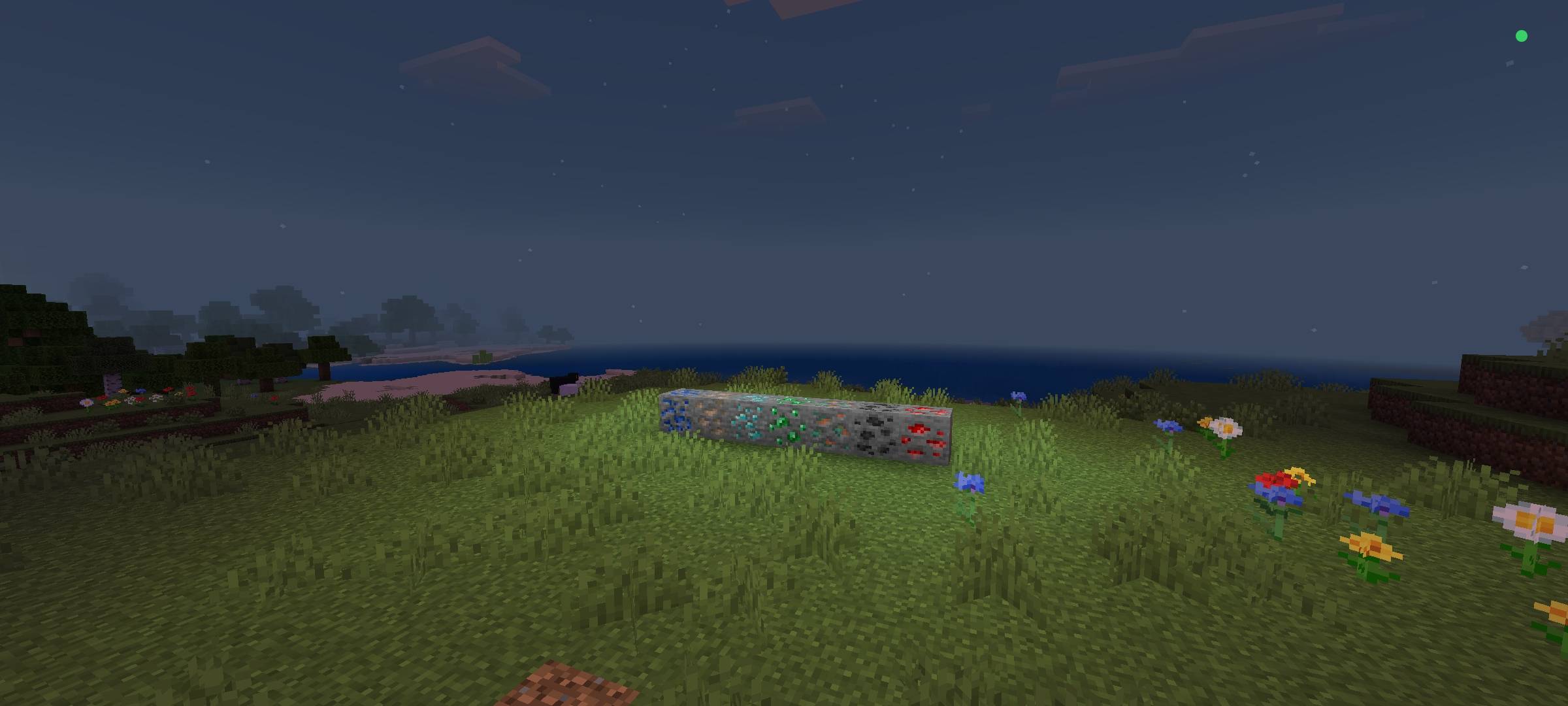
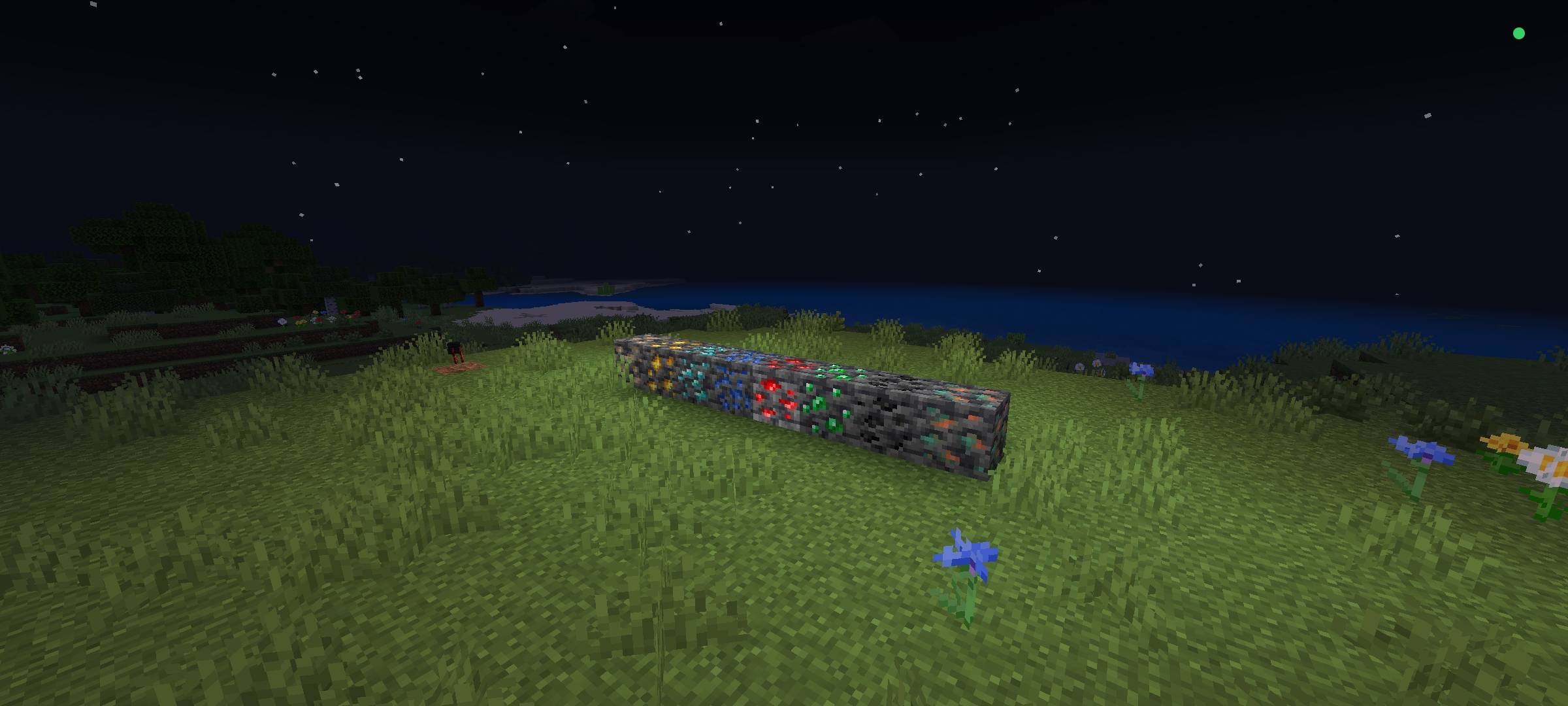
✨ Glowing Ores ✨
Bring your caves to life!
Tired of exploring dark caves with torches scattered everywhere? Glowing Ores makes every ore in Minecraft emit a soft, natural light around it — turning your mines into a visual spectacle!
🔦 What does this addon do?
· Every ore glows: Coal, Iron, Gold, Diamond, Emerald, Redstone, Lapis Lazuli, Copper, Quartz, and even Ancient Debris now light up their surroundings.
· Ambient lighting: Each ore emits its own light level, making caves more visible and beautiful without needing torches.
· Improved visuals: Find ores much more easily while exploring — they shine in the dark!
· Lightweight and optimized: Built to run without lagging your game or server.
🎮 Compatibility
· Compatible with Minecraft Bedrock Edition
· Works in single player and multiplayer
· Doesn't replace textures or add new blocks — it simply adds light to existing ores
⚙️ How to use
1. Download and install the addon in your world
2. Enable the Behavior Pack (and the Resource Pack, if included)
3. Done! Now just dig and enjoy the glow ✨
💡 Perfect for:
· Players who love exploring caves
· Anyone who wants a better look without heavy mods
· Servers looking for a special touch during exploration
---
Make your mine more beautiful and your exploration easier. Download Glowing Ores now! ⛏️💎
- Edition: Minecraft Bedrock
- File type: .mcpack
- Minecraft version listed: 26.50
- How to install: Download the .mcpack. → Open it — Minecraft imports it under Resource Packs. → Activate it in Global Resources, or for one world under Resource Packs → Available.
- Where to get it: Opens on CurseForge — not every file is mirrored on our own servers.
Install steps are the general flow for this file type — How to install Minecraft Bedrock texture packs walks through it step by step.
Shining ores is a free Minecraft Bedrock texture pack. Compatible with Minecraft 26.50. Downloaded 12 times (via CurseForge). Download it and open it directly in the game.