Os' Inverted Armor Trims
Bedrock texture pack listed for Minecraft 26.x. File opened and checked on 6 Oct 2026; installs from the MC Bedrock Mods app on Android.
Inverts the template for each armor trim so you can have more color on your armor! Trim is based on Netherite armor. This pack includes a How-To for you…
⬇ Download on CurseForge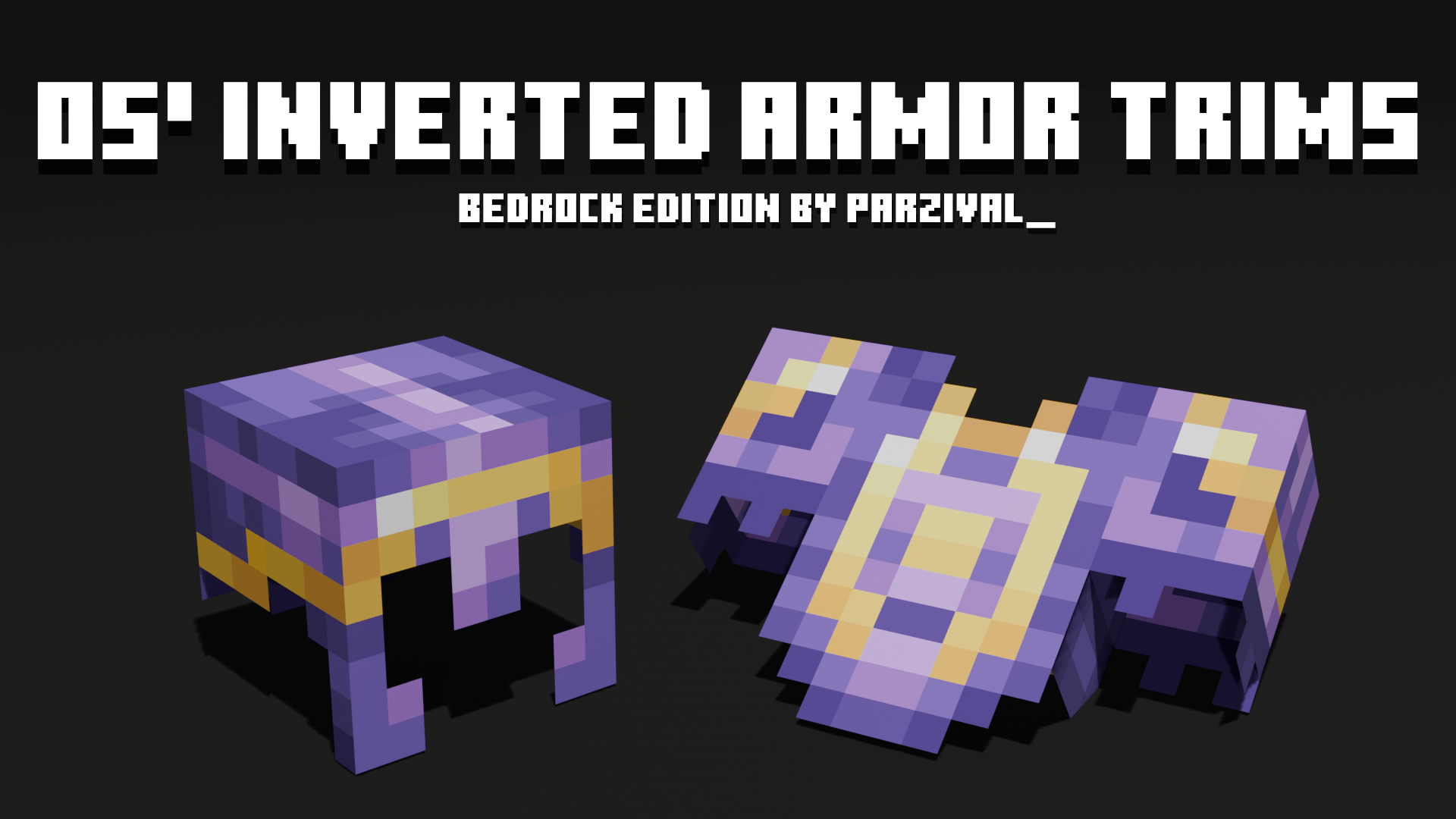
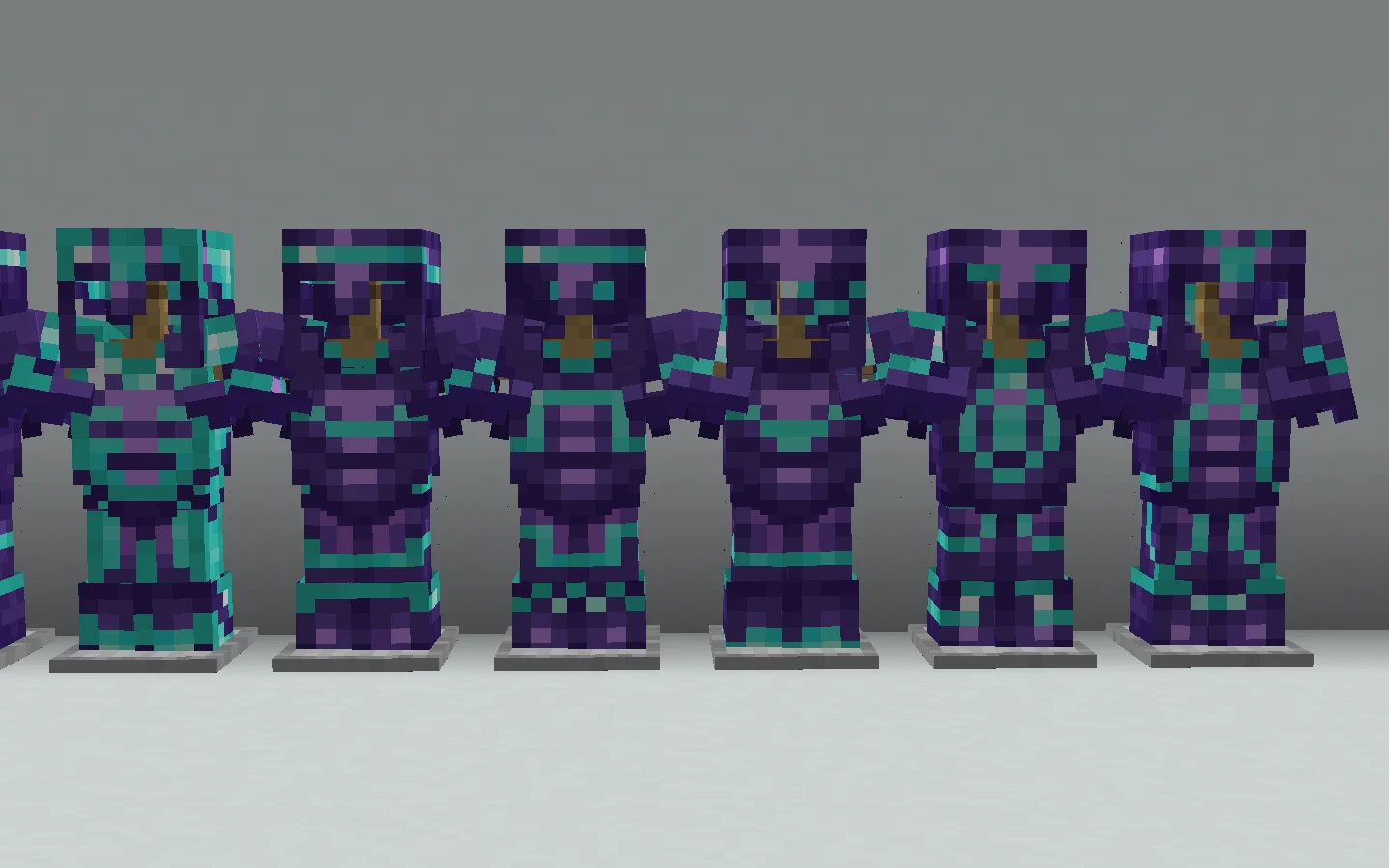
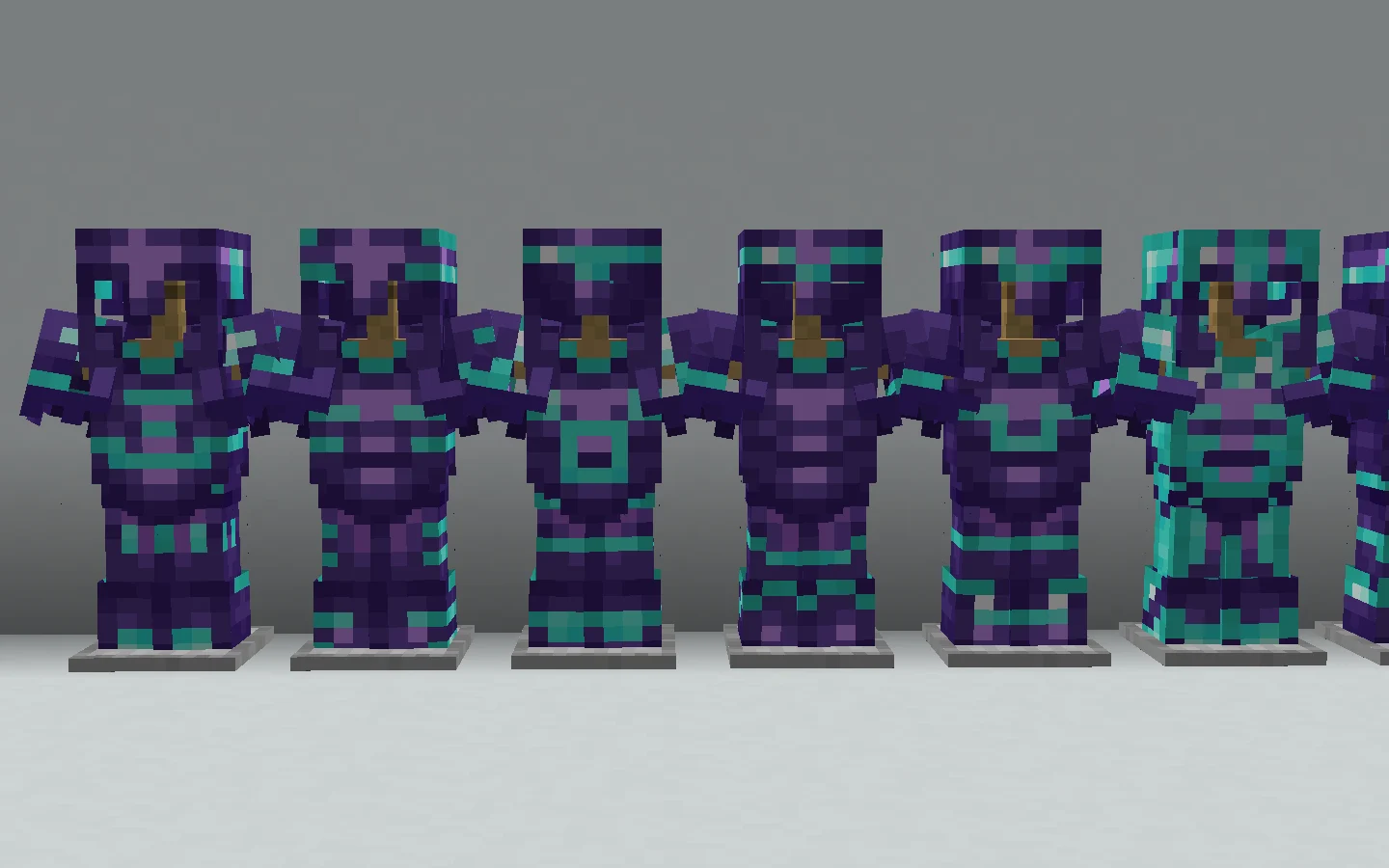
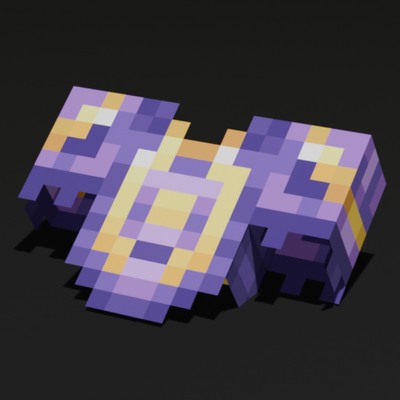
This pack inverts the template of your armor trims so there's more fun color on your armor! This pack keeps the vanilla designs, but it's your armor material that shows through instead of amethyst, redstone, copper, etc. "Os' Inverted Armor Trims" texture pack was originally created by Oslypsis for Java Edition and was ported by me (Parzival_) for Bedrock Edition.
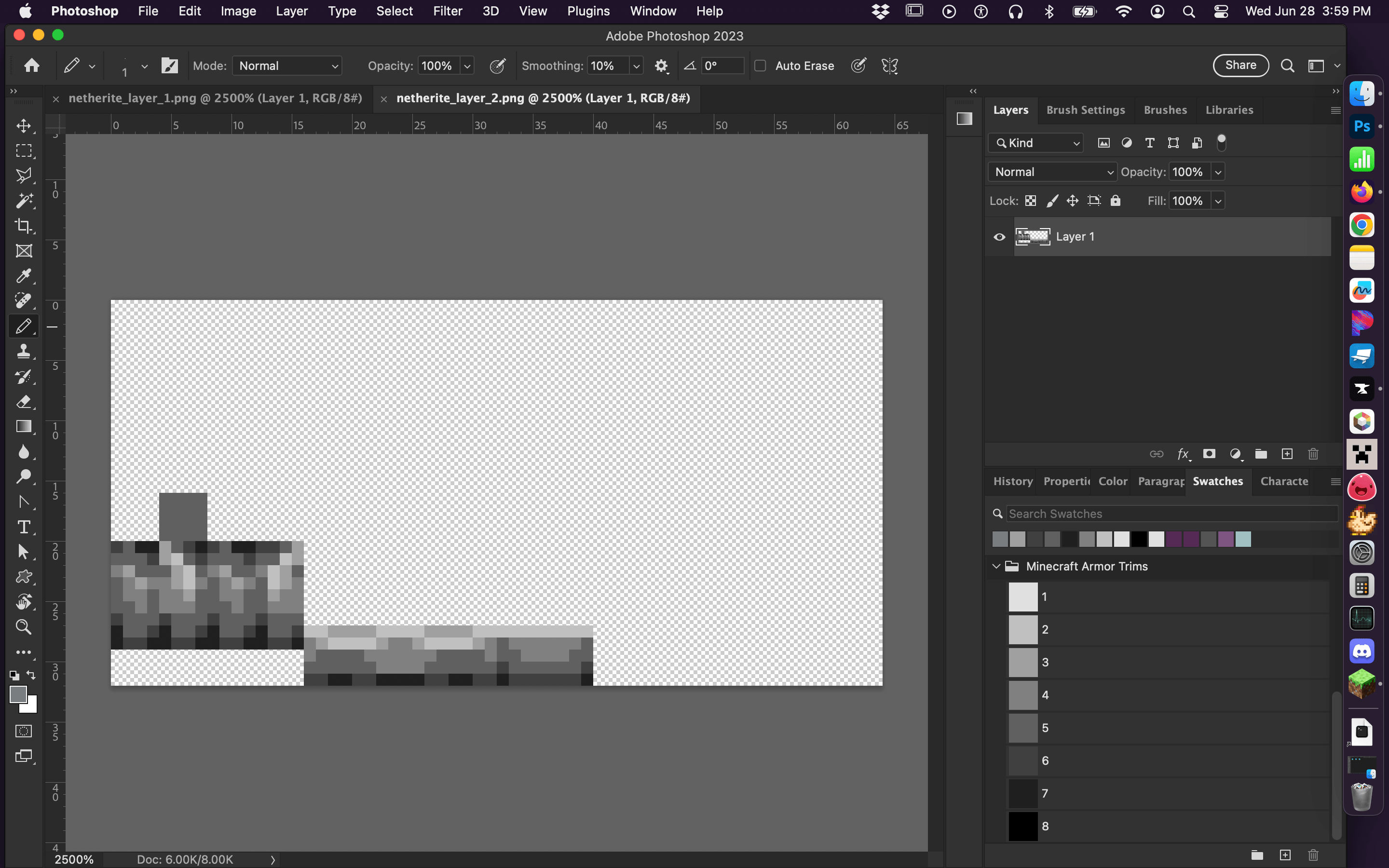
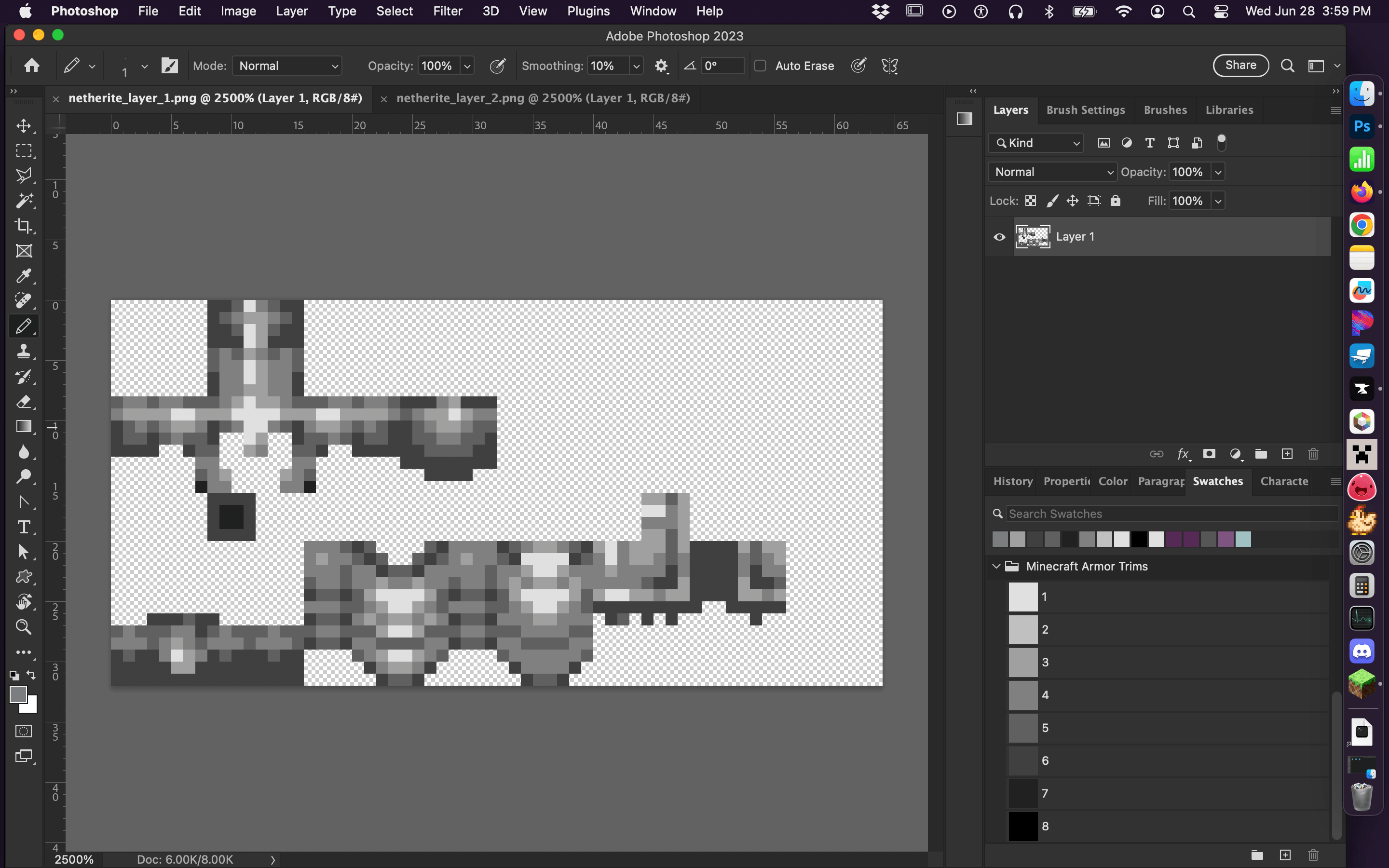
Additionally, this pack includes a How-To section for you to be able to make your own custom trim pack. It has 2 PNG files of Netherite armor with their colors already edited to be compatible for armor trim colors, since the vanilla styled armor won't work with the vanilla trim palette, which will only accept 8 swatches of color. All you need to do is use this pack as a template for file structuring, and edit the PNGs to your desired armor trim shapes. Erase what you DON'T want your trims to be. The files as they are now will color the entire piece of armor as amethyst, copper, redstone, etc.
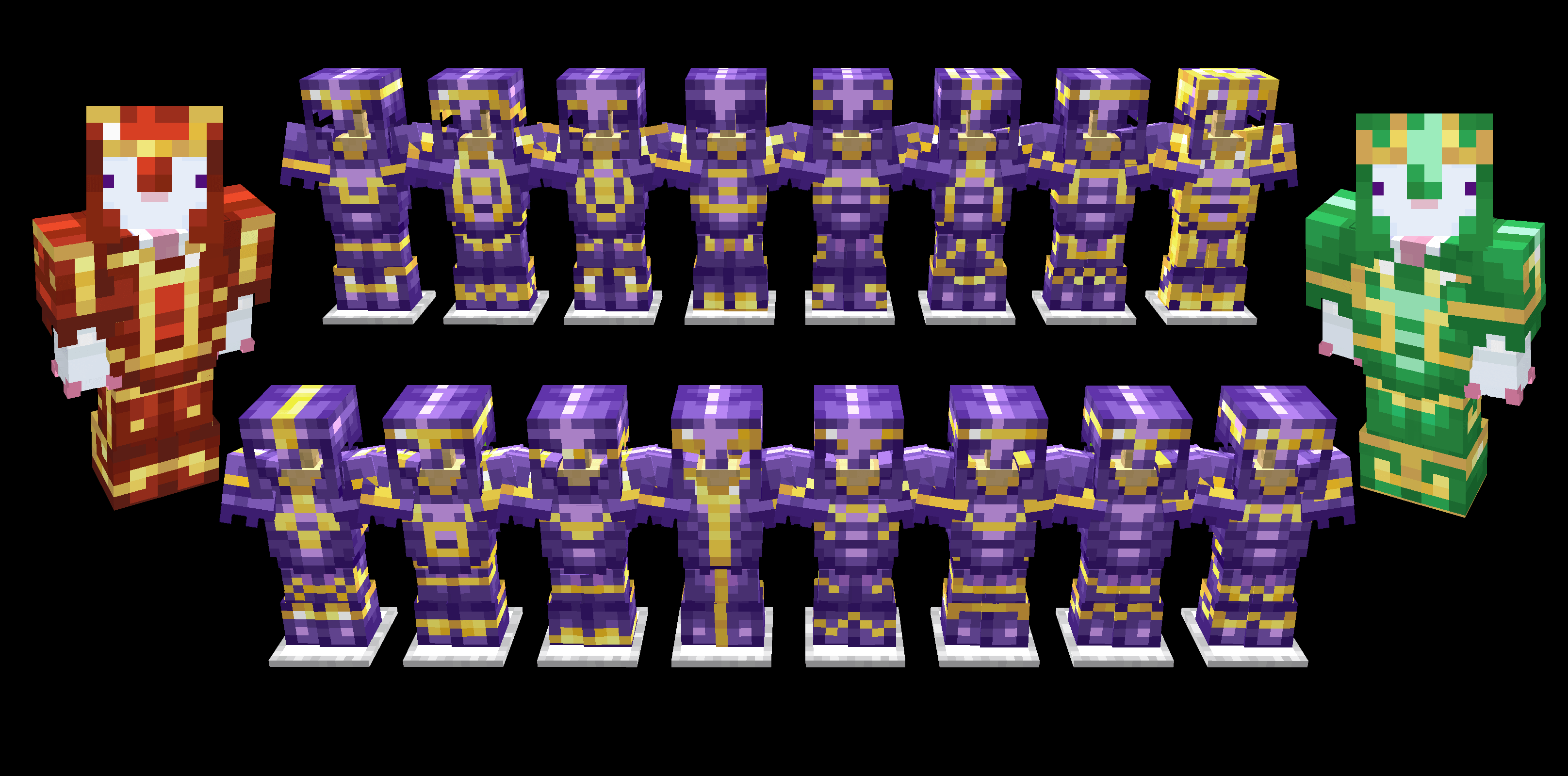
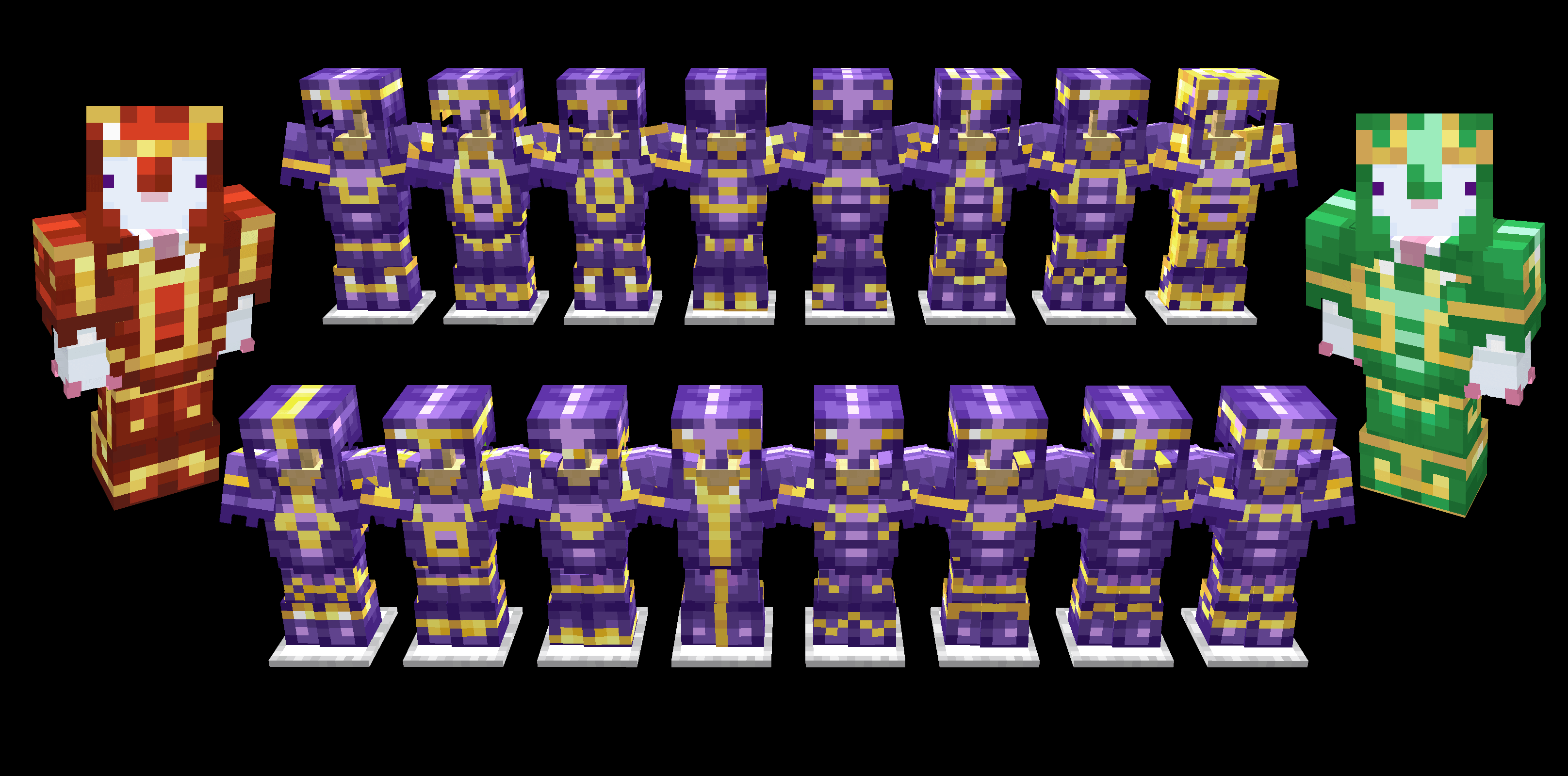
Gold armor with amethyst trims, and the two new trims in redstone and emerald:


For the original Java Version:
Java Edition | Java Author's Profile
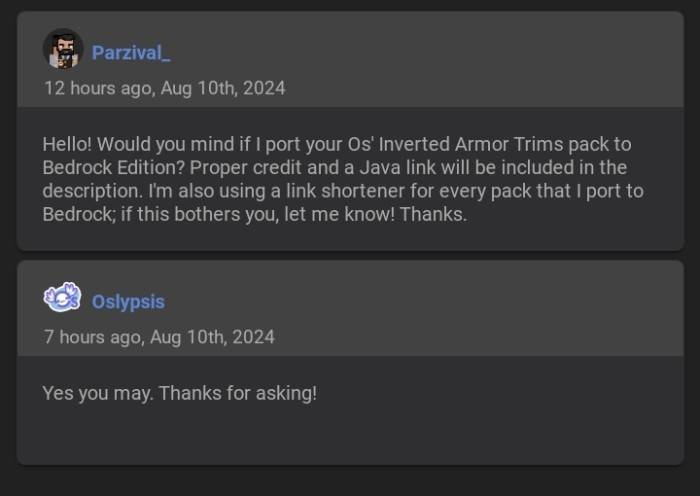
Owner's Permission:
- Edition: Minecraft Bedrock
- File type: .mcpack
- Minecraft versions listed: 26.30, 26.40, 26.50
- How to install: Download the .mcpack. → Open it — Minecraft imports it under Resource Packs. → Activate it in Global Resources, or for one world under Resource Packs → Available.
- Where to get it: Opens on CurseForge — not every file is mirrored on our own servers.
Install steps are the general flow for this file type — How to install Minecraft Bedrock texture packs walks through it step by step.
- Pack type: .mcpack — a single pack
- Manifest requires Minecraft 1.26.30 or newer
- Complete pack — everything it depends on is inside the file
- Download size: 538 KB
- Download link checked 6 Oct 2026 — working
These come from our own check of the pack file, not from the source page.