Mist Visuals
Bedrock texture pack listed for Minecraft 1.21–26.x. File opened and checked on 6 Oct 2026; installs from the MC Bedrock Mods app on Android.
⬇ Download on CurseForge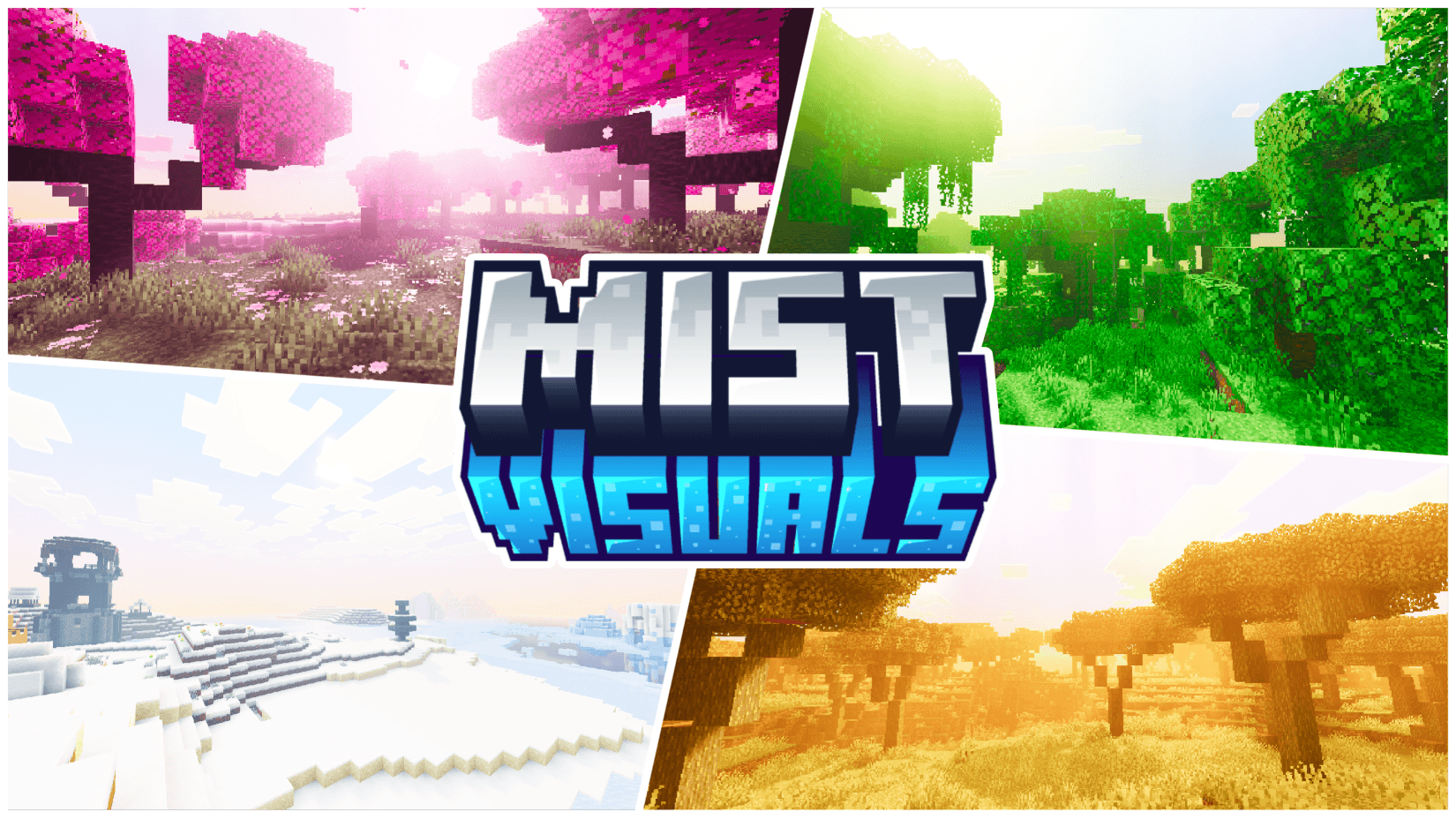
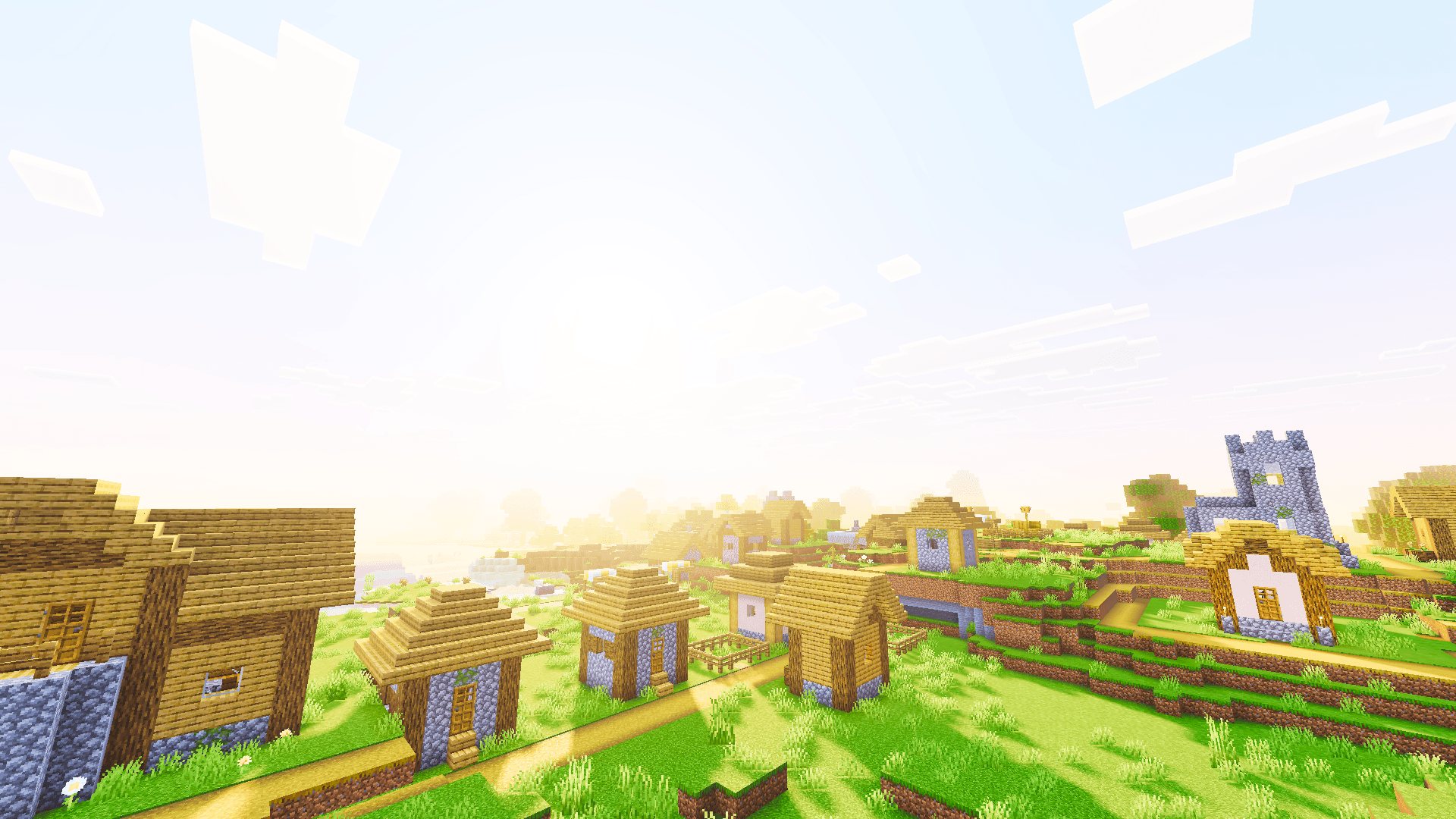
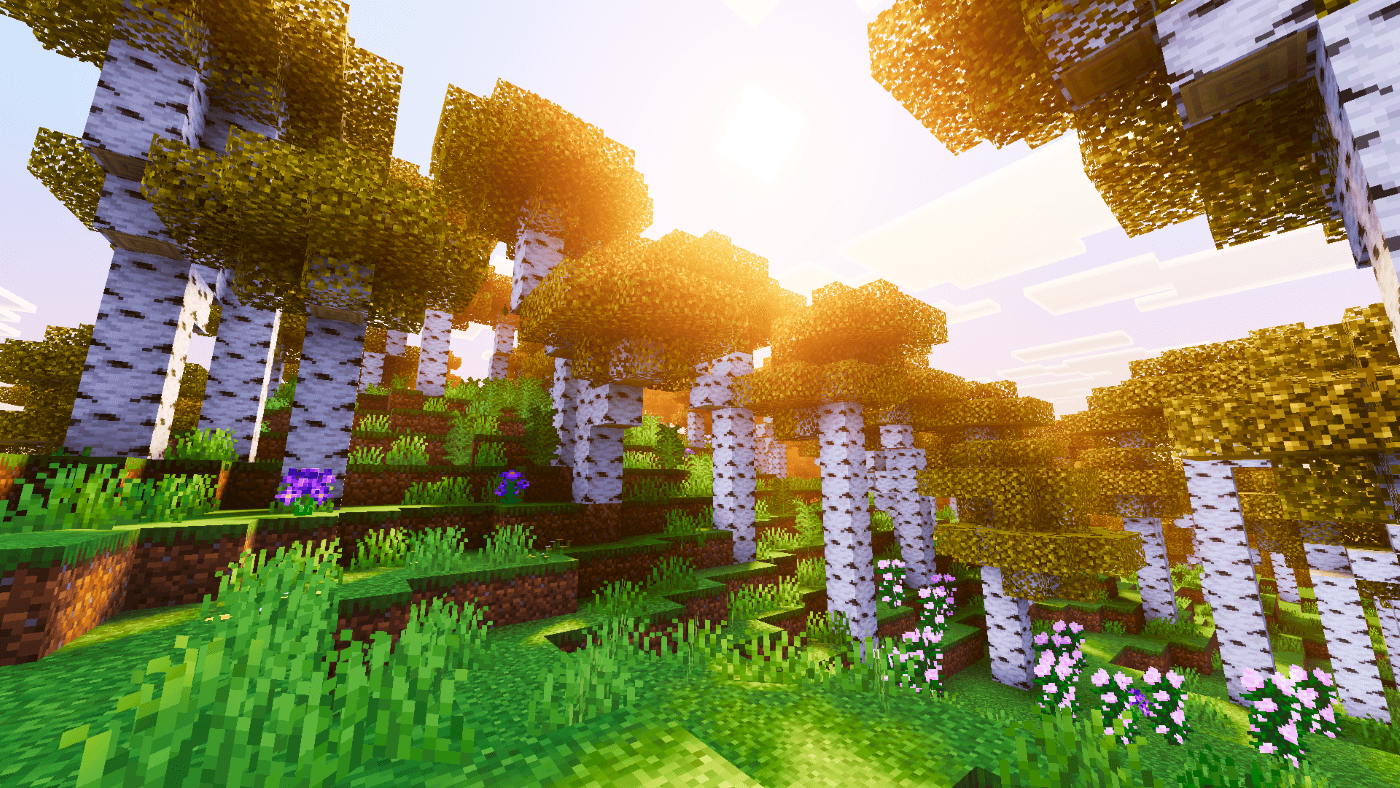
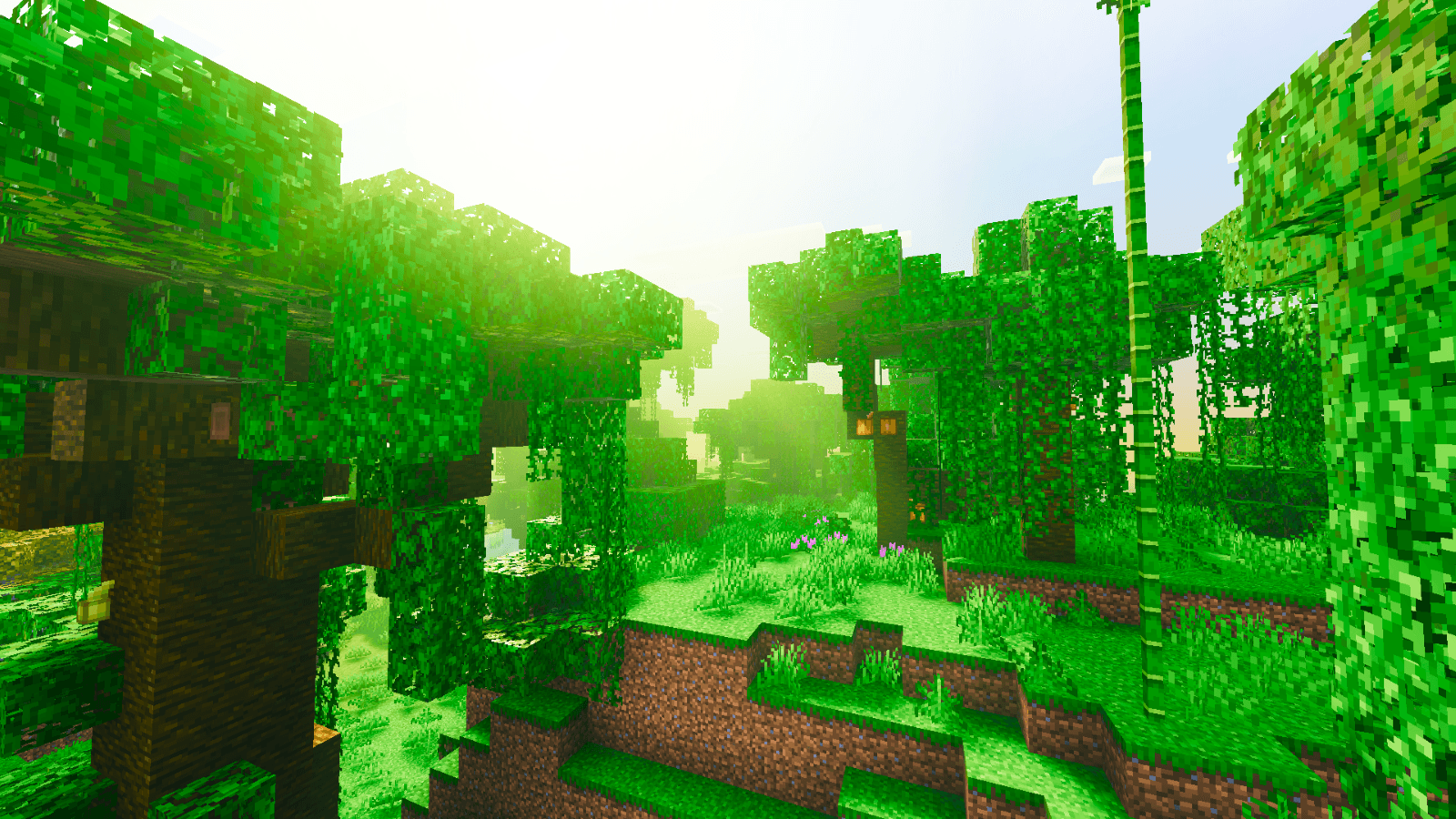
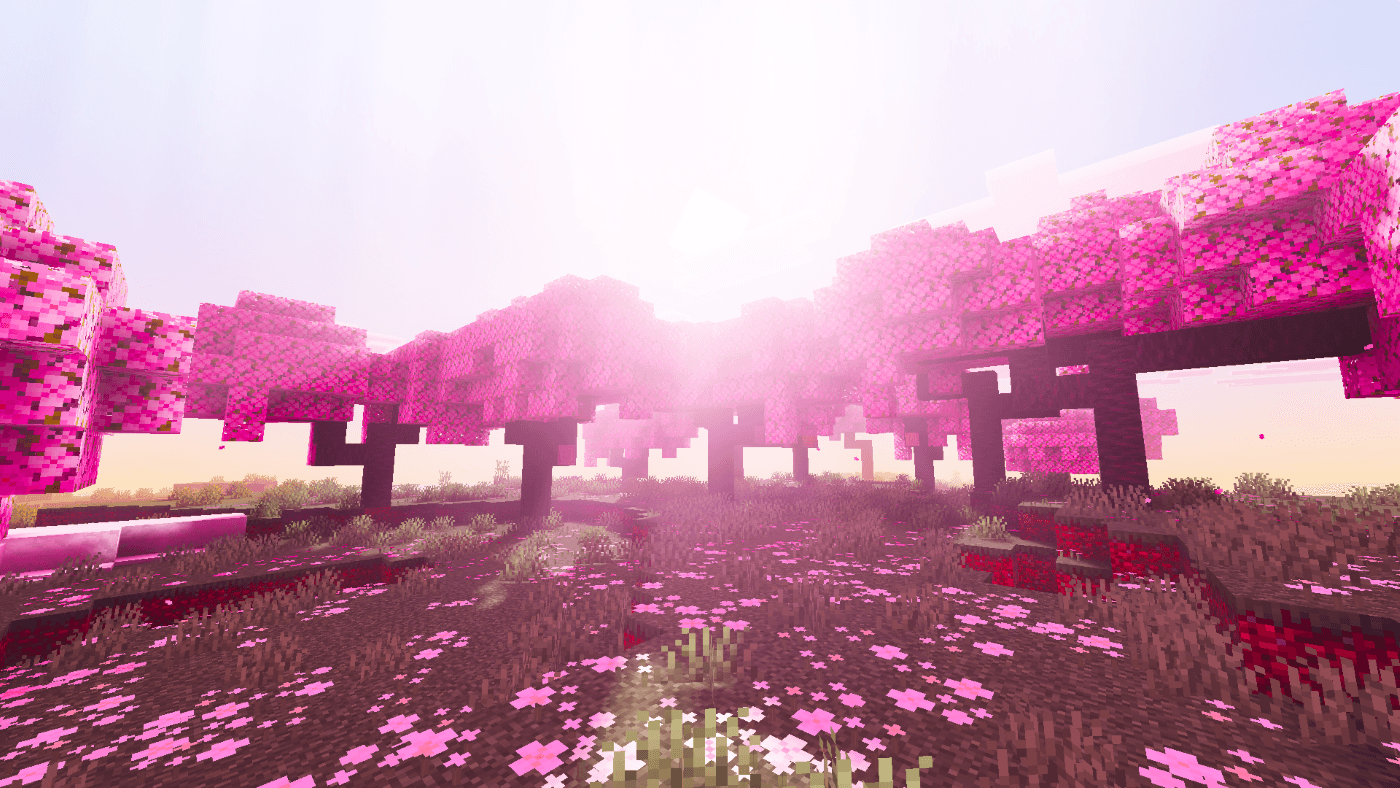
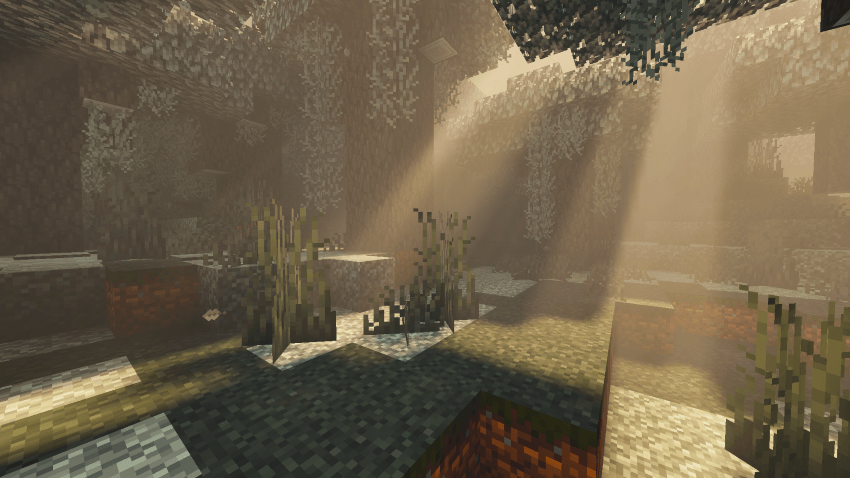
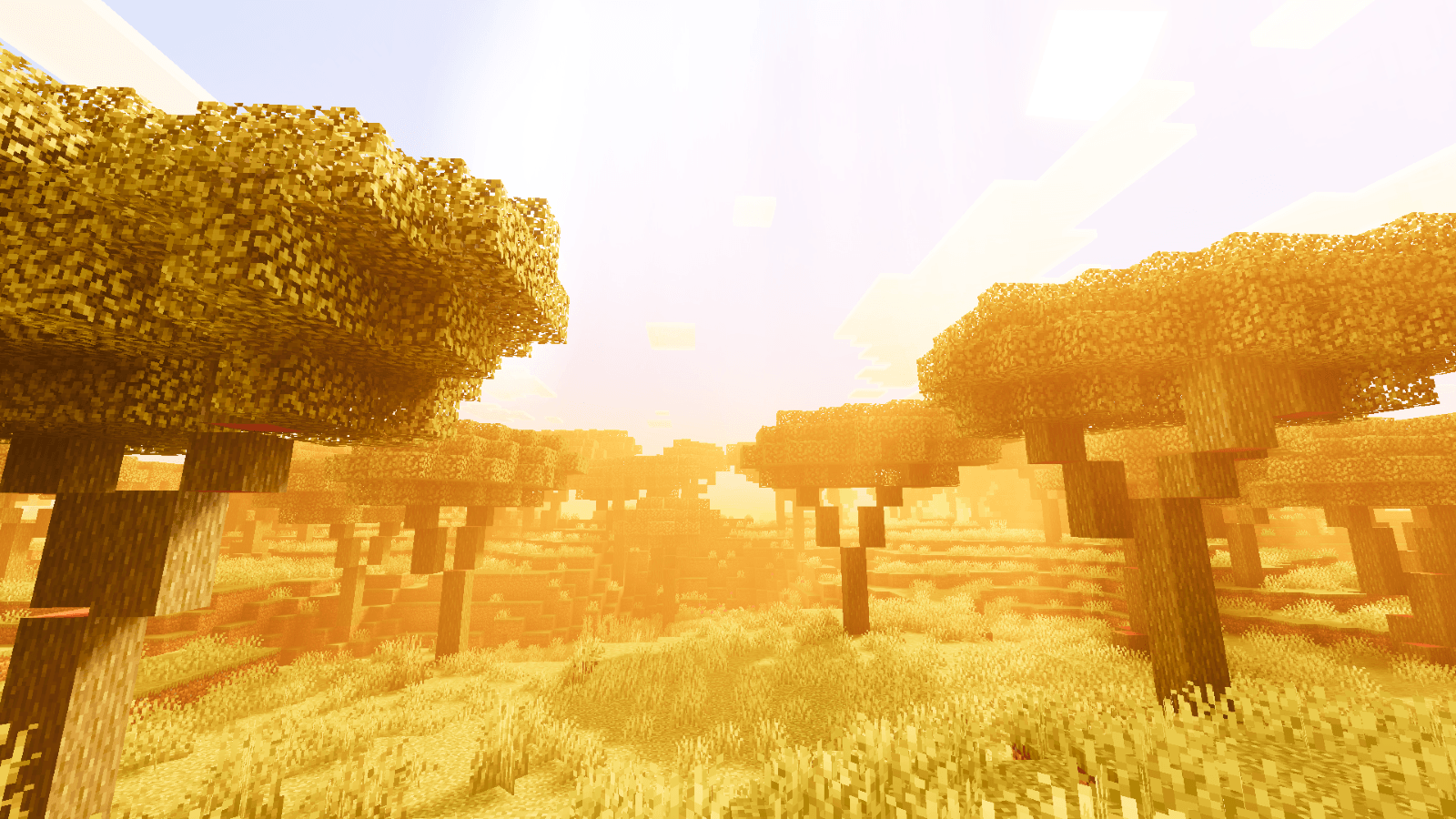
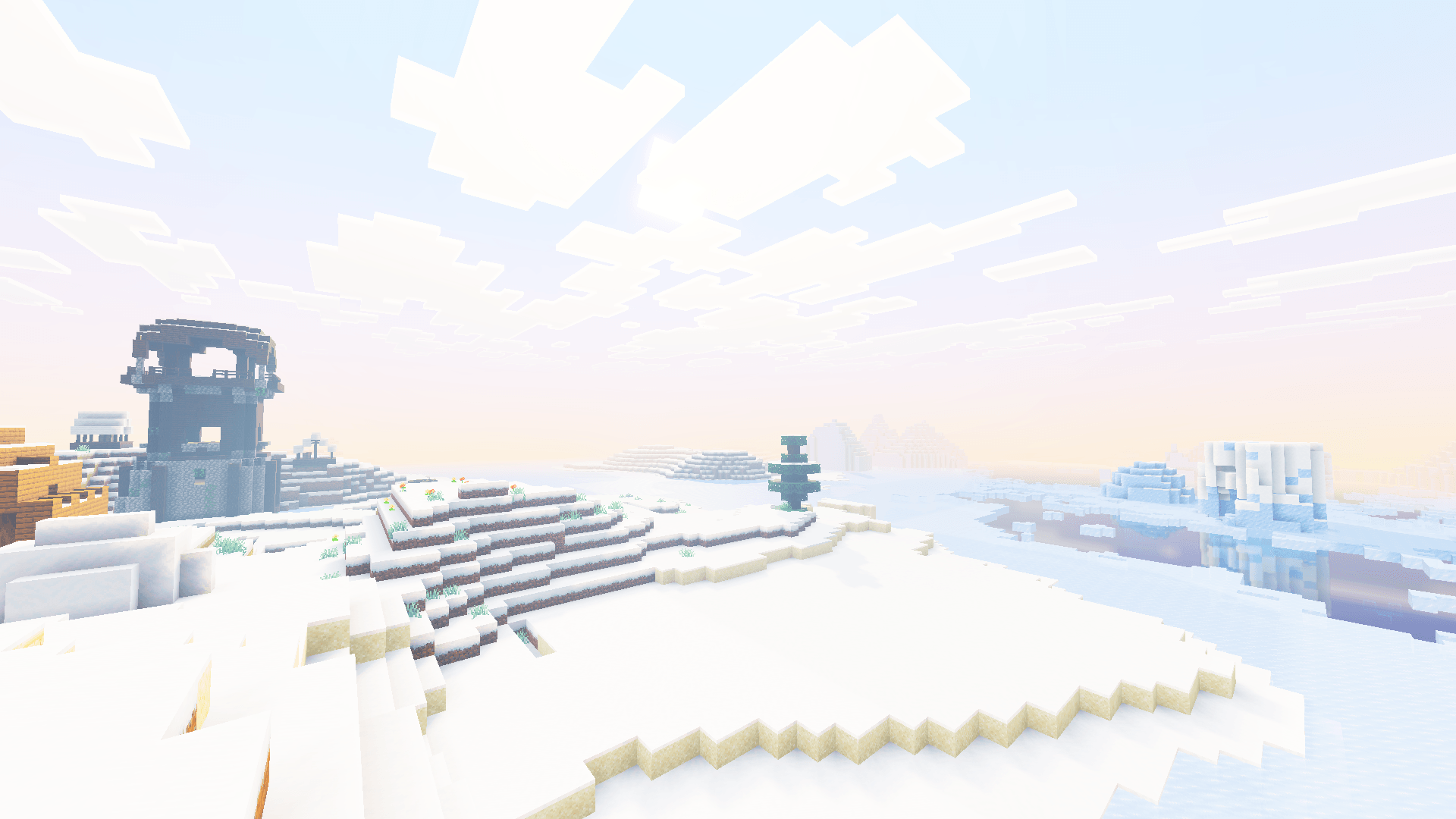
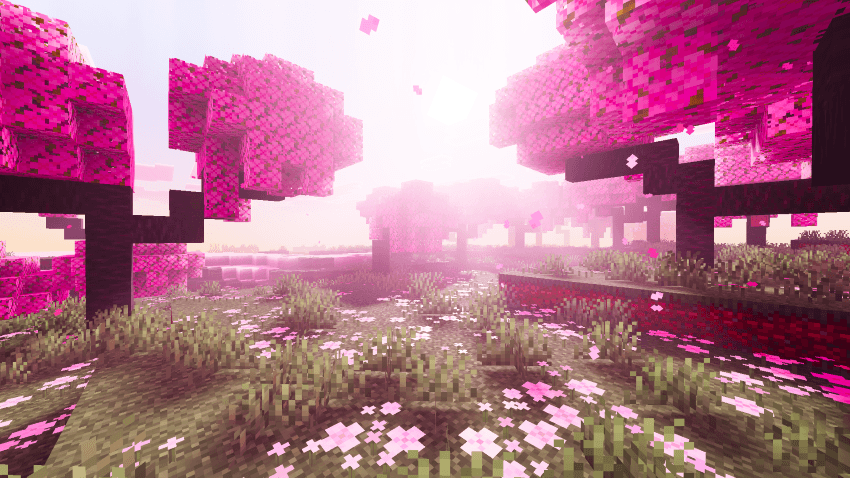
Mist Visuals is a cinematic Vibrant Visuals pack for Minecraft Bedrock that adds soft volumetric fog, glowing sunrises and sunsets, colored light sources, and a violet night aurora. Each biome gets its own mood, from dreamy pink Cherry Groves to golden savannas and pale snowy peaks.

🌫️ Misty Visual Style
- Soft volumetric fog tuned individually for each biome
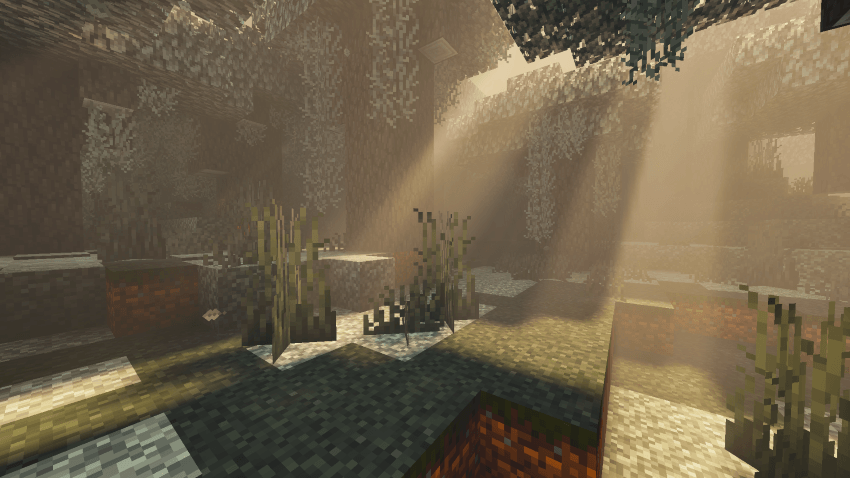
- Gentle, cinematic color identity with subtle, balanced tones
- Adds depth and mood without hiding your builds
- Custom sky and water colors across all vanilla biomes
☀️ Atmospheric Lighting System
- Smooth day-night sky gradients with warm golden-orange sunrise and sunset tones
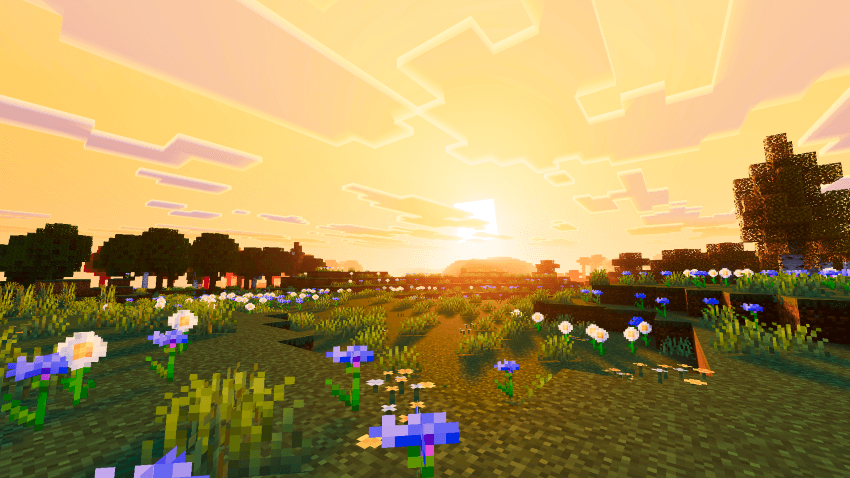
- Tuned Rayleigh and Mie scattering for rich skies and a soft sun glow
- Warm golden sunlight and cool blue moonlight for calm nights
- ACES tone mapping with boosted contrast and saturation for a vivid cinematic look
🌸 Biome Moods
- Pink fog and lighting in Cherry Groves for a dreamy blossom atmosphere
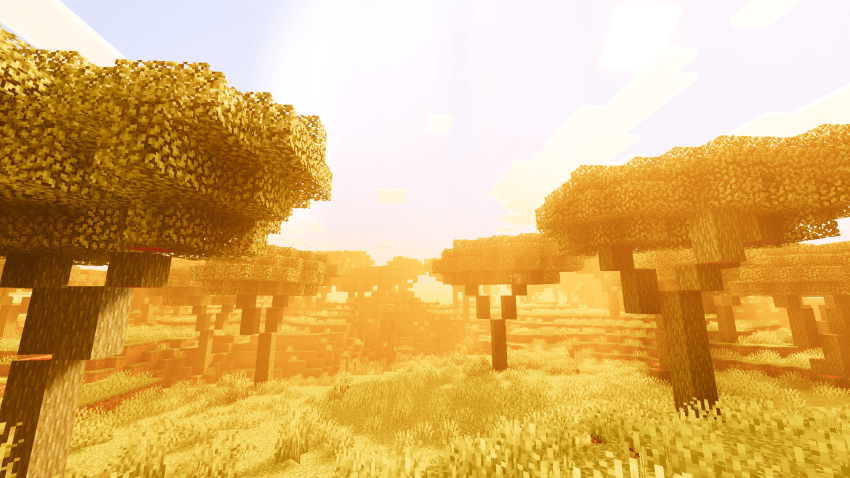
- Golden haze in Savannas, Deserts, and Badlands
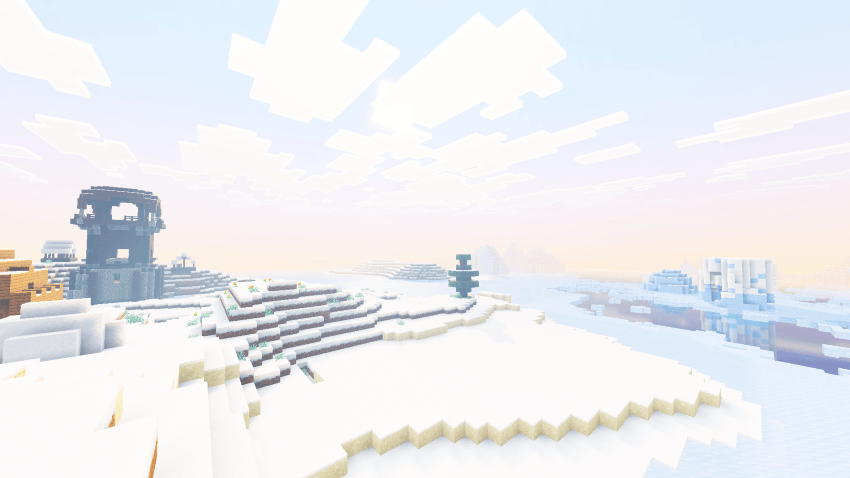
- Cool, pale mist in Snowy Plains, Taigas, and Peak
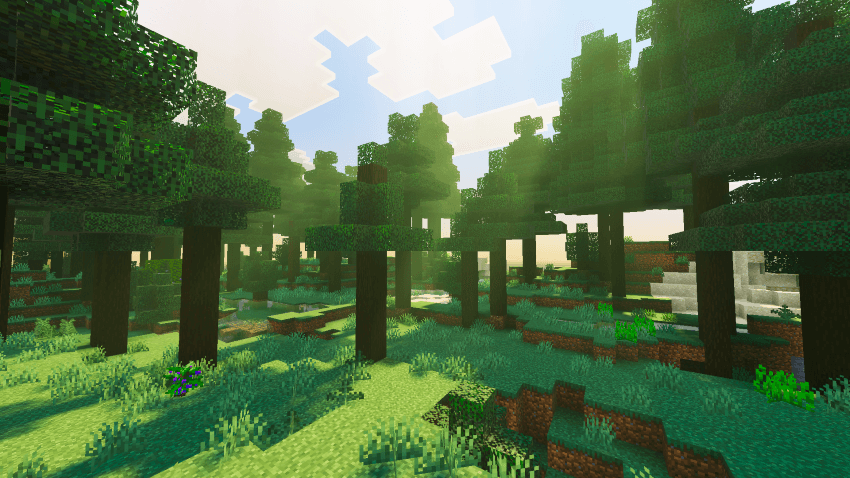
- Lush green tones and natural fog in Taiga and Jungle biomes
💡 Colored Light Sources
- Torches, lanterns, campfires, and lava cast warm, realistic glows
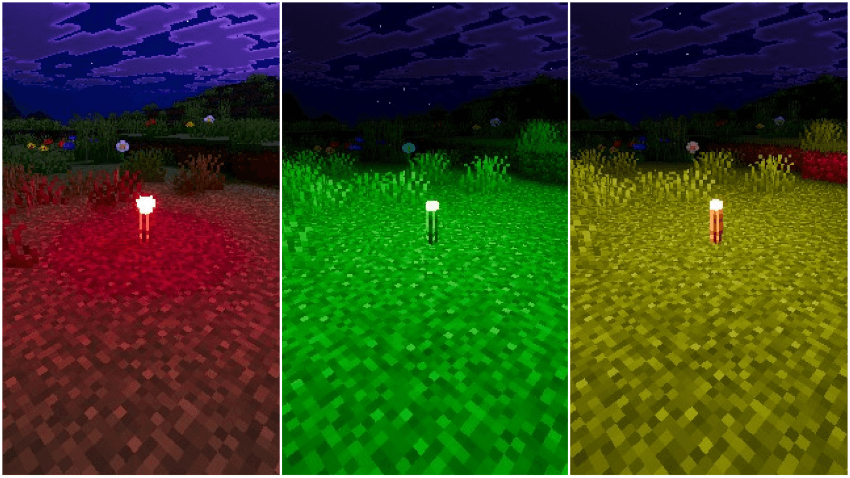
- Soul fire, sculk, and copper lights glow in their own cool colors
- Candles, amethyst, glowstone, and froglights each get a unique tint
💎 Enhanced Details
- Soft, smooth shadows
- PBR ore textures with subtle emissive shine, including deepslate ores
- Reworked water with normal maps and caustics
🌌 Violet Aurora
- A glowing violet aurora ripples across the Overworld sky at night
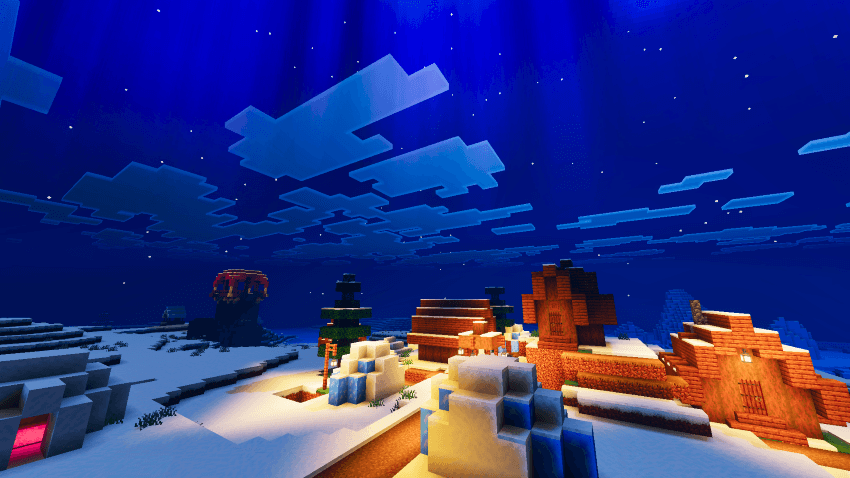
- Fades in and out naturally with the day-night cycle
📋 Requirements
Mist Visuals requires Minecraft Bedrock/PE version 1.21.120 or higher, with Vibrant Visuals enabled in Video Settings. A device that supports Vibrant Visuals is required.
📥 Installation
- Download the .mcpack file
- Open to import into Minecraft
- Enable Mist Visuals in Global Resources
- Turn on Vibrant Visuals in Video Settings
Mist Visuals — Ghoulcat_studio
- Edition: Minecraft Bedrock
- File type: .mcpack
- Minecraft versions listed: 1.21.2, 1.21.93, 1.21.90
- How to install: Download the .mcpack. → Open it — Minecraft imports it under Resource Packs. → Activate it in Global Resources, or for one world under Resource Packs → Available.
- Where to get it: Opens on CurseForge — not every file is mirrored on our own servers.
Install steps are the general flow for this file type — How to install Minecraft Bedrock texture packs walks through it step by step.
- Pack type: .mcpack — a single pack
- Manifest requires Minecraft 1.21.0 or newer
- Complete pack — everything it depends on is inside the file
- Download size: 2.8 MB
- Download link checked 6 Oct 2026 — working
These come from our own check of the pack file, not from the source page.