FerShader.V1.1
Bedrock texture pack listed for Minecraft 1.21–26.x. File opened and checked on 7 Oct 2026; installs from the MC Bedrock Mods app on Android.
Vibrant Visuals shader for Minecraft Bedrock: warm orange sunlight, sky-blue sky and animated water with reflections.
⬇ Download on CurseForgeThe author built this one for Minecraft 26.50. On other versions it may install and then do nothing.
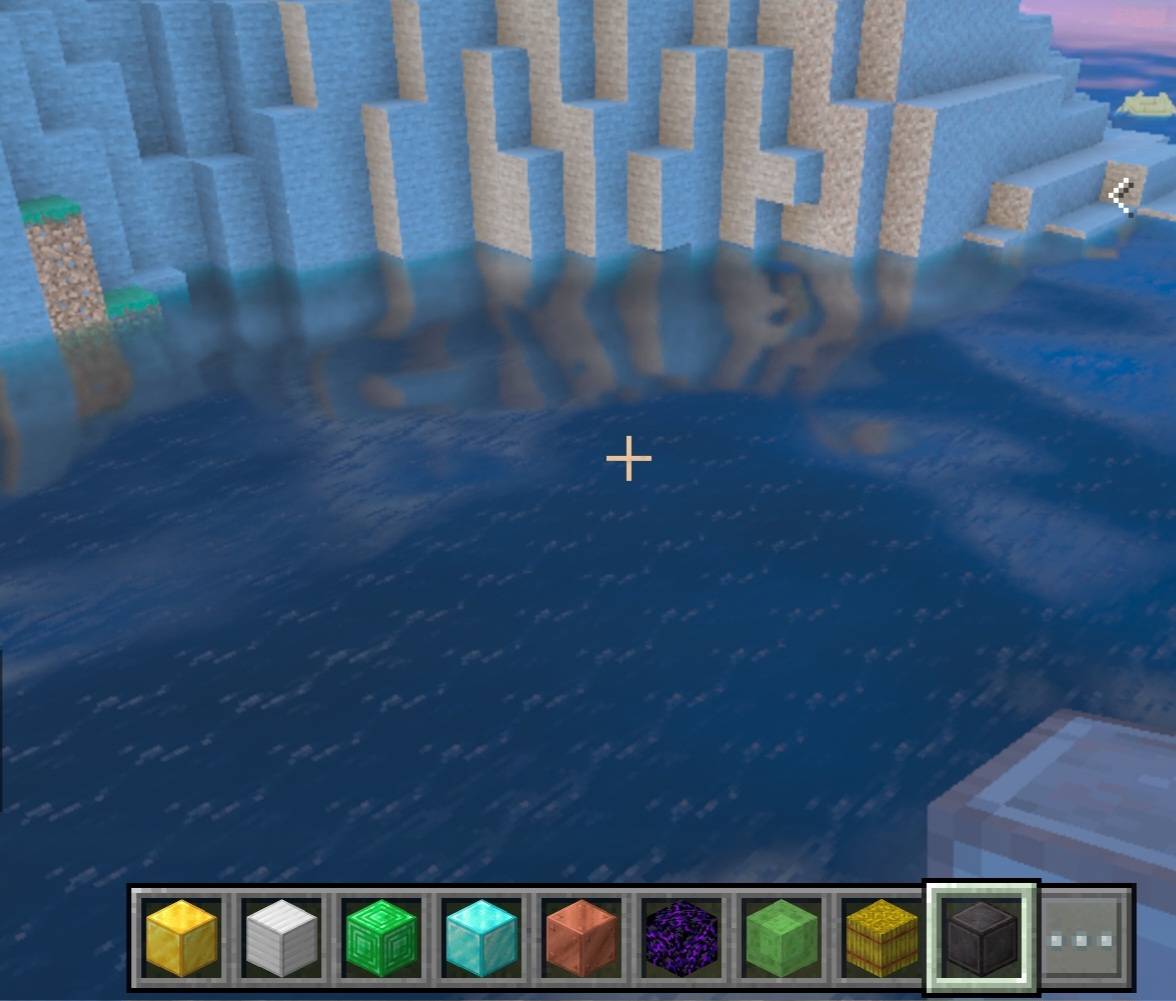
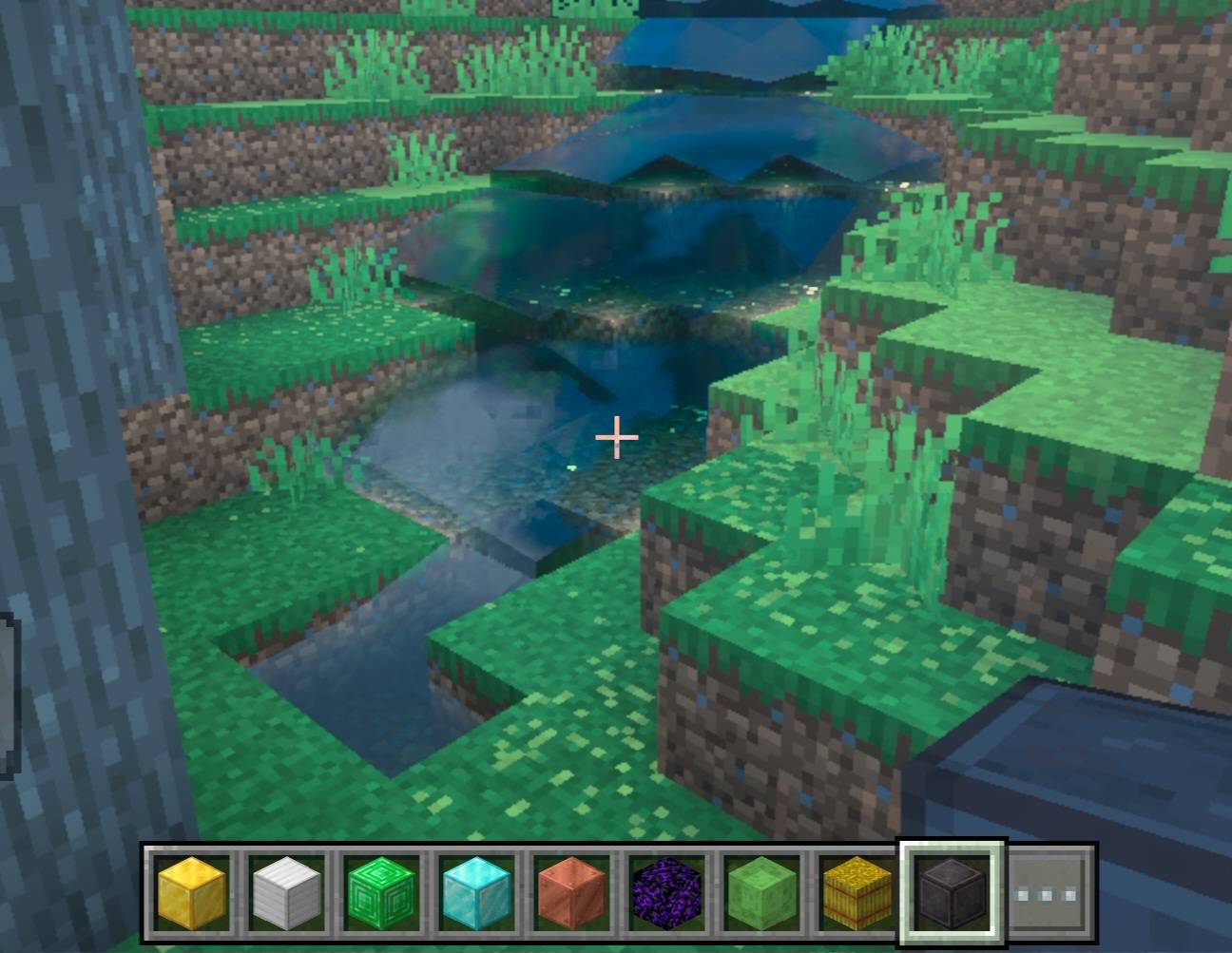
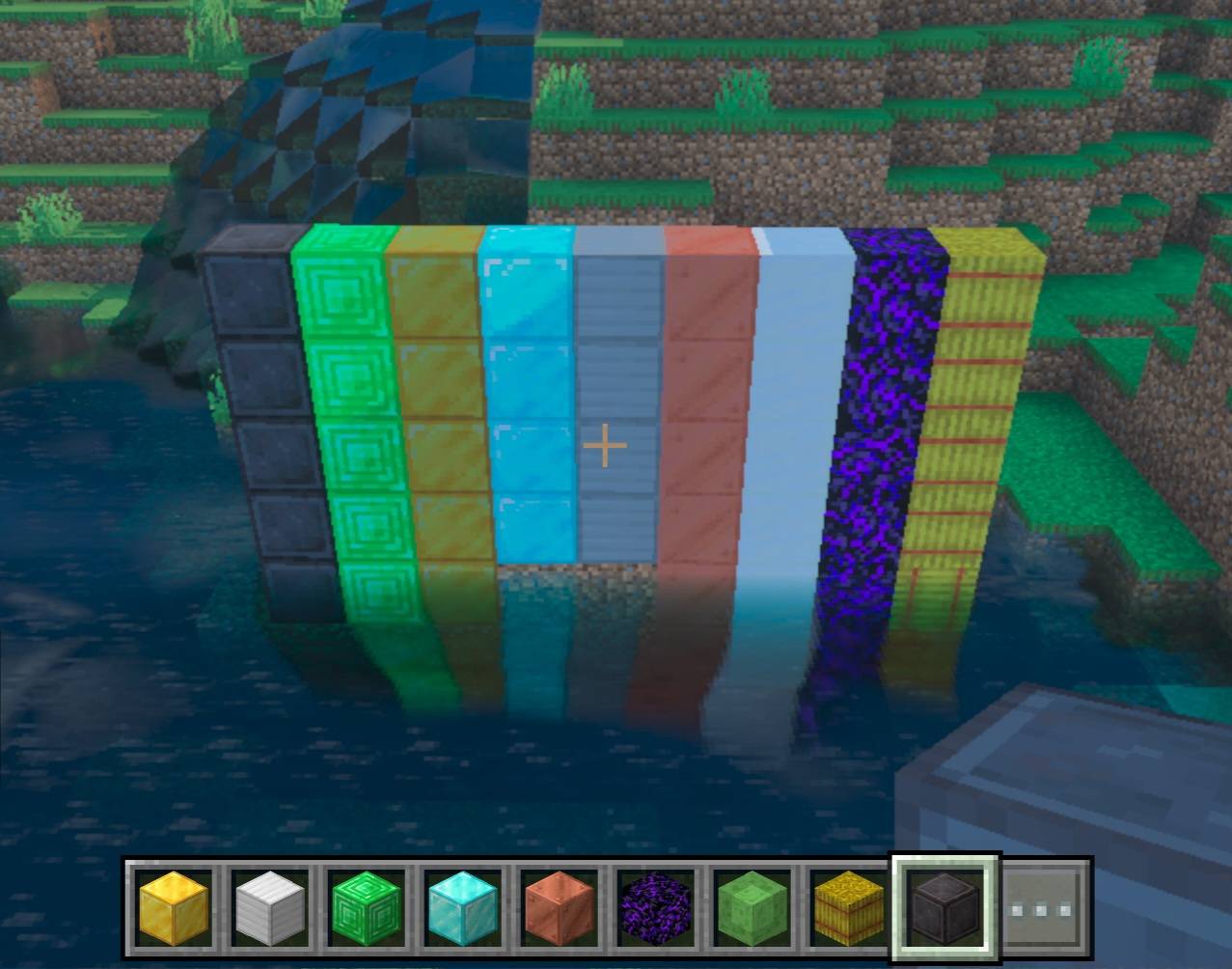
FerShader.V1.1
Vibrant Visuals shader for Minecraft Bedrock with warm orange sunlight, a sky-blue sky and realistic animated water with waves and reflections.
Features
- Warm orange sunlight with brighter lighting and visible shadows
- Sky-blue daytime sky and orange sunsets
- Sky-blue water with animated waves, reflections and caustics
- Warm color grading
- Compatible with RenderDragon
How to install
1. Download the .mcpack file.
2. Open it with Minecraft to import it.
3. Go to Settings > Global Resources and activate it.
4. In Settings > Video, set Graphics to Vibrant Visuals.
Tips
- Set Reflections to the maximum to see the water better.
- Enable clouds in the Vibrant Visuals options.
Important
- Works only on Minecraft Bedrock with Vibrant Visuals enabled.
- Close-up reflections depend on the game and may look simpler.
- Edition: Minecraft Bedrock
- File type: .mcpack
- Minecraft version listed: 26.50
- How to install: Download the .mcpack. → Open it — Minecraft imports it under Resource Packs. → Activate it in Global Resources, or for one world under Resource Packs → Available.
- Where to get it: Opens on CurseForge — not every file is mirrored on our own servers.
Install steps are the general flow for this file type — How to install Minecraft Bedrock texture packs walks through it step by step.
- Pack type: .mcpack — a single pack
- Manifest requires Minecraft 1.21.120 or newer
- Complete pack — everything it depends on is inside the file
- Download size: 41 KB
- Download link checked 7 Oct 2026 — working
These come from our own check of the pack file, not from the source page.