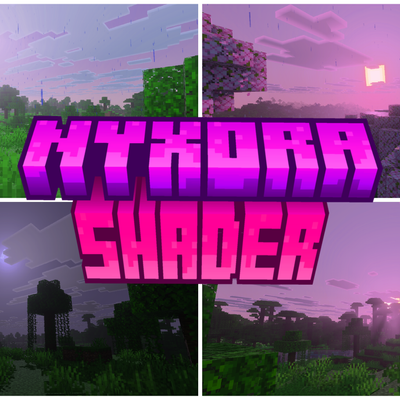
nyxora shader
Bedrock texture pack listed for Minecraft 1.21–26.x. File opened and checked on 7 Oct 2026; installs from the MC Bedrock Mods app on Android.
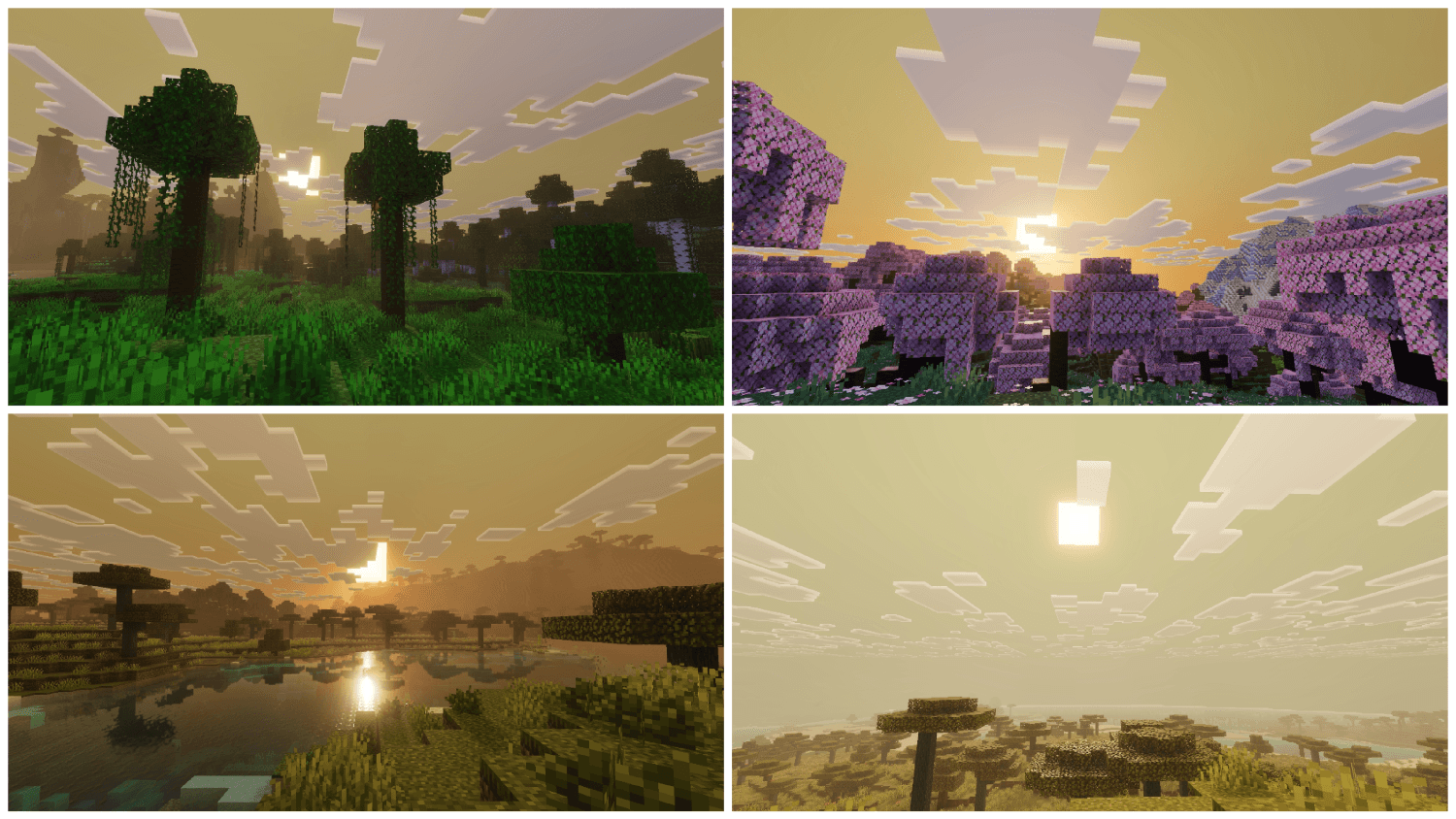
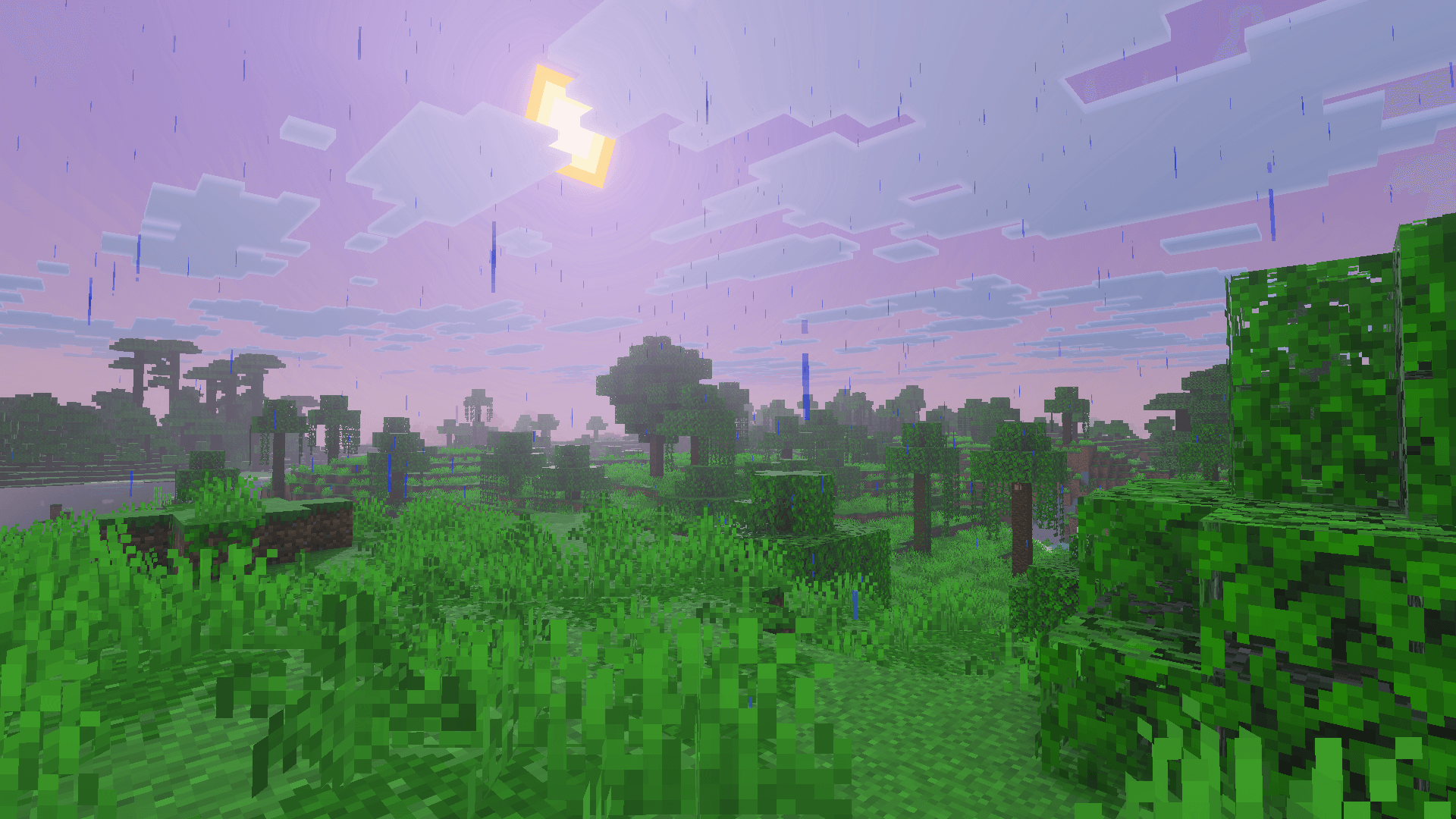
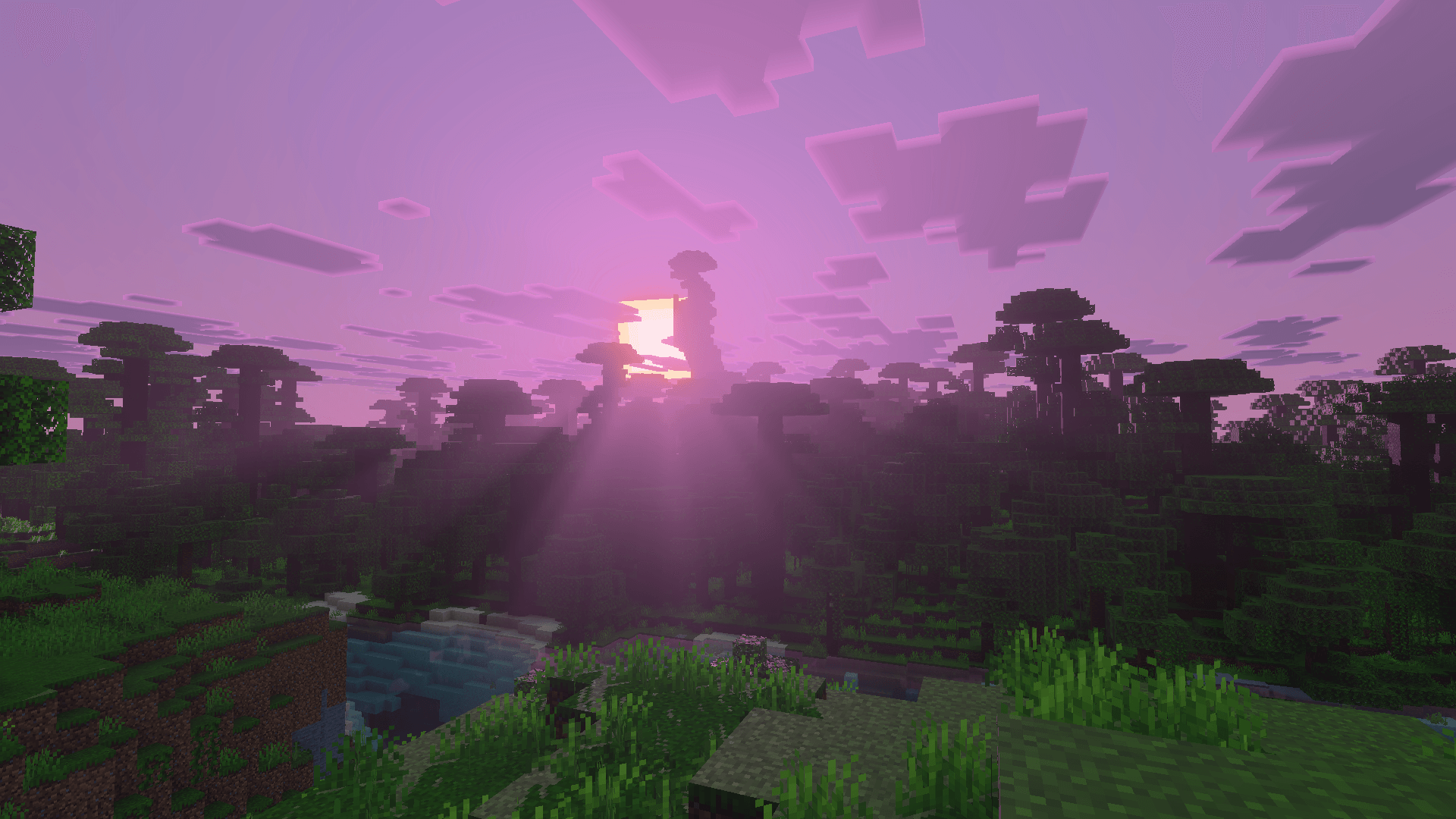
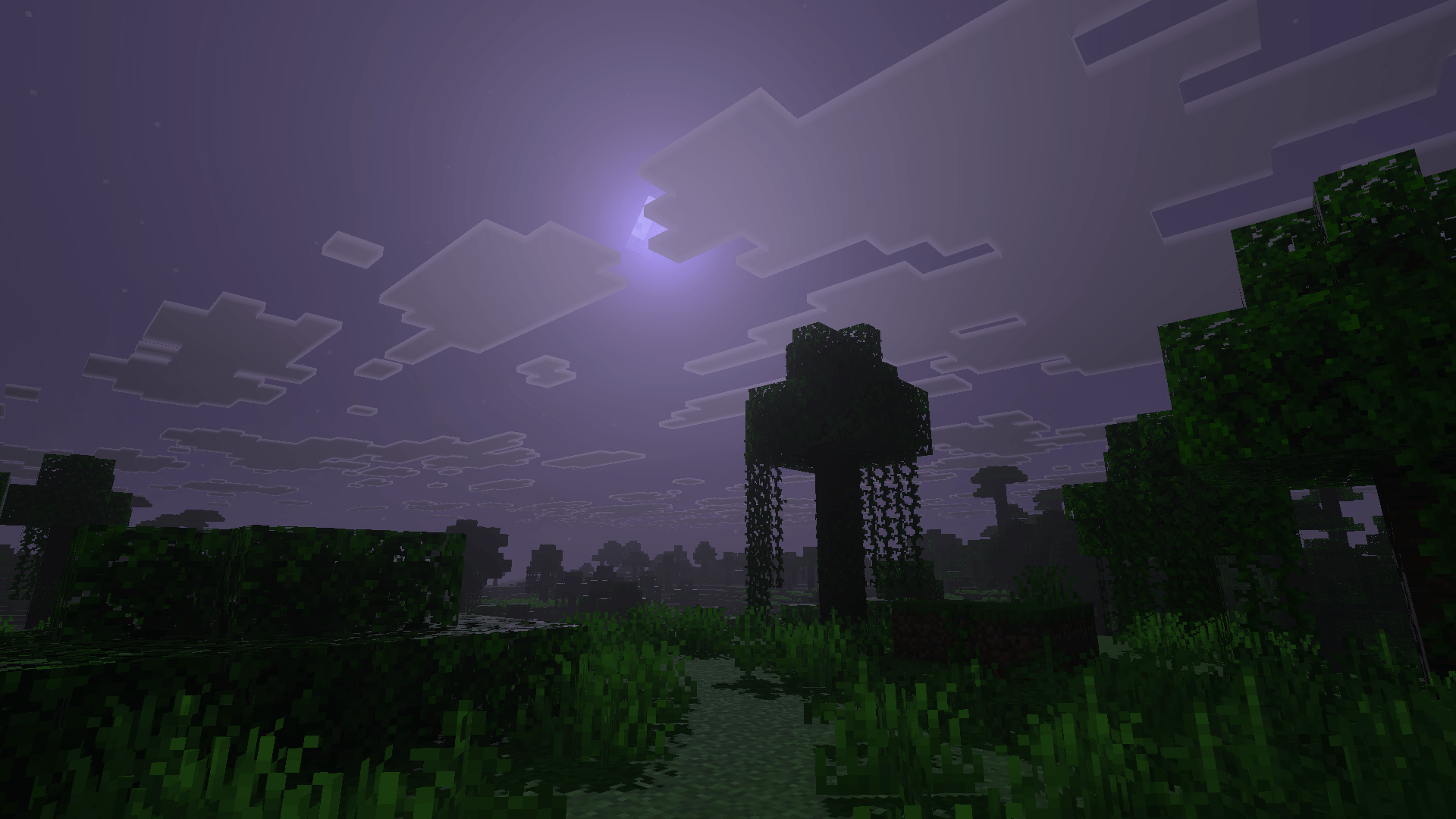
Transform Minecraft Bedrock with purple-pink skies, volumetric fog, colored torch lighting, and cinematic color grading across 80+ biomes. Built for PBR /…
⬇ Download on CurseForgeThe author built this one for Minecraft 26.50. On other versions it may install and then do nothing.
Hey, I'm rinforge 👋
I make atmospheric visual packs for Minecraft Bedrock, focused on mood and cinematic lighting. My work reshapes skies, fog, lighting, and color so the world feels dreamier and more alive, while still looking like Minecraft.
What I work on:
* Custom skies with soft purple and pink gradients
* Volumetric fog and atmospheric depth
* Warm, colored light from torches, lanterns, and campfires
* Color grading and biome-specific tweaks
* Built for Bedrock's Vibrant Visuals / PBR featuresCheck out my latest pack, nyxora, and let me know what you think. Feedback and screenshots are always welcome!
nyxora project description
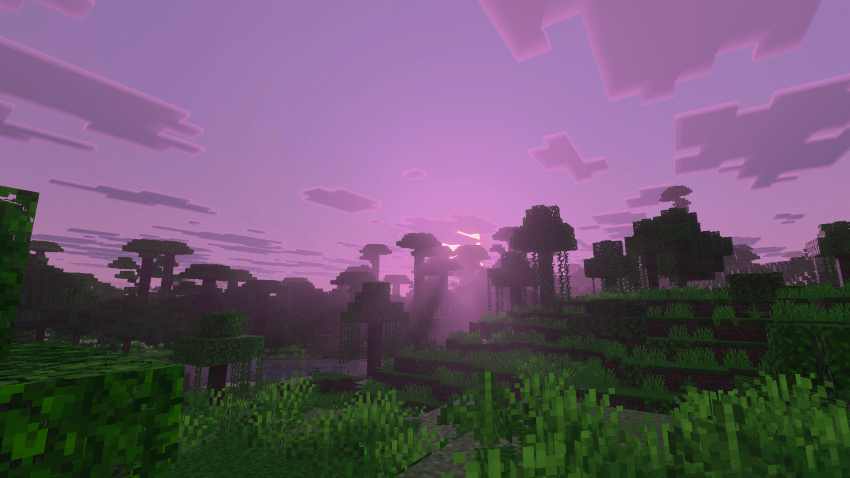
nyxora v1.0
nyxorais an atmospheric visual pack for Minecraft Bedrock that gives your world a dreamy, cinematic look. It changes the sky, fog, lighting, and color of the whole game while keeping the vanilla style.
Features
- Custom skies: lavender zeniths and soft pink horizons that shift through sunrise, day, sunset, and night
- Volumetric fog: gentle depth in the air, with separate fog for water and weather
- Warm local lighting: torches, lanterns, campfires, fire, and redstone lamps give off their own colored glow
- Color grading: a unified, cinematic color palette
- Biome tweaks: fog, water, sky, and foliage colors adjusted across 80+ biomes, including the Pale Garden, Nether, and End
- ✨ PBR support: works with Bedrock's Vibrant Visuals pipeline
Requirements
- Minecraft Bedrock 1.21.120 or newer
- Vibrant Visuals / Deferred Technical Preview enabled (needed for the PBR features)
Installation
- Download the pack and open the file to import it into Minecraft.
- Go to Settings → Global Resources and activate nyxora.
- Turn on Vibrant Visuals in the video settings.
Feedback
Found a bug or have a screenshot to share? Leave a comment. I read them all!
- Edition: Minecraft Bedrock
- File type: .mcpack
- Minecraft version listed: 26.50
- How to install: Download the .mcpack. → Open it — Minecraft imports it under Resource Packs. → Activate it in Global Resources, or for one world under Resource Packs → Available.
- Where to get it: Opens on CurseForge — not every file is mirrored on our own servers.
Install steps are the general flow for this file type — How to install Minecraft Bedrock texture packs walks through it step by step.
- Pack type: .mcpack — a single pack
- Manifest requires Minecraft 1.21.120 or newer
- Complete pack — everything it depends on is inside the file
- Download size: 1.4 MB
- Download link checked 7 Oct 2026 — working
These come from our own check of the pack file, not from the source page.