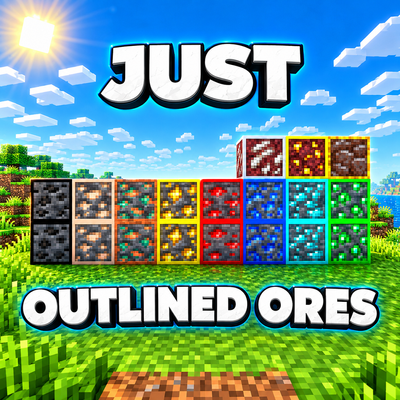
Just Outlined Ores
Bedrock texture pack listed for Minecraft 1.20–26.x. File opened and checked on 7 Oct 2026; installs from the MC Bedrock Mods app on Android.
⬇ Download on CurseForge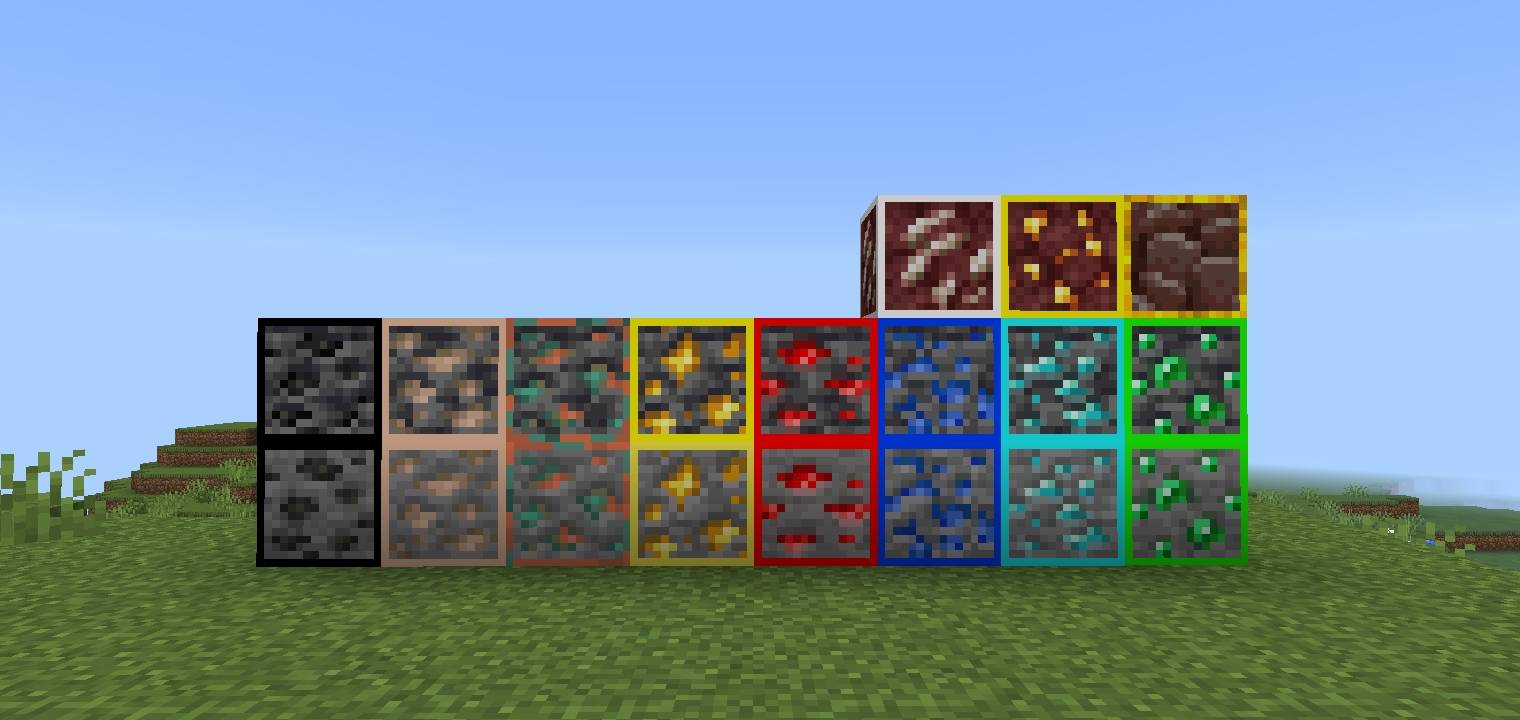
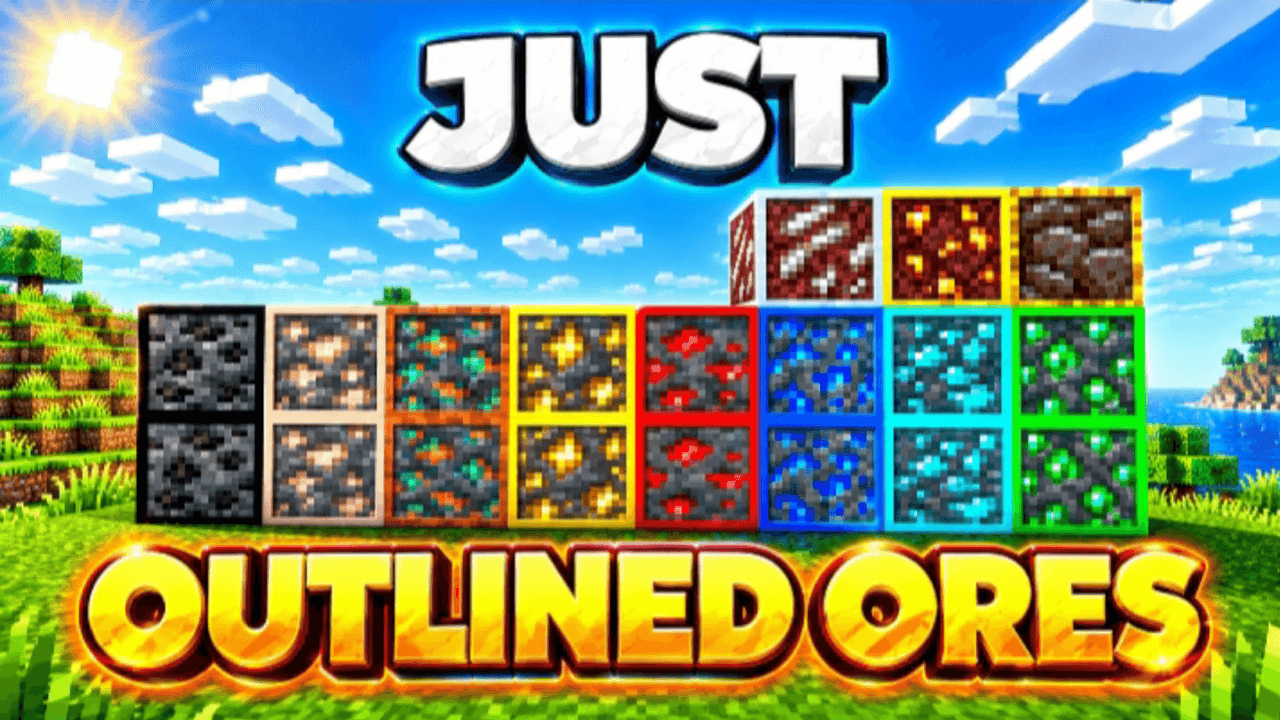
⛏️ OUTLINED ORES – Minecraft Bedrock Resource Pack
Make your ores easier to spot and much more eye-catching! ✨
Outlined Ores adds clean, colorful outlines around different ore blocks, making them stand out clearly from the surrounding stone.
Whether you're mining in caves, searching for diamonds, or playing Survival, this pack makes ores more visible and easier to recognize while keeping the classic Minecraft style.
✨ FEATURES:
• 🔥 Colorful outlines around ores
• 💎 Makes valuable ores easier to spot
• ⛏️ Great for Survival & Mining
• 🎨 Clean and simple visual design
• ⚡ Lightweight and easy to use
• 📱 Made for Minecraft Bedrock / MCPE
• 🧱 Keeps the original Minecraft-style textures
• 👀 Helps ores stand out from surrounding blocks
🎯 PERFECT FOR:
Survival • Mining • PvP • SMP • Skyblock • Cave Exploration
📱 COMPATIBILITY:
Made for Minecraft Bedrock Edition / MCPE.
📥 HOW TO INSTALL:
1. Download the .mcpack file.
2. Open the file with Minecraft.
3. Minecraft will import the pack automatically.
4. Activate Outlined Ores from your Resource Packs.
5. Enter your world and start mining! ⛏️💎
🔥 Enjoy easier ore spotting with Outlined Ores!
- Edition: Minecraft Bedrock
- File type: .mcpack
- Minecraft versions listed: 26.0.02, 26.0, 26.3
- How to install: Download the .mcpack. → Open it — Minecraft imports it under Resource Packs. → Activate it in Global Resources, or for one world under Resource Packs → Available.
- Where to get it: Opens on CurseForge — not every file is mirrored on our own servers.
Install steps are the general flow for this file type — How to install Minecraft Bedrock texture packs walks through it step by step.
- Pack type: .mcaddon — behaviour and resource pack in one file
- Manifest requires Minecraft 1.20.30 or newer
- Complete pack — everything it depends on is inside the file
- Download size: 111 KB
- Download link checked 7 Oct 2026 — working
These come from our own check of the pack file, not from the source page.