AAUKA VISUALS
Bedrock texture pack listed for Minecraft 1.21–26.x. File opened and checked on 7 Oct 2026; installs from the MC Bedrock Mods app on Android.
AAUKA VISUALS recolours Minecraft's Vibrant Visuals sunlight, moonlight and haze for each biome, so light shafts glow pink, green, blue or gold depending…
⬇ Download on CurseForge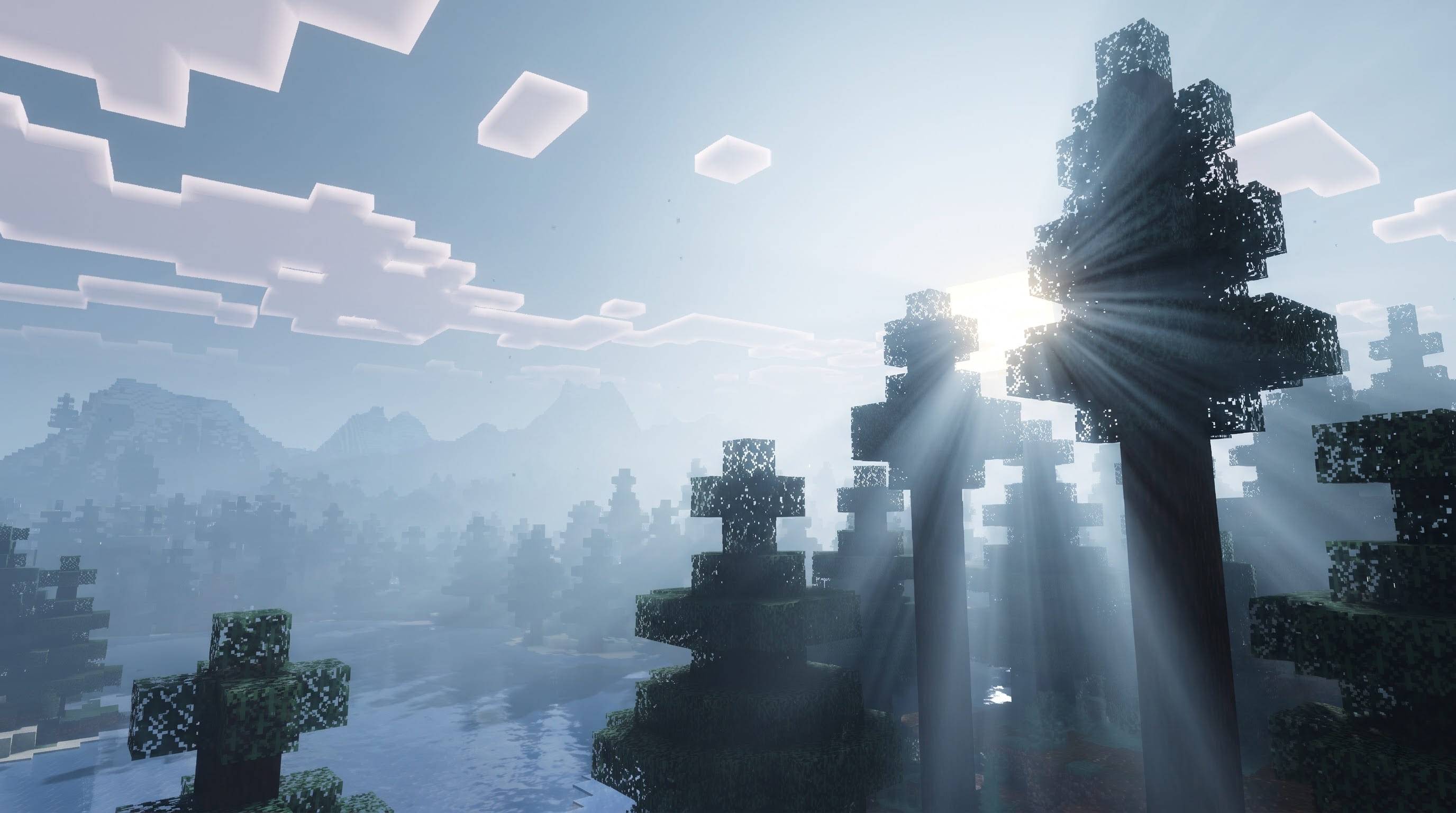
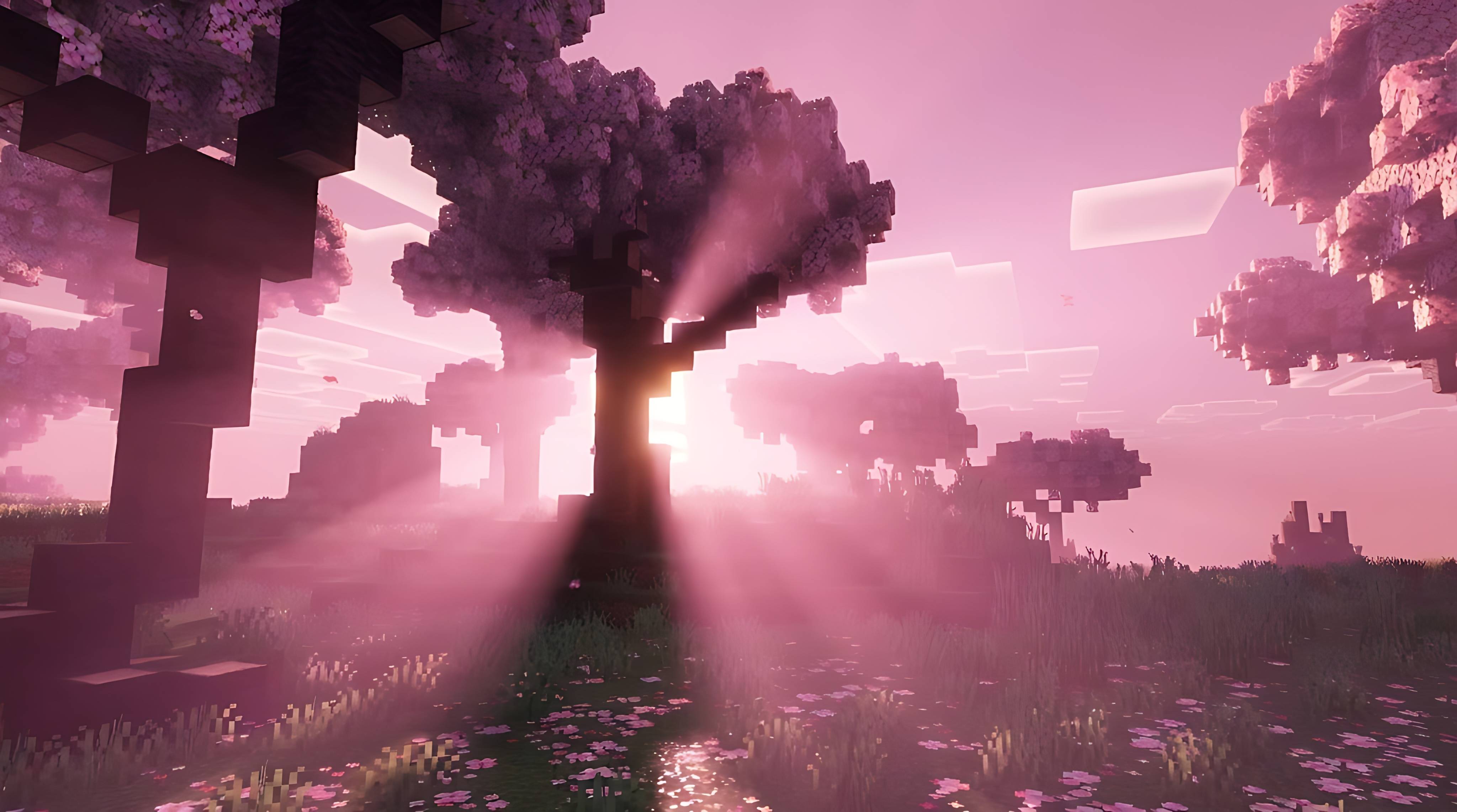
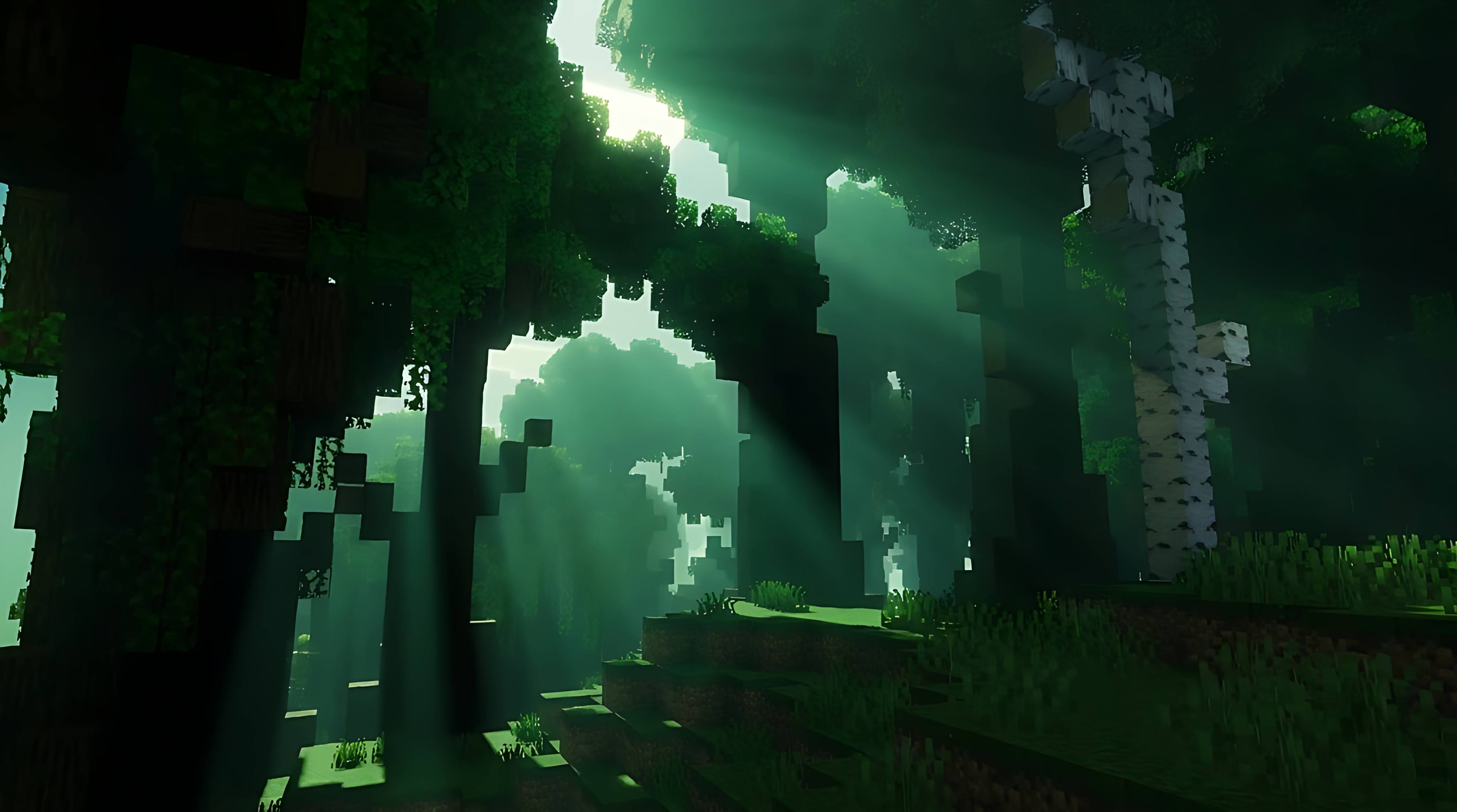
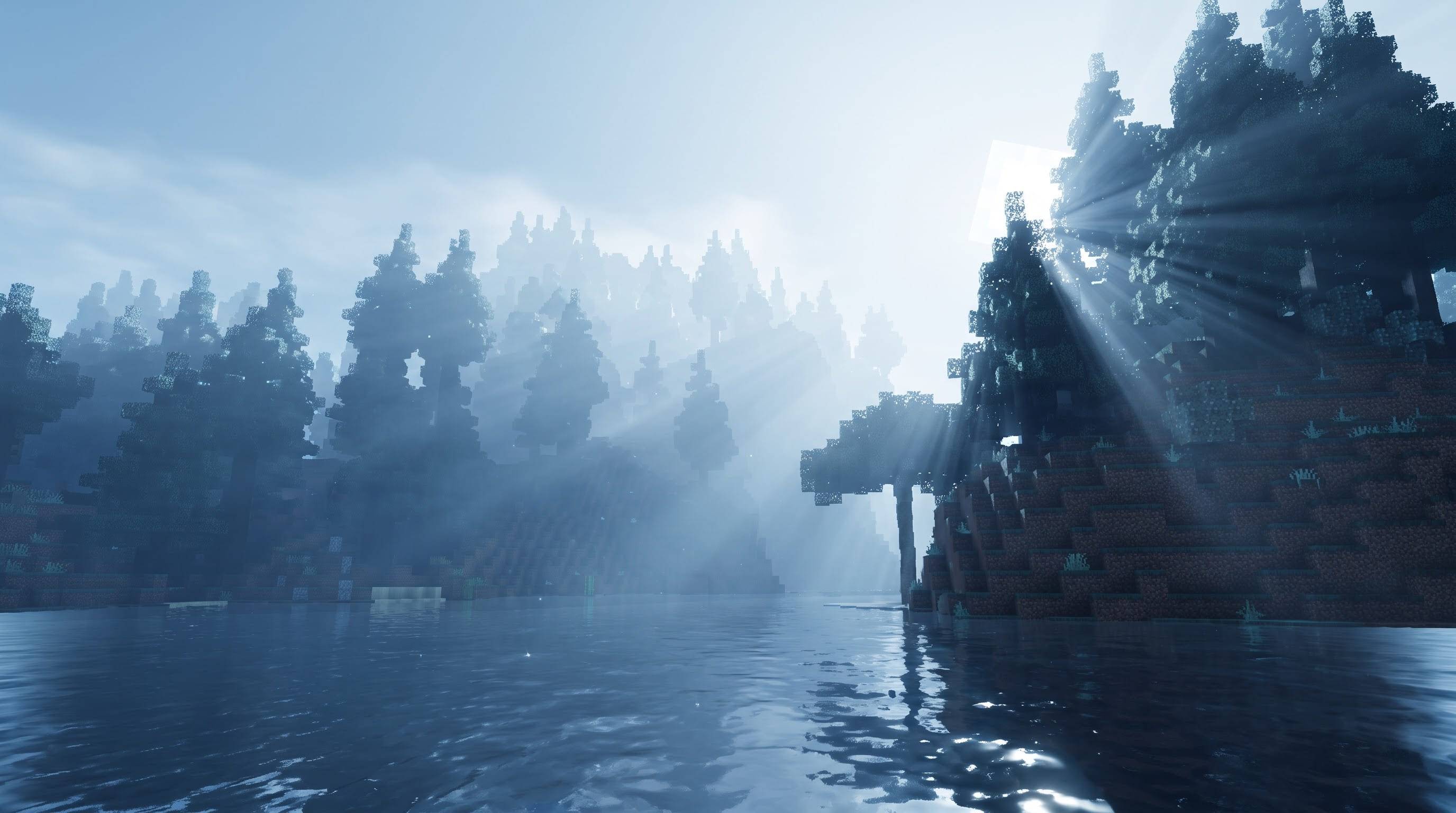
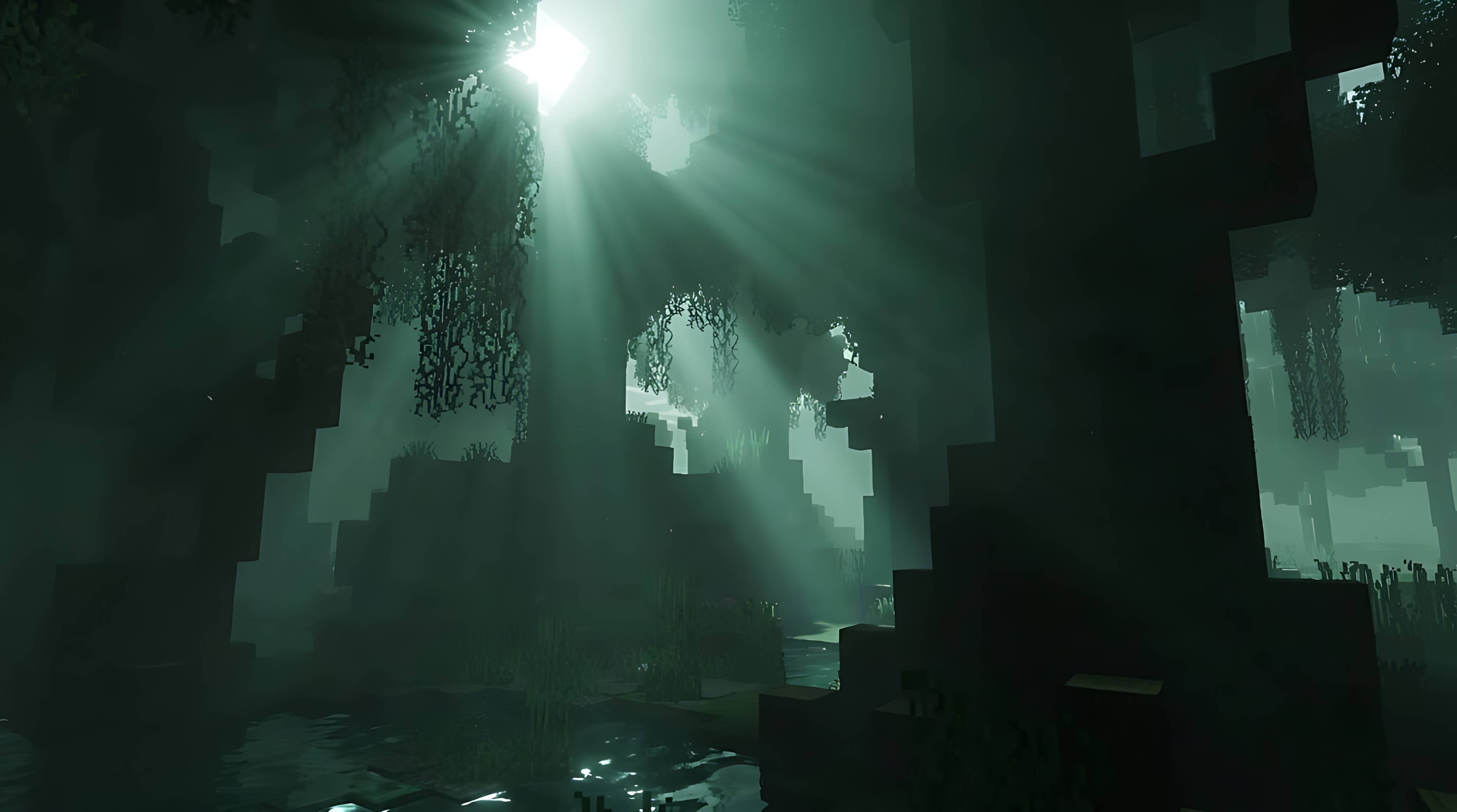
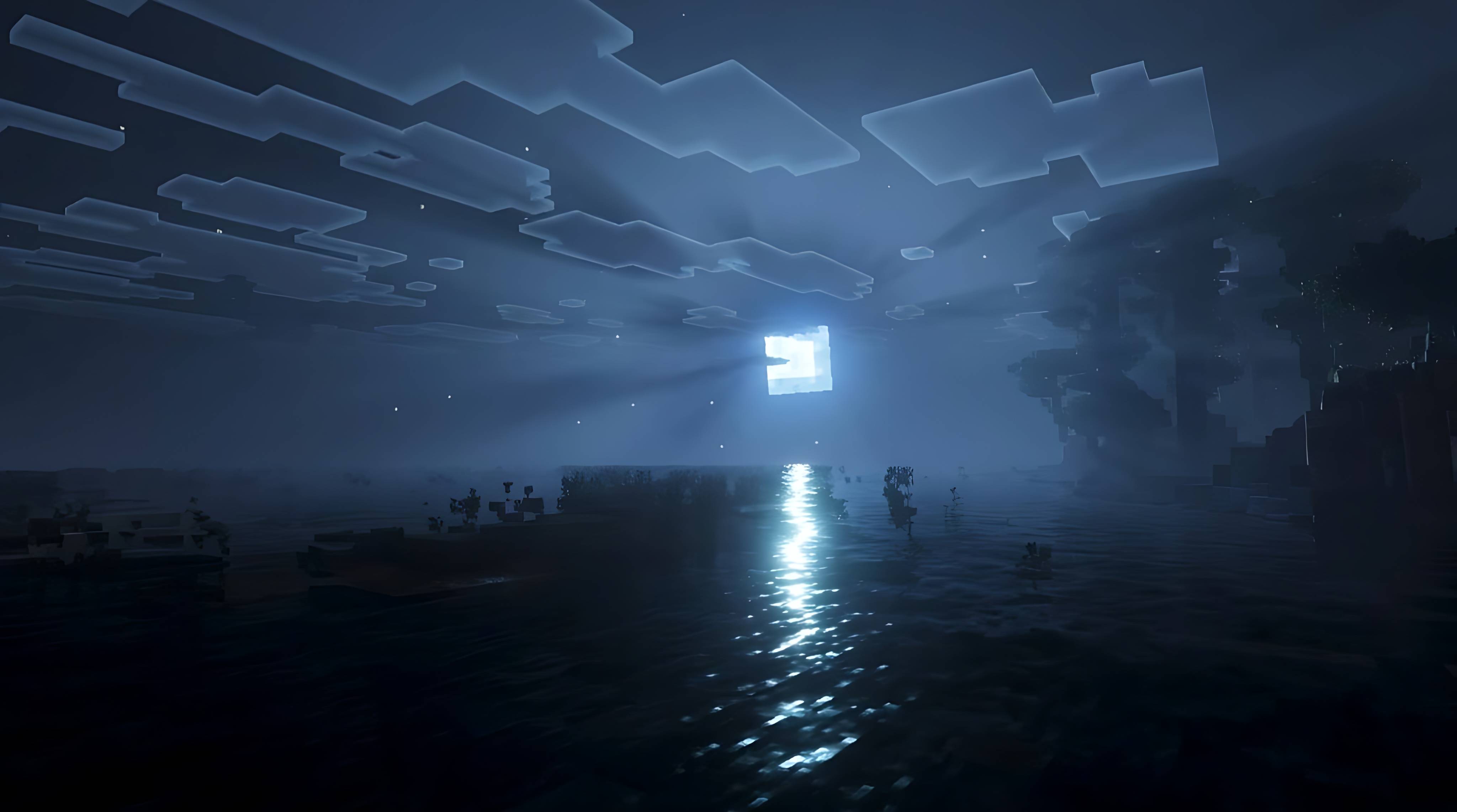
AAUKA VISUALS is a Vibrant Visuals pack for Minecraft Bedrock Edition that gives every biome its own colour of light. Walk into a cherry grove at sunrise and the beams drifting through the blossoms glow soft pink. Step into a forest and the same sunlight turns fresh emerald. Cross into a snowy taiga and the rays cool to a silvery blue, while deserts and savannas burn with warm amber. The pack never replaces your textures or changes gameplay. It simply repaints the atmosphere, so your world feels like a different place wherever you travel.
The look is built on three ideas. First, directional lighting: the sun and moon each carry a biome-specific tint, and that tint reaches blocks, leaves, water surfaces and the sky. Second, volumetric fog: every featured biome has a thin, coloured haze that catches the light and turns it into visible shafts between trunks, hills and clouds. Third, a gentle day and night cycle: sunrise and sunset blend each tint toward a warm glow, and nights switch to a cool moonlit palette that matches the biome you are standing in.
Featured biomes include Cherry Grove, Forest, Flower Forest, Birch Forest, Plains, Sunflower Plains, Taiga, Old Growth Taiga, Snowy Taiga, Snowy Plains, Windswept Hills, Jungle, Bamboo Jungle, Savanna and Desert. Every other biome keeps its normal Mojang look, but its sunlight is still gently re-tinted so swamps, mushroom fields, pale gardens, ice spikes, badlands and the like feel consistent with the rest of the pack.
Everything in AAUKA VISUALS is original. The pack contains no copied shaders, textures or code. It is made entirely from the official Vibrant Visuals data files that Minecraft already supports, namely lighting, fog and client biome definitions, and all colour values were chosen by hand for this project. Light intensity follows the current vanilla scale, so exposure, shadows and the day cycle stay balanced and nothing looks blown out.
Because it relies on official data files, no mods, launchers, OptiFine or Iris are needed. It works in the standard Bedrock app on any device that supports Vibrant Visuals. Performance depends on your hardware, but the pack adds no extra textures and only a few small configuration files, so it asks for very little beyond what Vibrant Visuals already uses.
How to install: open the downloaded file with Minecraft so it imports automatically, go to Settings, then Global Resources, and activate AAUKA VISUALS. Next open Settings, then Video, and switch Vibrant Visuals on. Load a world, and for the best first impression travel to a cherry grove or a forest around sunrise or sunset, when light shafts are strongest.
Compatibility: designed for Minecraft Bedrock 1.21.120 and newer, including the 26.x releases. Older versions do not support the Vibrant Visuals pack format, and Vibrant Visuals itself must be enabled or you will see no difference. The Nether and the End are intentionally left untouched so their carefully tuned vanilla atmospheres are preserved.
A Safe edition is included for anyone who wants the lowest possible risk. It only re-tints sunlight and moonlight and does not touch any biome definitions, so grass, water, music and sounds are guaranteed to stay exactly as Mojang made them. The full edition adds coloured volumetric haze for the featured biomes and is the one that produces the strongest, most colourful beams.
Credits: created and designed by GURJAR. Minecraft and Vibrant Visuals belong to Mojang Studios and Microsoft. This pack is an independent fan-made creation and is not affiliated with, endorsed by or supported by Mojang or Microsoft. Feel free to share it, but please keep the credit to GURJAR when you do.
Feature list
- Biome-specific sun and moon colours with a warm blend at sunrise and sunset
- Coloured volumetric haze that turns sunlight into visible light shafts
- 15 featured biomes with their own palette, remaining Overworld biomes gently re-tinted
- Light intensity on the current vanilla scale, so exposure and shadows stay balanced
- Nether and End left untouched
- Two editions: Full (coloured haze) and Safe (tinted light only)
- 100% original configuration, no copied shaders, textures or code
- No mods, launchers, OptiFine or Iris required
Installation
- Open the downloaded .mcpack file with Minecraft so it imports itself.
- Settings > Global Resources > activate AAUKA VISUALS.
- Settings > Video > turn Vibrant Visuals on.
- Load a world and look toward the sun in a cherry grove or forest at sunrise or sunset.
If you copy the files by hand, the pack folder must contain manifest.json directly inside it (not inside another folder).
Requirements and compatibility
- Minecraft Bedrock Edition 1.21.120 or newer, including the 26.x versions
- A device that supports Vibrant Visuals
- Not for Java Edition
Known limitations
- Vibrant Visuals must be enabled, otherwise the pack has no visible effect.
- The strongest beams appear near sunrise and sunset and through trees or hills; rain and thunderstorms mute them.
- The Full edition replaces the client definition of its 19 featured biome IDs. Those biomes keep default grass and foliage tint and default biome music. If anything looks off, use the Safe edition.
- Results may need small colour tuning per device and version.
Credits and legal
- Created and designed by GURJAR.
- Minecraft and Vibrant Visuals are trademarks of Mojang Studios and Microsoft. This pack is an independent, fan-made creation and is not affiliated with, endorsed by or supported by Mojang or Microsoft.
- You may share the pack, but please keep the credit to GURJAR.
Changelog
- 1.0.0 Initial release
- Edition: Minecraft Bedrock
- File type: .mcpack
- Minecraft versions listed: 1.21.100, 26.0
- How to install: Download the .mcpack. → Open it — Minecraft imports it under Resource Packs. → Activate it in Global Resources, or for one world under Resource Packs → Available.
- Where to get it: Opens on CurseForge — not every file is mirrored on our own servers.
Install steps are the general flow for this file type — How to install Minecraft Bedrock texture packs walks through it step by step.
- Pack type: .mcpack — a single pack
- Manifest requires Minecraft 1.21.120 or newer
- Complete pack — everything it depends on is inside the file
- Download size: 31 KB
- Download link checked 7 Oct 2026 — working
These come from our own check of the pack file, not from the source page.