Light FPS
Bedrock texture pack listed for Minecraft 1.16–26.x. File opened and checked on 8 Oct 2026; installs from the MC Bedrock Mods app on Android.
Light FPS is a lightweight performance pack for Minecraft Bedrock/PE. Fewer particles, faster blocks and a useful UI help low-end devices run smoother…
⬇ Download on CurseForge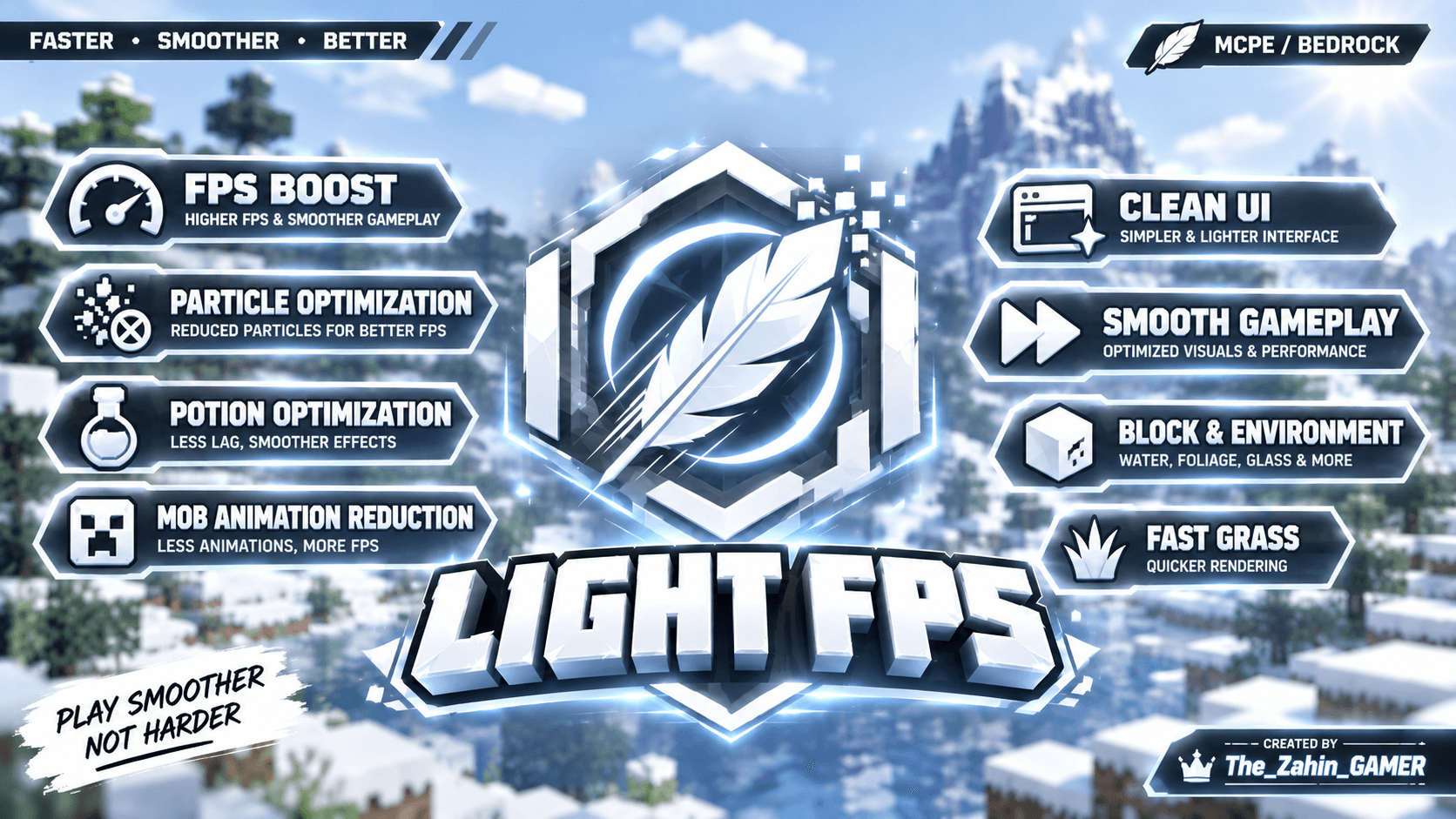
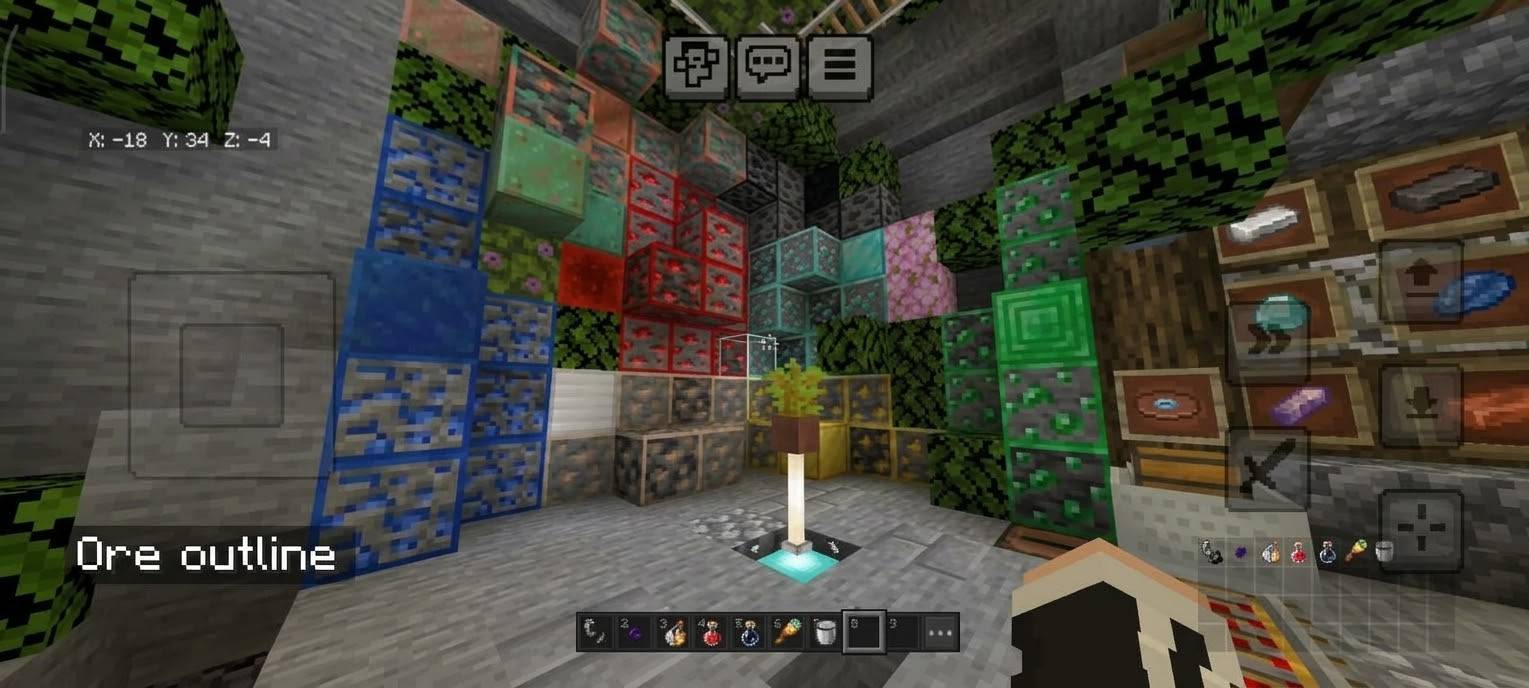
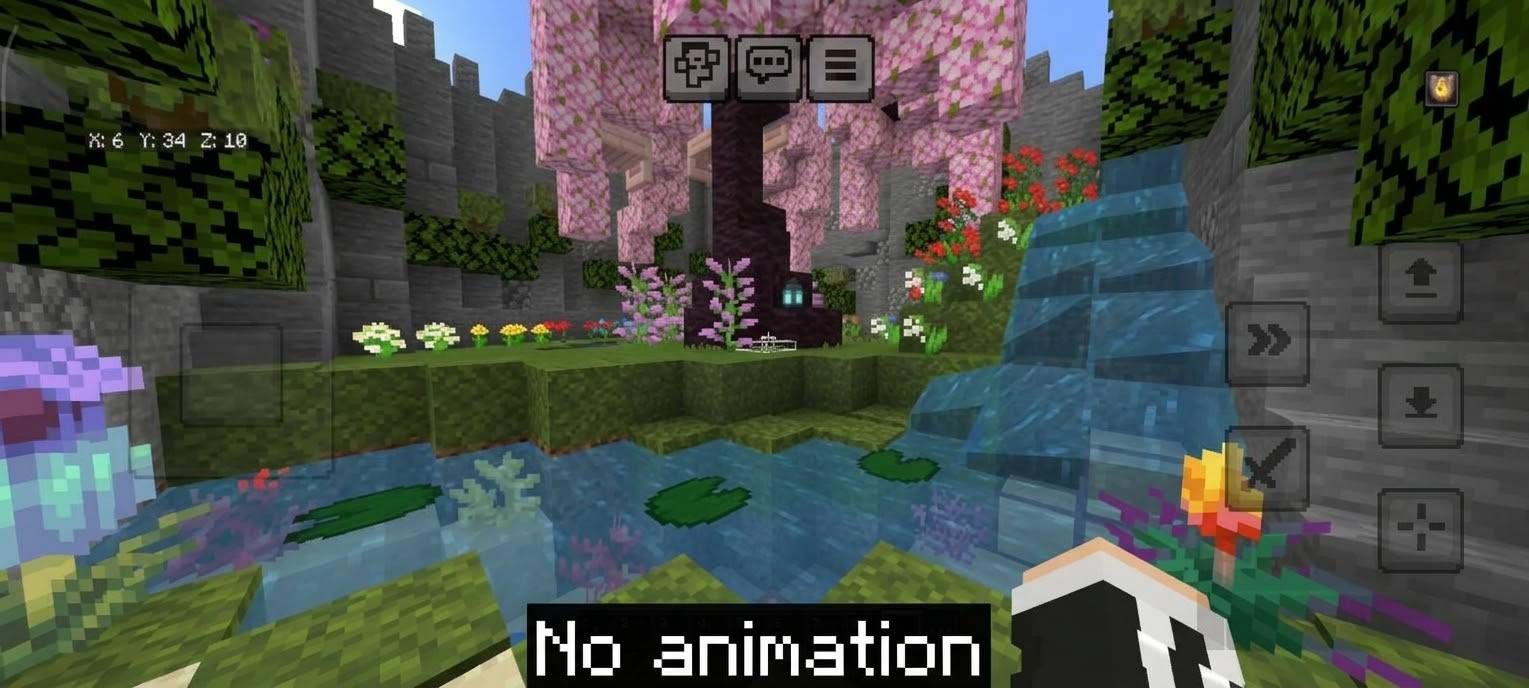
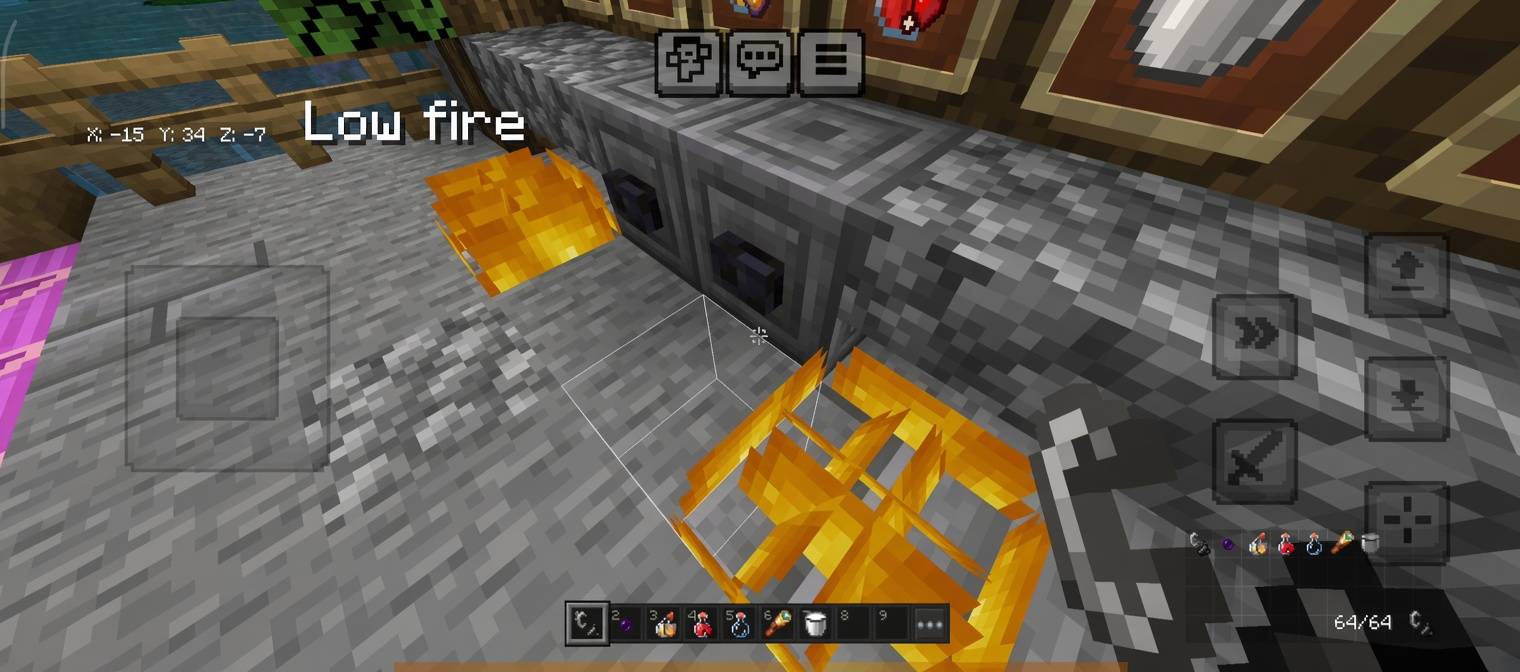
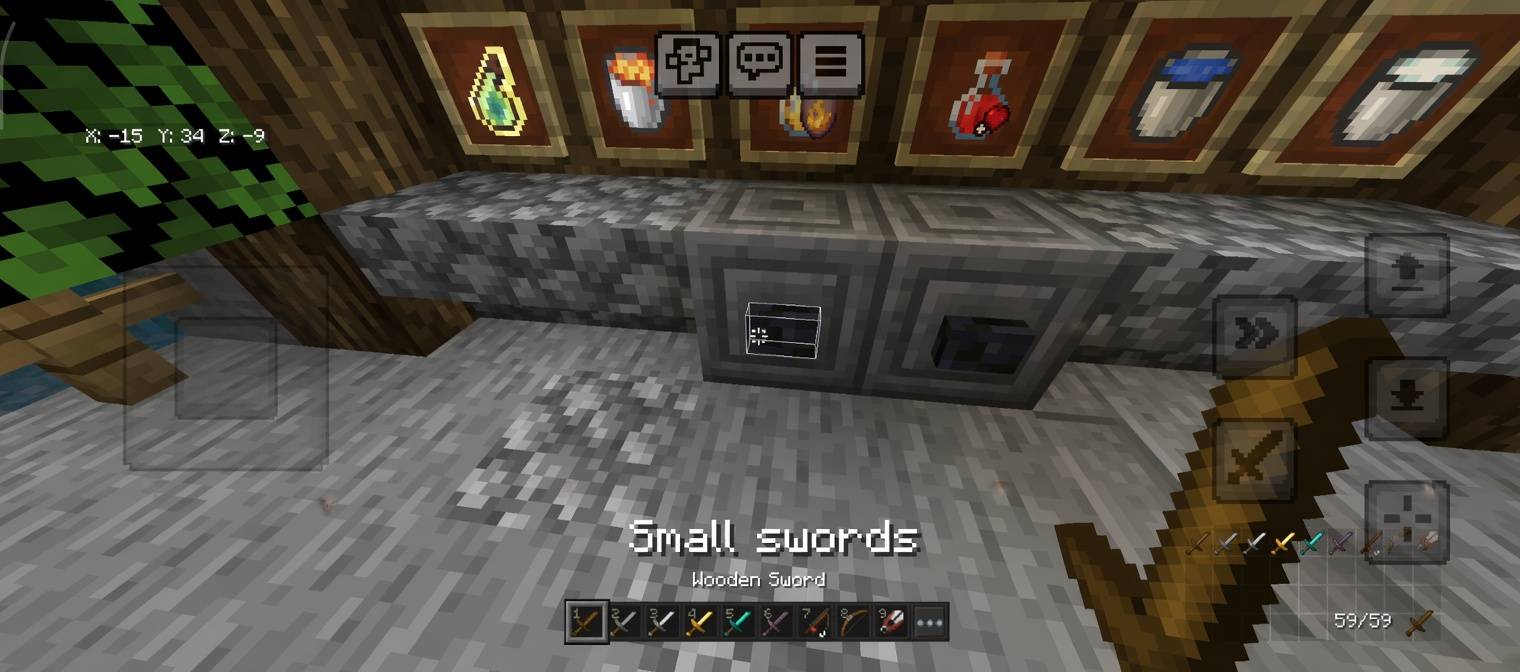
# Light FPS
**Faster • Smoother • Better** | Minecraft Bedrock / MCPE
Light FPS is a lightweight resource pack for low-end phones, tablets and consoles. It cuts the visual effects that cost the most performance and keeps the game looking like Minecraft.
## Choose your performance level
In the pack settings, pick one of three versions:
- **Light:** Turns off ambient and decorative particles (dust, falling leaves, smoke, drips). Best if you want a small boost with almost no visual change.
- **Balanced:** Everything in Light, plus flames, smoke, splashes and more. Recommended for most devices.
- **Ultra:** Turns off almost all particles, strips back some textures and uses closer fog. For very weak devices.
## Features
- **FPS boost:** Fewer particles means less lag in fights, explosions and rain.
- **Particle optimization:** Leaves, campfire smoke and other effects are cut down.
- **Potion optimization:** Lighter potion and spell effects.
- **Block and environment tweaks:** Opaque leaves, simplified shadows and lighter blocks.
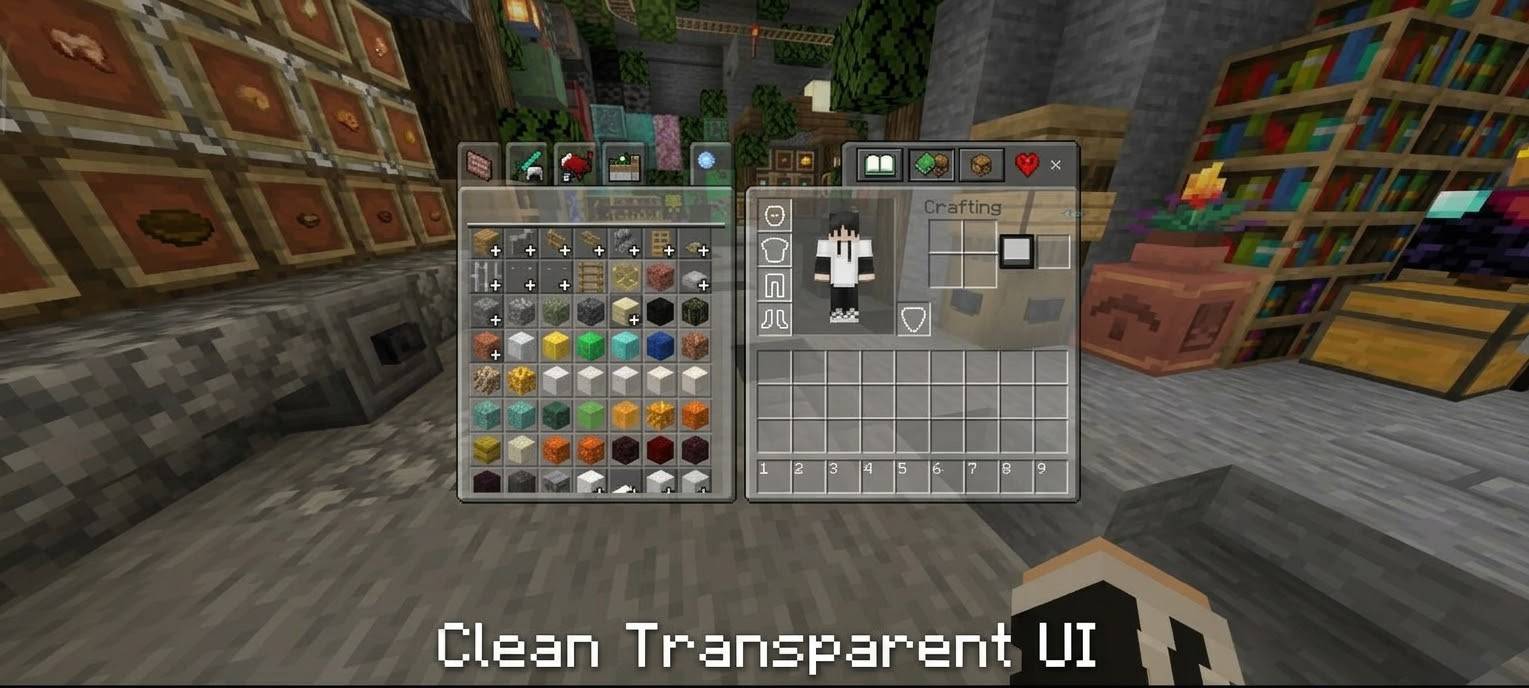
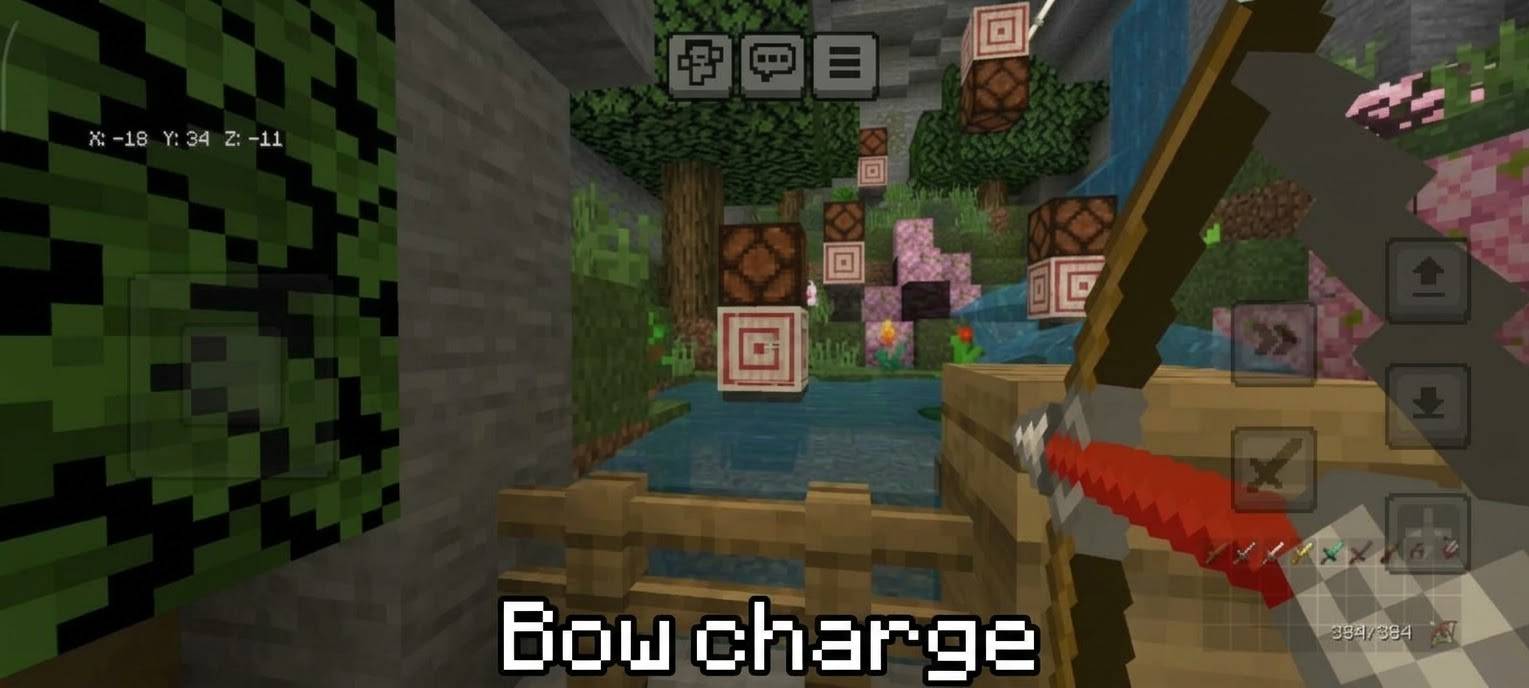
- **Useful UI:** Durability display, numbered hotbar, quick-craft button and chat buttons.
- **Gameplay stays readable:** Hit, crit and block-break feedback is kept in Light and Balanced.
## How to use
1. Download the .mcpack file and open it with Minecraft to import it.
2. Go to **Settings > Global Resources** and activate **Light FPS**.
3. Tap the **gear icon** on the pack and choose Light, Balanced or Ultra.
4. Restart the world if the changes don't apply.
## Compatibility
- Minecraft Bedrock Edition / MCPE, version **1.21.80 or newer**
- Works on Android, iOS and Windows. Some UI features may not work on consoles.
- The UI extras may conflict with other packs that change the UI.
## Notes
- Results depend on your device, render distance and world.
- If the UI extras conflict with another pack, move Light FPS lower in your pack list.
## Credits
Created by **The_Zahin_GAMER**
Enjoy the pack? Leave a comment and share it with a friend. **Play smoother, not harder.**
- Edition: Minecraft Bedrock
- File type: .mcpack
- Minecraft versions listed: 1.16, 1.18, 1.19
- How to install: Download the .mcpack. → Open it — Minecraft imports it under Resource Packs. → Activate it in Global Resources, or for one world under Resource Packs → Available.
- Where to get it: Opens on CurseForge — not every file is mirrored on our own servers.
Install steps are the general flow for this file type — How to install Minecraft Bedrock texture packs walks through it step by step.
- Pack type: .mcpack — a single pack
- Manifest requires Minecraft 1.21.80 or newer
- Complete pack — everything it depends on is inside the file
- Download size: 2.6 MB
- Download link checked 8 Oct 2026 — working
These come from our own check of the pack file, not from the source page.