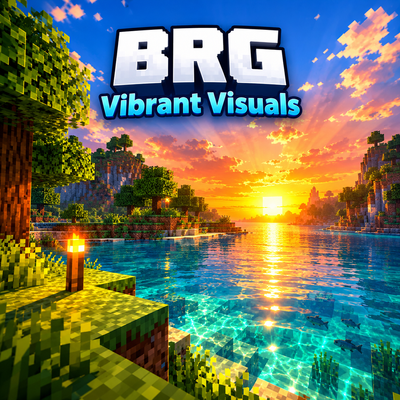
BRG Natural realism
Bedrock texture pack listed for Minecraft 1.21. File opened and checked on 8 Oct 2026; installs from the MC Bedrock Mods app on Android.
Natural cinematic atmosphere for Bedrock. Soft lighting, realistic water, Java-style fog. Original by BRGamers.
⬇ Download on CurseForge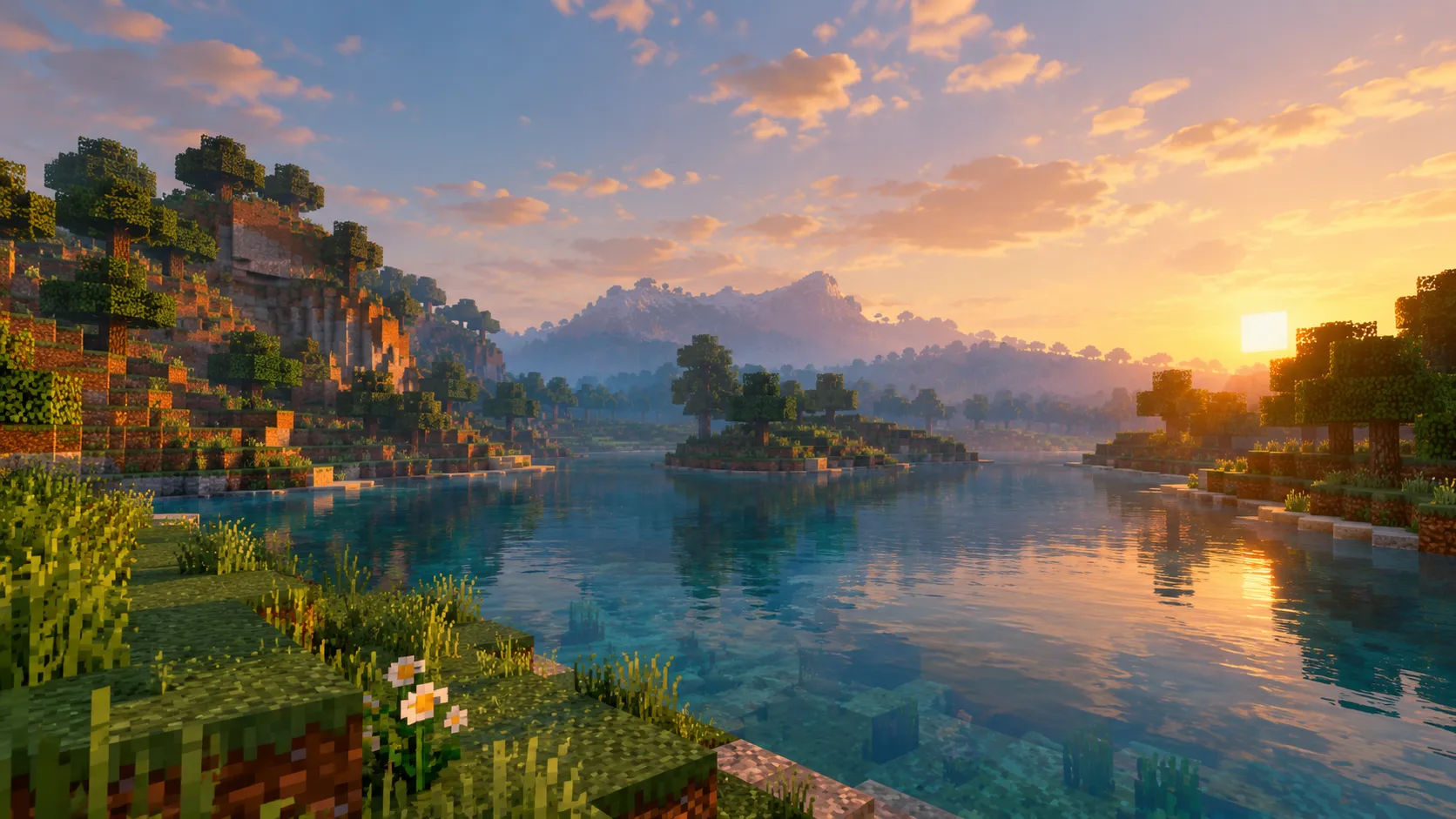
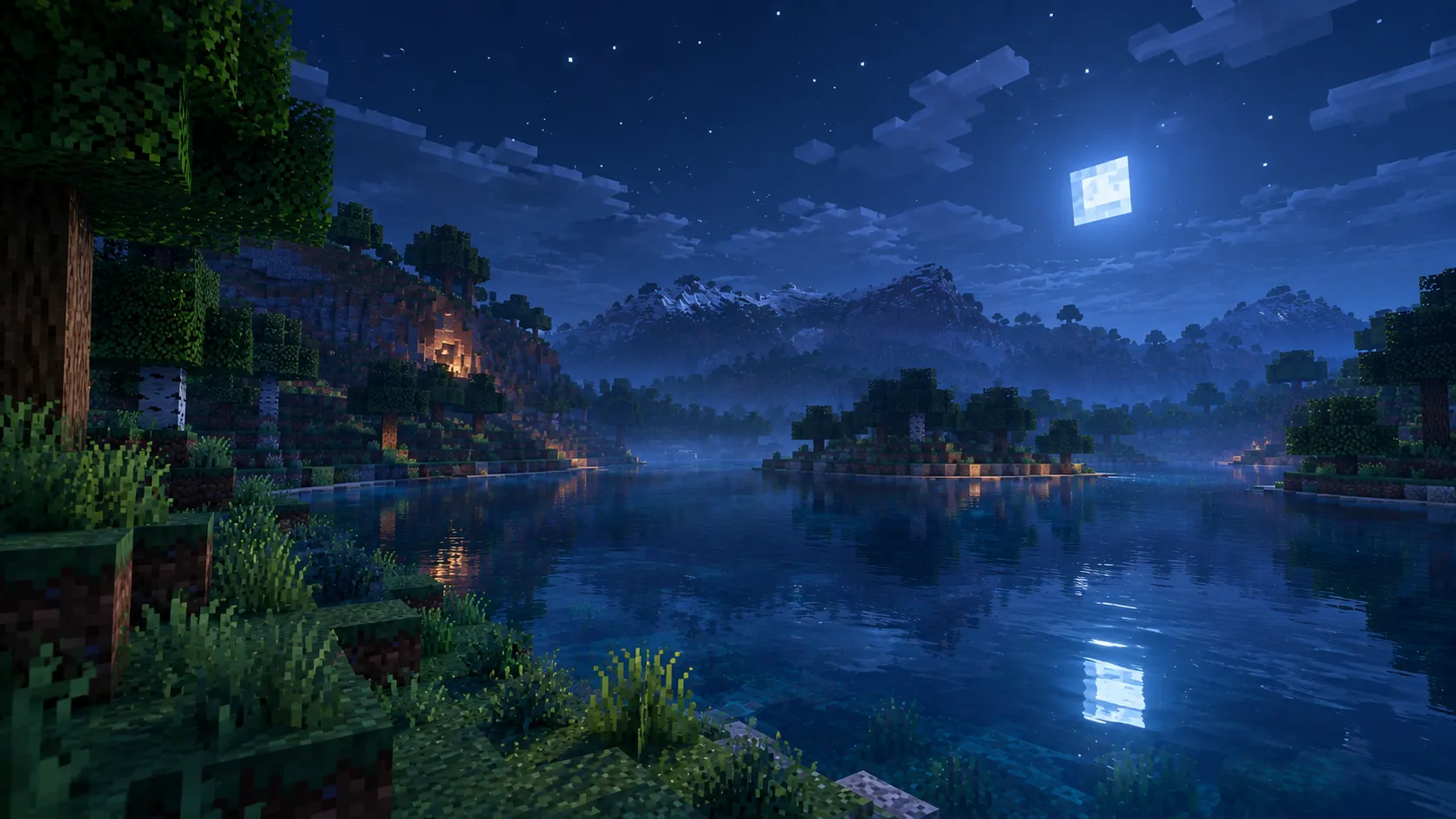
BRG Natural Realism is an original Minecraft Bedrock Edition resource pack built for players who want a cleaner, more cinematic world without turning the game into a neon filter or a fake “RTX screenshot.” The goal is simple: keep Minecraft’s blocky identity, improve the mood of light and air, and make water, fog, and sky feel more intentional—especially at sunrise, sunset, and night.
On Bedrock, true Java GLSL shaders cannot run. There is no Iris or OptiFine path and no way to inject a full deferred pipeline like Complementary on Java. BRG Natural Realism works inside what Bedrock actually allows: lighting curves, biome water and fog colors, environment textures, and optional helpers that respond better when Vibrant Visuals is available. That means the pack is honest about its limits while still pushing atmosphere as far as a proper resource pack can.
Lighting is the core of the experience. Daylight is tuned to stay readable and natural. Near the horizon, sun color shifts toward warm gold and soft orange so mornings and evenings feel like a real golden hour instead of a flat time change. Night uses cooler blue moonlight so the world does not become pure black, but caves and deep shade still feel dark enough for survival tension. The pack avoids crushed blacks and extreme contrast that make mobile screens muddy. Subpacks let you choose intensity: Soft for lighter devices, Natural as the balanced default, and MAX when you want the strongest atmosphere the pack can offer.
Water is redesigned for a realistic teal look rather than bright artificial cyan. Shallow areas stay clearer so shorelines and rivers remain useful for navigation. Deeper water and underwater fog use darker absorption colors so swimming down feels different from standing on the surface. The pack does not claim mirror-perfect reflections—that requires deferred hardware features—but the color, transparency, and underwater mood are tuned to feel closer to modern cinematic Minecraft water.
Fog is intentionally closer to the Java “distance haze” idea. Instead of only a hard cutoff at render distance, the pack uses earlier fog starts and softer horizon colors so far terrain fades into atmosphere. Forests and swamps pick up a slightly denser local mood. Deserts keep warmer haze. Oceans use cooler blue distance fog. The Nether and the End get their own profiles so each dimension still feels distinct. Rain pushes fog denser so weather changes the mood, not only the particle layer.
Sky and environment textures support the same direction: a warmer sun disk, a softer moon, and gentler clouds. The point is not to replace Minecraft with photoreal skyboxes, but to stop the sky from feeling empty and default when the rest of the world has been tuned.
Compatibility and setup are straightforward. Import the pack, place it at the top of your resource pack list, pick Soft / Natural / MAX, and use Fancy graphics. If your device supports Vibrant Visuals, turn it on for a stronger result. If Vibrant Visuals is unavailable or blocked by Marketplace content, the pack still applies its lighting, water, and fog work as a normal resource pack.
BRG Natural Realism is created by BRGamers as an original project. It is not affiliated with Mojang, Microsoft, Complementary Development, Xiao Visuals, or any other shader brand. It is not a Java shader port and does not include proprietary shader code from other packs. Use it when you want Bedrock to feel calmer, deeper, and more cinematic—while staying true to what the engine can actually do.
- Edition: Minecraft Bedrock
- File type: .mcpack
- Minecraft versions listed: 1.21.30, 1.21.2, 1.21.20
- How to install: Download the .mcpack. → Open it — Minecraft imports it under Resource Packs. → Activate it in Global Resources, or for one world under Resource Packs → Available.
- Where to get it: Opens on CurseForge — not every file is mirrored on our own servers.
Install steps are the general flow for this file type — How to install Minecraft Bedrock texture packs walks through it step by step.
- Pack type: .mcpack — a single pack
- Manifest requires Minecraft 1.21.0 or newer
- Complete pack — everything it depends on is inside the file
- Download size: 872 KB
- Download link checked 8 Oct 2026 — working
These come from our own check of the pack file, not from the source page.