Dark Purple GUI
Bedrock texture pack listed for Minecraft 1.21–26.x. File opened and checked on 8 Oct 2026; installs from the MC Bedrock Mods app on Android.
⬇ Download on CurseForgeThe author built this one for Minecraft 26.50. On other versions it may install and then do nothing.
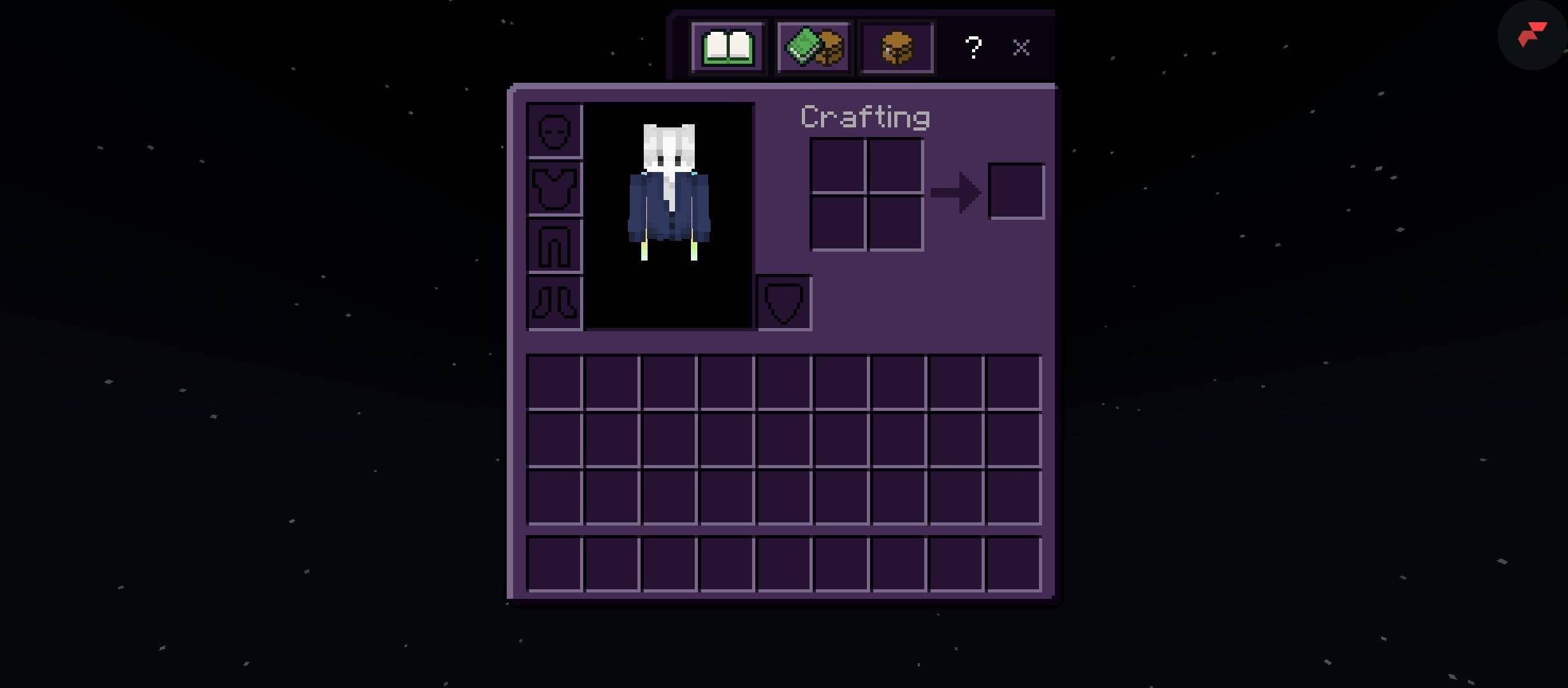
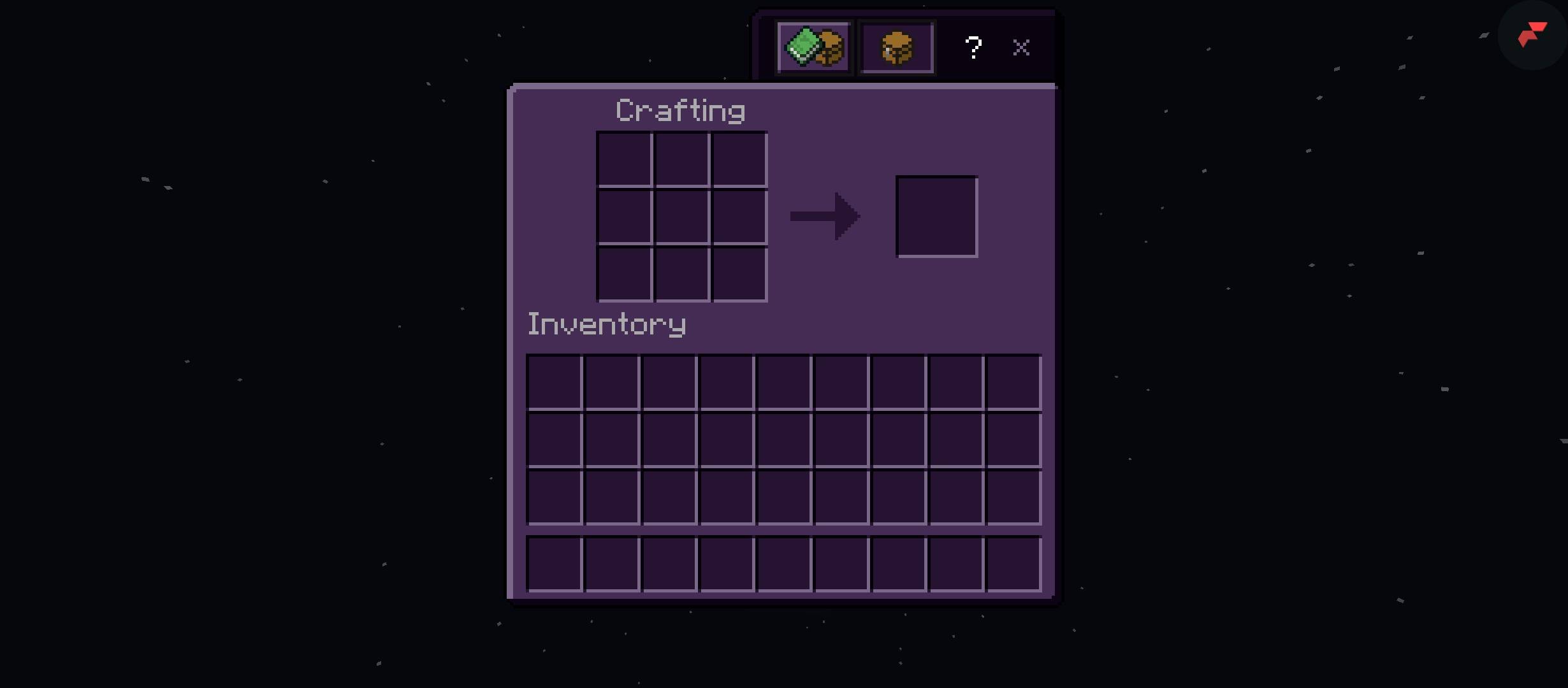
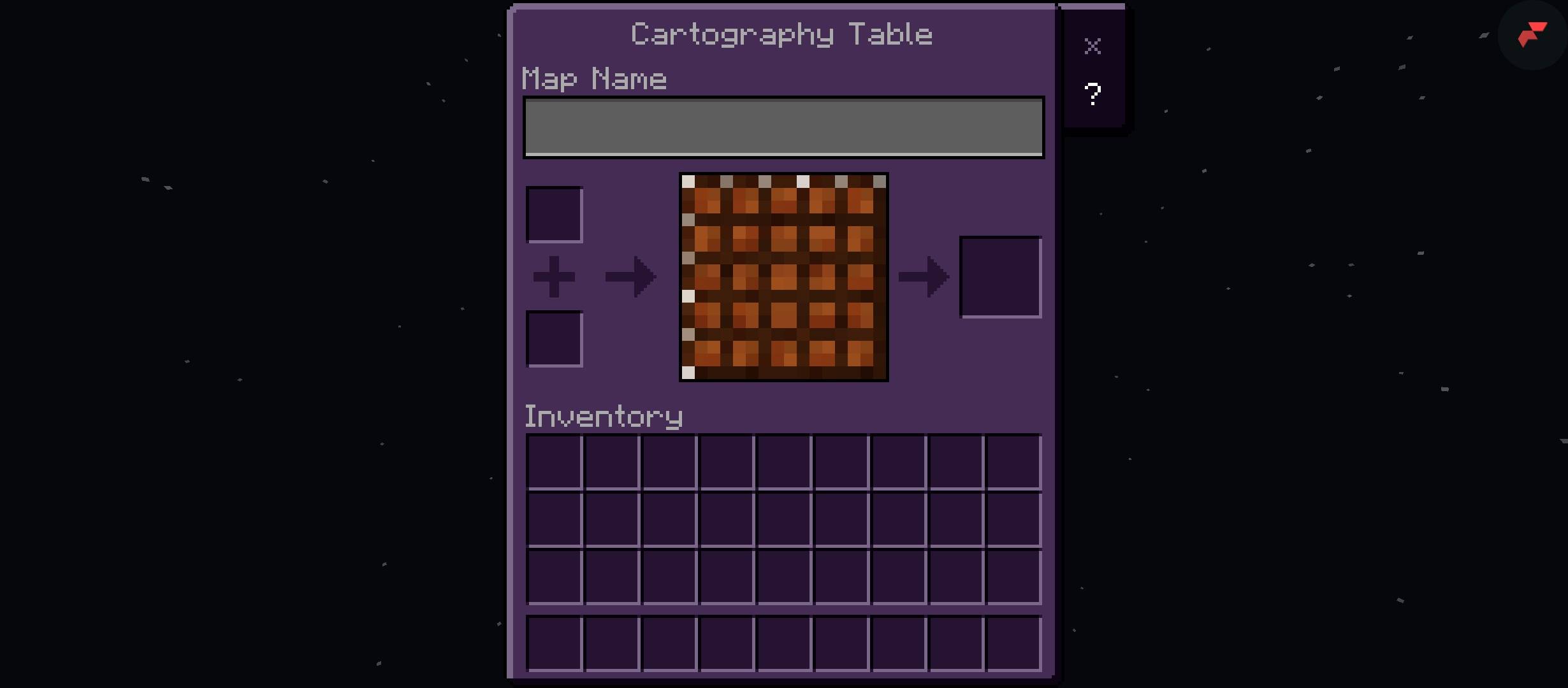
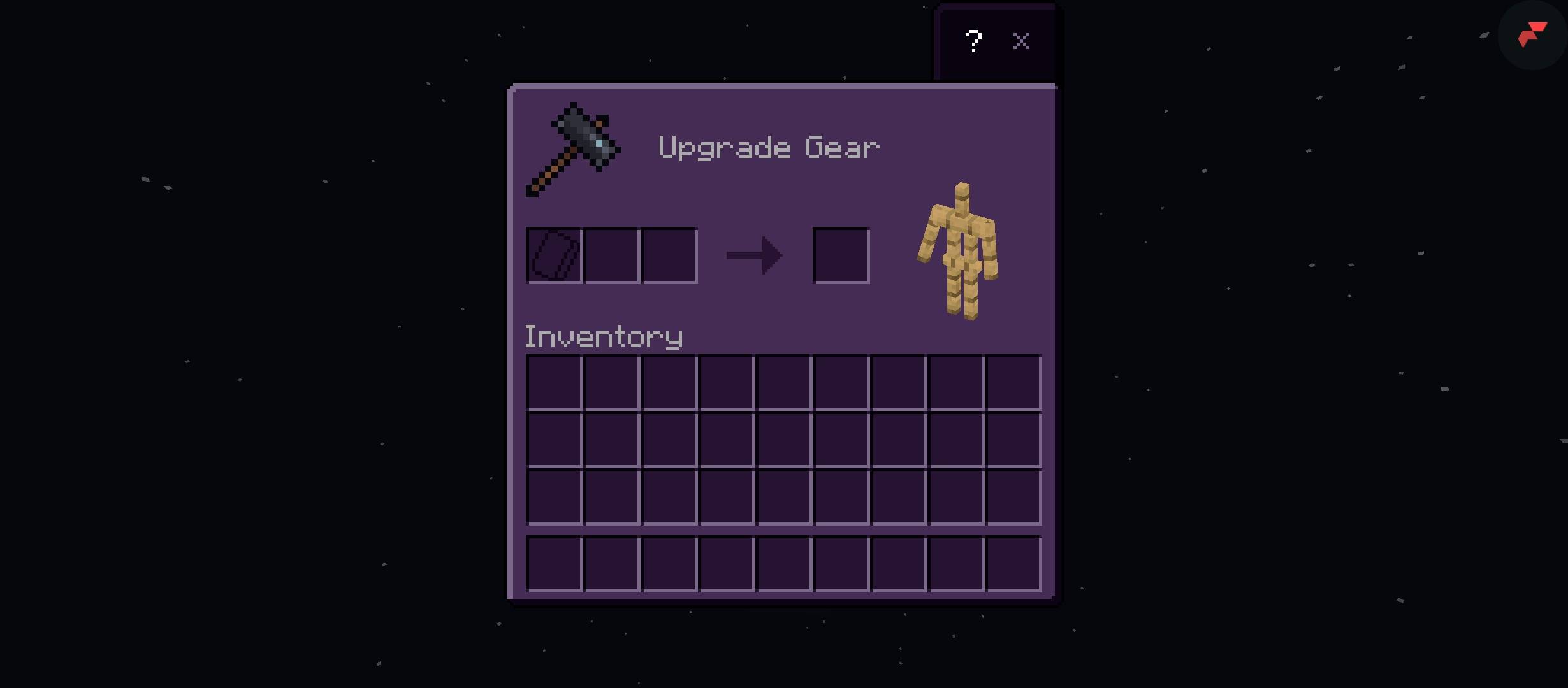
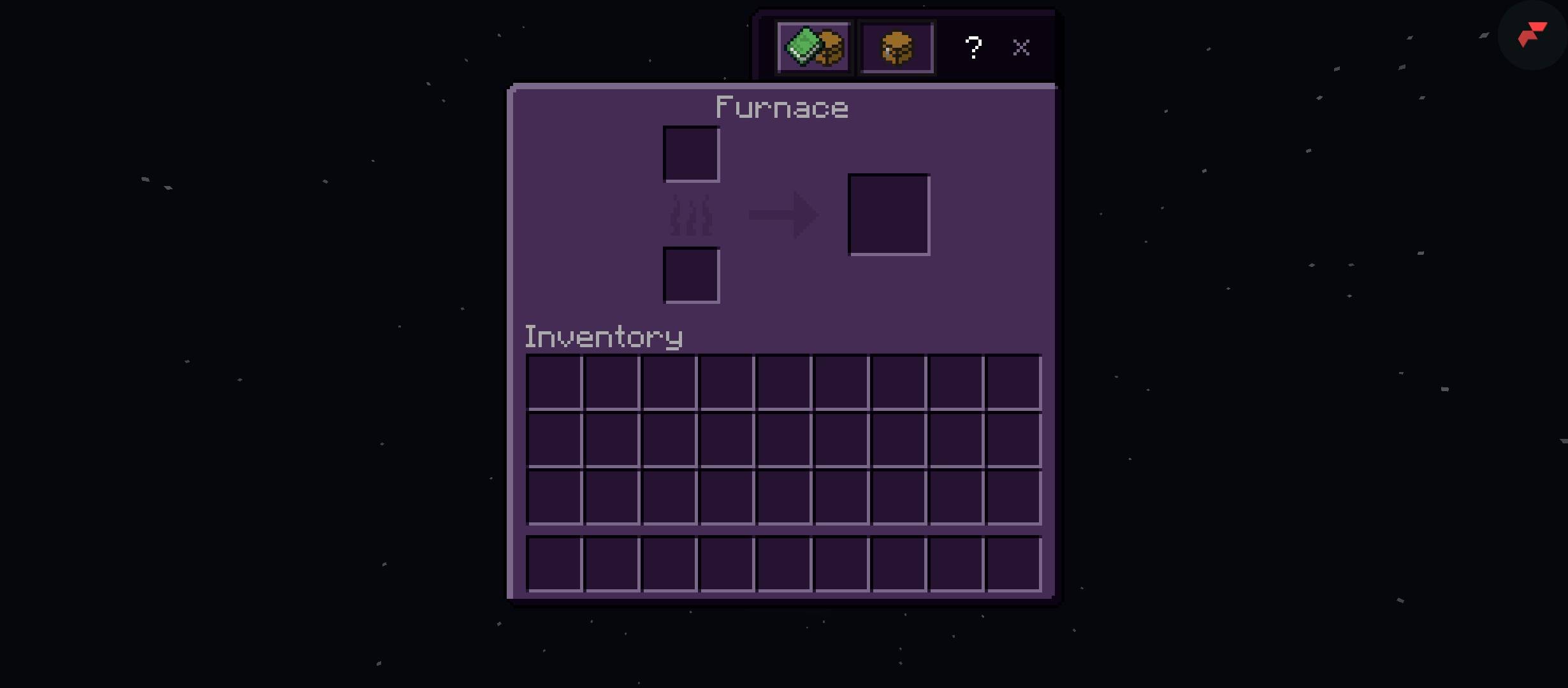
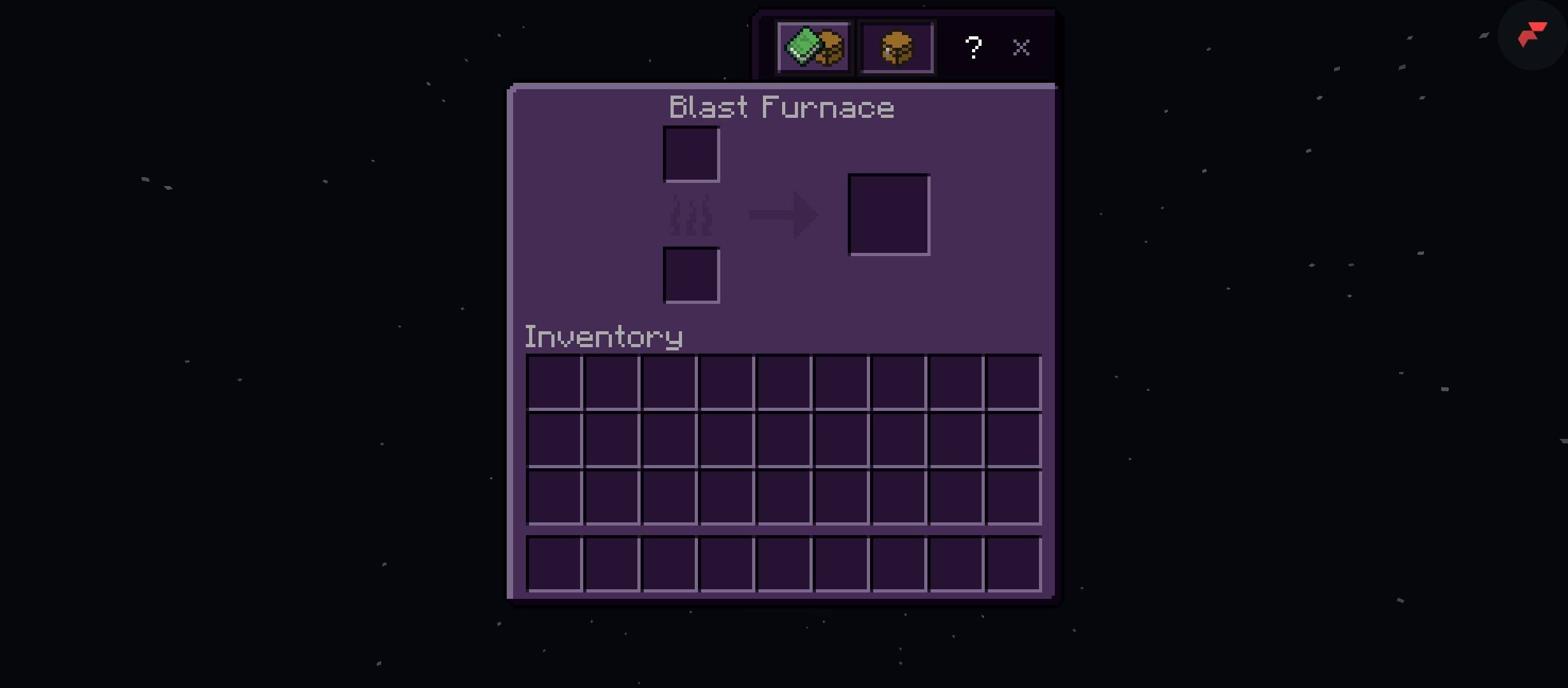
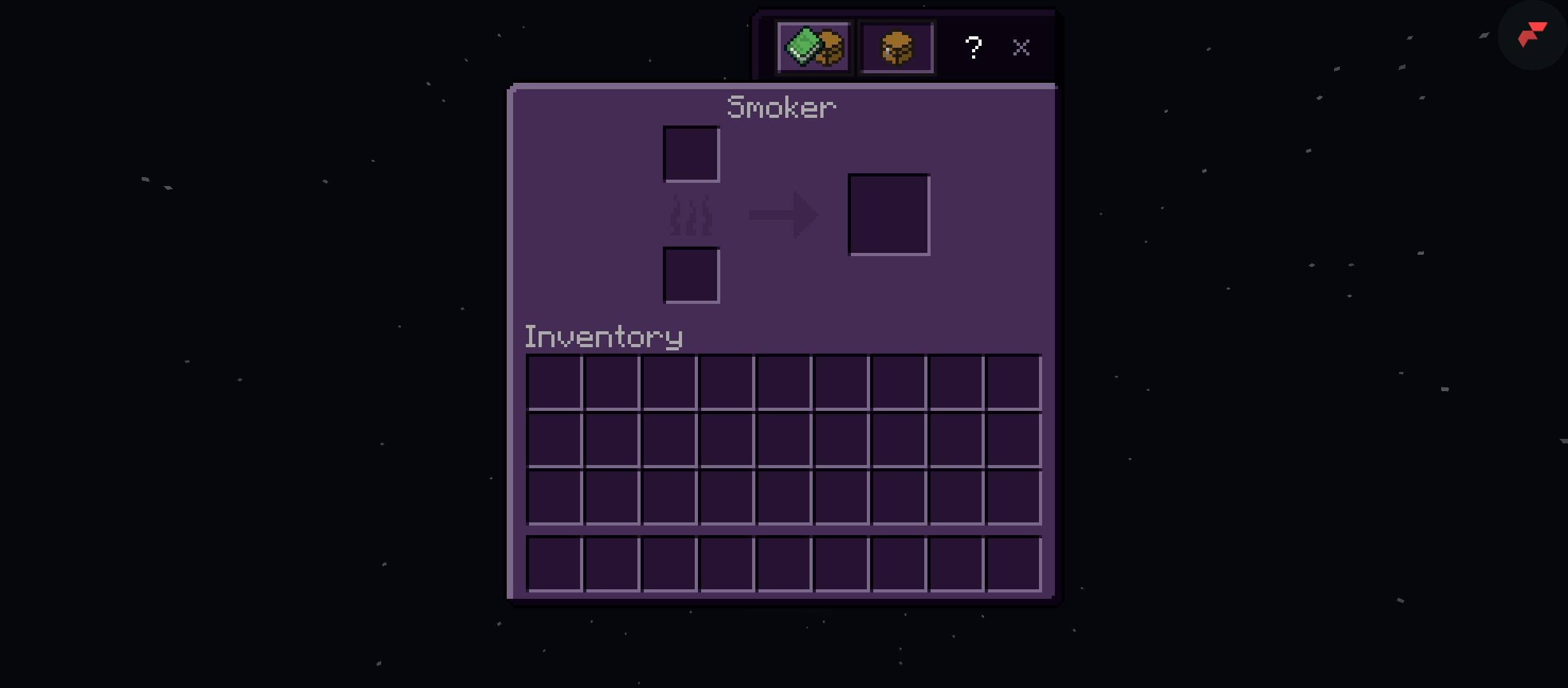
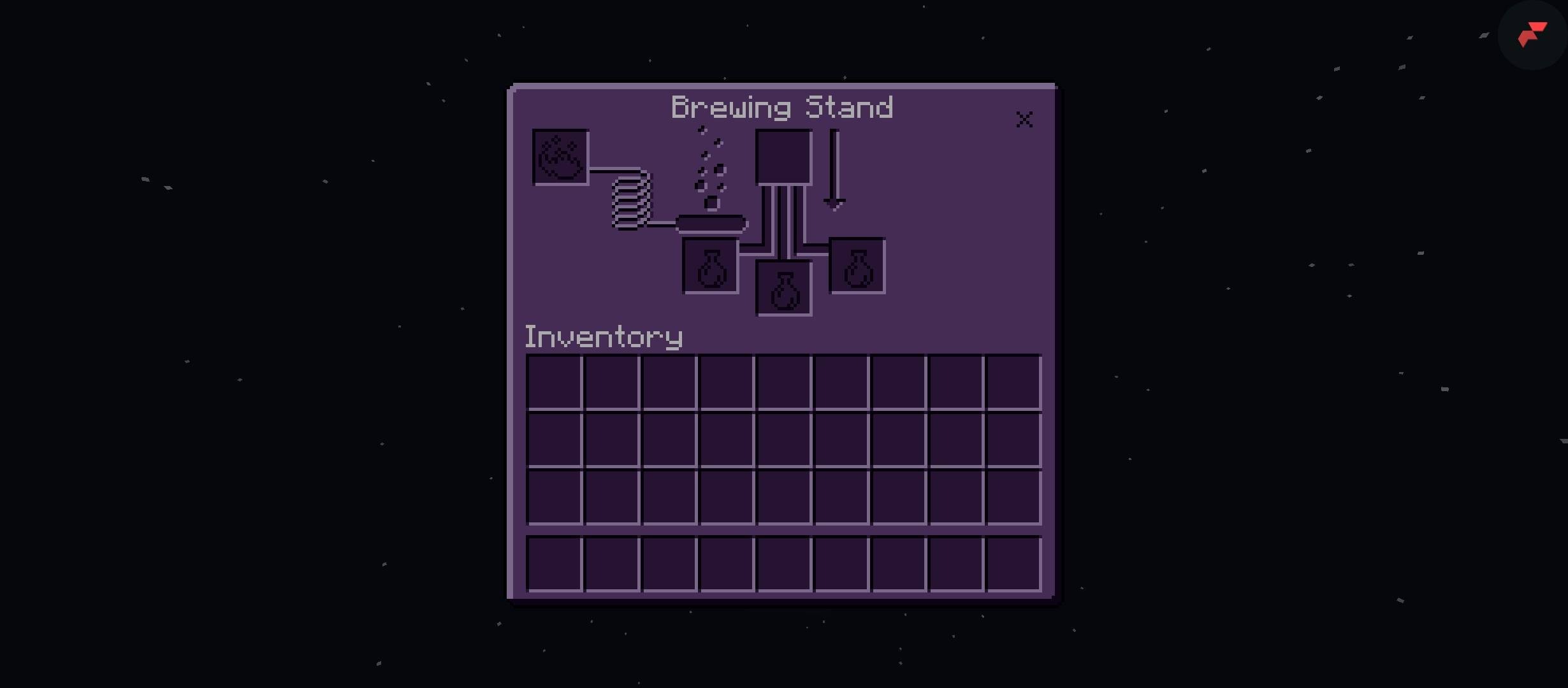
Dark Purple GUI - Stylish Purple Interface for Minecraft Bedrock
Transform your boring Minecraft UI into a cool and aesthetic dark purple theme!
Features offered by this project:
- Complete dark purple recolor for all inventory GUI
- Purple themed chest, furnace, crafting table, and shulker box UI
- Clean and modern look, easy on the eyes
- 100% functional, no bugs, compatible with Minecraft Bedrock 1.26+
- Smooth and consistent design for a better experience
How it affects your experience:
This pack changes the base game's plain white/gray interface into a stylish dark purple color. It makes your inventory look more premium, cool, and aesthetic, especially for players who love purple themes. It doesn't change gameplay, only visuals, so it's safe for survival, creative, and multiplayer.
Perfect for players who want a fresh and cool look!
Initial Release - Enjoy the purple experience!
- Edition: Minecraft Bedrock
- File type: .mcpack
- Minecraft version listed: 26.50
- How to install: Download the .mcpack. → Open it — Minecraft imports it under Resource Packs. → Activate it in Global Resources, or for one world under Resource Packs → Available.
- Where to get it: Opens on CurseForge — not every file is mirrored on our own servers.
Install steps are the general flow for this file type — How to install Minecraft Bedrock texture packs walks through it step by step.
- Pack type: .mcpack — a single pack
- Manifest requires Minecraft 1.21.0 or newer
- Complete pack — everything it depends on is inside the file
- Download size: 571 KB
- Download link checked 8 Oct 2026 — working
These come from our own check of the pack file, not from the source page.