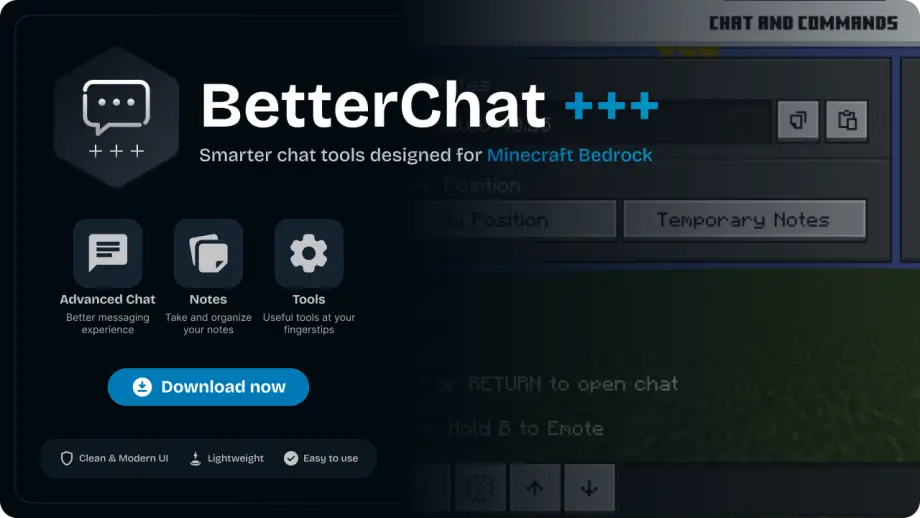
BetterChat Texture Pack for Minecraft
Minecraft Bedrock texture pack. Download on the author's site.
Modern Ore-UI chat overhaul for Minecraft Bedrock adding autocomplete, name suggestions, message history, notes, coordinates, and an integrated calculator.
⬇ Download on ModbayBetterChat+++
BetterChat+++ is a modern overhaul of the Minecraft Bedrock chat system, designed to make communication faster, cleaner and more functional.
Built around a renewed Ore-UI-inspired interface, BetterChat+++ adds useful tools directly to the chat experience without turning it into a moderation system.
Features
- Command Autocomplete — Quickly find and complete available commands.
- Player Name Autocomplete — Easily select player names while typing.
- Message History — Navigate through previously sent messages.
- Integrated Notes — Keep temporary notes accessible directly from the chat interface.
- Player & Block Coordinates — Quickly view your current position and relevant block coordinates.
- Chat Calculator — Perform calculations without leaving the chat.
- Modern Interface — A redesigned interface focused on clarity and usability.
- Ore-UI Inspired Design — Uses a modern visual style inspired by Minecraft's newer UI direction.
- Lightweight — Focused on improving the chat experience without unnecessary systems.
Main Menu
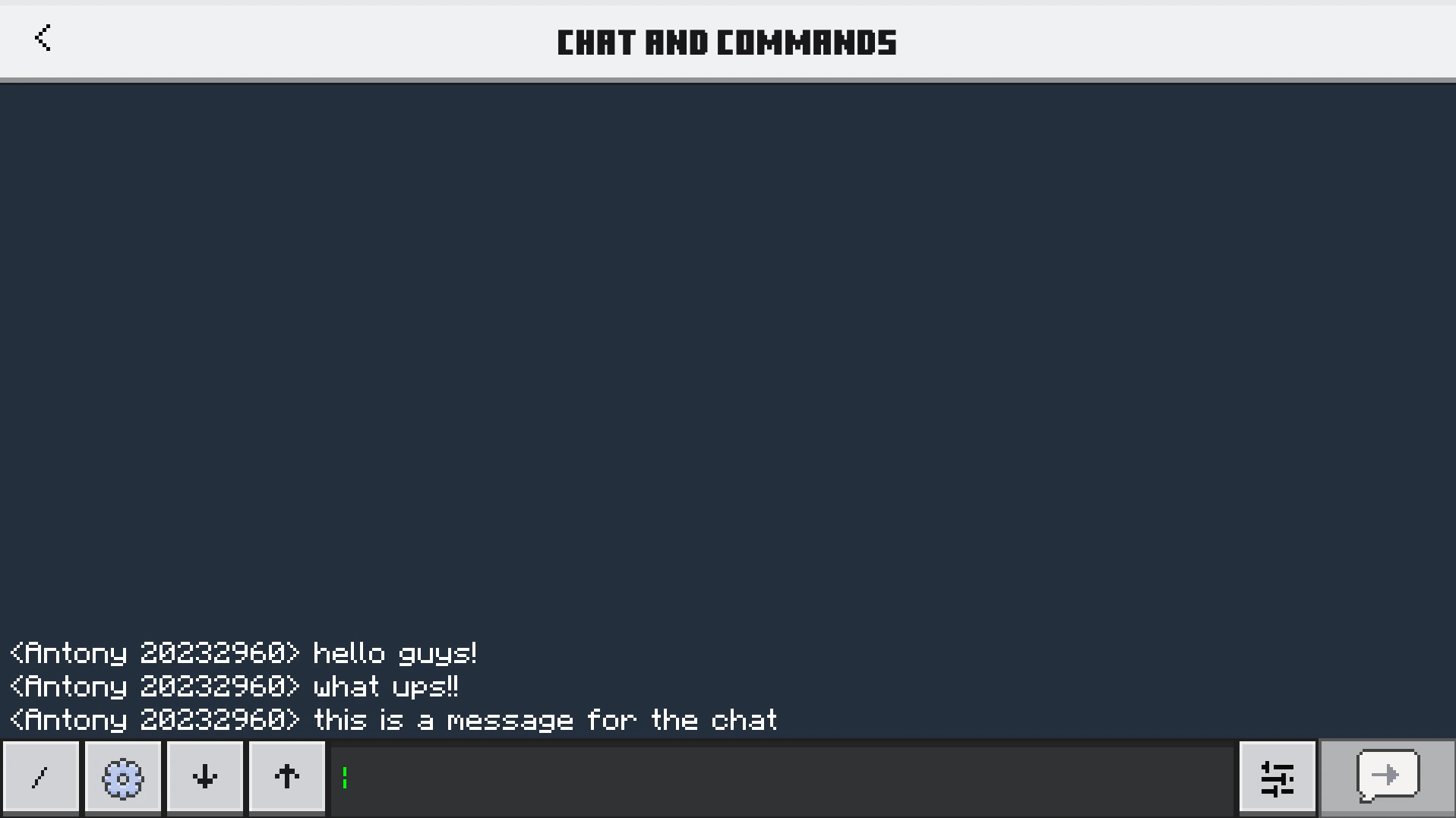
Main Menu (Sidebar)
Chat Settings Menu
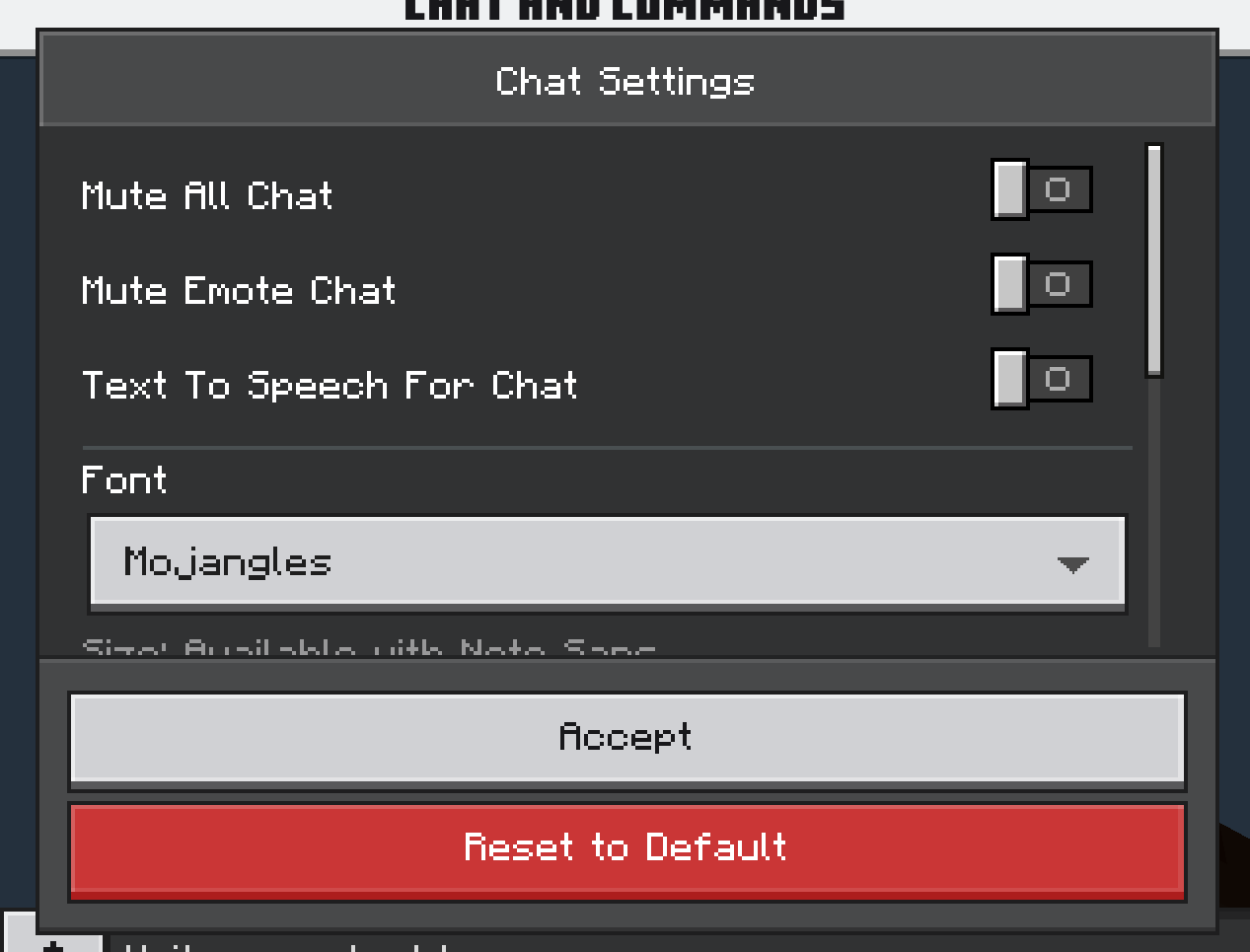
BetterChat+++ does NOT filter words and does not include advanced moderation features.
The project focuses exclusively on improving chat functionality and user experience.
Installation
Installing BetterChat+++ is simple:
- Download the
.mcpackfile. - Open the file with Minecraft Bedrock Edition.
- Wait for Minecraft to import the pack.
- Go to Settings → Global Resources.
- Activate BetterChat+++.
- Enter a world and open the chat.
Minecraft resource packs use a manifest to identify the pack and its version, and .mcpack is a standard package format for Bedrock resource packs.
Credits
Created by:
- @AntonyPss
- @Galaxybrine
Community
Want to report a bug, suggest a feature or follow development?
Join the official Discord community for updates, discussions and support.
- Edition: Minecraft Bedrock
- File type: .mcpack
- How to install: Download the .mcpack. → Open it — Minecraft imports it under Resource Packs. → Activate it in Global Resources, or for one world under Resource Packs → Available.
- Where to get it: Opens on Modbay — not every file is mirrored on our own servers.
Install steps are the general flow for this file type — How to install Minecraft Bedrock texture packs walks through it step by step.
BetterChat Texture Pack for Minecraft is a free Minecraft Bedrock texture pack. Available via Modbay. Download it and open it directly in the game.