Cake’s Cosmetic Pack (26+, 1.21) – MCPE/Bedrock Texture Pack
Bedrock texture pack listed for Minecraft 1.20–1.21. File opened and checked on 10 Oct 2026; installs from the MC Bedrock Mods app on Android.
⬇ Download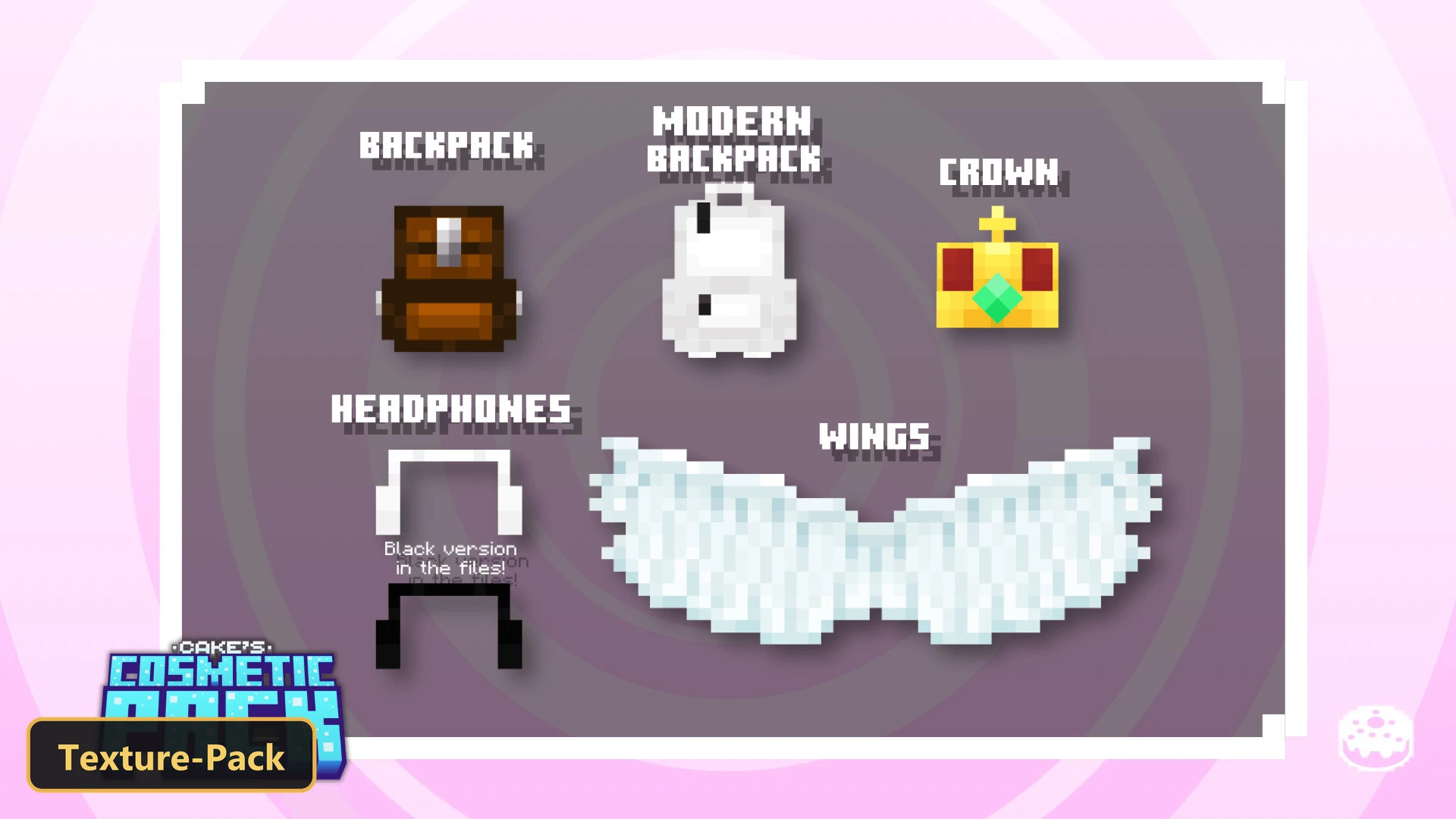
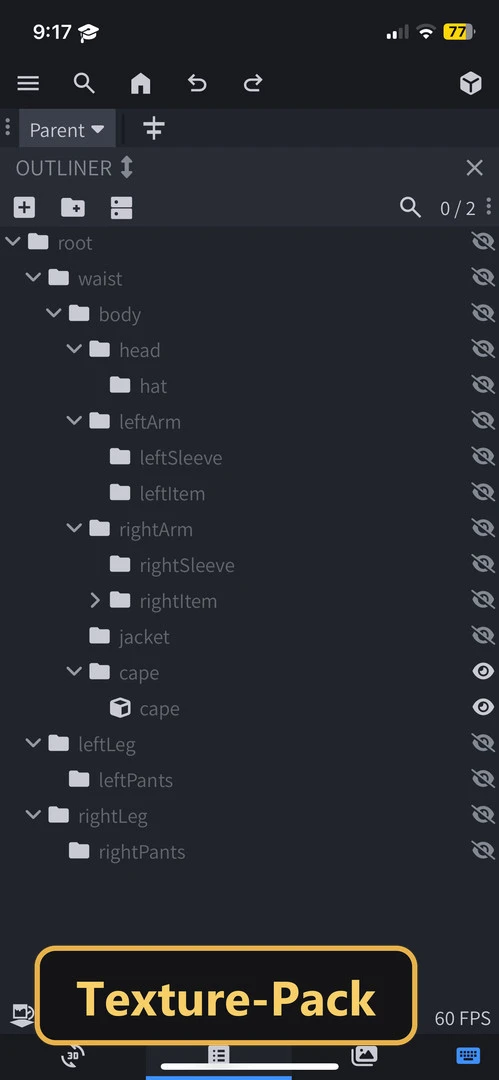
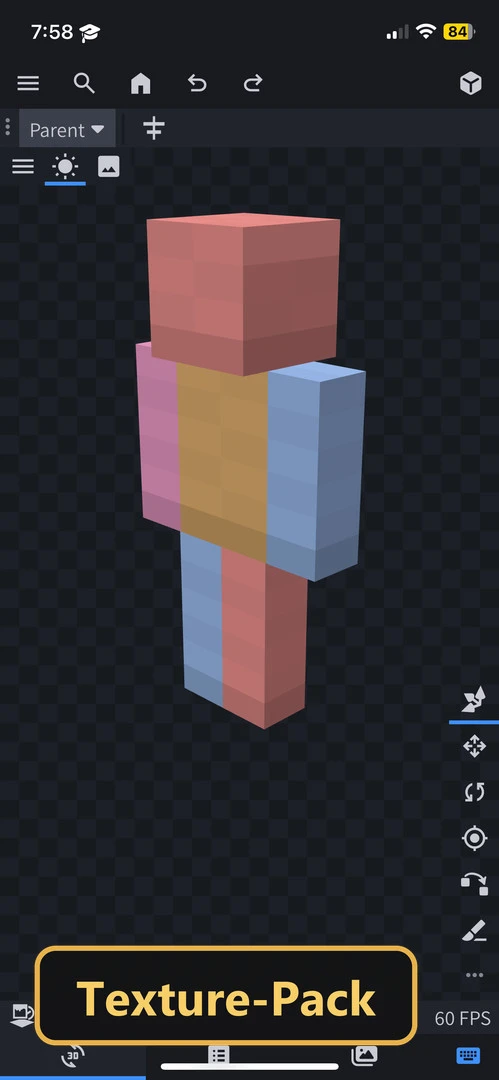
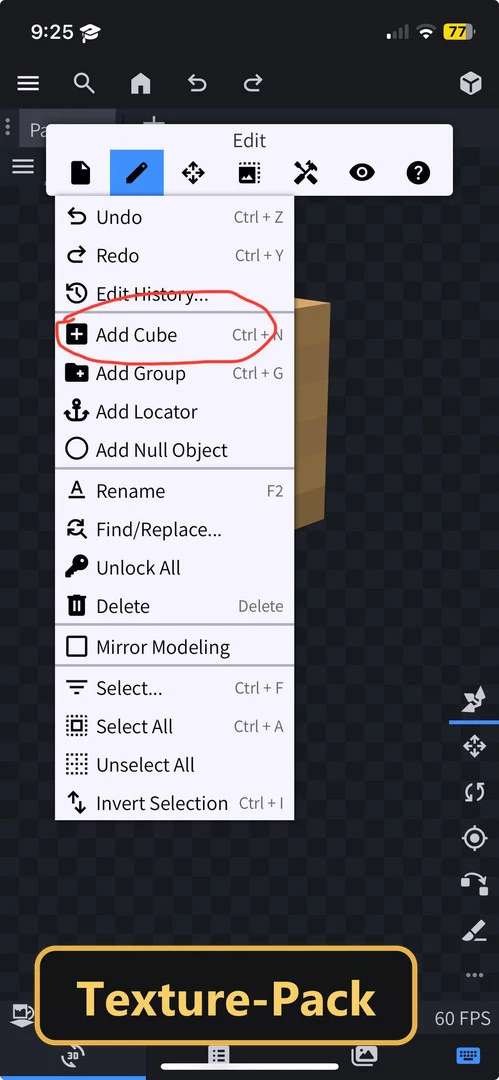
Cake’s Cosmetic Pack adds five cosmetic items for player characters, with room left for custom ones.
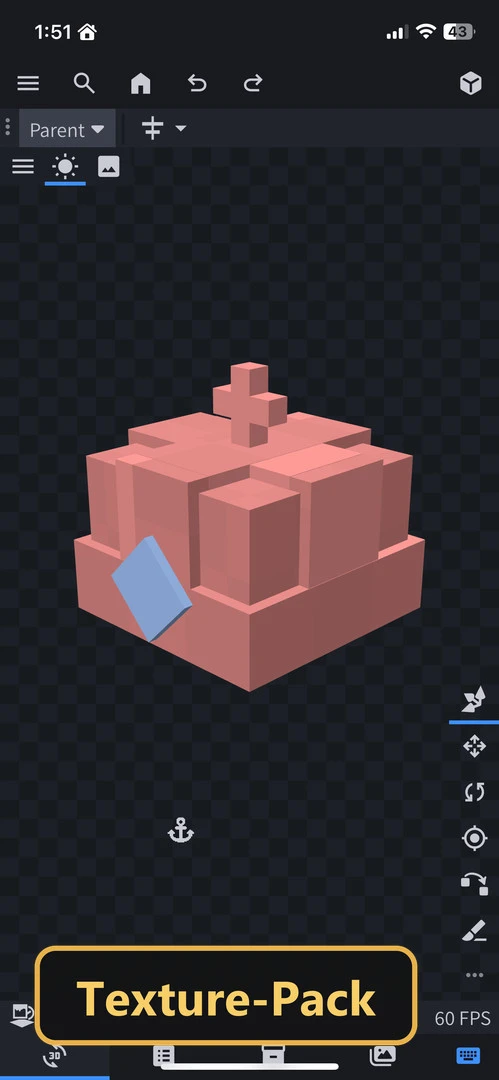
It works by altering the default cape model into the chosen cosmetic. Players switch between items through the pack’s subpack menu using a slider, and several slots are reserved for user-created cosmetics rather than the default items. A compatibility option should be activated in the settings to avoid conflicts, and the pack is designed to work alongside many animation packs and other resource packs that modify the player. Companion packs provide additional cosmetics, and complex designs may not work fully in the Actions & Stuff compatibility mode.
Requirements:
- MCPE/Bedrock 1.20.40 – 1.21.124
all 37 versions1.21.124, 1.21.123, 1.21.122, 1.21.121, 1.21.120, 1.21.114, 1.21.111, 1.21.101, 1.21.100, 1.21.94, 1.21.93, 1.21.92, 1.21.90, 1.21.82, 1.21.81, 1.21.80, 1.21.73, 1.21.71, 1.21.70, 1.21.61, 1.21.60, 1.21.51, 1.21.50, 1.21.44, 1.21.43, 1.21.41, 1.21.40, 1.21.30, 1.21.21, 1.21.20, 1.21.2, 1.21, 1.20.80, 1.20.70, 1.20.60, 1.20.50, 1.20.40
Features:
- 4 in-game options: Compatibility Mode (Actions & Stuff version) Adds compatibility for Actions & Stuff. Complex cosmetic may not work entirely or needs to add compatibility manualy., Compatibility Mode Adds compatibility for packs with custom animations and Character Creator support. Complex cosmetic may not work entirely or needs to add compatibility manualy. On versions above 1.21.60, this mode will only allow the use of packs that had Character Creator skins support. These skins will sadly appear as steve, and there is nothing that i can do to fix this. Only use this mode if the cosmetic doesn't have a texture or uses the equipped cape texture With some resource packs., Default Mode (1.21.120 And Below) For backwards compatibility with older versions due to the many technical changes made in 1.21.130., Default Mode (1.21.130 And Above) The default and initial release version of this pack.
Screenshots:
- Edition: Minecraft Bedrock
- File type: .mcpack
- Minecraft version listed: 1.21
- How to install: Download the .mcpack. → Open it — Minecraft imports it under Resource Packs. → Activate it in Global Resources, or for one world under Resource Packs → Available.
- Where to get it: In MCModsHub, or directly above on this page.
Install steps are the general flow for this file type — How to install Minecraft Bedrock texture packs walks through it step by step.
- Pack type: .mcaddon — behaviour and resource pack in one file
- Manifest requires Minecraft 1.20.10 or newer
- Complete pack — everything it depends on is inside the file
- Download link checked 10 Oct 2026 — working
- Mirrored on our own servers — the download does not depend on the original host
These come from our own check of the pack file, not from the source page.