PandaMine's Better Low Fire (26+) – MCPE/Bedrock Texture Pack
Bedrock texture pack listed for Minecraft 1.15. File opened and checked on 10 Oct 2026; installs from the MC Bedrock Mods app on Android.
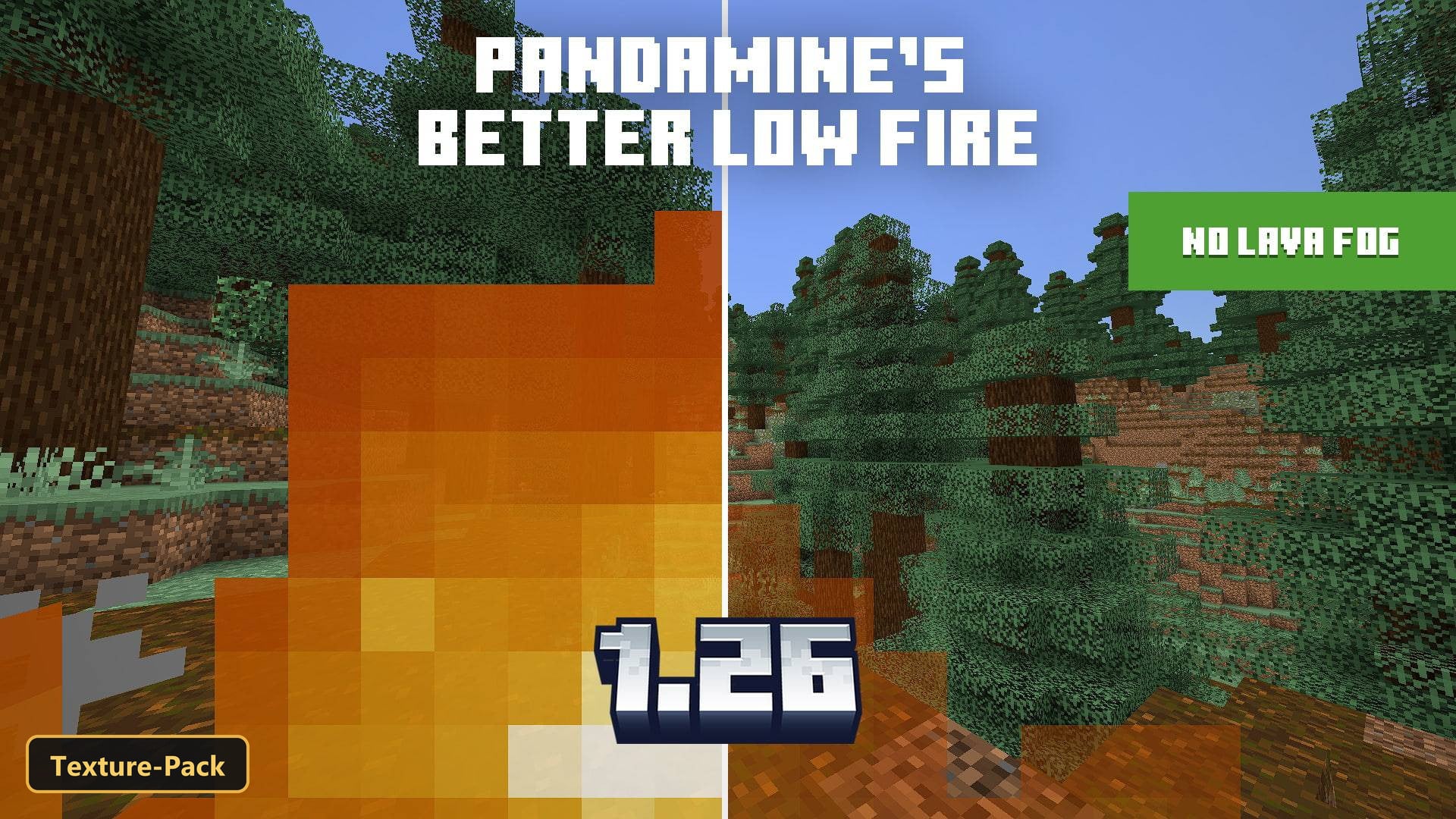
Fire stops filling the screen with PandaMine's Better Low Fire, a texture pack that makes the fire overlay semi-transparent and removes dense fog from…
⬇ Download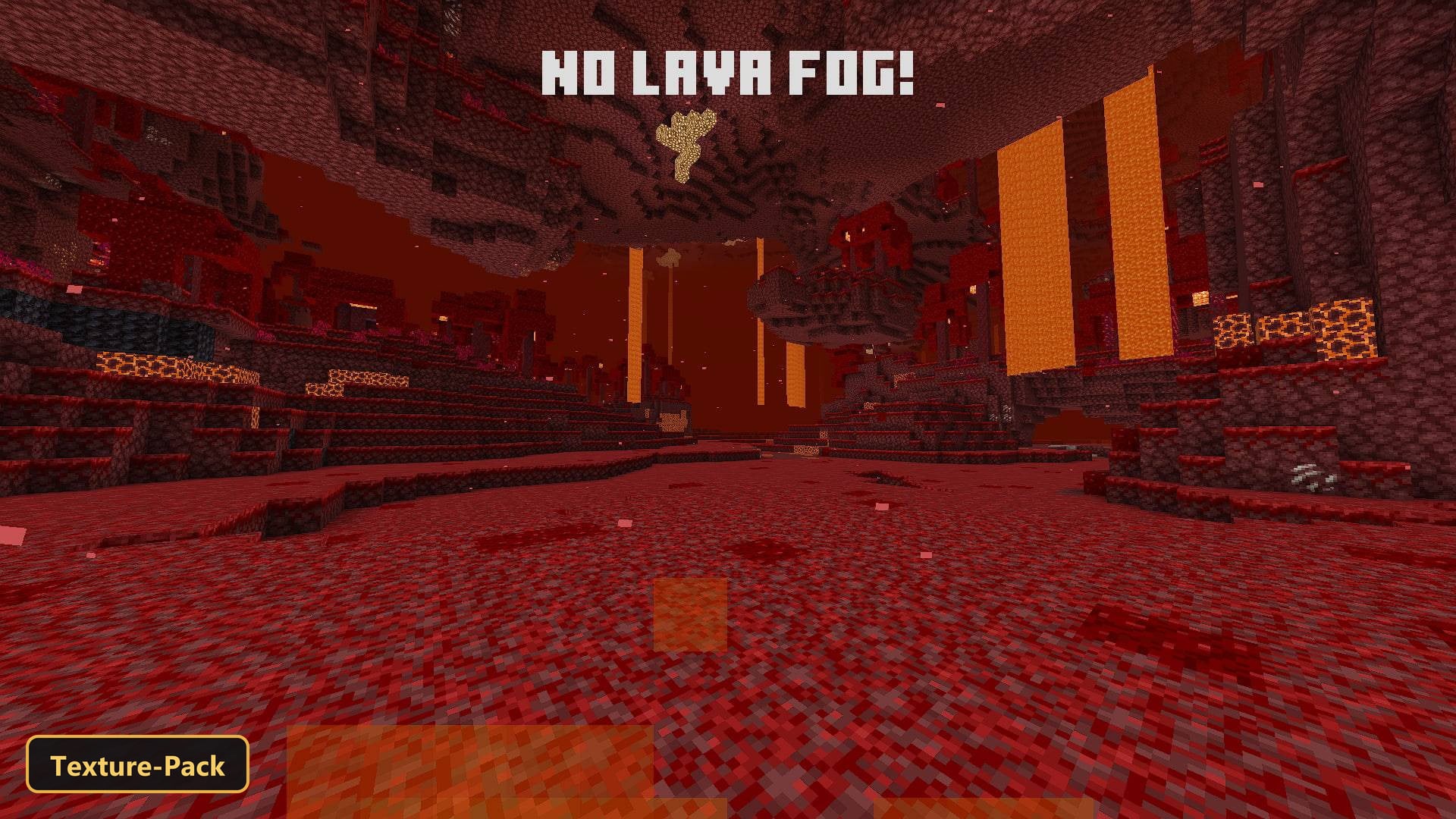
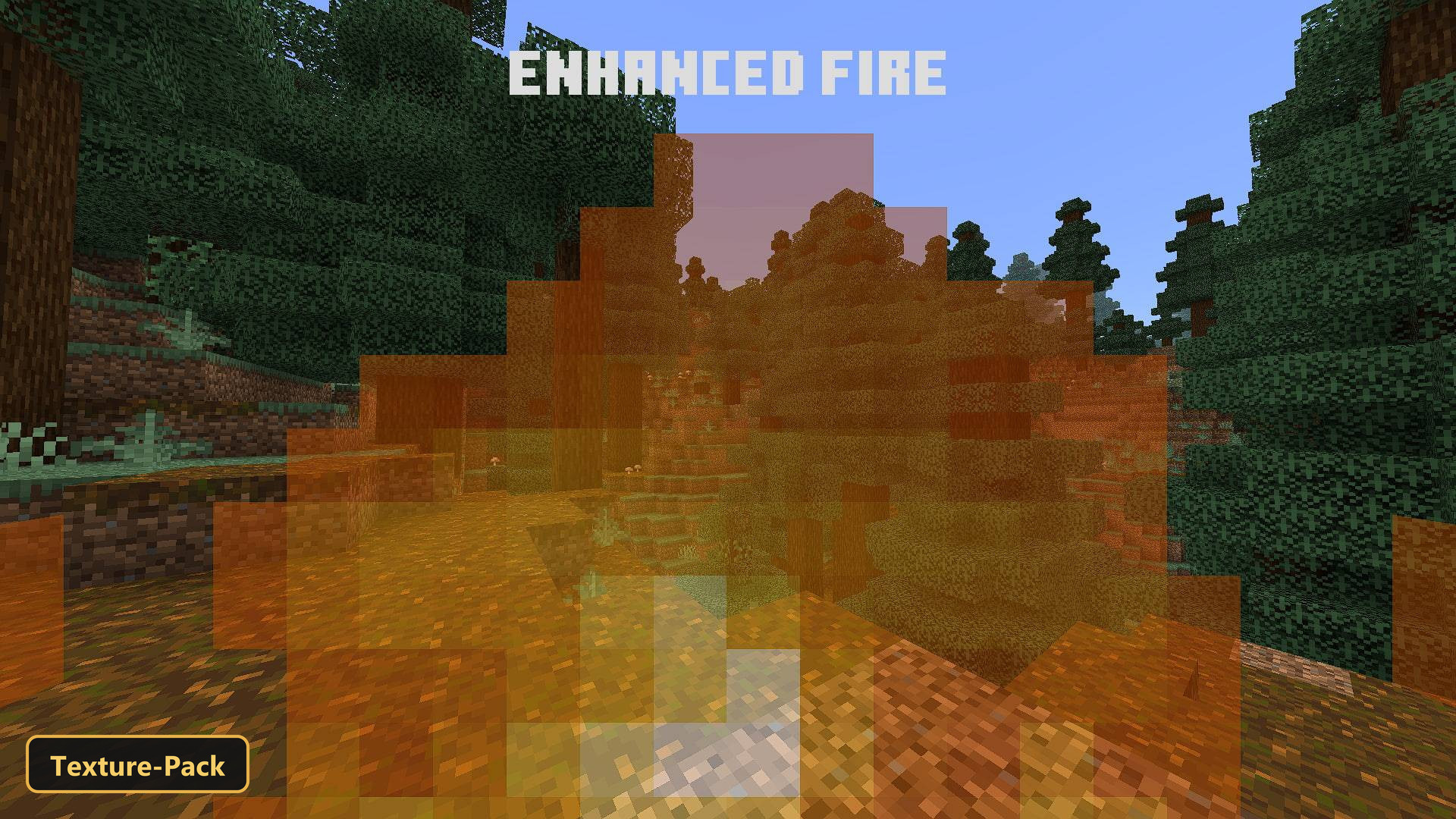
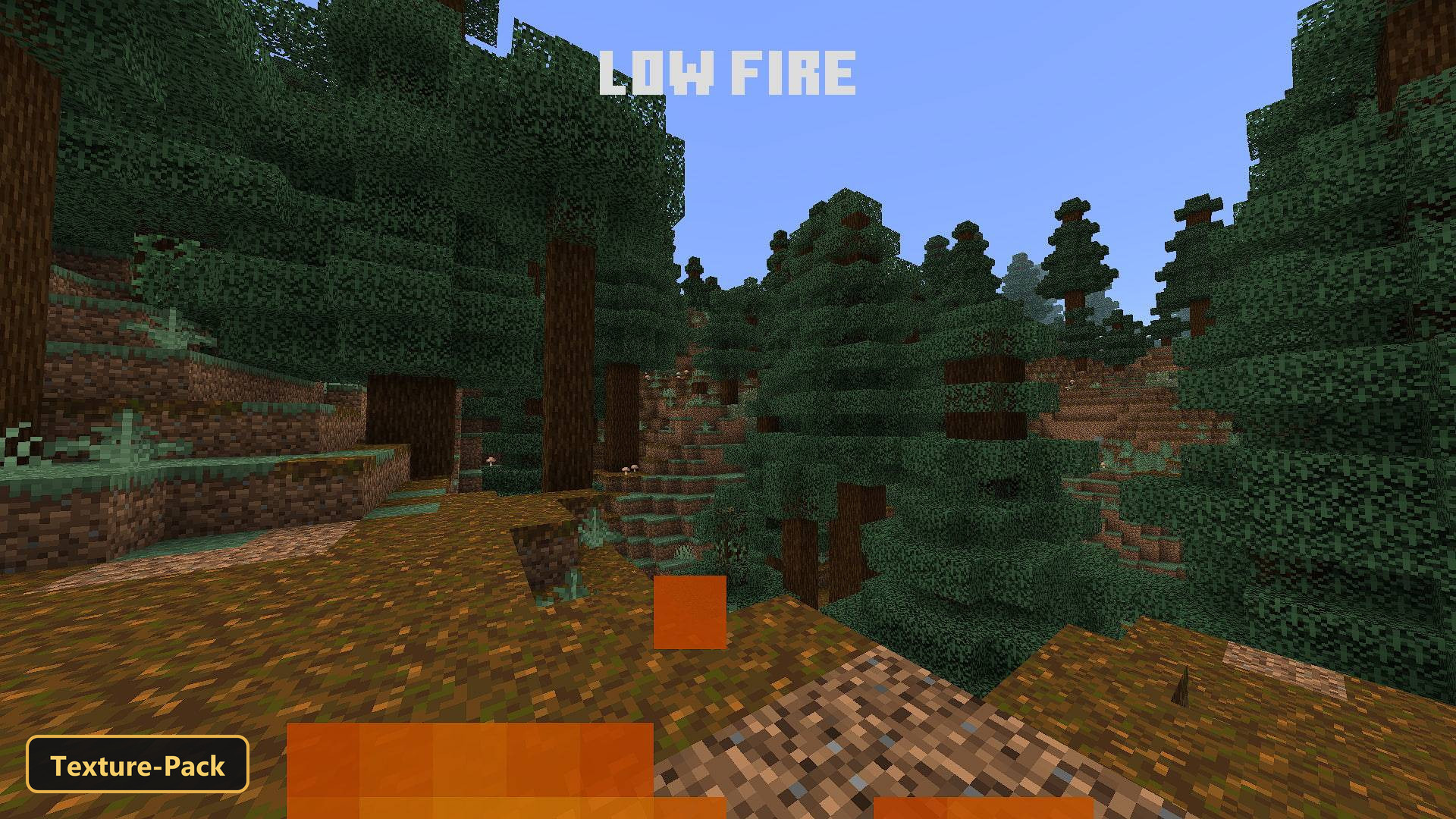
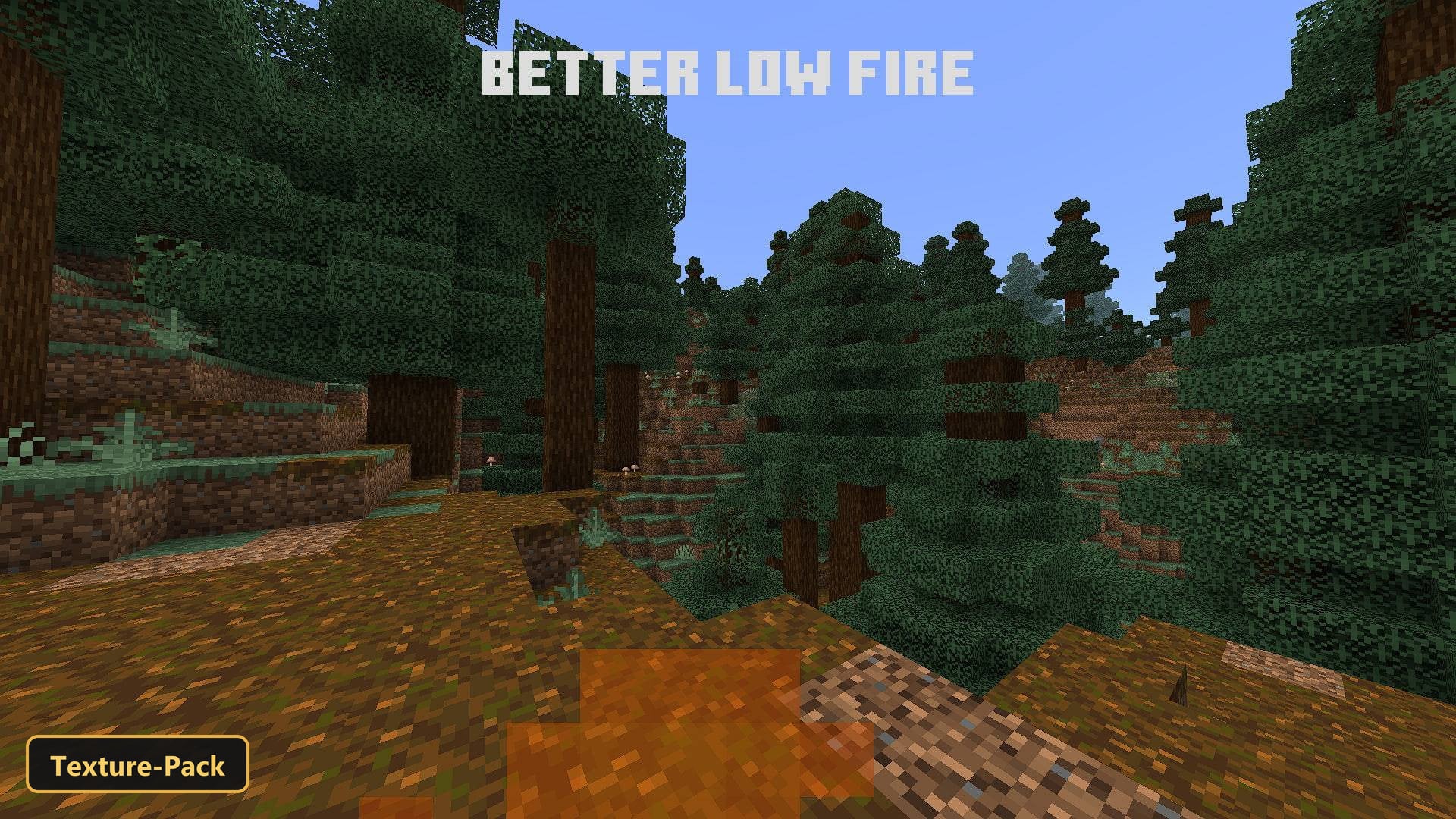
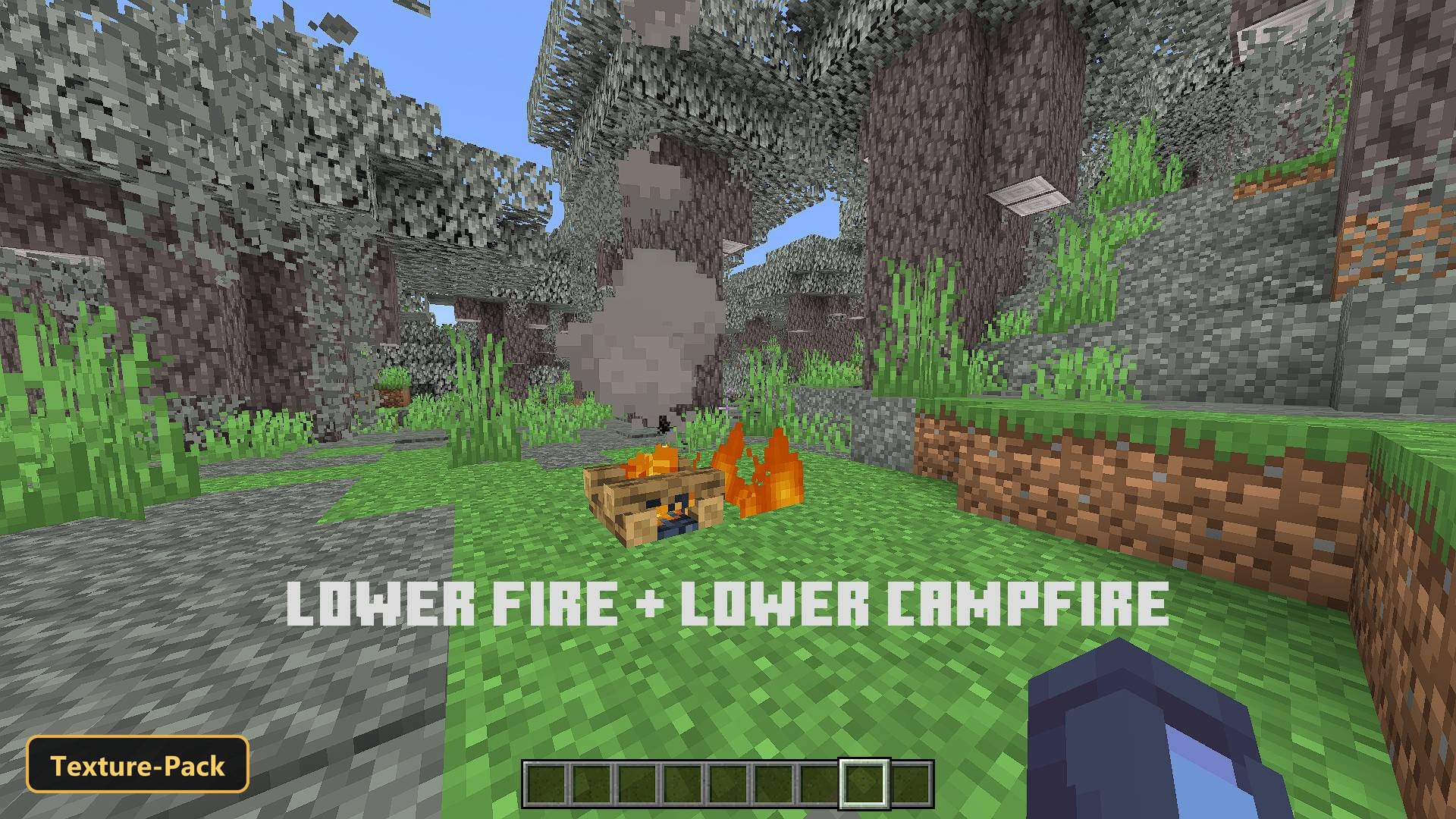
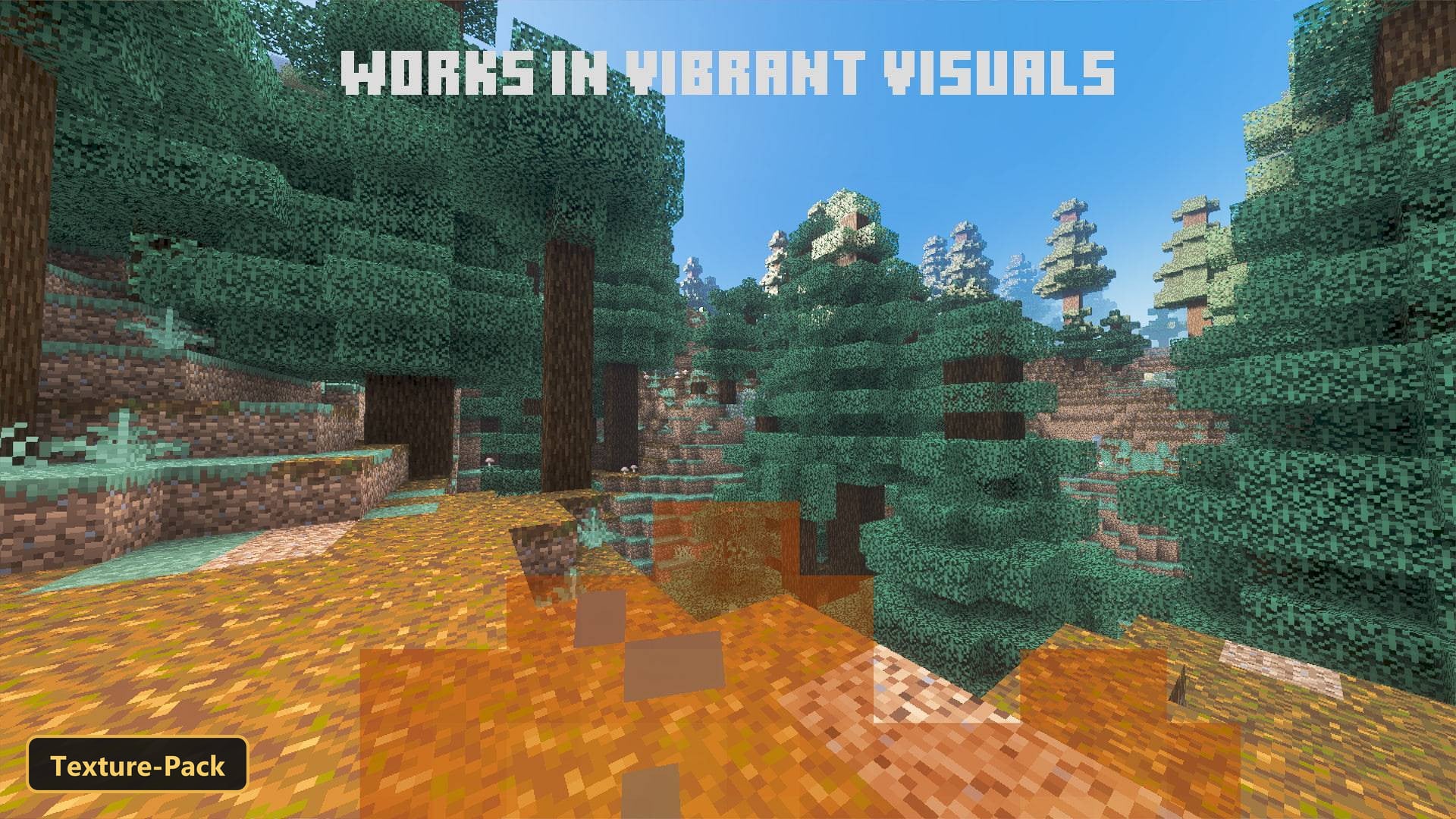
Fire stops filling the screen with PandaMine’s Better Low Fire, a texture pack that makes the fire overlay semi-transparent and removes dense fog from lava and the Nether. It is customizable, and you choose one of three in-game fire options, labeled 3/3, 2/3 and 1/3.
Depending on the option, it either reduces the fire overlay while keeping the original textures, or shrinks both the overlay and the fire and campfire textures for the clearest view. The pack also includes 7 fog profiles covering biomes and dimensions, biome color overrides, and block retextures at 16×512 resolution that keep a familiar look.
Requirements:
- MCPE/Bedrock 26.40

Features:
- 3 in-game options: Better Low Fire 3/3, Low Fire 2/3, Enhanced Fire 1/3
- 7 fog profiles covering biomes and dimensions
- Retextures blocks at 16×512 resolution
- Also includes biome color overrides
Screenshots:


- Edition: Minecraft Bedrock
- File type: .mcpack
- How to install: Download the .mcpack. → Open it — Minecraft imports it under Resource Packs. → Activate it in Global Resources, or for one world under Resource Packs → Available.
- Where to get it: In MCModsHub, or directly above on this page.
Install steps are the general flow for this file type — How to install Minecraft Bedrock texture packs walks through it step by step.
- Pack type: .mcpack — a single pack
- Manifest requires Minecraft 1.15.0 or newer
- Complete pack — everything it depends on is inside the file
- Download size: 59 KB
- Download link checked 10 Oct 2026 — working
- Mirrored on our own servers — the download does not depend on the original host
These come from our own check of the pack file, not from the source page.