Spectrum craft
Bedrock texture pack listed for Minecraft 1.21–26.x. File opened and checked on 10 Oct 2026; installs from the MC Bedrock Mods app on Android.
--===========<Description >===========-- Spectrum Craft BE is designed for players who crave a vibrant, colorful, and atmospheric world. This shader pack…
⬇ Download on CurseForge
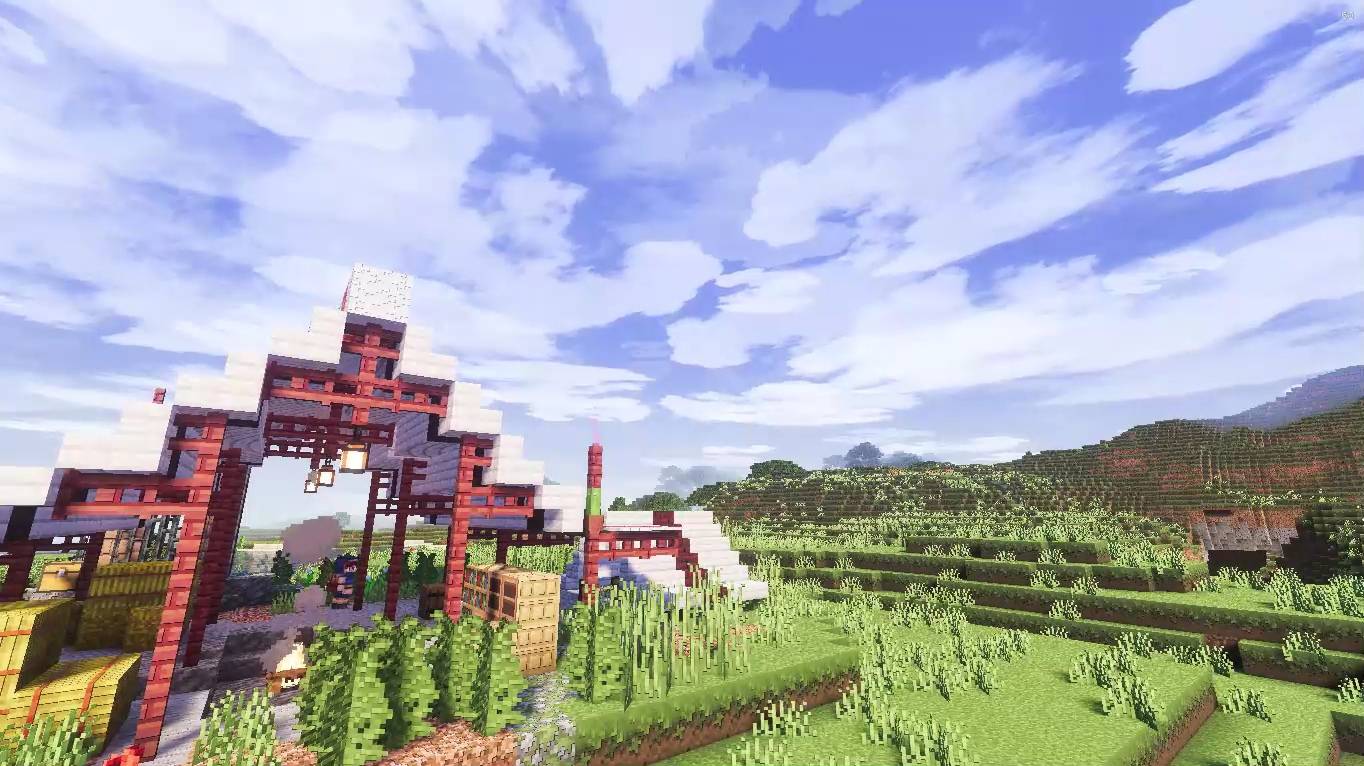
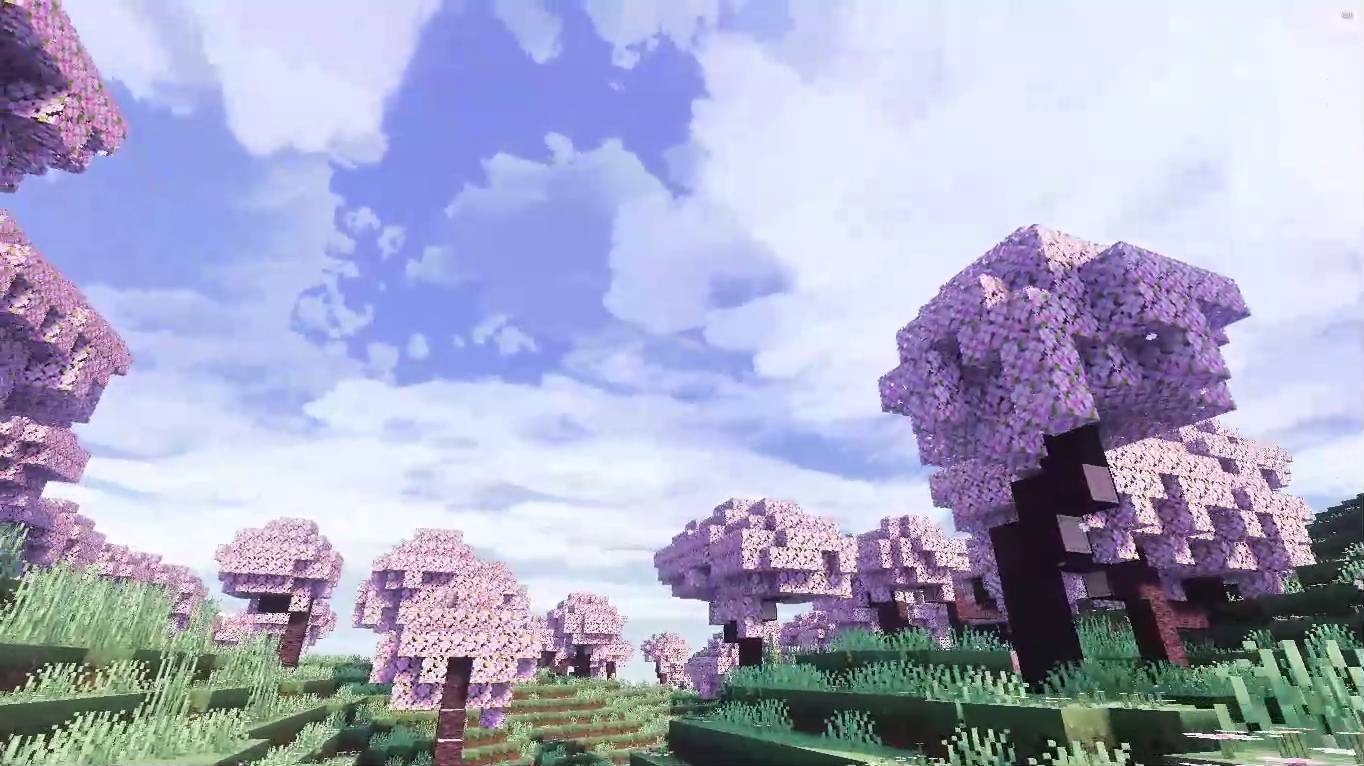
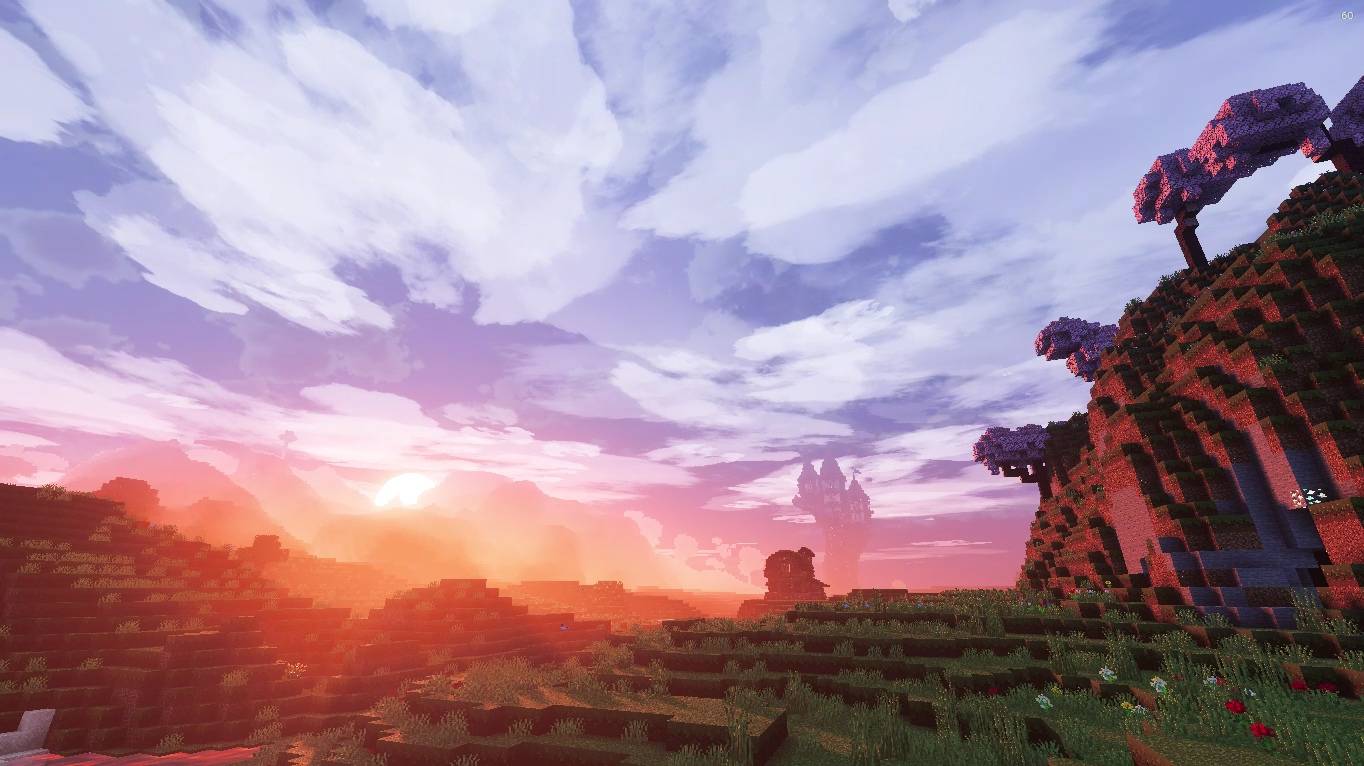
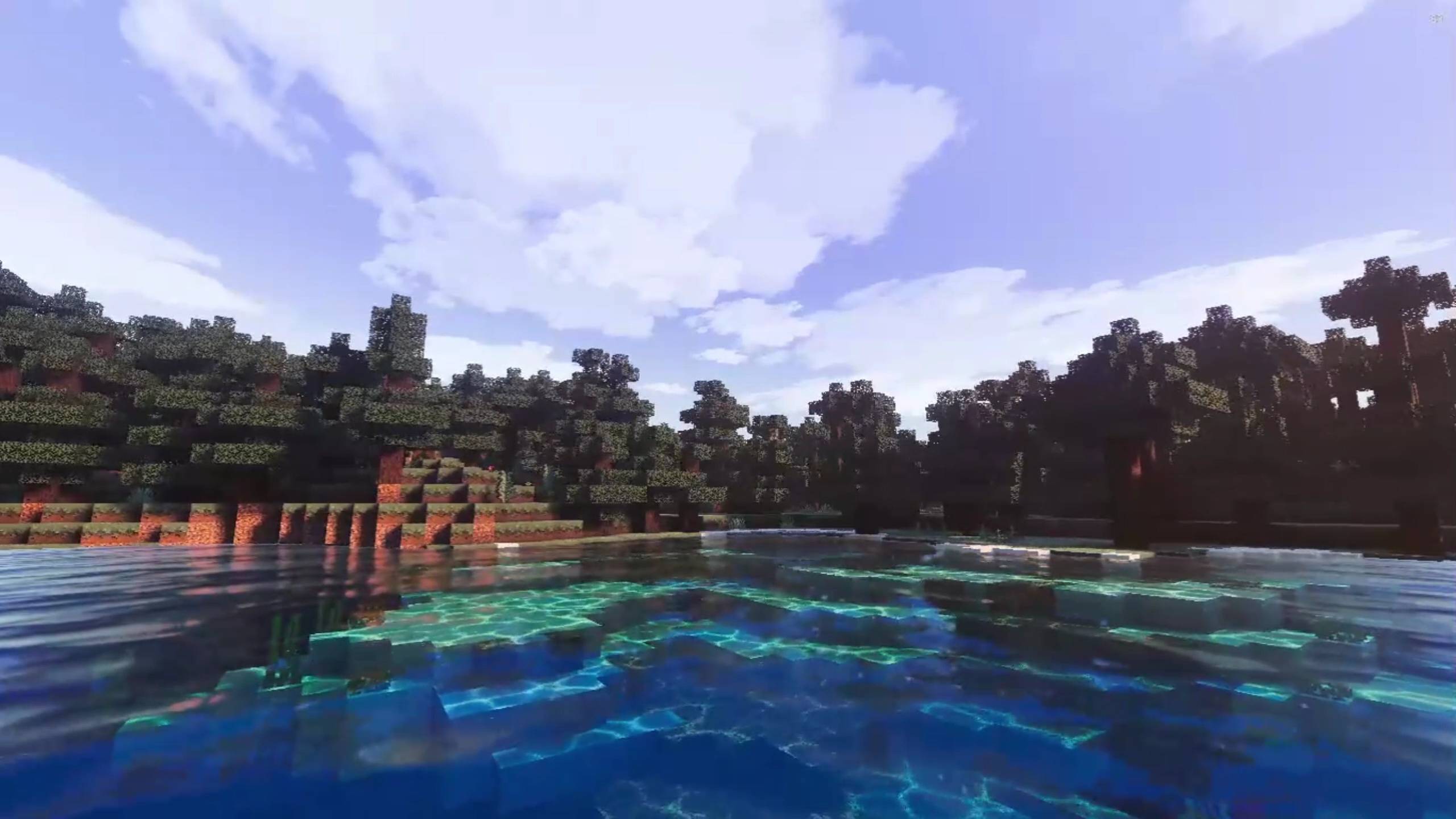
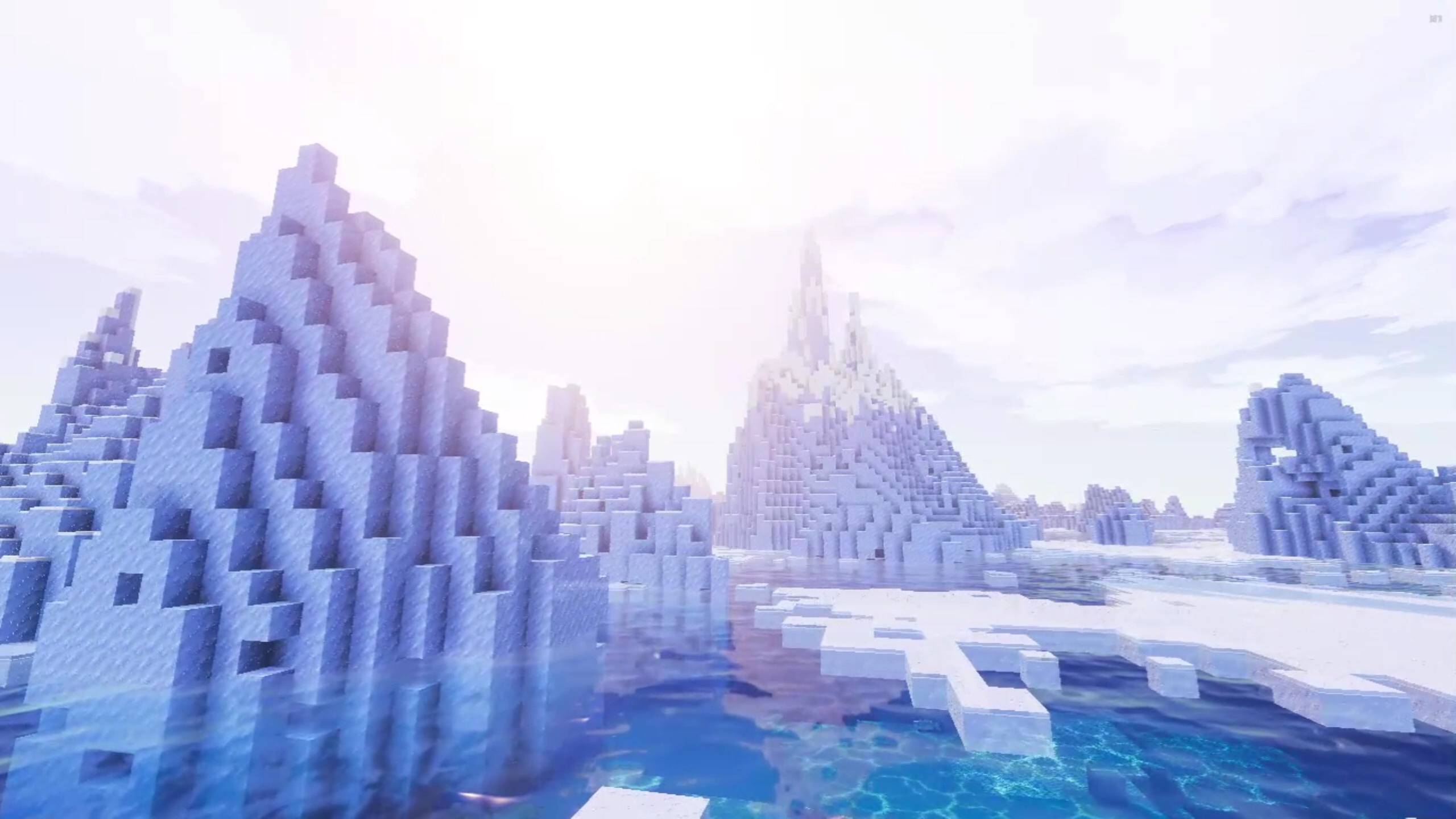
--===========<Description>===========--
Spectrum Craft BE
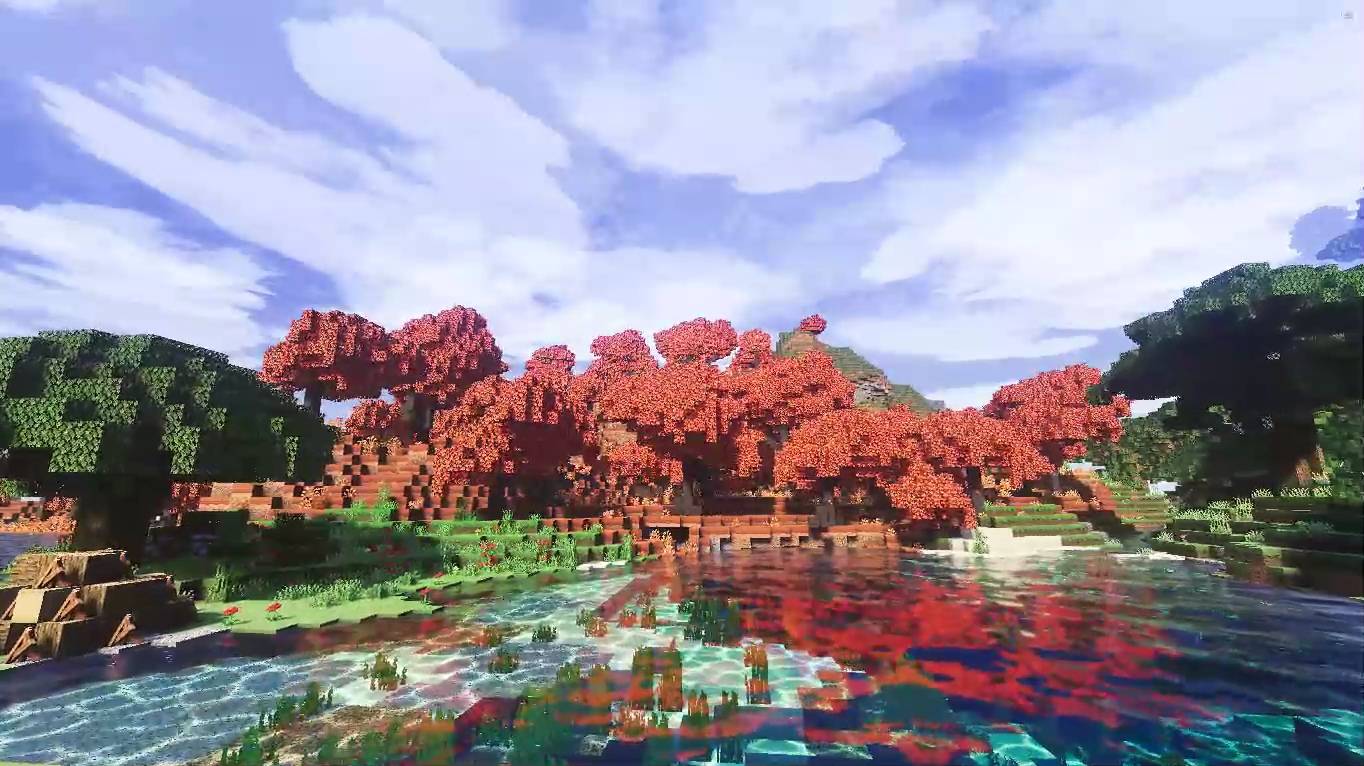
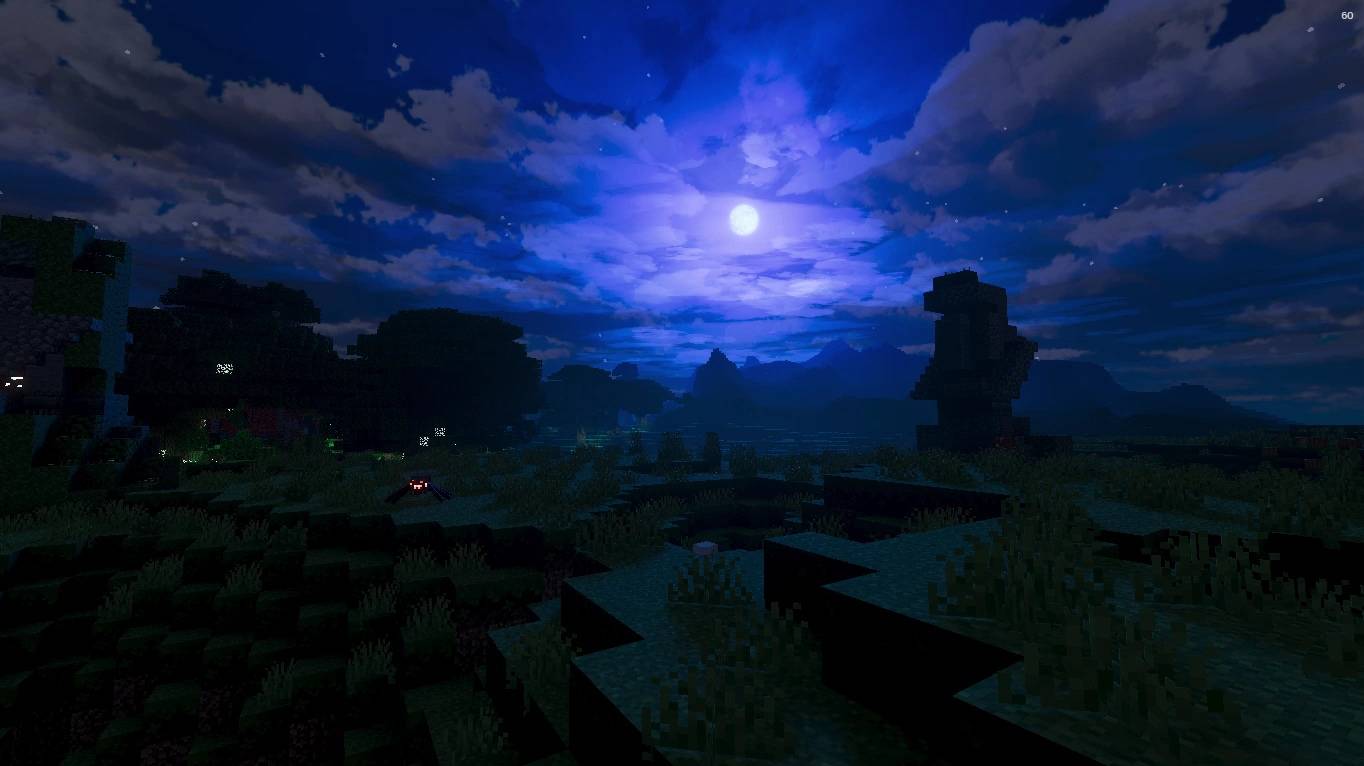
is designed for players who crave a vibrant, colorful, and atmospheric world. This shader pack completely overhauls your game’s environment by focusing on two main pillars: Vibrant Colorful Lighting and Dynamic, Volumetric-style Clouds.
--===========<Key Features>===========--
Vibrant Color Spectrum: Experience breathtaking sunrises and sunsets with rich, warm light gradients and soft shadows that make every build pop.
--===========<Dynamic & Moving Clouds>===========--
A living sky featuring smooth, dynamic clouds that shift shape and change colors seamlessly throughout the day (from bright white to neon pinks and purples).
--===========<Crystal Clear Water>===========--
Enjoy realistic water physics with enhanced colorful reflections of the sky and sun. Optimized for Performance: Highly optimized to deliver stunning visuals without dropping your FPS, making it perfect for various Bedrock devices.
--===========<Installation>===========--
- Download the .mcpack
- Open to import
- Enable the pack
- Turn on Vibrant Visuals
--===========< Download the Pack >===========--
Spectrum Craft BE (Beta) :
- Edition: Minecraft Bedrock
- File type: .mcpack
- Minecraft versions listed: 1.21.130, 1.21.131, 1.21.132
- How to install: Download the .mcpack. → Open it — Minecraft imports it under Resource Packs. → Activate it in Global Resources, or for one world under Resource Packs → Available.
- Where to get it: Opens on CurseForge — not every file is mirrored on our own servers.
Install steps are the general flow for this file type — How to install Minecraft Bedrock texture packs walks through it step by step.
- Pack type: .mcpack — a single pack
- Manifest requires Minecraft 1.21.120 or newer
- Complete pack — everything it depends on is inside the file
- Download size: 17.0 MB
- Download link checked 10 Oct 2026 — working
These come from our own check of the pack file, not from the source page.