Texture packsBedrock
No Hotbar Outline | Minecraft Texture Packs
Minecraft Bedrock texture pack. Download on the author's site.
⬇ Download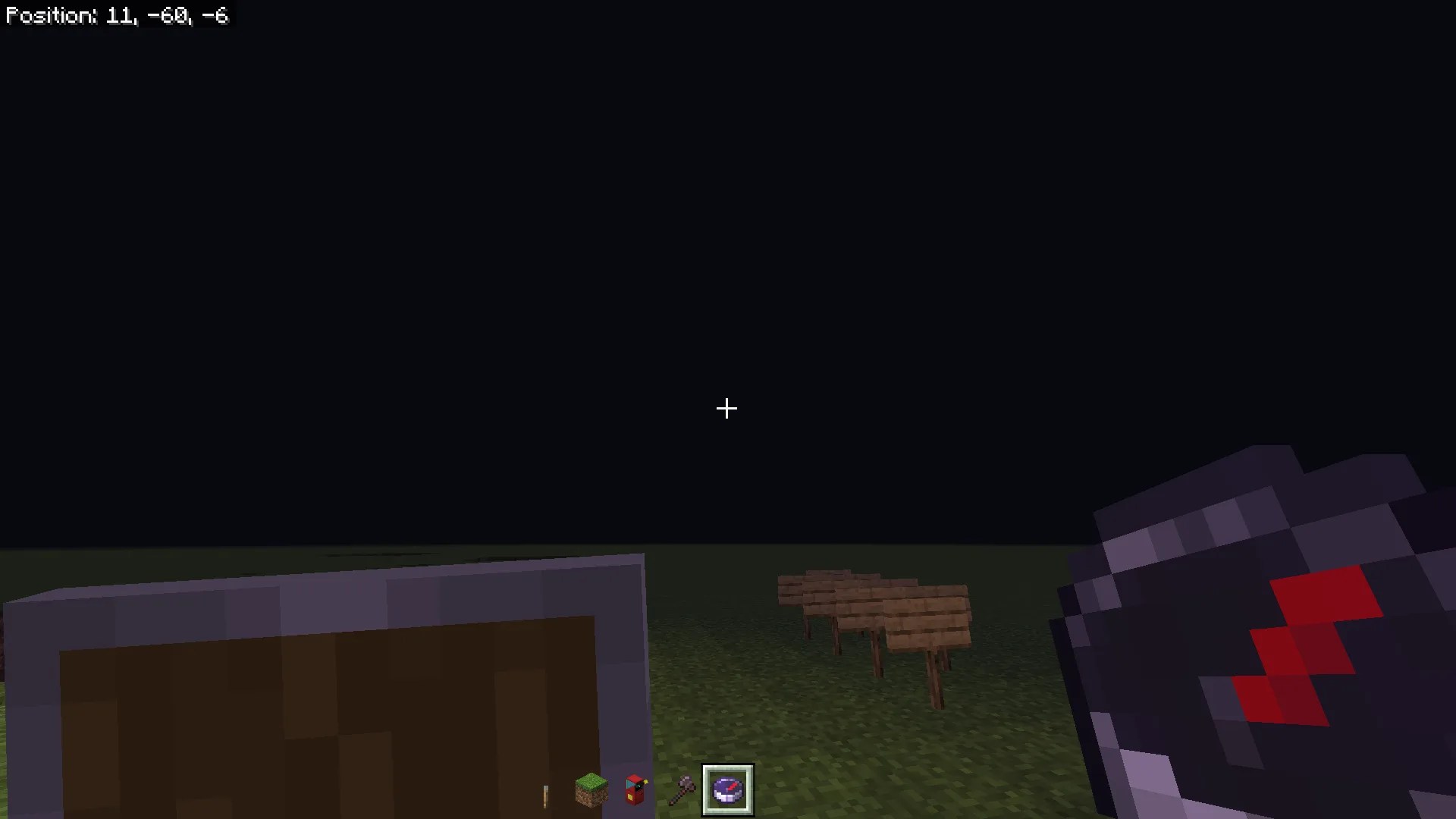
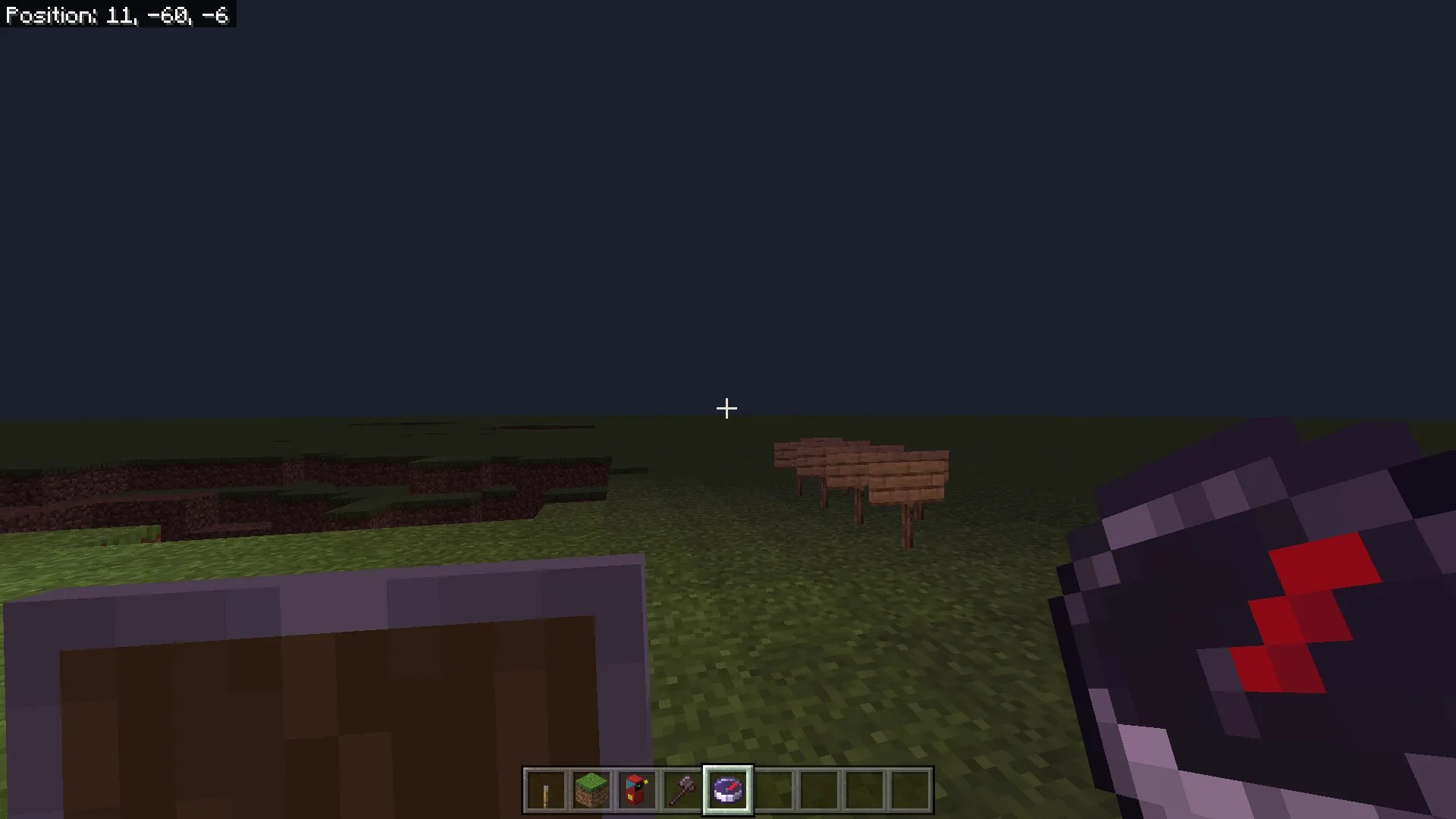

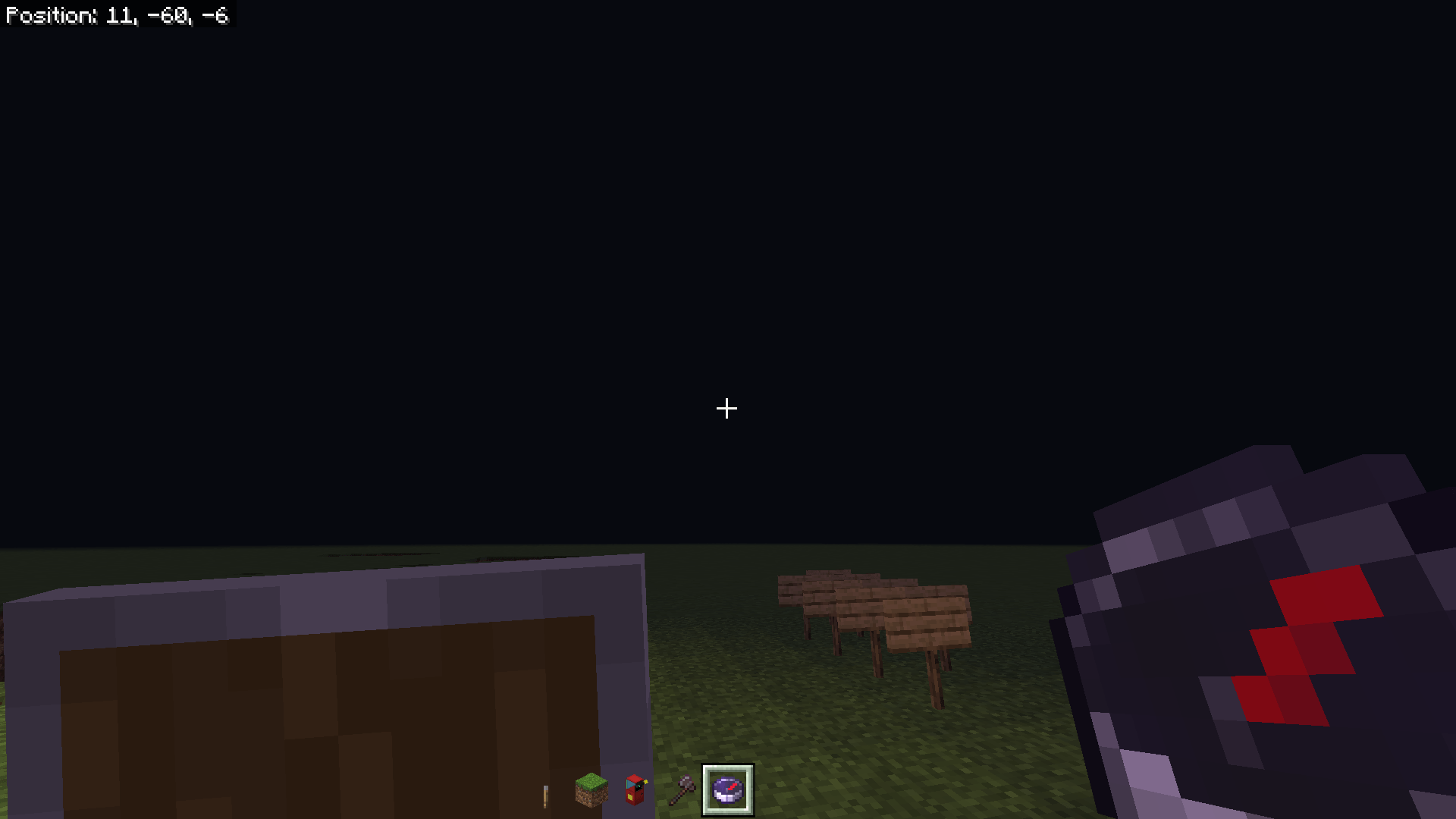
Have you ever wanted to make the hotbar dissapear for some reason? Here is No Hotbar Outline for MCPE
Creator: Alien Edds Gaming
No Hotbar Outline for MCPE
This texture pack lets you do that! just go to the download, and open the file with Minecraft. Then, apply the texture pack to your world or global texture pack.

Download

Download No Hot Bar Outline for MCPE
More Minecraft Addons PE from Alien Edds Gaming:
Quick facts
- Edition: Minecraft Bedrock
- File type: .mcpack
- How to install: Download the .mcpack. → Open it — Minecraft imports it under Resource Packs. → Activate it in Global Resources, or for one world under Resource Packs → Available.
- Where to get it: Opens on the file's original source — not every file is mirrored on our own servers.
Install steps are the general flow for this file type — How to install Minecraft Bedrock texture packs walks through it step by step.
No Hotbar Outline | Minecraft Texture Packs is a free Minecraft Bedrock texture pack. Download it and open it directly in the game.