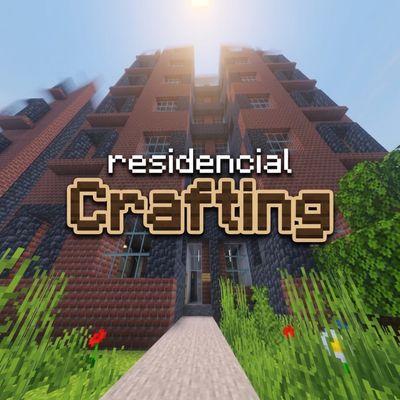
Residencial Crafting – A City of Buildings, Parks & Shared Spaces
Bedrock map listed for Minecraft 26.x. File opened and checked on 12 Oct 2026; installs from the MC Bedrock Mods app on Android.
A realistic residential complex map with detailed buildings, green areas, and common spaces to explore and live in.
⬇ Download on CurseForgeThe author built this one for Minecraft 26.50. On other versions it may install and then do nothing.
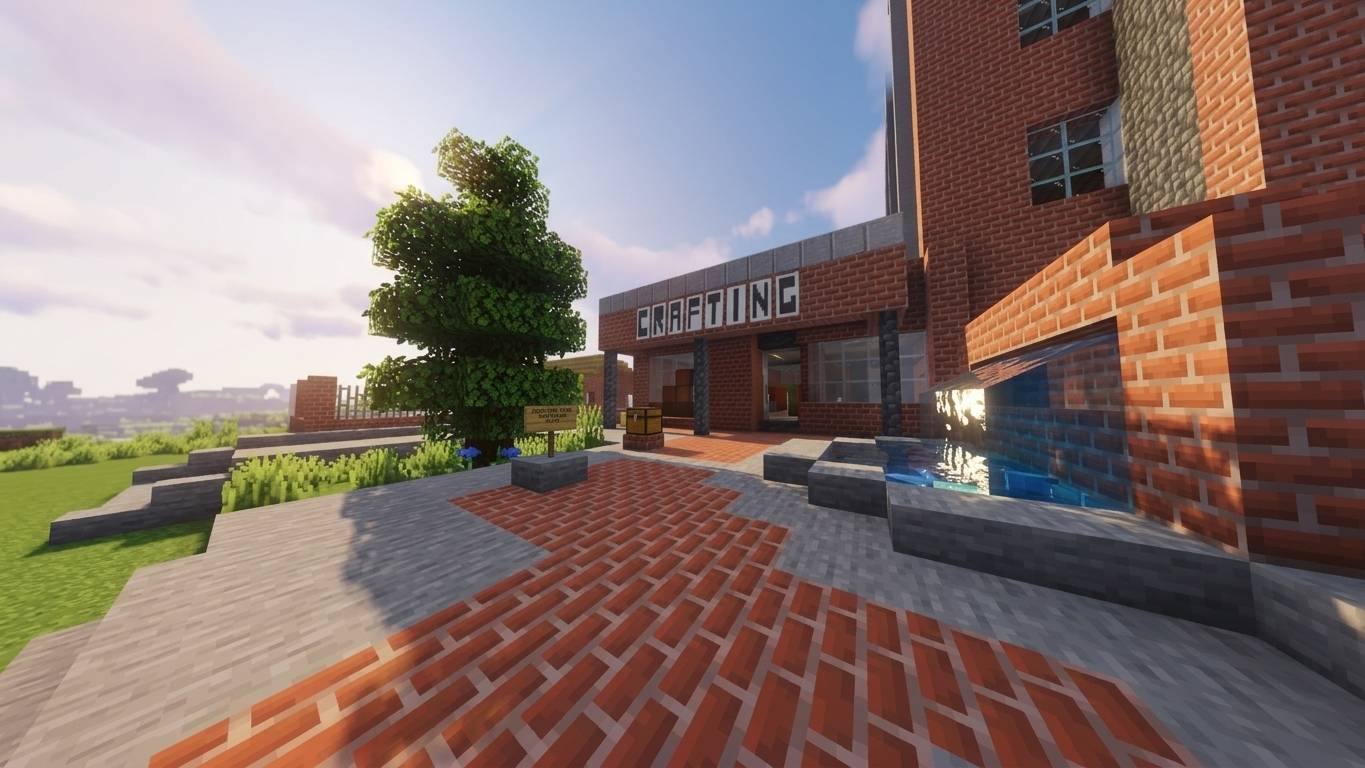
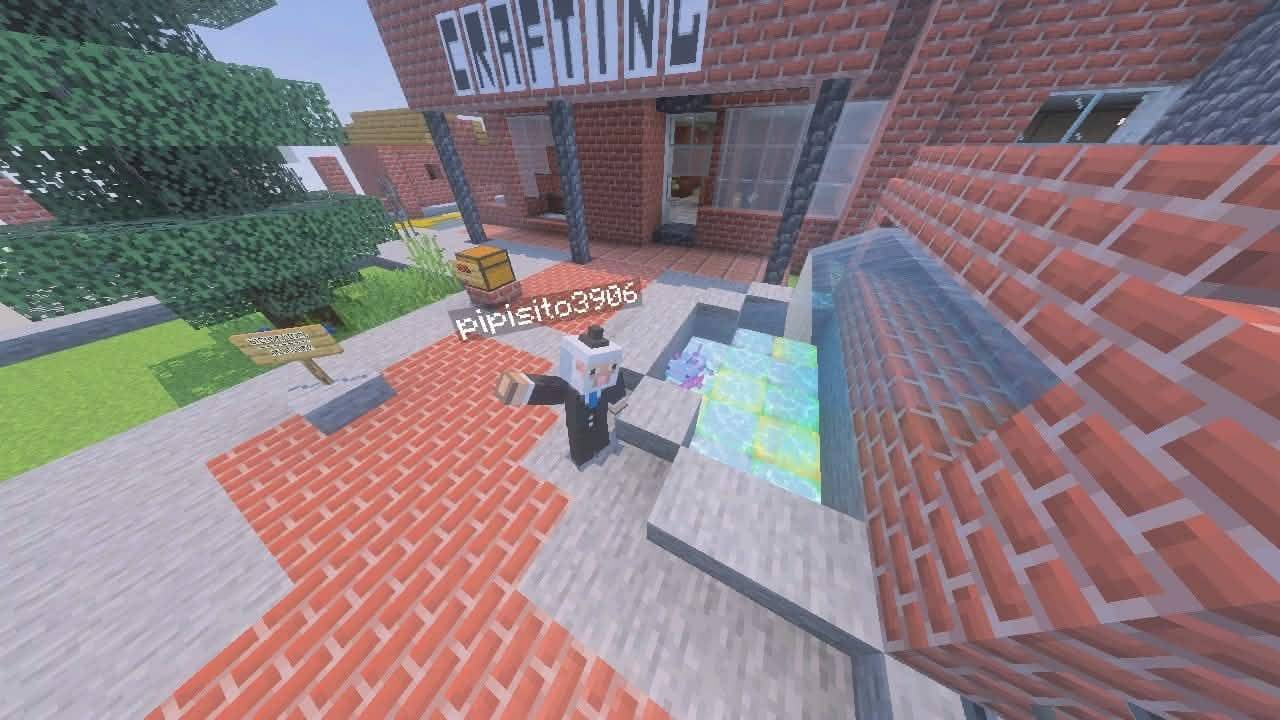
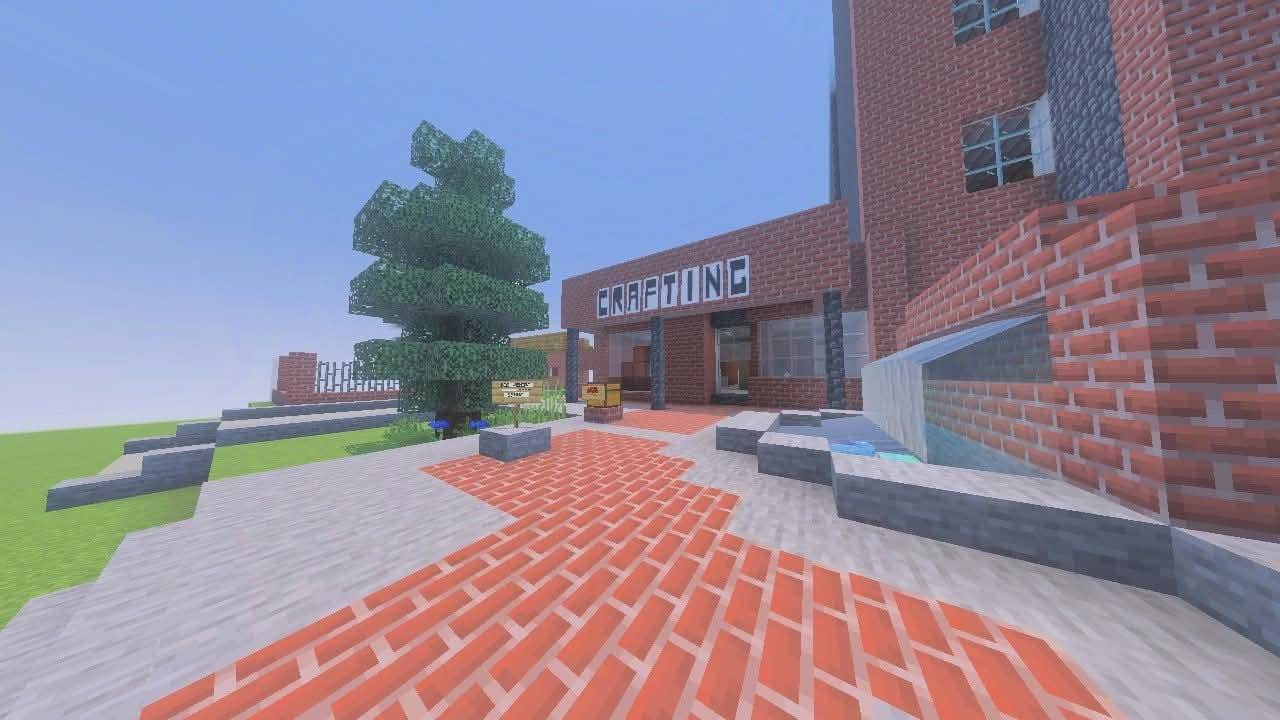
Residencial Crafting – A City of Buildings, Parks & Shared Spaces
Welcome to Residencial Crafting!
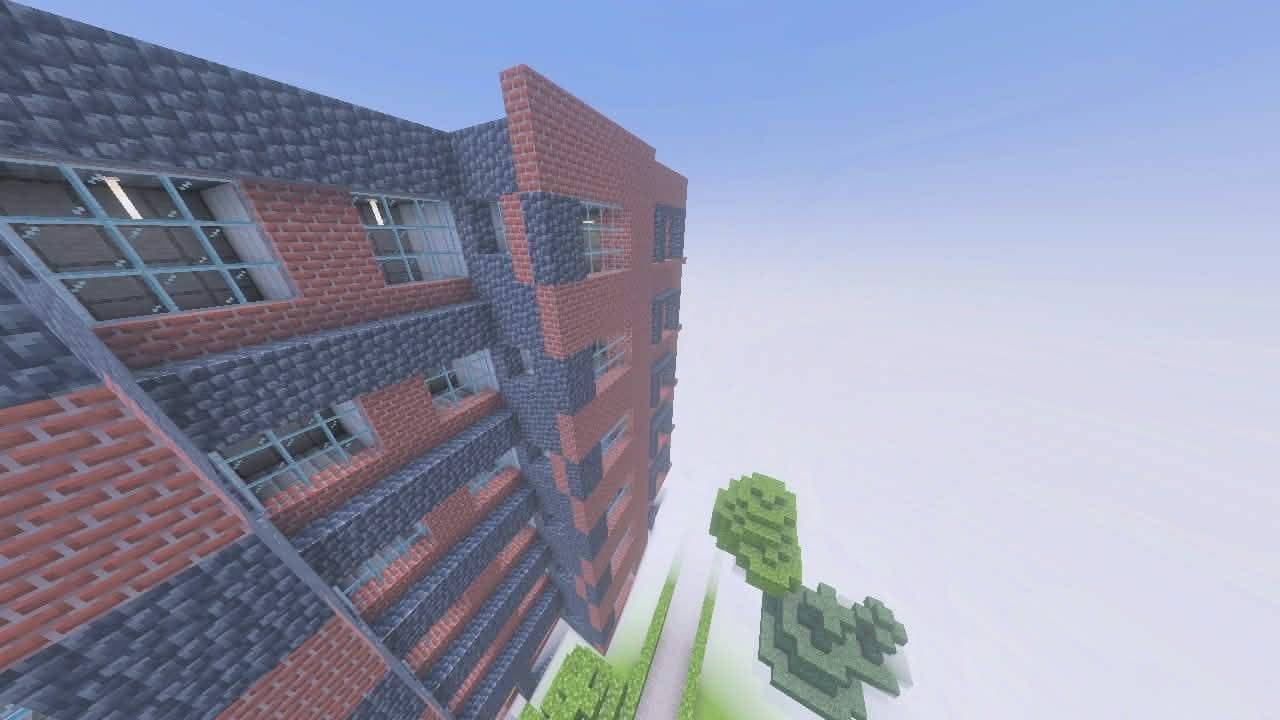
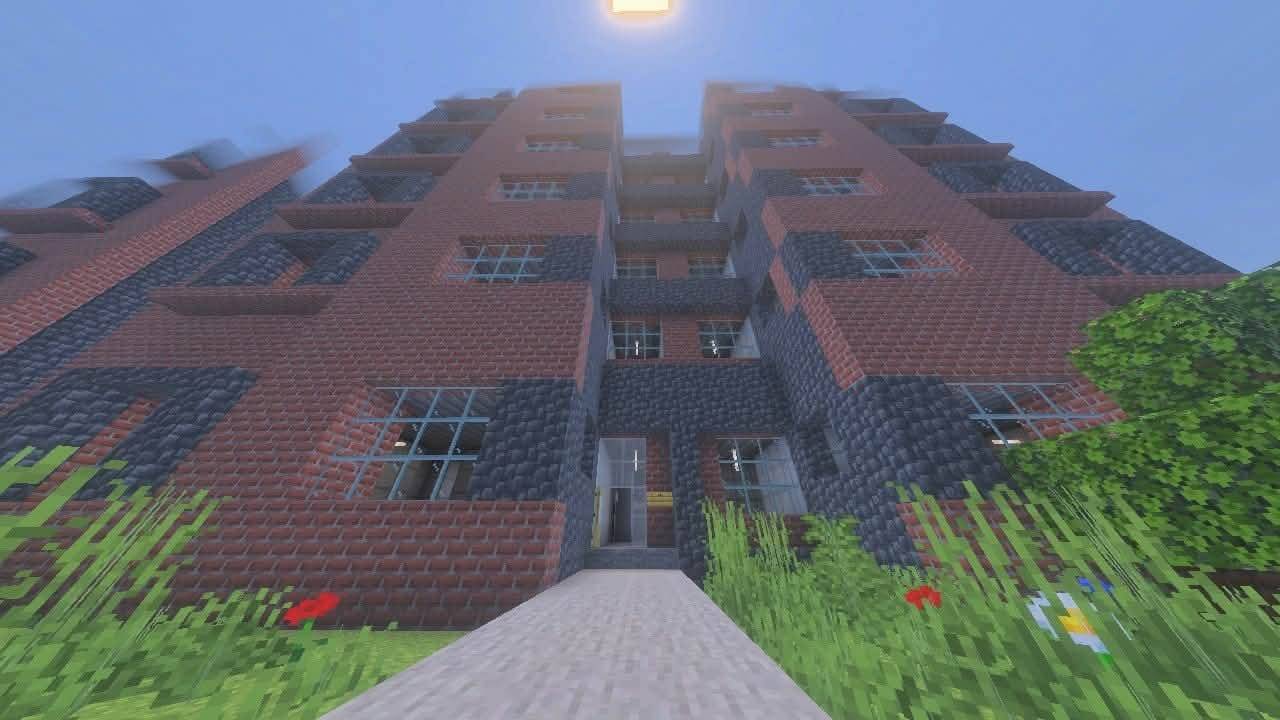
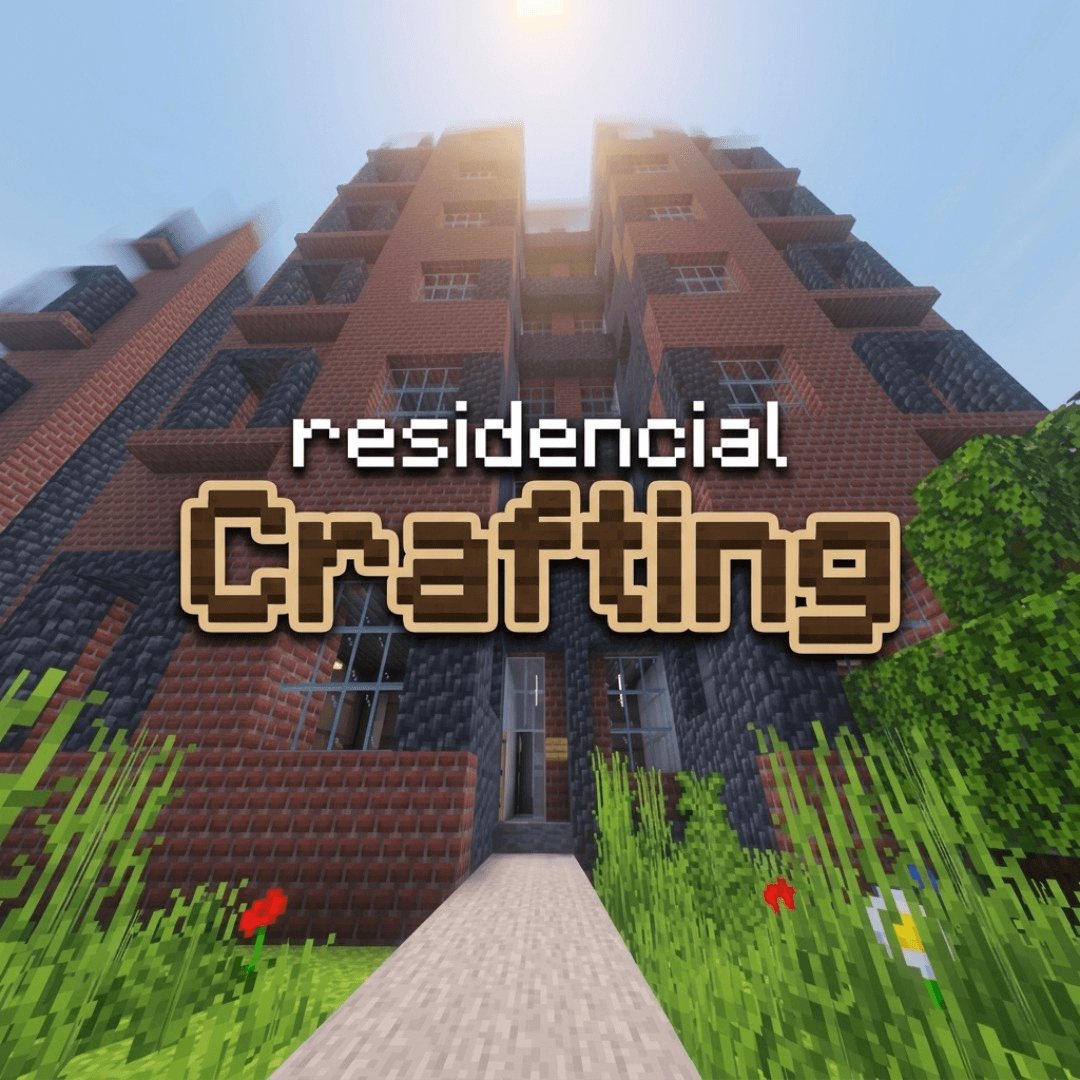
Have you ever wanted to live in your own residential complex inside Minecraft? This map brings that idea to life. Residencial Crafting is a fully built residential complex designed to feel like a real neighborhood, with tall towers, green areas, and everyday spaces that give the whole place a sense of community.
Whether you want to explore, roleplay, record videos, or simply look for inspiration, this map gives you a ready-made setting to enjoy right from the start.
🏢 The Towers
The heart of the complex is its many residential towers. Together they form an impressive skyline that you can admire from the ground or from above. Each tower was built with care, so you can walk around them, observe the details of their façades, and imagine who lives in each apartment. They are perfect for players who want to pick a building as their own home or use them as the base for a story.
🌳 The Park
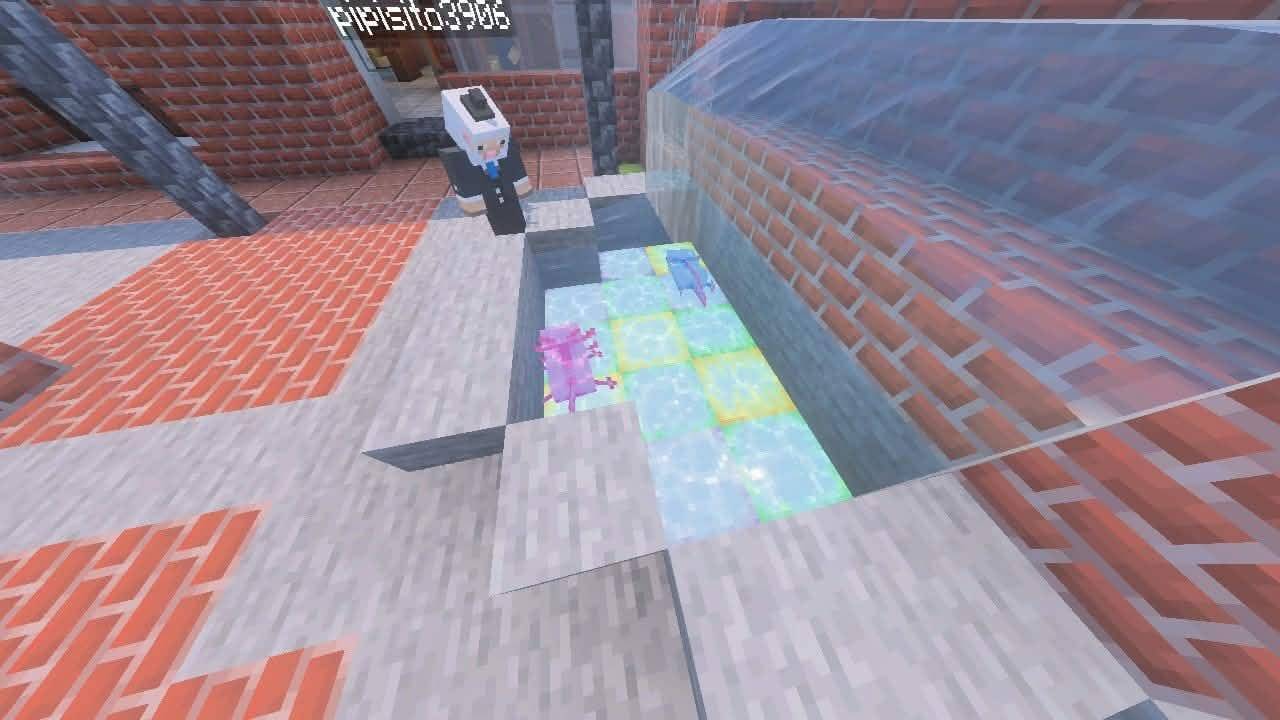
In the middle of all the buildings you will find a park: a green space where you can relax, walk, or meet with friends. It adds life and balance to the complex, and it is a great spot for photos, events, and roleplay scenes, like a picnic, a neighborhood meeting, or a quiet afternoon.
🚗 The Parking Area
Like any real residential complex, Residencial Crafting includes a parking area for residents and visitors. It makes the map feel more realistic and gives you more options for roleplay, for example arriving home after work, parking your vehicle, or organizing city scenes.
🛣️ Streets and Shared Spaces
Walkways, streets, and common areas connect every part of the complex, so moving from one place to another feels natural. Everything was designed to look and feel like a real place you could actually live in.
🎮 What You Can Do
- Roleplay: live in an apartment, meet your neighbors, create your own stories.
- Survival or Creative: use the complex as a ready-made city or neighborhood in your world.
- Exploration: walk through every corner and discover all the details.
- Content creation: record videos, take screenshots, and make cinematic shots.
- Inspiration: learn from the layout and use it for your own builds.
💡 Recommendations
- Use a Vibrant Visuals to enjoy the lighting, especially at sunset or at night.
- Increase your render distance to see the whole complex without cuts.
- Play in creative mode the first time so you can fly around and see everything.
📥 Installation (Minecraft Bedrock Edition)
Requirements: Minecraft Bedrock Edition (latest version).
Windows 10/11:
- Download the
.mcworldfile. - Double-click it. Minecraft will open and import the world automatically.
- Go to Play and select Residencial Crafting from your worlds list.
Android / iOS:
- Download the
.mcworldfile. - Tap the file and choose Open with Minecraft (or Open in Minecraft on iOS).
- Wait for the import to finish, then find the world in your Play menu.
Consoles (Xbox, PlayStation, Switch): Import the world on PC or mobile, then load it through your Microsoft account or Realms, depending on your platform.
Manual installation (if the file doesn’t open automatically):
- Extract the file if it comes as a .zip.
- Copy the world folder to your
minecraftWorldsfolder (on Windows:%LocalAppData%\Packages\Microsoft.MinecraftUWP_8wekyb3d8bbwe\LocalState\games\com.mojang\minecraftWorlds). - Open Minecraft and select the world.
❤️ Thank You
Thank you for downloading Residencial Crafting! If you like the map, please leave a comment, share your screenshots, and tell me what you would like to see in future updates. Your feedback helps the project grow
⚖️ Copyright & Terms of Use
© 2026 PipiNutria. All rights reserved.
Residencial Crafting is an original build created by PipiNutria.
You are allowed to:
- Play the map in singleplayer or on your own private or public servers.
- Record videos, stream, and share screenshots (please credit me and link back to this page).
You are NOT allowed to:
- Re-upload or redistribute the map on other websites or platforms.
- Claim the map as your own work.
- Sell the map or include it in paid content without my written permission.
- Modify and republish the map as your own.
Always link to the official CurseForge page instead of sharing the file directly.
This project is not an official Minecraft product. It is not approved by or associated with Mojang Studios or Microsoft. Minecraft is a trademark of Mojang Studios.
- Edition: Minecraft Bedrock
- File type: .mcworld
- Minecraft version listed: 26.50
- How to install: Download the .mcworld file. → Open it — Minecraft imports it as a new world. → Find it in your Worlds list and play.
- Where to get it: Opens on CurseForge — not every file is mirrored on our own servers.
Install steps are the general flow for this file type — How to install Minecraft Bedrock maps walks through it step by step.
- Pack type: .mcworld — a ready-made world
- Complete pack — everything it depends on is inside the file
- Download size: 467 KB
- Download link checked 12 Oct 2026 — working
These come from our own check of the pack file, not from the source page.