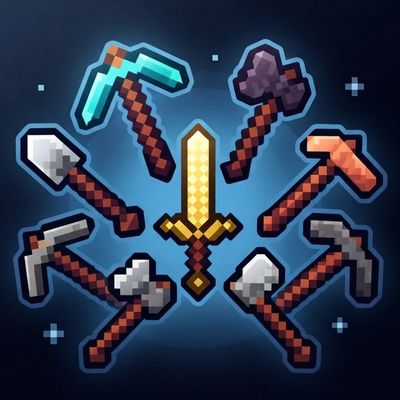
HD Tools Texture Pack
Bedrock texture pack listed for Minecraft 26.x. File opened and checked on 12 Oct 2026; installs from the MC Bedrock Mods app on Android.
Give your Minecraft Bedrock tools a fresh HD look with detailed 128×128 textures across multiple material tiers, from wood and stone to diamond…
⬇ Download on CurseForge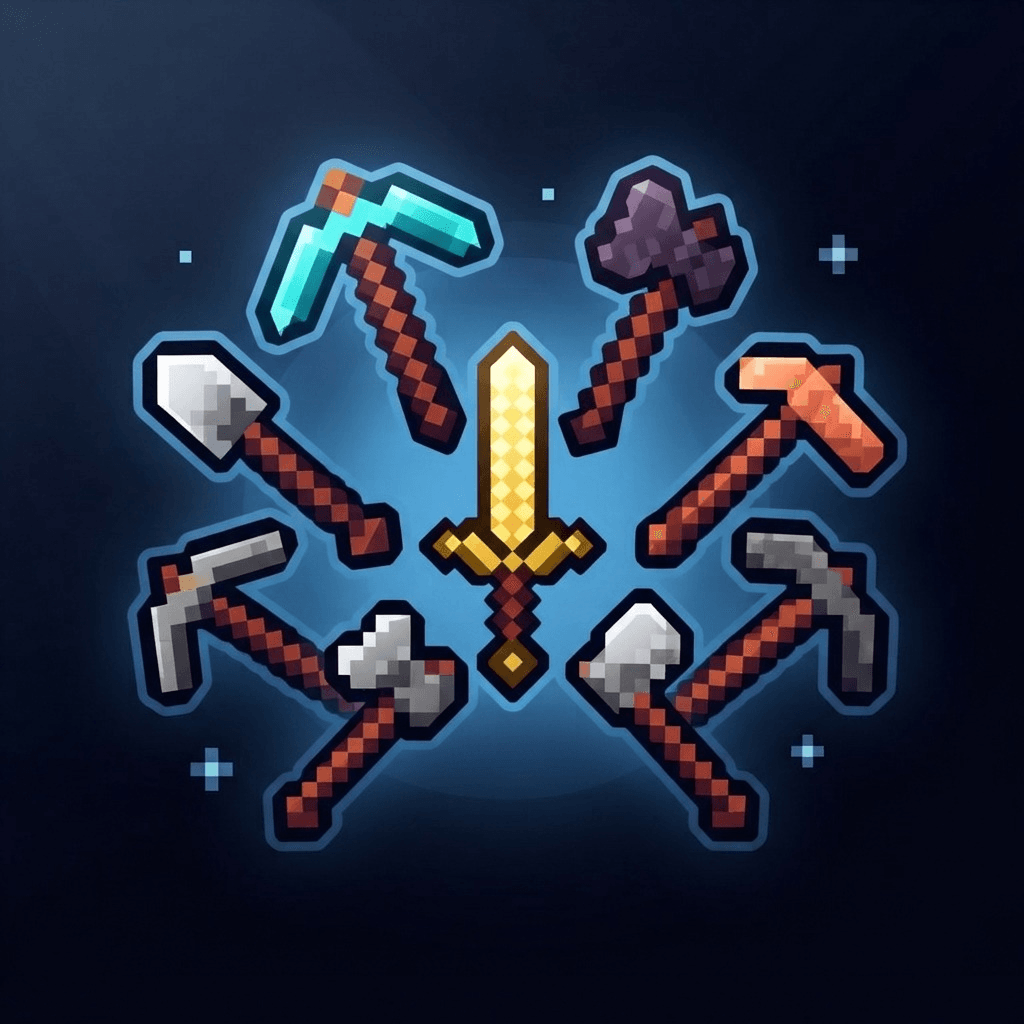

HD Tools Texture Pack
Give your Minecraft tools a fresh new look with HD textures designed to make your gameplay feel more polished.
✨ Features
-
HD Tool Textures: Enjoy detailed 128×128 textures for a sharper appearance.
-
Multiple Materials: Covers tools made from wood, stone, gold, iron, diamond, netherite, and copper.
-
Vanilla Friendly: Keeps the original gameplay intact while refreshing the look of your tools.
-
Easy to Use: Simply activate the pack and enjoy the new visuals.
📥 Installation
-
Import the resource pack into Minecraft Bedrock.
-
Open Settings → Global Resources or the Resource Packs menu of your world.
-
Activate HD Tools Texture Pack and load your world.
📌 Compatibility
-
Game: Minecraft Bedrock Edition
-
Target Version: 1.26.0+
-
Type: Resource Pack
-
Gameplay Changes: None

Credits
Created by DBKAR.
- Edition: Minecraft Bedrock
- File type: .mcpack
- Minecraft versions listed: 26.0.02, 26.0, 26.3
- How to install: Download the .mcpack. → Open it — Minecraft imports it under Resource Packs. → Activate it in Global Resources, or for one world under Resource Packs → Available.
- Where to get it: Opens on CurseForge — not every file is mirrored on our own servers.
Install steps are the general flow for this file type — How to install Minecraft Bedrock texture packs walks through it step by step.
- Pack type: .mcpack — a single pack
- Manifest requires Minecraft 1.26.0 or newer
- Complete pack — everything it depends on is inside the file
- Download size: 533 KB
- Download link checked 12 Oct 2026 — working
These come from our own check of the pack file, not from the source page.