
BRG Ultimate 100+ Original Skins
Bedrock skin pack listed for Minecraft 1.21–26.x. File opened and checked on 27 Oct 2026; installs from the MC Skins app on Android.
Explore 100+ colorful Minecraft Bedrock character skins in one pack! Discover futuristic warriors, elemental fighters, cyber-style outfits, fantasy…
⬇ Download on CurseForge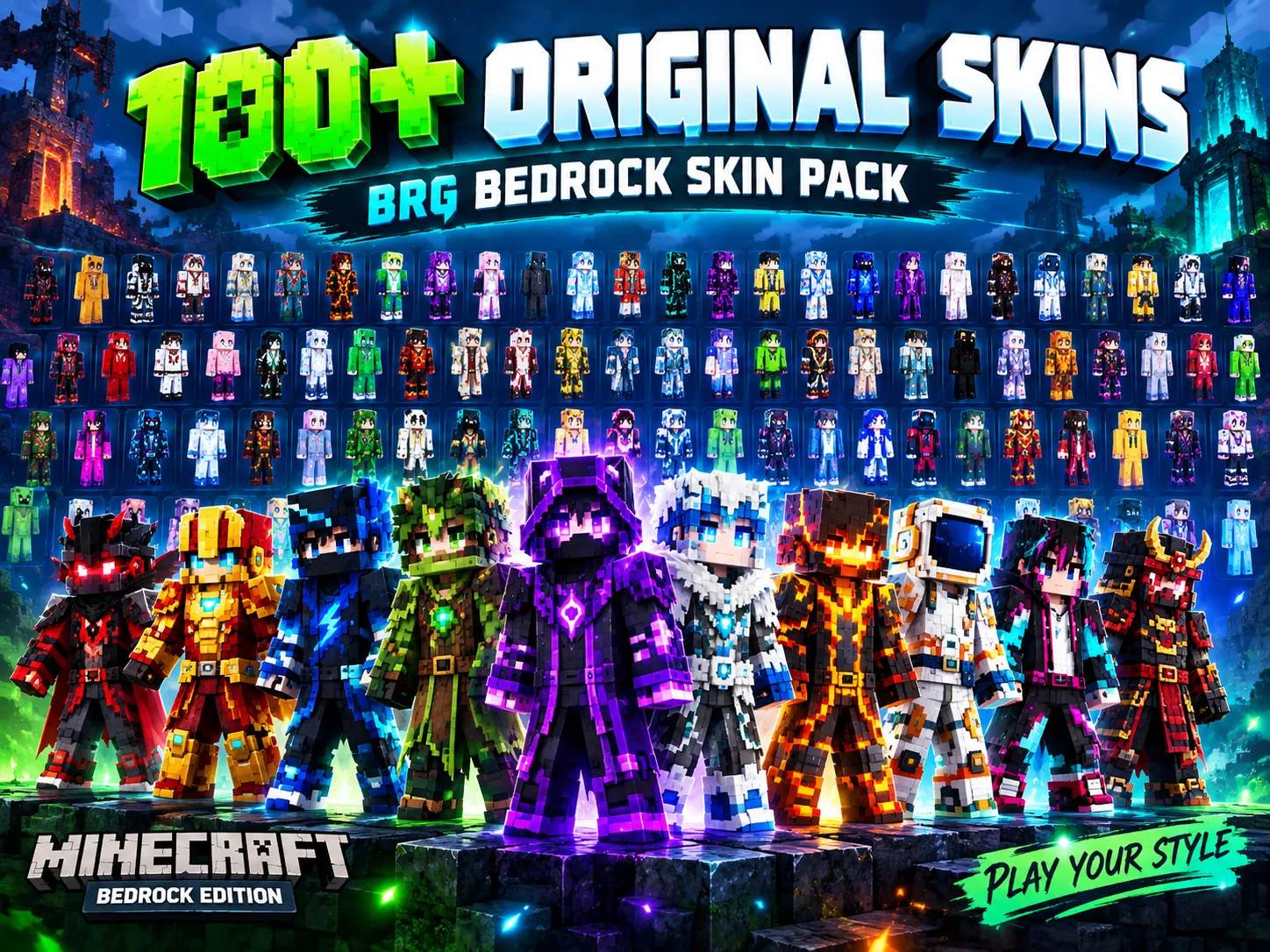


⚡ BRG ULTIMATE SKIN COLLECTION ⚡
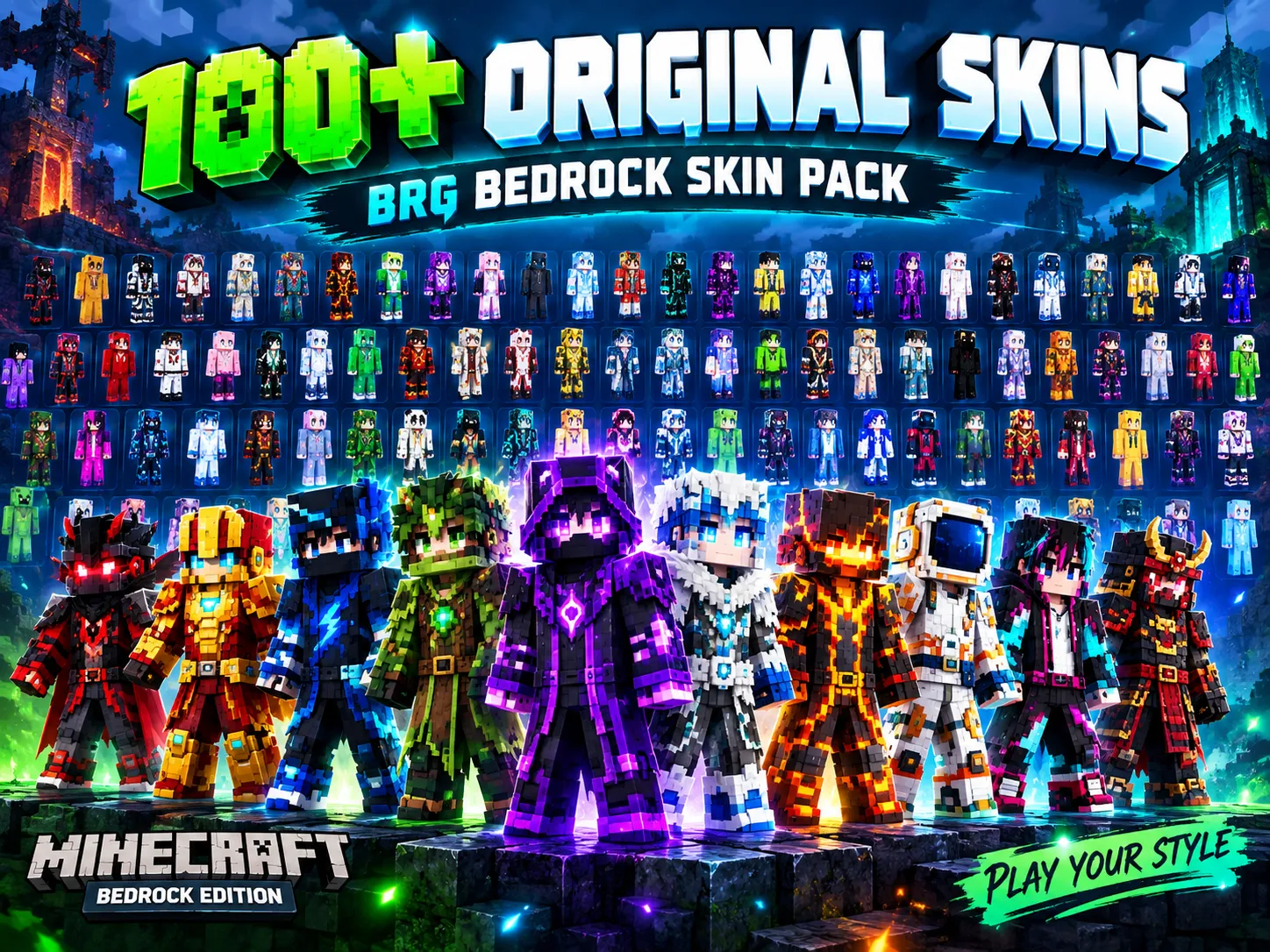
100+ ORIGINAL SKINS
Created for Minecraft Bedrock Edition | By BR GAMERS
🎮 New Look. New Style. Your Minecraft Adventure! 🎮
🌈 A World Full of Character Styles
Ready to give your Minecraft character a fresh look? BRG Ultimate 100+ Original Skins brings together a colorful collection of character designs for players who want more variety in their Minecraft adventures.
From dark warriors and glowing futuristic outfits to icy fighters, fiery characters, fantasy-inspired heroes, and modern streetwear looks, this collection offers plenty of styles to explore. Choose a character that matches your mood and make your next world feel a little more personal!
🔥 WHAT'S INSIDE?
⚔️ Warrior Styles
Discover bold armor-inspired looks, battle-ready outfits, and powerful character designs.
🤖 Futuristic & Cyber Looks
Explore technology-inspired colors, modern outfits, and sci-fi character styles.
🌌 Fantasy Characters
Bring a magical atmosphere to your adventures with mysterious, cosmic, and fantasy-inspired designs.
🔥 Fire & Ice Themes
Switch between fiery colors, cool icy tones, and other eye-catching elemental styles.
🌿 Nature & Adventure
Find forest-inspired characters, explorers, and colorful looks for your survival worlds.
👕 More Unique Looks
Mix up your style with modern outfits, colorful characters, and different visual themes.
✨ WHY TRY THIS SKIN PACK?
- 🎨 A collection featuring 100 character skin designs.
- 🌈 Multiple colors, themes, and outfit styles.
- 🧭 Great for survival worlds, creative builds, and multiplayer roleplay.
- 🎮 Designed for Minecraft Bedrock Edition.
- 👾 A fun way to refresh your in-game character's appearance.
📦 HOW TO INSTALL
- Download the skin pack file.
- Open the .mcpack file using Minecraft Bedrock Edition.
- Wait for Minecraft to import the pack.
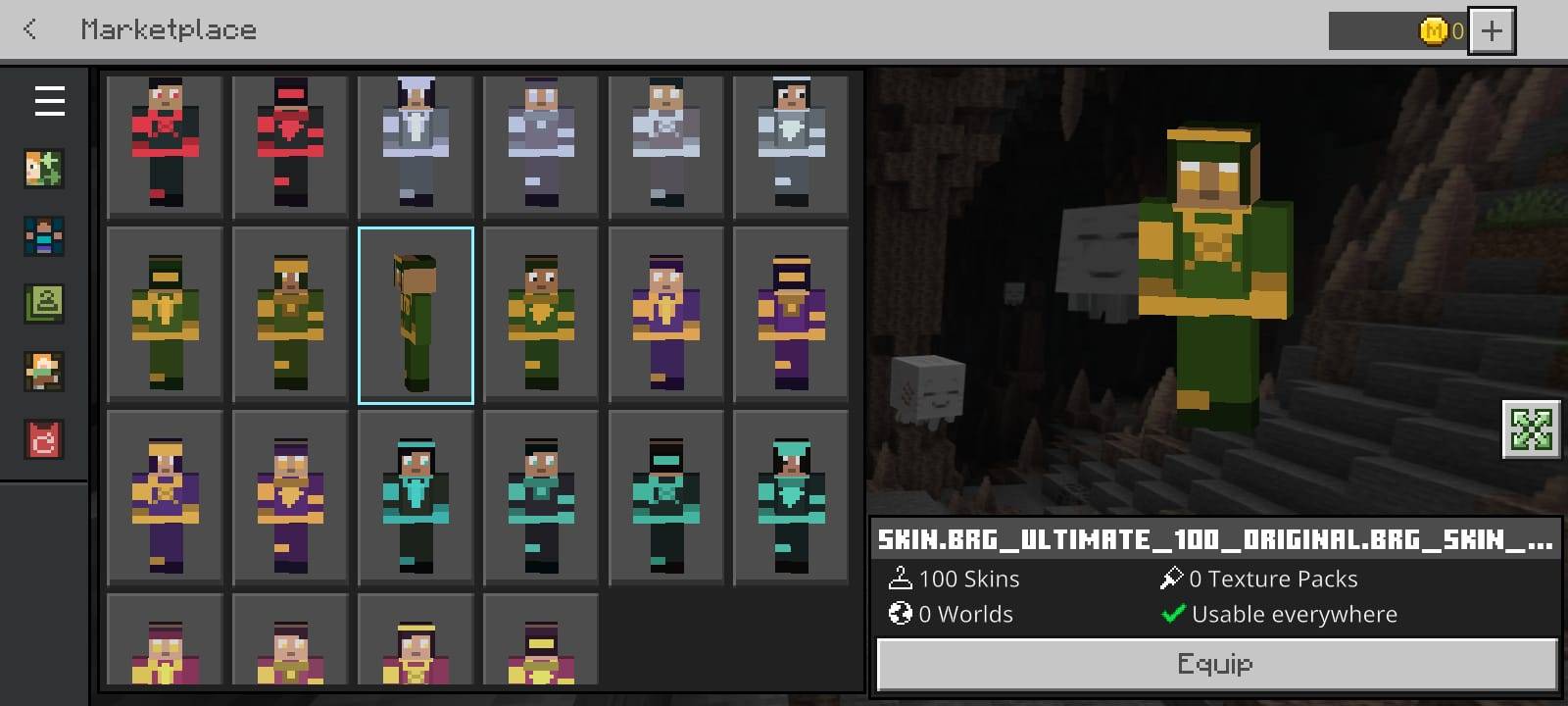
- Open the Dressing Room and look for the imported skins or skin-pack collection.
- Select your preferred character and enjoy your new look!
💡 Tip: If the pack does not import, check that you are opening the downloaded file with Minecraft and that your game version supports the pack format.
💚 MADE FOR THE MINECRAFT COMMUNITY
Whether you're exploring caves, building a dream base, surviving the night, or playing with friends, bring your own style to the adventure.
BR GAMERS — PLAY YOUR STYLE!
🎮 Explore More. Create More. Game Your Way. 🎮
- Edition: Minecraft Bedrock
- File type: .mcpack
- Minecraft versions listed: 1.21.101, 1.21.100, 1.21.111
- How to install: Download the .mcpack skin pack. → Open it — Minecraft imports it. → Open the Dressing Room and select the skin.
- Where to get it: Opens on CurseForge — not every file is mirrored on our own servers.
Install steps are the general flow for this file type — How to apply a custom Minecraft skin walks through it step by step.
- Pack type: .mcpack — a single pack
- Complete pack — everything it depends on is inside the file
- Download size: 84 KB
- Download link checked 2 Nov 2026 — working
These come from our own check of the pack file, not from the source page.