Slightly Enhanced (26+, 1.21) – MCPE/Bedrock Shader
Bedrock resource pack listed for Minecraft 1.20–1.21. File opened and checked on 13 Oct 2026; installs from the MC Bedrock Mods app on Android.
⬇ Download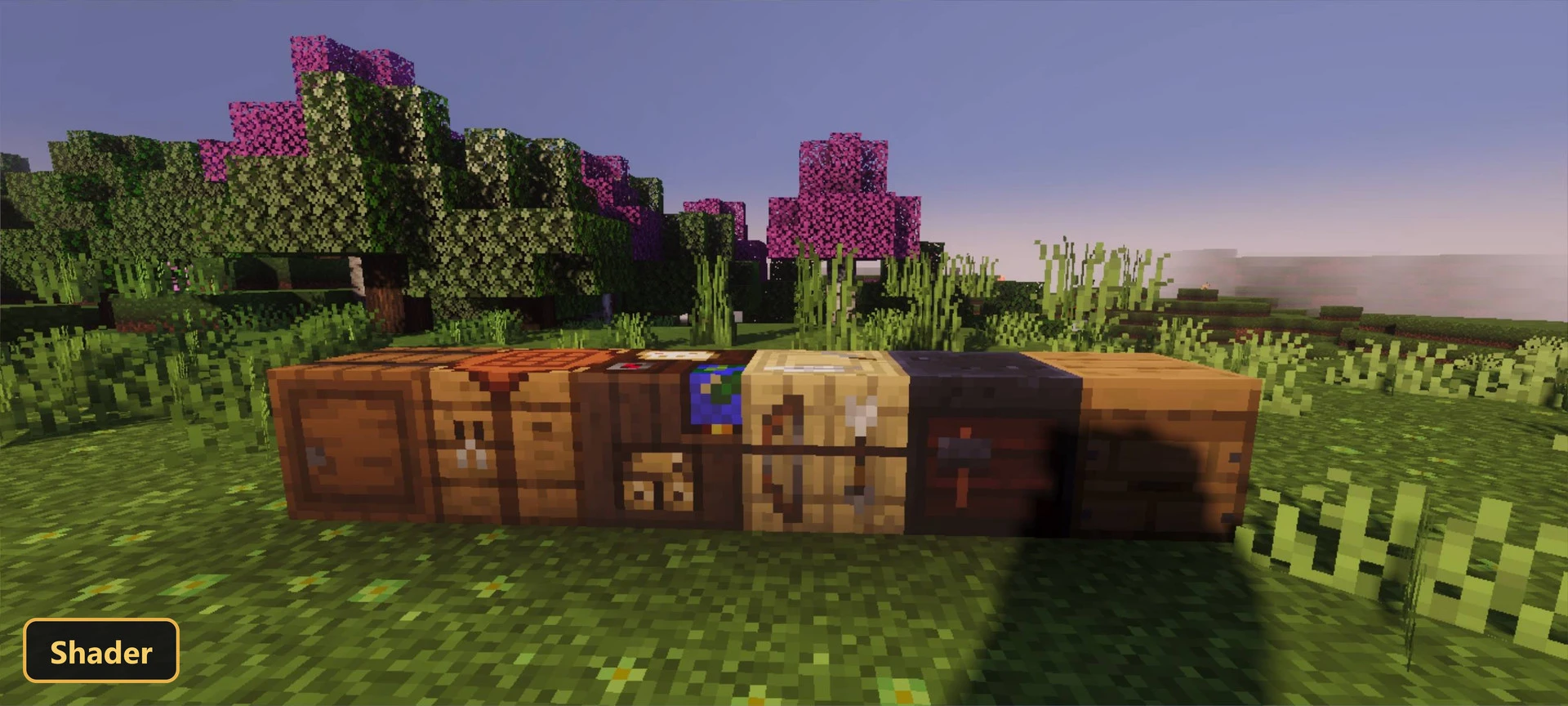
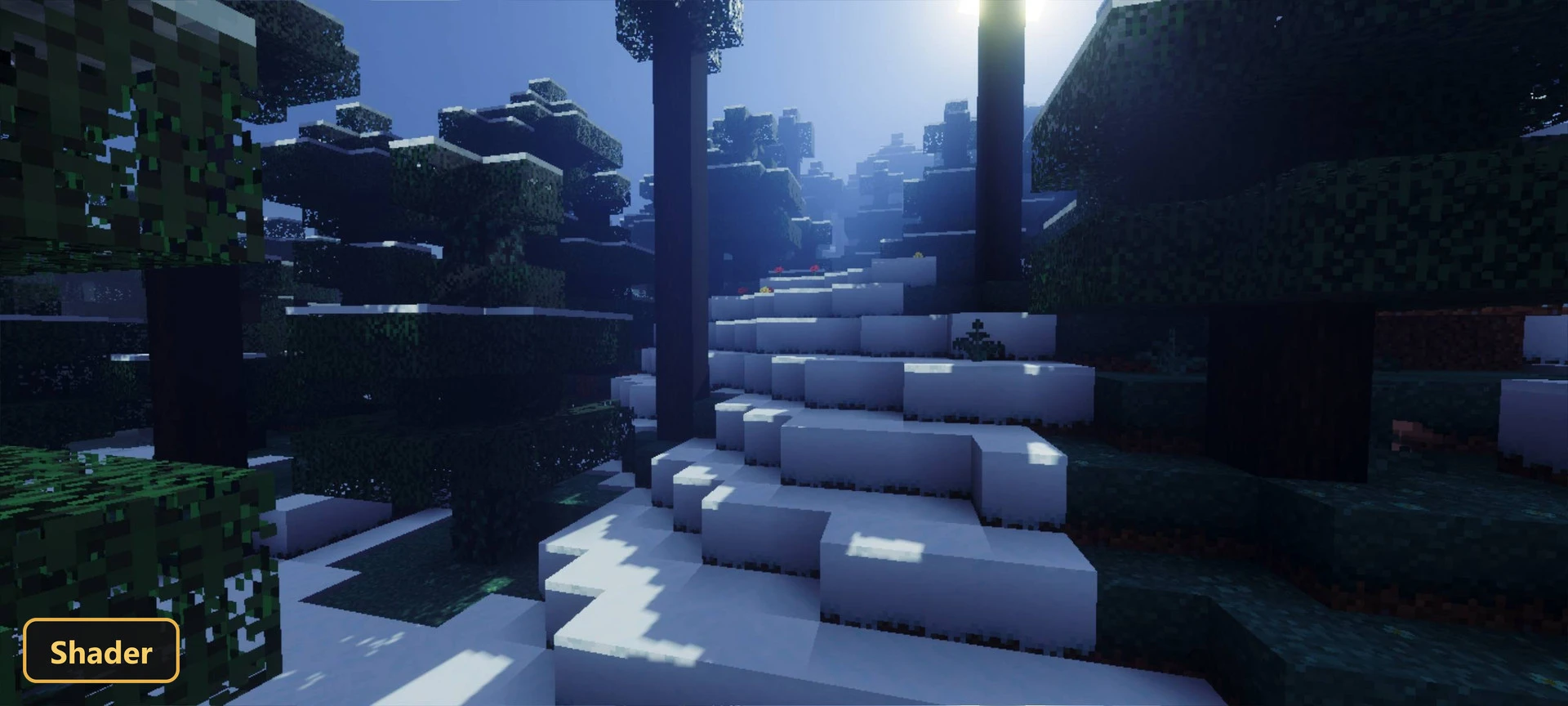
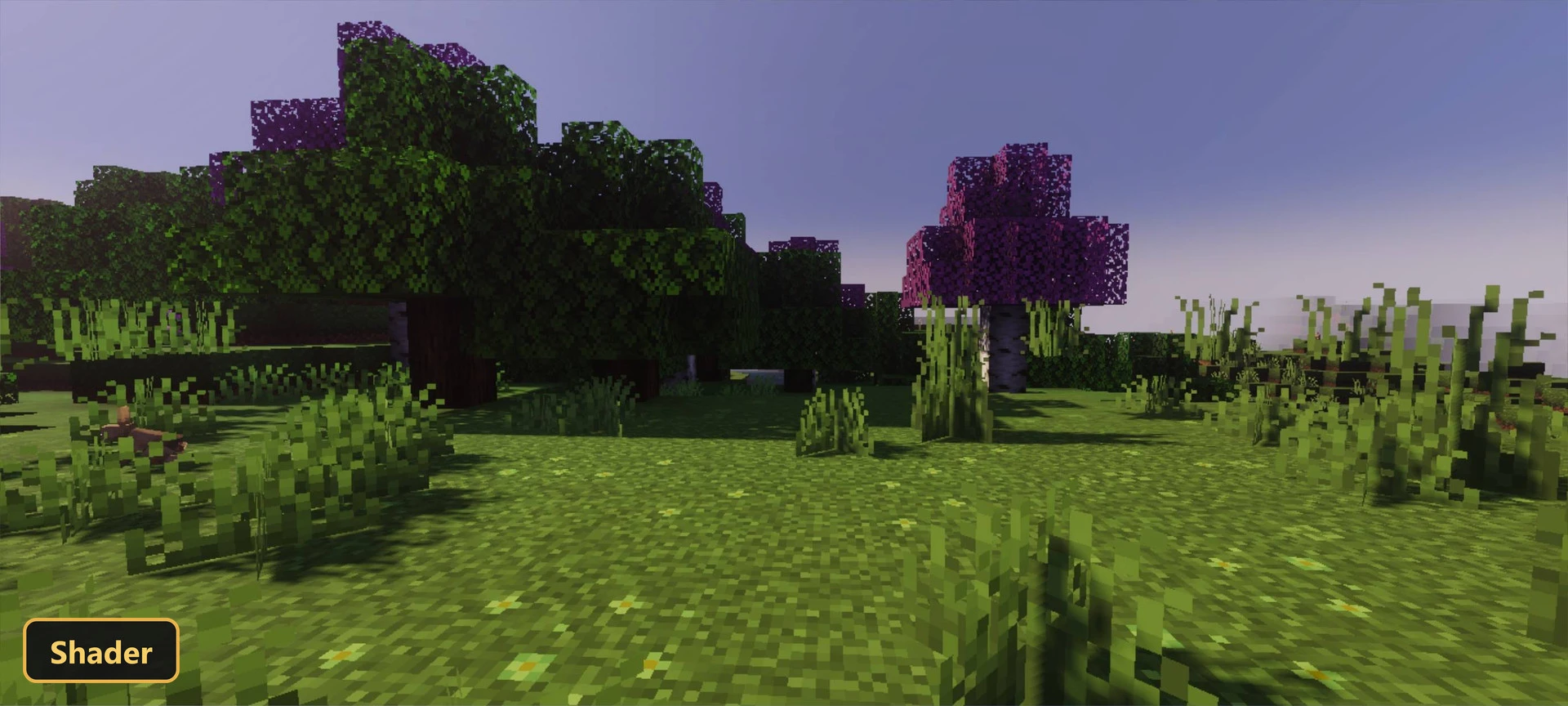
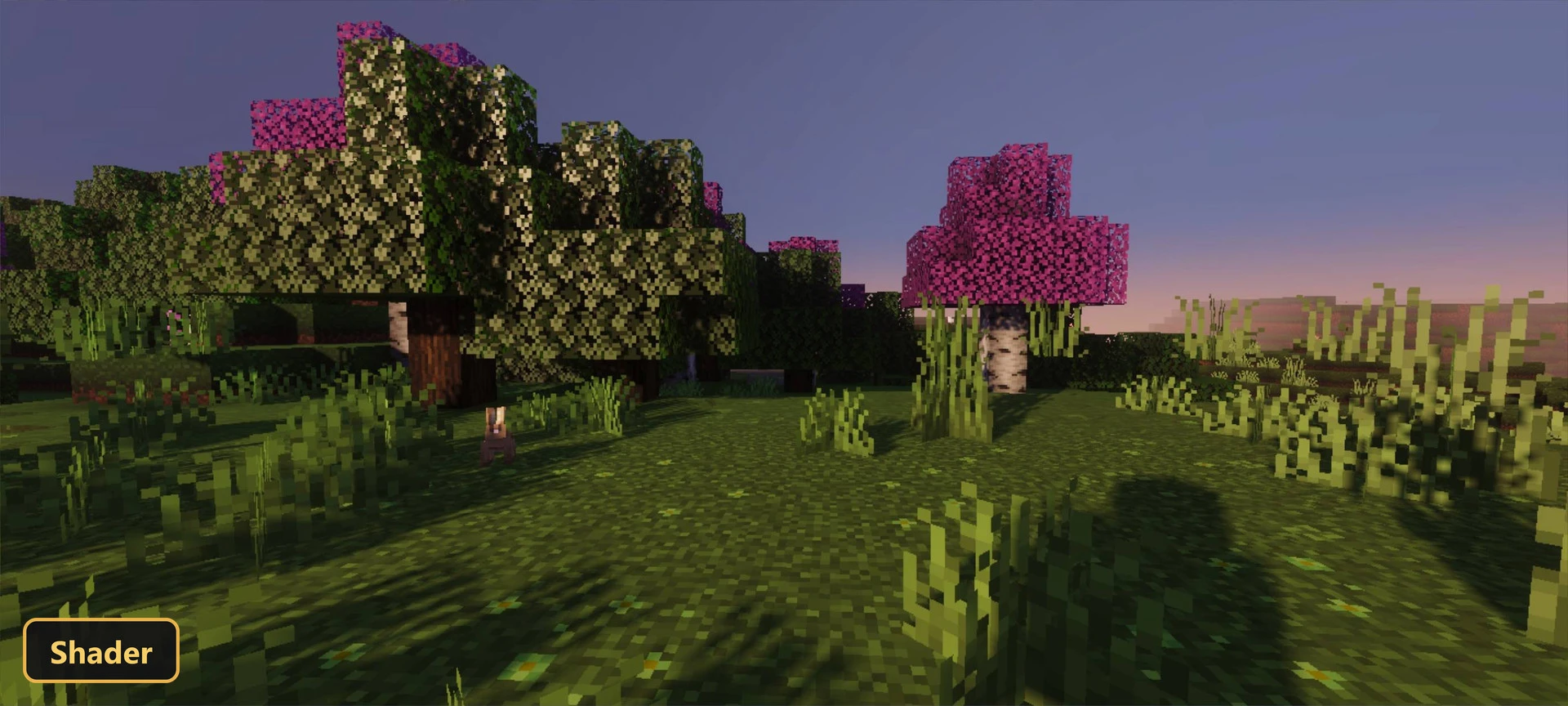
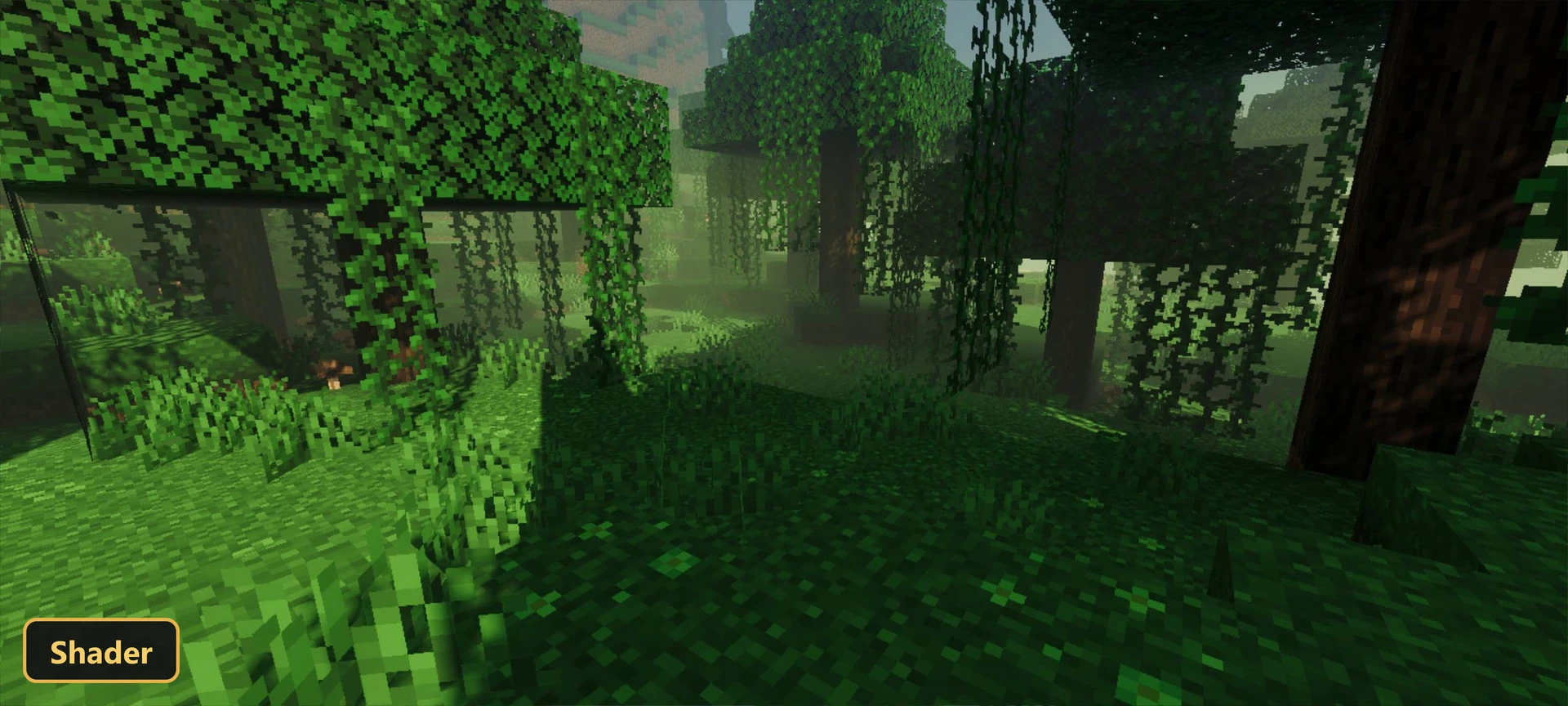
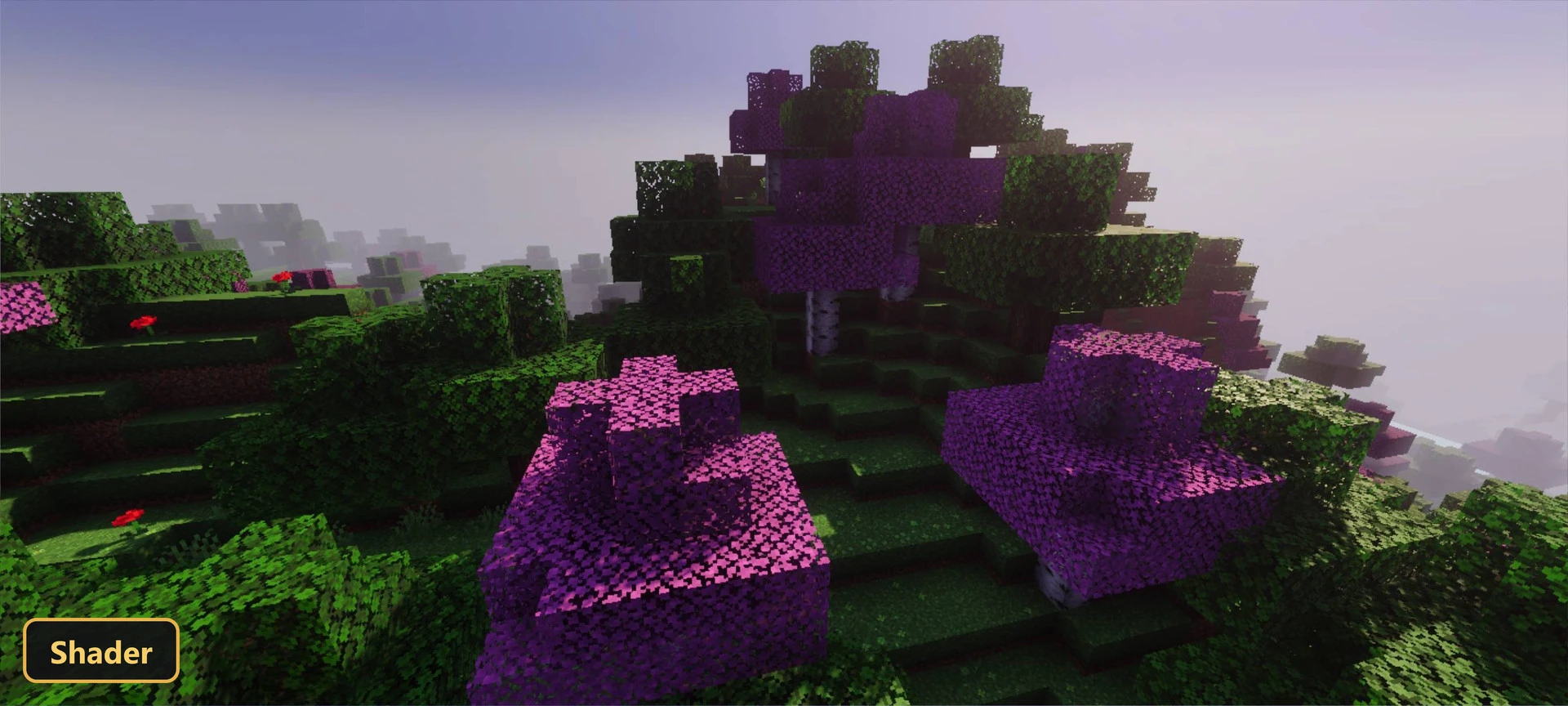
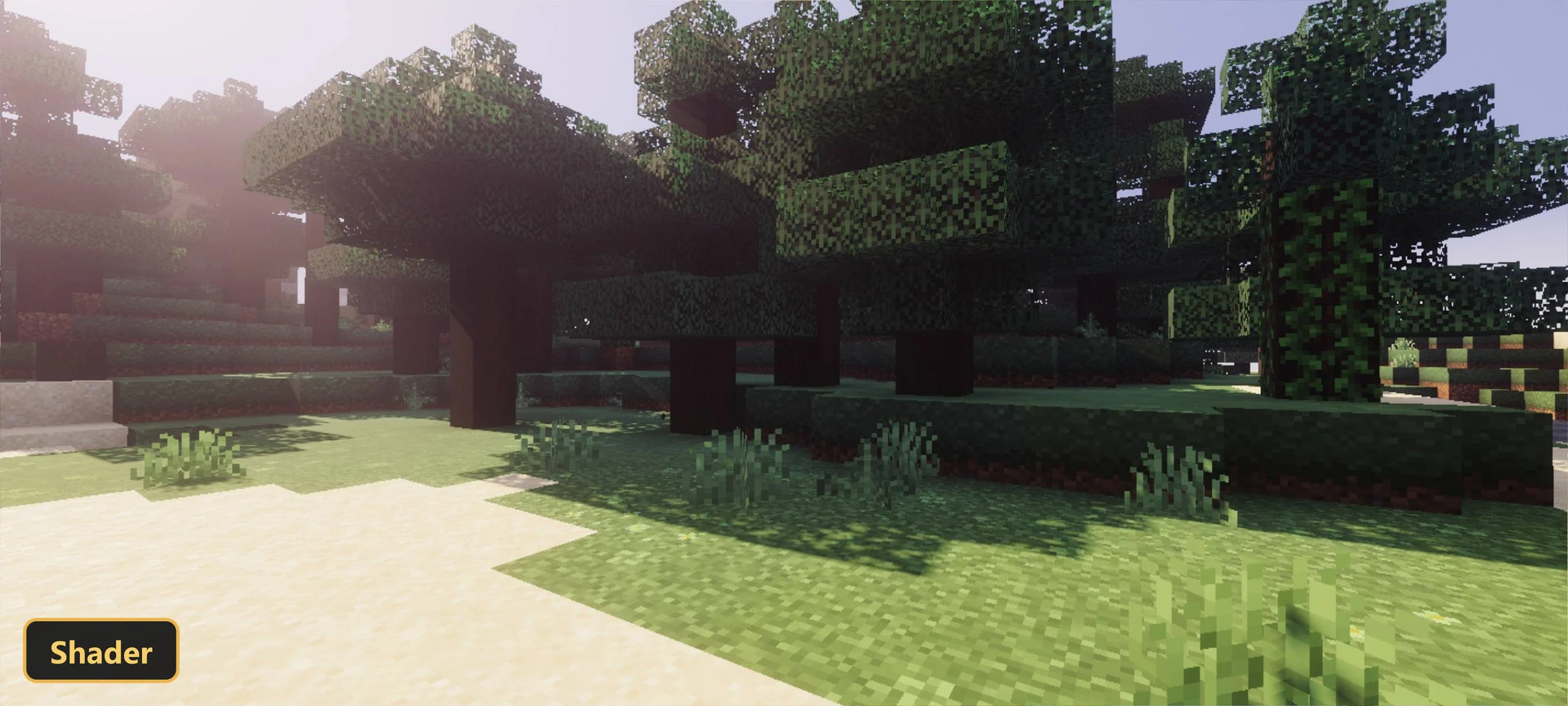
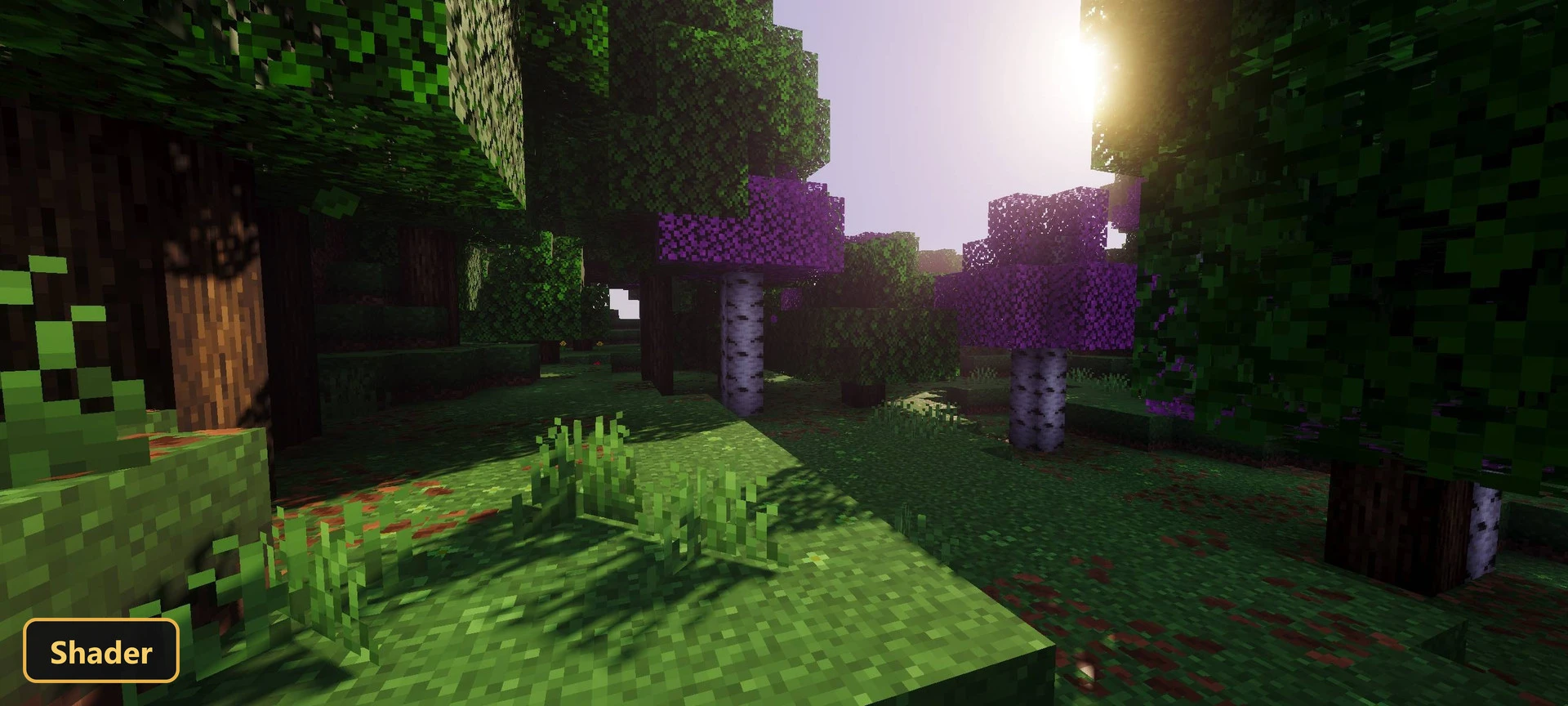
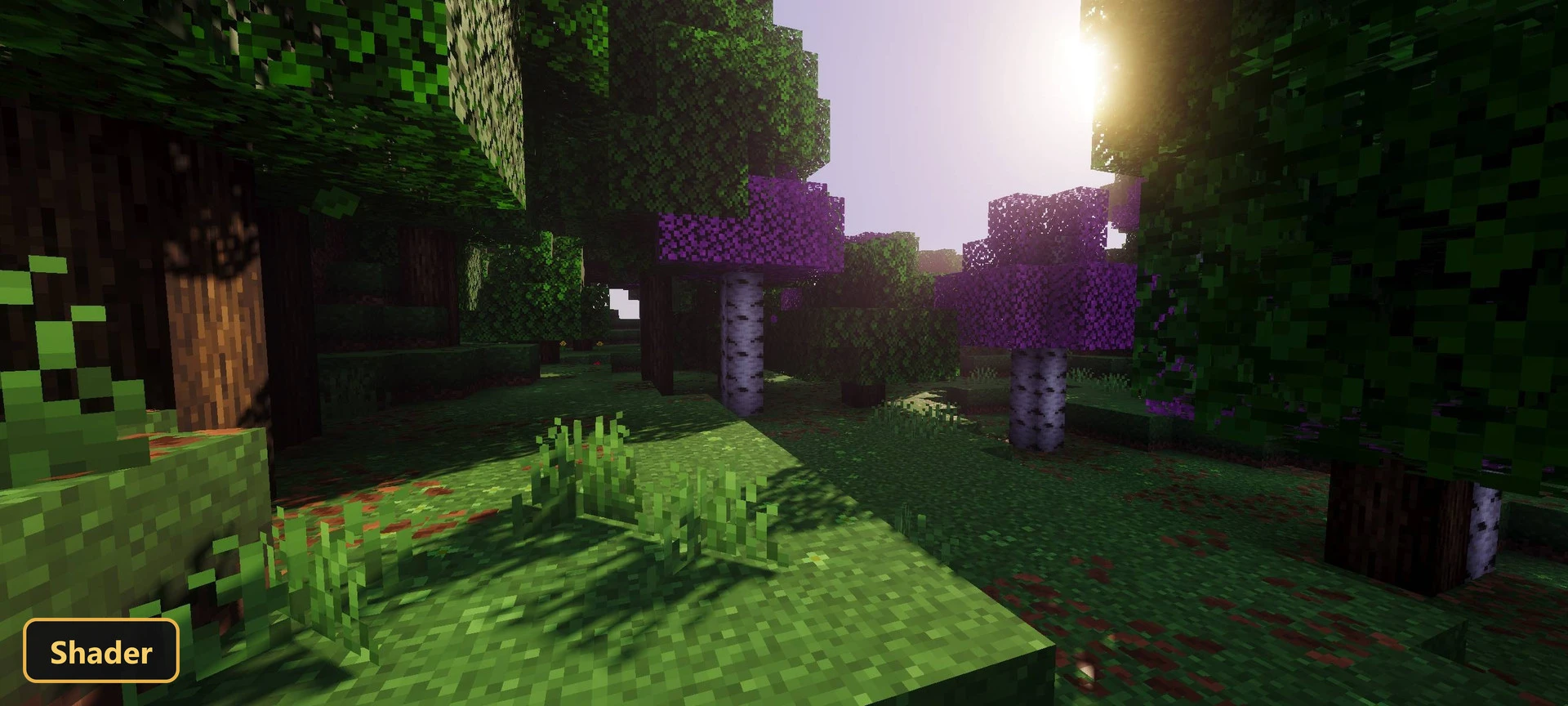
Slightly Enhanced retextures blocks, items, particles and colormaps at 16x resolution while keeping a simple, themed style.
The pack also modifies UI screens, so the interface matches the new look, and it adds custom block models and 34 custom sounds. Natural elements and many everyday assets look different, but the overall feel stays close to the default game. It is a light change aimed at a cleaner presentation rather than a complete redesign of the world.
Requirements:
- MCPE/Bedrock 1.21.120
Features:
- Retextures blocks, items, particles, colormaps at 16x resolution
- Also includes custom UI tweaks, custom block models, 34 custom sounds
Screenshots:


- Edition: Minecraft Bedrock
- File type: .mcpack
- Minecraft version listed: 1.21
- How to install: Download the .mcpack. → Open it — Minecraft imports it under Resource Packs. → Activate it in Global Resources, or for one world under Resource Packs → Available.
- Where to get it: In MCModsHub, or directly above on this page.
Install steps are the general flow for this file type — How to install Minecraft Bedrock texture packs walks through it step by step.
- Pack type: .mcpack — a single pack
- Manifest requires Minecraft 1.20.0 or newer
- Complete pack — everything it depends on is inside the file
- Download size: 7.0 MB
- Download link checked 13 Oct 2026 — working
- Mirrored on our own servers — the download does not depend on the original host
These come from our own check of the pack file, not from the source page.