
OS CLIENT
Bedrock texture pack listed for Minecraft 1.21–26.x. Installs from the MC Bedrock Mods app on Android.
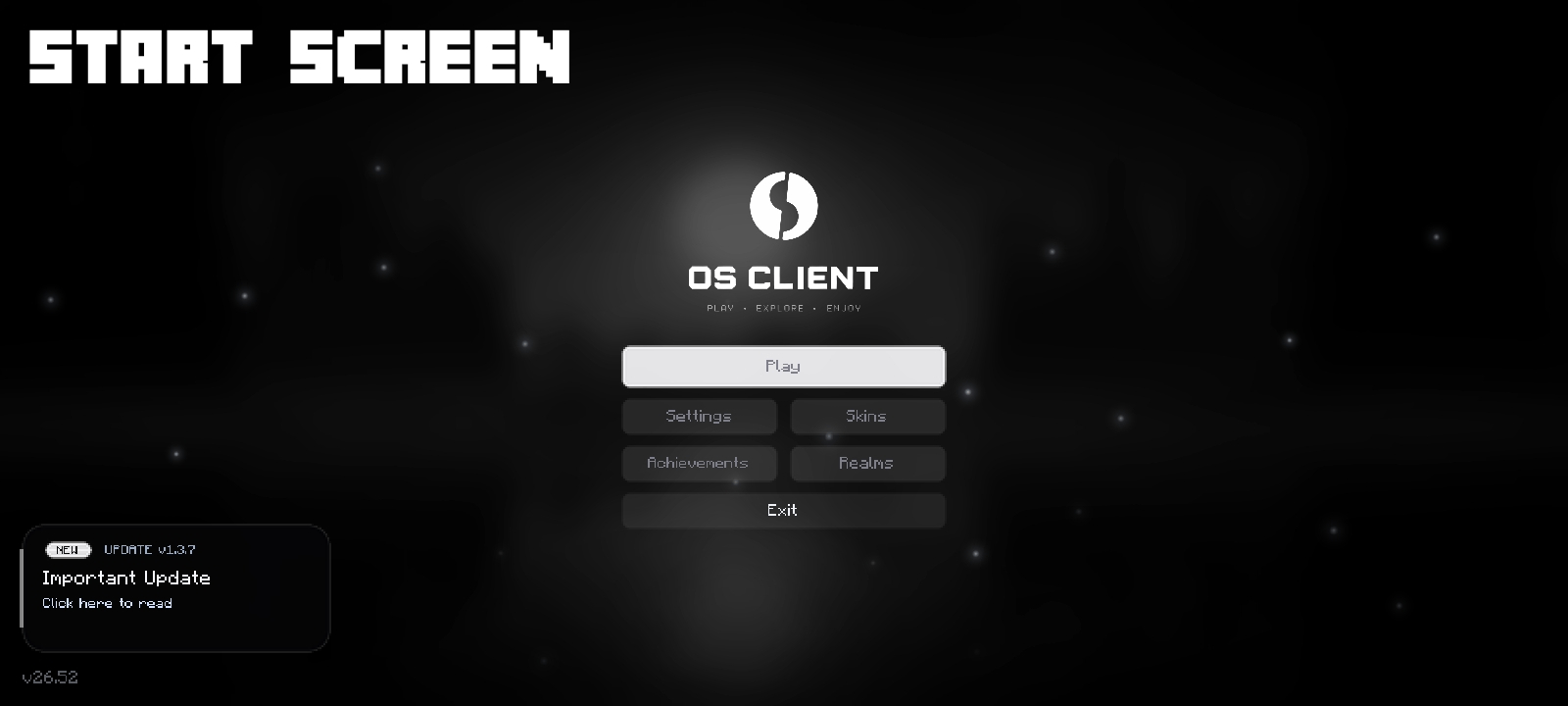
OS CLIENT by oSkullo turns Minecraft Bedrock into a full PvP client, It adds cosmetics and a fully custom start, hud, pause and loading UI. Everything is…
⬇ Download on CurseForge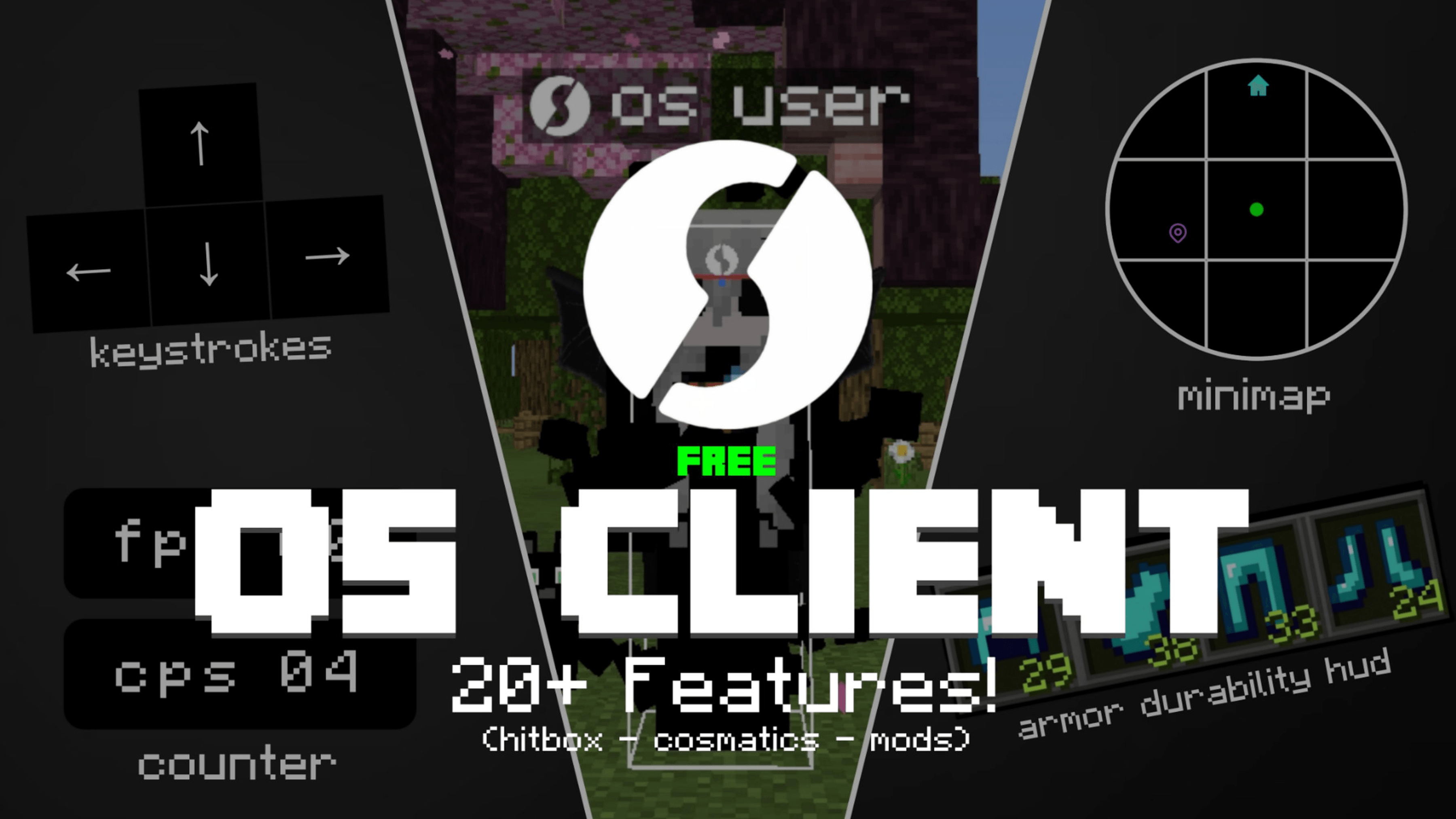
OS CLIENT – oSkullo
Mods + Cosmetics + Custom UI for Minecraft Bedrock
OS CLIENT brings a complete client-style experience to Bedrock, with no external launcher and no mods to install. Apply the pack, open its settings, and tune everything to your playstyle.
⚔️ Combat & Effects
Hitbox outlines in 9 colours
Hit particles in 10 colours plus Rainbow
Damage indicator: floating numbers in Small, Normal, Large or Huge
Hit arrow showing where a hit knocked you from
Particle trails: Hearts, Stars, Flames, Sparkles or Skulls
📊 HUD Mods
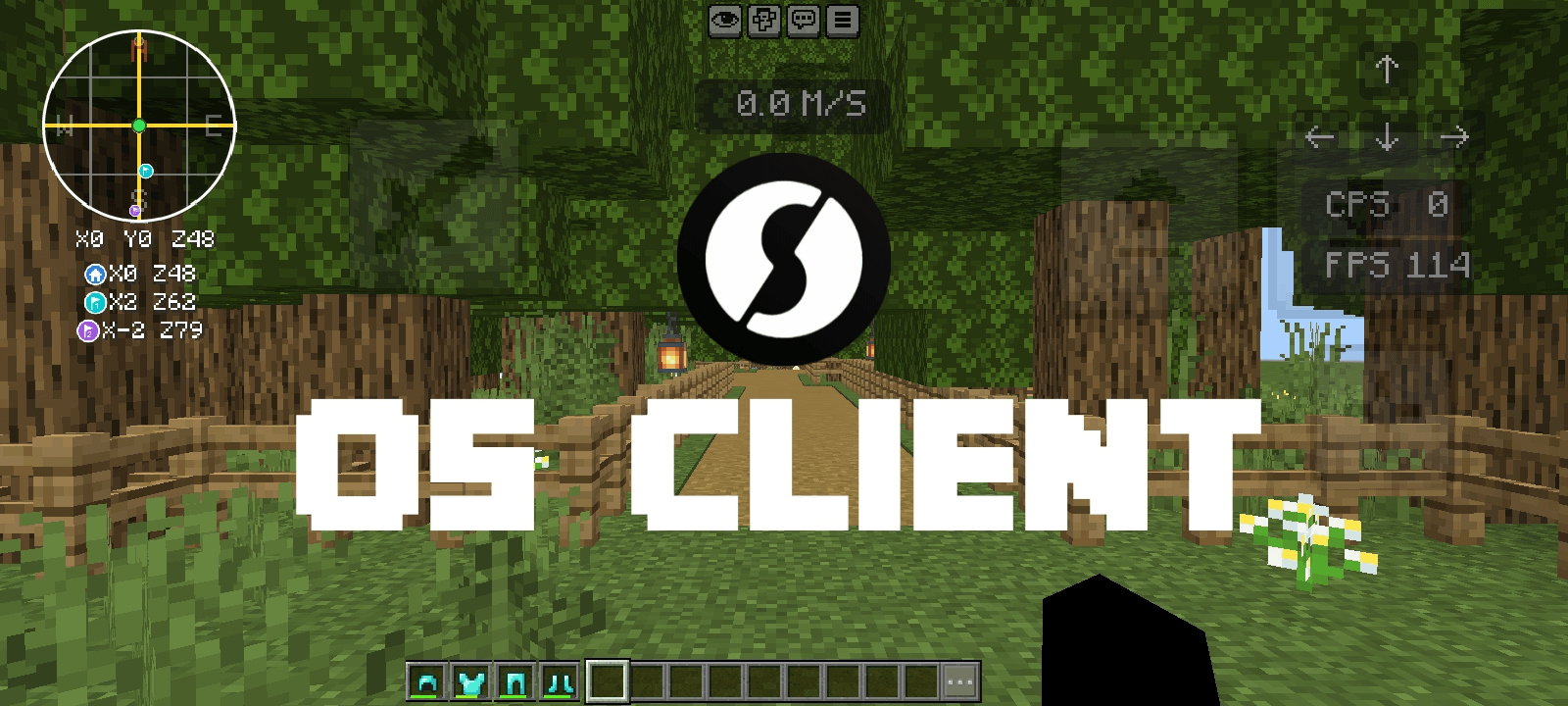
CPS counter and FPS counter
Keystrokes: Jump, Sneak, LMB and RMB
Speedometer in blocks per second
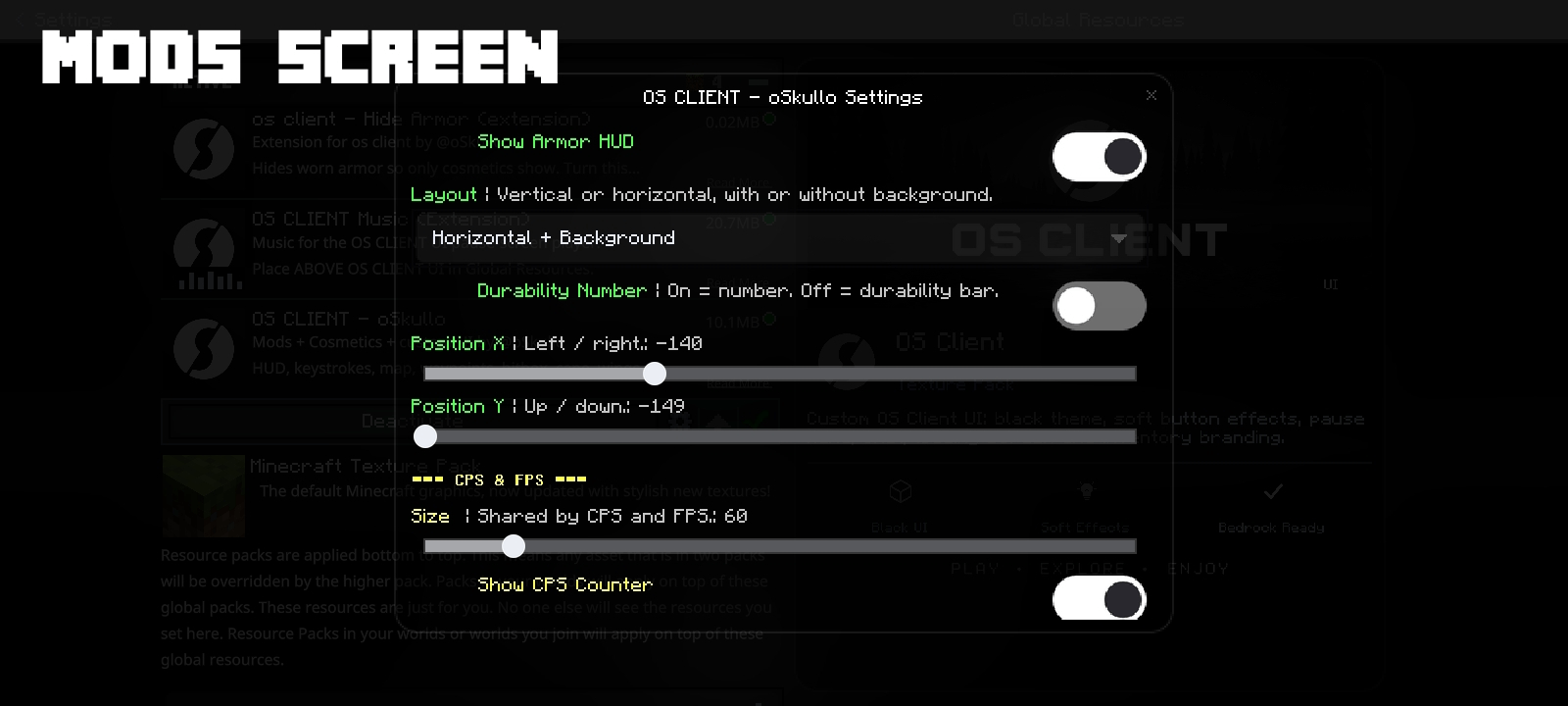
Armor HUD with a durability bar or number, and 4 layouts (vertical or horizontal, with or without background)
Position, size and opacity sliders for each module
🗺️ Chunk Map
A minimap with chunk borders around you
Adjustable range, size, opacity and position
Waypoint beams that last 1, 10 or 60 minutes
Chunk borders in Java style or 10 colours plus Rainbow, visible in third person
✨ Cosmetics
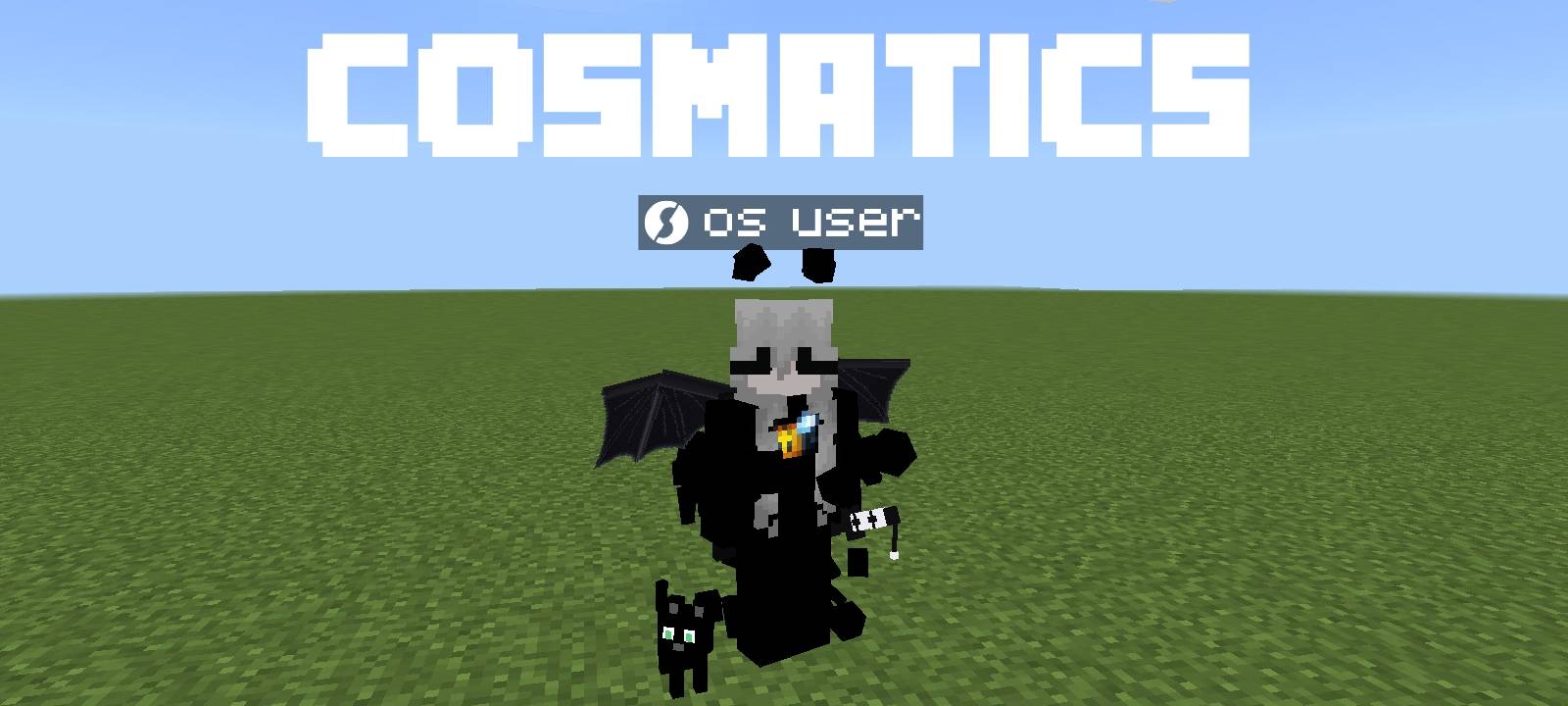
Wings, headband and a kitten (floating, on your shoulder or walking)
Darkness shoes and gloves
A katana and a cape with physics and animation options
Halo, aura and floating accessories
Hide My Armor option for showing off your look
🎨 Custom UI
A redesigned start screen, pause menu and loading screen
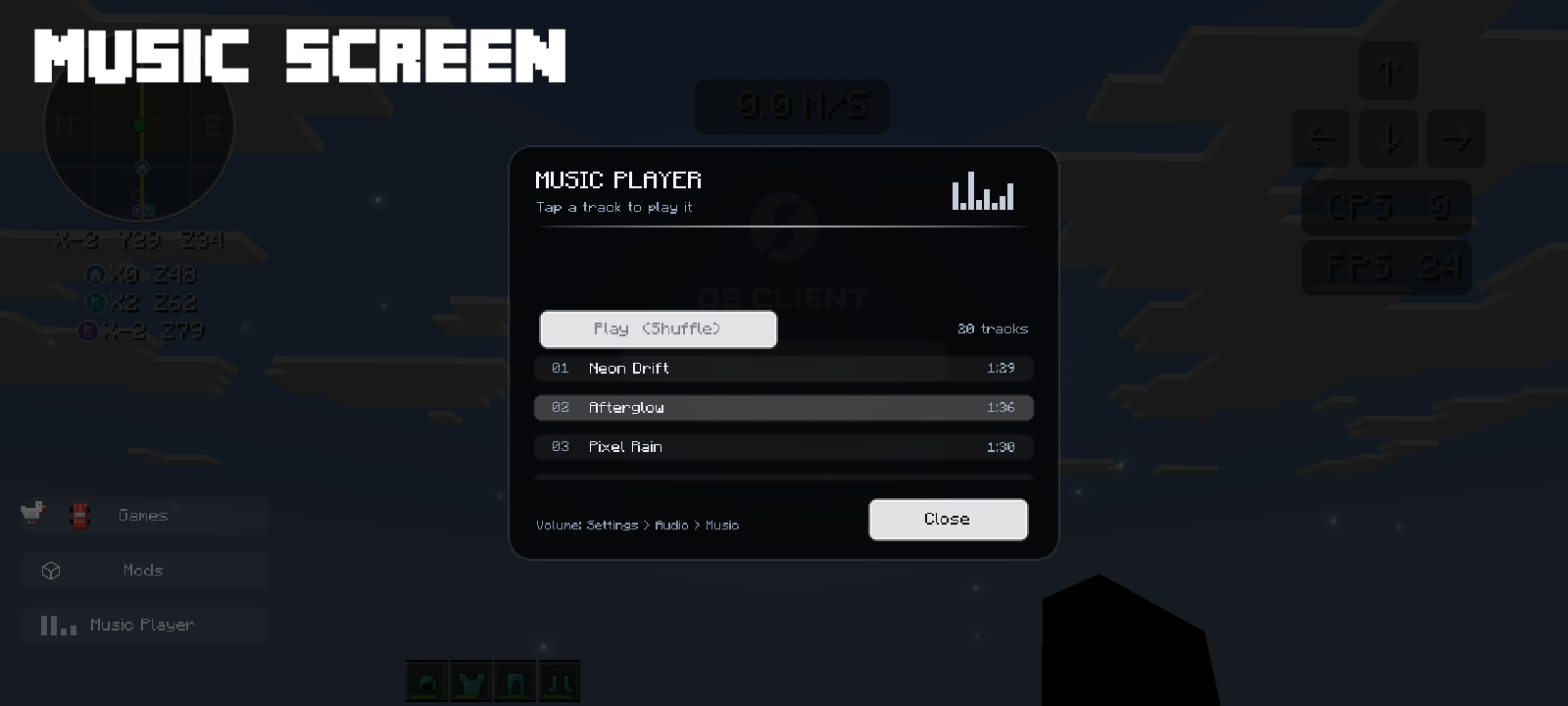
Animated logo, menu music and a custom click sound
Built-in mini-games, a music card and a custom chat screen
🔧 How to use
Install the .mcpack and activate it under Global Resources.
Open Pack Settings to enable and position each mod.
For best results, place OS CLIENT at the top of your pack list.
Note: the 20-track music player needs the separate OS CLIENT Music extension pack, placed above OS CLIENT in Global Resources.
📌 Compatibility
Minecraft Bedrock Edition 26.30 and newer (Windows, mobile and console, subject to pack-settings support on your platform).
© Copyright
© All rights reserved to oSkullo. All content and assets are the original property of oSkullo. Unauthorized copying, redistribution, modification, or reuse without prior permission is strictly prohibited. Violations may result in a copyright takedown request. For personal use.
Created by @oSkullo
- Edition: Minecraft Bedrock
- File type: .mcpack
- Minecraft versions listed: 26.0.02, 26.0, 26.3
- How to install: Download the .mcpack. → Open it — Minecraft imports it under Resource Packs. → Activate it in Global Resources, or for one world under Resource Packs → Available.
- Where to get it: Opens on CurseForge — not every file is mirrored on our own servers.
Install steps are the general flow for this file type — How to install Minecraft Bedrock texture packs walks through it step by step.
- Pack type: .mcpack — a single pack
- Manifest requires Minecraft 1.21.130 or newer
- Complete pack — everything it depends on is inside the file
- Download size: 7.9 MB
- Download link checked 13 Oct 2026 — working
These come from our own check of the pack file, not from the source page.