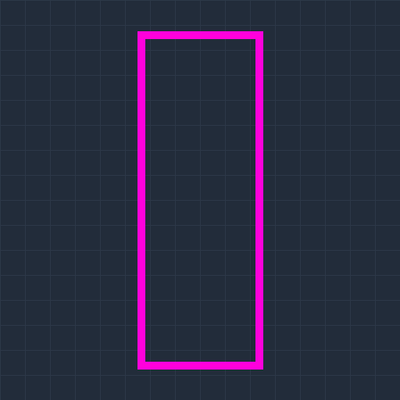
Hitbox Frames
Bedrock texture pack listed for Minecraft 1.21–26.x. Installs from the MC Bedrock Mods app on Android.
Shows the real hitbox of players, mobs and projectiles as a thin frame, like F3+B in Java Edition. Six colours to choose from. Hidden behind walls like…
⬇ Download on CurseForge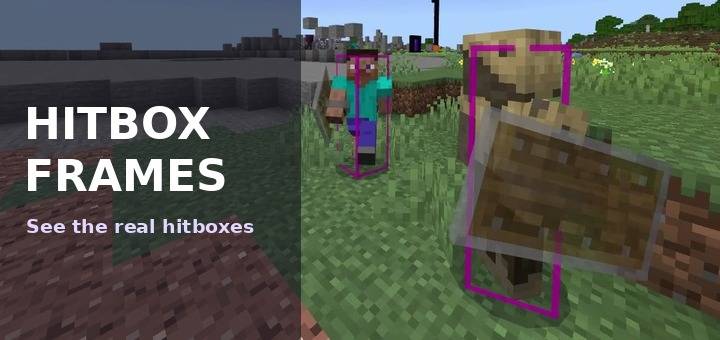
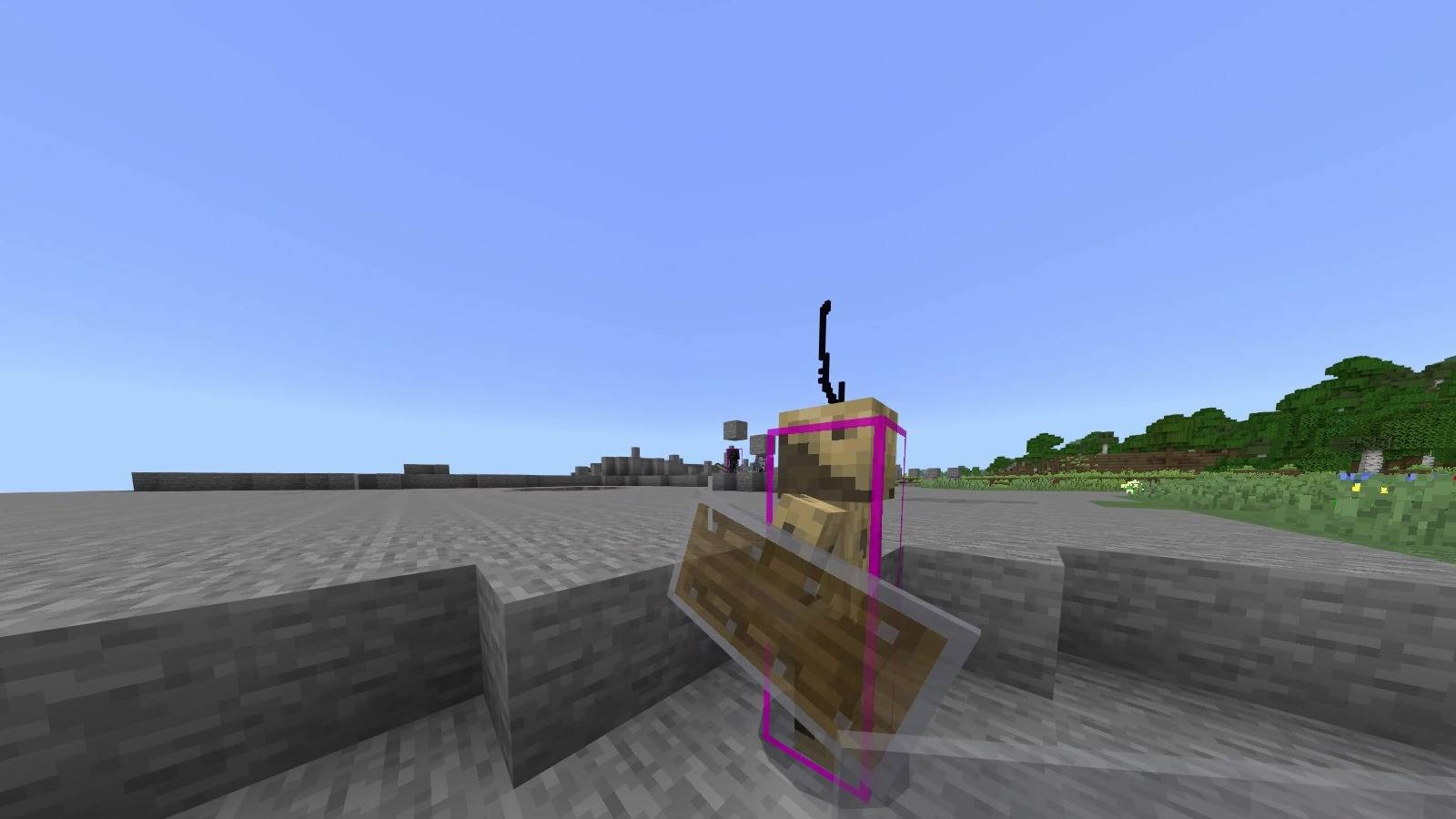
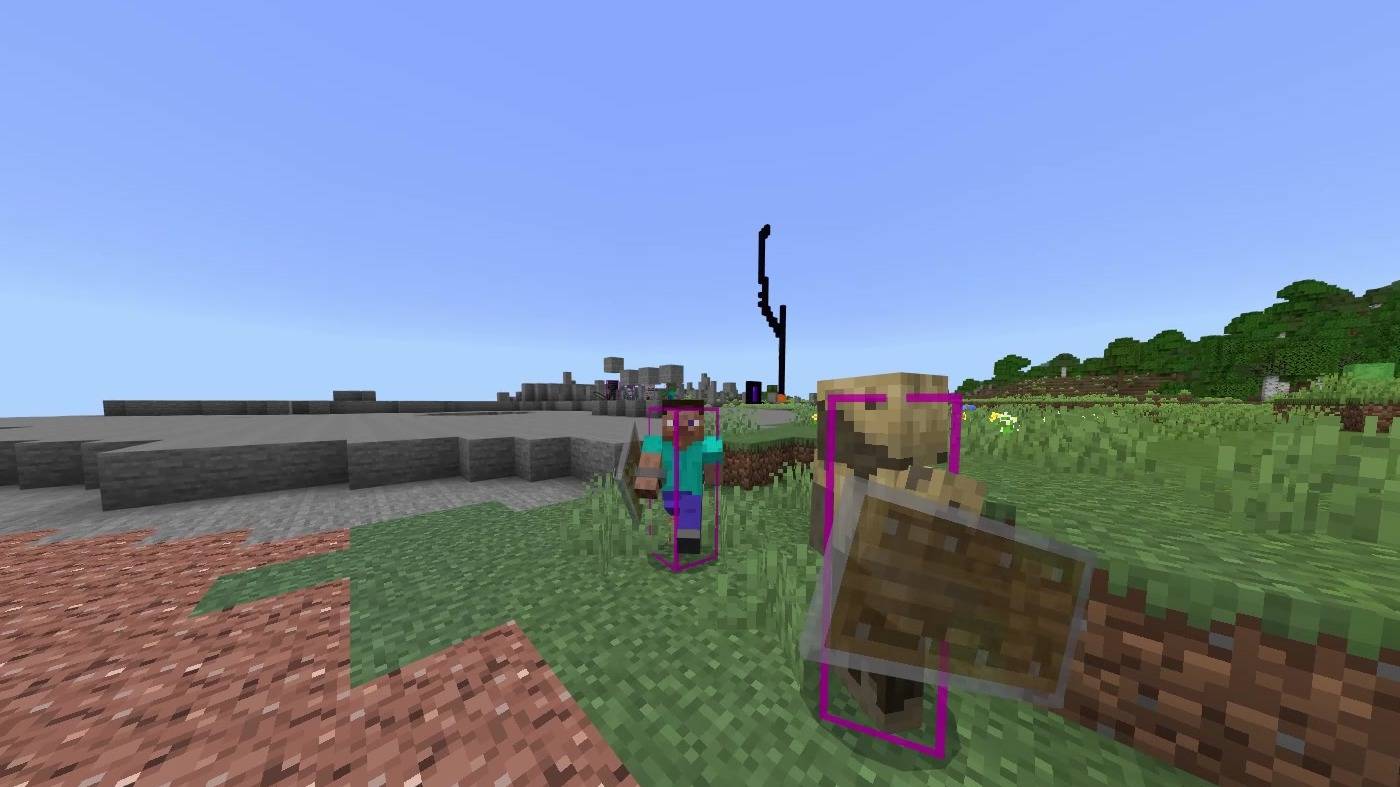
Draws the real hitbox of players, mobs and projectiles as a thin frame, similar to F3+B in Java Edition.
What it shows
Other players. The frame gets lower while they are sneaking, swimming or gliding.
117 vanilla mobs and projectiles, such as zombies, skeletons, spiders, creepers, slimes, arrows and more.
Frame sizes are taken from the game's own collision data and checked against the Minecraft Wiki values for Bedrock Edition.
The frame is drawn like a normal part of the model, so it is hidden behind walls. This is not an X-ray.
Six colours
Pick one from the dropdown in the pack settings: white, black, yellow, cyan, red or magenta. Magenta is the default. The frame is slightly see-through, so it does not cover the mob.
Not shown
Your own frame in first person, and the player model in menus.
The Ender Dragon, boats, TNT, paintings, item frames, dropped items and thrown tridents.
Custom mobs added by servers.
Invisible players and mobs. The game stops drawing them completely, so no pack can show them.
Notes
Resource pack only. No behaviour pack, no scripts, no commands. Achievements are unaffected.
This pack replaces the vanilla client entity files, so it can conflict with other packs that change mob models or animations.
Important: Minecraft updates can break this pack. New mobs will not have a frame until the pack is updated, and changes to existing mobs can make frames disappear. If something looks wrong after an update, check for a new version.
Showing hitboxes can be an advantage in PvP. Check your server or tournament rules.
The pack name and description are translated into all 29 languages Minecraft offers. The colour names are shown in both English and Japanese.
All colours work the same on every device, including phones and tablets.
Installation
Download the .mcpack and open it. Enable it under Global Resources in settings and pick a colour from the dropdown.
Author: kentotukun
日本語
プレイヤー・モブ・飛び道具の本当の当たり判定を、細い枠で表示します。Java 版の F3+B と同じようなものです。
表示されるもの
他のプレイヤー。しゃがみ・水泳・エリトラ飛行中は、枠も低くなります。
バニラのモブと飛び道具117種類。ゾンビ・スケルトン・クモ・クリーパー・スライム・矢などです。
枠の大きさは、ゲーム自身の当たり判定のデータから取り、Minecraft Wiki の統合版の値と照らし合わせて確認しています。
枠はモデルの一部として描かれるので、壁の向こうからは見えません。透視ではありません。
6色
パックの設定のドロップダウンで、白・黒・黄色・水色・赤・マゼンタから選べます。最初はマゼンタです。枠は少し透けているので、モブ自体を隠しません。
表示されないもの
一人称の自分の枠と、メニュー画面のプレイヤーモデル。
エンダードラゴン、ボート、TNT、絵画、額縁、落ちているアイテム、投げたトライデント。
サーバー独自のモブ。
透明化しているプレイヤーやモブ。ゲームが描画自体を止めるので、どのパックでも表示できません。
注意
リソースパックだけです。ビヘイビアーパック・スクリプト・コマンドは入っていません。実績は無効になりません。
バニラのモブの描画ファイルを置き換えているので、モブのモデルや動きを変える他のパックと競合することがあります。
重要:Minecraft のアップデートで動かなくなることがあります。新しいモブには、パックを更新するまで枠が付きません。既存のモブが変わると、枠が消えることもあります。アップデート後におかしいと思ったら、新しい版が出ていないか確認してください。
当たり判定の表示は、PvP で有利になることがあります。サーバーや大会のルールを確認してください。
パック名と説明は、Minecraft で選べる全29言語に翻訳しています。色の名前は英語と日本語の併記です。
すべての色が、スマホやタブレットを含むどの端末でも同じように使えます。
入れ方
.mcpack をダウンロードして開きます。設定の「グローバルリソース」で有効にして、ドロップダウンで色を選びます。
作者:kentotukun
- Edition: Minecraft Bedrock
- File type: .mcpack
- Minecraft versions listed: 26.20, 26.30, 26.40
- How to install: Download the .mcpack. → Open it — Minecraft imports it under Resource Packs. → Activate it in Global Resources, or for one world under Resource Packs → Available.
- Where to get it: Opens on CurseForge — not every file is mirrored on our own servers.
Install steps are the general flow for this file type — How to install Minecraft Bedrock texture packs walks through it step by step.
- Pack type: .mcpack — a single pack
- Manifest requires Minecraft 1.21.0 or newer
- Complete pack — everything it depends on is inside the file
- Download size: 399 KB
- Download link checked 13 Oct 2026 — working
These come from our own check of the pack file, not from the source page.